YouTube Search Results Scraper: Export Ranked Videos for Content and SEO Research

A YouTube search results scraper is useful when the question starts with a keyword, not a channel. You want to know which videos rank for AI browser automation, faceless YouTube, best CRM tutorial, or any other niche query, then export the visible results into a table you can compare. That is different from a YouTube channel scraper or a YouTube competitor tracker. Channel scraping starts from a creator. Competitor tracking starts from a watchlist. YouTube search scraping starts from demand: the
-
1A
YouTube search results scrapershould preserve rank, keyword, video URL, title, channel, visible age or publish date, views if visible, duration, result type, and row status. - 2The official YouTube Data API can search videos, channels, and playlists, but a browser-based workflow is often easier when the team needs a quick visible-result export.
- 3BrowserAct is strongest when you need a prompt-first, no-code way to turn keyword searches into a source-linked ranking dataset.
- 4Do not treat one visible result page as a universal truth. Region, language, personalization, freshness, safe search, and result type can affect what appears.
- 5The useful output is not “a list of videos.” It is a ranked research table that supports content gaps, competitor discovery, title research, and repeatable monitoring.
What should a YouTube search results scraper export?
The most important column is rank. Without rank, the table is just a pile of video URLs.
Field | Why it matters |
| Keeps the result tied to the keyword searched. |
| Preserves visible order for the run. |
| Separates video, Short, channel, playlist, ad, shelf, or unknown. |
| Primary source link for video rows. |
| Useful for API joins, dedupe, and databases. |
| Main content and SEO signal. |
| Helps discover competitors and creators. |
| Links search demand back to creator entities. |
| Supports freshness analysis. |
| Directional demand and performance signal. |
| Separates Shorts, clips, webinars, tutorials, and long-form videos. |
| Optional creative/packaging observation. |
| Useful when the visible result includes a snippet. |
| Records location, language, or run context. |
| Complete, partial, duplicate, unavailable, restricted, or needs review. |
| Explains missing fields or result-page quirks. |
API route: YouTube search.list
The official YouTube Data API has a search.list method. Google’s documentation says it returns search results matching the query parameters and, by default, can identify matching video, channel, and playlist resources. The same page documents parameters such as q, type, order, regionCode, relevanceLanguage, publishedAfter, and maxResults.
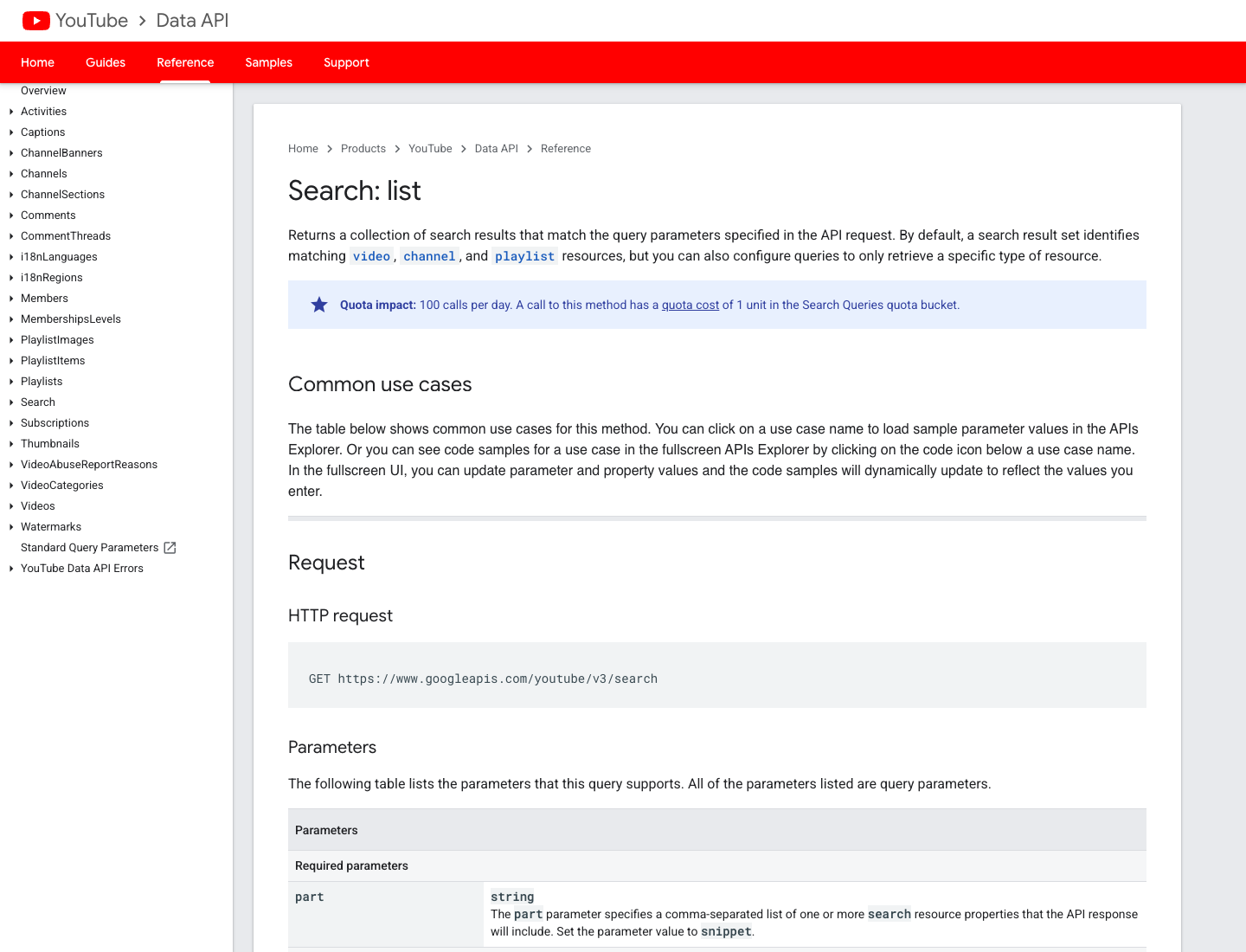
Use the API route when:
- your team has Google Cloud credentials and quota planning;
- you need a supported programmatic interface;
- you can work with API response structure;
- you want repeatable requests with clear parameters;
- you do not need to mirror the visible YouTube interface exactly.
Use a browser-based workflow when:
- the team wants a quick visible-result export;
- the schema is still changing;
- analysts need screenshots, row status, and source evidence;
- the workflow includes visible fields that are awkward to join through the API;
- the output needs to be reviewed before it becomes a scheduled job.
No-code route: use BrowserAct for visible ranked results
The BrowserAct YouTube Keyword Search template is the direct product asset for this topic. Use it when you want to turn a keyword into a structured search-results table before deciding whether to automate the workflow.
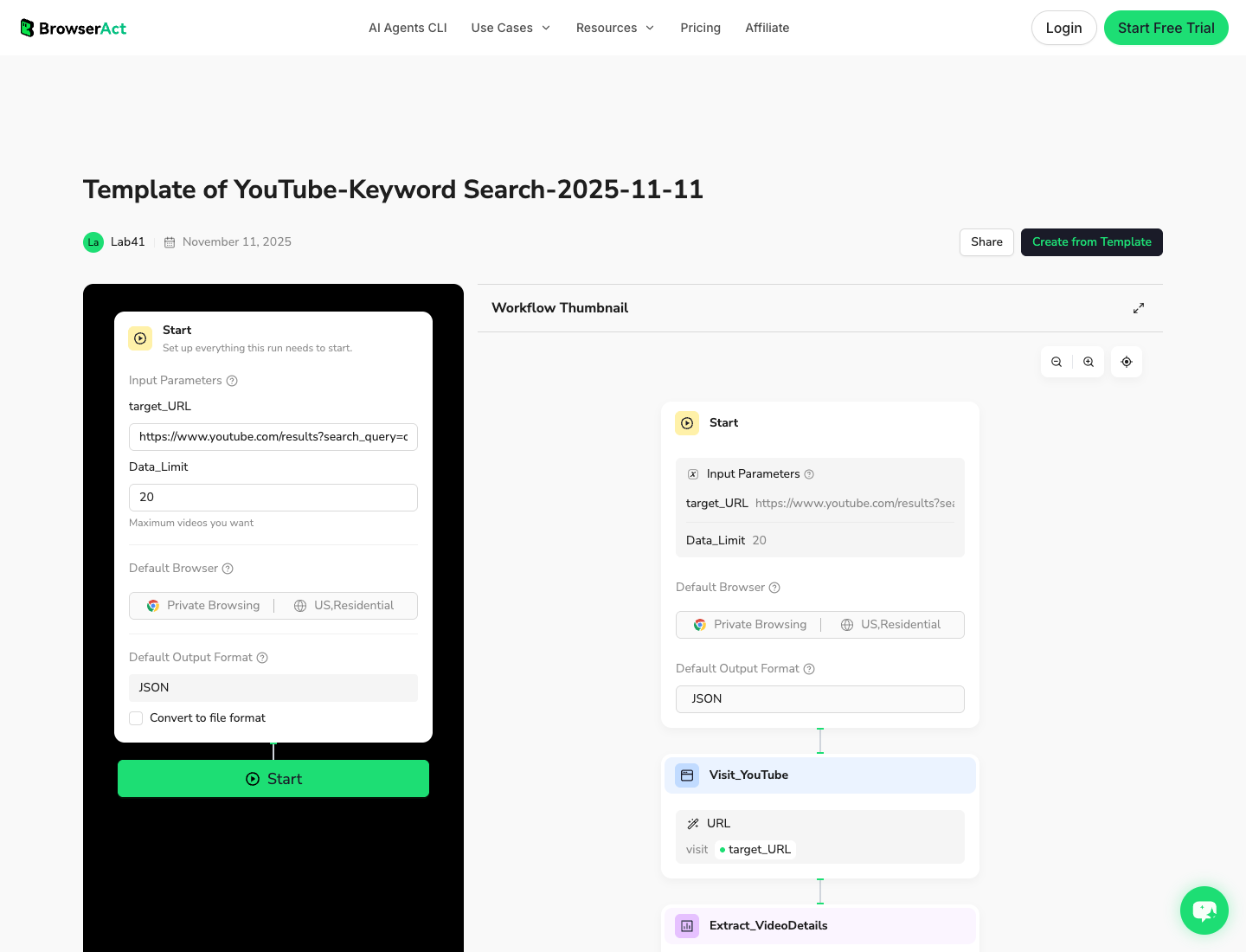
1. Open BrowserAct Dashboard
Click the left-side + button to create your own Bot, start from Quick start, or paste the prompt directly into the center Agent input to begin building.
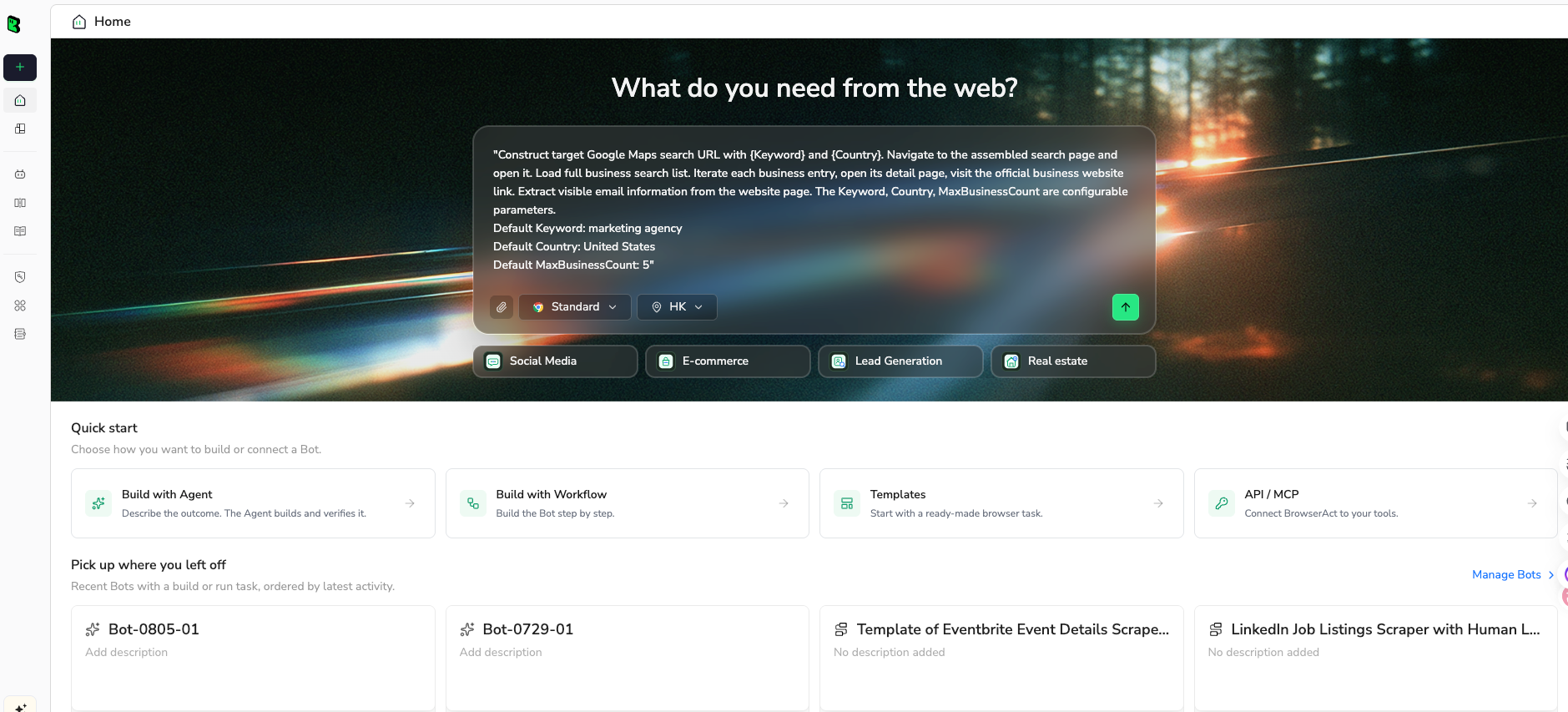
2. Copy the complete prompt
Start with one keyword and the top 50 visible results. After the schema is clean, expand to a keyword list.
Export visible YouTube search results into a ranked research table.

Target search:
https://www.youtube.com/results?search_query=REPLACE_WITH_KEYWORD

Keyword:
[REPLACE WITH KEYWORD]

Return a CSV-ready table with these fields:
- run_date
- query
- rank
- result_type: video, short, channel, playlist, ad, shelf, or unknown
- video_url
- video_id if visible or derivable from the URL
- video_title
- channel_name
- channel_url if visible
- visible_age_or_publish_date
- view_count_if_visible
- duration
- thumbnail_note
- description_snippet_if_visible
- region_language_note
- row_status
- source_note

Rules:
1. Use only public or authorized visible data.
2. Collect up to 50 visible organic results for the first test.
3. Preserve the visible rank order.
4. Deduplicate by video_url or video_id.
5. Mark missing fields as blank or partial; do not invent views, dates, descriptions, channels, or IDs.
6. Stop and ask for manual help if the page requires login, CAPTCHA, 2FA, age confirmation, payment, private access, or account confirmation.
7. Do not like, subscribe, comment, post, message, or change account settings.

Output:
- CSV-ready table
- short summary of result types found
- notes on any shelves, ads, Shorts, channels, playlists, partial rows, or duplicate results
Scrape data from any website.
Describe the data you need. Get a Bot — a reliable, reusable scraper.
Prompt preview: export visible YouTube keyword search results with rank, title, channel, URL, views, dates, and row status. Private session · Choose your region before you run
Get your Bot — Free3. Handle login only when asked
If YouTube asks for login, CAPTCHA, 2FA, age confirmation, payment, or restricted access, BrowserAct should pause for manual handling. A search-results scraper should stay read-only. It should not like, subscribe, comment, post, message, or change account settings.
4. Review, dedupe, and export
Review the first export before you turn the workflow into a weekly rank dataset. The table should preserve both rank and context.
run_date | query | rank | result_type | video_title | channel_name | view_count_if_visible | row_status |
2026-08-26 | AI browser automation | 1 | video | Browser automation tutorial | Example Channel | 84200 | complete |
2026-08-26 | AI browser automation | 2 | short | Quick agent demo | Example Creator | 19300 | partial |
2026-08-26 | AI browser automation | 3 | channel | Example Channel | Example Channel | needs_review |
Tool route: Apify, Bardeen, and similar workflow tools
Apify’s YouTube Search Scraper - Videos, Shorts & Channels is a packaged actor route for this job.
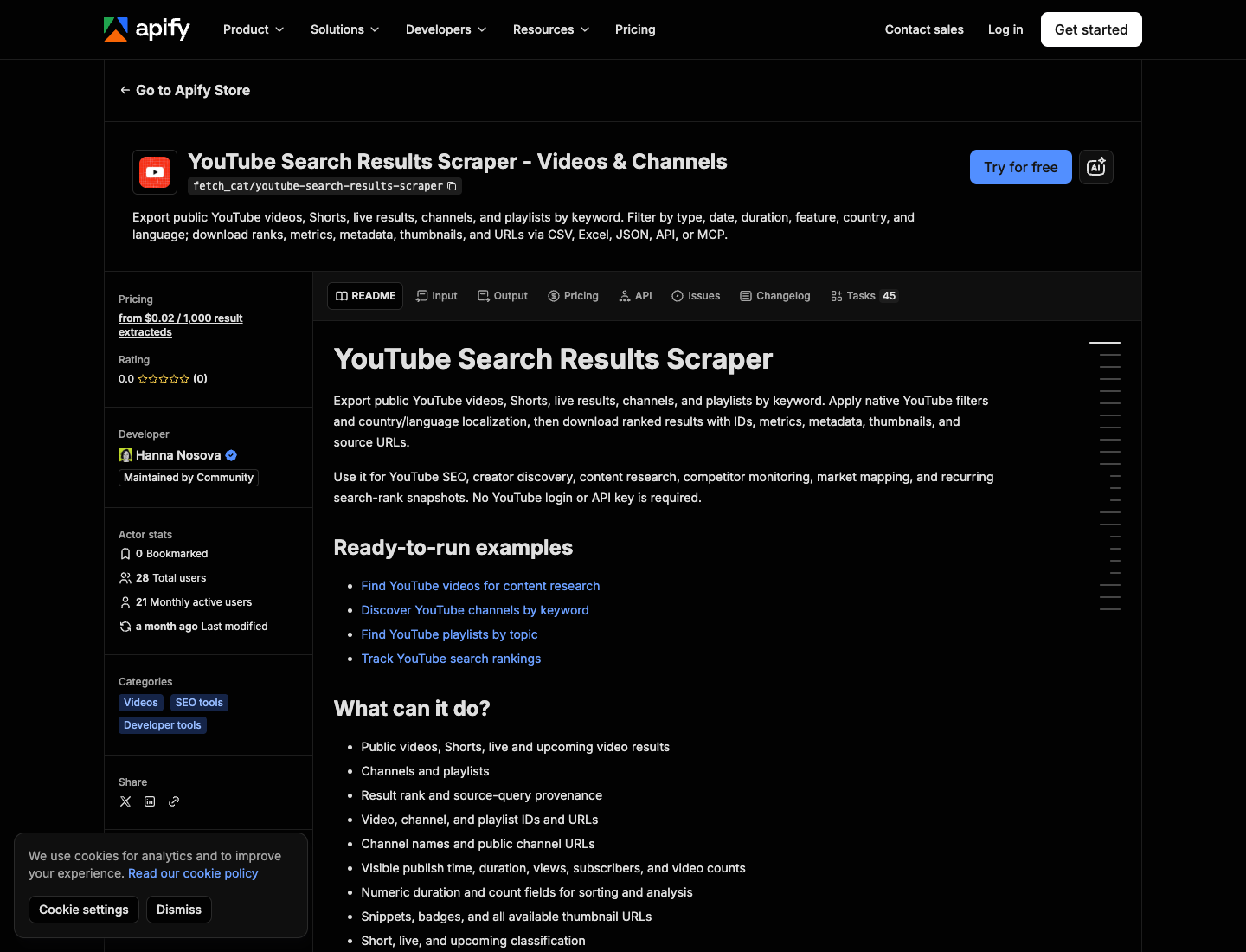
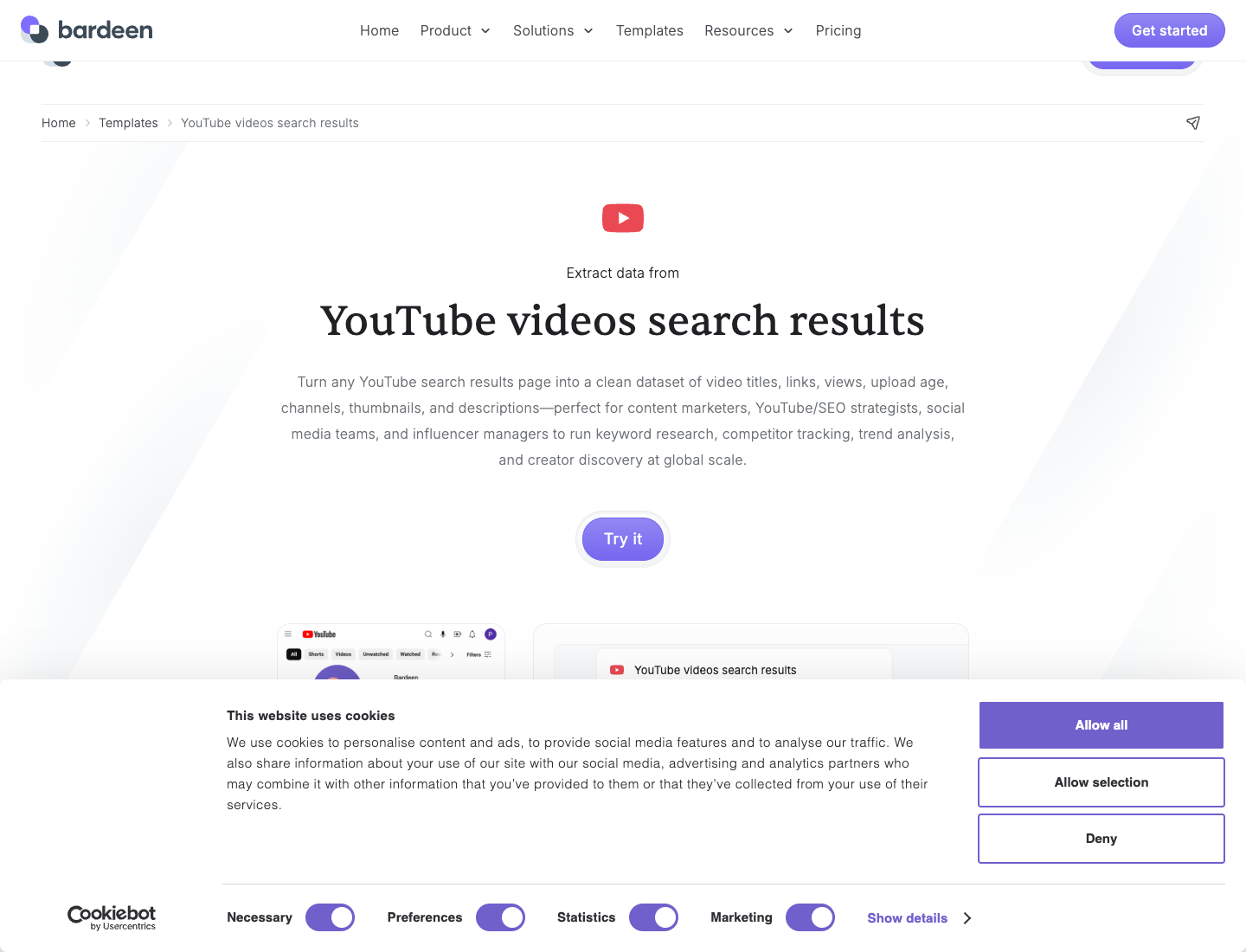
Bardeen’s YouTube videos search results template is another example of the same search-results workflow category.
These tools can be a good fit when:
- their fields already match your research table;
- your team wants a packaged cloud workflow;
- you prefer actor/template configuration over prompt design;
- you need JSON, webhook, or spreadsheet output quickly.
BrowserAct is a better fit when the table needs to be custom, the first run needs human review, or the team wants to include row status, screenshots, visible-result quirks, and later Workflow/CLI handoff.
How to use ranked results for content research
A search-results export becomes useful when you compare patterns across keywords.
Research question | How the export helps |
Who ranks repeatedly across a topic cluster? | Group by |
Are top results fresh or stale? | Compare visible age or publish date across ranks. |
Which formats dominate? | Label result type and duration. |
Are Shorts winning the query? | Separate Shorts from long-form results. |
Which titles repeat the same promise? | Cluster title hooks and packaging angles. |
Where are content gaps? | Find queries where top results are old, shallow, off-intent, or repetitive. |
Which channels deserve competitor tracking? | Send repeated ranking channels into the YouTube competitor tracker. |
A keyword-list workflow
Once one keyword works, move to a list.
Step | Task | Output |
1 | Build a keyword list | seed keyword, variant, intent, priority |
2 | Run search export | top 20–50 visible results per keyword |
3 | Normalize rows | stable schema across all keywords |
4 | Dedupe videos | one canonical video row with query appearances |
5 | Score opportunities | freshness, fit, result weakness, competitor repeat |
6 | Send next actions | brief, monitor, ignore, update existing content |
Common mistakes
Mistake | Better approach |
Exporting video URLs without rank | Always keep the visible rank and query. |
Treating one run as universal truth | Record run date, region, language, and context. |
Mixing ads, shelves, Shorts, channels, and videos without labels | Add |
Ignoring partial rows | Keep |
Scraping too many keywords before schema review | Validate one keyword, then expand. |
Forgetting dedupe | Use |
Jumping straight to content ideas | First compare freshness, repeated channels, format mix, and viewer intent. |
Final recommendation
Use the YouTube Data API when your team wants a supported programmatic path and can work with API parameters and quota. Use Apify, Bardeen, or another packaged workflow when their default search-result export is enough.
Use BrowserAct when the task starts as a research request: “export the visible ranked results for this keyword set, keep source URLs and row status, and make the output reviewable.” Then save the approved run as a BrowserAct Workflow or schedule it through BrowserAct CLI.
The winning dataset is not a scraped list. It is a ranked view of demand, competition, freshness, and content opportunity.
Further reading: YouTube data collection
Frequently Asked Questions
What is a YouTube search results scraper?
A YouTube search results scraper exports the visible ranked results for a keyword into a structured table with fields such as rank, video URL, title, channel, views, date or visible age, duration, result type, and row status.
How is a YouTube search results scraper different from a channel scraper?
A search results scraper starts from a keyword and exports ranked results. A channel scraper starts from a channel and exports that channel’s videos and metadata.
Can I scrape YouTube search results without the API?
Browser-based workflows can collect public visible search result data without using the YouTube Data API. Use only public or authorized data, keep the workflow read-only, and stop on login, CAPTCHA, private access, or restricted pages.
What fields should I collect from YouTube search results?
Collect query, rank, result type, video URL, video ID, title, channel, channel URL, visible age or publish date, views if visible, duration, thumbnail note, description snippet, row status, and source note.
Does YouTube search rank stay the same for everyone?
No. Search results can vary by region, language, time, personalization, safe search settings, and interface changes. Record run context and compare results over time instead of treating one run as a permanent global rank.
Can BrowserAct export YouTube search results to CSV?
BrowserAct can help build a prompt-first workflow that collects visible YouTube search results and exports a CSV-ready table. After review, the same flow can become a BrowserAct Workflow or CLI-triggered job.
When should I use the YouTube Data API instead?
Use the YouTube Data API when you need a supported programmatic interface, have credentials and quota planning, and can work with API parameters such as q, type, order, regionCode, and maxResults.
How do I use search result exports for content research?
Group ranked results by query, channel, format, age, and title pattern. Then look for stale results, repeated competitors, Shorts dominance, missing angles, weak explanations, and keywords where your content can be more useful.


