YouTube Competitor Analysis: Track Channels, Outliers and Content Gaps

YouTube competitor analysis is not the same as watching rival channels and copying their best videos. A useful analysis answers sharper questions: which channels are competing for the same audience, which videos outperform their normal baseline, what viewers still ask for in comments, which search results look weak, and which gaps are worth producing. That is the search intent behind YouTube competitor analysis, YouTube competitor research, and YouTube competitor tracker. The reader wants a repe
-
1
YouTube competitor analysisshould be a repeatable evidence loop: define competitors, export channel/video rows, detect outliers, inspect search results, read comments/transcripts, then score content gaps. - 2YouTube Studio alone cannot show the full market picture because it mainly reflects your own channel; competitor pages, search surfaces, comments, and third-party tools add the missing context.
- 3The best dataset combines channel baseline fields, video performance fields, search/ranking signals, comment themes, transcript clues, gap type, and recommended action.
- 4BrowserAct is strongest when the team needs a prompt-first way to collect public evidence with source URLs, screenshots, row status, and a custom schema before turning it into a repeatable Workflow or CLI job.
- 5Dedicated tools such as OutlierKit, Apify actors, Sprout Social, vidIQ, or TubeBuddy can be better when their packaged analytics already match the decision you need to make.
What YouTube competitor analysis should answer
Start with decisions, not metrics. A competitor report that lists subscribers, views, and upload counts is often too shallow to change a content plan.
A practical YouTube competitor analysis should answer:
- Who are the real competitors for this topic, audience, or search intent?
- Which channels are growing because of repeatable strategy rather than one lucky upload?
- Which videos are outliers compared with the channel’s own average?
- Which topics, hooks, formats, lengths, thumbnails, and descriptions repeat across winners?
- Which comments reveal unanswered questions, objections, requests, or confusion?
- Which search results are outdated, shallow, generic, poorly packaged, or missing a niche angle?
- Which gap should become the next brief, and which gaps should be ignored?
Sprout Social frames YouTube competitor analysis as a structured review of competitors’ content strategy, audience engagement, publishing cadence, optimization, and channel performance. Their workflow also includes finding true competitors, benchmarking performance, studying creative hooks, reading comments, and turning findings into strategy.
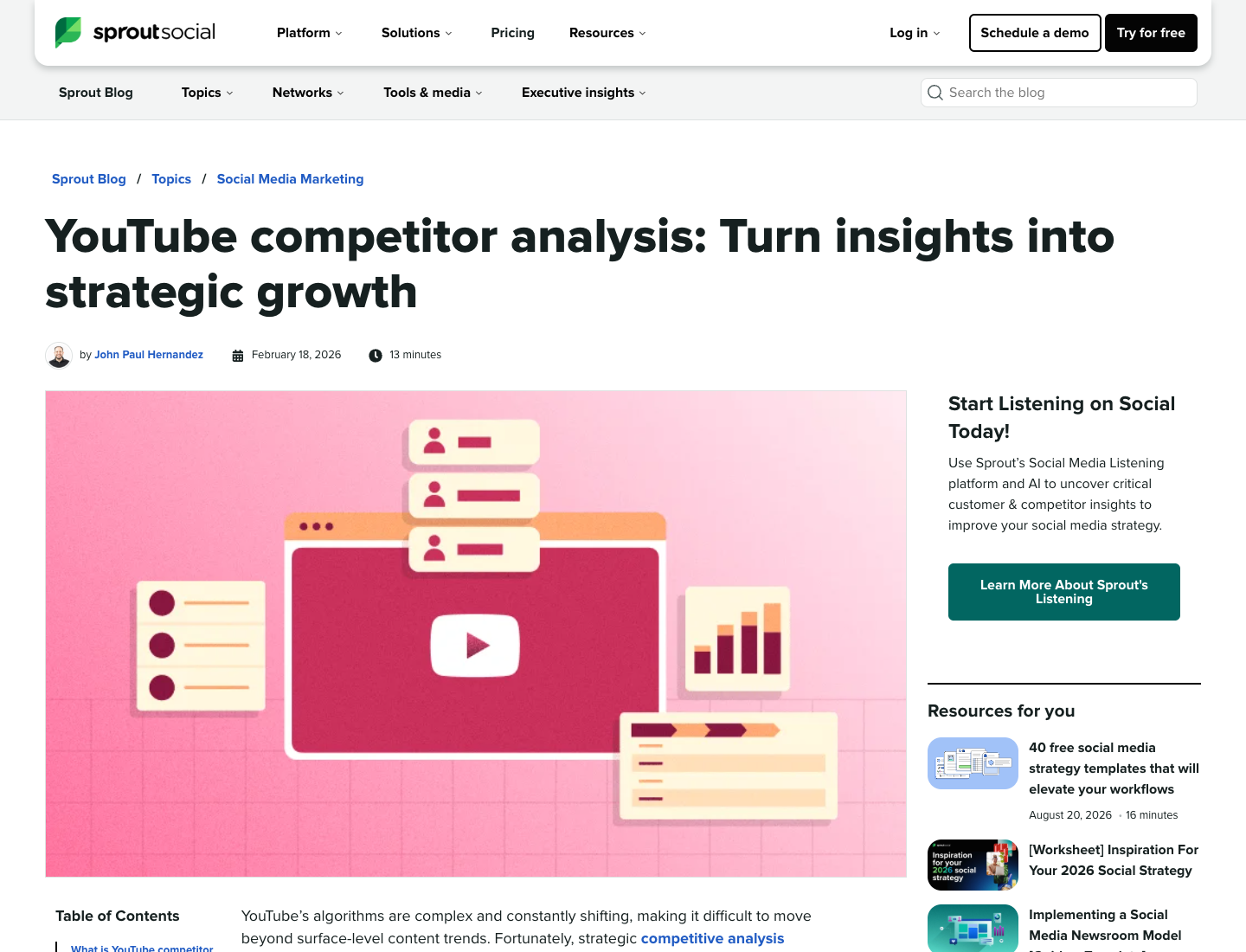
That framing is useful because it separates competitor analysis from simple scraping. Scraping gets the rows. Analysis explains what to do with the rows.
The three evidence layers you need
Most weak competitor audits fail because they rely on one layer only. A team looks at channel pages and misses comments. Or it checks comments but ignores search demand. Or it finds an outlier video but never asks whether the outlier fits its own audience.
Use three layers.
Evidence layer | What to collect | What it helps you decide |
Channel and video baseline | channel URL, video URL, title, publish date, views, duration, comments, format, row status | Who publishes consistently, which formats repeat, and which videos outperform baseline |
Search and niche surface | keyword, ranking video URL, title, channel, visible performance signal, freshness, result type | Which topics already have demand and where search results look weak |
Audience signal | comments, replies, repeated questions, sentiment, transcript clues, objections, requests | What viewers still need after watching competitor content |
BrowserAct should not replace your strategic judgment. Its role is to make the evidence collection repeatable enough that judgment is based on visible rows, not memory.
Build the competitor dataset before choosing ideas
Before you brainstorm video ideas, build a small competitor dataset. Start with five to ten channels. If the topic is broad, split the competitors into groups:
- direct niche competitors;
- search competitors that rank for the same keywords;
- format competitors using a similar video style;
- audience competitors that serve the same viewer but with a different product or angle;
- aspirational competitors that show what larger channels do, but should not be benchmarked unfairly against small channels.
For each channel, collect recent videos and top videos separately. Recent videos show current direction. Top videos reveal durable demand and historic breakouts. Outlier videos are especially useful because they show a topic or format performing better than a channel’s normal baseline.
OutlierKit is built around this outlier-research use case. Its homepage positions the product around entering a channel and seeing channel intelligence, while its copy calls out proven formats, breakout topics, comment demand, and multi-channel research.
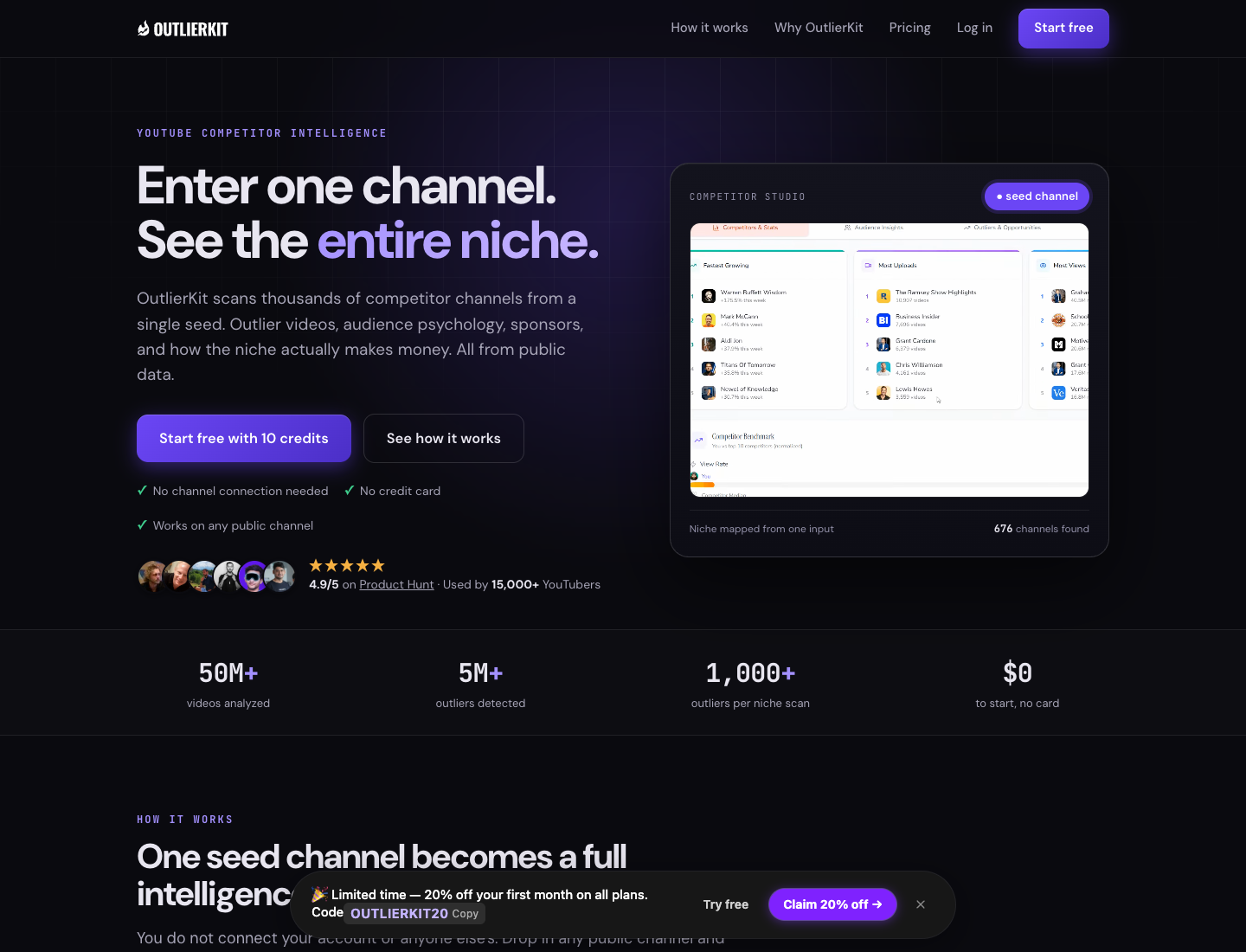
Use a dedicated outlier tool when you want packaged channel intelligence. Use BrowserAct when your question is more custom, such as “compare these eight competitor channels, collect their best videos from the last 12 months, then label each video by product angle, audience segment, and content gap type.”
A YouTube competitor analysis schema that works
Keep the table decision-ready. You can always add more columns later.
Column | Why it matters |
| Separates direct, search, format, audience, and aspirational competitors. |
| Keeps the source traceable. |
| Human-readable competitor name. |
| Primary row-level source link. |
| Main creative and search signal. |
| Supports freshness and cadence analysis. |
| Separates Shorts, explainers, webinars, interviews, and long-form tutorials. |
| Directional performance signal. |
| Helps prioritize comment analysis. |
| Whether this is recent, top, average, or outlier compared with the channel. |
| Groups related ideas. |
| Tutorial, review, comparison, teardown, listicle, reaction, case study, Short, live, etc. |
| The promise in the title/thumbnail. |
| Beginner, advanced, creator, buyer, developer, local business, B2B team, etc. |
| Repeated viewer demand from comments. |
| Useful when the video’s argument matters. |
| Topic, angle, format, depth, freshness, proof, comparison, execution, or packaging gap. |
| Produce, ignore, monitor, update existing content, test title, or brief later. |
| Complete, partial, restricted, duplicate, needs review. |
| Missing fields, access boundaries, or manual observations. |
How to run the first BrowserAct competitor analysis workflow
Use this when the team needs a custom competitor research table before committing to a permanent tool or dashboard.
The BrowserAct Extract Videos From a YouTube Channel template can handle the channel/video layer. The BrowserAct YouTube Comment Scraper template can support the audience-signal layer when comment themes matter.
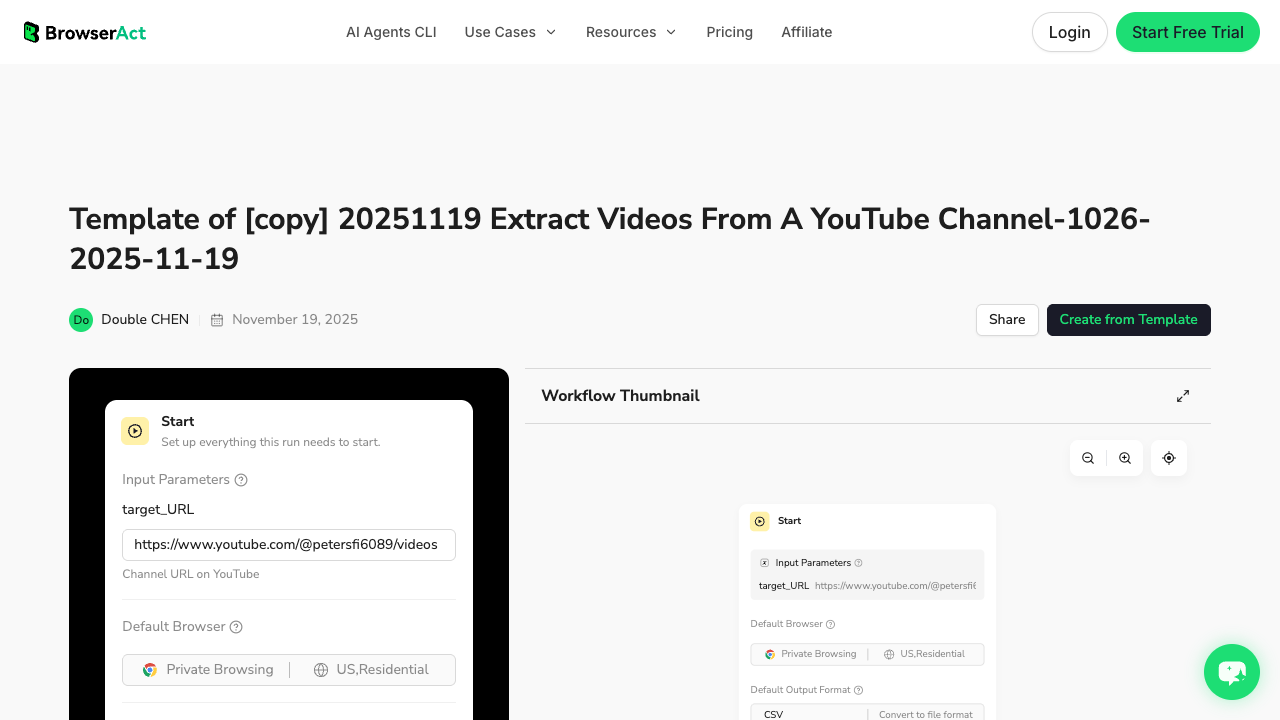
1. Open BrowserAct Dashboard
Click the left-side + button to create your own Bot, start from Quick start, or paste the prompt directly into the center Agent input to begin building.
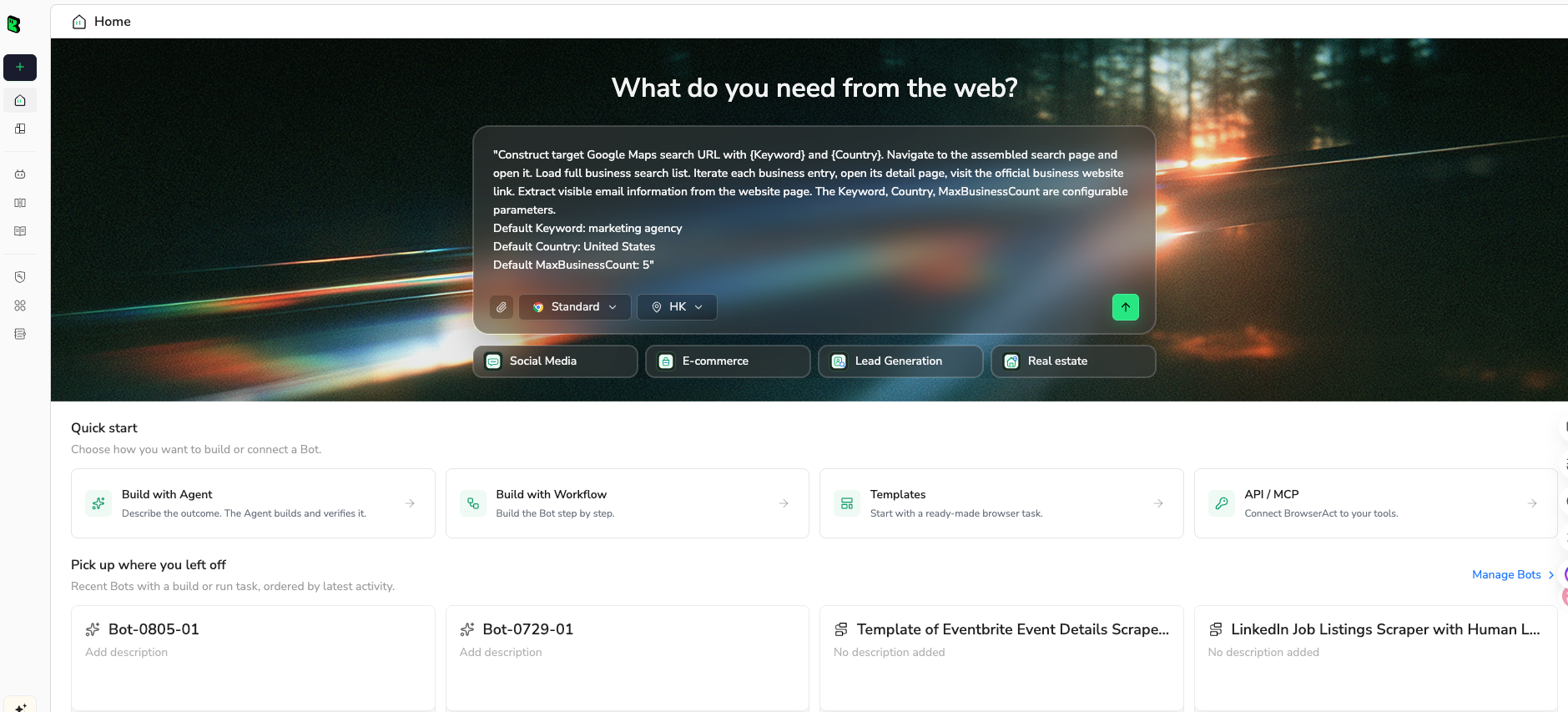
2. Copy the complete prompt
Start small. Five channels and 100 recent/top videos are enough to validate the schema.
Build a YouTube competitor analysis dataset for this niche.

Niche or keyword cluster:
[REPLACE WITH NICHE, PRODUCT CATEGORY, OR TOPIC]

Competitor channel URLs:
1. [CHANNEL URL]
2. [CHANNEL URL]
3. [CHANNEL URL]
4. [CHANNEL URL]
5. [CHANNEL URL]

Research tasks:
1. For each competitor channel, collect public recent videos and visible top videos when available.
2. For each video, record source-linked fields only. Do not invent hidden metrics.
3. Label whether each row appears to be recent, top, average, or an outlier relative to visible channel context.
4. If comments are visible, sample relevant comments from high-priority videos and summarize repeated audience questions or complaints.
5. If transcripts or visible descriptions are available, note recurring claims, examples, or content angles.
6. Return three tables:
   - competitor channel baseline
   - video outlier and packaging table
   - audience/comment signal table

Fields to return:
- competitor_group
- channel_url
- channel_name
- video_url
- video_title
- publish_date_or_visible_age
- duration
- view_count_if_visible
- comment_count_if_visible
- baseline_note
- topic_cluster
- format_type
- packaging_angle
- audience_segment
- comment_theme
- transcript_or_claim_note
- gap_type
- recommended_action
- row_status
- source_note

Limits and safety:
- Use public or authorized visible data only.
- Collect up to 100 video rows for the first test.
- Deduplicate by video_url.
- Mark partial or missing fields clearly.
- Stop and ask for manual help if the page requires login, CAPTCHA, 2FA, payment, membership confirmation, age confirmation, private access, or account confirmation.
- Do not like, subscribe, comment, post, message, or change account settings.

Output:
- CSV-ready tables
- short summary of top competitor patterns
- list of the 10 strongest content gaps with source URLs and evidence notes
Scrape data from any website.
Describe the data you need. Get a Bot — a reliable, reusable scraper.
Prompt preview: compare YouTube competitor channels, outlier videos, comment themes, transcript clues, and content gaps in a CSV-ready table. Private session · Choose your region before you run
Get your Bot — Free3. Handle login only when asked
If YouTube asks for login, CAPTCHA, 2FA, payment, membership confirmation, age confirmation, or restricted access, the run should pause for manual handling. A competitor tracker should stay read-only: no liking, subscribing, commenting, messaging, posting, or account changes.
4. Review, dedupe, and export
Review the first dataset before converting it into a Workflow. A good export should show where evidence is strong and where it is partial.
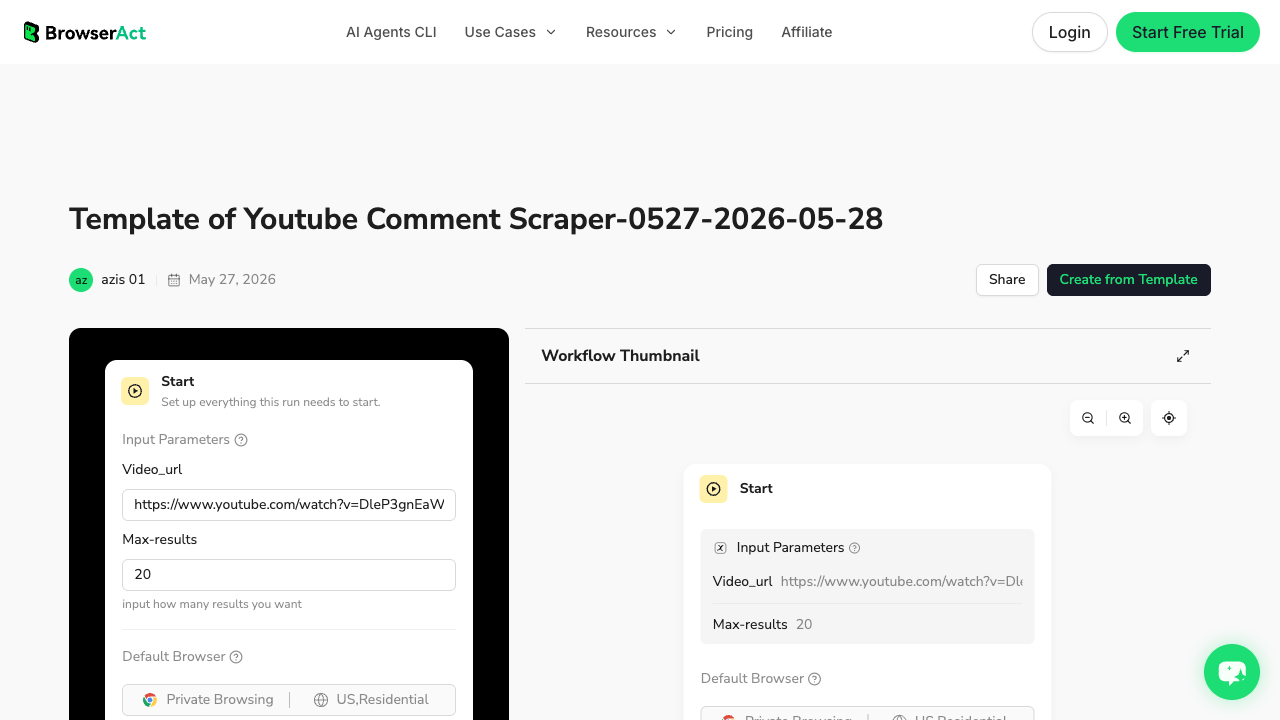
After review:
- save the approved collection path as a BrowserAct Workflow;
- keep the same field names across weekly runs;
- use BrowserAct CLI only after the schema is stable;
- export to CSV, JSON, Markdown, or a Sheets-ready table;
- add a manual review column before assigning content production.
Find gaps, not just winning videos
A winning competitor video is not automatically an idea you should copy. The better question is: what did the video prove, and what did it leave unanswered?
OverSeerOS makes a useful distinction: a content gap can be a missing topic, but it can also be a missing angle, format, audience segment, example, workflow, update, comparison, proof, or execution detail.
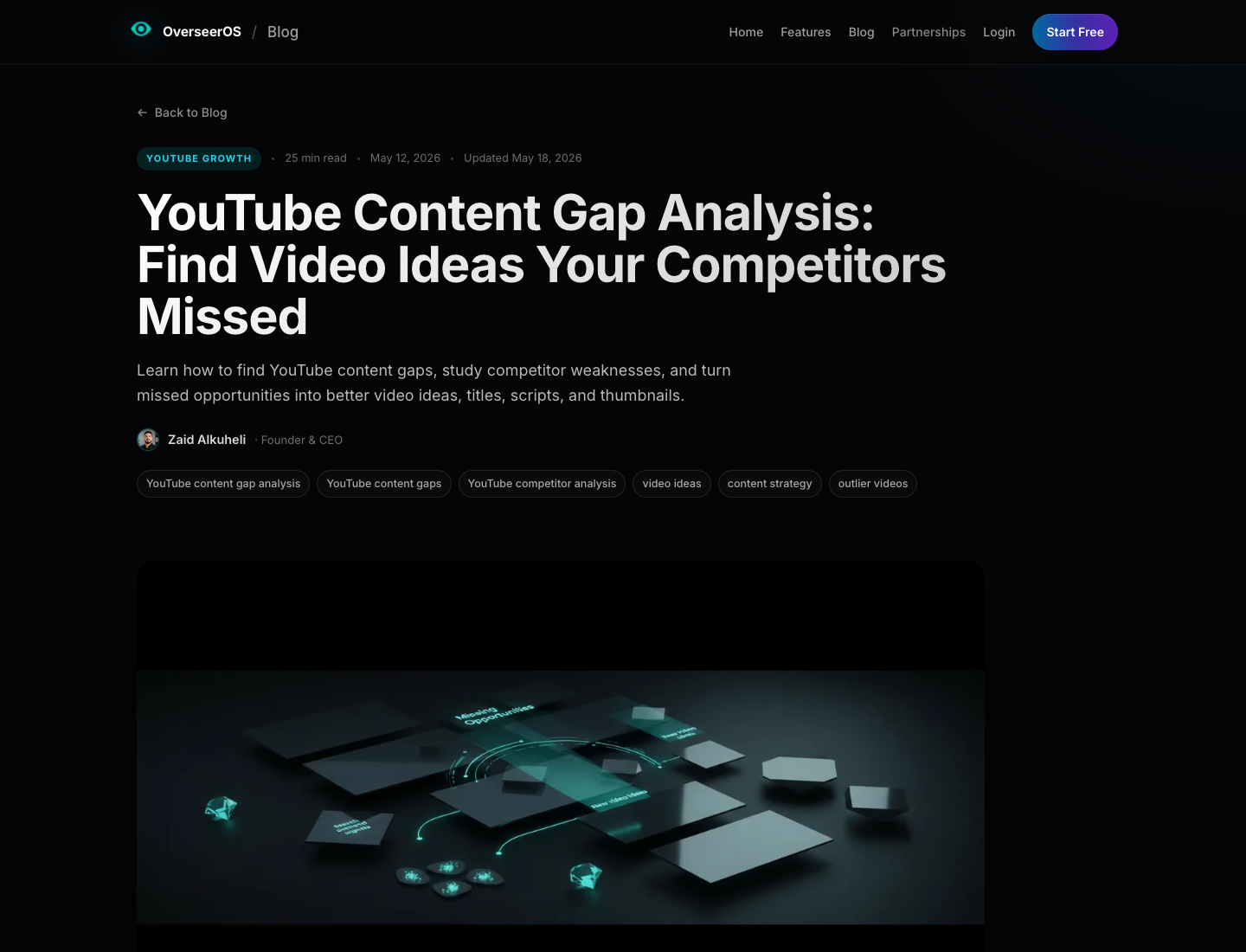
Use this gap taxonomy:
Gap type | What it means | Example competitor-analysis signal |
Topic gap | The topic has demand but weak coverage | few good videos for a high-intent search |
Angle gap | The topic exists, but the perspective is generic | all videos say the same thing |
Audience gap | Content targets the wrong viewer | advanced creators ask for beginner help, or vice versa |
Format gap | The explanation format is weak | long lectures where a teardown would work better |
Depth gap | Videos are shallow | comments ask for examples, templates, or step-by-step detail |
Freshness gap | Top videos are outdated | old tutorials still rank for a current tool or workflow |
Proof gap | Claims lack evidence | viewers ask whether the advice actually works |
Comparison gap | Users cannot choose between options | comments ask “which tool should I use?” |
Execution gap | The video explains what, not how | audience asks “how do I apply this?” |
Packaging gap | The idea is good but title/thumbnail is weak | video satisfies demand but underperforms due to unclear promise |
gap_type, recommended_action, and evidence_note during collection rather than trying to interpret a raw export later.
Compare BrowserAct with other routes
There is no single best YouTube competitor analysis tool for every team. Pick the route that matches the job.
Route | Best fit | Limitation |
Manual spreadsheet | one-off audit, small competitor set, human nuance | slow, hard to refresh, easy to miss source links |
YouTube Studio | first-party channel performance | does not show the full competitor market |
BrowserAct Agent | custom public-data evidence gathering with flexible fields | requires review and schema design on the first run |
BrowserAct Workflow | repeatable competitor tracking after approval | best after the first run proves the schema |
BrowserAct CLI | scheduled export into Sheets, BI, or internal systems | should be used after the workflow is stable |
OutlierKit / vidIQ / TubeBuddy | packaged creator analytics and outlier discovery | default views may not match custom research questions |
Sprout Social / social listening suites | brand, enterprise, cross-channel reporting | may be broader than a creator-specific content-gap workflow |
Apify actors / scraper APIs | developer-friendly JSON and actor runs | field quality depends on the actor and maintenance |
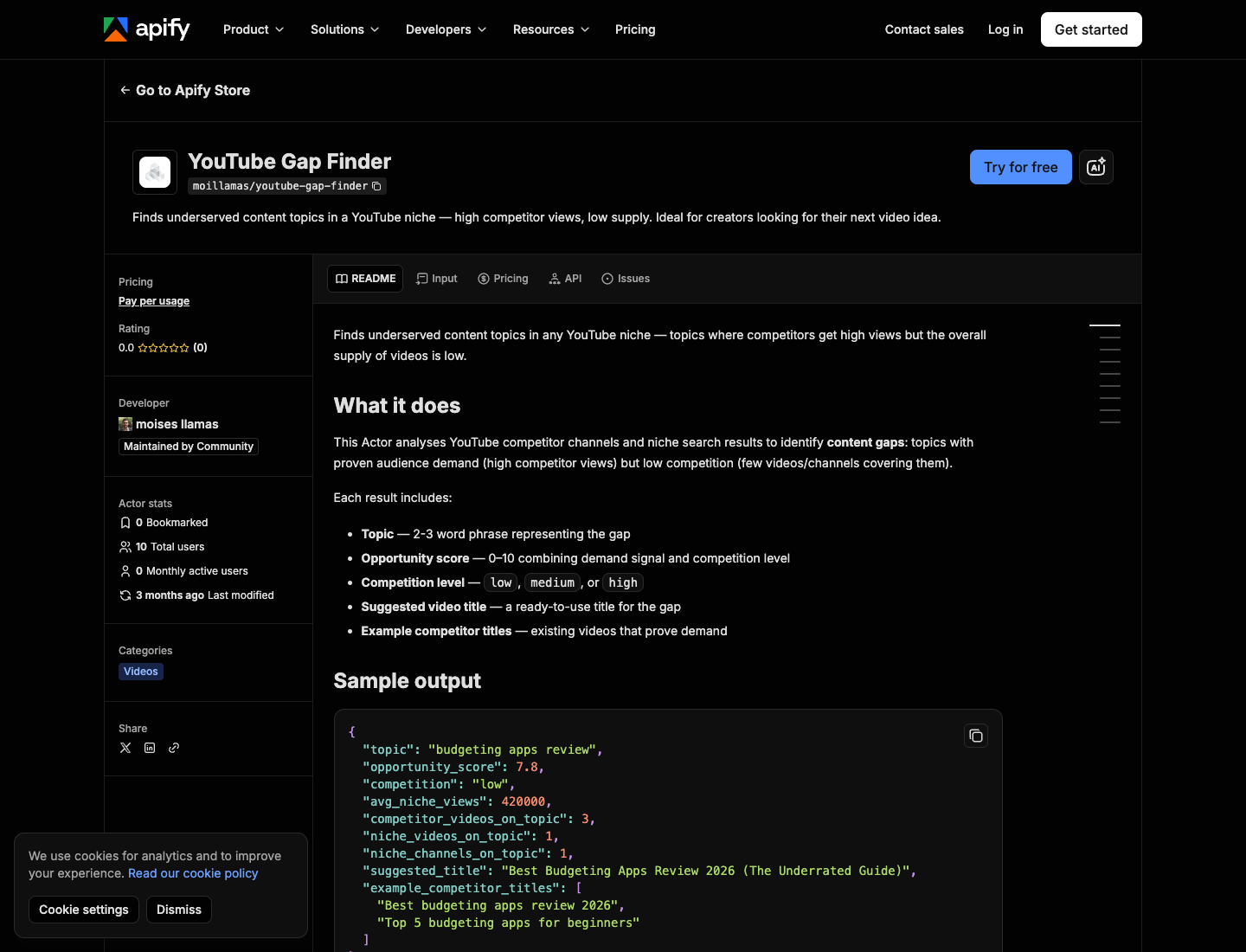
If that exact actor output fits your workflow, use it. If your team needs a custom evidence table with comments, transcript notes, competitor grouping, and review status, start with BrowserAct Agent and convert the successful run into Workflow/CLI.
A weekly competitor tracker workflow
For an ongoing team, the workflow should be small enough to repeat.
Day | Task | Output |
Monday | Refresh the competitor channel/video table | new videos, changed cadence, obvious outliers |
Tuesday | Check search results for target topic clusters | weak, old, generic, or missing results |
Wednesday | Read comments on the most relevant outliers | repeated questions, complaints, comparisons, requests |
Thursday | Score gaps | gap type, audience fit, packaging potential, production fit |
Friday | Approve briefs | title direction, source links, angle, evidence, next action |
- Do not approve an idea only because a competitor got views.
- Do not reject an idea only because a competitor already covered the topic.
The strongest opportunities are often topics competitors covered imperfectly: the audience cared, but the answer was too shallow, too old, too generic, too advanced, or missing a workflow.
Scoring content gaps before production
Use a simple score before committing production time.
Score category | Question |
Audience demand | Do search results, views, comments, or repeated questions show real demand? |
Competitor weakness | Are current videos outdated, shallow, generic, confusing, or poorly packaged? |
Brand/channel fit | Would your current audience click and trust your version? |
Originality | Can you add evidence, examples, testing, workflow, or a sharper point of view? |
Packaging strength | Can the promise become a strong title and thumbnail? |
Production fit | Can your team make the video well within available time and budget? |
Business value | Does the topic attract the audience you actually want? |
Common mistakes
Mistake | Better approach |
Copying competitor topics | Identify what the competitor missed and create a stronger original version. |
Benchmarking against huge channels only | Compare against similar audience size, intent, and format before using aspirational examples. |
Treating views as the only signal | Add comments, freshness, search intent, packaging, and audience fit. |
Ignoring weak search results | Search gaps can reveal demand before a competitor dominates it. |
Letting AI summarize without source rows | Keep source URLs, row status, and evidence notes. |
Over-automating the first run | Validate the schema manually before scheduling Workflow or CLI. |
Forgetting action columns | Add |
Final recommendation
Use YouTube Studio for your own channel baseline. Use OutlierKit, vidIQ, TubeBuddy, Sprout Social, or Apify when their packaged workflow already answers the question.
Use BrowserAct when your team needs a custom competitor evidence loop: public competitor channels, visible videos, source URLs, outlier notes, comments, transcript clues, content gaps, review status, and exports that can become a recurring Workflow or CLI job.
The best YouTube competitor analysis does not tell you to copy the market. It tells you where the market has already proved demand and where your version can be more useful.
Further reading: YouTube data collection
Frequently Asked Questions
What is YouTube competitor analysis?
YouTube competitor analysis is the process of studying competing channels, videos, search results, audience comments, and content gaps to understand what works, what is missing, and what your channel should do next.
What should I track in a YouTube competitor analysis?
Track channel URLs, video URLs, titles, publish dates, views, duration, comment counts, format, topic cluster, packaging angle, audience segment, outlier status, comment themes, gap type, and recommended action.
How do I find my real YouTube competitors?
Start with channels that rank for your target keywords, appear in related or suggested contexts, serve the same audience, use similar formats, or solve the same viewer problem. Separate direct competitors from aspirational channels.
What is a YouTube outlier video?
A YouTube outlier video performs much better than a channel’s normal baseline. Outliers are useful because they can prove demand, but they still need comment, search, and audience-fit analysis before becoming your idea.
How can comments help competitor analysis?
Comments reveal what viewers still want after watching competitor videos: missing examples, beginner versions, comparisons, templates, tool questions, pricing objections, and requests for updated information.
Can BrowserAct analyze YouTube competitors without the API?
BrowserAct can help collect public, visible competitor evidence with a prompt-first browser workflow. It is best for custom schemas, source-linked exports, screenshots, row status, human review, and repeatable workflows. Use only public or authorized data and stop on restricted access.
When should I use BrowserAct Workflow or CLI?
Use BrowserAct Workflow after the first Agent run proves the competitor schema. Use BrowserAct CLI when the approved workflow needs to refresh on a schedule or feed Sheets, BI, or an internal reporting stack.
Is a YouTube competitor tracker enough by itself?
No. A tracker can show what changed, but strategy still requires interpretation: whether the competitor set is correct, whether the outlier fits your audience, whether comments reveal real demand, and whether the gap is worth producing.


