YouTube Live Chat Scraper: Export Timestamped Messages for Research

A YouTube live chat scraper is not the same thing as a YouTube comment scraper. Live chat is fast, chronological, event-shaped, and tied to the stream timeline. Normal comments are threaded, slower, and tied to the finished video page. That difference changes everything: the fields you collect, when you start the run, whether a replay exists, how you dedupe messages, and whether an official API or browser workflow is the better route. If your team needs to test a custom public-data workflow befo
-
1A
YouTube live chat scrapershould export a timestamped chat ledger: message text, author signal, stream-relative time, badges, Super Chat/member signals when visible, source URL, and row status. - 2Do not mix three different jobs: active livestream capture, replay chat export after the stream, and normal comments under the finished video.
- 3Use the official YouTube Live Streaming API when you control the API setup and need low-latency live messages; use replay downloaders when the stream has ended and replay chat is available.
- 4BrowserAct fits custom public/authorized collection tests: Agent for the first prompt, Workflow for repeat streams, CLI for approved event or research pipelines.
- 5Keep the workflow read-only. Stop at login, CAPTCHA, 2FA, age gates, deleted/private videos, disabled replay, or restricted access; never automate posting, deleting, moderation, or chat messages unless separately approved.
What a YouTube live chat scraper should export
A useful live chat export is a chronological dataset. The row order matters because audience reactions often spike around a specific quote, product reveal, giveaway announcement, outage, goal, or controversy.
At minimum, collect:
Field | Why it matters |
| Makes the capture auditable. |
| Keeps every row tied to the source stream. |
| Explains the context of the chat. |
| Active live, replay, premiere, or unknown. |
| Lets analysts sync messages with moments in the video. |
| Useful for live event timelines. |
| Helps group messages without over-claiming identity. |
| Useful for dedupe and public source review. |
| The core data. |
| Standard message, Super Chat, membership, sticker, moderator action, deleted-message note, or unclear. |
| Owner, moderator, member, verified, sponsor, or none. |
| Useful for Super Chat or paid-message analysis. |
| Row number or capture order. |
| Complete, partial, duplicate, gated, missing_replay, or needs_review. |
| Explains capture limits, errors, or page state. |
stream_relative_timestamp and capture order when possible. A message at 00:42:10 means something different from "the 4,210th row." You need both for replay research.
Active chat, replay chat, and comments are different datasets
Most bad exports start with the wrong object.
Dataset | When it exists | Structure | Best use | Common mistake |
Active live chat | While the livestream or premiere is running | Chronological messages arriving in real time | Event monitoring, giveaway logs, live moderation research | Starting capture late and assuming earlier messages are recoverable |
Live chat replay | After a stream ends, if replay is available | Chronological stream-relative ledger | Post-event research, audience moment analysis, sponsorship review | Assuming every completed stream has replay enabled |
Normal comments | Under the video after publishing | Threaded comments and replies | Long-tail feedback, sentiment, customer questions | Treating comments as live chat, or live chat as comments |
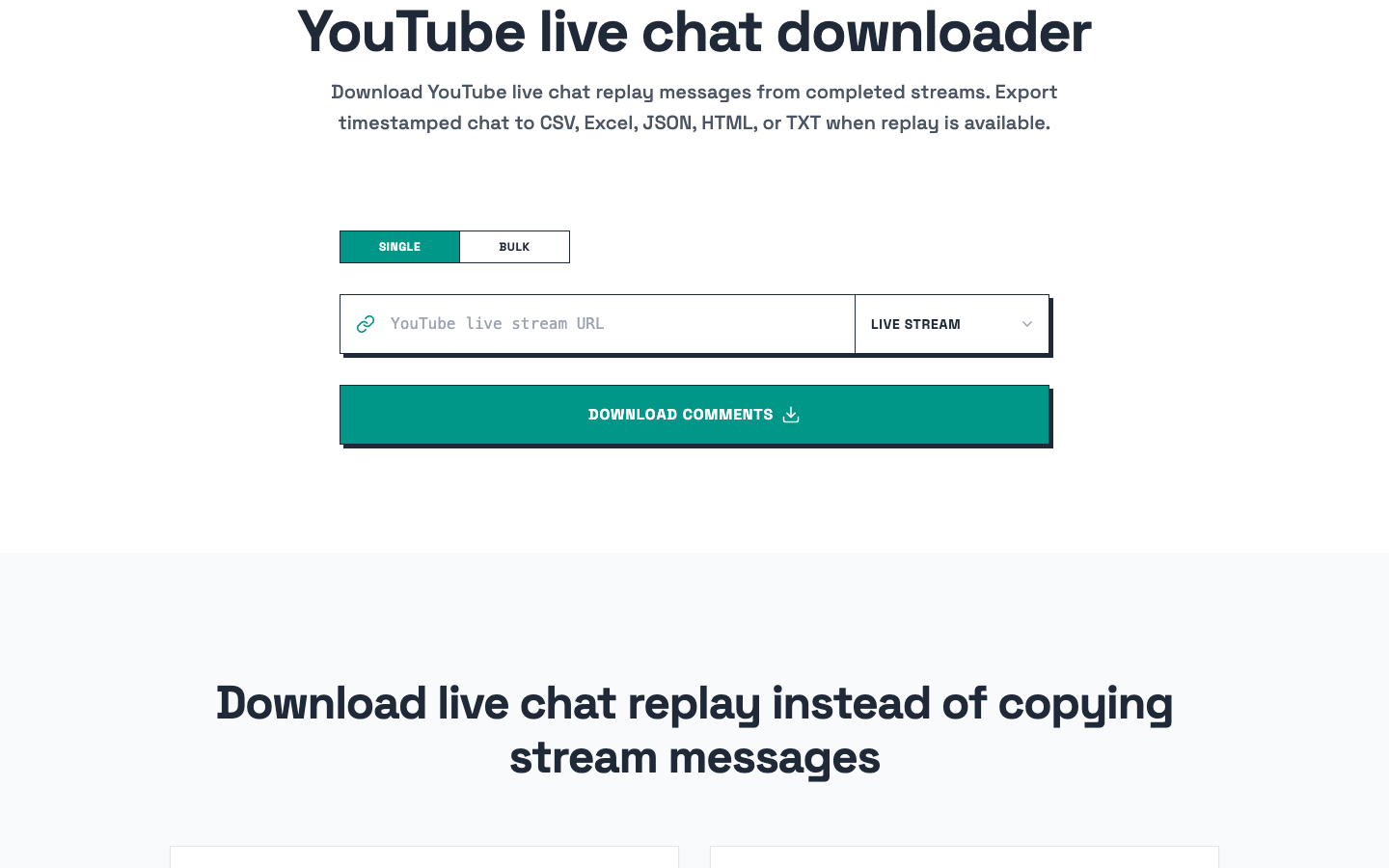
Route 1: Use the official YouTube Live Streaming API
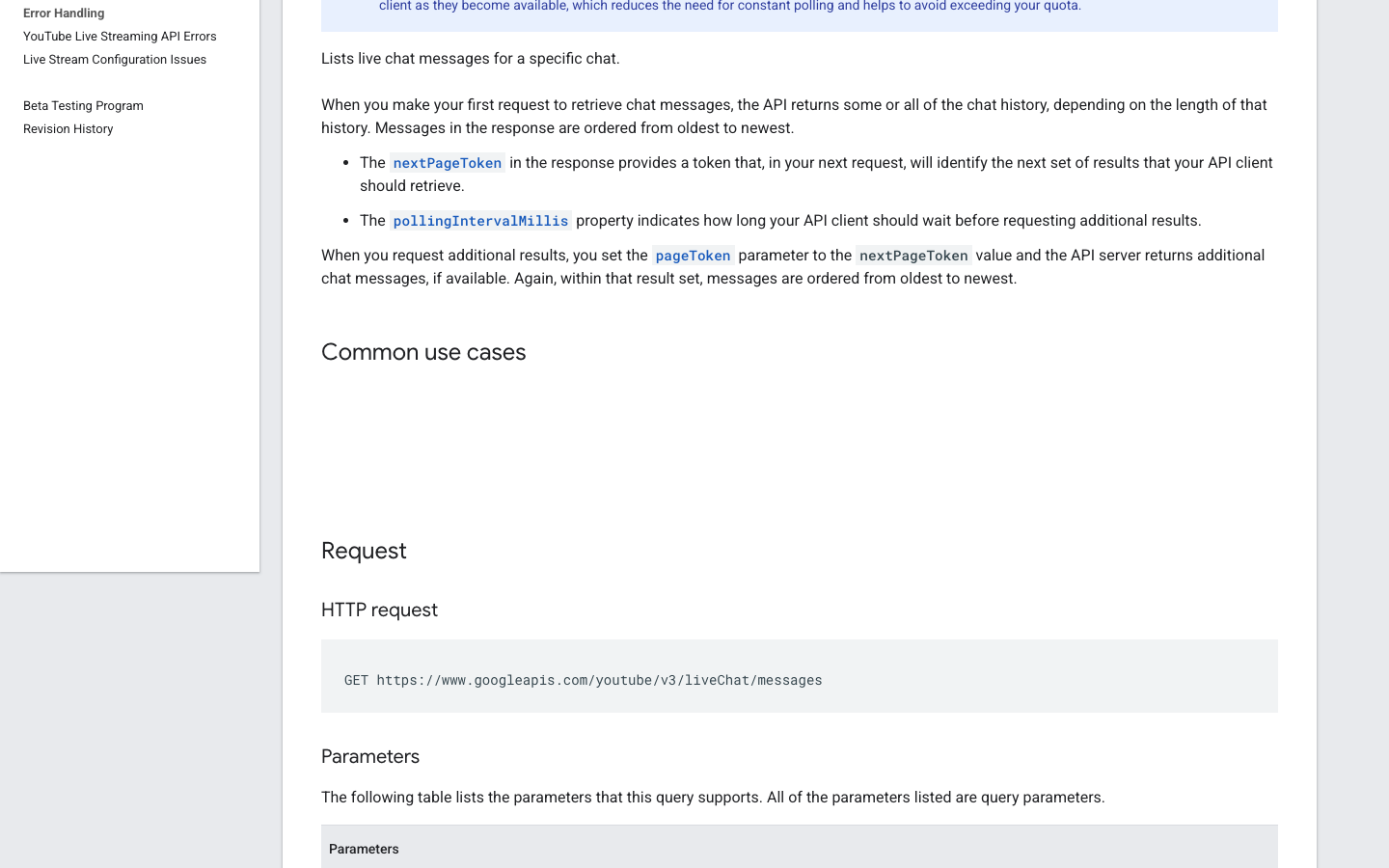
If you have engineering ownership, API access, and the right stream identifiers, start with the official route. Google's liveChatMessages.list documentation says the endpoint lists live chat messages for a specific chat and that first requests may return some or all chat history depending on length. Google also points developers toward streamList for polling reduction.
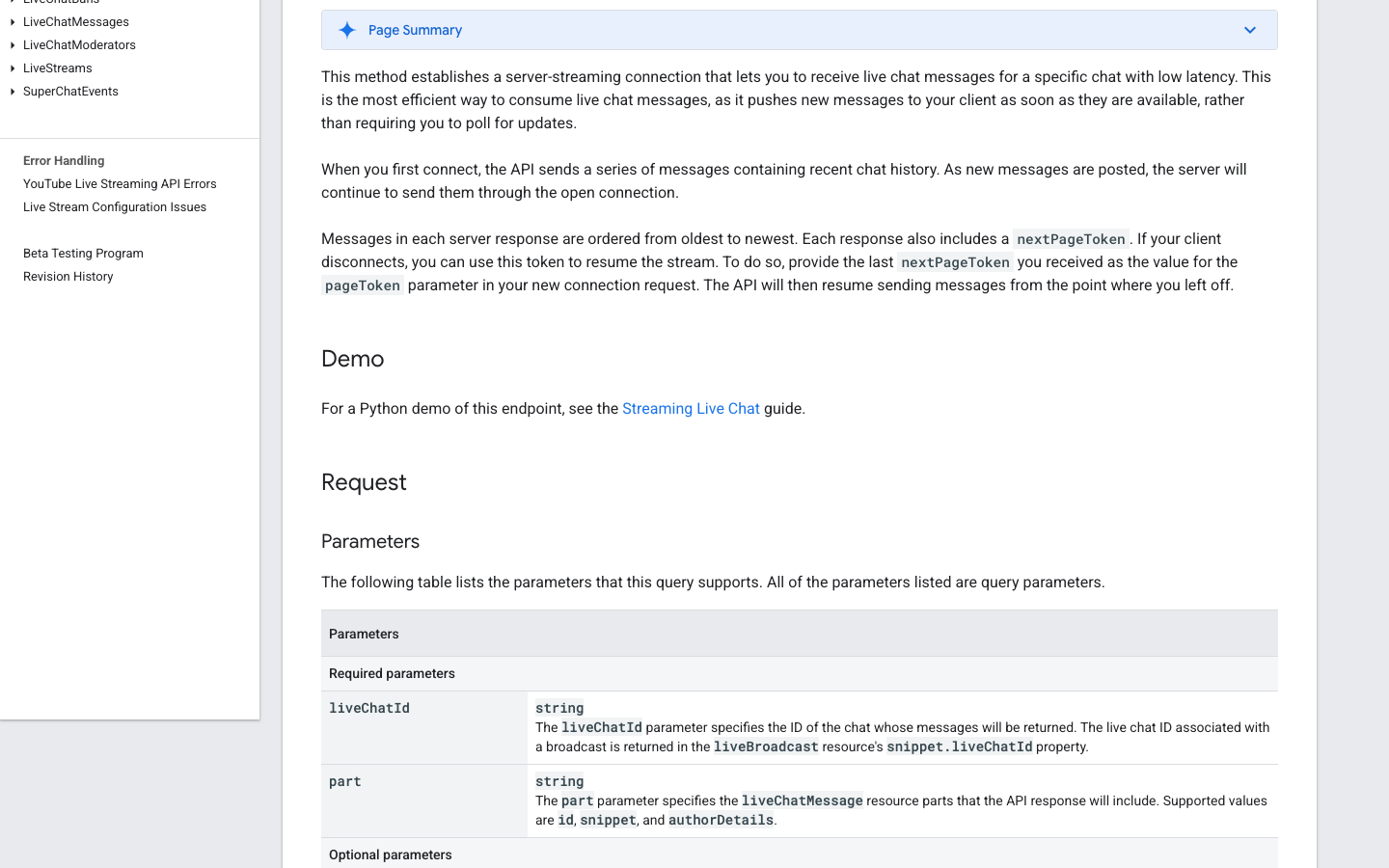
The newer liveChatMessages.streamList endpoint establishes a server-streaming connection for lower-latency live chat updates. The docs also explain nextPageToken resume behavior, which matters if a client disconnects during a live event.
Use the API route when:
- You need low-latency live capture.
- You can obtain the correct
liveChatId. - You have quota and authentication handled.
- Engineering can monitor failures, reconnects, and token behavior.
Do not use the API route just because it sounds official. If the team only needs a one-off replay export for research, an API build may be slower than the research itself.
Pro Tip: For live events, define a capture start rule. "Start when the stream starts" is not specific enough. Use "start 5 minutes before scheduled go-live and log reconnect gaps" so missing data is visible in the export.
Route 2: Use dedicated live chat export tools
Dedicated tools are often the fastest path when the job is simple: paste a livestream URL, capture messages, export CSV or XLSX, and analyze the file.
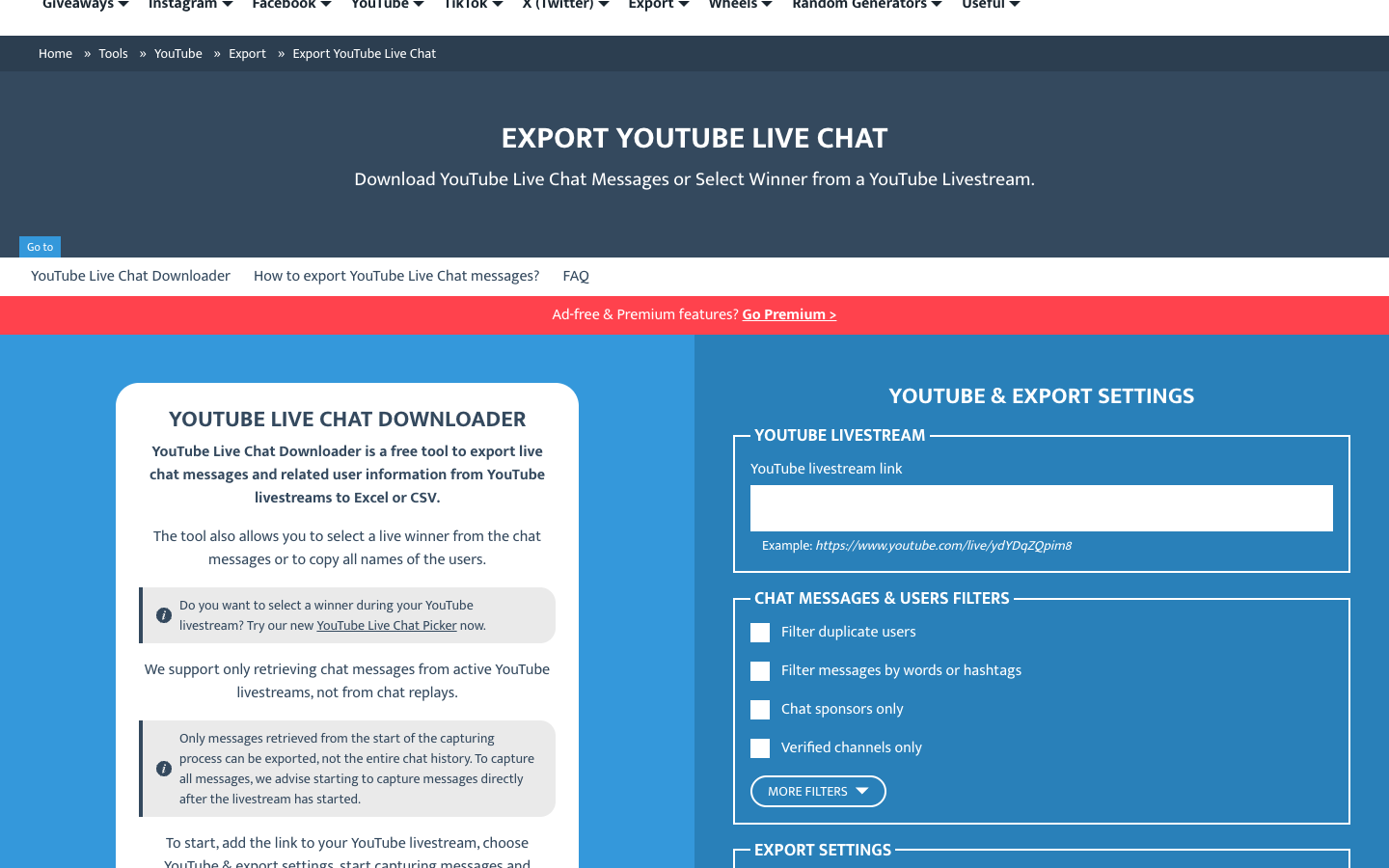
Comment Picker's YouTube Live Chat Downloader is a good example of the active-stream export category. It states that it supports active livestream messages, not replay chat, and that only messages retrieved from the start of the capture process can be exported. That limitation is not a flaw; it is a workflow boundary.
Use this route when:
- You are running a live giveaway or webinar.
- You need a simple CSV/XLSX export.
- You can start capture at the beginning of the stream.
- You do not need a custom schema or downstream automation.
The trade-off is flexibility. If the research brief changes from "export names and messages" to "separate moderators, Super Chats, product questions, complaints, and timeline spikes," a basic downloader may not give enough control.
Route 3: Use replay-focused scrapers
Replay is a different use case. A stream has ended; now the question is whether live chat replay exists and can be read. Replay scrapers are useful for researchers, sponsorship teams, event analysts, and creator teams who need to inspect audience reactions after the fact.
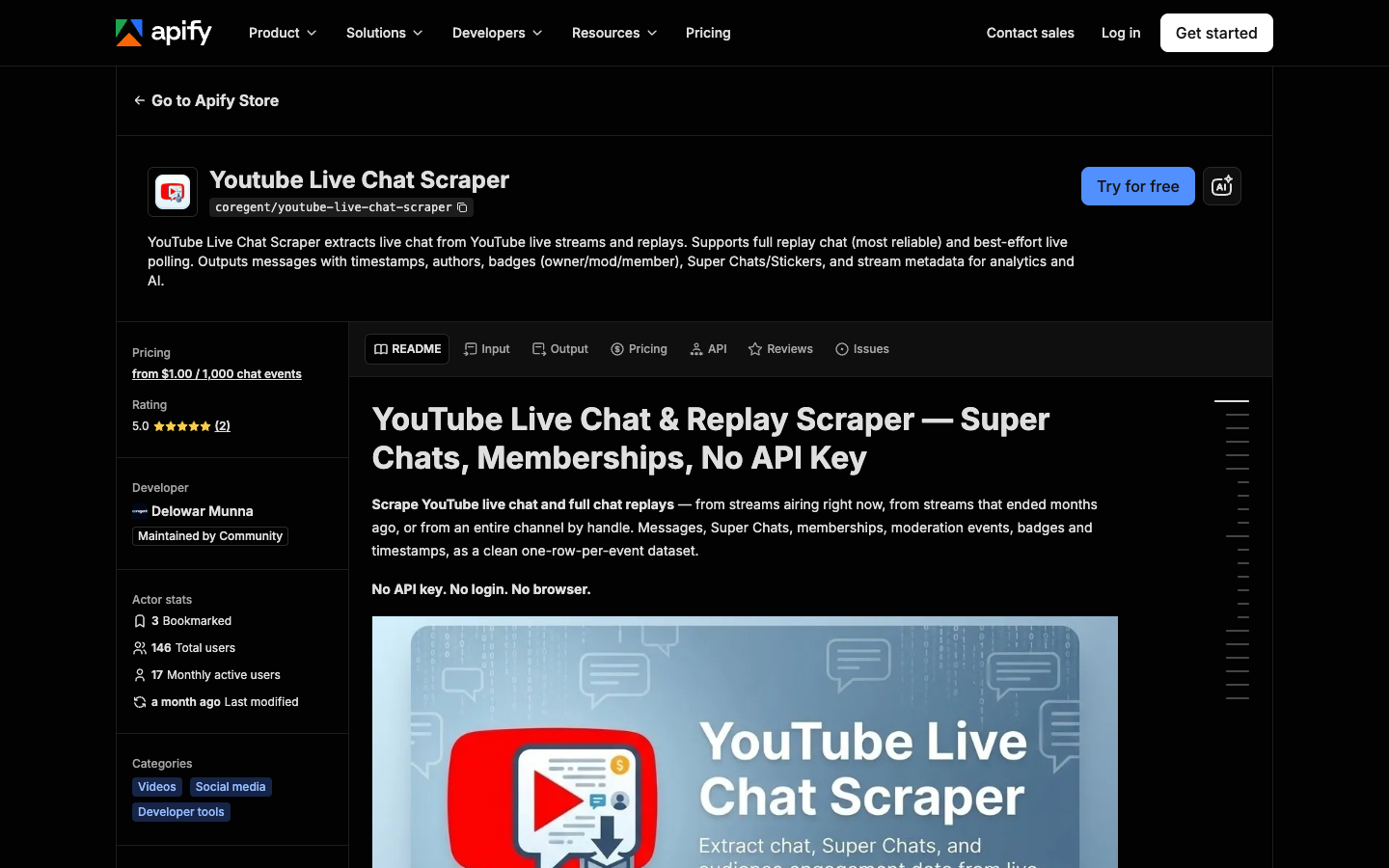
Apify's YouTube Live Chat Scraper positions itself around live streams and replays, including messages, timestamps, authors, badges, Super Chats/Stickers, and stream metadata. The page also distinguishes replay mode from live mode, with replay positioned as more complete and live as best-effort polling.
This route is strongest when:
- You need completed-stream chat history.
- Replay chat is available.
- Paid messages, badges, memberships, or moderation signals matter.
- You want an export-ready dataset without building the collector yourself.
The risk is assuming replay is guaranteed. It is not. If replay is disabled, the video is private, deleted, age-restricted, or otherwise unavailable, a scraper should mark the row as missing_replay or gated, not invent a result.
Route 4: Use open-source scripts when you can maintain them
Open-source projects are useful when your team wants control over the extraction logic. The ohn0/youtube-livechat-scraper GitHub project, for example, describes extraction from VOD live chat, including messages, Super Chats, memberships, gifted memberships, stickers, and raw JSON metadata.
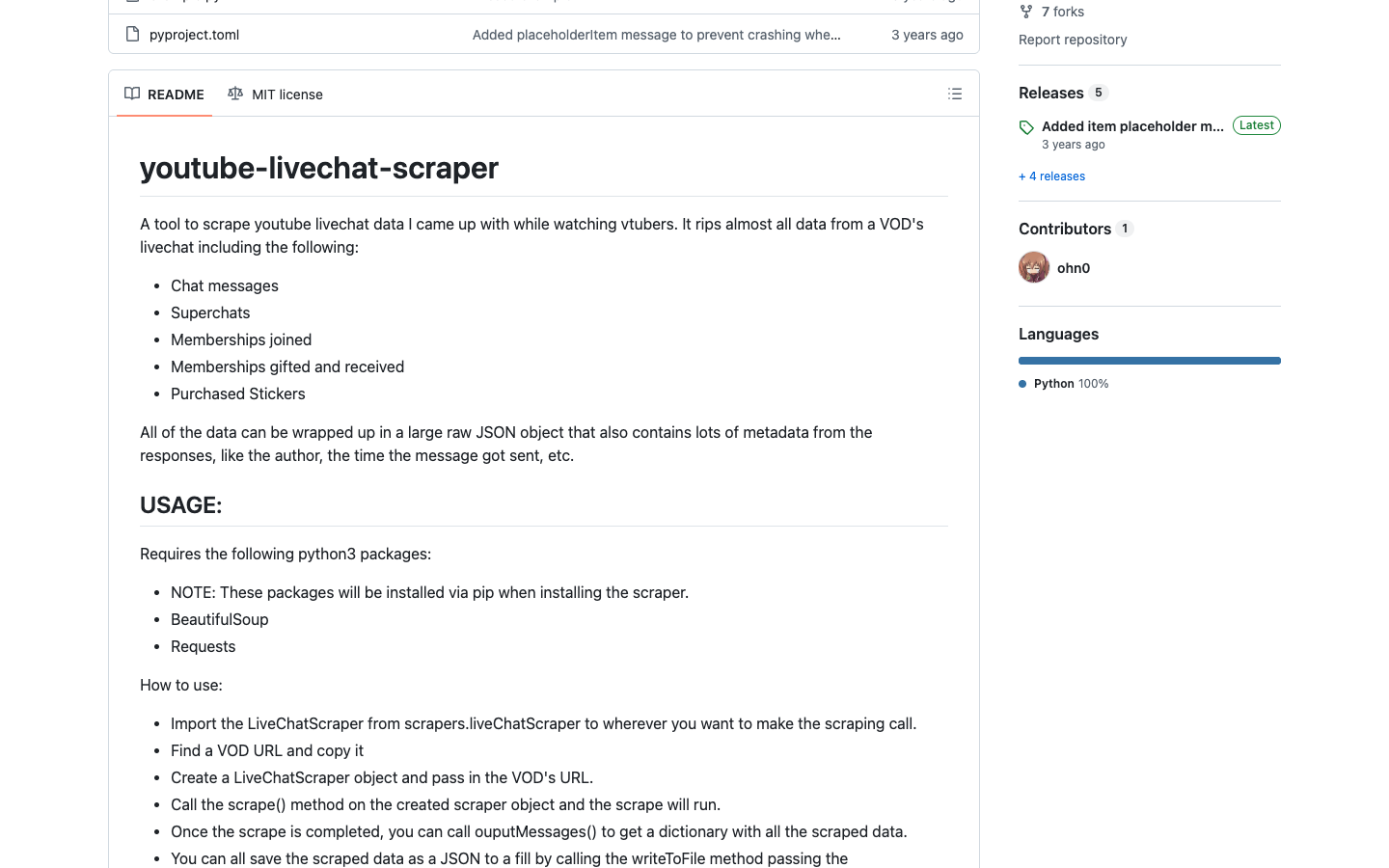
The upside is control. The downside is maintenance. YouTube page structures, replay behavior, request formats, and anti-abuse checks can change. If the script breaks during a live event, your backup plan matters more than your clever parser.
Use open source when:
- Engineering owns the pipeline.
- You need custom fields or storage.
- You can monitor failures.
- You accept maintenance as part of the cost.
Route 5: Use BrowserAct for custom, evidence-backed collection tests
BrowserAct is best when the research question is still changing or the analyst needs to validate a schema before engineering builds a permanent collector. Instead of starting with code, write the desired output and run a browser workflow against public or authorized visible pages.
This is especially useful for event teams that need different schemas by stream type: product launch, webinar, creator collaboration, gaming stream, education session, or sponsor activation.
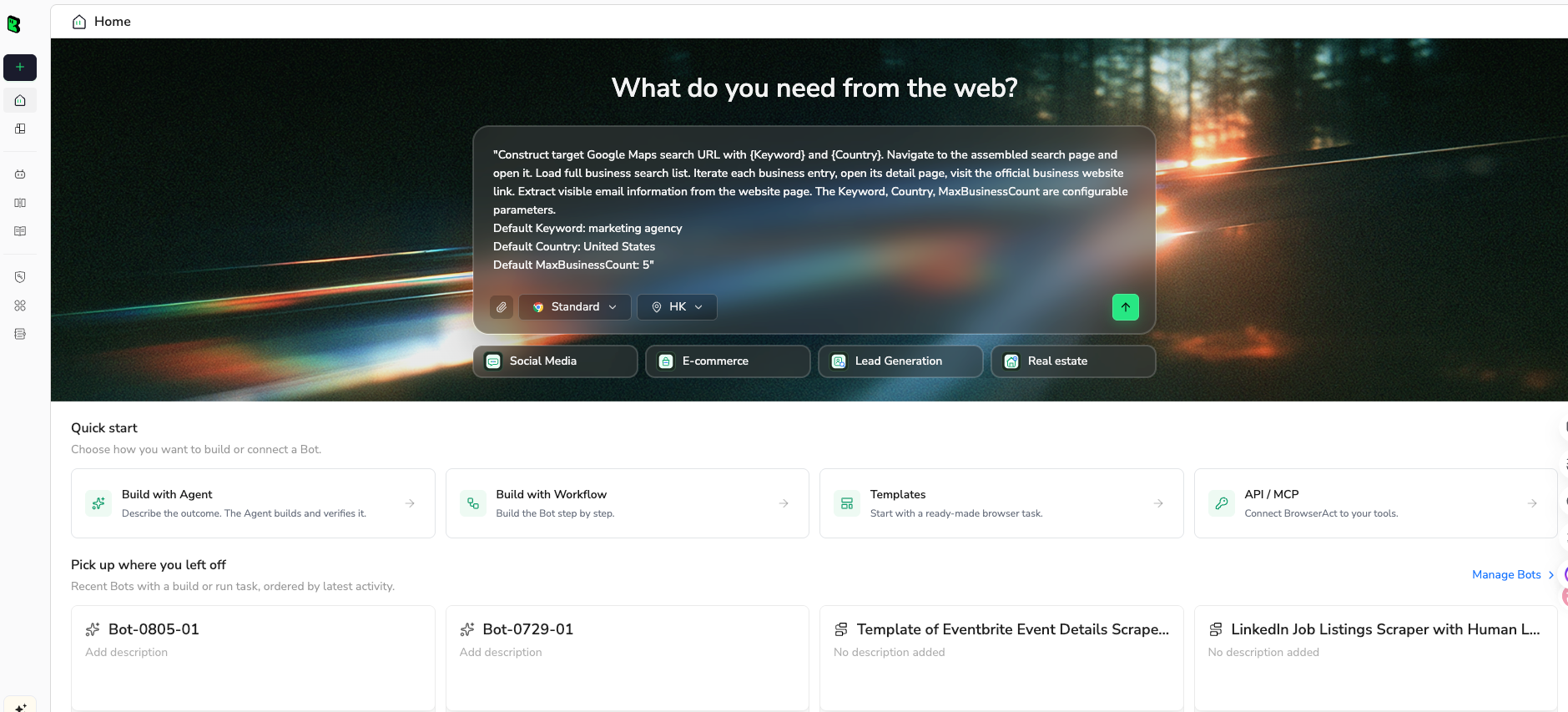
1. Open BrowserAct Dashboard
Click the left-side + button to create your own Bot, start from Quick start, or paste the prompt directly into the center Agent input to begin building.
2. Copy the complete prompt
Edit the stream URL, result limit, fields, and mode. Keep the safety rules intact.
Build a read-only YouTube live chat export dataset from public or authorized visible pages.

Target:
[PASTE ONE]
- an active YouTube livestream URL
- a completed livestream URL with live chat replay enabled
- a public premiere URL with visible chat or replay

Mode:
[active_live / replay / unknown]

Research question:
Export timestamped chat messages for [EVENT / LAUNCH / WEBINAR / CREATOR STREAM / SPONSOR SEGMENT].

Return up to 500 visible chat messages for the first test.

Fields:
- run_date
- stream_url
- stream_title
- chat_mode
- stream_relative_timestamp
- absolute_timestamp_if_visible
- author_display_if_visible
- author_channel_url_if_visible
- message_text
- message_type: standard, super_chat, membership, sticker, moderator_action, deleted_message_note, unclear
- badge_or_role_if_visible: owner, moderator, member, verified, sponsor, none, unclear
- amount_currency_if_visible
- source_position
- row_status: complete, partial, duplicate, gated, missing_replay, needs_review
- source_note

Rules:
1. Use only public or authorized visible data.
2. Do not log in unless I manually approve and complete the login step.
3. Stop and ask for manual help if YouTube shows login, CAPTCHA, 2FA, age confirmation, payment, private access, deleted video, disabled replay, or restricted access.
4. Do not post chat messages, delete messages, moderate users, subscribe, like, comment, report, or change account settings.
5. Deduplicate by stream_url + stream_relative_timestamp + author_display_if_visible + message_text.
6. Do not invent timestamps, authors, roles, Super Chat amounts, badges, or missing messages.
7. If replay is unavailable, return a one-row status report instead of fake chat data.

Output:
- CSV-ready chat ledger
- 5-bullet summary of the strongest audience moments
- list of capture gaps or rows needing manual review
Scrape data from any website.
Describe the data you need. Get a Bot — a reliable, reusable scraper.
Prompt preview: collect public YouTube live chat messages, preserve stream timestamps, flag replay limits, and export a research-ready chat ledger. Private session · Choose your region before you run
Get your Bot — Free3. Handle login only when asked
If YouTube shows login, CAPTCHA, 2FA, age confirmation, payment, private access, a deleted video, or disabled replay, BrowserAct should pause. Complete that step manually only when the account and target are authorized. The workflow should remain read-only: no posting, deleting, moderation, likes, subscriptions, reports, or account changes.
4. Review, dedupe, and export
Review the first run before saving it. A good export is not just "messages." It is a timestamped ledger with capture limits and row status.
run_date | stream_url | chat_mode | stream_relative_timestamp | author_display_if_visible | message_text | message_type | row_status |
2026-08-27 | stream-url-1 | replay | 00:12:44 | Viewer A | "Can you show the pricing slide again?" | standard | complete |
2026-08-27 | stream-url-1 | replay | 00:13:02 | Viewer B | "This feature fixes our reporting problem." | standard | complete |
2026-08-27 | stream-url-1 | replay | 00:13:09 | Member C | "$10.00 Great launch!" | super_chat | needs_review |
When the fields are stable, save the run as a BrowserAct Workflow. If event research needs to run after every webinar or launch stream, trigger the approved workflow with BrowserAct CLI and send the output into Sheets, a warehouse, or a reporting job.
How to use the exported live chat data
Event moment analysis
Map message volume and themes to stream moments: product reveal, pricing slide, guest segment, giveaway, outage, Q&A, or closing CTA. Live chat tells you when the audience reacted, not just what they said.
Sponsorship and creator reporting
Sponsor teams can review whether chat sentiment changed during a sponsor read, whether discount codes triggered questions, and whether paid messages or members reacted differently from general viewers.
Moderation research
Moderation teams can inspect spam bursts, repeated links, harassment patterns, or confusing moments that caused the chat to derail. Keep moderation action fields separate from normal messages when visible.
Product and customer research
For product launches, live chat can surface objections before they become support tickets: pricing confusion, missing features, integration questions, or competitor comparisons.
Pro Tip: Do not summarize all live chat into one sentiment number. Segment by stream moment. The first 10 minutes, demo section, Q&A, and giveaway segment often behave like different audiences.
Tool selection guide
If your job is... | Best route |
Low-latency live message ingestion with engineering support | YouTube Live Streaming API |
Simple active livestream export to CSV/XLSX | Live chat downloader tool |
Completed stream replay analysis | Replay-focused scraper/downloader |
Full control and custom storage | Open-source scraper maintained by your team |
Custom public-data workflow and schema validation | BrowserAct Agent → Workflow |
Scheduled event research in a controlled stack | BrowserAct CLI |
Conclusion
A YouTube live chat scraper should give you a timestamped record of what happened during the stream. That means active/replay mode, source URL, stream-relative time, author signal, message text, roles, paid-message context when visible, and row status.
Start with the dataset definition. Then pick the route. Use the official API for low-latency engineering workflows, export tools for simple CSV jobs, replay scrapers for completed streams, and BrowserAct when the team needs to test a custom public-data workflow before turning it into a repeatable pipeline.
Further reading: YouTube data collection
Frequently Asked Questions
What is a YouTube live chat scraper?
It is a tool or workflow that exports live or replay chat messages from YouTube streams into a timestamped dataset for research or analysis.
Can I export YouTube live chat after a stream ends?
Sometimes. You need live chat replay to be available; if replay is disabled, private, deleted, or restricted, the workflow should report that instead of inventing rows.
Is YouTube live chat the same as YouTube comments?
No. Live chat is a chronological stream timeline; comments are threaded feedback under the video after publishing.
What fields should I export from YouTube live chat?
Export stream URL, timestamp, author signal, message text, message type, role or badge if visible, paid-message fields if visible, row status, and source notes.
Should I use the YouTube Live Streaming API or a scraper?
Use the API for low-latency live ingestion with engineering support; use a scraper or downloader for one-off exports, replay research, or custom browser-visible datasets.
Can BrowserAct scrape YouTube live chat?
BrowserAct can test public or authorized visible live/replay chat collection workflows and export structured rows, but it should stop at login, CAPTCHA, private, deleted, or restricted access.


