Clipboard Health Expansion: Services and New Jersey Program

Clipboard’s published services now span six categories, including long-term care, hospitals, dental and home health. Its September 22, 2026 New Jersey announcement describes a CNA training partnership supporting 24 students. That program is a specific expansion-related milestone, but it does not establish when Clipboard first entered the state.
Verified October 7, 2026. Current service categories and a dated New Jersey CNA training partnership; bounded response to the incomplete expansion query.
Which services does Clipboard list?
The official homepage lists Long-Term Care, Hospitals, Dental, Home Health & Hospice, Infusion Nursing and Travel. These are service categories, rather than six office locations or six newly launched markets.
The homepage list does not supply launch dates or confirm availability in every city. Keep category coverage separate from geographic availability when comparing company expansion.
| Service category | Geographic detail in this source |
|---|---|
| Long-Term Care | Not specified in the homepage category list |
| Hospitals | Not specified in the homepage category list |
| Dental | Not specified in the homepage category list |
| Home Health & Hospice | Not specified in the homepage category list |
| Infusion Nursing | Not specified in the homepage category list |
| Travel | Not specified in the homepage category list |
The New Jersey CNA training partnership
The September 22 company announcement describes a partnership with the New Jersey Community College Consortium for Workforce and Economic Development. It supports tuition, materials and exam fees for 24 students.
Essex County College, Mercer County Community College and Rowan College of South Jersey are named participants. The stated training pathway takes two to three months, with work eligibility dependent on passing certification.
Program capacity is different from completed outcomes
The announcement describes support and a conditional pathway. It does not establish that all 24 students have graduated, passed certification or been hired. Those would be later outcomes requiring their own evidence.
It also does not say this was Clipboard’s first operation in New Jersey. A training collaboration can expand access within an existing market without marking first market entry.
Reading the service image and downloadable data
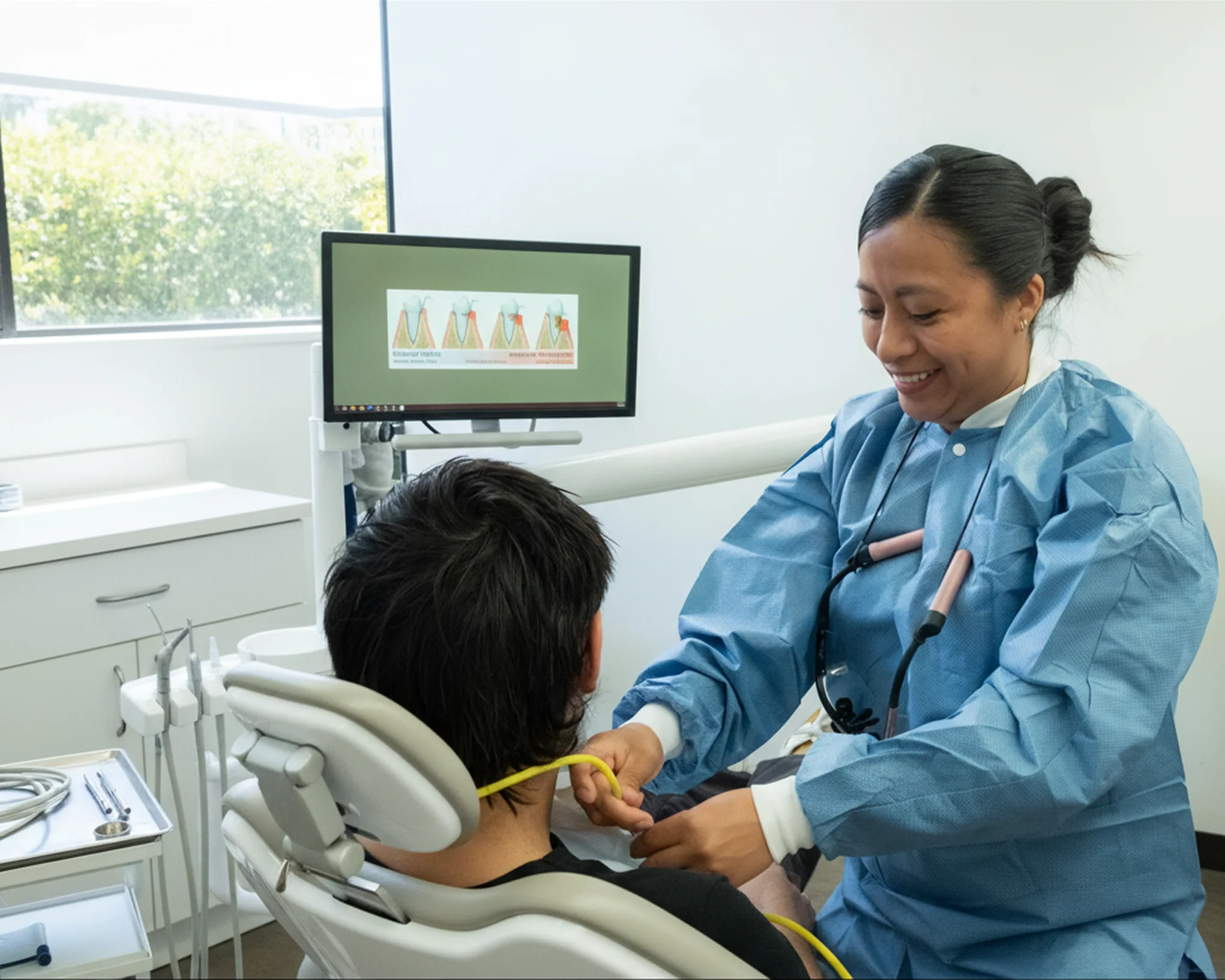
The image below comes from Clipboard’s dental-services page. It illustrates a service category; it is not a photograph of the New Jersey students or proof of a company office.
The workbook separates current service categories, the dated training milestone and the three participating colleges. That structure lets a future update add verified completions or market-launch dates without changing what the original announcement actually said.
Download the Clipboardhealth Expansion research spreadsheet
Current service categories and a dated New Jersey CNA training partnership; bounded response to the incomplete expansion query. The worksheets retain source URLs, source dates, verification dates and specific evidence gaps. Blank amounts, dates or addresses mean the reviewed source did not establish them.
Download Clipboardhealth Expansion research Excel
Update Clipboardhealth Expansion research with BrowserAct
Start a custom Bot with the official sources below. Keep each fact connected to its source and date, then review the structured output before adding it to your company-research file.
Use Agent Built for a custom source and field list. A relevant BrowserAct template can provide a starting point when its target and output match your task. The cloud Bot is the main workflow here; CLI access is optional for developers connecting their own Agent.
- 1Open BrowserAct Dashboard
Click the left-side + to create a Bot, choose Build with Agent or an available Quick start entry, or paste your request into the center Agent input.
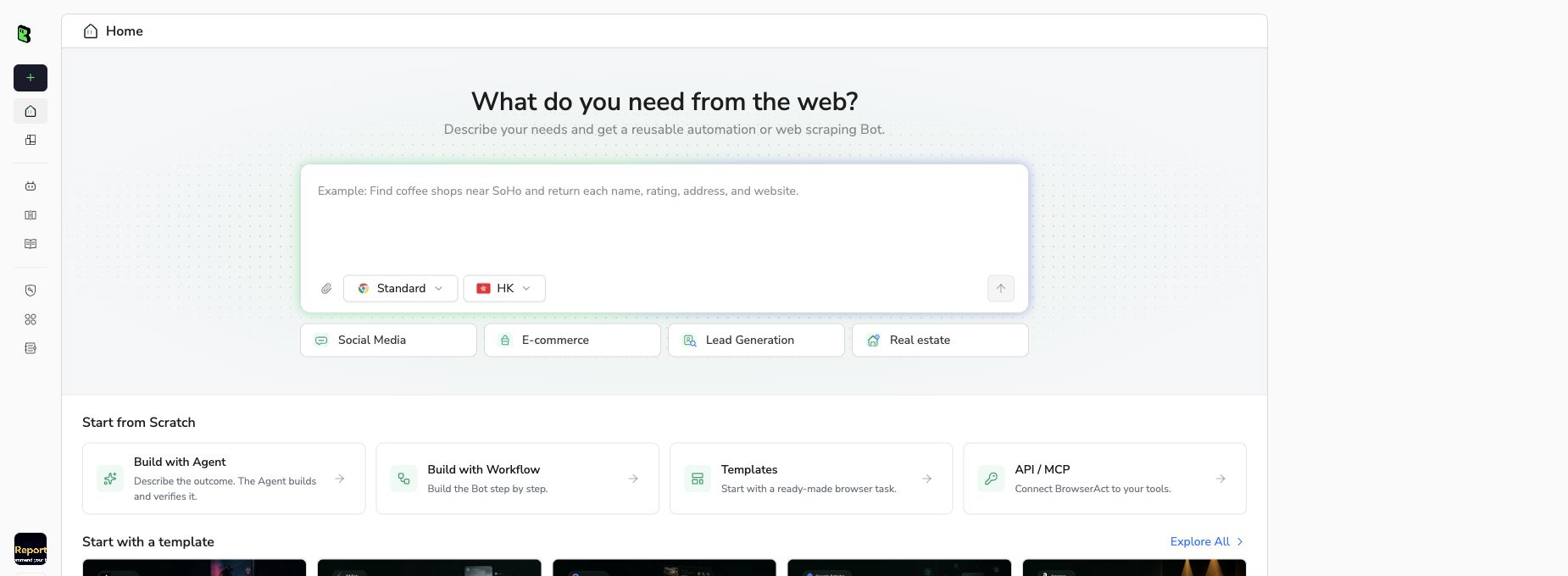
BrowserAct Bot creation screen, captured September 10, 2026. Interface labels may change.
- 2Copy the complete prompt
Review the exact target, result limit, and fields before running the Bot.
Scrape data from any website.
Describe the data you need. Get a Bot — a reliable, reusable scraper.
- 3Handle login only when asked
If the site requests login, CAPTCHA, 2FA or account confirmation, pause and complete the required step manually. Do not bypass restricted access.
- 4Review, dedupe, and export
Compare each row with its source, remove duplicates, and keep missing fields blank. Export CSV or JSON, then open the data in Excel or Google Sheets. Review changes before replacing your previous snapshot.
FAQ
What services does Clipboard list?
Long-Term Care, Hospitals, Dental, Home Health & Hospice, Infusion Nursing and Travel.
What happened in New Jersey in September 2026?
Clipboard announced a CNA accelerator partnership with the state’s community-college workforce consortium.
How many students does the program support?
The announcement describes support for 24 students.
Have all 24 students graduated or been hired?
Those outcomes are not established by the announcement.
Does this prove Clipboard first entered New Jersey then?
No. A training partnership is not evidence of first market entry.
Are all services available everywhere?
The homepage categories do not establish local eligibility or availability in every city.


