YouTube Channel Scraper: Export Videos, Stats, Descriptions and Metadata

A YouTube channel scraper is useful when you need the channel’s actual publishing record, not just its subscriber count. The data people usually want is video title, URL, publish date, view count, duration, description, thumbnail, Shorts/video type, transcript availability, and source status in a CSV or Google Sheets-ready table. That is the search intent behind YouTube channel scraper, scrape YouTube channel videos, and YouTube video data scraper. The user is not asking for a generic “YouTube s
-
1A
YouTube channel scrapershould export video-level rows: URL, title, publish date, views, duration, description, thumbnail, channel name, and row status. - 2The official YouTube Data API route usually requires multiple steps: channel details, uploads playlist, playlist items, then video details/statistics.
- 3BrowserAct fits teams that want a no-code, prompt-first channel export with custom fields, screenshots, human review, and CSV/Sheets-ready output.
- 4Actor/API tools such as Apify or scraper apps can be faster when their default fields already match your workflow.
- 5Do not mix this topic with competitor monitoring too early. First get the channel export schema right; monitoring is the next workflow layer.
What a YouTube channel scraper should return
The core output is one row per video. A useful channel scraper should not collapse the channel into a summary paragraph.
Field | Why it matters |
| Keeps the export tied to the channel or handle. |
| Helps merge multiple channel exports. |
| Primary dedupe key and source link. |
| Useful for API joins, BI, and databases. |
| Main content identifier. |
| Enables cadence and freshness analysis. |
| Separates Shorts, clips, webinars, and long-form videos. |
| Basic performance signal when visible or available. |
| Optional engagement fields when available. |
| SEO, topic, link, CTA, and messaging analysis. |
| Useful for creative audits and content libraries. |
|
|
| Marks complete, partial, unavailable, restricted, duplicate, or needs review. |
| Explains missing fields, pagination limits, or access boundaries. |
API route: channels.list, playlistItems.list, and videos.list
The official YouTube Data API is a good fit when you have API credentials, quota planning, and a developer workflow. It is also useful for understanding the real data model.
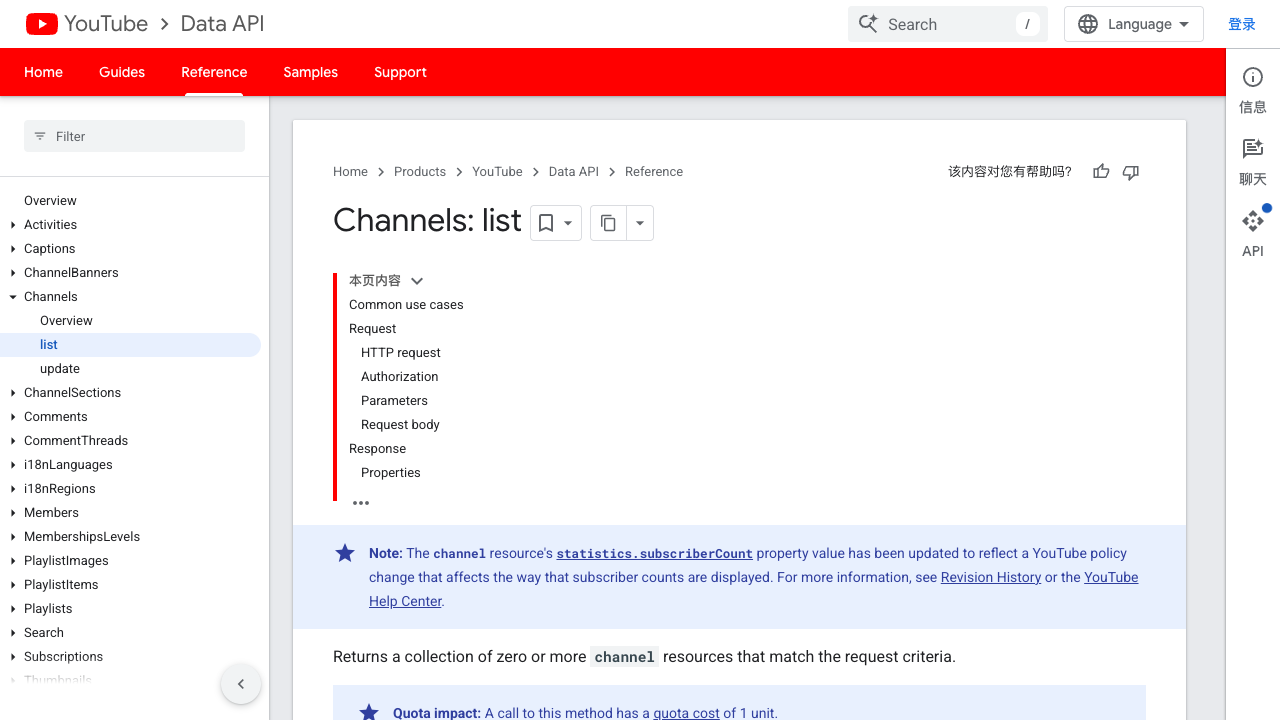
Google’s channels.list returns a collection of channel resources that match the request criteria. The page also shows channel parts such as statistics, contentDetails, and other resource sections.
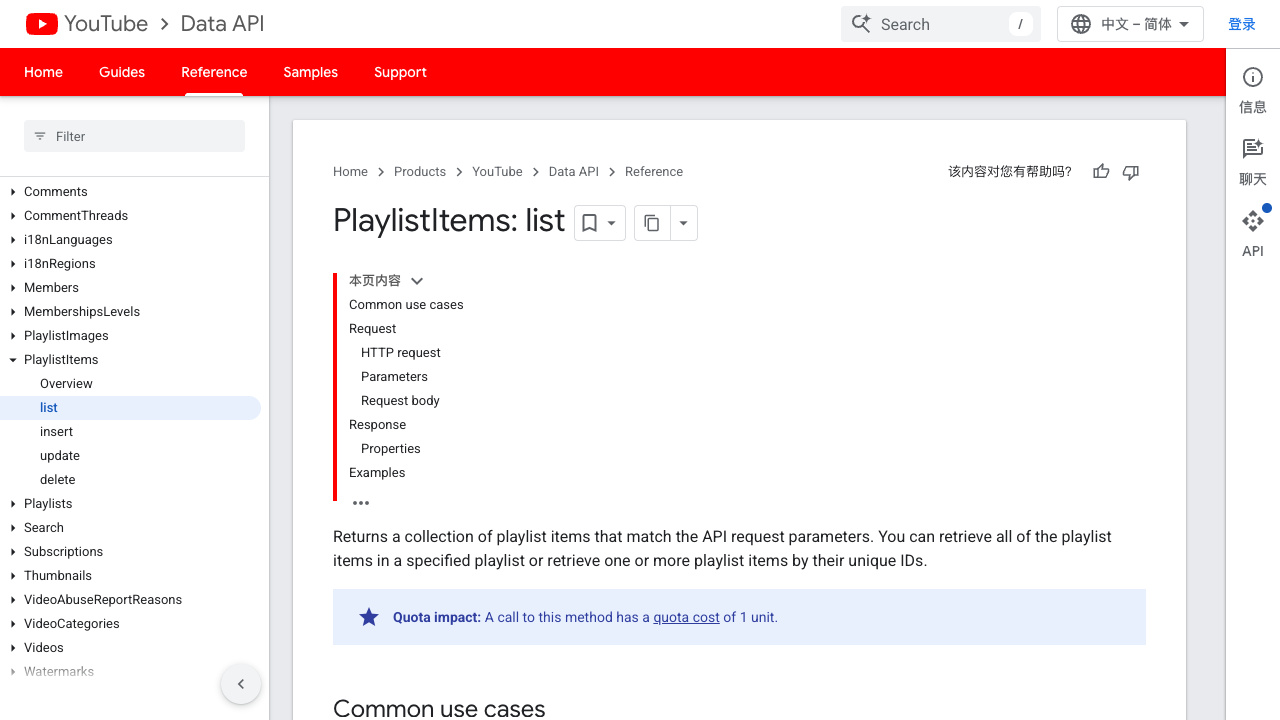
The next step is often the uploads playlist. Google’s playlistItems.list documentation includes samples that retrieve the uploads playlist ID from channels.list and then use playlistItems.list to retrieve videos uploaded to that channel.
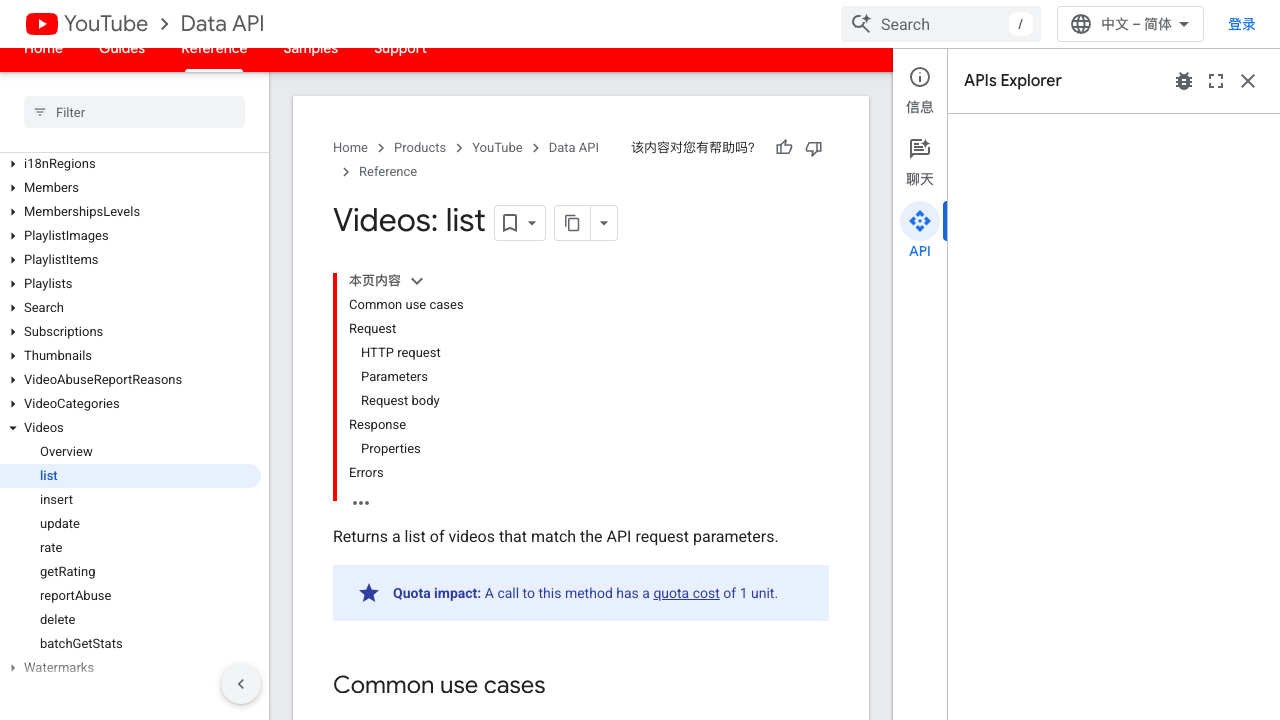
If you need view count, duration, or other per-video details, Google’s videos.list returns video resources that match API request parameters.
The API route is powerful, but it is not “one simple channel export” for most users. A practical version often looks like this:
Step | API method | Purpose |
1 |
| Get channel identity and uploads playlist ID. |
2 |
| Paginate through uploaded videos. |
3 |
| Retrieve video statistics, duration, status, and details by video ID. |
4 | Export | Join rows into CSV, Sheets, database, or BI table. |
No-code route: export channel videos with BrowserAct
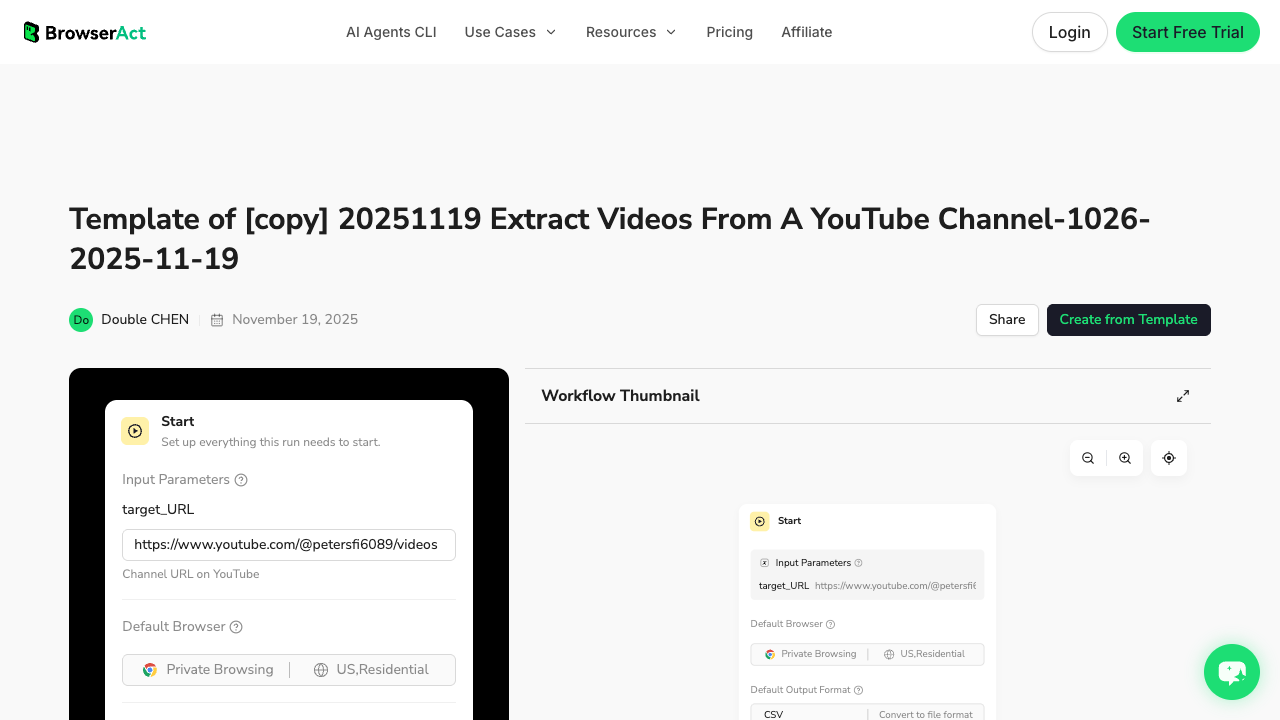
The BrowserAct Extract Videos From a YouTube Channel template is the main BrowserAct asset for this topic. Use it when you want a channel-to-table workflow before turning the process into monitoring or BI.
1. Open BrowserAct Dashboard
Click the left-side + button to create your own Bot, start from Quick start, or paste the prompt directly into the center Agent input to begin building.
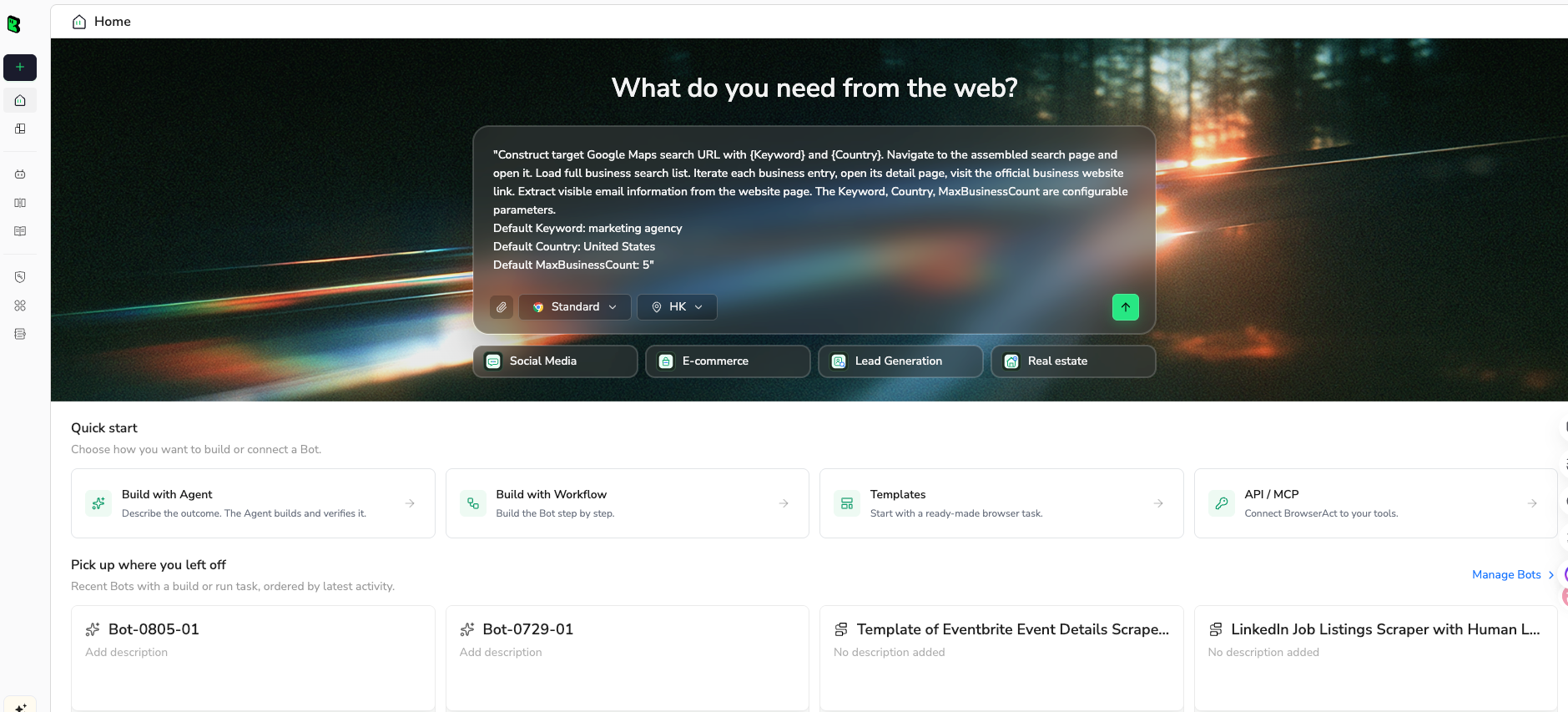
2. Copy the complete prompt
Use a small first run. Validate the rows, then expand the limit.
Export public video metadata from this YouTube channel:

Target channel URL:
https://www.youtube.com/@REPLACE_WITH_CHANNEL/videos

Return a CSV-ready table with these fields:
- source_channel_url
- channel_name
- video_url
- video_id
- video_title
- publish_date or visible age
- duration
- view_count if visible
- description or visible description snippet
- thumbnail_url if visible
- record_type: video, short, live, premiere, or unknown
- transcript_available if visible
- row_status
- source_note

Rules:
1. Use only public or authorized visible data.
2. Collect up to 100 videos for the first test.
3. Preserve the channel order if visible.
4. Deduplicate by video_url or video_id.
5. Mark missing fields as blank or partial; do not invent views, dates, descriptions, or IDs.
6. Stop and ask for manual help if the page requires login, CAPTCHA, 2FA, payment, membership approval, private access, or account confirmation.
7. Do not like, subscribe, comment, post, message, or change account settings.

Output:
- CSV-ready table
- short summary with total rows, partial rows, duplicate rows, and fields that were not visible
Scrape data from any website.
Describe the data you need. Get a Bot — a reliable, reusable scraper.
Prompt preview: export a YouTube channel's video list, titles, URLs, publish dates, views, descriptions, and row status into a CSV-ready table. Private session · Choose your region before you run
Get your Bot — Free3. Handle login only when asked
If a channel page, video page, or region-specific view asks for login, CAPTCHA, 2FA, membership confirmation, age confirmation, or restricted access, BrowserAct should pause for manual handling. A channel scraper should never automate likes, subscriptions, comments, messages, or account changes.
4. Review, dedupe, and export
Review the first export before using it for decisions. A clean channel export should make missing fields obvious.
source_channel_url | video_url | video_title | publish_date | view_count | duration | row_status |
youtube.com/@example/videos | youtube.com/watch?v=... | Product walkthrough | 2026-07-10 | 12450 | 08:31 | complete |
youtube.com/@example/videos | youtube.com/shorts/... | Launch teaser | 2026-07-15 | 7820 | 00:42 | partial |
youtube.com/@example/videos | unavailable row | needs_review |
Actor and scraper routes
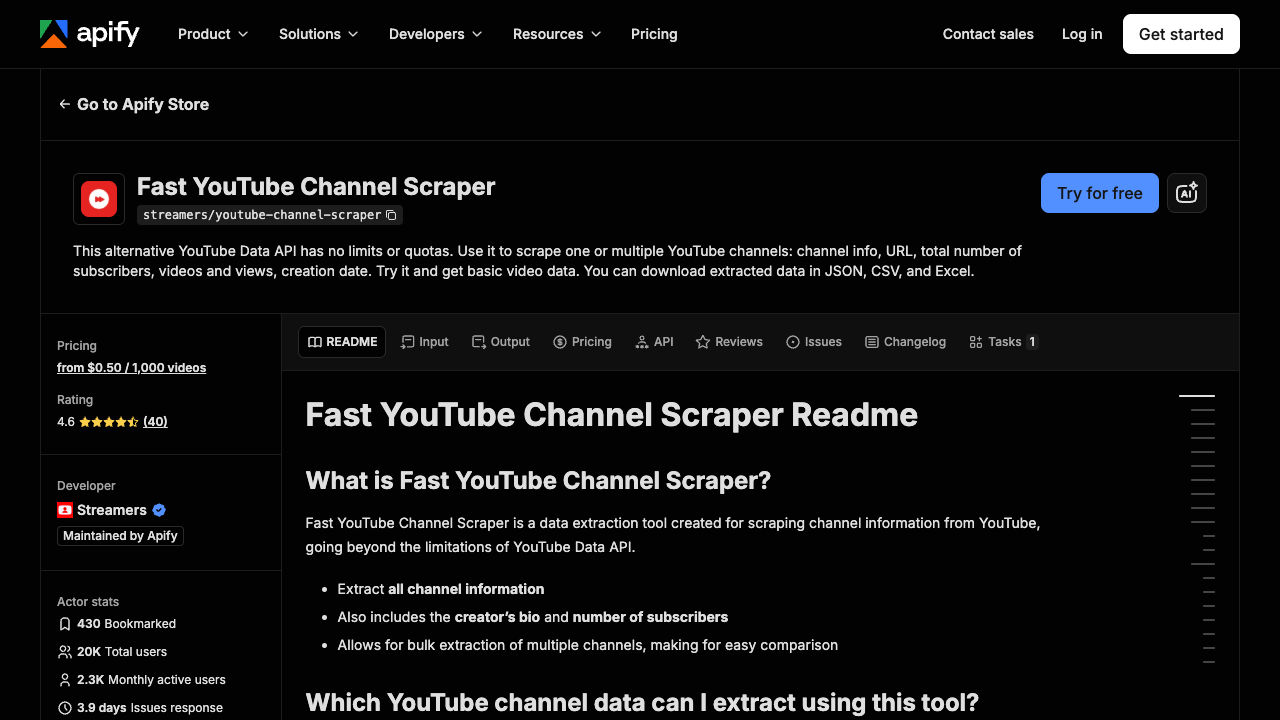
Apify’s Fast YouTube Channel Scraper is a useful marketplace example. The page lists fields such as channel URL, description, subscribers, views, videos, video title, video URL, date of posting, duration, thumbnail URL, and links in video description.
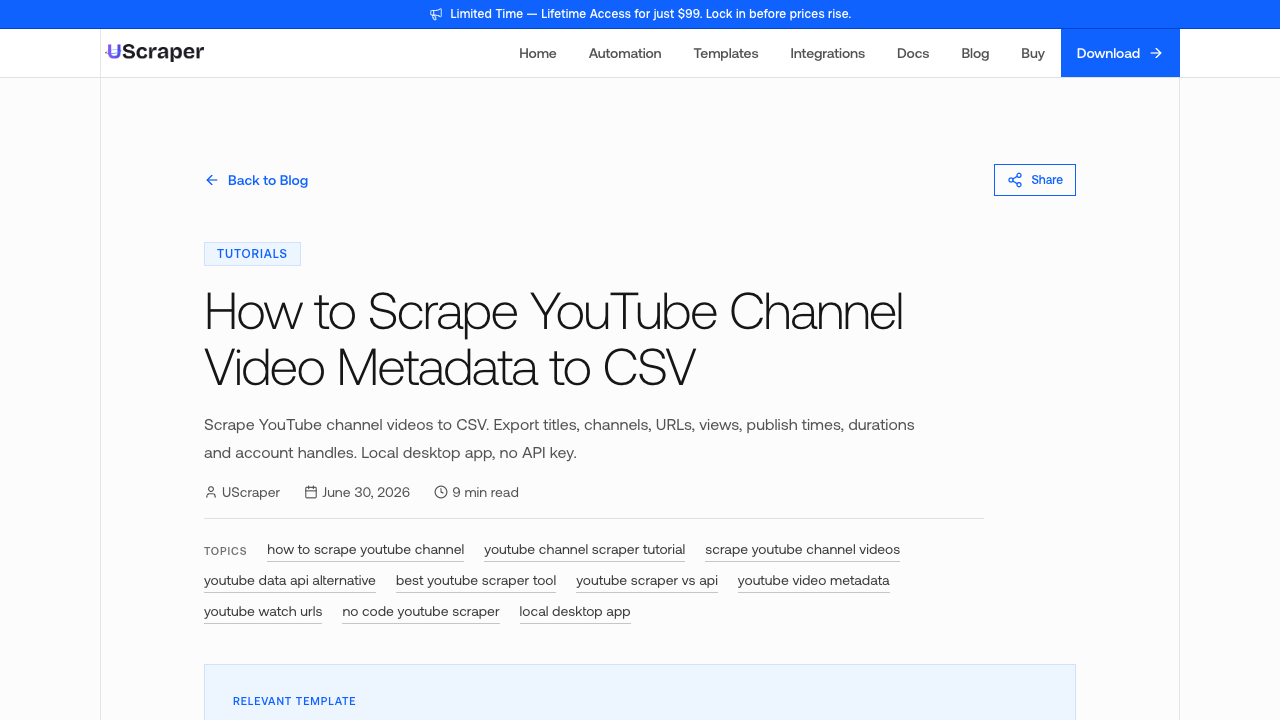
UScraper’s 2026 YouTube channel CSV tutorial focuses on exporting titles, channels, URLs, views, publish times, durations, and account handles.
ChannelCrawler’s channel videos API guide explains the native API path as uploads playlist plus playlistItems.list, with additional videos.list calls for performance data. That framing is useful even if you choose a no-code BrowserAct workflow because it shows why “get a channel’s videos” is often a multi-step job.
Use these routes when:
- you need a packaged actor or API endpoint;
- the default export fields match your needs;
- your team already works with JSON, webhooks, or scheduled runs;
- you need more volume than a manual browser workflow can comfortably review.
Use BrowserAct when the schema is still changing, the team needs screenshots and review, or the output must be tailored to a research workflow.
Common channel scraping mistakes
Mistake | Better approach |
Exporting only channel-level metrics | Export one row per video so cadence and content mix are visible. |
Ignoring Shorts/live/premiere types | Add |
Treating visible age as exact publish date | Record whether the date is exact, visible age, or missing. |
Dropping partial rows | Keep |
Combining channel scraping with competitor alerts too early | First build a trusted channel export; then add monitoring. |
Forgetting dedupe | Use |
What to do with the exported channel data
A good YouTube channel export can support several workflows:
- content cadence analysis;
- competitor upload tracking;
- creator or influencer research;
- title and description pattern mining;
- Shorts vs long-form mix analysis;
- product-launch and campaign tracking;
- SEO topic extraction from video titles/descriptions;
- video library cleanup;
- dashboarding in Sheets or BI tools;
- input queue for transcript or comment extraction.
This last point matters. A channel scraper often creates the input list for other workflows. Once you have video URLs, you can run comment exports, transcript extraction, sentiment analysis, or competitor monitoring without manually copying links.
Final recommendation
Use the official YouTube Data API when you have engineering support and want a supported API path. Use actors or scraper tools when their default channel export already matches your workflow.
Use BrowserAct when the job starts as a practical research request: “export this channel’s videos with the fields my team needs, keep source URLs and row status, and make the output reviewable.” Then convert the approved run into a BrowserAct Workflow or CLI-driven job.
The best YouTube channel scraper is not the one that returns the most fields. It is the one that gives you a clean, source-linked table you can actually use.
Further reading: YouTube data collection
Frequently Asked Questions
What is a YouTube channel scraper?
A YouTube channel scraper exports public channel and video metadata such as video titles, URLs, publish dates, views, durations, descriptions, thumbnails, and row status into a structured table.
Can I export all videos from a YouTube channel to CSV?
Yes. You can use the YouTube Data API, a scraper actor, a no-code scraper, or a BrowserAct workflow. The important part is preserving video URLs, publish order, and missing-field status.
What fields should I collect from a YouTube channel?
Start with channel URL, channel name, video URL, video ID, title, publish date, duration, views, description, thumbnail URL, record type, row status, and source note.
Can BrowserAct scrape YouTube channel videos without code?
BrowserAct can run a prompt-first browser workflow for public or authorized channel pages, collect visible video metadata, and export CSV-ready rows. It should stop on login, CAPTCHA, 2FA, payment, membership, private access, or restricted access.
Is the YouTube Data API better than scraping?
The API is better when you have credentials, quota planning, and engineering support. A no-code browser workflow is often better when an analyst needs a custom export quickly and wants to review visible fields.
How is a channel scraper different from a competitor tracker?
A channel scraper creates the dataset: videos, metadata, and source rows. A competitor tracker repeats the export over time and detects changes such as new uploads, cadence shifts, or performance changes.
Can I use channel exports for transcript or comment workflows?
Yes. A channel export is often the input queue for transcript extraction, comment scraping, sentiment analysis, or content research.


