Instagram Sentiment Analysis for Brand Monitoring: Comments, Followers, and Alerts

Instagram sentiment analysis is only useful when the underlying evidence is clean. A dashboard that says “negative sentiment increased” does not help a brand team unless it can point back to the comments, posts, Reels, hashtags, follower changes, and competitor events that caused the shift. That is why brand monitoring should start with a source-linked dataset, not with an AI label. The Instagram topic workbook captured this exact need: follower loss plus negative comments as a brand-risk signal
- 1Instagram sentiment analysis needs source-linked comments, timestamps, post URLs, account context, follower deltas, and review notes—not just positive/neutral/negative labels.
- 2The strongest brand-monitoring workflow tracks five signal groups: comment sentiment, follower changes, post/Reel reactions, hashtags/mentions, and competitor campaign evidence.
- 3Sentiment labels are fragile without human review. Sarcasm, emojis, multilingual comments, spam, giveaway comments, and crisis spikes all need context.
- 4BrowserAct fits the data-collection layer: Agent for first-pass browser testing, Workflow for recurring monitoring, and CLI for controlled scheduled runs.
- 5The safest workflow uses public or authorized data only and stops on login, CAPTCHA, 2FA, private accounts, DMs, hidden analytics, or restricted pages.
What Instagram brand monitoring should actually track
Most teams begin with the wrong question: “Can AI tell whether comments are positive or negative?” A better question is: “What evidence would make a brand, growth, or social team change what they do next week?”
Signal | Why it matters | Fields to collect |
Comment sentiment | Shows reaction to products, campaigns, pricing, creators, or controversy | comment text, commenter, post URL, timestamp, sentiment label, reason |
Follower change | Flags audience movement after launches, PR events, or creator partnerships | profile URL, follower count, collection date, delta, trigger note |
Post/Reel reaction | Connects sentiment to specific content formats and topics | caption, media type, likes/plays, comment count, hashtags, source URL |
Hashtag and mention activity | Shows campaign spread, competitor positioning, and emerging topics | hashtag, related posts, creator, topic cluster, engagement |
Competitor evidence | Helps benchmark messaging, offer, creator strategy, and audience reaction | competitor handle, post URL, visible metrics, comments, notes |
Evidence: sentiment tools focus on monitoring change over time
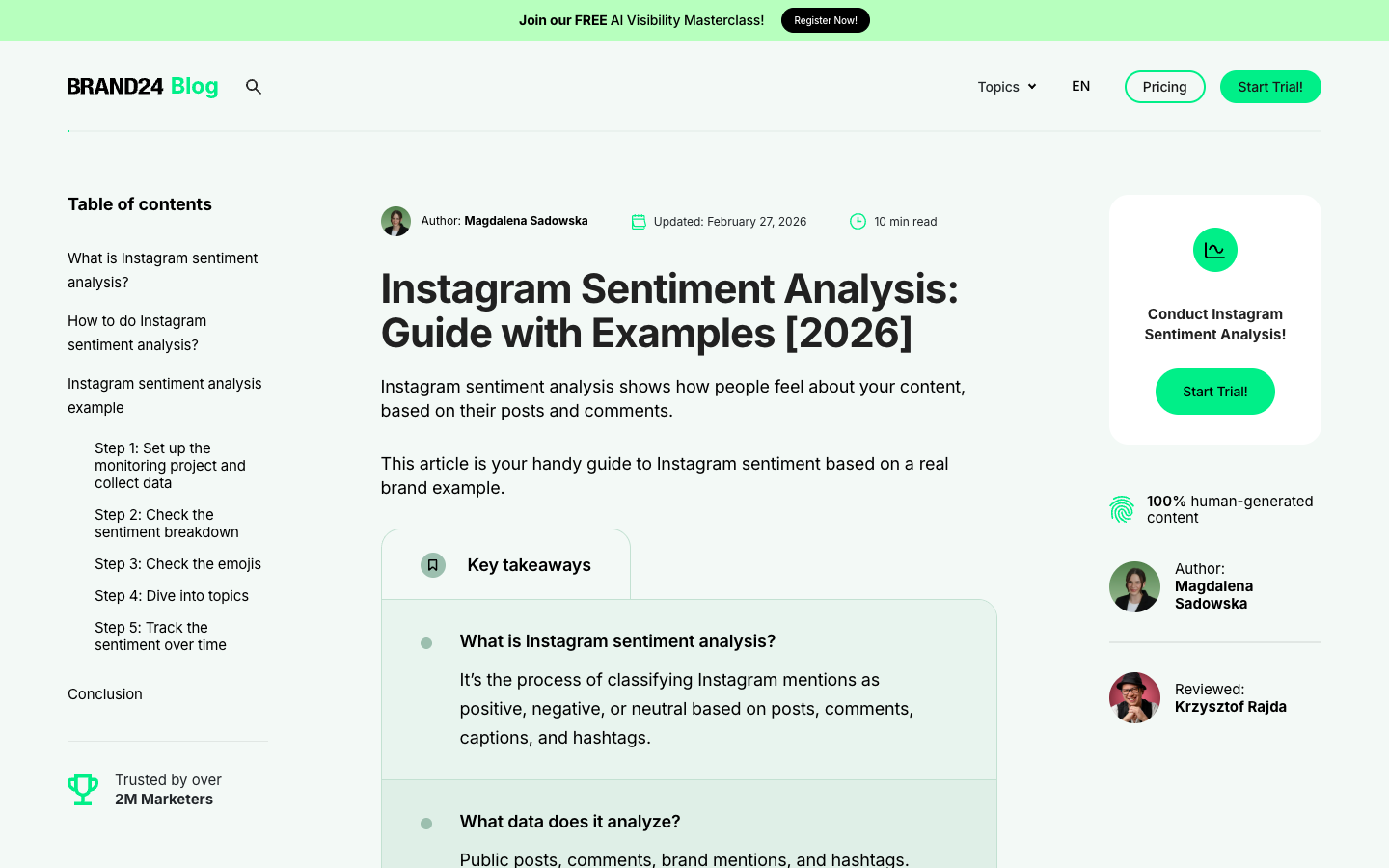
Brand24’s Instagram sentiment analysis guide frames the job around brand perception, campaign impact, topics, emojis, and sentiment trends over time. That is useful because sentiment is not a one-post metric. It becomes valuable when a team can compare this week against last week, campaign against baseline, and brand against competitors.
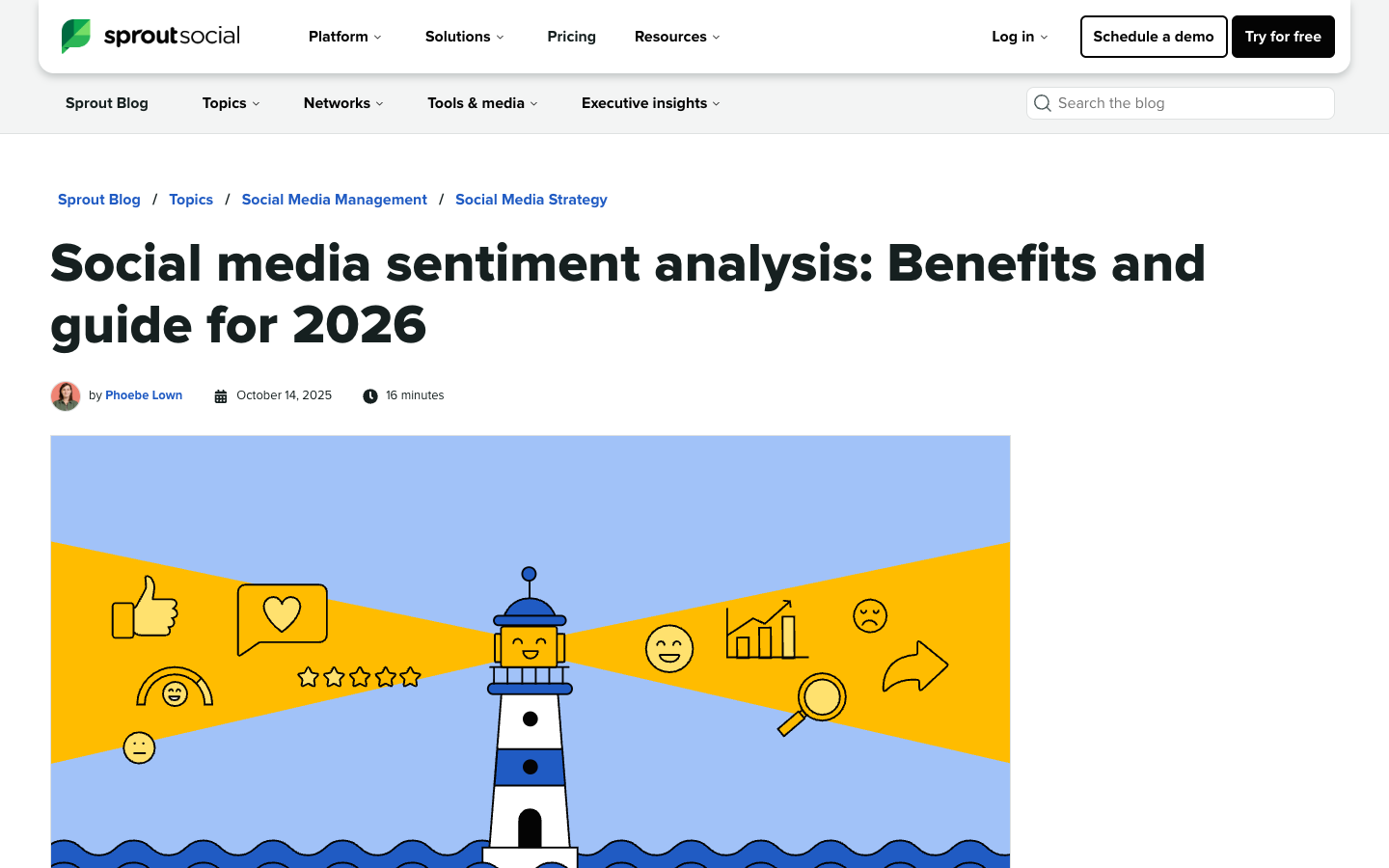
Sprout Social’s social media sentiment analysis guide expands the lens beyond one channel: brands monitor mentions, keywords, hashtags, competitors, and adjacent sites to understand perception. For Instagram, that means your comment dataset should not live alone. It needs campaign names, hashtags, competitor handles, and post context.
Pro Tip: Do not ask AI to summarize “Instagram sentiment” from raw comments alone. Ask it to summarize sentiment by post, campaign, product, topic, and competitor. That is how the insight becomes actionable.
Evidence: comment export is the data bottleneck
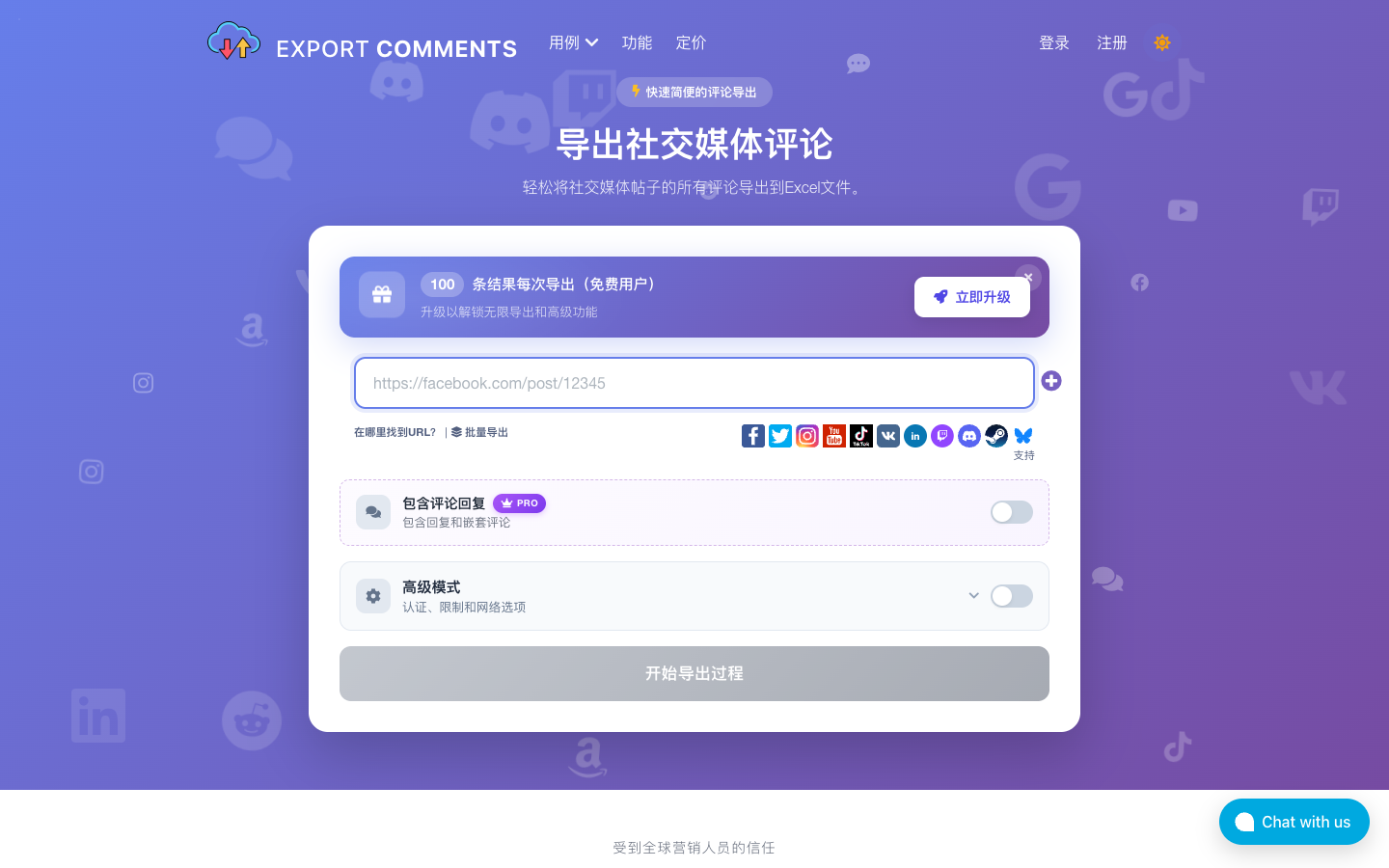
Tools like ExportComments exist because teams still need a practical way to move comments into Excel, CSV, JSON, or reports. Its page calls out common jobs: understanding what the audience thinks, backing up comments, analyzing timestamps, competitor research from public posts, and client reporting.
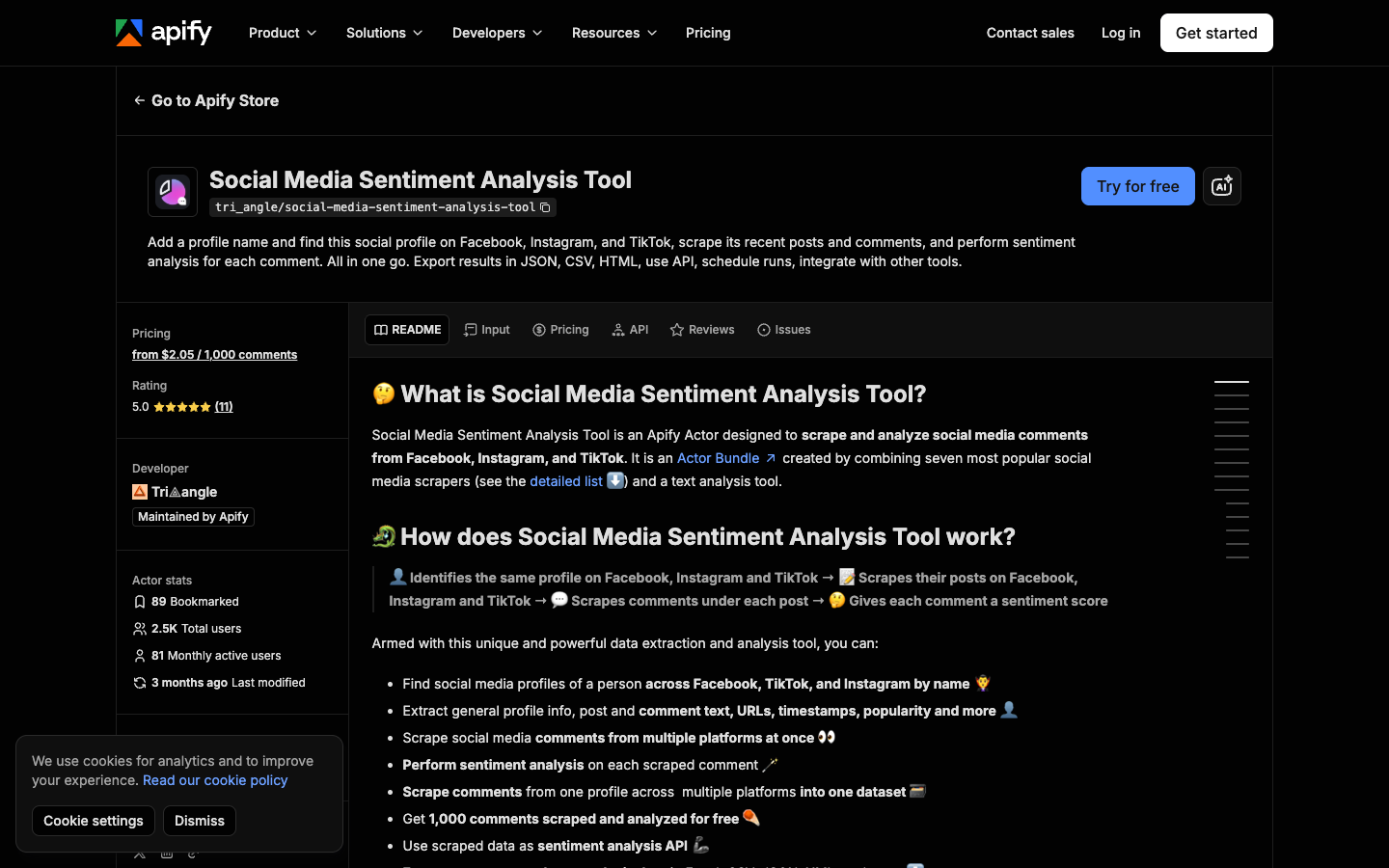
Apify’s Social Media Sentiment Analysis Tool shows the same market pattern in another form: add a social profile, scrape recent posts and comments, perform sentiment analysis, export results, schedule runs, and integrate with other tools. Whether a team uses Apify, BrowserAct, or an internal pipeline, the common workflow is collection → structure → sentiment → report.
The bottleneck is rarely the label. The bottleneck is collecting enough clean, source-linked rows to trust the label.
Evidence: monitoring needs alerts, not just reports
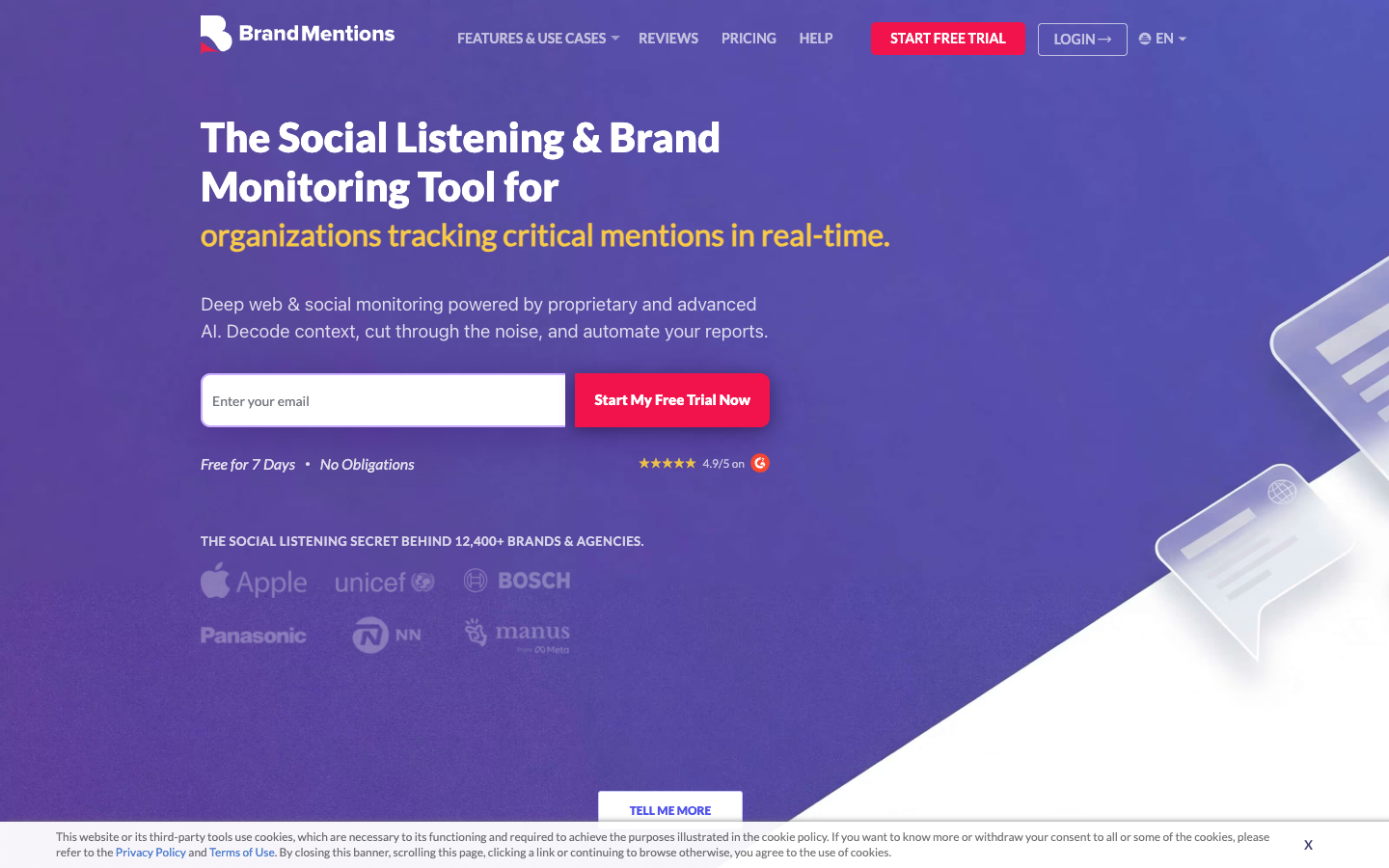
BrandMentions positions brand monitoring around social listening, sentiment, real-time notifications, and competitor tracking. That matters for Instagram because a brand-risk event is usually time-sensitive. A negative comment spike after a creator post, a sudden follower drop after a pricing announcement, or competitor comments around your product category should not wait for a monthly deck.
Pro Tip: Separate “reporting metrics” from “alert metrics.” Reports can tolerate cleanup. Alerts need conservative thresholds, source screenshots, and a human review step before anyone escalates.
The BrowserAct workflow for Instagram sentiment monitoring
BrowserAct should not replace the entire sentiment stack. It should own the browser-data layer: collecting public or authorized evidence in a repeatable, reviewable way before the rows go to a model, spreadsheet, BI tool, or customer-support process.
Use this sequence:
- Start with a small monitoring set: your brand account, 3 competitor accounts, 5 campaign hashtags, and 20 recent public posts or Reels.
- Use BrowserAct Agent to test whether the requested fields are visible in a real browser.
- Save the approved schema as BrowserAct Workflow: post URL, caption, visible timestamp, visible metrics, comment text, commenter, sentiment label, reason, row status, and screenshot note.
- Trigger the approved run with BrowserAct CLI when the same monitor should run weekly or after campaign launches.
- Send reviewed rows to Sheets, n8n, a warehouse, or a sentiment model.
The product fit is simple:
Need | BrowserAct mode | Why |
Test a new account, hashtag, or campaign target | Agent | Prompt-first browser run with human-readable instructions |
Repeat the same monitoring schema | Workflow | Stable fields, stop states, and review rules |
Run inside a scheduled reporting stack | CLI | Controlled execution, logs, and handoff to downstream tools |
Copy-ready monitoring prompt
Use this as a first pass, then adjust the accounts, hashtags, and limits:
Build an Instagram brand monitoring dataset from public or authorized pages.

Targets:
- brand account: [insert public Instagram profile URL]
- competitor accounts: [insert up to 3 public profile URLs]
- campaign hashtags: [insert up to 5 hashtag URLs or search terms]

Collect up to 50 visible public posts or Reels and up to 200 visible comments total.

Return a table with:
- target type: brand / competitor / hashtag
- profile or hashtag searched
- post or Reel URL
- caption summary
- visible timestamp if available
- visible likes, plays, or comment count if available
- comment text
- commenter username if visible
- sentiment label: positive / neutral / negative / unclear
- sentiment reason in one short phrase
- topic tag: product, pricing, campaign, creator, support, complaint, praise, spam, other
- row status: complete / partial / login required / restricted / rate limited / unavailable
- source URL

Deduplicate by post URL plus comment text.
Do not log in unless I manually approve it.
Stop on CAPTCHA, 2FA, private-account access, DMs, hidden analytics, payment, or restricted content.
Do not like, follow, comment, message, or change any account.
Export the final rows as a CSV-ready table.
This prompt does two important things. First, it asks for sentiment but still keeps the source evidence. Second, it asks for unclear and row status, which prevents AI from pretending every row is confidently classifiable.
How to turn rows into alerts
Once the source-linked dataset exists, use simple rules before building complicated AI scoring:
Alert | Trigger example | Human check before escalation |
Negative comment spike | Negative comments above baseline for 2 runs | Check if comments are spam, jokes, or repeated users |
Follower drop | Follower count drops after a campaign or PR event | Confirm collection date, profile visibility, and baseline |
Competitor campaign traction | Competitor post has unusually high comment rate | Read top comments and topic tags |
Product complaint cluster | Multiple comments mention shipping, price, bugs, or quality | Attach source URLs and screenshots |
Creator partnership reaction | Comments mention the creator or sponsorship negatively | Separate brand sentiment from creator sentiment |
Where Instagram sentiment analysis goes wrong
Bad sentiment workflows usually fail in predictable ways:
- They classify comments without post context.
- They treat emojis and sarcasm as obvious when they are not.
- They mix giveaway comments with real feedback.
- They compare a brand account against competitors with different audience sizes.
- They ignore missing rows caused by login walls, pagination, rate limits, or restricted content.
- They send AI summaries without source URLs.
This is why a BrowserAct Workflow should store row status and source URL. If a run only captured partial comments from one Reel, the sentiment summary should say that.
Data quality checks before you trust the sentiment score
Before a sentiment summary reaches a founder, client, PR team, or product lead, run a small quality check. It does not need to be complex; it needs to catch the obvious ways Instagram data lies.
Quality check | What to look for | Why it matters |
Duplicate comments | Same text repeated across rows | Giveaway spam can fake positive or neutral volume |
Missing context | Comment exists but post URL or caption is missing | Sentiment can flip depending on the post topic |
Partial collection | Row status says partial, login required, or rate limited | The sample may not represent the full comment thread |
Language mix | Multiple languages in the same post | One sentiment model may underperform by language |
Emoji-heavy comments | Emojis dominate text | Labels need human spot checks |
Competitor mismatch | Comparing accounts with very different audience sizes | Raw counts can exaggerate competitor momentum |
When to use existing social listening tools vs BrowserAct
You do not need to replace mature social listening platforms when they already cover your use case. Use them when you need broad mention coverage, dashboards, inbox workflows, and enterprise reporting.
Use BrowserAct when the bottleneck is a specific public Instagram workflow:
- You need source-linked comments from particular public posts or Reels.
- You need a custom competitor or hashtag schema.
- You want the first run to be created from a prompt instead of code.
- You need screenshots and stop states for auditability.
- You want the approved workflow to feed n8n, Sheets, a BI table, or a model.
For adjacent workflows, the Instagram comment scraper guide covers comment export fields, while the Instagram scraper n8n workflow shows how scraped rows can feed automated AI reports.
A practical weekly report schema
Keep the first version boring and useful:
Section | What to include |
Executive summary | Biggest positive and negative shifts, with source links |
Comment sentiment | sentiment split, top topics, representative comments |
Follower movement | current count, delta, possible trigger |
Campaign/hashtag watch | active hashtags, top posts, emerging objections |
Competitor watch | competitor posts with unusual reaction |
Action list | reply, escalate, content test, product feedback, ignore |
Safety and governance rules
Instagram monitoring can cross a line quickly if a workflow is not explicit. Keep the rules simple:
- Collect public or authorized data only.
- Stop on private accounts, DMs, hidden analytics, restricted pages, CAPTCHA, 2FA, payment, or unclear access.
- Do not automate posting, liking, following, messaging, or account changes.
- Store source URLs and collection dates.
- Review negative-alert rows before escalation.
- Avoid legal certainty claims; ask counsel for regulated, sensitive, or high-risk monitoring.
Final recommendation
If you only need a one-time export, a comment export tool may be enough. If you need broad social listening dashboards, a dedicated social listening suite may be the right purchase. If you need a custom Instagram monitoring workflow that starts from a prompt, runs in a browser, keeps source evidence, and can be repeated on a schedule, use BrowserAct as the collection layer.
Start with BrowserAct Agent, promote the working path to BrowserAct Workflow, and use BrowserAct CLI when the approved monitor belongs in your reporting pipeline.
Further reading: Instagram data collection
Frequently Asked Questions
What is Instagram sentiment analysis?
Instagram sentiment analysis is the process of classifying public or authorized Instagram comments, mentions, captions, and campaign reactions as positive, neutral, negative, or unclear while keeping the source context.
What should I collect for Instagram brand monitoring?
Collect post URLs, captions, visible timestamps, comments, commenter names when visible, follower counts, hashtags, visible engagement metrics, sentiment labels, reason notes, row status, and source URLs.
Can I use Instagram comments for brand sentiment?
Yes, but comments need context. Keep the post URL, campaign, product, creator, timestamp, and row status so a reviewer can understand why a comment was labeled positive or negative.
How often should I monitor Instagram sentiment?
Weekly is enough for many brands. Use daily or event-based monitoring around launches, campaigns, creator partnerships, controversies, pricing changes, or customer-support spikes.
Can BrowserAct do sentiment analysis by itself?
BrowserAct is strongest at collecting and structuring browser-visible evidence. You can include a simple sentiment label in the prompt, then send the reviewed rows to Sheets, n8n, a model, or a BI workflow for deeper analysis.
Is Instagram brand monitoring legal?
It depends on jurisdiction, data type, platform terms, and your use case. Keep the workflow to public or authorized data, stop on restricted access, and get legal review for regulated or high-risk monitoring.
Can I monitor private accounts or DMs?
No. This workflow should stop on private accounts, DMs, hidden analytics, CAPTCHA, 2FA, payment, restricted pages, or unclear access boundaries.


