YouTube Comment Scraper: Export Comments and Replies to CSV or Excel

A good YouTube comments scraper is not just a button that downloads text. It should answer the questions people actually have after export: which video did this comment come from, did replies load, was the comment disabled or hidden, can the row be traced back, and is the final file clean enough for Excel, Sheets, sentiment analysis, or customer research? That is the search intent behind YouTube comments scraper, export YouTube comments, and YouTube comment downloader. The YouTube topic workbook
-
1A useful
YouTube comments scraperexports more than comment text: source video URL, author, timestamp, likes, reply count, row status, and dedupe keys matter. - 2Replies are the main quality test. Decide whether you need top-level comments only, expanded replies, or a sampled thread export before choosing a tool.
- 3BrowserAct works best when the workflow needs source-linked rows, manual stop states, screenshots, and a prompt-first path that can later become a repeatable Workflow.
- 4The YouTube Data API is still the right option for sanctioned endpoint access, but comment/reply pagination and quota planning should be checked before building.
- 5CSV/Excel quality depends on boring details: newline cleanup, duplicate detection, disabled-comment markers, missing fields, and reviewer notes.
What should a YouTube comments export include?
The fastest way to judge a YouTube comment scraper is to look at the output schema. If the export only gives you a text column, it will break later when a marketer, analyst, or founder asks, “which video was this from?” or “did the tool miss replies?”
Field | Why it matters |
| Keeps every comment traceable |
| Makes multi-video exports readable in Excel |
| Helps dedupe comments and replies |
| Connects replies to the original comment |
| Useful for review, but avoid over-collecting identity data |
| Optional; use only if visible and relevant |
| The core text for analysis |
| Supports recency filtering |
| Helpful for ranking feedback |
| Shows whether a thread may need expansion |
| Complete, partial, disabled, restricted, duplicate, or needs review |
| Useful when a run needs human QA |
row_status even if your first run looks clean. The column earns its keep when a video has comments disabled, replies fail to expand, or a page asks for login.
API, actor, BrowserAct, or code: choose by the comment job
Route | Best fit | Strong at | Weak at |
Official YouTube Data API | Engineering-owned products and sanctioned endpoint workflows | IDs, endpoint contracts, documented parameters | Setup, quota planning, reply pagination, OAuth/API constraints |
BrowserAct comment workflow | Research teams that need visible comments, source URLs, review states, and CSV-ready output | Prompt-first collection, manual handoff, screenshots, flexible schema | Must stop on private/restricted/login/CAPTCHA states |
Ready-made actor/tool | Fast export from known video URLs | Packaged comment fields and export formats | Tool coverage and pricing vary; workflow may be narrow |
Custom code | Teams that own parsing, queues, retries, and storage | Full control | Maintenance, layout changes, on-call burden |
commentThreads.list documentation is the right source for the API path. It documents parameters such as part, videoId, maxResults, order, pageToken, and moderation-related filters. If your product must use sanctioned YouTube endpoints, start there.
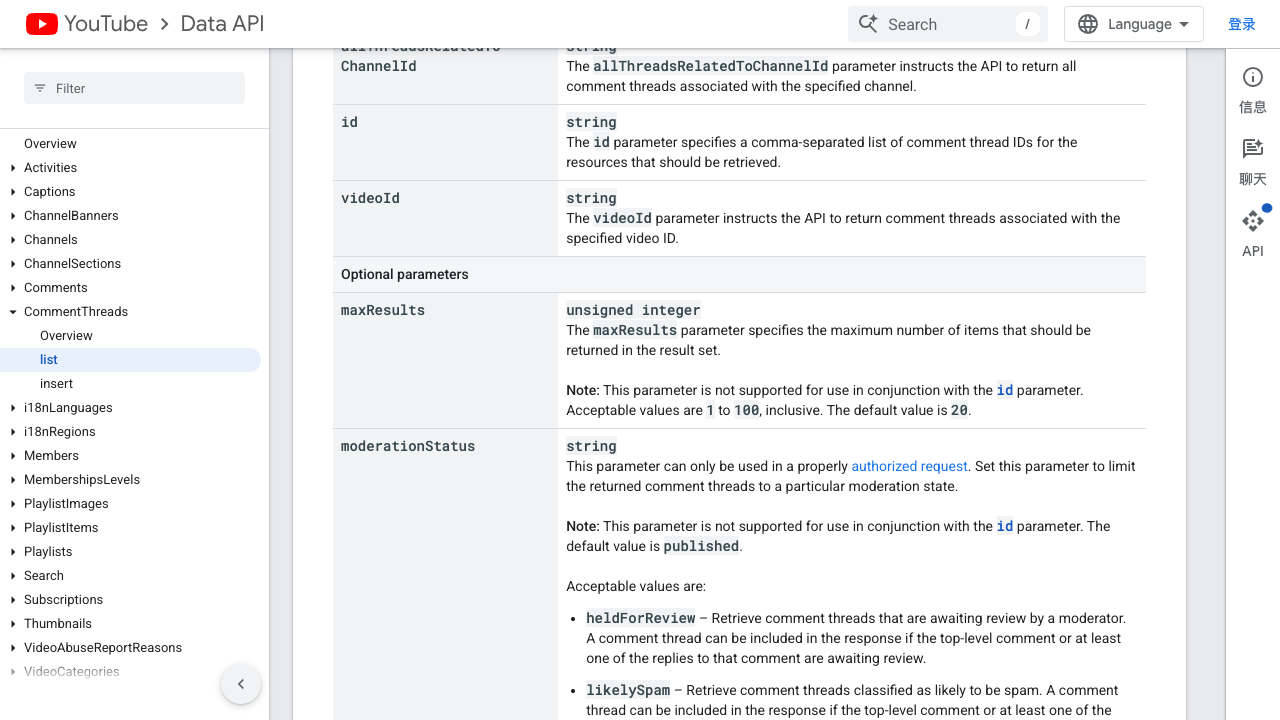
But not every comment export starts as an engineering project. If the immediate job is market research, launch feedback, competitor analysis, or voice-of-customer mining, a browser workflow can be faster to validate because it keeps the visible page state and the row schema together.
A BrowserAct workflow to scrape YouTube comments
Use this workflow when you have a list of public YouTube video URLs and want a reviewed comments table before deciding whether to automate it further.
1. Open BrowserAct Dashboard
Click the left-side + button to create your own Bot, start from Quick start, or paste the prompt directly into the center Agent input to begin building.
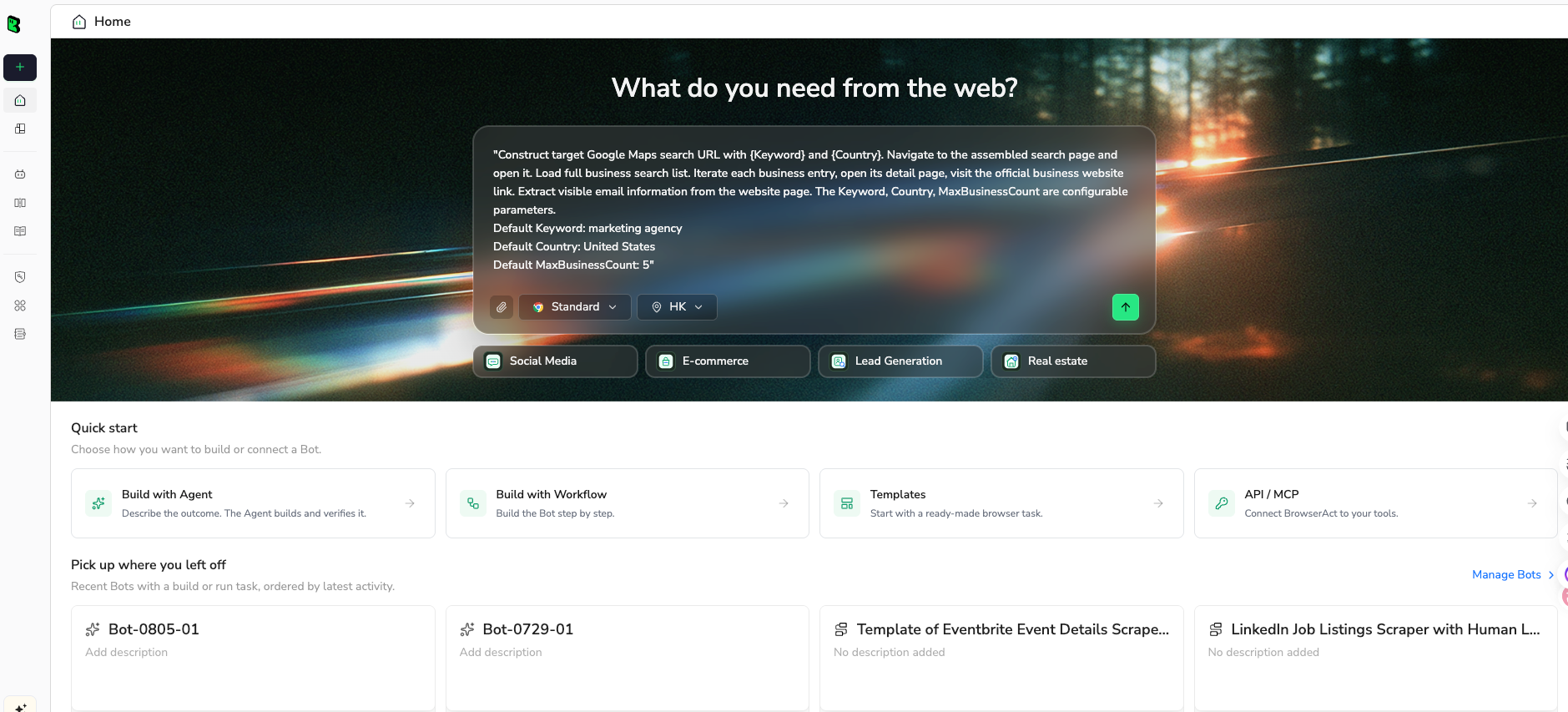
2. Copy the complete prompt
Keep the first run small: one to five video URLs and a 100-comment limit. Once the output looks right, expand the limit or save the path as a Workflow.
Collect visible YouTube comments and replies from the public video URLs below.

Targets:
- [paste YouTube video URL 1]
- [paste YouTube video URL 2]

Limit:
- collect up to 100 visible top-level comments per video
- expand replies when they are visible and practical, up to 30 replies per top-level comment

Return these fields:
- source_video_url
- video_title
- comment_text
- author_display_name
- author_url_if_visible
- published_or_visible_age
- like_count_if_visible
- reply_count_if_visible
- parent_comment_key
- row_type: top_level_comment or reply
- row_status: complete, partial, comments_disabled, restricted, duplicate, or needs_review
- screenshot_or_evidence_note

Rules:
- Use only public or already authorized visible data.
- Do not post, like, subscribe, reply, message, or change account settings.
- Stop and mark the row if login, CAPTCHA, 2FA, age restriction, payment, membership approval, private/unavailable video, or unclear access appears.
- Deduplicate by source_video_url + author_display_name + comment_text + visible timestamp.
- Clean line breaks so the final output is CSV/Excel ready.
- Return a table plus a short summary of videos processed, comments collected, replies collected, duplicate rows removed, and stop states.
Scrape data from any website.
Describe the data you need. Get a Bot — a reliable, reusable scraper.
Prompt preview: export visible YouTube comments and replies with source URLs, row status, dedupe keys, and CSV-ready fields. Private session · Choose your region before you run
Get your Bot — Free3. Handle login only when asked
If YouTube asks for login, CAPTCHA, 2FA, account confirmation, age verification, or membership access, BrowserAct should pause. Continue only when you are allowed to use that session for the research task. If access is private, paid, restricted, or unclear, mark the video or thread as restricted instead of forcing the export.
4. Review, dedupe, and export
Inspect the first table before exporting. Check whether replies are connected to parent comments, whether duplicate comments are removed, and whether disabled-comment videos are marked instead of silently missing.
Because I do not have a fresh logged-in BrowserAct export screenshot for this exact YouTube comment run, this article does not fake one. Use this expected output shape to verify your own run:
source_video_url | row_type | comment_text | author | visible_age | likes | row_status |
| top_level_comment |
| visible name | 2 weeks ago | 14 | complete |
| reply |
| visible name | 12 days ago | 2 | complete |
| video_state | comments_disabled |
Use the BrowserAct YouTube Comment Scraper template when URLs are ready
If you already have the video URLs, the BrowserAct YouTube Comment Scraper template is the fastest starting point. It gives you a reusable browser workflow pattern instead of asking you to invent the extraction steps from scratch.
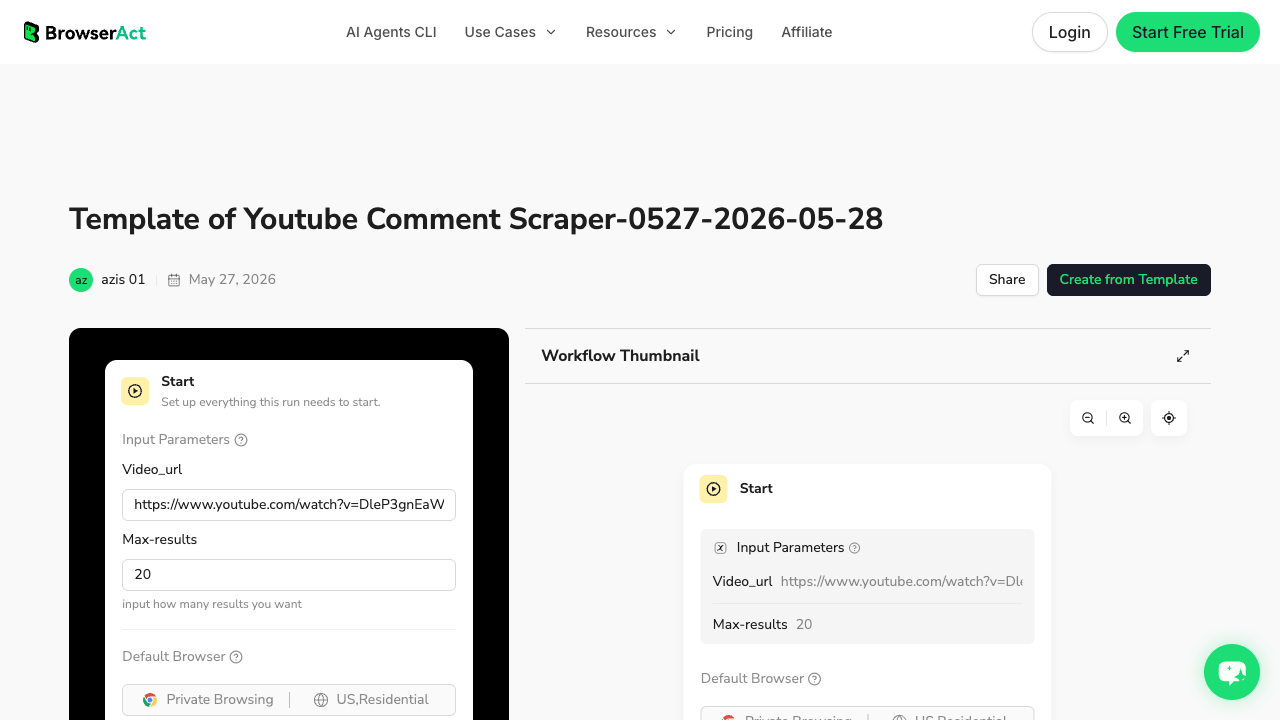
The template route is especially useful for:
- product launch videos where comments reveal objections;
- competitor videos where comments expose missing features;
- tutorial videos where comments contain support questions;
- creator research where replies show audience engagement quality;
- recurring review exports that later become BrowserAct Workflow or CLI jobs.
Compare popular comment-specific options
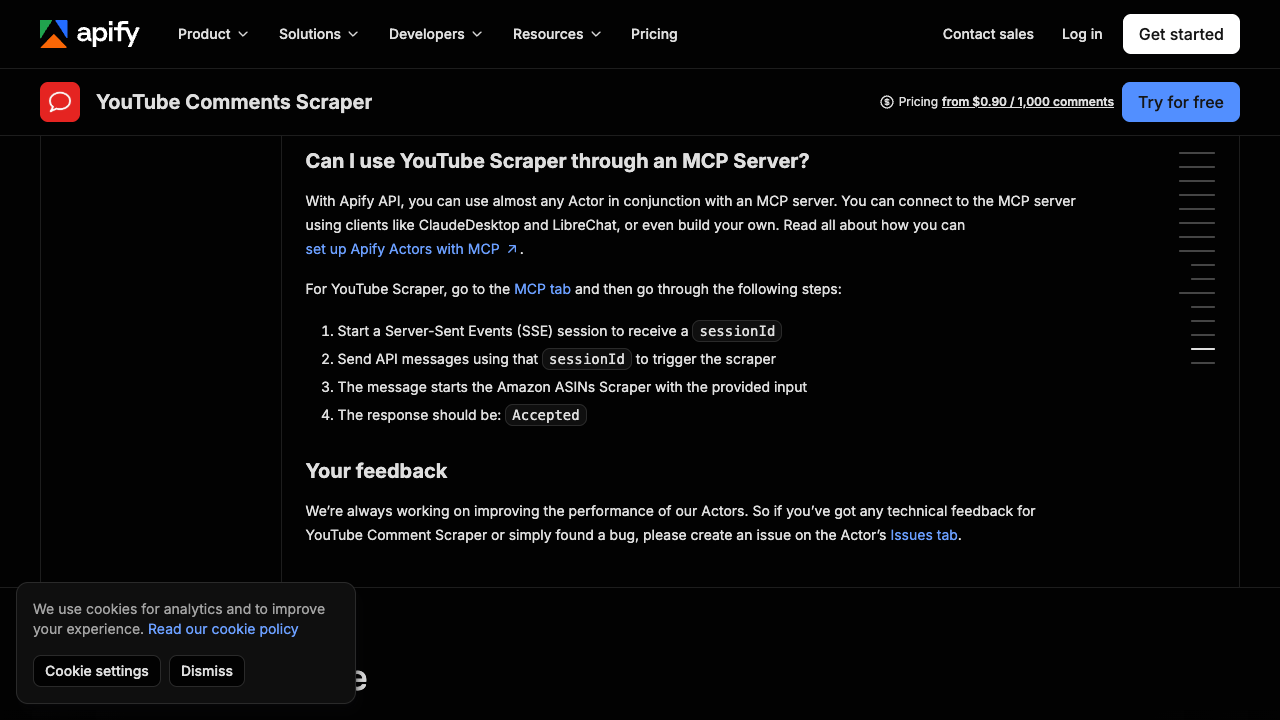
Apify’s YouTube Comments Scraper is a packaged actor route. Its page focuses on public comment extraction fields such as text, author, posting date, vote count, reply count, and total comment count.
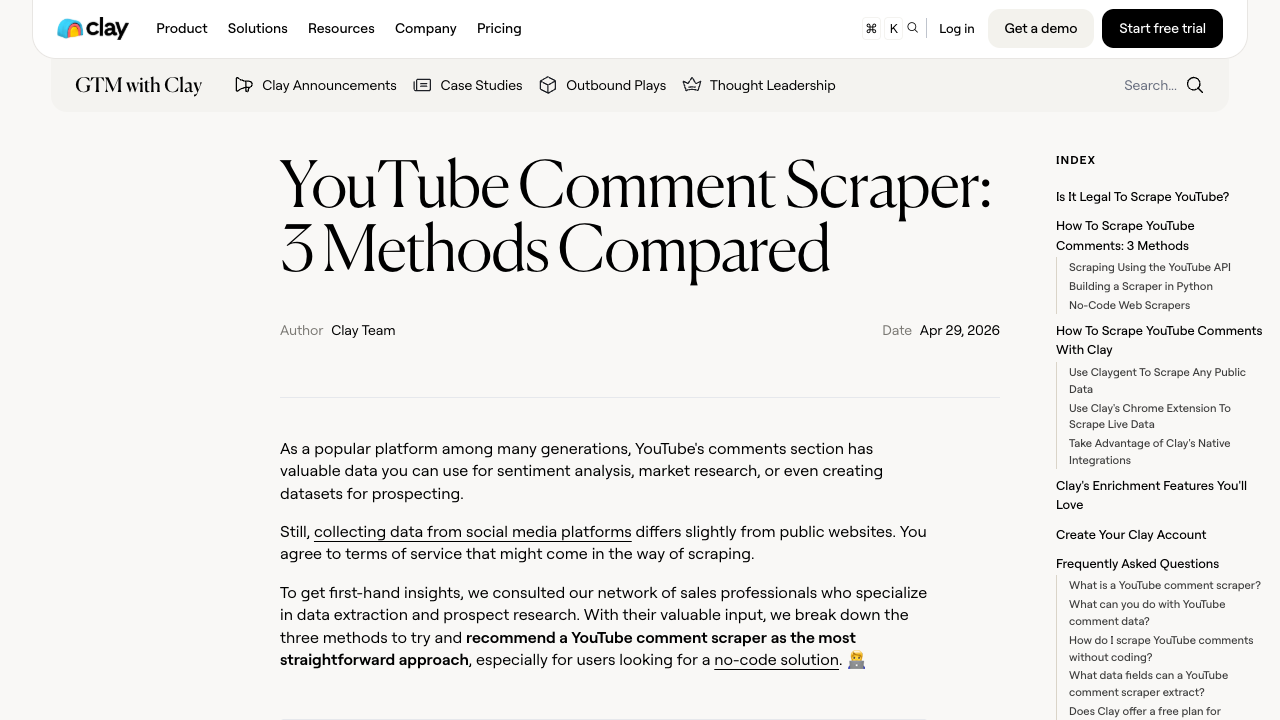
Clay’s YouTube Comment Scraper article frames the problem around lead generation, sentiment research, and enrichment use cases. That is useful because comments rarely matter as raw text only; the business value appears after classification, enrichment, or outreach review.
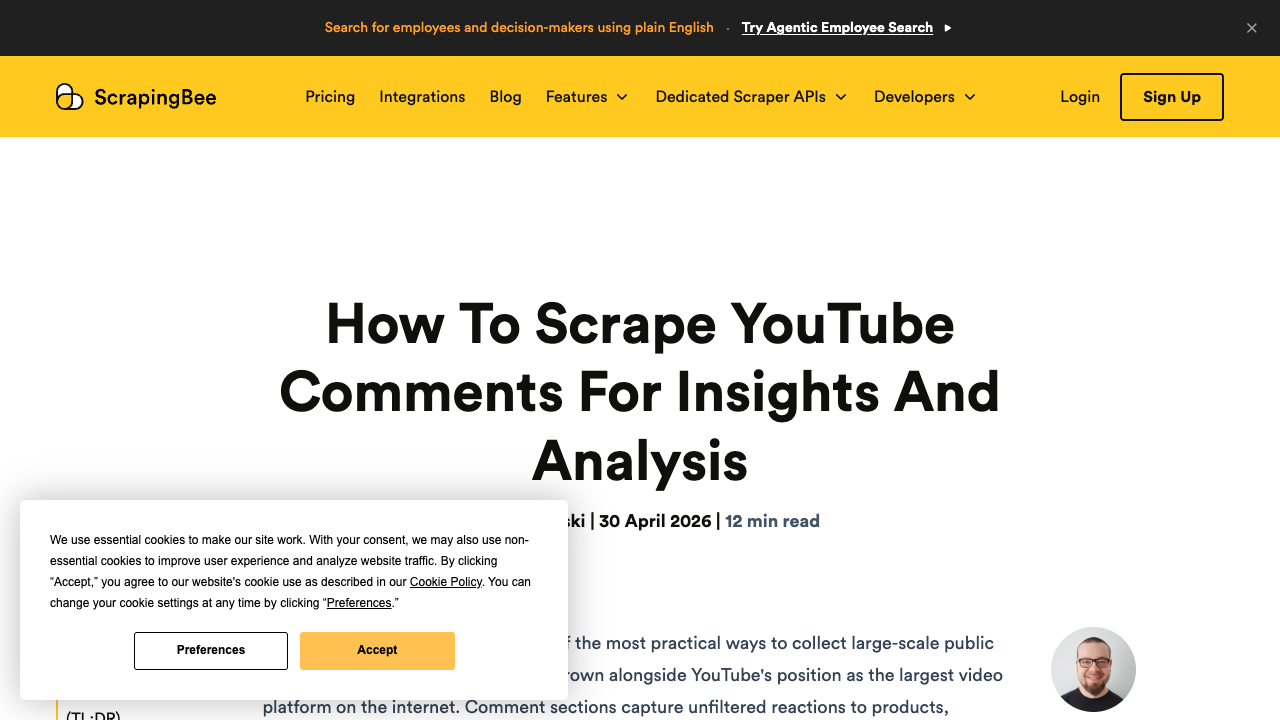
ScrapingBee’s YouTube comments guide is a better fit for developers who want to build and maintain code. It helps when engineering owns the parser, request handling, and downstream storage.
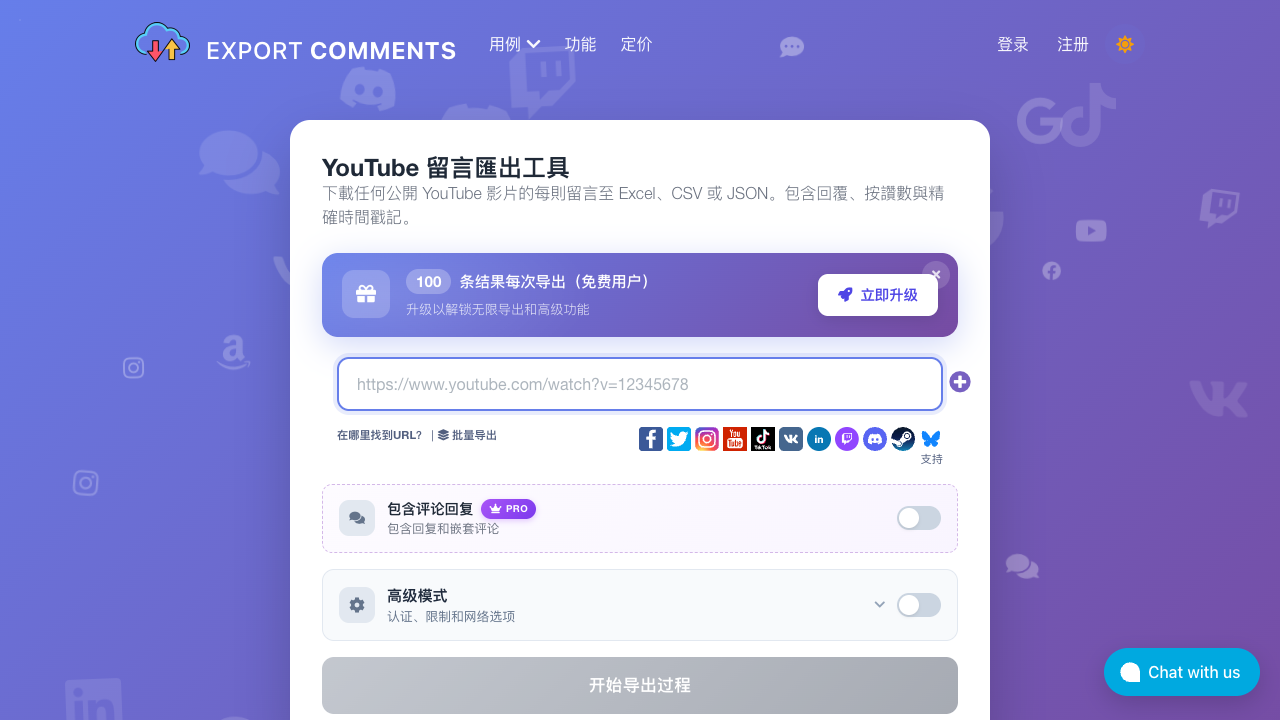
Export-focused tools such as ExportComments can be useful when the job is simply “get the comments file.” They are less flexible when you need custom stop states, screenshots, or a workflow that becomes part of a broader research system.
The decision is not “which brand is universally best.” It is whether you need a one-off file, an actor, a developer-maintained scraper, or a prompt-first workflow that non-engineers can inspect before automation.
How to handle replies, pagination, and partial exports
Replies are where many YouTube comment exports get messy. A top-level comment may have hidden replies, collapsed replies, unavailable replies, or replies that load only after interaction. Decide the rule before running:
Reply rule | When to use it | Output impact |
Top-level only | Quick feedback scan | Faster export, less complete discussion context |
Expand visible replies | Customer research and support analysis | Better context, slower run |
Sample replies | Very large videos | Balanced cost and coverage |
Full thread attempt | High-value launches or crisis monitoring | Best context, highest review burden |
row_type and parent_comment_key. Without those two columns, replies become detached text and lose the conversation structure.
Pagination needs the same discipline. If a run stops after 100 comments, mark limit_reached. If comments stop loading, mark partial. If the video disables comments, mark comments_disabled. These states make the export more honest.
Turn comments into research, not just a spreadsheet
Once comments and replies are clean, downstream analysis becomes much easier:
- group recurring objections before a launch;
- extract product pain points from competitor review videos;
- score feature requests by like count and repetition;
- separate tutorial support questions from praise or spam;
- build a quote bank for landing-page language;
- monitor brand sentiment after campaign or product announcements.
This is where a BrowserAct Workflow plus CLI can be useful. The Agent validates the messy first export. Workflow repeats the approved comment schema. CLI moves the run into a scheduled reporting stack where another tool can classify themes or summarize weekly changes.
Pro Tip: Do not send every raw comment directly into an LLM. First dedupe, remove obvious spam, keep source URLs, and batch comments by video. The analysis is much easier to audit.
Common mistakes to avoid
Mistake | Better rule |
Exporting only comment text | Include source URL, row type, parent key, timestamp, and status |
Treating disabled comments as zero comments | Mark |
Mixing top-level comments and replies in one unlabeled column | Use |
Ignoring duplicates | Deduplicate by video URL, author, text, and visible time |
Over-collecting identity data | Keep only visible fields needed for the research task |
Hiding failed videos | Add a summary of processed, partial, restricted, and failed targets |
Scheduling before QA | Validate small samples before promoting to Workflow or CLI |
Final recommendation
If you need sanctioned endpoint access, evaluate the YouTube Data API first. If you need a ready-made actor, test Apify or another export tool against your video list. If engineering owns the whole pipeline, custom code can make sense.
But if the job starts as a research question—“what are viewers complaining about?”, “which replies matter?”, “can I export comments into Excel?”, “can we repeat this weekly?”—start with BrowserAct. Use Agent to validate the fields, the YouTube Comment Scraper template when URLs are ready, Workflow when the schema repeats, and CLI when the export belongs in a controlled reporting system.
That gives you a YouTube comments scraper that produces evidence, not just a pile of text.
Further reading: YouTube data collection
Frequently Asked Questions
Can I export YouTube comments to CSV?
Yes. Export comment text with source video URL, author, timestamp, likes, reply status, row type, and row status for a cleaner CSV.
Can a YouTube comments scraper collect replies?
Often yes, when replies are public and visible, but the workflow should label replies and connect them to parent comments.
Is the YouTube Data API better for comments?
Use the API for sanctioned endpoint workflows; use a browser workflow when you need visible-page context, review states, and flexible research fields.
What is the best field for deduping YouTube comments?
Use source video URL plus author display name, comment text, and visible timestamp; add a comment ID if your tool provides one.
Can I use YouTube comments for sentiment analysis?
Yes, but clean duplicates, spam, missing rows, and source URLs first so the sentiment output can be audited.
Does BrowserAct scrape private YouTube comments?
No. BrowserAct workflows should use only public or authorized visible data and stop on private, restricted, login, CAPTCHA, payment, or unclear-access states.
When should I automate comment scraping?
Automate only after a small sample export is reviewed, deduped, and stable enough to become a repeatable Workflow or CLI job.


