YouTube Comment Analysis: Turn Viewer Feedback Into Audience and Customer Insights

A YouTube comment analyzer is only useful if it helps you make a decision. Counting positive and negative comments is not enough. The valuable output is a map of what viewers ask, complain about, repeat, compare, misunderstand, request, and quote in their own language. That is why this article starts after the export. If you still need the raw dataset, use a YouTube comments scraper first. Once comments and replies are in a clean table, the real work is YouTube comment analysis: grouping themes,
-
1
YouTube comment analyzersearchers usually want themes, sentiment, audience questions, pain points, and content ideas—not just a raw comment dump. - 2Start with a clean comment table: source URL, row type, parent comment, timestamp, likes, row status, and dedupe keys.
- 3The most useful analysis layers are sentiment, topic, intent, pain point, objection, feature request, and quotable audience language.
- 4BrowserAct is best used before the model step: collect public comments, keep source evidence, repeat the export, and hand clean rows to AI or BI tools.
- 5Do not trust automated sentiment alone. Verify representative quotes and edge cases before turning comment analysis into product or content decisions.
What YouTube comment analysis should produce
Raw comments are noisy. A useful analysis output turns them into an insight table that a product, marketing, creator, or research team can actually act on.
Analysis layer | What it answers | Example output |
Sentiment | Is the viewer positive, negative, mixed, or neutral? |
|
Topic | What is the comment about? |
|
Intent | What is the viewer trying to do? |
|
Pain point | What friction is visible? |
|
Objection | What blocks adoption or belief? |
|
Feature request | What do viewers ask to add? |
|
Quote bank | What language should the team reuse? | exact customer wording with source URL |
Action priority | What should the team do? |
|
YouTube comment analysis, YouTube comment sentiment analysis, YouTube comments market research, and YouTube comments for customer research are separate queries because the user’s job is not only extraction. They want a decision framework.
Start with a clean comments dataset
The analysis is only as good as the export. Before asking any AI model or sentiment tool to classify comments, make sure the dataset has enough context.
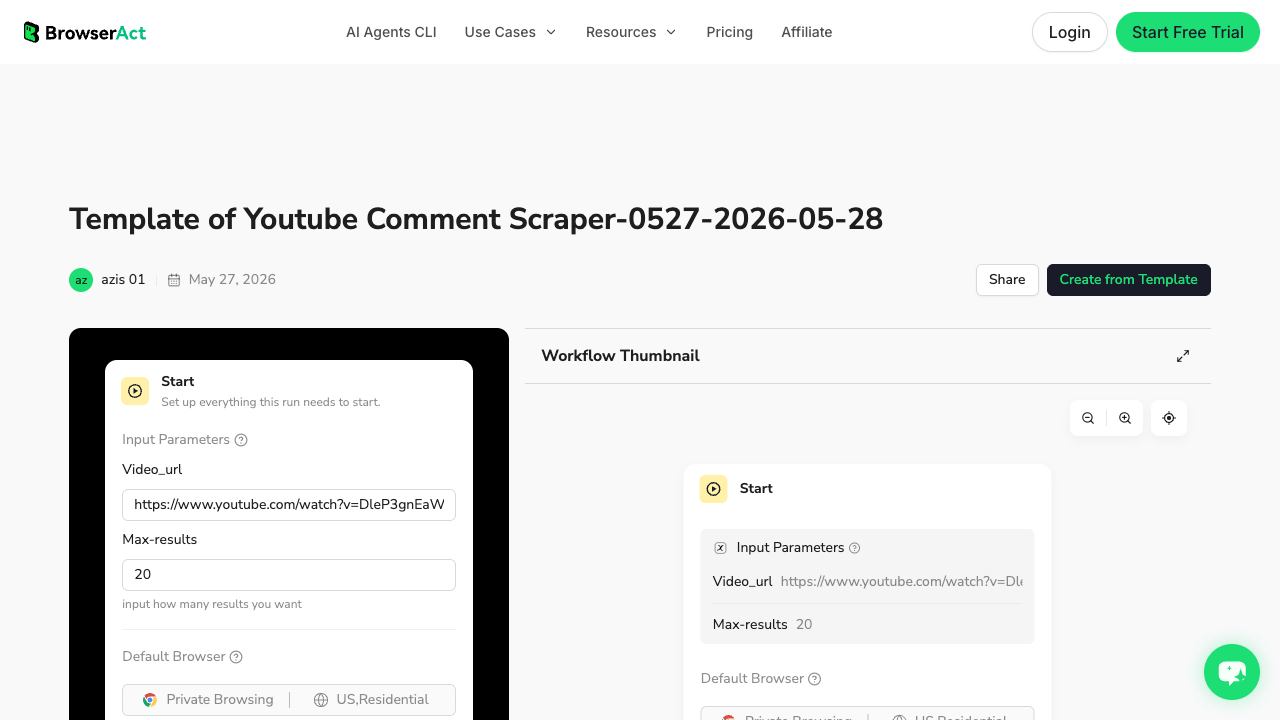
Use a comment table with:
- source video URL and title;
- top-level comment vs reply;
- parent comment key for replies;
- visible timestamp or age;
- like count if visible;
- row status such as complete, partial, comments disabled, restricted, duplicate, or needs review;
- raw comment text and cleaned comment text;
- optional screenshot or evidence note.
Pro Tip: Keep raw_text and clean_text as separate columns. Raw text preserves the viewer’s language; clean text helps classification and dashboards.
The BrowserAct-to-analysis workflow
Use this workflow when comments need to become a recurring research asset rather than a one-off file.
1. Collect source-linked comments
Start with public video URLs. Use BrowserAct Agent or the comment template to collect visible comments and replies into a reviewable table. Keep the first run small enough to inspect manually.
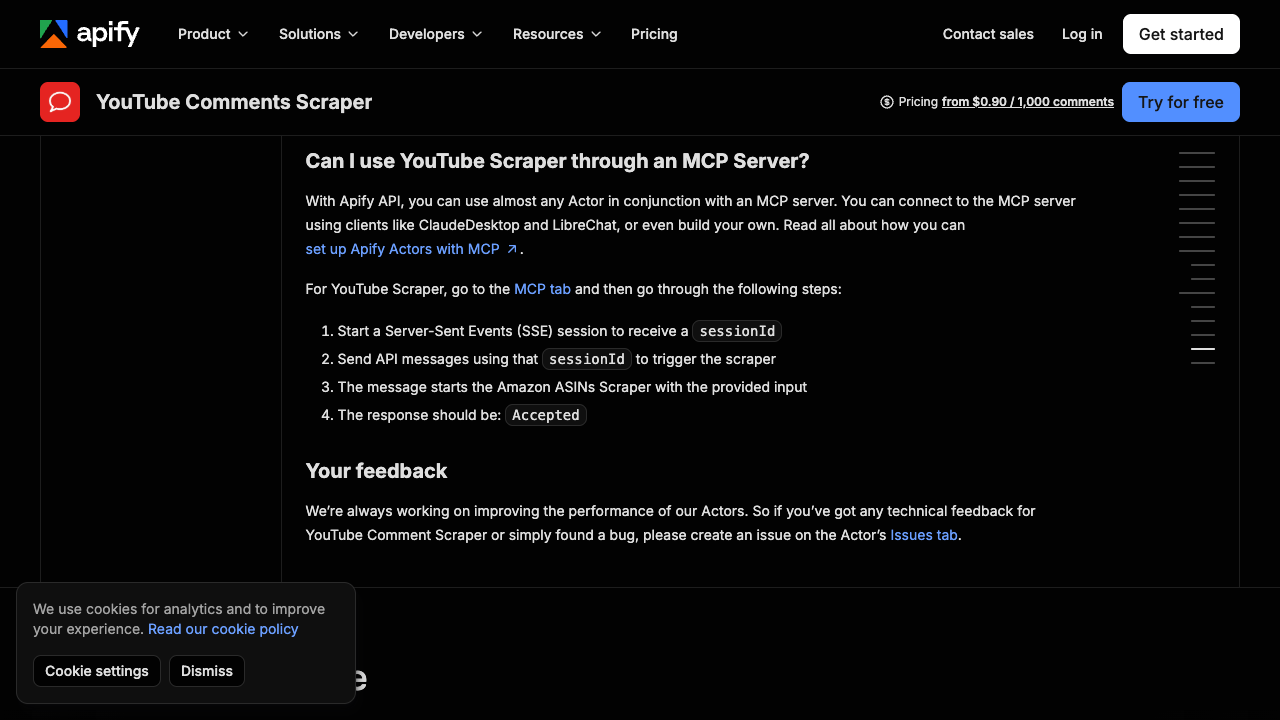
If you already use a ready-made actor such as Apify, that can also be the extraction layer. If your team wants a prompt-first export with source URLs and stop states, use the BrowserAct YouTube Comment Scraper template before the analysis step. The analysis steps below still apply: dedupe, label, verify, and turn rows into decisions.
2. Classify each comment into practical labels
Do not begin with only positive/negative/neutral. Use a richer label set:
Column | Allowed values |
| positive, negative, mixed, neutral, unclear |
| setup, pricing, feature, bug, comparison, support, content idea, other |
| question, complaint, praise, request, objection, recommendation, spam |
| cost, process, reliability, missing feature, learning curve, support, none |
| high, medium, low |
| short exact phrase from the comment |
| reply, FAQ, product fix, content idea, sales enablement, ignore |
3. Verify themes before acting
Automated tools can over-read sarcasm, memes, jokes, and creator-community language. Before making decisions, sample the top themes and read the underlying comments.
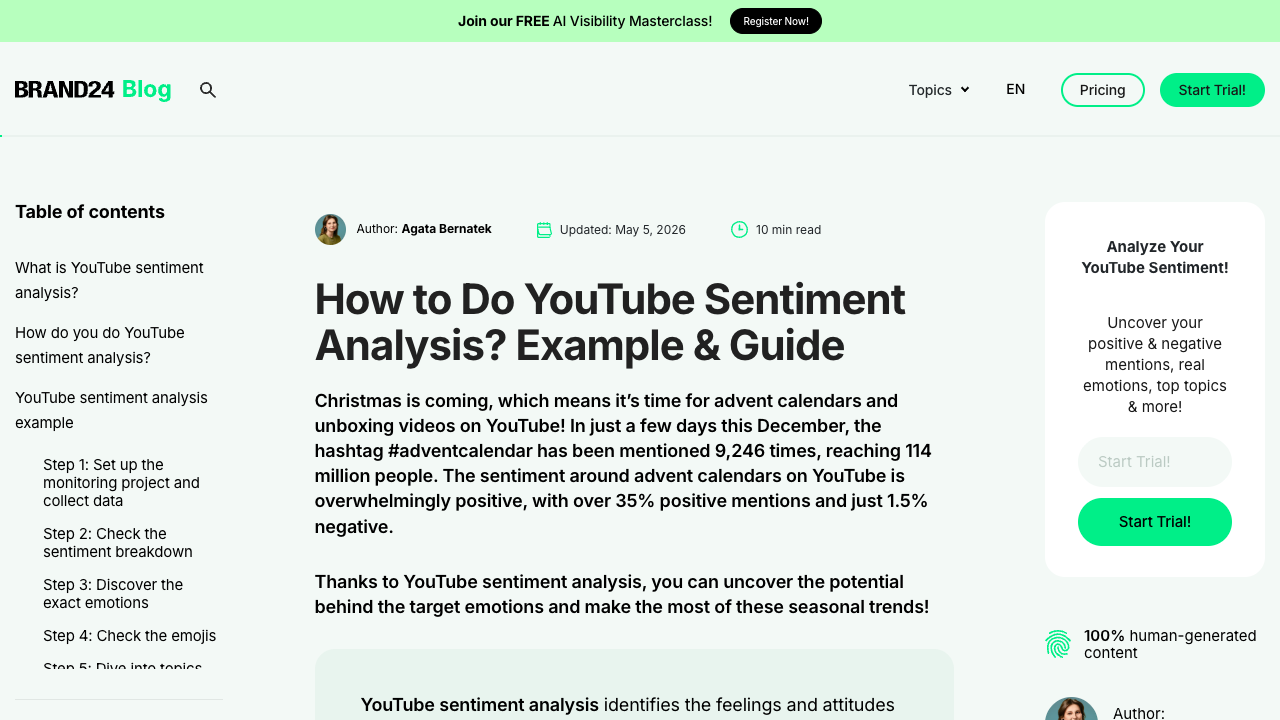
Brand24’s YouTube sentiment guide frames sentiment as a way to understand how viewers feel about a brand, product, or service based on comments and related YouTube content.
For broader monitoring, Brand24’s YouTube social listening guide positions comments, videos, sentiment, key topics, trends, and competitor performance as one connected listening workflow.
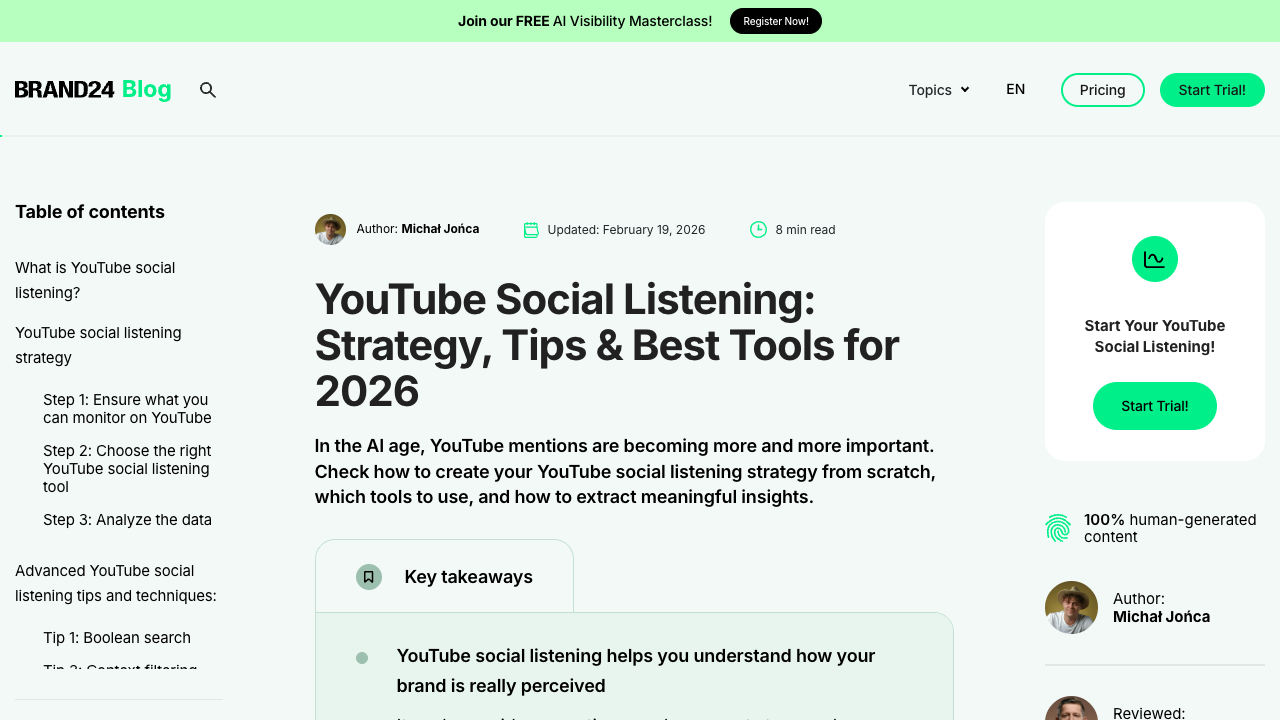
Use those tools when you want social listening and monitoring. Use the BrowserAct workflow when you need the source-linked export and custom schema before analysis.
4. Turn findings into an action backlog
The best comment analysis ends as an action list. For example:
Finding | Evidence | Action |
Viewers keep asking where to find the template | 37 comments across 4 tutorial videos | Add pinned comment, description link, and FAQ |
Negative sentiment clusters around pricing | repeated phrases like “too expensive” and “hidden cost” | rewrite pricing explanation and test comparison page |
Competitor comments mention missing export fields | replies ask for CSV, replies, timestamps | build comparison content and product checklist |
Support questions repeat after every release | same setup confusion across 3 videos | create troubleshooting video and docs snippet |
Use a comment analyzer tool when you need speed
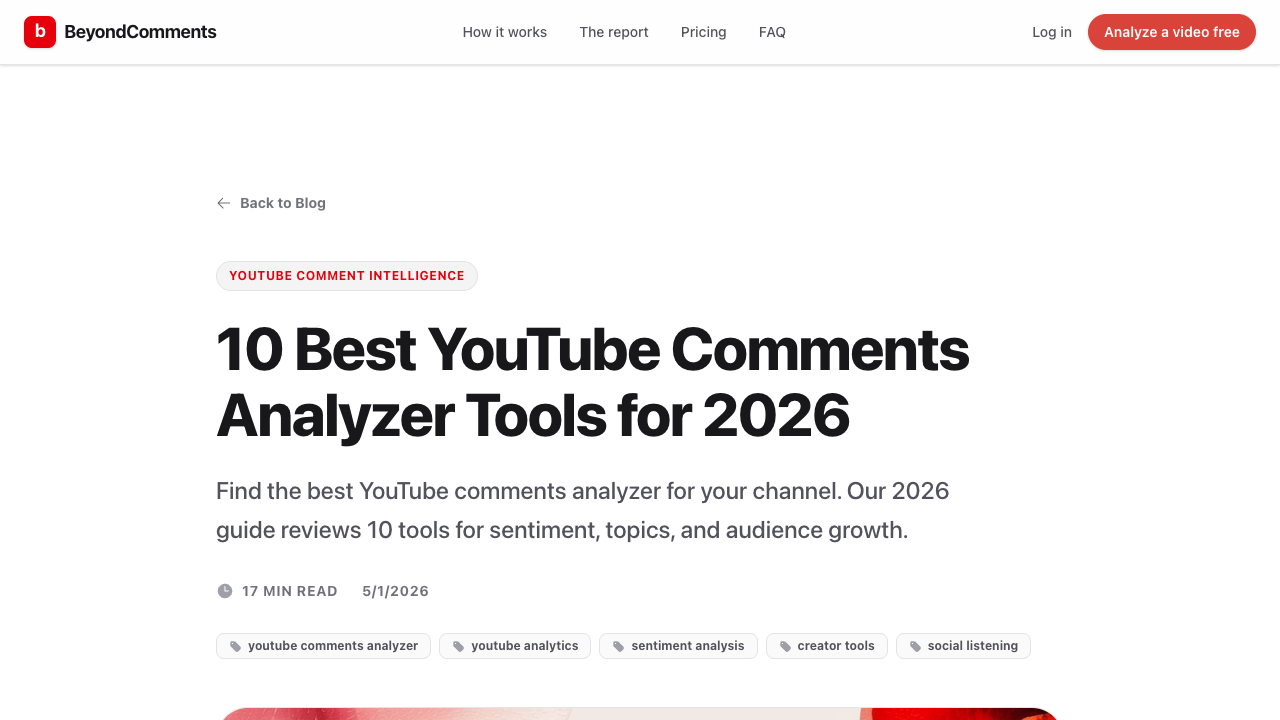
There are purpose-built comment analyzer tools for creators and marketers. BeyondComments, for example, positions YouTube comment analysis around sentiment, topics, and audience growth.
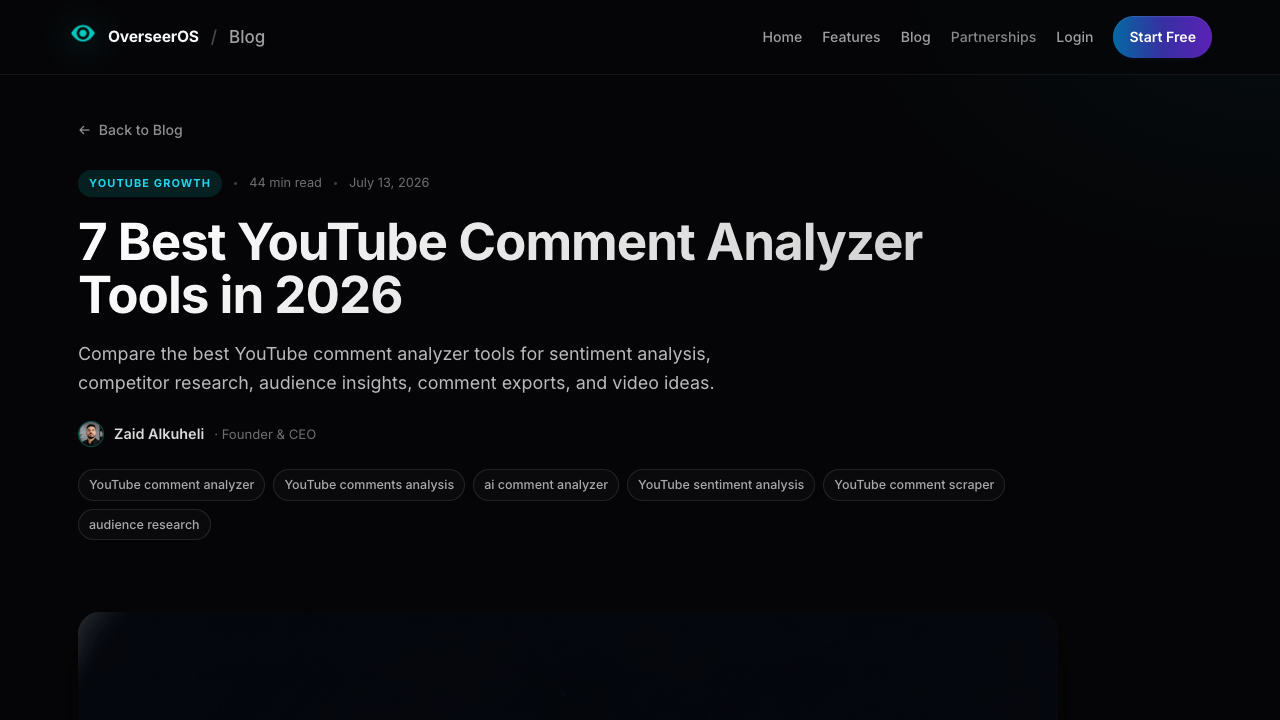
OverSeerOS frames a practical workflow as exporting comments, classifying them with AI, manually verifying recurring themes, and turning strong audience questions into content ideas.
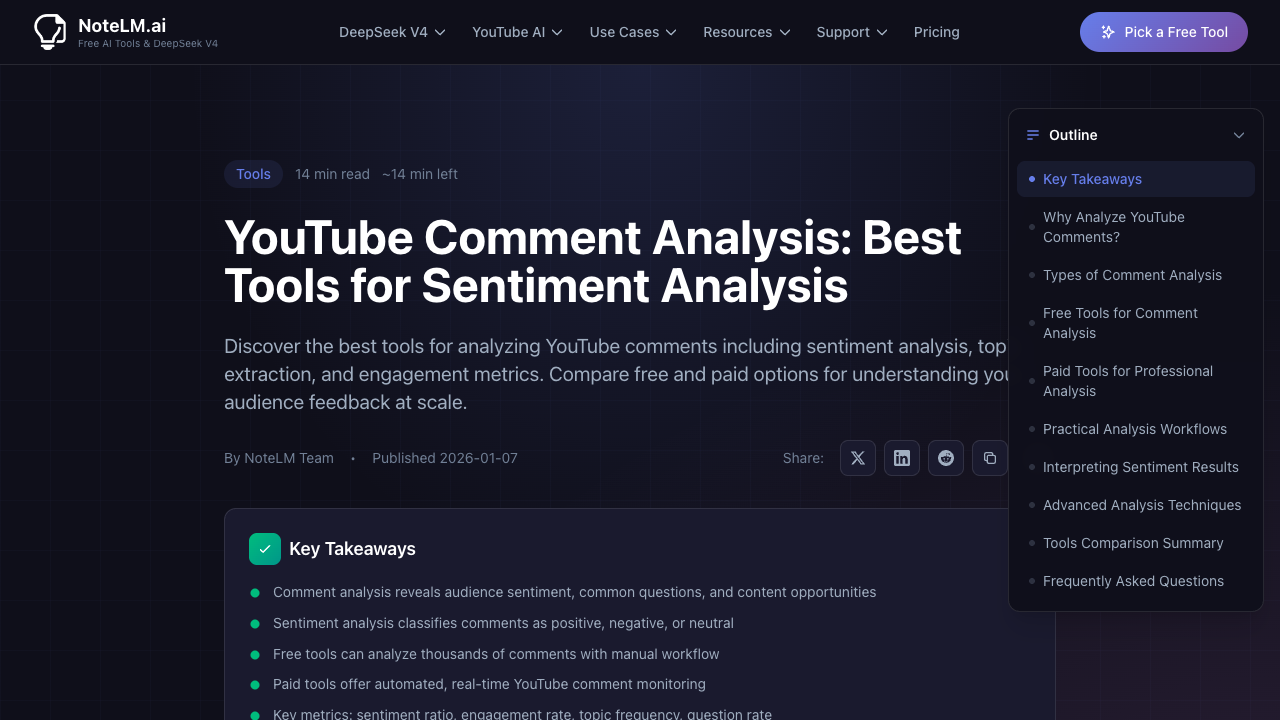
NoteLM describes YouTube comment analysis as extracting insights through sentiment analysis, topic modeling, and engagement metrics.
These tools are useful when the analysis format already matches your use case. BrowserAct is useful when the source collection needs a custom table first: specific videos, source URLs, replies, screenshots, row statuses, and fields that a generic analyzer may not preserve.
A practical AI prompt for YouTube comment analysis
Once your comment table is clean, send the model a constrained task. Do not ask “summarize these comments.” Ask for a table that can be audited.
You are analyzing exported YouTube comments for product, content, and audience insights.

Input columns:
- source_video_url
- video_title
- row_type
- parent_comment_key
- comment_text
- visible_age
- like_count
- row_status

Tasks:
1. Remove spam, duplicates, and rows marked restricted or comments_disabled.
2. Classify each remaining comment by sentiment, topic, intent, pain_point_type, urgency, and recommended_action.
3. Extract one short evidence_quote for each high- or medium-urgency row.
4. Group comments into the top recurring themes.
5. Return:
   - a row-level classification table
   - a theme summary table
   - a list of product/content actions
   - 10 exact audience-language quotes with source_video_url

Rules:
- Do not invent metrics or missing context.
- If sentiment is ambiguous, label it mixed or unclear.
- Keep quotes short and traceable.
- Separate viewer requests from your recommendations.
Scrape data from any website.
Describe the data you need. Get a Bot — a reliable, reusable scraper.
Prompt preview: collect public YouTube comments, keep source URLs, classify themes and sentiment, and export an insight-ready table. Private session · Choose your region before you run
Get your Bot — FreePro Tip: Ask the model to separate “viewer said” from “recommended action.” Otherwise the output can blur evidence and interpretation.
Quality checks before using the insight
YouTube comments are messy data. Before publishing a report or making a product decision, check:
- Were comments disabled or partial on important videos?
- Did replies remain connected to parent comments?
- Did duplicates inflate one complaint?
- Did spam or giveaways skew sentiment?
- Did one viral comment dominate the theme count?
- Are the top quotes traceable to source URLs?
- Does the action list reflect repeated evidence, not one loud comment?
This is also why the first BrowserAct run should keep source URLs and row statuses. A pretty sentiment chart is less useful than a smaller table you can audit.
Where this fits in the YouTube SEO content plan
YT-003 answered the export problem: get comments and replies into a clean CSV or Excel-ready table. YT-004 answers the next problem: turn that table into audience intelligence.
The next clusters can go deeper:
- YouTube sentiment analysis for brand monitoring;
- YouTube comments for customer research;
- YouTube competitor analysis using comments, channels, and search;
- automated YouTube research with n8n, MCP, and BrowserAct CLI.
That content chain matters because users do not wake up wanting “data.” They want a content idea, a product fix, a clearer FAQ, a competitor insight, or a reason to change messaging.
Final recommendation
Use a YouTube comment analyzer when the goal is fast, packaged insight. Use Brand24-style social listening when you need broad monitoring. Use a custom AI workflow when you have a specific research schema.
Use BrowserAct when the collection step needs to stay flexible and traceable: public videos, comments, replies, source URLs, screenshots, row statuses, repeatable workflows, and CLI handoff. Then analyze the clean export with your preferred AI or BI stack.
The best YouTube comment analysis is not the prettiest sentiment score. It is the insight you can trace back to real viewer language.
Further reading: YouTube data collection
Frequently Asked Questions
What is a YouTube comment analyzer?
A YouTube comment analyzer classifies comments by sentiment, topic, intent, pain point, audience question, and recommended action.
How is YouTube comment analysis different from scraping comments?
Scraping exports the comments; analysis turns those comments into themes, sentiment, quotes, objections, and decisions.
Can YouTube comments show customer pain points?
Yes. Repeated complaints, questions, objections, and workaround requests often reveal product or content pain points.
Should I use sentiment analysis on YouTube comments?
Yes, but verify sample comments manually because sarcasm, memes, spam, and creator slang can confuse automated labels.
What fields do I need before analysis?
Use source URL, video title, row type, parent key, comment text, timestamp, likes, row status, and dedupe key.
Where does BrowserAct fit in comment analysis?
BrowserAct collects public, source-linked comments and repeats the export workflow before AI or BI tools classify the data.
What is the safest first analysis project?
Analyze 100–500 comments from a few public videos, verify top themes manually, and only then automate recurring runs.


