What Is Muse AI? A Practical Guide to Meta's Personal Agent

What is Muse AI, and should you give it access to your everyday apps? Meta's personal agent promises to take work off your hands. Start by checking which product you found, what your account can access, and which actions you want to supervise before connecting anything important.
This guide evaluates the product from official sources checked on October 29, 2026. It is a source-based assessment, not a hands-on review or performance benchmark. If your question is specifically about business research, the separate Muse competitor-research guide covers that workflow in detail.
- 1Meta's Muse is a personal AI agent designed to work through tasks using connected services and a cloud computer with a browser.
- 2Muse, the Muse Spark and Wonder models, and the former muse.ai video platform are different things. Check the product before comparing features or prices.
- 3Meta announced Muse on September 8, 2026, followed by Japan on October 23 and Singapore on October 27. A regional announcement does not establish every connector's availability.
- 4Meta lists free usage, Power at USD 20 per month and Max at USD 100 per month. Confirm the offer, allowances and availability in your own account.
- 5Judge your first task by the result you can verify, the permissions it needs, and the amount of supervision it takes. A polished response is only part of the evaluation.
- 6Repeated structured website collection is a separate requirement. A reusable BrowserAct Bot can be evaluated for that stage without assuming an official Muse integration.
What Is Muse AI, Exactly?
The personal agent is the product you interact with
Meta introduced Muse on September 8, 2026 as a personal AI agent. Its launch description includes planning, browser use, connected applications, and continuing work after the app closes. Meta says it seeks approval for sensitive actions such as sending email or making purchases.
The distinction from a conventional question-and-answer interaction is the intended outcome. You might ask for information, but you can also ask the agent to progress a task. The practical question becomes whether it can reach the relevant service, follow your constraints, and leave a result you can inspect.
That is why a feature list is insufficient for choosing an agent. “Can use a browser” tells you about an interface. It does not tell you whether a particular website is accessible, whether a task completes correctly, or whether the result fits your work.
The similar names belong to different layers
Search results mix older products, model announcements, and the personal agent. The confusion matters most when someone copies a pricing table or a review without checking what it covers.
Name you encounter | What it refers to | What to check before using the information |
Meta Muse | The personal agent product | Country, account access, connected services, and current plan |
Muse Spark | A Meta model family used in AI products | Model version and the product in which it is offered |
Muse Wonder and Wonder Full | Models announced in October 2026 | Developer access versus rollout inside the Muse product |
Former muse.ai video platform | The video product now called Skiv | Whether the article discusses video hosting rather than an agent |
The older video product's own March 3 rebranding announcement confirms its move to Skiv. A page about video storage, embedded players, or searchable recordings should therefore not supply the pricing or feature comparison for Meta's agent.
Pro Tip: When saving a product claim, record the product name, source date, and access route together. A correct claim about a model API can still be the wrong answer to a question about your personal-agent account.
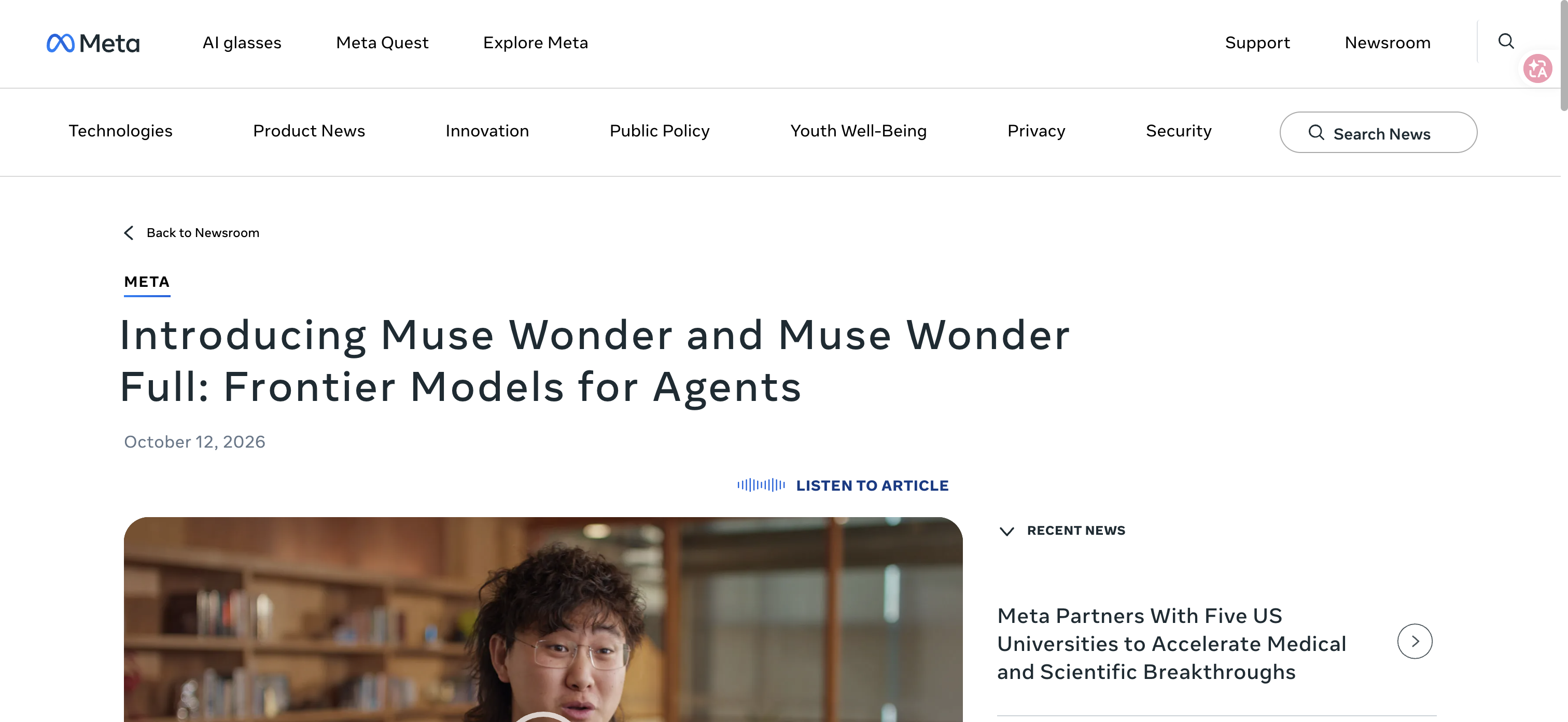
Official October model announcement, checked October 29, 2026. Model access and personal-agent availability are separate.
What Can You Reasonably Expect Muse to Do?
Think in tasks, services, and approvals
Meta's product-design account describes a continuing conversation, background tasks, goals, activity visibility, and richer outputs called Artifacts. It also describes a computer environment with files, a terminal, and a browser. These are official descriptions of the product's design; they are not independent measurements of its reliability.
For a new user, the most useful interpretation is that Muse is intended to coordinate work across several stages. A request may require finding information, organizing it, and proposing or taking a next action. Each stage needs its own acceptance condition.
Consider a proposed travel-planning task. Finding plausible options is one result. Checking dates and restrictions is another. Making a reservation creates a commitment. Calling all three “travel planning” hides the point at which you want to intervene.
The same applies to email. Understanding a message, preparing a response, and sending that response create different consequences. Decide which outcome you want before enabling permissions. You can learn useful things about an agent from a narrow task without granting access to everything at once.
An output should match the job you delegated
For an information request, a concise answer with usable references may be enough. For a planning request, the deliverable should expose unresolved choices and the assumptions behind the plan. For an action request, you need to know what actually changed.
A helpful evaluation asks for the smallest complete deliverable. If you want a shortlist, define what makes an option eligible. If you want a document, name its audience and the decision it should support. If you want a reminder, distinguish a single reminder from an ongoing monitoring instruction.
These are suggested evaluation methods. They do not imply that every example has been tested in Muse or that each account exposes the same controls.
Where Is Muse Available, and Is It Free?
Use dated regional announcements
The original launch described a US rollout. Meta's Japan announcement confirms availability there from October 23. Its Singapore announcement confirms availability from October 27 on iOS, Android, and the web.
The Singapore post also names local service partners and says some connector experiences will arrive progressively. Treat country availability and connector availability as separate checks. You may be able to access the agent before the particular service you want is usable in your account.
Those announcements establish the named launches. They are not a comprehensive country list, and this guide does not claim universal availability. Before building a routine around Muse, check the official entry point and what your account actually offers in your location.
Verify the plan before estimating value
Meta's official subscription page, checked October 29, 2026, lists free usage with a limit, Power at USD 20 per month and Max at USD 100 per month. Meta says benefits and availability vary by region and account, with the available benefits shown before subscribing. These are published reference prices; confirm the offer in your account before budgeting.
Before subscribing, check the billing currency, renewal interval, usage allowances, and what happens when an allowance is reached. Confirm whether the capability you want belongs to the free product, a paid tier, or a separate developer offering.
Then measure value against your own task. Subscription cost is only one input. Setup, supervision, corrections, and manual completion also consume time. A free agent can be a poor fit for a task that needs extensive repair; a paid plan needs a reason beyond access to a newer model.
Pro Tip: Save the plan details shown when you evaluate the product. If limits or access change later, you will have a reliable explanation for why the same task behaves differently.
What Should You Check Before Connecting Accounts?
Understand the controls and their limits
Meta's security explanation describes an isolated cloud environment, credential protection, a separate Sentinel layer, and controls intended to limit what an agent can do. It also explicitly acknowledges that agents can make mistakes and encounter hostile content.
The right takeaway is to inspect the controls, then choose access deliberately. Security architecture is relevant evidence, but it does not establish that any task is safe under every set of permissions.
Review what a connection lets the product read and change. Check where you can see activity, revoke access, and review stored context. For a work account, establish whether you are authorized to connect it before proceeding. If those answers are unclear, choose a public-information task while resolving them.
Meta's Japan announcement also describes user controls for connections and opting out of interactions being used for model training. Inspect the current settings and terms that apply to your account rather than assuming that a news article fully describes your configuration.
Use supervision where a mistake would matter
A proposed next step and a completed external action deserve different review. Before approving a message, inspect its recipients and content. Before approving a purchase, inspect the merchant, item, total, and terms. Those checks reflect the transaction you are authorizing, not the fluency of the agent's explanation.
Keep the approval scope concrete. Permission to research options should not be confused with permission to buy one. Permission to draft a response should not be confused with permission to send it. A useful agent should fit the level of responsibility you are comfortable delegating.
Official BrowserAct homepage, checked October 29, 2026. Product description, not a tested Muse integration.
How to Evaluate Muse Without an Unverifiable Review Score
Choose one task you can check independently
A first evaluation should have a known boundary and a visible finish. Use a task whose inputs you understand and whose output you can assess without another AI judgment. Public information is a practical starting point because it reduces the number of account connections you must evaluate at once.
Write down the requested result before starting. For example, a proposed evaluation could ask for a small shortlist of options with your mandatory constraints and links to the relevant pages. This is an example design, not a report of a task run for this article.
Choose your failure conditions as well. Missing a mandatory constraint, treating an inaccessible source as verified, or taking an unapproved external action should matter more than an attractive layout.
Keep a short acceptance record
Evaluation question | Evidence to keep | What it tells you |
Did it finish the requested task? | Deliverable and unresolved items | Completion rather than conversational confidence |
Did it follow the constraints? | Your original request and checked examples | Whether delegation reduced or displaced work |
Can you verify key claims? | Relevant sources and your checks | Whether the output can support a decision |
What access did it need? | Services and permissions enabled | The dependency and privacy tradeoff |
How much intervention was needed? | Clarifications, corrections, and manual steps | Whether repeating the task is worthwhile |
Pro Tip: Repeat the same task definition before expanding scope. Changing the request, permissions, and input complexity together makes it hard to understand why the result improved or deteriorated.
Separate assistance from recurring data collection
For a one-off personal task, a flexible agent may be the right shape. A recurring operation can introduce different needs: consistent fields, preserved source URLs, structured exports, and a way to review failures across repeated runs.
BrowserAct is an option to evaluate when that requirement is reusable website collection. Its Bot model starts from a natural-language data request and supports repeatable browser workflows with structured output. This is a separate product role, not a claim that BrowserAct is a native Muse connector or that a combined workflow was tested here.
To decide whether Muse AI fits your work, start with one task you can check. Only add another tool when the task exposes a concrete requirement it can address. Explore the BrowserAct template directory if repeatable collection becomes that requirement; inspect the relevant template and verify its output before depending on it.
The first decision is small: can this account, with these permissions, complete this task in a way you can trust and review? Answer that before delegating a larger part of your day.
Frequently Asked Questions
What is Muse AI?
Muse is Meta's personal AI agent. Official materials describe planning, connected services, browser use, and background work, with user controls and approvals for sensitive actions.
Is Muse AI the same as the old muse.ai video platform?
No. The former muse.ai video platform announced its rebrand to Skiv in March 2026. Meta's Muse is a personal AI agent, so older video-hosting reviews describe a different product.
Is Muse AI free?
Meta lists free usage with a limit, Power at USD 20 per month and Max at USD 100 per month. Confirm the offer, billing details and allowances in your account because benefits and availability vary by region and account.
Where is Meta Muse available?
Official sources reviewed here confirm the US launch and October launches in Japan and Singapore. They do not establish a complete country list or every account's connector access.
Is this a hands-on Muse AI review?
No. This is an assessment of official sources checked on October 29, 2026. It does not claim independent task testing, measured accuracy, time savings, or a product score.
How does BrowserAct fit beside a personal AI agent?
BrowserAct can be evaluated for reusable website collection when consistent fields and repeated exports matter. This guide does not establish a native Muse connector or a tested combined workflow.


