Muse AI Use Cases for Marketers: 6 Practical Workflows

Your campaign data, customer questions, and content plans live in different places. The most useful Muse AI use cases for marketers bring those inputs into a decision you can review: what to investigate, what to draft, and what to approve. Start with a bounded marketing deliverable before handing over publishing access or budget decisions.
- 1Use Muse to prepare a decision package: evidence, interpretation, proposed work, and an approval request.
- 2Prioritize weekly performance reviews and creative briefs before higher-risk actions such as sending campaigns or changing ad spend.
- 3Connected-account data needs explicit dates, metric definitions, and a named source. An agent's explanation does not establish attribution.
- 4The six workflows below are suggested task designs, not independently tested Muse results or guaranteed capabilities in every account.
- 5Recurring collection of public website data can sit in a separate reusable Bot workflow, with a deliberate handoff into analysis.
What Muse Can Bring to a Marketing Workflow
Connected accounts provide context, not attribution
Muse is Meta's personal AI agent. For marketers, the relevant change is the business context it can access through connected tools. Meta announced Muse for Small Business on September 29, 2026, and updated that announcement on October 8. The announcement describes connections to Meta ad accounts, Facebook Pages, Instagram professional analytics, and business tools including Canva and Shopify. It also states that publishing, sending, and spending require user approval. Check the actual connector and permissions available in your account before designing a task around it. Source: Meta's business announcement.
That creates an opportunity to ask more informed questions than a standalone writing prompt allows. It does not make every recommendation correct. Connected sales and advertising records can still use different dates, attribution windows, or definitions.
This guide focuses on your team's marketing work. For examining other companies' claims and offers, use the separate Muse competitor research workflow. Keep that external-research task distinct from diagnosing your own campaigns.
Product claims were checked on October 29, 2026. The workflows and acceptance criteria below are editorial recommendations. They are not reports of tasks run in a Muse account.
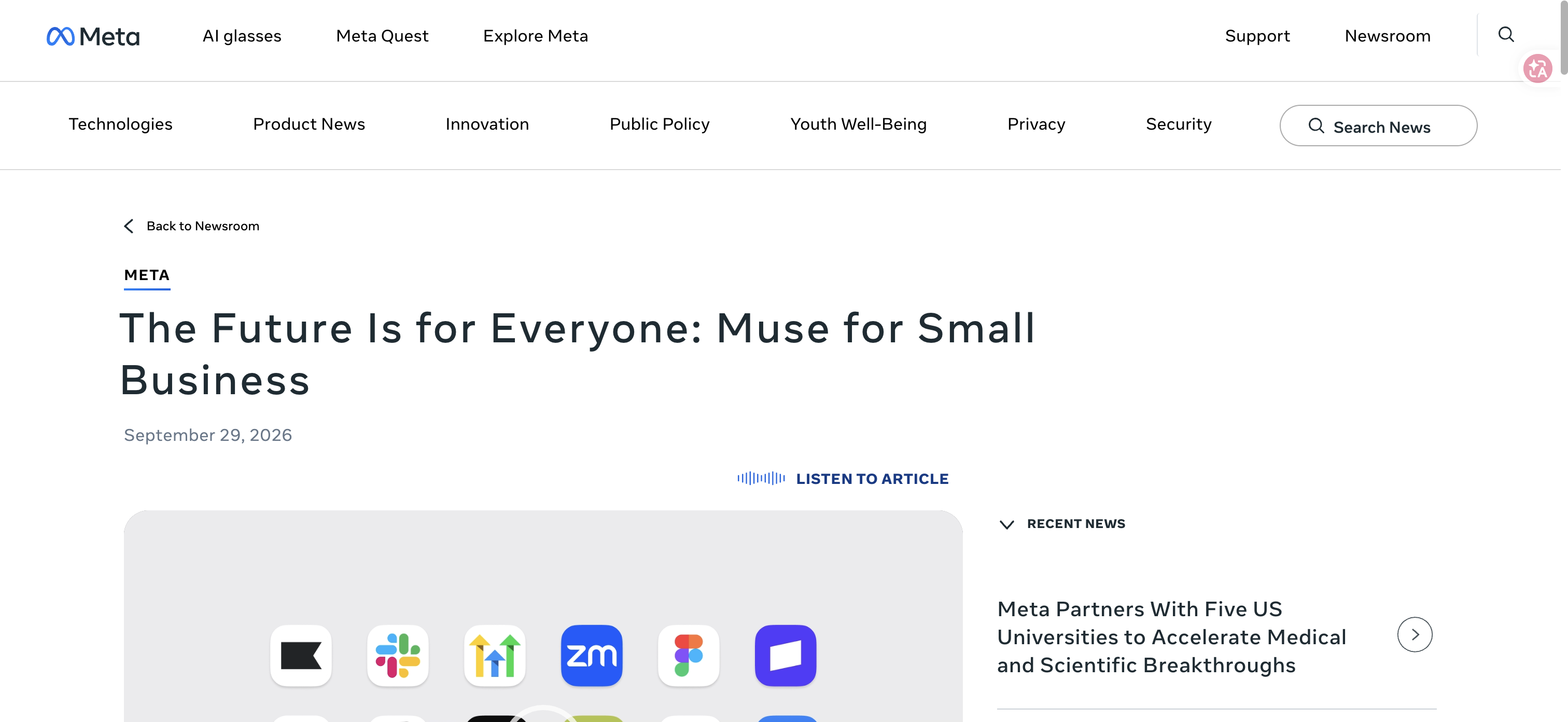
Official Meta announcement, provided as product context. This image is not a screenshot of a completed marketing task.
Choose the Deliverable Before Choosing the Task
“Help with marketing” gives an agent too much room to decide what success means. A content calendar, a campaign draft, and a revenue diagnosis need different inputs and different reviewers.
Choose work where a human can inspect the output without reconstructing the entire task. For a performance report, that means traceable figures and a clear next investigation.
Marketing job | Useful deliverable | Required input | Human review |
Weekly performance review | Variance brief with open questions | Matched reporting periods and metric definitions | Reconcile totals and alternative explanations |
Creative planning | Brief tied to a specific audience problem | Approved product facts and past creative | Check claims, evidence, and test design |
Content planning | Calendar with a reason for each item | Existing content inventory and business priorities | Check duplication and delivery capacity |
Customer-language analysis | Themes linked to source material | Authorized, minimized feedback records | Check context and unsupported generalization |
Campaign retrospective | Decision log and next test | Spend, outcomes, changes, and constraints | Separate correlation from causal evidence |
Website readiness review | Fix list for product information | Selected public landing and product pages | Verify every reported inconsistency |
Use Case 1: Turn the Weekly Report Into an Investigation Queue
The weekly report becomes useful when it tells someone what to check next. Asking only for a summary tends to repeat the charts your team already has.
Reconcile the figures before proposing a cause
For a proposed Muse task, supply the reporting source, account timezone, two comparable completed periods, and the business outcome that matters. Ask for changes in spend, traffic, conversion volume, and downstream outcomes as separate measures. If payment data is unavailable, the output should say so rather than rename leads as customers.
The deliverable should distinguish observed changes from explanations. “Registrations fell” is an observation. “The new creative caused the decline” is a hypothesis requiring more evidence. Request a small investigation queue ordered by business impact, with the next account readback needed for each item.
For example, a campaign can produce more registrations while generating fewer successful first tasks. The useful follow-up is to compare onboarding behavior by source. A recommendation to increase budget would skip the part of the funnel that changed.
Accept the report only after checking its headline totals against the original interface or export. Also check that a partial current day has not been compared with a completed day. Keep any proposed account change outside the reporting task until an owner approves it.
Use Case 2: Build a Creative Brief That Can Be Challenged
A creative brief should make a test easier to interpret. It needs an audience, a problem, a promise, proof, and a reason to expect the proposed message to matter.
Tie the message to evidence your team approves
Provide approved product information, the destination page, past creative, and the relevant audience context. Ask Muse to prepare a brief that connects a specific objection to a demonstrable capability. Require a source beside each factual claim. Leave testimonials, numerical outcomes, and competitor comparisons out unless you have evidence and permission to use them.
The output can include a message hypothesis, an opening concept, a visual direction, and draft copy. The important addition is a rejection criterion. State what would make the concept unsuitable: a promise the landing page cannot support, an audience too broad to interpret, or a proposed image that implies a result the product has not delivered.
Evaluate the brief before producing a large set of variations. Ten versions of an unsupported claim do not become a stronger campaign.
Pro Tip: Keep an approved-claims sheet with its own source links and review dates. Give the agent that sheet instead of asking it to infer your product's limits from older advertisements.
Use Case 3: Create a Content Calendar With a Business Reason
An automatically filled calendar can hide a weak content strategy. The useful question is why each item deserves production time.
Give each proposed piece a job
Supply the existing content inventory, the questions your sales or support team is hearing, planned product changes, and the team's actual publishing capacity. Ask for a calendar in which every proposed piece has a target reader, a concrete question, a distribution channel, a source requirement, and a next action for the reader.
Check existing assets before accepting a new article. A relevant page that needs an update is often a better candidate than a second page targeting the same intent. A product question may belong in documentation rather than a long blog post. An announcement may be useful to existing users even when search demand is unknown.
The acceptance test is whether the proposed schedule can survive editorial review and production. Confirm who will supply the evidence, screenshots, subject expertise, and final approval. Mark dependent items clearly. Do not schedule an unverified product capability as though its launch date were settled.
Muse can be given this planning task, but the resulting calendar is still a proposal. Publishing frequency should follow useful material and available review capacity.
Use Case 4: Turn Customer Language Into Messaging Questions
Customer feedback can expose the gap between your product language and the job someone is trying to finish. It can also produce misleading themes if an agent strips away context.
Preserve the source and the disagreement
Use feedback you are authorized to analyze, and remove unnecessary personal information. Separate support issues, sales objections, cancellation reasons, and feature requests before asking for themes. Those sources represent different populations; combining them into a single statement about “what customers want” obscures the distinction.
Ask for each theme to include a source reference, the context, and a messaging question to investigate. For instance, repeated questions about exporting results may suggest that your page needs a clearer example of the deliverable. That does not establish that adding an export screenshot will improve conversion.
Ask the agent to preserve disagreement. Some customers may want more control while others want fewer setup decisions. A summary should show both when both appear in the supplied records. Frequency within a selected feedback file is not a population estimate.
The reviewer should open the underlying records for the themes that will influence positioning. Approve the interpretation before it becomes customer-facing copy, particularly when it involves sensitive situations or promises about reliability.
Use Case 5: Write a Campaign Retrospective That Produces One Test
Campaign retrospectives often end with a long list of possible improvements. A better deliverable makes the next experiment concrete.
Keep the hypothesis separate from the decision to spend
Supply the campaign objective, reporting dates, spend, relevant outcomes, creative and landing-page changes, and known measurement issues. Ask Muse to assemble a decision log: what was expected, what was observed, which explanations remain plausible, and what evidence is missing.
Then request one test proposal. It should state the hypothesis, what will change, the observation window, the success measure, the failure measure, and the cumulative-spend stop line. The owner must choose those thresholds using the account's economics and volume. The agent should leave them open when the necessary inputs are absent.
Avoid treating a channel conversion as proof of commercial success. A form submission, a successful product task, an order, and a positive payment are different events. Where the data supports only the first event, the retrospective should stop there.
This is a strong first use case because its output is reviewable before anything changes. The campaign owner can approve, revise, or reject the proposal without granting the analysis task permission to spend.
Use Case 6: Review Whether Your Product Pages Answer Buying Questions
Agents that research products create another reason to keep public product information clear. The practical task is an information audit, not a promise to influence Muse's recommendations.
Audit the information a buyer can actually find
Select a small set of your own landing pages and product pages. Ask for the questions a buyer can answer from each page: what is included, what the limitations are, where the price applies, how billing works, and what happens after the call to action. Require a page URL and visible passage for each reported answer or inconsistency.
Review contradictions between the advertisement, the landing page, pricing information, and documentation. If the ad promises immediate data access but the destination requires a task to run first, fixing that mismatch matters regardless of how an AI agent discovers the page.
This audit cannot establish how often Muse recommends a brand or what determines its rankings. Measure any later discovery or conversion effect separately. Do not purchase an unverified “Muse placement” service based on the existence of this workflow.
Pro Tip: Maintain a list of questions the page cannot answer. Missing information is often a more useful editorial queue than another rewrite of the page's existing claims.
Keep Collection, Analysis, and Approval Separate
Give recurring website data its own collection process
When a task needs the same public website fields repeatedly, define that collection job separately from the marketing interpretation. A changing set of pages, missing records, and inconsistent fields can make a recurring report unreliable before the agent starts analyzing it.
BrowserAct supports a natural-language workflow for creating reusable website-data Bots and delivering structured output. A reviewed export can become an input to a separate analysis process. Consult the BrowserAct documentation when evaluating collection and delivery options. This is a proposed handoff; an official BrowserAct–Muse connector has not been verified.
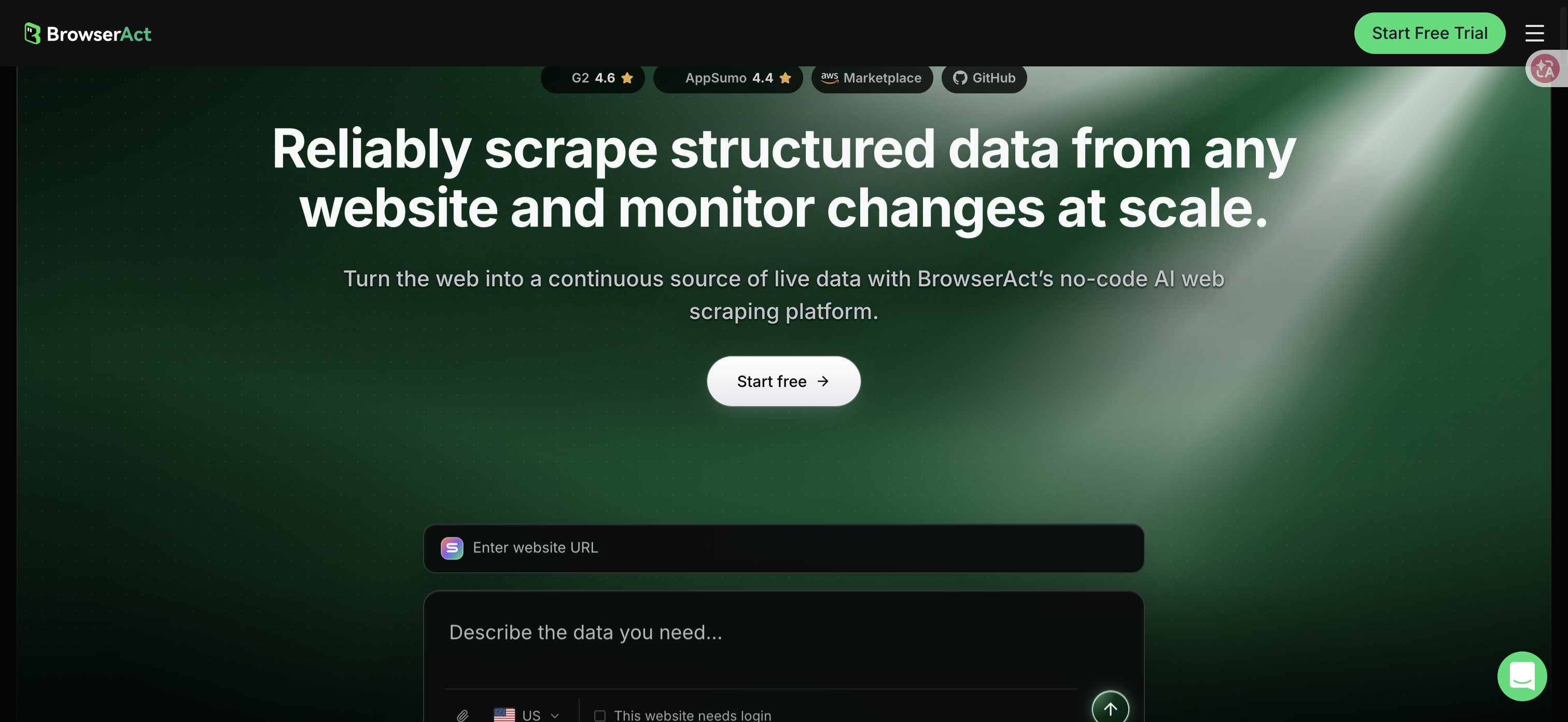
Official BrowserAct homepage. Product illustration on the page is not a result from a task run for this article.
Approve the specific external action
Approval remains a separate boundary. Meta's Muse safety explanation describes protective controls and also acknowledges that the agent can make mistakes. Define the exact proposed recipients, content, destination, or spending change when requesting human approval. A general instruction to “improve marketing” should not be treated as approval for every later external action.
Measure Accepted Work, Then Expand
For your first Muse marketing task, choose a deliverable your team already understands. Record the time spent gathering inputs, reviewing the output, correcting errors, and completing the work. Compare the full effort with the existing process. Generation speed alone leaves out the expensive part when the answer needs substantial checking.
Track whether the deliverable was accepted, whether its important figures reconciled, and whether anyone used it to make the intended decision. Keep revenue impact separate until an appropriate experiment or attribution method supports a conclusion.
The best Muse AI use cases for marketers have a named owner and a clear finish line. Start with one weekly decision package. Expand access only after the evidence, corrections, and review effort justify the next task. For repeated public-web inputs, evaluate a reusable BrowserAct Bot as a separate part of that process.
Frequently Asked Questions
What are practical Muse AI use cases for marketers?
Start with performance briefs, creative briefs, content planning, feedback analysis, campaign retrospectives, and product-page information audits. Define the inputs, acceptance criteria, and reviewer for each task.
Can Muse connect to Meta advertising and social accounts?
Meta's business announcement describes Meta ad accounts, Facebook Pages, and Instagram professional analytics connections. Check the connector and permissions available in your own account before relying on them.
Can Muse publish campaigns or change spending without review?
Meta says publishing, sending, and spending require approval. Keep the exact proposed action visible and verify it before approving; a product safety claim does not eliminate the need to review the work.
Does using Muse guarantee better marketing performance?
No independent performance improvement was established for this guide. Measure accepted work, corrections, total review effort, and business outcomes separately rather than treating a generated draft as proof of improvement.
Is this guide based on a hands-on Muse marketing test?
No. It combines current official product information with suggested task designs and review criteria. The examples are proposals, not independently observed Muse results.
How can BrowserAct support a Muse marketing workflow?
BrowserAct can provide reviewed, structured public-website data through a separate reusable Bot process. An official BrowserAct–Muse connector has not been verified; any handoff must be checked in your own workflow.


