Muse for Small Business: Cost, Setup and a First-Week Plan

Your store, invoices and marketing reports already live in different tools. Muse for Small Business promises to help work across them, but connecting everything at once makes it harder to judge the result. Start with one recurring job, one owner and a clear approval boundary. This guide explains the verified product facts and a practical first-week evaluation.
- 1Muse for Small Business adds business skills and connectors inside Meta's Muse agent. A listed connector still needs to fit your account and the specific task.
- 2Meta's subscription help page lists Power at USD 20 per month and Max at USD 100 per month; benefits vary by account and region.
- 3Separate account access, permission to use a tool and approval of a consequential action. They answer different questions.
- 4Evaluate a draft or read-only report before allowing customer communication, publishing or purchases.
- 5Measure accepted work after review. A longer report or a connected account alone does not establish business value.
What Is Muse for Small Business?
Business skills inside the personal agent
Meta announced Muse for Small Business on September 29, 2026, with the announcement updated October 8. It describes a collection of skills and connectors inside Muse, rather than presenting a separate application. Examples include business planning, campaign drafts and reviewing financial information. Those are vendor-described use cases; they are not independent performance results.
The official business page lists connections to tools including Shopify, Intuit QuickBooks, Stripe, Canva, Notion and Slack, alongside Meta business accounts. The available connector list is in Muse's settings. Check it using the account you intend to use, rather than assuming every service mentioned in a launch post is available to every employee.
That distinction determines your first useful task. A shop owner with reliable sales records may be ready to request a weekly sales explanation. An agency working across several clients first needs to establish whose accounts and records belong in each task. The same product can require very different operating rules.
This guide focuses on that adoption decision. For a separate public-web research process, see the Muse competitor research guide.
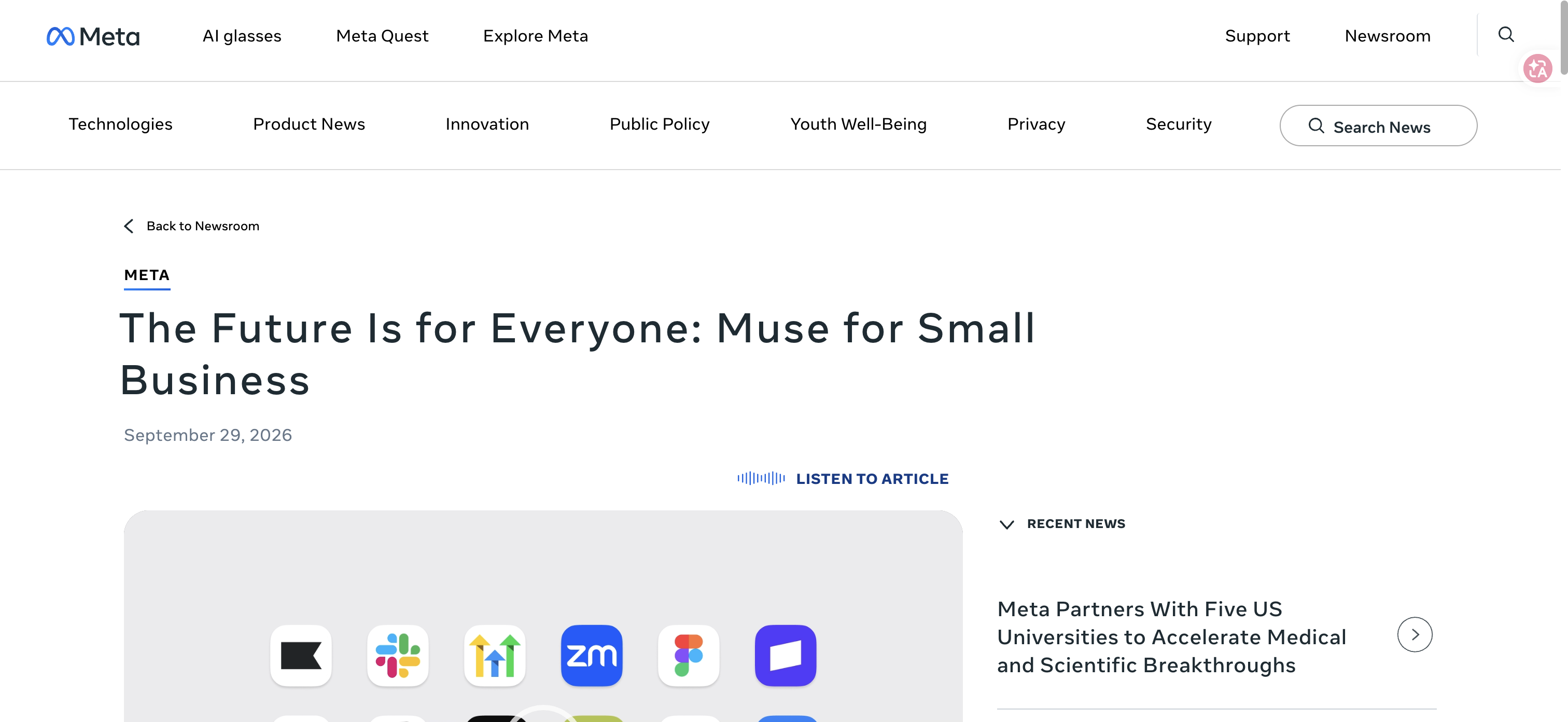
Official Meta announcement, checked October 29, 2026. Product context, not a completed task.
What Does Muse for Small Business Cost?
Verified list prices and the costs you still need to check
As checked on October 29, 2026, Meta's Muse subscription help page lists a free option with a usage limit, Power at USD 20 per month, and Max at USD 100 per month. It lists weekly allowances of 500 million Muse tokens for Power and 3 billion for Max. Meta says subscription benefits and availability can vary by region and account, with available benefits shown before subscribing.
Treat those as published reference prices, then verify the offer in your own account. The business announcement does not establish a separate company-wide license, pooled allowance, service-level agreement or unlimited employee access. A personal subscription price is insufficient evidence for any of those features.
Cost component | What to confirm before committing |
Muse subscription | Account offer, currency, taxes, billing period and renewal |
Existing business software | Whether the connected account has the required plan and permissions |
Connector or custom work | Any provider charge, implementation effort and ongoing maintenance |
Staff review | Time spent correcting, checking and approving the deliverable |
Rework | Time needed when records are missing, the wrong date range is used or an action needs recovery |
Pro Tip: Set the review time budget before the pilot. Otherwise a polished draft can feel successful even when checking it takes longer than doing the original task.
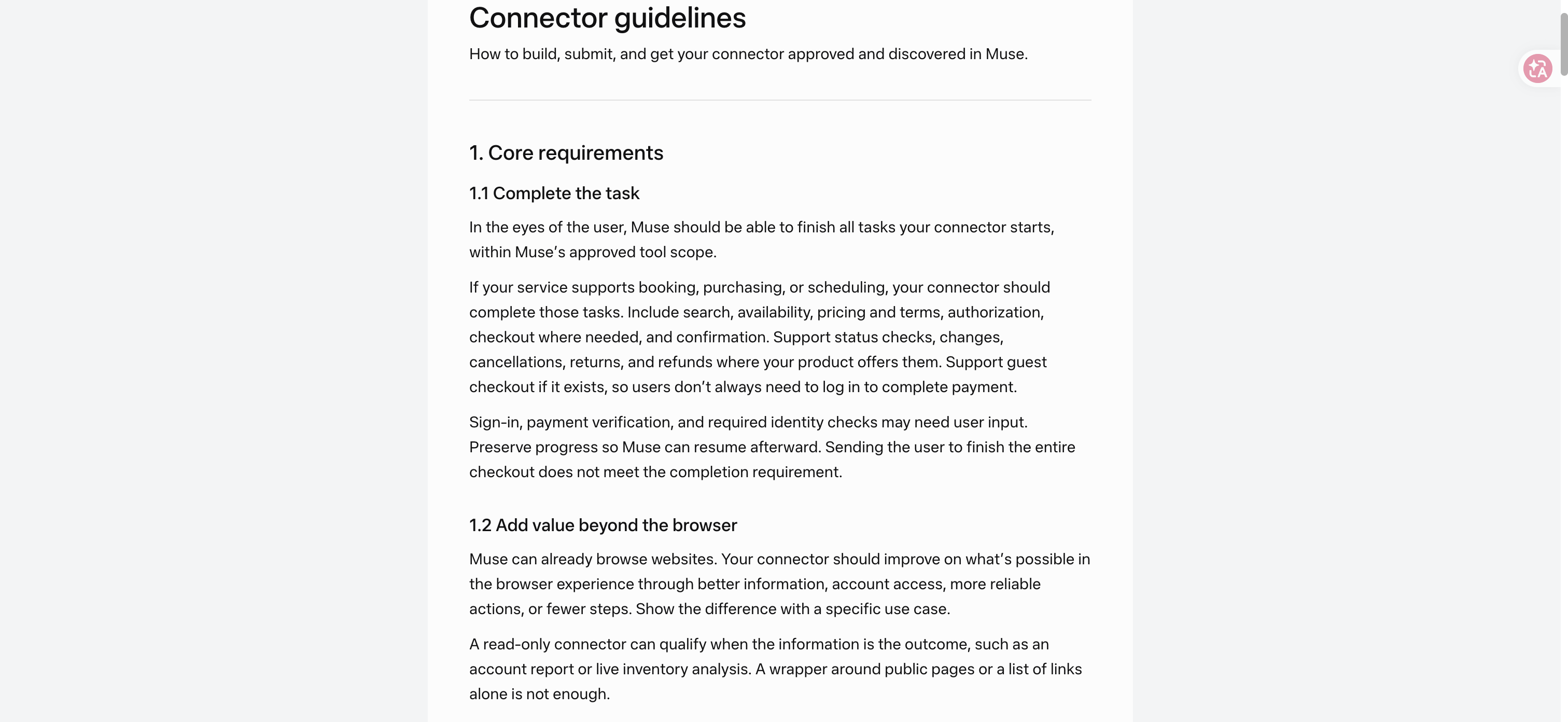
Official connector guidelines, checked October 29, 2026. Documentation screenshot, not a product run.
Check Account Fit Before Connecting Tools
Verify the route to the data
Start with the exact business object you need: a storefront, a Meta ad account, a document folder or a set of invoices. Record the account owner, the period covered and the output you expect. “Look at our business” leaves too many opportunities to combine the wrong records.
Next, check whether your Muse account offers the connector, whether the underlying service permits your role to use the required data, and whether your company authorizes that access. The fact that you can sign in to an application does not establish permission to expose all its contents to another service.
A useful access record is small: service, account identifier, business owner, selected scope, connection date and removal procedure. Keep secrets in the service's secure connection flow. Do not paste passwords or API keys into the business task description.
Separate a connector listing from a working workflow
Meta's connector guidelines describe submission, review and discovery through Settings > Connectors. They also distinguish read, write and sensitive write tools. A connector's presence is a starting point; it does not prove that a particular workflow completes correctly with your accounts.
For the first evaluation, ask for a narrow output and check it against the original system. If the request needs records the connector cannot retrieve, keep that gap visible. Do not let an incomplete connection turn into a confident explanation of your entire business.
Custom connectors deserve their own decision. The launch announcement says Muse supports them, but “custom” still means someone must verify authentication, supported actions, errors and maintenance. A generated connection is not the same as an accepted production integration.
Choose One Job That Can Be Checked
Match the deliverable to the business problem
The best first job has a clear source of truth and a reviewer who understands it. It should return something you can accept or reject without sending a message, changing a price or moving money.
Proposed pilot | Useful deliverable | Review before accepting |
Weekly storefront review | Short explanation of a defined period, with supporting figures | Dates, refunds, currency, products and missing records |
Campaign planning | Draft brief tied to the approved offer and audience | Claims, stock, dates, brand language and budget assumptions |
Expense review | List of entries needing investigation | Original transaction, supplier context and duplicates |
Customer reply preparation | Draft responses based on an approved policy | Recipient, order details, promise and escalation route |
For an expense review, for example, ask for entries that need a human look rather than a conclusion that a charge is fraudulent. For a sales explanation, require the agent to separate the figures it retrieved from its interpretation of why they changed. An explanation is useful only when the underlying numbers can be checked.
Pro Tip: Keep the deliverable shorter than the source. A one-page decision note with a visible exception list is easier to review than a long account summary that hides its uncertainty.
Understand What Approval Covers
Account access is not approval for every action
Meta's business announcement says publishing, sending and spending require approval. Its connector guidelines explain that sensitive writes require approval each time, while non-sensitive tools can have different permission choices. Review the actual permission dialog; a general statement about approval does not mean every read or routine edit asks again.
The owner's job is to approve a concrete action. For a customer reply, that means the recipient and final message. For a purchase, it means the item, full amount and terms. If the details change, do not rely on approval given for the earlier version.
Use the same discipline when the business has several staff members. Define who can review a draft, who can approve an external action and who handles a failure. Do not assume that connecting an owner's account creates a team approval system with the roles your company needs.
Check the destination after a consequential action
A request to perform an action is not its receipt. If you later authorize a live action, verify the result in the destination service: the actual published item, sent message or confirmed transaction. Keep pending, failed and confirmed outcomes distinct.
Meta's safety explanation describes isolated credential storage and an independent permission authority. It also acknowledges that Muse can make mistakes. Those architectural protections do not remove your need to verify business facts, customer promises or final transaction status.
Run a First-Week Pilot
Days 1–2: Establish the manual reference
The following schedule is a suggested evaluation plan. It is not an official Muse onboarding sequence or a claim that every task finishes within a week.
Pick a recurring job you already perform. Save one recent manual example, record how long it takes and write down what makes it acceptable. For a weekly store review, the acceptance criteria might cover the correct reporting period, reconciliation to the source system and a short list of questions worth investigating.
Then connect only the data needed for that job. Check available read-only options and review scopes. If the required access is broader than your company permits, stop that pilot and choose another task rather than expanding permission just to complete the experiment.
Days 3–4: Produce and correct one deliverable
Run a draft or read-only task. Compare its claims with the manual reference and source records. Keep a correction log with the affected claim, the source, the correction and the time spent. A missing record and a wrong interpretation need different fixes.
Repeat the same task after clarifying the requirements. This second attempt tells you whether a clearer brief resolves the problem or whether the data connection remains inadequate. Do not change the task and the success criteria at the same time.
Days 5–7: Decide what deserves another run
Assess whether the final output was accepted, whether review stayed within budget and whether anyone had to repair unintended changes. Record the total effort, including setup. Early setup time may be reusable, but that is something later runs must demonstrate.
Continue with the same scope if the output meets your criteria. Expand one dimension at a time: another source, a more frequent run or a narrowly approved action. If you cannot reliably check the output, adding more connected tools will make the experiment harder to diagnose.
Pro Tip: Keep one deliberately missing field in your evaluation checklist. A useful agent should expose the gap or ask for help; a plausible invented value is a reason to revise the workflow.
When Your Business Needs Repeated Website Data
Separate the collection job from the business decision
Some questions depend on records in your own tools. Others need repeated collection from public websites, such as checking supplier catalog information. Evaluate that collection requirement separately from whether Muse can explain the result.
BrowserAct creates reusable web-scraping and automation Bots from natural-language requests, with structured CSV or JSON delivery. It is one option to assess when the same website data needs collecting again. Source coverage, missing fields and successful export still need their own checks.
Passing those records into an analysis workflow depends on the input methods your Muse account supports. This guide does not establish a native BrowserAct–Muse connector, a tested end-to-end integration or a performance comparison. The practical distinction is between acquiring usable records and deciding what they mean. The competitor research workflow explains how to preserve that evidence trail.
Decide on the Job Before Expanding Access
Muse for Small Business is worth evaluating when one owner can define a useful deliverable and verify it against reliable records. Start there. Your first milestone is an accepted piece of work with known review effort, followed by a second run that remains useful.
Check the account offer and connector permissions, select one recurring task and keep external actions under explicit review. If repeated website collection is the missing part of the process, explore the BrowserAct template directory as a separate data workflow before connecting it to broader business decisions.
Frequently Asked Questions
Is Muse for Small Business a separate application?
Meta describes it as business skills and connectors inside Muse. The announcement does not establish a separate enterprise application or company-wide license.
How much does Muse for Small Business cost?
Meta lists free usage, Power at USD 20 per month and Max at USD 100 per month. Benefits vary by region and account; confirm the actual offer and any connected-service costs before subscribing.
Which tools can Muse connect to?
Official examples include Shopify, QuickBooks, Stripe, Canva, Notion and Slack. Check the Connectors section in your account settings for current availability and inspect the permissions for your intended task.
Can Muse send messages or spend money without approval?
Meta says publishing, sending and spending require approval. Its platform rules require approval for each sensitive write; inspect the actual action details and permission settings before proceeding.
What should a small business try first?
Choose one draft or read-only report with a reliable source and a named reviewer. Compare it with your manual process, including correction time, before expanding access or allowing live actions.
Does BrowserAct have a verified native Muse connector?
This guide does not verify one. BrowserAct can be evaluated separately for recurring website data collection, with any handoff checked against the input methods available in your Muse account.


