Muse AI for Competitor Research: A Workflow You Can Verify

Muse AI can help organize competitor research, but a convincing comparison is only useful if its prices, product claims, and sources hold up. Give Meta’s agent a defined business question and a small set of public pages, then check the evidence before using its recommendations in a positioning brief or sales conversation.
The practical opportunity is to reduce the work between opening a competitor’s website and understanding what matters. That takes more than a prompt asking for strengths and weaknesses. You need comparable inputs, visible gaps, and a record of which claims came from which pages. For recurring collection, a reusable BrowserAct Bot can be a separate source of structured website data; the research process still needs human judgment.
- 1Muse AI for competitor research works best with a narrow decision, explicit source URLs, and defined output fields.
- 2Separate the workflow into collection, verification, comparison, and a short decision brief. A summary alone does not establish the underlying facts.
- 3October updates include Muse Wonder and new country launches; check your account’s actual access rather than treating every announcement as universally available.
- 4Compare the same billing interval, geography, and plan scope before drawing pricing conclusions. Missing information should remain visible.
- 5Consider BrowserAct for repeated website data collection, then review the collected records in your analysis workflow. This is a proposed handoff, not a claim of an official Muse connector.
What Is Muse AI, and What Changed in October 2026?
A personal agent with a browser and connected tools
Meta introduced Muse on September 8, 2026, as a personal agent that can work through tasks using its own cloud computer and browser. Meta’s launch announcement describes background work and approval requests for sensitive actions. These capabilities make public-web research a reasonable task to try, but they do not establish extraction accuracy, unlimited access, or a guaranteed research turnaround.
On September 29, Meta announced Muse for Small Business, adding business skills and connections to tools such as Shopify, Canva, and QuickBooks. Access to your own connected business tools is different from visibility into a competitor’s private systems. A connected account does not reveal another company’s sales, conversion rate, or advertising return.
Model announcements and country availability are separate facts
The October 12 Muse Wonder announcement introduced Wonder and Wonder Full through developer products, with Muse rollout described as coming first to subscribers. It does not prove which model a particular Muse conversation uses. Record the model if your account exposes it; otherwise leave it unspecified when describing a test.

Meta’s official Muse Wonder announcement. Source: Meta Newsroom, October 12, 2026.
Availability has also moved beyond the original launch markets. Meta announced a Japan launch on October 23 and a Singapore launch on October 27. The Singapore announcement notes that some connector experiences will arrive progressively. Check your location, account, and connected tools before planning a workflow around them.
NVIDIA’s October 26 announcement describes expanded work with Meta on Muse infrastructure. That is relevant context for the product’s development; it is not evidence that a research task will run faster or produce fewer errors.
Product facts in this guide were checked on October 28, 2026. The prompts below are suggested research instructions, not results from an independent Muse benchmark.
Start Competitor Research With a Decision You Need to Make
Define the question before choosing the comparison fields
“Research our competitors” leaves too many choices to the agent. It might compare enterprise products with starter plans, mix old reviews with current documentation, or produce a long list of features that does not change your next decision.
A more useful question is: “Which competing entry-level plans include scheduled exports for small marketing teams, and what restrictions should our positioning address?” This narrows the audience, product tier, and capability. It also gives you a reason to collect prices and limits rather than every fact on the website.
If you have not yet chosen your comparison set, start with the decision framework in what competitor analysis is and how to do it. Include products that compete for the same customer task. A well-known brand is not automatically a relevant competitor.
Use a research sheet that preserves the original evidence
Create one record per plan or product being compared. Keep the wording from the page separate from your normalized values and your interpretation. That separation makes it possible to correct a mistaken conversion without losing the original source.
Field | What to capture | Why it affects the comparison |
Company and plan | Exact product and plan names | Similar names can refer to different tiers |
Source URL | The specific pricing or documentation page | A homepage link may not support the claim |
Price as displayed | Original amount, currency, and qualifiers | Prevents a normalized value from hiding conditions |
Billing basis | Monthly, annual commitment, usage, or quote | Headline prices may use different denominators |
Capability and limit | Stated feature plus quota or restriction | A checkmark can hide a limited allowance |
Market and capture time | Selected region and retrieval timestamp | Local offers and page content can change |
Evidence status | Confirmed, conflicting, unavailable, or unclear | Stops missing data from becoming a false answer |
Give Meta Muse a Research Prompt With Clear Boundaries
Ask for evidence records before asking for recommendations
Give Muse the official pages you want considered and explain what counts as a useful answer. Begin with a small comparison you can manually inspect. Once the structure works for your task, expand the page set.
The following is a prompt to adapt. Replace the bracketed inputs with your business context and real URLs before sending it:
Research these competitors for a small marketing team evaluating scheduled data exports.

Business question:
[State the decision this research should inform.]

Approved public sources:
[Paste each competitor's official pricing and relevant documentation URLs.]

Scope:
Use the same target market and billing basis where possible. Report any difference you cannot normalize. Do not sign up, contact anyone, submit forms, or purchase anything.

First produce evidence records:
company, product, plan, capability, stated limit, price as displayed, currency, billing basis, exact source URL, page date if shown, retrieval time, and evidence status.

Keep observed page facts separate from your interpretations. Use unavailable or unclear when a source cannot be reached or does not answer the question. Do not infer missing limits or prices.

Then produce a comparison and a short brief:
what is confirmed, what remains uncertain, which differences matter to the stated decision, and which claims a person should verify before using them externally.
This prompt sets an evidence standard; it does not guarantee that Muse will satisfy it. Check whether the output actually contains working links and whether each link establishes the associated fact. If it cannot access a page, retain that failure rather than asking for a plausible replacement value.
Keep instructions from websites out of the task definition
An external page is research material. It should not be able to expand the agent’s permissions or redirect the task into sending information, changing accounts, or installing something. Keep the work read-only unless you separately intend an action.
Meta’s technical safety explanation describes safeguards but also acknowledges that prompt injection remains a problem and that Muse can make mistakes. Permission controls reduce some risks; they do not replace checking the research result.
For public competitor research, avoid connecting unrelated internal systems. A project about published prices does not need customer records, private financial files, or permission to email competitors.
Verify Prices and Product Claims Before Comparing Them
Open the cited page and check the exact scope
A source can be real while supporting a different conclusion from the one in the report. Open the cited section and compare its language with the generated claim. Does it describe a generally available feature, a beta, a premium add-on, or a planned release? Does the quoted price apply to the plan being compared?
Prioritize the claims that would change a decision: availability, price, included usage, export support, recurring execution, and integration requirements. A correct company description cannot compensate for an incorrect plan limit.
For pricing, avoid collapsing unlike offers into a single ranking. An annual commitment shown as a monthly equivalent is different from a cancellable monthly subscription. Usage charges may need a stated workload before the total becomes comparable. If a vendor only offers a quote, record “quote required” and explain what remains unknown.
Resolve conflicting sources without quietly deleting the conflict
Suppose an older review says a tool has no scheduled exports, while its current documentation describes scheduling on selected plans. Keep both dates in the research notes, use the current official documentation for the present feature claim, and check the applicable plan. Do not turn that into a claim that every customer has the feature.
When the official sources themselves disagree, mark the record as conflicting. The next action might be a manual check of the account or an inquiry through the vendor’s published support route. Until then, the comparison should show the uncertainty.
Pro Tip: A blank field and a confirmed “not included” mean different things. Keep an evidence-status column so the agent cannot turn inaccessible information into a competitive weakness.
The same discipline applies when cleaning an exported dataset. Keep raw values and corrections in separate fields, as explained in how to clean scraped data without losing the original values.
Decide When the Research Needs a Reusable Collection Process
Distinguish a research brief from an ongoing dataset
A one-time product shortlist and a weekly pricing watch have different operating requirements. The shortlist needs useful source coverage and a clear recommendation. The recurring watch also needs stable record keys, consistent capture conditions, a history of failures, and a way to distinguish a real change from a collection error.
Choose the process around the work that must repeat. Use the following as a workflow decision table, not a benchmark comparing product performance:
Research need | Practical approach | Evidence to review |
Understand a small set of public pages | Ask Muse for a scoped research brief | Working citations and faithful summaries |
Compare plan prices and features | Require a field-based table before analysis | Matching billing basis, plan scope, and limits |
Refresh the same records repeatedly | Evaluate a reusable collection Bot and stored snapshots | Coverage, stable fields, failed captures, and changes |
Make a material positioning or sales claim | Review the original sources before approval | Current support for every consequential claim |
Where BrowserAct fits in the handoff
BrowserAct focuses on turning a plain-language data request into a reusable web-scraping Bot. Its current product page describes building, running, and improving Bots, with structured outputs for downstream work. This makes it worth evaluating when the same public pages and fields must be collected again.
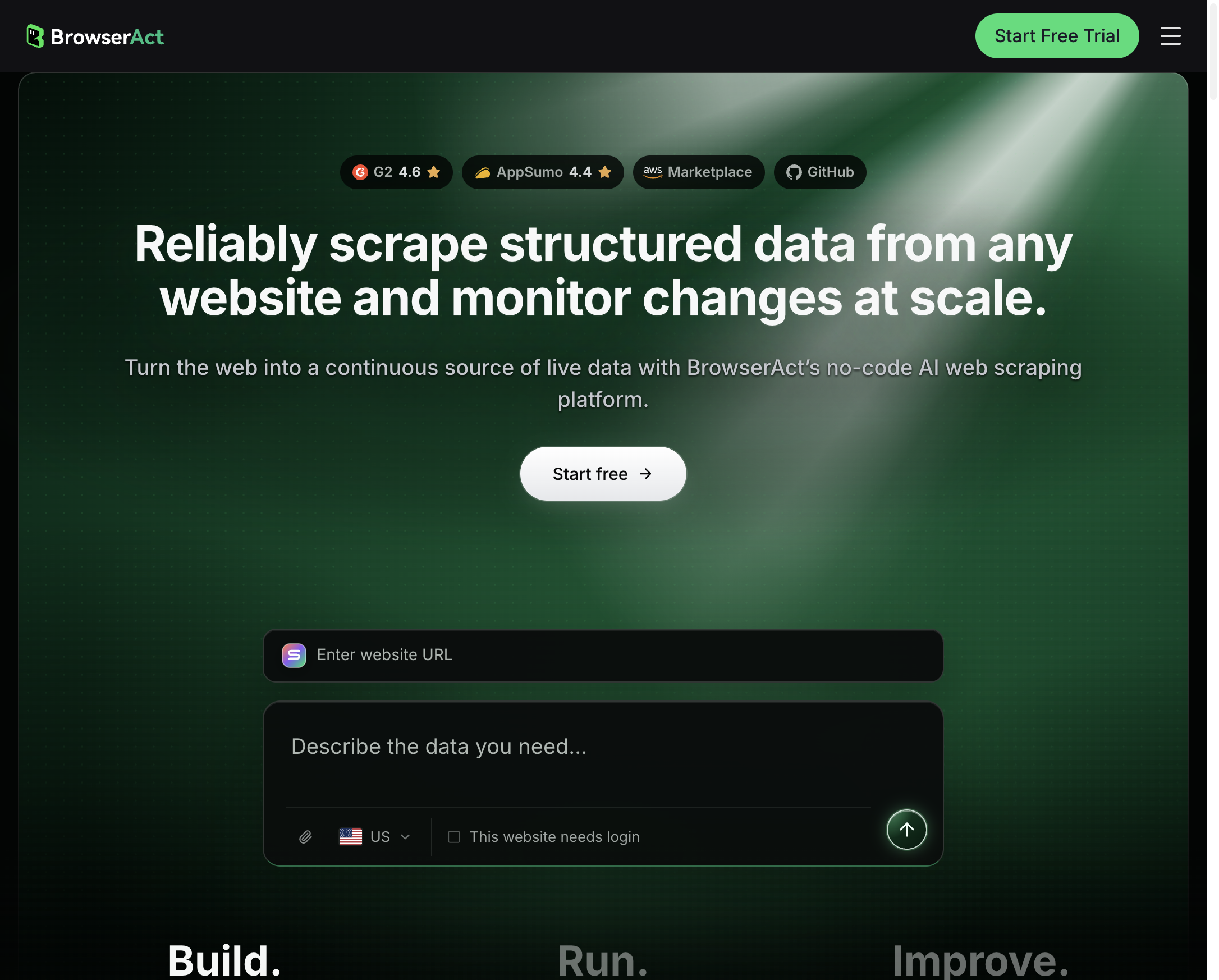
BrowserAct’s official homepage, checked October 28, 2026. This is the product page, not a result from a competitor-research run.
Keep the roles clear: the collection process produces records, the analysis process interprets them, and a person approves consequential conclusions. If you want to bring those records into Muse, first check the input or connector options available in your account. Start with a small readable sample or the original source links. This guide does not establish a native BrowserAct–Muse integration or a verified file-import path.
Pro Tip: Keep the source sheet outside the prose brief. When a claim changes, you can update the affected record and its interpretation without reconstructing the evidence from a paragraph.
Turn Verified Records Into a Brief Someone Can Act On
Give the agent a useful decision format
After the important fields are checked, ask for a short brief with four parts: confirmed differences, implications for your audience, unresolved questions, and the next action. Require a source reference beside every factual statement that supports the recommendation.
For example, the result might identify a specific export restriction relevant to a small marketing team, then recommend testing that capability before changing a sales claim. “Test this limitation” is a useful action. “Competitor A is worse” is too broad to defend.
An observation and its implication should remain distinguishable. A documented annual commitment is an observation. The view that a seasonal business may prefer a flexible monthly option is analysis. That analysis can be valuable without pretending it is something the vendor stated.
Measure the research process against the decision
When you evaluate Muse for your own workflow, record which sources it reached, how many required fields remained unresolved, which claims needed correction, and how much review effort the brief required. Keep the task, account conditions, and source set consistent if you compare runs.
Do not measure usefulness only by output length. A shorter brief that exposes an important unknown can be more valuable than an extensive table filled with assumptions. Likewise, a failed capture should be visible in the research record even if the final recommendation remains usable.
Conclusion
Muse AI can be a useful part of competitor research when you define the decision, constrain the sources, and verify the claims that matter. Ask for evidence records first, then use the checked data to produce a comparison and a short action brief.
When recurring website collection becomes the bottleneck, evaluate BrowserAct’s reusable Bot approach. Keep collection, interpretation, and approval explicit so your next brief is built on evidence you can revisit.
Frequently Asked Questions
Can Muse AI do competitor research?
Muse can browse public pages and help organize a comparison. Define the sources, fields, and business question, then check important claims against the original pages.
Does Muse Wonder power every Muse account?
Meta’s October 12 announcement described developer availability and a later Muse rollout starting with subscribers. It does not establish the model used by every account.
Is Muse available only in the US and Canada?
No. Meta has also announced launches in Japan and Singapore. Availability and connector features can vary by location and account, so check the current official information.
Is Muse AI free for business research?
Meta describes free usage alongside subscription plans. Check current account limits and pricing before relying on it for recurring work; this guide does not promise unlimited research.
Can Muse reliably scrape every competitor website?
Browser access does not guarantee complete or accurate extraction. Access restrictions, page changes, and unclear source content can leave gaps that need manual review.
Does BrowserAct have an official Muse connector?
This guide has not verified an official connector. BrowserAct can be evaluated for collecting structured website data; confirm supported ways to pass that data into your Muse workflow.


