TikTok Trends Scraper: Hashtags, Sounds, Creators, Videos

A TikTok trends scraper is useful when the question is not “what went viral yesterday?” but “which hashtags, sounds, creators, videos, and topic clusters are accelerating before our team is late?” Trend work is different from a one-time video export. A useful trend dataset needs source URLs, trend type, region or niche, first-seen time, collected time, velocity notes, related videos, creators, hashtags, sounds, visible engagement, and a status column that explains whether the signal is early, pe
-
1
TikTok trends scraperis a trend-intelligence query: readers need hashtags, sounds, creators, videos, source URLs, engagement, velocity, region/niche context, and trend status—not just “top TikTok videos.” - 2BrowserAct is strongest for discovering and validating a trend workflow: use Agent for the first brief, TikTok Hashtag Scraper or TikTok Scraper templates for repeatable collection, Workflow for scheduled refreshes, and CLI for engineering handoff.
- 3A good trend export keeps both the signal and the evidence: source URL, collected time, related videos, visible counts, and reviewer notes.
- 4APIs and actors are better when the trend source, region, and schema are stable; BrowserAct is better when the team needs browser context, screenshots, human review, and evolving trend definitions.
- 5Stay read-only and public or authorized. Stop on login, CAPTCHA, 2FA, private content, payment, posting, liking, following, messaging, or account-changing actions.
What is a TikTok trends scraper?
A TikTok trends scraper collects public or authorized TikTok trend signals and exports them into structured rows. The signal may come from a hashtag, sound, creator, video list, search result, Creative Center-style trend surface, or a competitor/category watchlist.
The important distinction is that trend scraping is not one object. It is a combination of objects.
Trend layer | What to collect | Why it matters |
Hashtags | hashtag name, source URL, related videos, visible usage context | Topic grouping and campaign tracking |
Sounds | sound/music name, source URL, related videos, creator examples | Creative format discovery |
Videos | video URL, creator, caption, engagement, publish time | Concrete examples of the trend |
Creators | handle, profile URL, repeated trend participation | Creator shortlist and trend origin clues |
Search results | query, rank, video/profile/hashtag result | Discovery from buyer or audience language |
Ads/Creative Center | top ads, industry, region, date range | Paid creative and market context |
What should a trend export include?
Trend exports fail when they collect a list of “popular things” without context. Use a schema that explains why the row matters.
Field | Why it matters |
| The hashtag, sound, topic, query, creator, or campaign term |
| hashtag, sound, video, creator, search_result, ad, product, or unknown |
| Makes every signal auditable |
| Connects abstract trends to real examples |
| Shows who is using or spreading the signal |
| Captures hooks, language, and topic framing |
| Connects signals to adjacent topics |
| Tracks creative format and music movement |
| Measures visible reaction |
| Shows conversation depth |
| Helps identify spread potential |
| Useful when visible or returned by an approved route |
| Helps distinguish early movement from stale content |
| Needed for trend monitoring |
| Makes refreshes comparable |
| early, rising, peaking, saturated, declining, partial, unavailable |
| Adds human context: why this is or is not actionable |
trend_status manually at first. After three or more refreshes, you can compute velocity from repeated observations.
Build a TikTok trends scraper with BrowserAct
Use this workflow when you are still deciding which trend surface matters: hashtags, sounds, search queries, creators, competitor videos, or category pages.
- Open BrowserAct Dashboard
Click the left-side + button to create your own Bot, start from Quick start, or paste the prompt directly into the center Agent input to begin building.
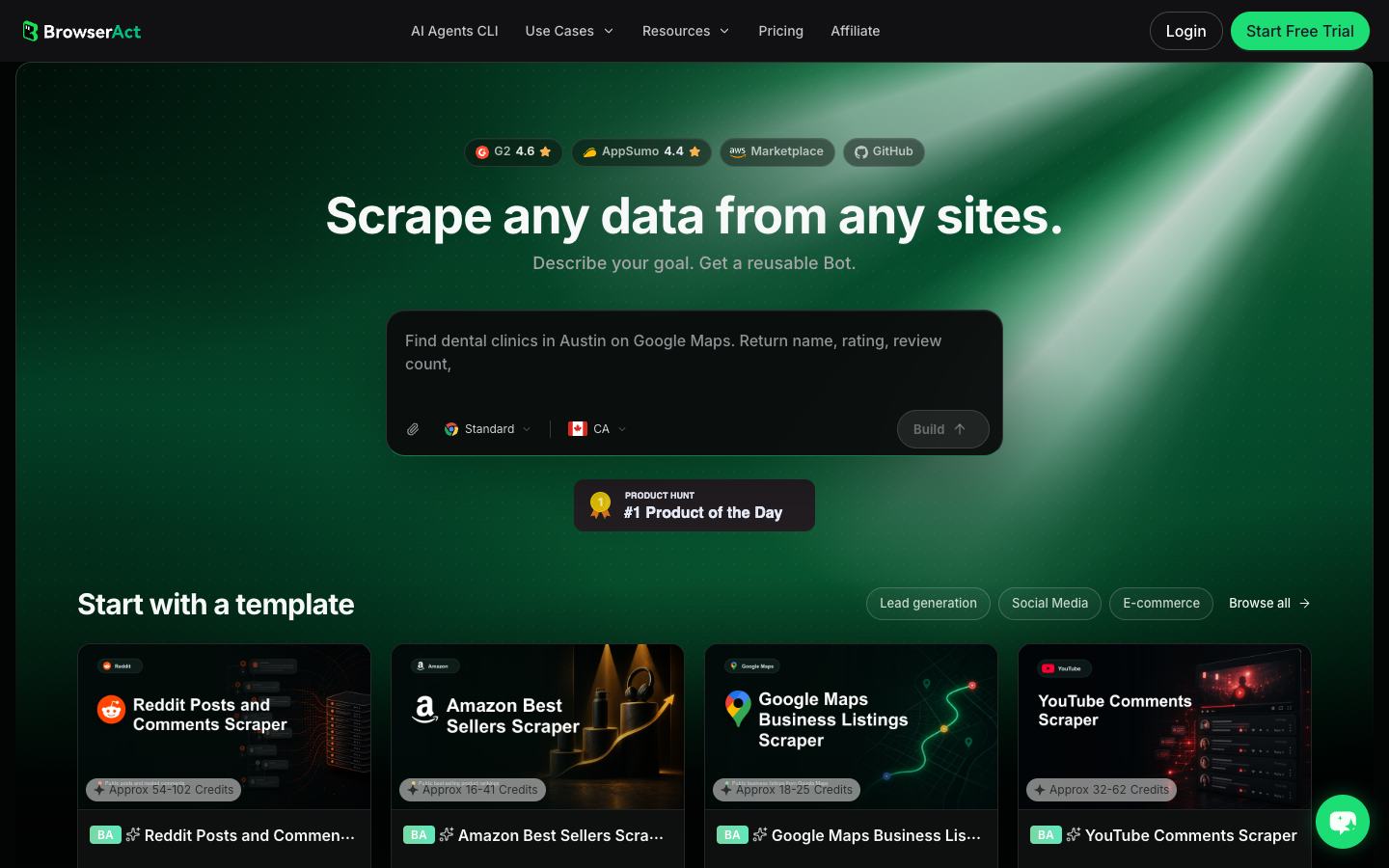
- Copy the complete prompt
Replace the target sources and trend category. Keep the stop rules.
Build a read-only TikTok trends research table from the public or authorized sources I provide.

Trend sources:
- Replace with up to 5 public TikTok hashtag, search, profile, sound, Creative Center-style, or video-list URLs.

Trend category:
- Replace with the niche, product category, campaign, competitor, or audience segment.

Collect up to 80 visible trend signals total. Do not keep scrolling forever.

For each row, capture:
- trend_signal
- trend_type: hashtag, sound, video, creator, search_result, ad, product, or unknown
- source_url
- related_video_url when visible
- creator_handle when visible
- creator_profile_url when visible
- caption_or_description when visible
- hashtags when visible
- sound_or_music_name when visible
- visible_like_count when visible
- visible_comment_count when visible
- visible_share_count when visible
- visible_view_count when visible
- published_at when visible
- first_seen_at for this run
- collected_at
- trend_status: early, rising, peaking, saturated, declining, partial, unavailable, unknown
- reviewer_note explaining why this signal may matter: creative format, competitor move, creator candidate, product angle, campaign hook, complaint, or irrelevant

Deduplicate by trend_signal plus source_url. If the same video appears under multiple signals, keep the relationship and add a note.

Stay read-only. Do not follow, like, comment, message, post, download restricted media, purchase, change settings, bypass restrictions, or access private content.

If login, CAPTCHA, 2FA, age gate, account confirmation, private content, payment, or restricted access appears, pause and ask for human review instead of continuing automatically.

Export the results as a source-linked table suitable for CSV, JSON, Markdown, or Google Sheets.
Scrape data from any website.
Describe the data you need. Get a Bot — a reliable, reusable scraper.
Prompt preview: collect TikTok trend signals, hashtags, sounds, videos, creators, engagement, trend status, and reviewer notes. Private session · Choose your region before you run
Get your Bot — Free- Handle login only when asked
If BrowserAct pauses on login, CAPTCHA, 2FA, age gate, account confirmation, private content, payment, or restricted access, treat that as a human checkpoint. Do not turn a stop screen into an automated workaround.
- Review, dedupe, and export
Inspect the first export, remove accidental duplicates, preserve relationships between hashtags, sounds, videos, and creators, and keep trend_status. If the same trend list should refresh every day or week, save the validated path as BrowserAct Workflow. If engineering needs to trigger the approved run, use BrowserAct CLI.
The BrowserAct TikTok Hashtag Scraper template is a useful starting point when the trend research begins from hashtags instead of a broad search or known creator list.
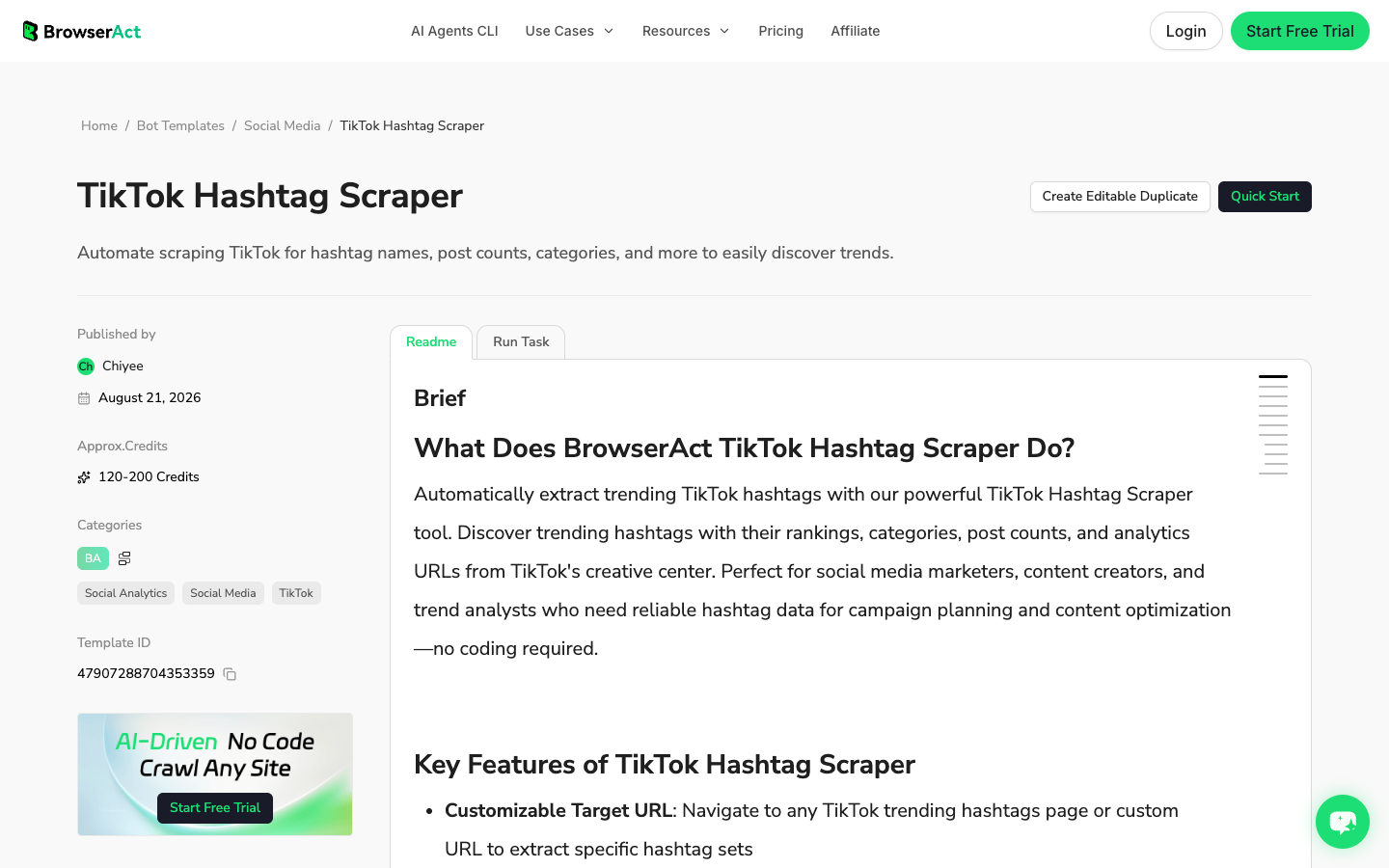
No fake BrowserAct export screenshot is shown here. The workflow above produces a source-linked trend table from your own approved targets; until that live run exists, the schema is the honest artifact.
BrowserAct vs TikTok trend APIs and actors
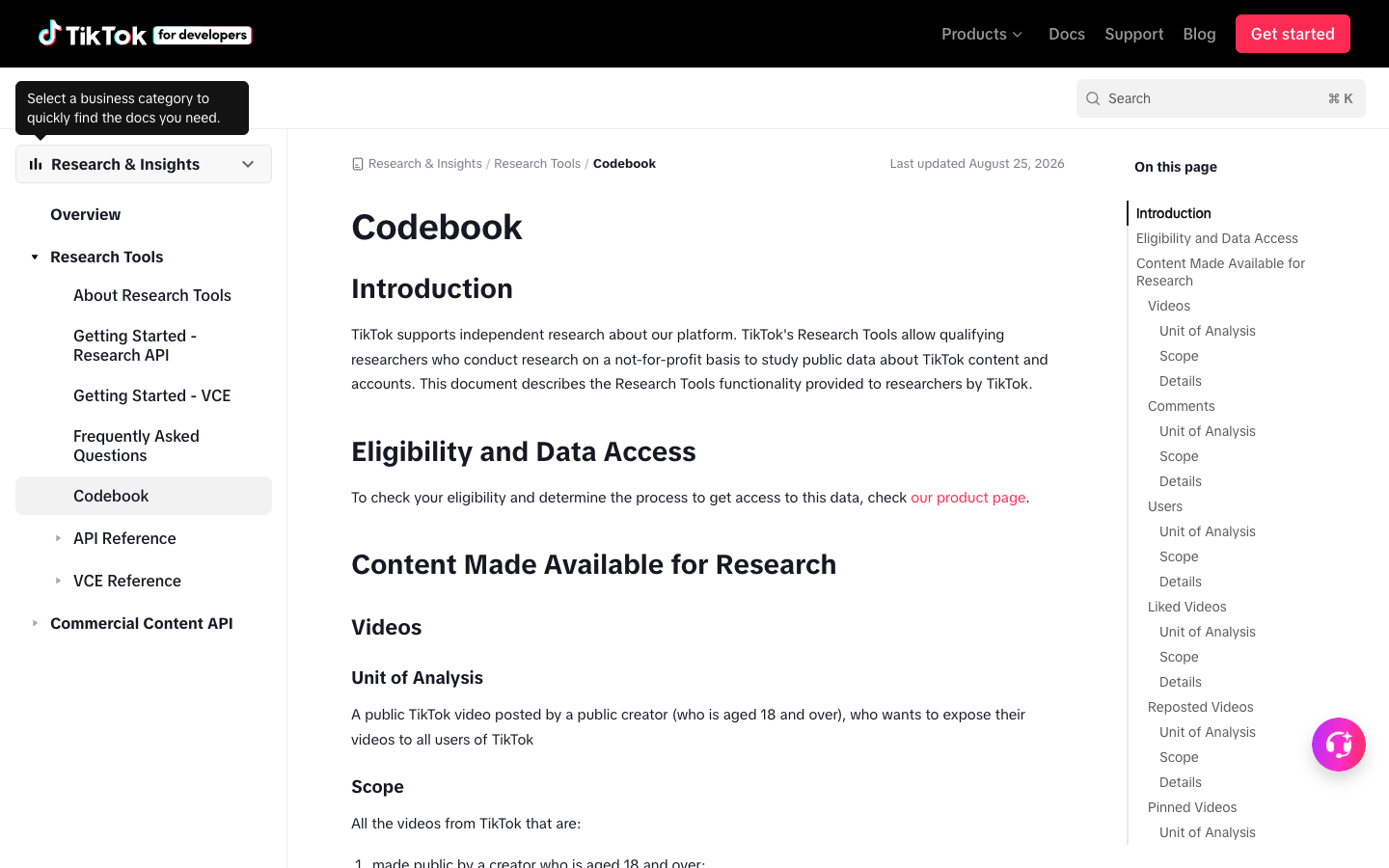
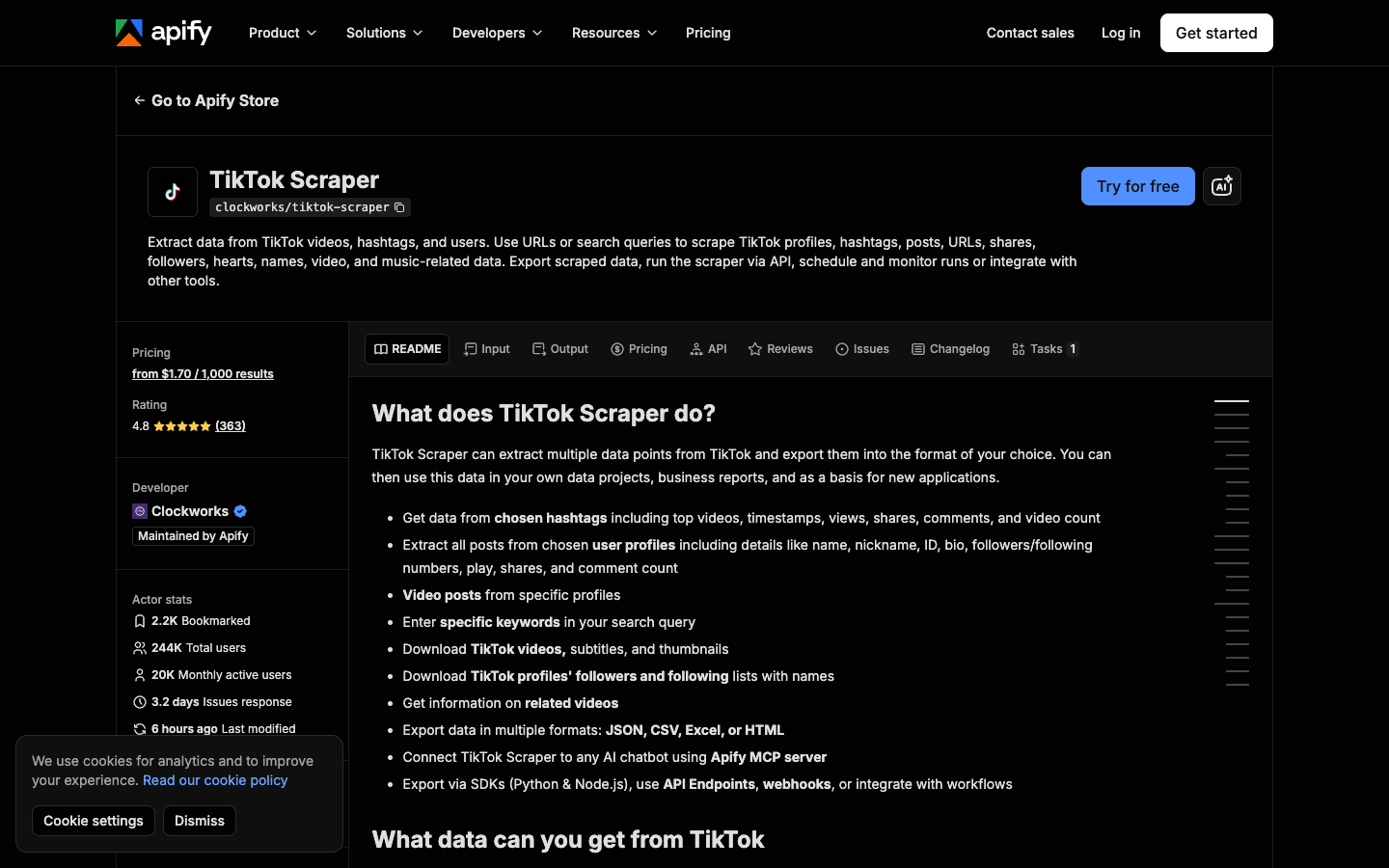
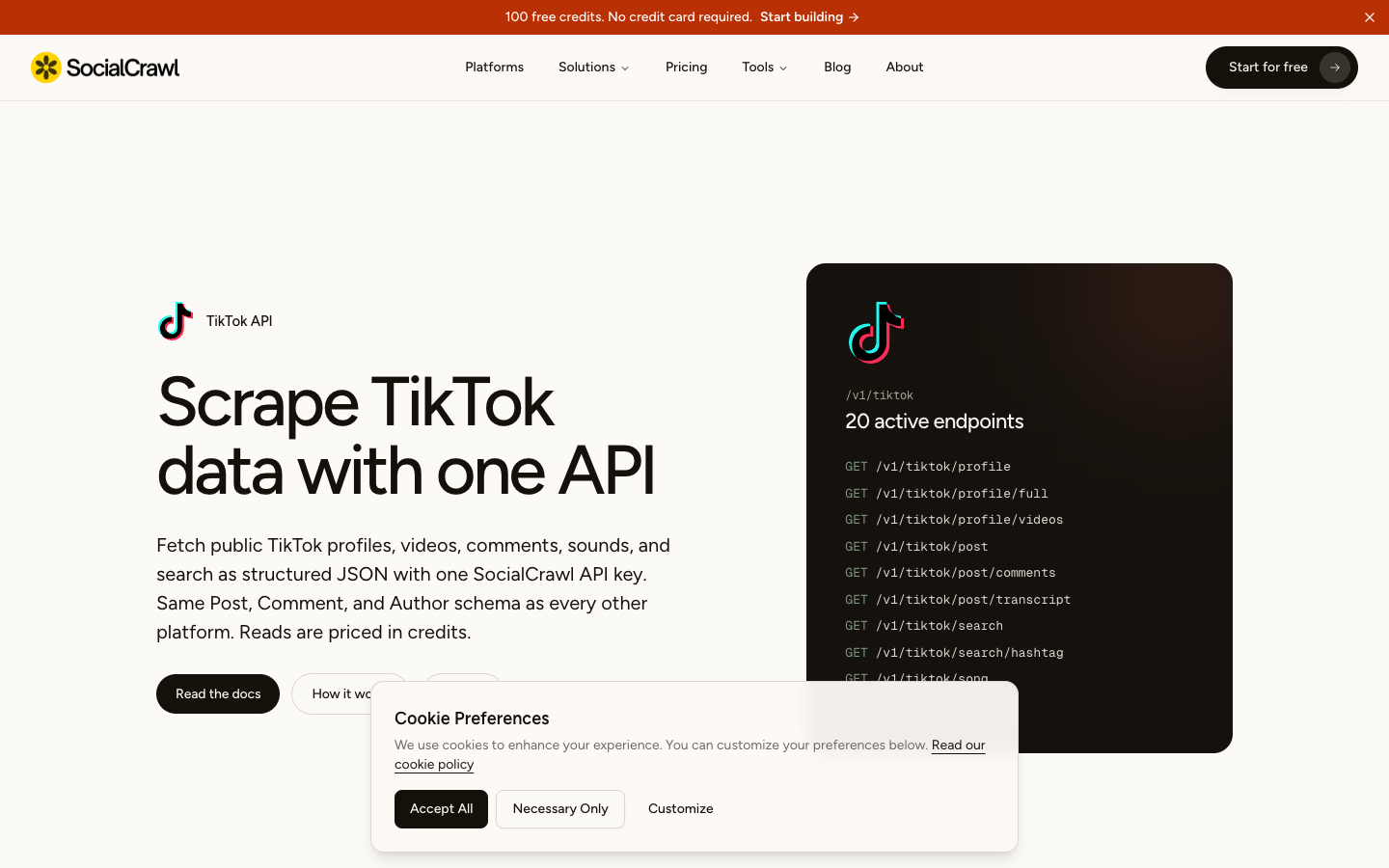
Some API and actor routes are built specifically for trend extraction. Apify has a TikTok Trends Scraper that describes channel-based trend collection for videos, posts, authors, music, and channel information. Apify also has a TikTok Hashtag Scraper for extracting videos and metadata from hashtags. SocialCrawl describes TikTok profiles, videos, comments, sounds, and search as structured JSON.
Choose based on the workflow:
Job | Best fit |
You are testing which trend signals matter | BrowserAct Agent |
You need no-code hashtag or trend collection | BrowserAct TikTok templates |
You need recurring daily/weekly trend refreshes | BrowserAct Workflow |
Engineering needs a controlled trigger | BrowserAct CLI |
You have stable trend endpoints and high volume | API or actor |
You qualify for official research access | TikTok Research API |
How to separate early trends from noise
A trend scraper does not magically know what is useful. The workflow needs a scoring layer.
Signal | Stronger evidence | Weak evidence |
Hashtag | repeated across creators, rising engagement, relevant comments | one isolated viral video |
Sound | multiple formats using the sound, increasing recent examples | old sound on one popular post |
Creator | repeated participation in a niche trend | one off-topic viral post |
Caption/hook | recurring phrasing across videos | one clever line |
Engagement | views, comments, shares moving together | likes only |
Timing | fresh posts within the monitoring window | old content resurfacing without context |
reviewer_note for judgment. Use repeated exports for velocity.
Trend monitoring workflow
Once the first run is useful, move from one-off scraping to monitoring.
- Lock the trend category.
- Lock the source list: hashtags, search queries, creators, sounds, or Creative Center pages.
- Lock the field schema.
- Run on a fixed cadence.
- Compare against the previous export.
- Flag new, rising, peaking, saturated, and declining signals.
The minimum trend dashboard should include:
Dashboard field | Purpose |
| What changed |
| Hashtag, sound, video, creator, query, ad |
| When your team first captured it |
| Last refresh |
| Number of related rows |
| Visible counts from current run |
| Rising, stable, declining, unknown |
| Links reviewers can audit |
| Post, monitor, ignore, brief creator, analyze comments |
Common TikTok trend scraper failure modes
Failure | What it looks like | Better response |
Viral example mistaken for trend | One video dominates the table | Require multiple examples or repeat observations |
Source lost | Team cannot audit the signal | Require |
No timing | Nobody knows whether it is fresh | Require |
Hashtag-only view | Sounds, creators, and formats are missed | Track multiple trend layers |
Overbroad niche | Signals are noisy and unrelated | Narrow category, region, source list, or query set |
Hidden metrics | Counts are missing or partial | Keep blanks and |
No human review | Dashboard is full of irrelevant rows | Add reviewer notes and next action |
Further reading: TikTok research
Frequently Asked Questions
What is a TikTok trends scraper?
A TikTok trends scraper collects public or authorized trend signals from TikTok, such as hashtags, sounds, creators, videos, search results, and campaign terms, then exports source-linked rows for analysis and monitoring.
What data should I collect for TikTok trend research?
Start with trend signal, trend type, source URL, related video URL, creator handle, caption, hashtags, sound, visible engagement metrics, published time, first seen time, collected time, trend status, and reviewer notes.
Can BrowserAct track TikTok trends over time?
Yes. Use BrowserAct Agent for the first trend research run, then save the validated path as BrowserAct Workflow for scheduled refreshes. Use BrowserAct CLI if an internal system needs to trigger the approved workflow.
Is a TikTok trend API better than BrowserAct?
Use an API or actor when the trend source, region, input, and schema are stable. Use BrowserAct when the trend definition, source pages, screenshots, reviewer notes, or human stop points still need to be tested in a browser.
Can I scrape trending TikTok sounds?
Sometimes, depending on the source and access path. A useful workflow should capture sound name, related videos, creators, source URLs, engagement snapshots, and status. Avoid claiming hidden or restricted sound data.
Is TikTok trend scraping safe?
Keep the workflow read-only, public or authorized, and source-linked. Stop on login, CAPTCHA, 2FA, private content, payment, or account-changing actions. This article is not legal advice; review TikTok's current rules and your own compliance requirements.


