TikTok Comment Mining: Find Customer Pain Points in Comments

TikTok comment mining is the process of turning public or authorized TikTok comments into customer pain points: repeated complaints, objections, buying questions, feature requests, product confusion, creator-fit issues, and phrases a team can actually use. The useful output is not a vague word cloud. A product manager needs the original comment, source video, theme, quote, severity, and next owner. A performance marketer needs the objection behind the comment. A creator team needs to know whethe
-
1
TikTok comment miningshould answer a business question: what pain points, objections, product questions, and purchase blockers are repeated in comment threads? - 2This workflow maps comments into six buckets: questions, complaints, objections, feature requests, praise language, and risk signals.
- 3TikTok’s own Comment Insights and Research API docs are useful schema references, but teams still need source-linked exports and human review before acting on slang, sarcasm, or multilingual comments.
- 4Use [BrowserAct Agent](https://www.browseract.com/agent?co-from=blogbottiktok) when the source list is exploratory, the [BrowserAct TikTok Comments Scraper](https://www.browseract.com/template/tiktok-comments-scraper?co-from=blogbottiktok) when video targets are known, BrowserAct Workflow for recurring refreshes, and [BrowserAct CLI](https://www.browseract.com/cli?co-from=blogbottiktok) for controlled data-team handoff.
- 5Stay read-only: do not automate posting, liking, following, messaging, private access, login bypass, CAPTCHA bypass, payment, or account changes.
What customer pain points look like in TikTok comments
Pain points are not only angry comments. TikTok feedback often appears as short questions, jokes, objections, or repeated phrases.
Comment pattern | What it may mean | Useful action |
“Does this work for oily skin?” | product-use uncertainty | add FAQ, demo, landing-page copy, or creator talking point |
“Too expensive for that size” | price objection | test bundle framing or value comparison |
“Mine arrived broken” | fulfillment or quality issue | route to support and operations |
“This feels sponsored” | creator trust issue | adjust creator brief or disclosure style |
“Need this in black” | feature or variant request | tag as product feedback |
“Where can I buy it?” | purchase intent | improve link, pinned reply, or product page |
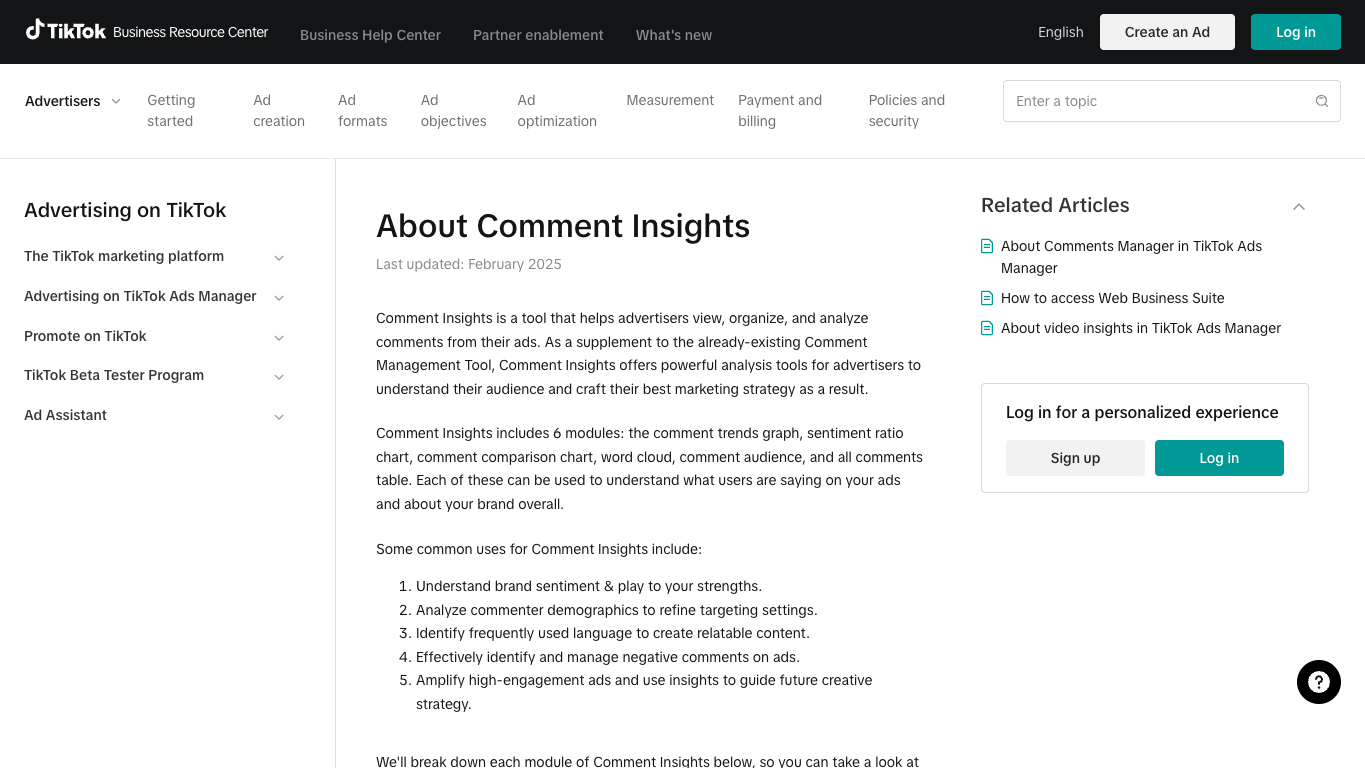
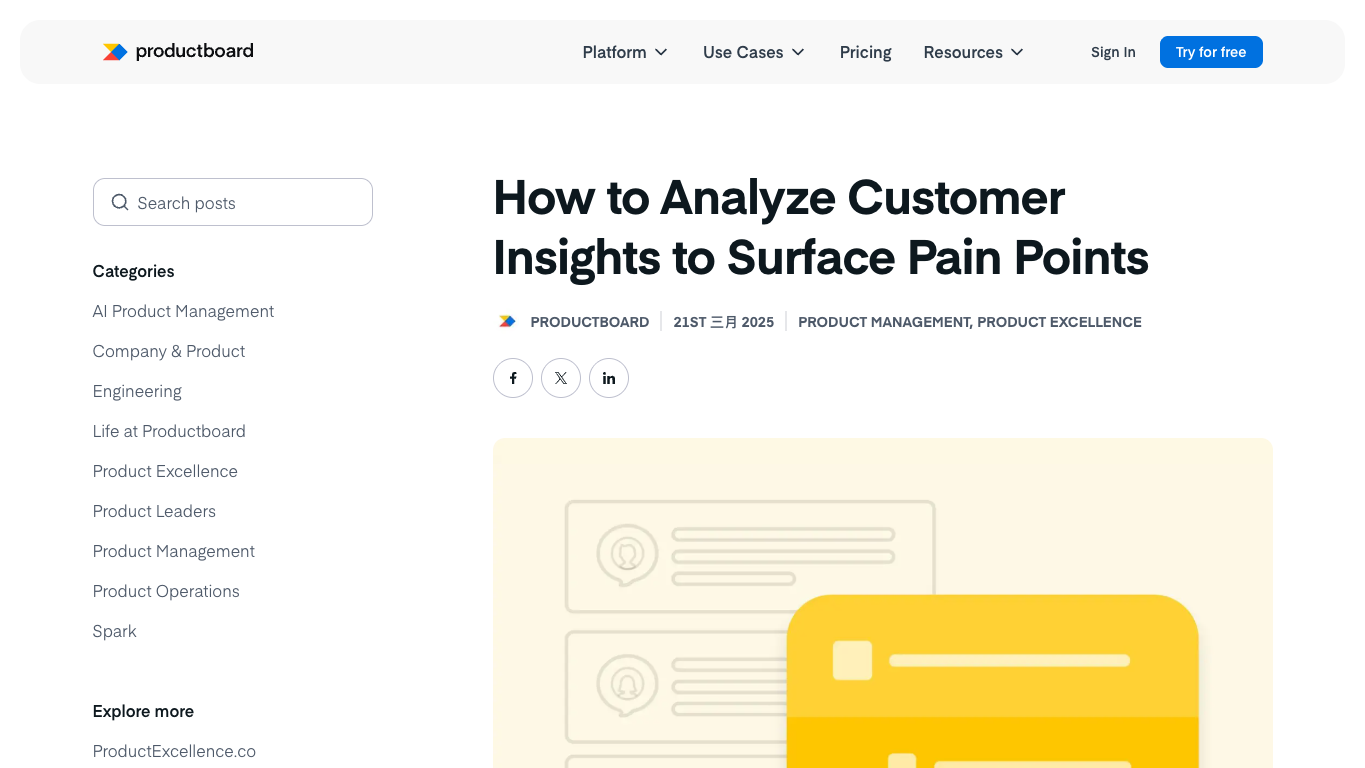
Two numbers explain the opportunity. TikTok’s own ads help page describes six analysis surfaces teams already expect from comments: trends, sentiment, industry comparison, word cloud, audience breakdown, and all-comments review. Plot later analyzed more than 24,000 TikTok comments around rhode’s Pocket Blush to show how comment-level feedback can reveal customer signals that broader social listening may miss.
The gap is that a built-in dashboard rarely matches your exact product taxonomy. A skin-care team, SaaS team, supplement brand, and toy seller will all define pain points differently. That is where a source-linked mining workflow matters.
Start with a pain-point taxonomy, not an AI model
The biggest mistake is sending raw comments to an LLM and asking for “insights.” The model will summarize, but it may not preserve evidence or tell the team what to do next.
Start with a taxonomy that mirrors the decisions your team makes.
Bucket | Example labels | Owner |
Product problem | quality, fit, durability, safety, usability, missing feature | product or QA |
Purchase blocker | price, trust, shipping, availability, comparison | growth or ecommerce |
Content confusion | claim unclear, demo unclear, use case unclear, audience mismatch | creative |
Creator fit | inauthentic, wrong audience, good trust, strong demo | creator partnerships |
Support issue | delivery, returns, troubleshooting, warranty, usage | support |
Opportunity signal | phrase to reuse, new bundle, new variant, FAQ, ad hook | marketing or product |
Pro Tip: Keep “question” separate from “complaint.” A question can be neutral in sentiment but commercially valuable. If dozens of viewers ask whether the product works for a specific use case, that is a messaging gap.
The dataset you need before mining comments
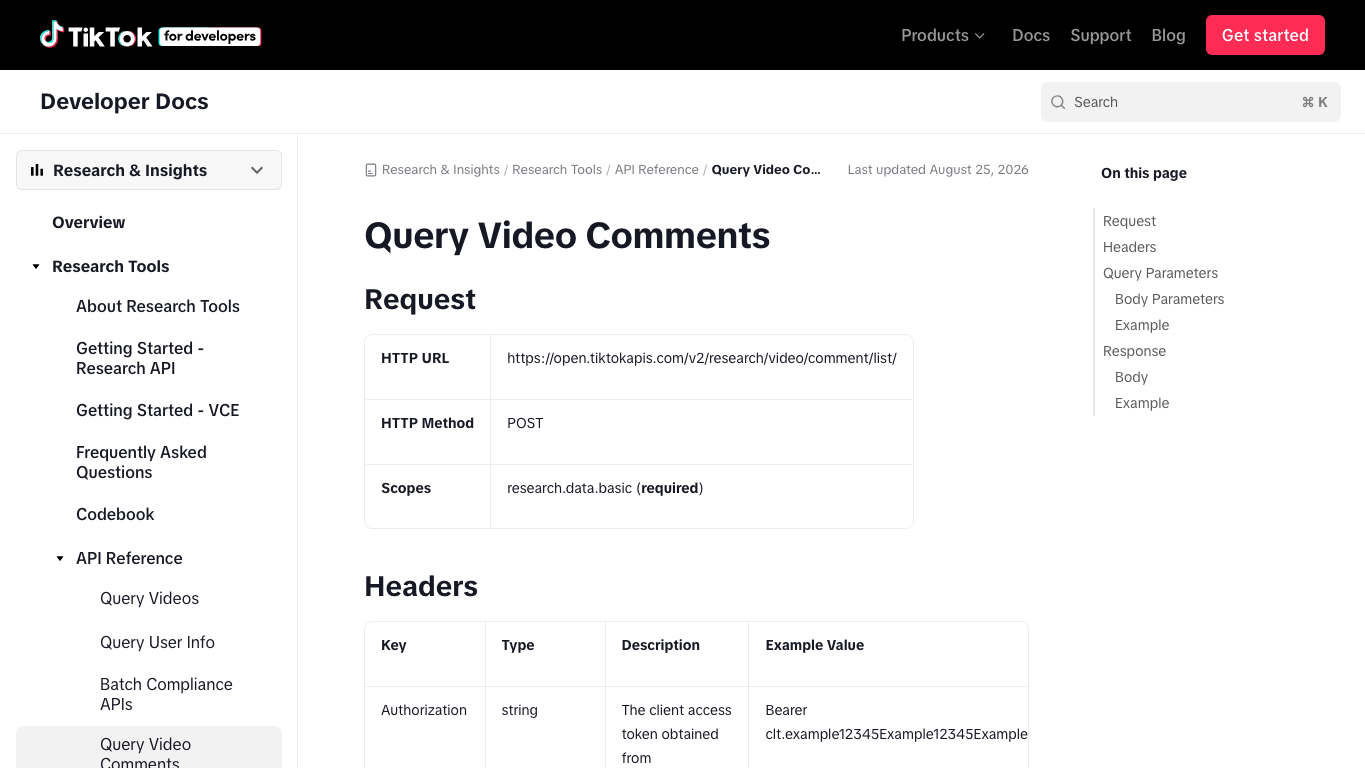
Before you classify anything, design the export. TikTok’s Research API Query Video Comments docs are a useful schema reference because they list fields such as id, video_id, text, like_count, reply_count, parent_comment_id, create_time, and cursor-based pagination.
Even if you are not using the Research API, aim for a dataset like this:
Field | Why it matters |
| keeps every pain point tied to the original source |
| supports dedupe and future re-checks |
| separates top-level comments from replies |
| the raw evidence |
| weak signal for resonance |
| finds disputed or amplified comments |
| helps identify spikes and campaign windows |
| maps feedback to a creator or brand account |
| gives context for interpreting the comment |
| complete, partial, login_required, captcha_required, restricted, unavailable |
| product, purchase, content, creator, support, opportunity |
| price, shipping, trust, fit, quality, claim, feature_request, availability |
| product, support, creative, paid social, creator team |
| the shortest exact phrase worth preserving |
| machine_only, human_checked, corrected, excluded |
source_status column is boring and essential. If your export mixes complete videos, partial videos, login-blocked pages, and unavailable pages without a status, the final report looks cleaner than the evidence actually is.
A practical workflow for TikTok comment mining
The workflow has five passes. Each pass answers a different question.
1. Define the research window
Pick one scope:
- a product launch;
- a competitor product line;
- a creator campaign;
- a branded hashtag;
- the top 20 videos mentioning a problem;
- one week of comments from approved account videos.
Do not mix all of these into one report. Pain points change by context. A creator campaign may reveal trust objections; a product-launch thread may reveal feature questions; a competitor thread may reveal switching triggers.
2. Collect source-linked comments
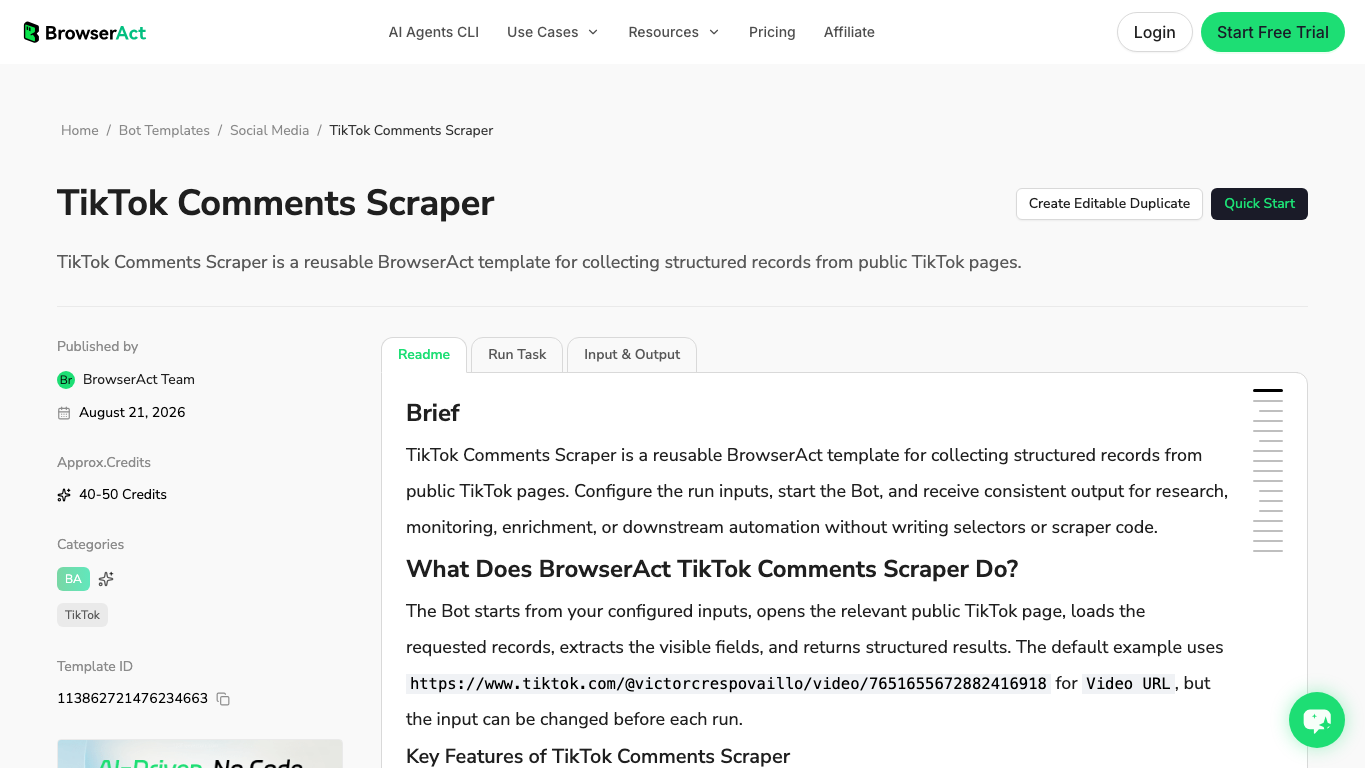
If you already know the target videos, use the BrowserAct TikTok Comments Scraper to collect structured rows from public or authorized TikTok pages. If the task is still exploratory, use BrowserAct Agent first: describe the target accounts, hashtags, competitor pages, and fields you need, then review the first run before saving it as a workflow.
This is where BrowserAct should be visible early, but not as a magic answer. Its job is to provide the evidence layer: browser run, source URLs, screenshots when needed, stop states, structured export, and a repeatable path once the team trusts the schema.
3. Classify pain, intent, and action separately
Do not force one label to do three jobs.
Column | Example values |
| product_problem, purchase_blocker, content_confusion, creator_fit, support_issue, opportunity_signal |
| question, complaint, objection, buying_intent, praise, joke, spam, unclear |
| price, shipping, trust, fit, quality, feature, claim, availability, usage |
| ignore, reply, escalate, product_feedback, creative_test, creator_followup |
4. Review the evidence sample
Review at least:
- the top-liked comments;
- negative or complaint-like rows;
- buying-intent rows;
- low-confidence rows;
- comments in languages or slang the model may handle poorly;
- comments from videos where the source status was partial.
Sprout Social’s TikTok sentiment analysis explainer highlights the difficulty of slang, sarcasm, emojis, transcripts, multilingual content, and changing sentiment over time. That same caution applies to pain-point mining.
Pro Tip: Never delete the raw comment column. If a stakeholder cannot click back to the source video or read the original phrase, the insight will sound like another AI summary.
5. Turn clusters into decisions
The final report should not say “customers are unhappy.” It should say what to change.
Cluster | Evidence pattern | Recommended decision |
Price objections | repeated “too expensive,” “for that size,” “dupe?” | test bundle, value framing, comparison creative |
Trust objections | “sponsored,” “fake,” “does it really work?” | adjust creator brief, add proof, use demo footage |
Product confusion | repeated “how do I use it?” | add FAQ video, pinned reply, landing-page explanation |
Feature requests | repeated color, size, compatibility, bundle requests | route to product backlog |
Support issues | shipping, return, broken item, missing part | route to support and operations |
Praise language | repeated exact phrases | reuse in hooks, ad copy, product page, creator brief |
Build the workflow with BrowserAct
Use this module when you need a repeatable TikTok comment mining workflow for public or authorized comment sources.
- Open BrowserAct Dashboard
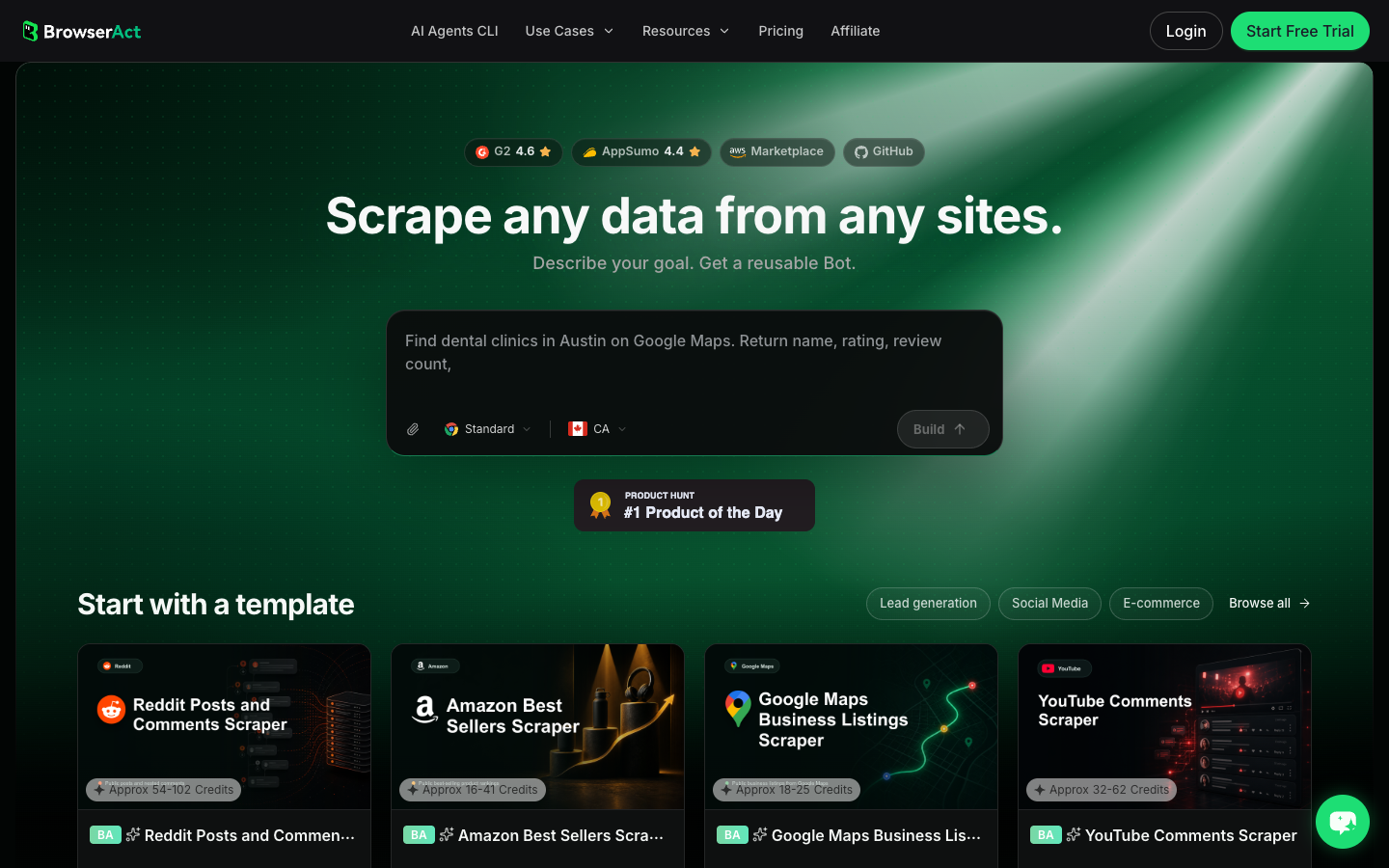
Click the left-side + button to create your own Bot, start from Quick start, or paste the prompt directly into the center Agent input to begin building.
- Copy the complete prompt
Replace the target videos, accounts, hashtags, and row limit. Keep the stop rules.
Build a TikTok comment mining dataset for customer pain point research.

Targets:
- Add public or authorized TikTok video URLs, creator videos, account pages, hashtag pages, or approved competitor examples here.

Collect up to 800 visible comments and replies across the target set. Do not keep scrolling forever.

For each comment or reply, capture:
- video_url
- creator_handle when visible
- video_caption_or_description when visible
- comment_id or stable visible identifier when available
- parent_comment_id when available
- comment_text
- comment_like_count when visible
- reply_count when visible
- comment_created_at or visible time when available
- source_context: product_launch, creator_campaign, competitor, hashtag, support_issue, manual_list, other
- source_status: complete, partial, login_required, captcha_required, age_gate, private_or_restricted, unavailable
- collected_at

Add analysis-ready columns:
- pain_bucket: product_problem, purchase_blocker, content_confusion, creator_fit, support_issue, opportunity_signal, none, unclear
- intent_label: question, complaint, objection, buying_intent, praise, joke, spam, unclear
- theme_label: price, shipping, trust, fit, quality, feature_request, claim_confusion, availability, usage, creator_authenticity, other
- evidence_quote: shortest exact phrase worth preserving
- action_owner: product, support, creative, paid_social, creator_team, leadership, none
- action_label: ignore, reply, escalate, product_feedback, creative_test, creator_followup, landing_page_update, unknown
- review_status: machine_only, human_checked, corrected, excluded

Deduplicate by video_url plus comment_id when available, otherwise by video_url plus normalized comment_text plus visible time.

Stay read-only. Do not post, like, follow, comment, message, save, purchase, change account settings, bypass login, bypass CAPTCHA, or access private or restricted content.

If login, CAPTCHA, 2FA, age gate, account confirmation, private content, payment, or restricted access appears, pause and record the stop reason instead of continuing automatically.

Export the result as a source-linked table suitable for CSV, JSON, Markdown, or Google Sheets.
Scrape data from any website.
Describe the data you need. Get a Bot — a reliable, reusable scraper.
Prompt preview: collect TikTok comments, source URLs, visible engagement, stop states, pain buckets, evidence quotes, and action owners. Private session · Choose your region before you run
Get your Bot — Free- Handle login only when asked
If BrowserAct pauses on login, CAPTCHA, 2FA, age gate, account confirmation, private content, payment, or restricted access, treat it as a stop or human checkpoint. Do not automate around it.
- Review, dedupe, and export
Inspect rows, remove duplicates, keep raw comments, review a sample, and export to CSV, JSON, Markdown, or a Sheets-ready table. If the same source set should refresh weekly, save the approved path as BrowserAct Workflow. If the data team needs controlled execution, pass the approved job to BrowserAct CLI.
No fake live export screenshot is shown here. Until your team runs the actual target videos, the honest artifact is the prompt, schema, stop-state logic, and source-linked review table design.
Where AI and social listening tools fit
Dedicated tools can help once you have clean text. Plot, for example, published an analysis of more than 24,000 TikTok comments about rhode’s Pocket Blush and used those comments to surface buyer perception that a broader social listening tool might miss.
That is the right mental model: comment mining is not only sentiment. It is qualitative research at scale. A social listening platform can show trends and brand mentions; an LLM can cluster phrases; a BI tool can visualize themes. BrowserAct fits before those layers when the team needs a custom, auditable source-linked dataset.
Pro Tip: Use AI to cluster and summarize after collection, not instead of collection. If the raw source rows are weak, the summary will simply hide the weakness.
Common mistakes
Mistake 1: Confusing sentiment with pain
Sentiment says how a comment feels. Pain-point mining asks why the comment matters. “This is cute but too small” may be positive sentiment plus a product-size objection.
Mistake 2: Counting themes without source quotes
A chart that says “shipping: 23%” is weaker than a chart plus five representative source-linked quotes. Keep the exact language.
Mistake 3: Ignoring replies
Replies often correct misinformation, intensify complaints, or reveal consensus. A top-level complaint with replies saying “same here” is different from a one-off complaint.
Mistake 4: Mixing unrelated campaign contexts
Do not merge a creator launch, a competitor comparison, and a support issue into one undifferentiated report. Keep source_context explicit.
Mistake 5: Acting without human review
TikTok language changes quickly. Sarcasm, memes, local slang, and emojis can fool classification. Review samples before routing recommendations to product, support, or paid social.
Conclusion
TikTok comment mining turns comment threads into customer pain points when it preserves the source, classifies the pain separately from sentiment, and routes the finding to a real owner.
The best workflow is simple: define the research window, collect source-linked comments, tag pain buckets and intent, review a sample, and export a decision-ready table. BrowserAct is useful when you need the collection layer to be prompt-first, auditable, repeatable, and safe; the insight layer still needs human judgment and a clear taxonomy.
Further reading: TikTok research
Frequently Asked Questions
What is TikTok comment mining?
TikTok comment mining collects and classifies comments to find repeated pain points, questions, objections, product feedback, and campaign signals.
How is comment mining different from sentiment analysis?
Sentiment labels emotion, while comment mining explains the business meaning: pain bucket, theme, source quote, action owner, and next decision.
What fields should a TikTok comment mining export include?
Include video URL, comment text, comment ID, reply context, visible engagement, source status, pain bucket, theme, evidence quote, action owner, and review status.
Can BrowserAct mine TikTok comments automatically?
BrowserAct can collect public or authorized comments into structured rows; classification and review should still preserve source evidence and human checkpoints.
Is it safe to scrape TikTok comments for research?
Keep the workflow read-only, use public or authorized sources, stop on login/CAPTCHA/private access, and avoid posting or changing accounts automatically.


