TikTok Comment Scraper: Export Comments, Replies, and Sentiment-Ready Rows

A TikTok comment scraper is useful when the conversation under a video matters more than the video metrics. Launch teams want objections. Creator teams want recurring questions. Brand teams want early complaints, praise, spam, and purchase language before the comment section becomes impossible to review manually. The mistake is treating comments as one text column. A useful comment export needs source video URL, comment text, author handle, reply relationship, visible likes, timestamp when visib
-
1
TikTok comment scraperis a field-quality query: readers need comment text, replies, author handles, timestamps, likes, video source URLs, and export status—not just a raw text dump. - 2BrowserAct is strongest when the comment workflow needs custom review rules: use Agent for the first browser test, TikTok Comments Scraper template for known video URLs, Workflow for repeat monitoring, and CLI for engineering handoff.
- 3Dedicated actors and APIs are faster when the only task is “video URLs in, comments CSV/JSON out”; BrowserAct is better when the team needs source-linked research, stop rules, and reviewer notes.
- 4Sentiment analysis should run after dedupe and row-status checks. Sarcasm, spam, language mixing, deleted comments, and missing replies can distort a clean-looking score.
- 5Stay read-only and public or authorized. Stop on login, CAPTCHA, 2FA, private content, payment, messaging, following, liking, commenting, or any account-changing action.
What should a TikTok comment scraper export?
The fastest way to judge a TikTok comment scraper is to inspect the output schema. If the export only gives you comment_text, it will break the moment someone asks, “Which video was this from?” or “Was this a reply?” or “Can we audit the original source?”
Field | Why it matters |
| Keeps every comment tied to the original TikTok video |
| Helps dedupe and reconnect rows |
| Main voice-of-customer evidence |
| Useful for public context and dedupe, not for sensitive profiling |
| Separates top-level comments from replies |
| Helps sort strong reactions, when visible |
| Needed for launch timelines and incident review |
| Helps route translation or multilingual analysis |
| Explains |
| Keeps human judgment close to the data |
When comment scraping is the right workflow
Use a TikTok comment scraper when you need conversation evidence, not only video performance.
Use case | What to collect | What to avoid |
Product feedback | questions, objections, praise, complaints, source video URL | treating one viral comment as representative |
Creator research | recurring audience language, replies, questions, creator response patterns | ranking creators by comments alone |
Campaign review | sentiment themes, timestamps, examples, spam flags | deleting source URLs after summarizing |
Competitor analysis | public comments under competitor videos, repeated pain points | scraping private or restricted content |
Trend validation | early comments under videos using a sound, hashtag, or hook | assuming comment volume equals purchase intent |
Build a TikTok comment scraper with BrowserAct
Use this module when you need a practical first run. It is designed for public or authorized TikTok video pages and should stop when access becomes restricted.
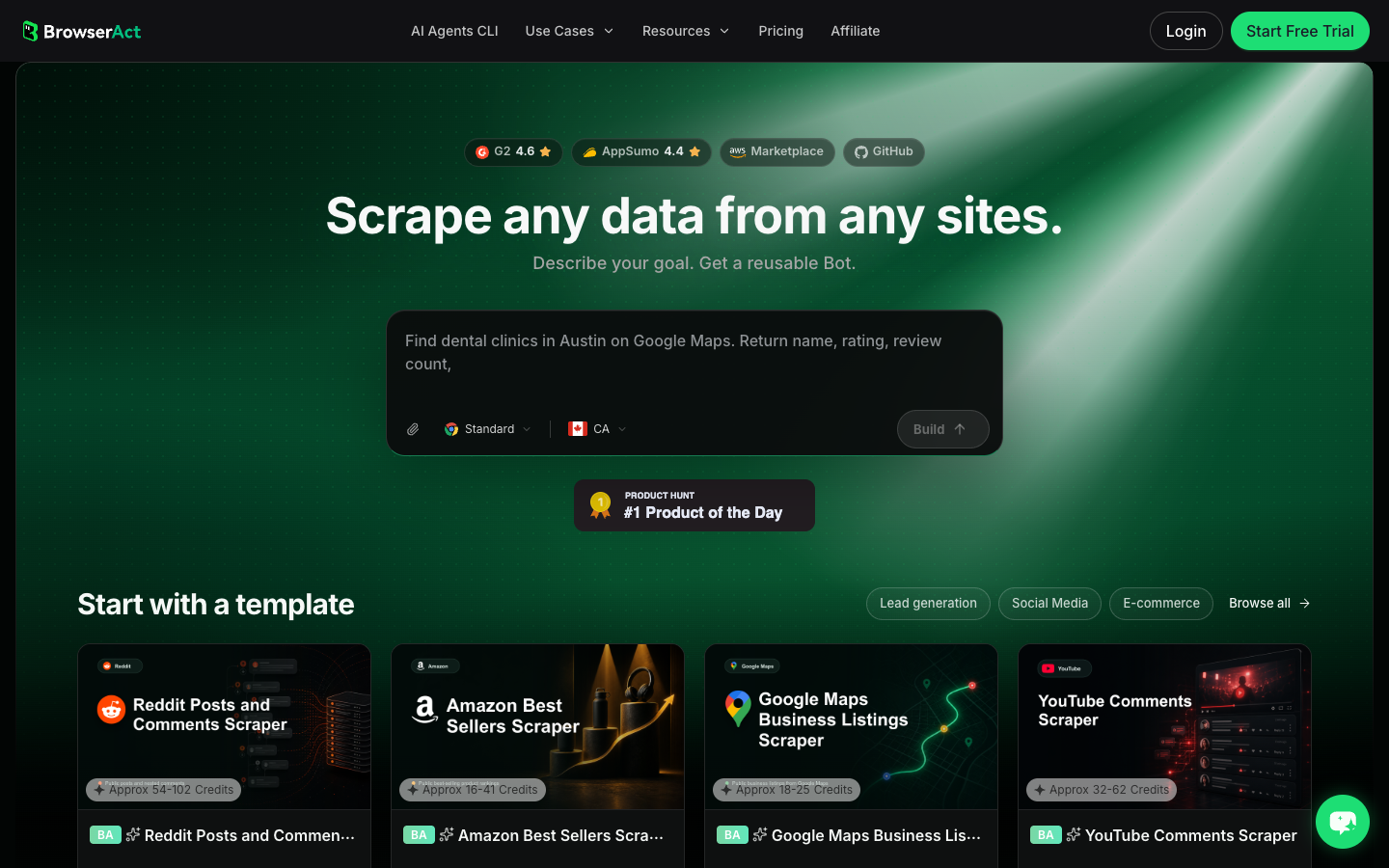
- Open BrowserAct Dashboard
Click the left-side + button to create your own Bot, start from Quick start, or paste the prompt directly into the center Agent input to begin building.
- Copy the complete prompt
Replace the target video URLs and result limit. Keep the stop rules.
Go to the TikTok video URLs I provide and collect only public or authorized comments visible in the browser.

Target video URLs:
- Replace this line with one or more public TikTok video URLs.

Collect up to 200 visible comments and replies total across the target videos. Do not keep scrolling forever.

For each row, capture:
- source_video_url
- comment_or_reply: top_level_comment or reply
- comment_text
- author_handle when visible
- author_profile_url when visible
- parent_comment_text or parent_comment_id when visible
- visible_like_count when visible
- timestamp or posted_at when visible
- language_note when obvious
- collected_at
- source_status: complete, partial, login_required, captcha_required, private_or_restricted, unavailable
- reviewer_note explaining whether the row looks like feedback, question, complaint, praise, spam, or unrelated chatter

Deduplicate by source_video_url plus comment_text plus author_handle plus parent_comment_text where available.

Do not follow, like, comment, message, purchase, change settings, bypass restrictions, or access private content.

If login, CAPTCHA, 2FA, age gate, account confirmation, private content, payment, or restricted access appears, pause and ask for human review instead of continuing automatically.

Export the result as a source-linked table suitable for CSV, JSON, Markdown, or Google Sheets.
Scrape data from any website.
Describe the data you need. Get a Bot — a reliable, reusable scraper.
Prompt preview: collect public TikTok comments, replies, author handles, like counts, source video URLs, row status, and reviewer notes. Private session · Choose your region before you run
Get your Bot — Free- Handle login only when asked
If BrowserAct pauses on login, CAPTCHA, 2FA, account confirmation, age gate, private content, payment, or restricted access, treat that as a human checkpoint. Do not turn a stop screen into an automated bypass.
- Review, dedupe, and export
Inspect the rows, remove duplicates, preserve source_status, and export to CSV, JSON, Markdown, or a Sheets-ready table. If the same video list or campaign should be monitored again, save the validated path as BrowserAct Workflow. If engineering needs to trigger the approved workflow, use BrowserAct CLI.
Expected output schema:
Column | Example | Why it matters |
| TikTok video URL | Keeps the comment auditable |
|
| Preserves thread context |
| visible comment text | Main evidence |
| visible handle | Useful context and dedupe |
| reply context | Prevents reply misinterpretation |
| visible likes | Helps prioritize strong reactions |
|
| Explains gaps |
| “purchase objection” | Makes the export research-ready |
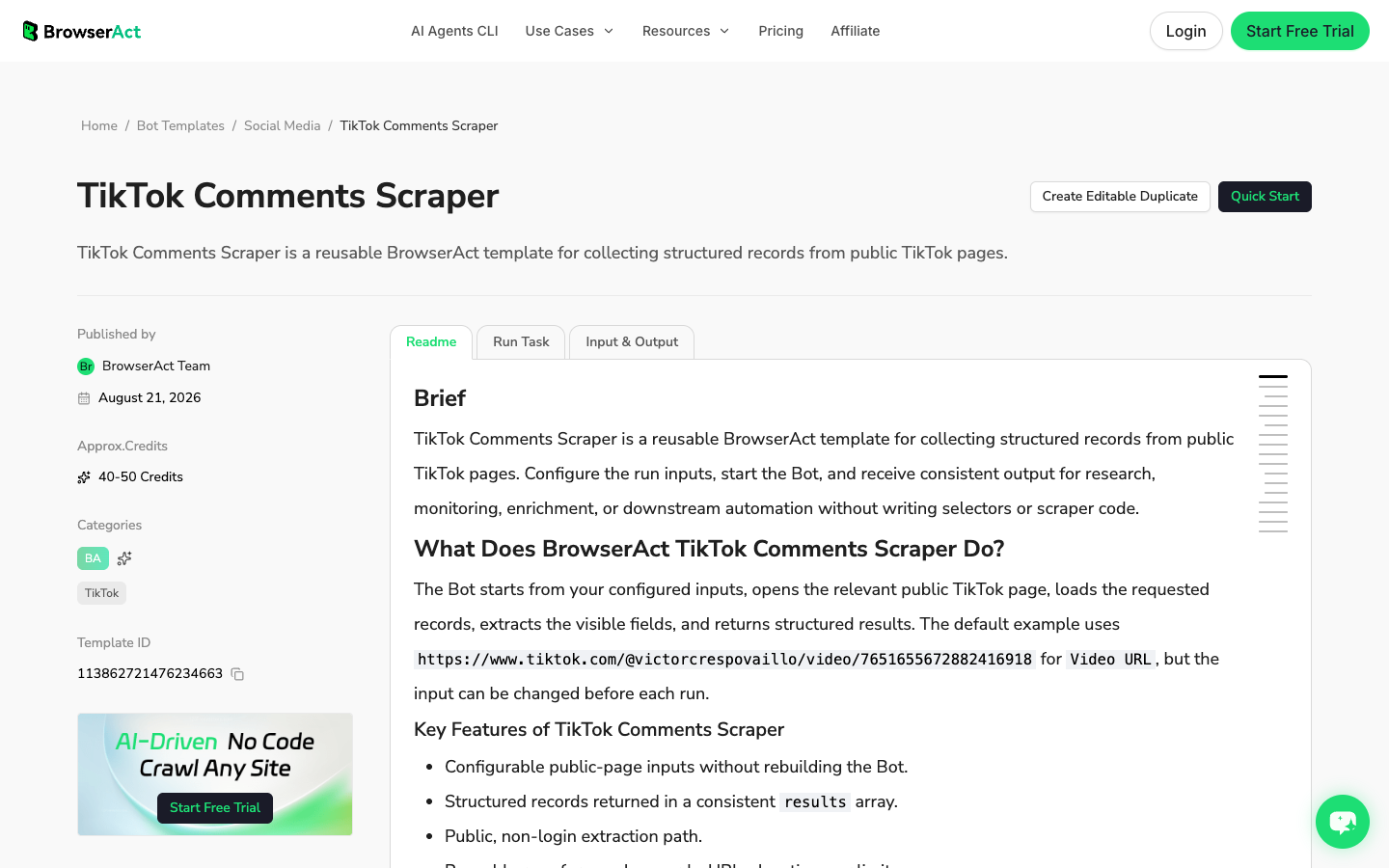
No fake BrowserAct export screenshot is shown here. The screenshot above is a real BrowserAct TikTok Comments Scraper template page; use the schema table until your team has a fresh live export worth documenting.
BrowserAct vs fixed TikTok comment scraper tools
Choose the category based on the job.
Job | Best fit |
You need to test which fields matter before scaling | BrowserAct Agent |
You have known public video URLs and need a no-code reusable Bot | BrowserAct TikTok Comments Scraper template |
You need the same campaign monitored weekly | BrowserAct Workflow |
Engineering needs a controlled internal run | BrowserAct CLI |
You need comments from many URLs through a JSON API | Dedicated API or actor |
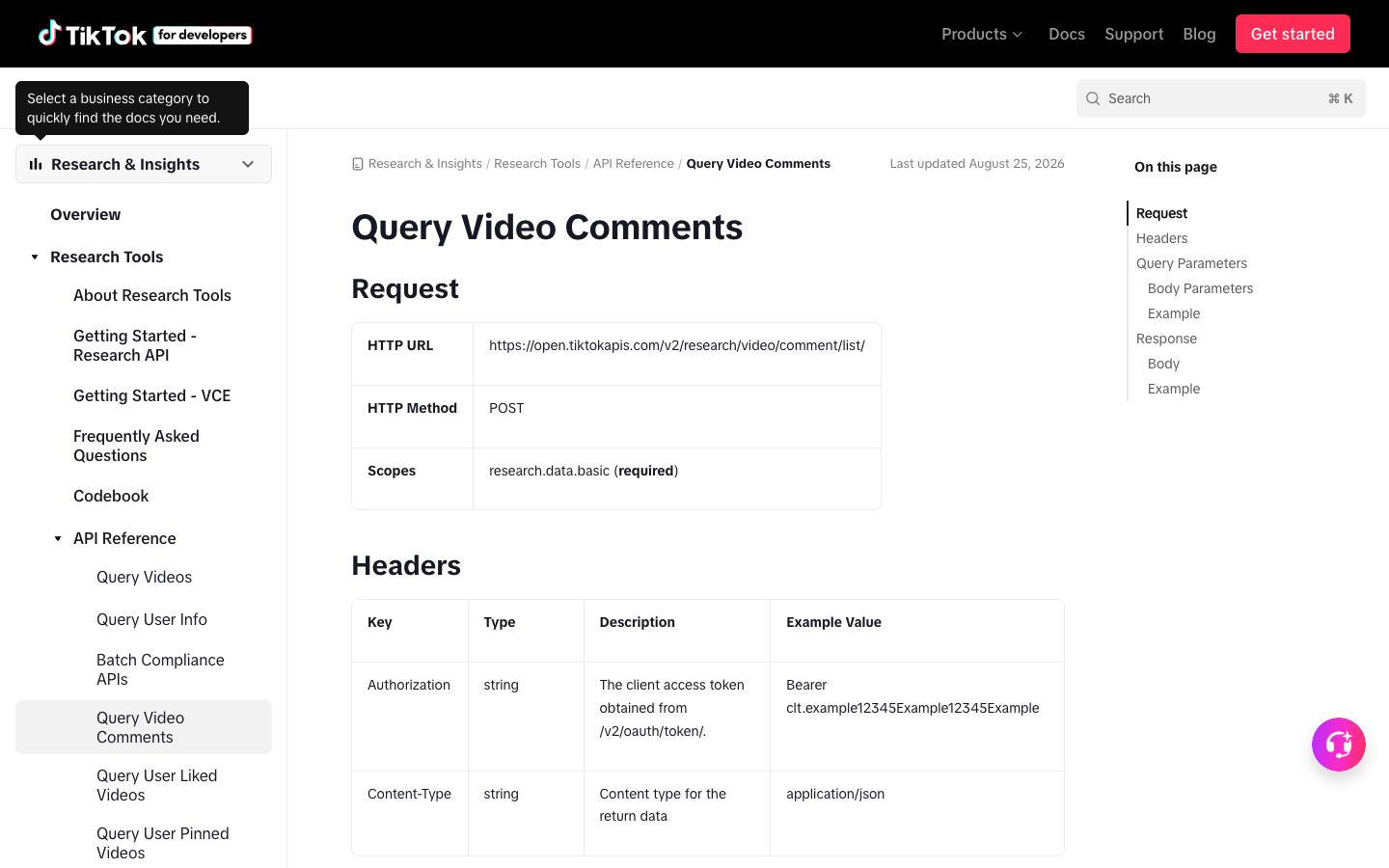
You need approved research access through official endpoints | TikTok Research API |
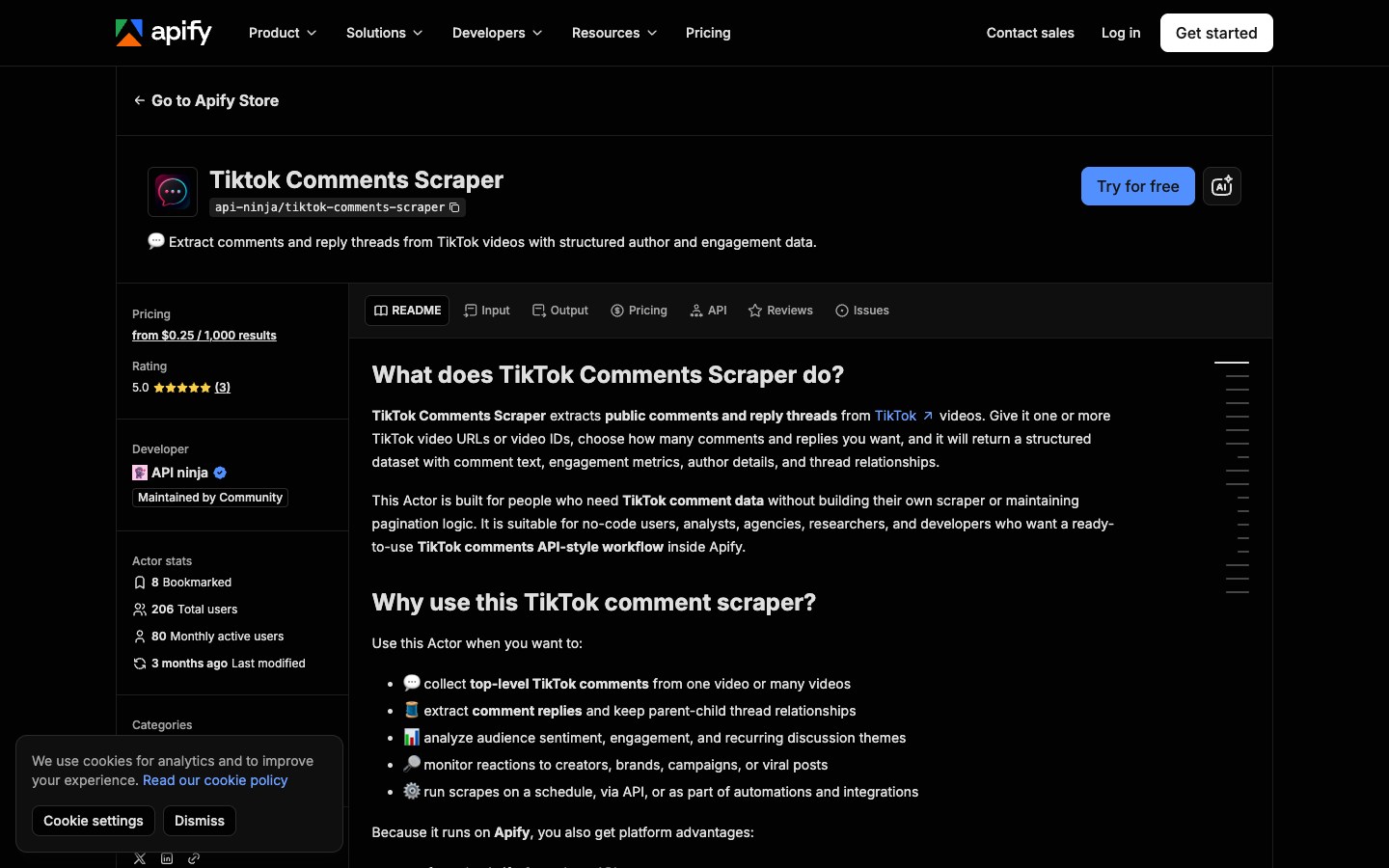
That is excellent when your job is fixed and high-volume. BrowserAct is more useful when the team needs the first browser test, custom reviewer notes, source status, and a path from prompt to reusable Bot.
Prepare comments for sentiment analysis
Do not run sentiment analysis directly on a raw dump. Clean the comment table first.
- Remove duplicates.
- Keep replies attached to their parent comments.
- Mark spam, giveaway entries, bot-like comments, and unrelated chatter.
- Preserve language notes before translation.
- Keep missing fields as missing; do not fill them with guesses.
- Keep source URLs so examples can be audited.
Then run a simple theme layer before scoring sentiment:
Theme | Example signal | Recommended output |
Product question | “Does this work for oily skin?” | question / feature interest |
Price objection | “Too expensive” | objection / pricing |
Complaint | “Mine broke after two days” | negative / quality |
Praise | “This actually worked” | positive / proof |
Spam | giveaways, unrelated links | exclude or flag |
Creator request | “Can you compare it with X?” | content idea |
Common TikTok comment scraper failure modes
Failure | What it looks like | Better response |
Reply context lost | Replies appear as standalone comments | Add parent fields |
Comment cap hidden | Export stops early without explanation | Preserve |
Deleted comments | API/browser returns fewer comments than expected | Mark partial coverage |
Language mixing | Sentiment model misreads slang or multilingual text | Add language notes and manual review |
Login wall | Browser shows restricted access | Pause for human review |
Source links missing | Stakeholder cannot verify examples | Require |
Overcollection | Huge CSV with no research question | Limit by campaign, video list, or time window |
When to use the official TikTok API route
If your organization qualifies for TikTok Research API access and the comment endpoint fits your project, use the official route. It gives you documented parameters, pagination, IDs, and an approved access model.
Use browser automation or templates when:
- you need a practical marketing or creator research export;
- API access is unavailable or too narrow;
- the workflow needs visual confirmation and source screenshots;
- a human must approve stop conditions;
- the target list changes by campaign.
Use a scraper API or actor when:
- you have many known video URLs;
- engineering wants JSON endpoints;
- the output schema is already settled;
- speed and bulk volume matter more than workflow discovery.
Further reading: TikTok research
Frequently Asked Questions
What is a TikTok comment scraper?
A TikTok comment scraper collects publicly visible comments and replies from TikTok videos and exports them into structured rows. Useful fields include comment text, author handle, reply relationship, visible likes, timestamp, source video URL, status, and reviewer notes.
Can I export TikTok comments to CSV?
Yes. A BrowserAct workflow, TikTok Comments Scraper template, actor, or API can export comment rows to CSV or a Sheets-ready table when the target comments are public or authorized and the workflow stays read-only.
Can TikTok replies be scraped too?
Sometimes, depending on the page, access path, tool, and current TikTok behavior. A good workflow should preserve parent/reply context when replies are visible and mark partial coverage when replies cannot be fully collected.
Is TikTok comment scraping good for sentiment analysis?
Yes, but only after cleaning. Deduplicate rows, preserve source URLs, attach replies to parent comments, flag spam, note language issues, and keep representative examples. Raw comment sentiment can be misleading.
Is TikTok comment scraping legal?
This article is not legal advice. Keep the workflow read-only, public or authorized, source-linked, limited, and privacy-aware. Stop on login, CAPTCHA, 2FA, private content, payment, or account-changing actions, and review TikTok’s terms and applicable privacy obligations.
How does BrowserAct help with TikTok comments?
BrowserAct helps when the comment export needs custom fields, source status, reviewer notes, screenshots, and human checkpoints. Use Agent for the first prompt-led run, a TikTok Comments Scraper template or Workflow for repeat runs, and CLI for engineering-controlled execution.


