TikTok Comment Sentiment Analysis Workflow

TikTok comment sentiment analysis turns messy comment threads into a decision-ready dataset: positive, neutral, negative, questions, complaints, buying intent, feature requests, creator praise, and risk alerts tied back to the original video URL. The trap is treating sentiment as a one-click label. A model can say “negative,” but the team still needs to know what is negative, where it appeared, whether the model misread sarcasm or slang, and what action should follow. This guide shows a practica
-
1
TikTok comment sentiment analysisshould classify comments and explain the reason: complaint, praise, question, buying intent, product issue, creator fit, or brand-risk signal. - 2The workflow has six parts: scope the videos, collect source-linked comments, clean and normalize text, classify sentiment, cluster themes, and review a sample before acting.
- 3TikTok’s own Comment Insights shows why this matters: advertisers can review comment trends, positive/negative/neutral ratios, sentiment score, question comments, word clouds, audience breakdown, and all comments tables.
- 4Use BrowserAct when you need public or authorized comment rows with source URLs, timestamps, like/reply counts, stop states, and repeatable exports before sending the text into an AI or BI layer.
- 5Do not automate around restricted access. Stop on login walls, CAPTCHA, 2FA, private videos, age gates, payment, or any flow that would post, like, follow, message, or change an account.
What TikTok comment sentiment analysis should answer
A useful sentiment report answers business questions, not just machine-learning questions.
Team question | Useful output |
Are viewers reacting positively or negatively? | sentiment ratio and sentiment score by video, campaign, product, or creator |
Why are comments negative? | complaint themes such as price, shipping, fit, quality, claims, trust, or confusion |
Are people asking to buy? | buying-intent and product-question comments |
Which content should be amplified? | videos with strong positive comments, high comment volume, and repeatable praise themes |
Is there a reputational risk? | negative spike, repeated issue, influencer backlash, or safety/legal concern |
What should the next creative say? | exact phrases, objections, questions, and wording viewers already use |
That manual correction point is important. TikTok comments are full of slang, emojis, sarcasm, local language, creator inside jokes, and repeated meme phrases. A workflow that never lets a human review labels will eventually ship bad insights.
The minimum dataset
The dataset should preserve provenance before it tries to be smart. If a comment cannot be traced back to a video, the insight is hard to trust.
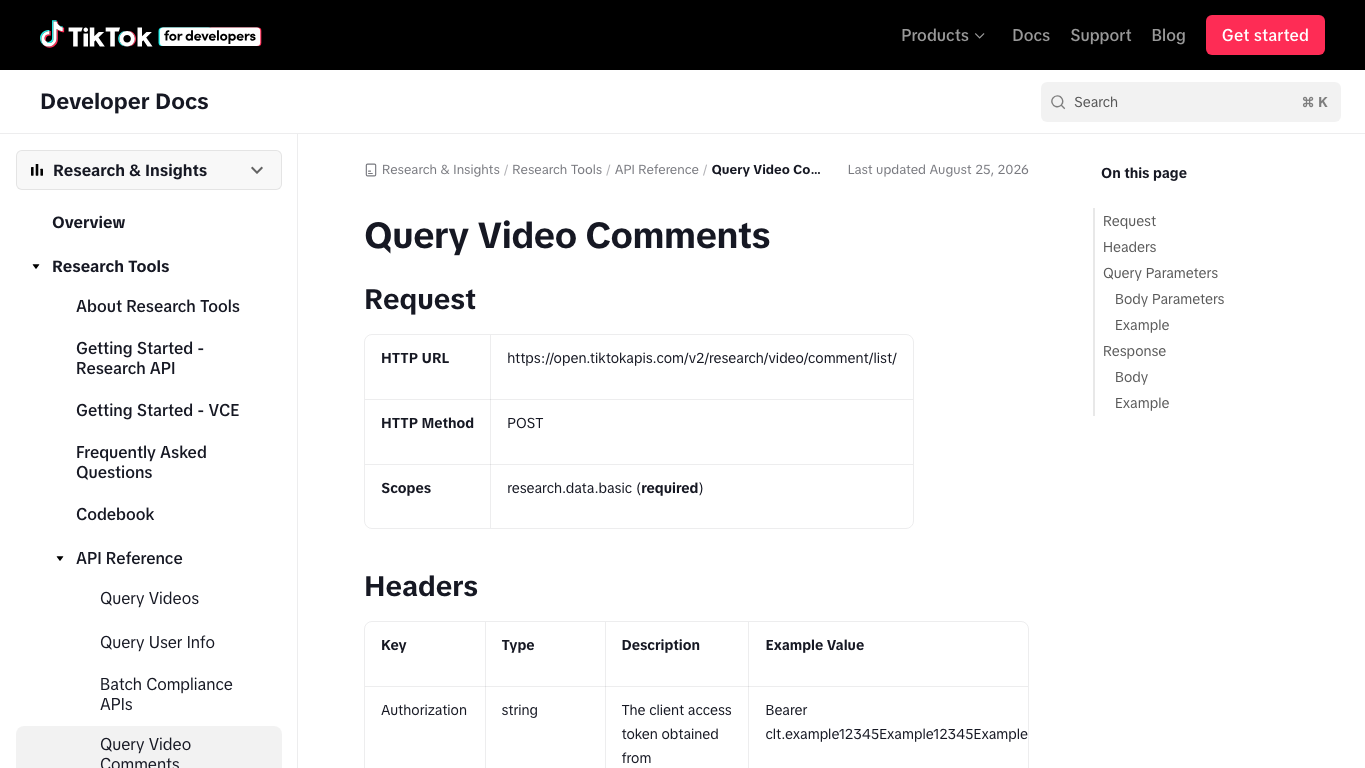
TikTok’s Research API comment endpoint is a good reference for field design. The documentation lists fields such as id, video_id, text, like_count, reply_count, parent_comment_id, and create_time, and it uses cursor pagination for comment lists. Even if your team is not eligible for that API, those fields are a sensible schema target.
Field | Why it matters |
| keeps sentiment tied to the source video |
| supports dedupe and replay checks |
| separates top-level comments from replies |
| the text to classify |
| gives a weak engagement signal |
| finds comments that triggered discussion |
| enables spike and trend analysis |
| connects feedback to the creator or account |
| gives context for the comment |
| complete, partial, login_required, captcha_required, restricted, unavailable |
| prevents one-language sentiment assumptions |
| positive, neutral, negative, mixed, unclear |
| high, medium, low, unknown |
| price, quality, shipping, feature request, confusion, praise, complaint |
| question, buying intent, objection, support issue, creator reaction |
| machine_only, human_checked, corrected, excluded |
mixed and unclear labels. Forcing every TikTok comment into positive/neutral/negative hides sarcasm, jokes, and comments that contain both praise and objection.
Collect comments before you analyze them
Sentiment analysis depends on collection quality. A beautiful dashboard cannot fix missing replies, duplicate comments, broken source URLs, or a dataset pulled from the wrong posts.
Use the BrowserAct TikTok Comments Scraper when the task is straightforward: collect structured records from known public TikTok videos and export them. Use BrowserAct Agent when the task is still exploratory, such as “collect comments from these competitor launch videos and preserve the exact source URL, stop reason, and visible engagement fields.”
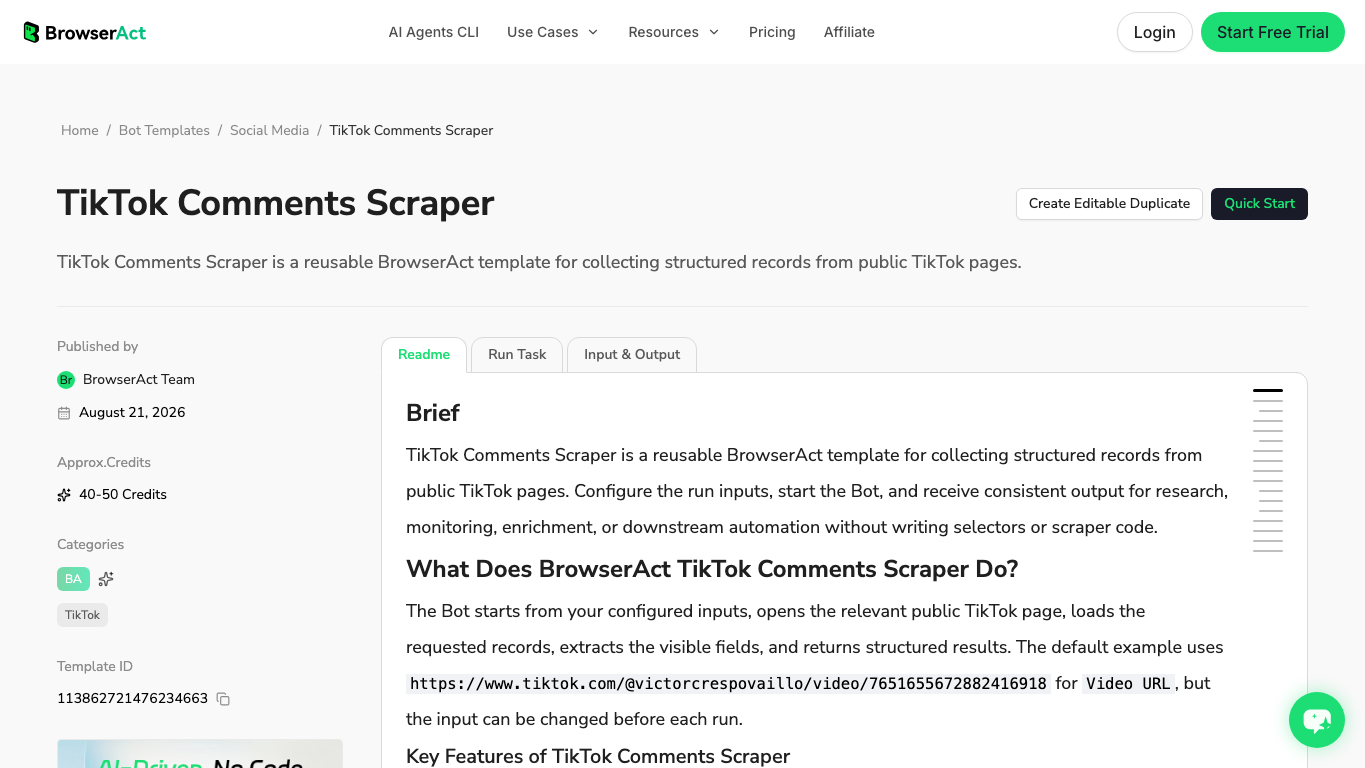
The key is to treat BrowserAct as the collection and evidence layer. After the comments are clean, you can send them to an LLM, a Python notebook, a BI tool, a social listening platform, or a dedicated sentiment tool.
How to run the analysis
Do not start with the model. Start with the decision you need.
1. Define the scope
Pick one scope at a time:
- one video;
- one campaign;
- one creator partnership;
- one product launch;
- one competitor account;
- one branded hashtag;
- one weekly customer-feedback sample.
If you mix all of those into one report, sentiment becomes vague. A product-launch comment may be negative because of price; a brand-crisis comment may be negative because of trust; a creator-fit comment may be negative because the audience thinks the placement is fake.
2. Clean the text without erasing meaning
Remove obvious noise: spam, duplicate rows, empty comments, tracking fragments, and broken rows. Keep emojis, slang, punctuation, and repeated phrases when they carry meaning.
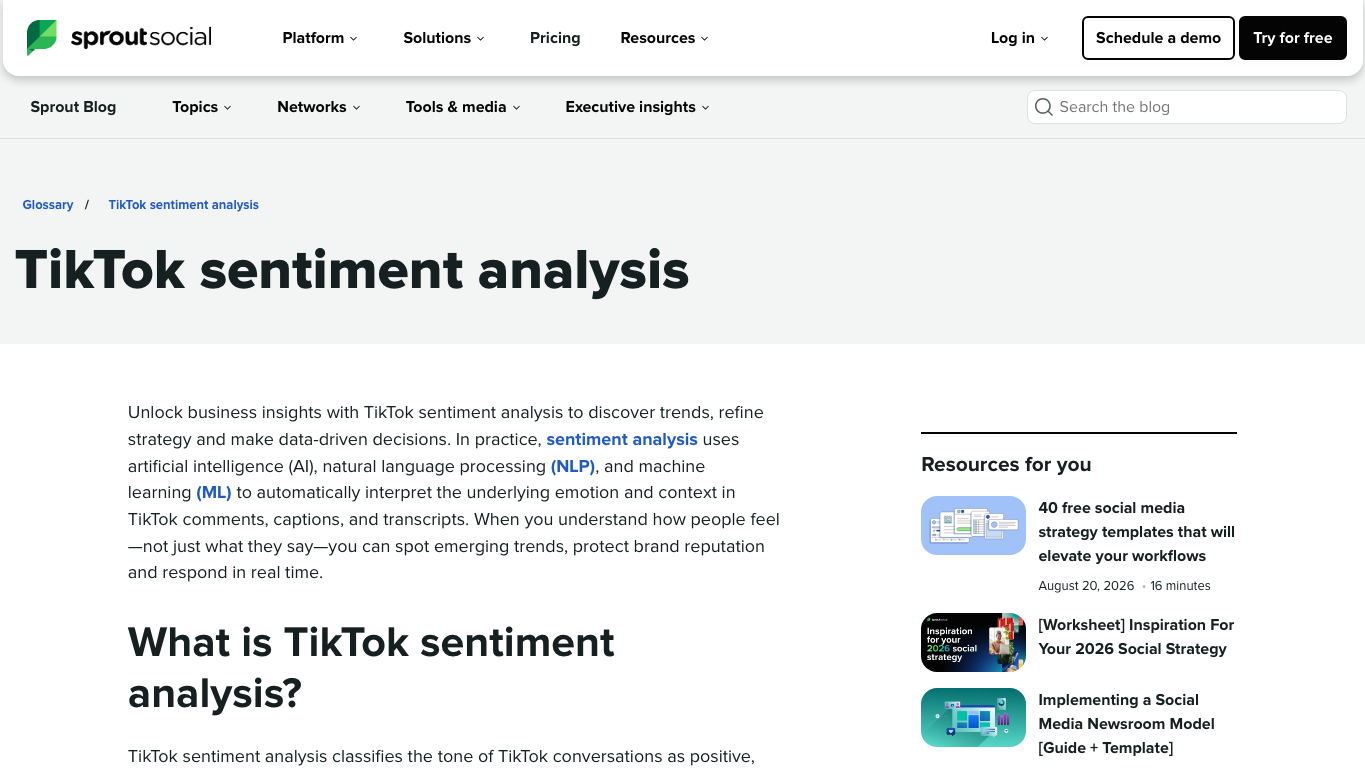
Sprout Social’s TikTok sentiment analysis glossary also calls out the need to handle slang, sarcasm, emojis, transcripts, multilingual content, and changes in sentiment over time. That is exactly why the cleaning step should be careful, not aggressive.
3. Classify sentiment and intent separately
Do not make one column do everything.
Column | Values |
| positive, neutral, negative, mixed, unclear |
| question, buying_intent, complaint, praise, objection, support_issue, joke, spam |
| price, quality, shipping, feature, trust, creator_fit, claim, availability, usage |
| ignore, reply, escalate, product_feedback, creative_test, creator_followup |
4. Review a sample
Before anyone acts on the report, manually review a sample:
- 30–50 random comments;
- top-liked comments;
- comments classified as negative;
- comments classified as buying intent;
- low-confidence rows;
- comments in languages the model may handle poorly.
This is the approach that works: trust automation for scale, but do not trust it blindly for interpretation.
5. Turn results into actions
Finding | Action |
Negative spike after a creator post | inspect top negative comments and decide whether to respond, brief creator, or pause amplification |
Repeated price objections | test price framing, bundle messaging, or comparison creative |
Frequent product questions | turn questions into FAQ videos, pinned replies, landing-page copy, or support macros |
Strong praise theme | reuse the exact viewer language in hooks and ads |
Confusion about claims | clarify on-screen text, caption, or product page |
Build a TikTok comment sentiment workflow with BrowserAct
Use this workflow when you need comments from public or authorized TikTok videos before sending them into sentiment classification.
- Open BrowserAct Dashboard
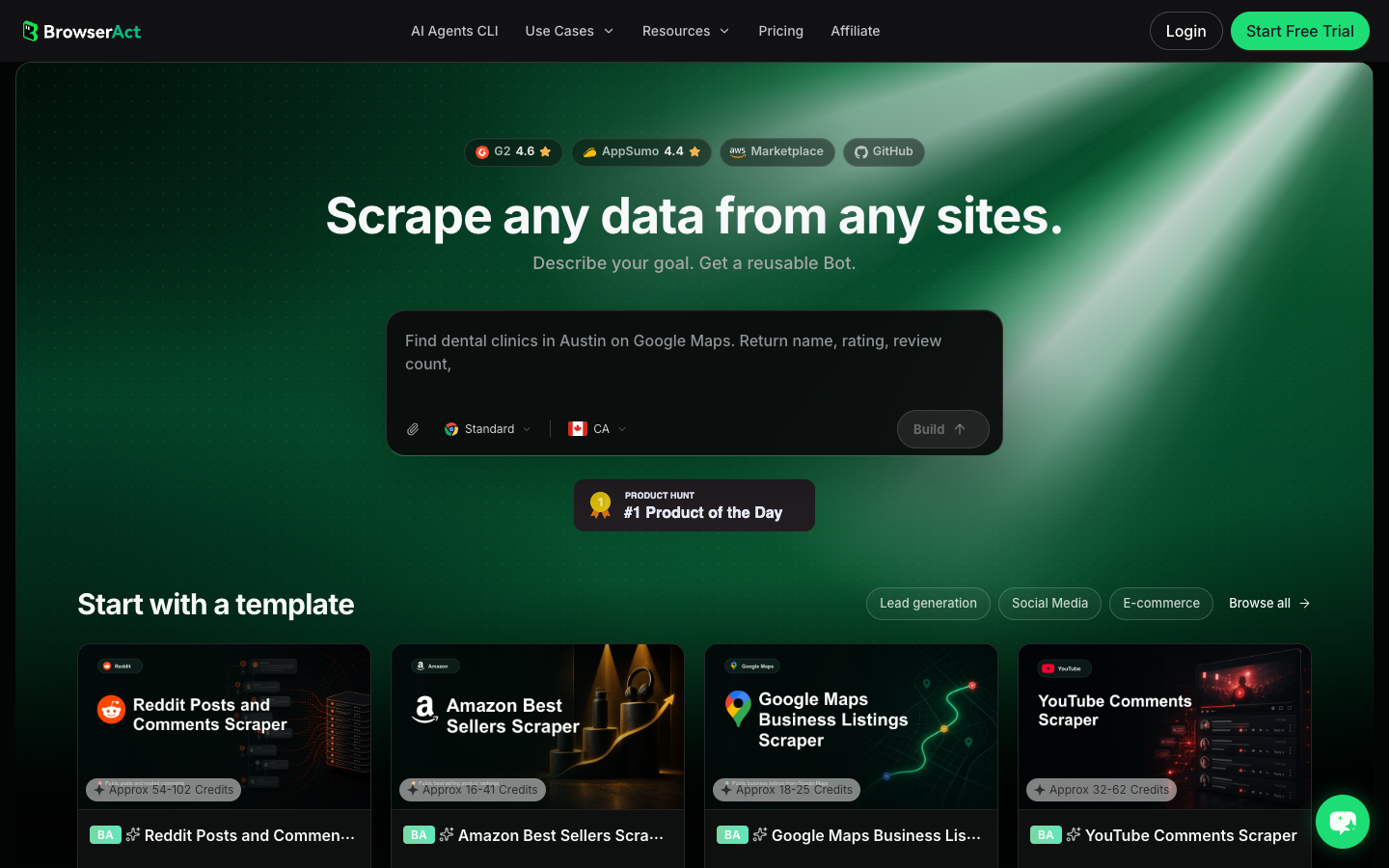
Click the left-side + button to create your own Bot, start from Quick start, or paste the prompt directly into the center Agent input to begin building.
- Copy the complete prompt
Replace the target videos, campaign name, and row limit. Keep the stop rules.
Build a TikTok comment sentiment analysis dataset from public or authorized sources.

Targets:
- Add TikTok video URLs, campaign videos, creator videos, competitor videos, or approved public research pages here.

Collect up to 1,000 visible comments and replies across the provided targets. Do not keep scrolling forever.

For each comment or reply, capture:
- video_url
- creator_handle when visible
- video_caption_or_description when visible
- comment_id when visible
- parent_comment_id when visible
- comment_text
- comment_like_count when visible
- reply_count when visible
- comment_created_at or visible time when available
- source_context: campaign, creator, competitor, hashtag, manual_list, other
- language when confidently detectable
- source_status: complete, partial, login_required, captcha_required, age_gate, private_or_restricted, unavailable
- collected_at
- reviewer_note for comments that look like complaints, questions, buying intent, sarcasm, or spam

Prepare columns for downstream analysis:
- sentiment_label: positive, neutral, negative, mixed, unclear, not_analyzed
- sentiment_confidence: high, medium, low, unknown
- intent_label: question, buying_intent, complaint, praise, objection, support_issue, joke, spam, unknown
- theme_label: price, quality, shipping, feature_request, trust, creator_fit, claim, availability, usage, other
- action_label: ignore, reply, escalate, product_feedback, creative_test, creator_followup, unknown
- review_status: machine_only, human_checked, corrected, excluded

Deduplicate by video_url plus comment_id when available, otherwise by video_url plus normalized comment_text plus visible time.

Stay read-only. Do not post, like, follow, comment, message, save, purchase, change settings, bypass login, bypass CAPTCHA, or access private or restricted content.

If login, CAPTCHA, 2FA, age gate, account confirmation, private content, payment, or restricted access appears, pause and record the stop reason instead of continuing automatically.

Export the result as a source-linked table suitable for CSV, JSON, Markdown, or Google Sheets.
Scrape data from any website.
Describe the data you need. Get a Bot — a reliable, reusable scraper.
Prompt preview: collect TikTok comments, replies, source URLs, visible engagement, source status, sentiment-ready columns, and review notes. Private session · Choose your region before you run
Get your Bot — Free- Handle login only when asked
If BrowserAct pauses on login, CAPTCHA, 2FA, age gate, account confirmation, private content, payment, or restricted access, treat it as a stop or human checkpoint. Do not automate around it.
- Review, dedupe, and export
Inspect rows, remove duplicates, separate comments from replies, and export to CSV, JSON, Markdown, or a Sheets-ready table. If the report should refresh weekly, save the approved path as BrowserAct Workflow. If a data team needs to run it from a controlled pipeline, hand the approved job to BrowserAct CLI.
No fake live export screenshot is shown here. Until your team runs the actual target videos, the honest artifact is the prompt, schema, and source-linked review table design.
Where dedicated sentiment tools fit
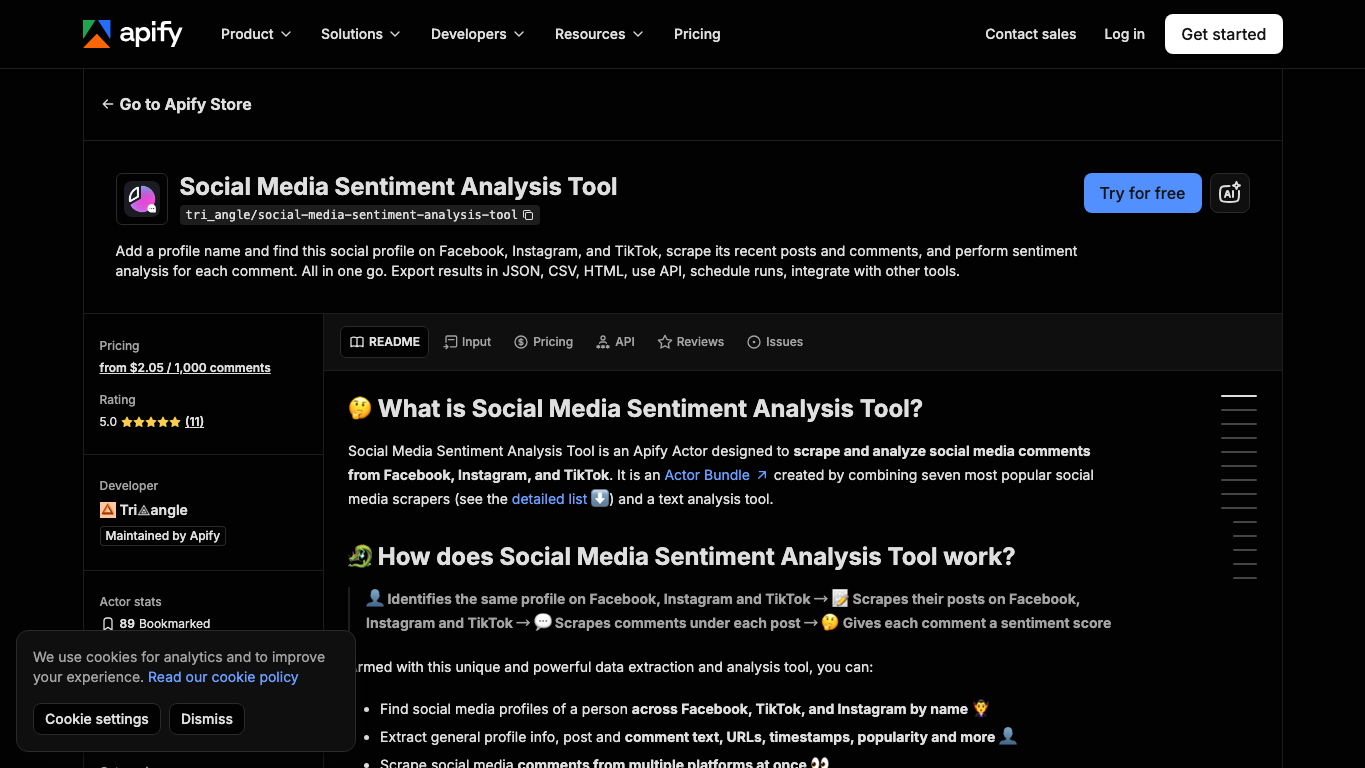
Some teams want one tool that collects comments and analyzes sentiment in the same run. Apify’s Social Media Sentiment Analysis Tool, for example, describes scraping comments from TikTok, Instagram, and Facebook and returning comment text, comment metadata, final classification, and sentiment scores.
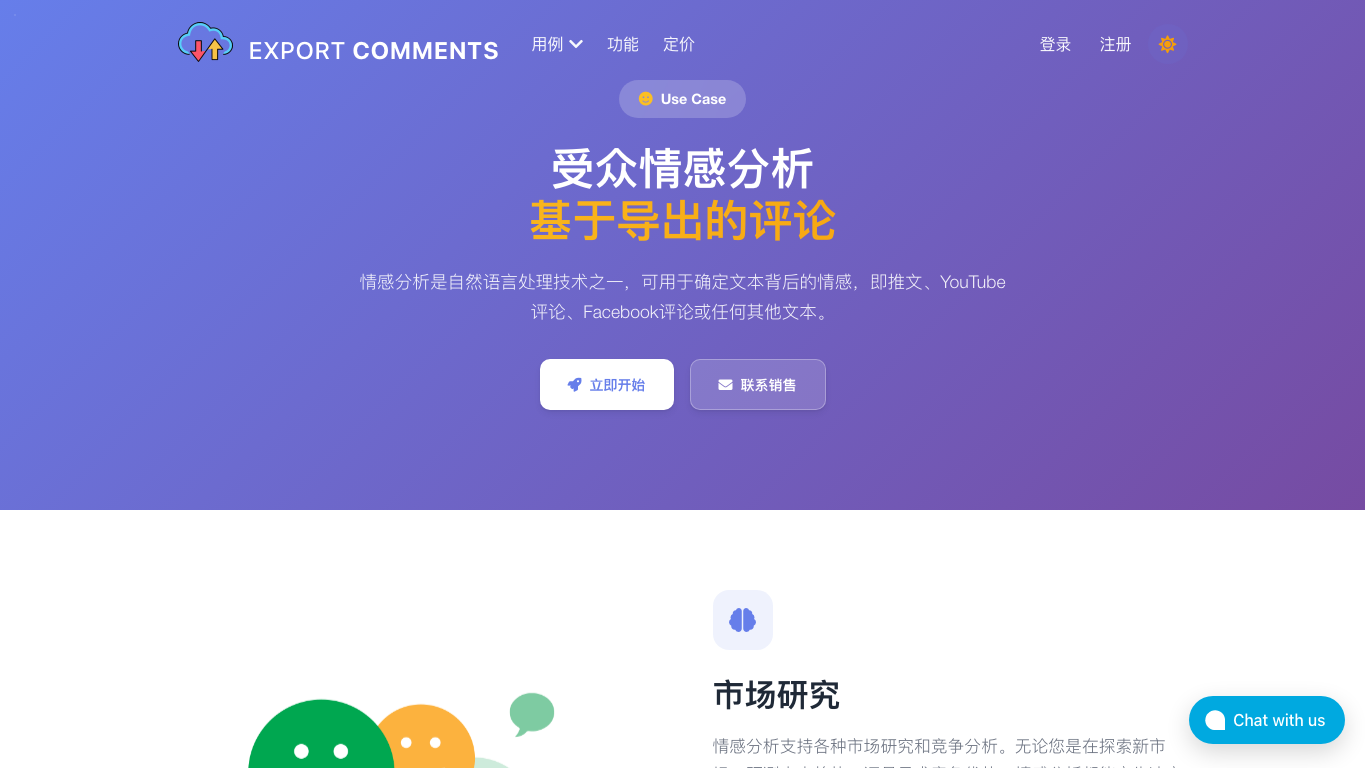
ExportComments also frames sentiment analysis as a use case for exported social comments, including TikTok.
These tools can be useful when their source coverage and schema fit. BrowserAct is better when the team needs to decide the source list, preserve source states, use a custom schema, or hand the collected rows into its own analysis model.
Common mistakes
Mistake 1: Treating neutral as useless
Neutral comments often contain the most useful product questions. A neutral “what size is this?” can be more valuable than a positive emoji.
Mistake 2: Ignoring replies
Replies show disagreement, support, corrections, and creator follow-up. If a top-level comment is negative but replies correct it, the interpretation changes.
Mistake 3: Letting one viral video define the brand
Separate campaign sentiment from brand sentiment. One viral comment thread may be loud but not representative.
Mistake 4: No source status
Rows from complete videos, partial videos, login-blocked pages, and unavailable pages should not be mixed without labels.
Mistake 5: Acting on machine labels without sampling
Always check a sample before sending a crisis alert or product recommendation. TikTok language changes fast; your model can be confident and wrong.
Conclusion
TikTok comment sentiment analysis is valuable when it turns comments into decisions: what people like, what they doubt, what they ask, what they repeat, and what needs a response.
Start with a clean source-linked dataset. Classify sentiment, intent, and theme separately. Review samples. Then use the output for creative testing, product feedback, support planning, creator evaluation, or brand-risk monitoring. BrowserAct helps with the repeatable collection and evidence trail; the interpretation still needs a workflow that respects context.
Further reading: TikTok research
Frequently Asked Questions
What is TikTok comment sentiment analysis?
It is the process of collecting TikTok comments, classifying sentiment, grouping themes and intent, reviewing sample accuracy, and turning the result into business actions.
Can TikTok comments be analyzed automatically?
Yes, but automatic labels need human sampling because TikTok comments often include slang, sarcasm, emojis, multilingual text, jokes, and missing video context.
What fields do I need for TikTok comment sentiment analysis?
Keep video URL, comment text, comment ID, parent ID, like count, reply count, timestamp, source status, sentiment, intent, theme, confidence, and review status.
Is sentiment analysis enough for customer research?
No. Sentiment is only one layer. Combine it with themes, questions, objections, buying intent, repeated phrases, and source-linked examples.
Where does BrowserAct fit in this workflow?
BrowserAct collects public or authorized comments, preserves source URLs and stop states, exports structured rows, and can repeat the approved collection workflow.
What should I avoid when collecting TikTok comments?
Avoid private or restricted data, login bypass, CAPTCHA bypass, posting, liking, following, messaging, payment actions, and any account-changing automation.


