Use Your Semrush Subscription With AI Agents via MCP

You already have Semrush research available in your subscription. Your content team needs keywords; your account manager needs a competitor review. Yet someone still has to export the data and move it into the next tool. A Semrush MCP connection brings that research into an agent conversation, while an API connection makes it available to an application. Your team can use the returned records to plan content or prepare a client recommendation.
BrowserAct provides a browser-based route, separate from Semrush's official MCP service. It turns a supported task from your existing subscription into a reusable Bot, callable by compatible agents through BrowserAct's MCP server or by applications through its API.
The same subscription can support the team's next step: choosing topics, comparing competitors, or preparing a client update.
- 1Connect research to a specific SEO decision, such as choosing topics or preparing a competitor review, rather than collecting more data without a use for it.
- 2Use API for application workflows and MCP for compatible agent conversations, both calling the configured research Bot.
- 3Share the MCP Server URL and matching API Key privately with authorized teammates, exposing only the intended research tools rather than the web password.
- 4Start with one recurring task, check the result, and repeat it before expanding to other workflows.
Bring Semrush Research Into Your Agent's SEO Work
Give the agent source records alongside your business context. It can help organize the evidence; your team decides which ideas deserve action.
Bring keyword research into the content meeting
Your team has ideas for next month. Which ones deserve a brief? Run a supported keyword task for the target market, then ask the agent to organize the returned records around your products, audience, and existing content.
For an ecommerce business exploring “email marketing,” that could mean separating educational questions from queries closer to buying a tool. The output is a shortlist your editor can review, with the available metrics beside each suggestion. Missing evidence becomes a follow-up research task, rather than a number the agent fills in.
Give competitor reviews a consistent starting point
Competitor reviews are easier to compare when every target uses the same report and country database. A reusable Bot keeps that starting point consistent while the agent organizes the differences.
For example, request Domain Overview for your chosen competitors using the United States database. Ask the agent to compare metrics present in the results and identify three questions worth investigating next. Your team gets a repeatable review process without rebuilding the collection steps for each domain.
Prepare the research before drafting the client update
Use returned records to draft what the report shows, why it may matter, and what to investigate next. Keep the original results, market, and collection time alongside the draft so the account manager can check the explanation before sending it.
Semrush metrics remain estimates. A current report is a snapshot; showing a trend requires comparable historical observations. The agent helps organize the evidence, while your team makes the recommendation.
Your recurring job | Research the Bot returns | What the team can make from it |
Plan next month's content | Supported keyword records for the target market | A topic shortlist with research behind it |
Review a competitor | A consistent domain report for each target | A comparison and follow-up questions |
Prepare a client meeting | Current research records | A source-backed update for the account manager to review |
Make Your Existing Subscription Callable Through API and MCP
Start with a research task your Semrush subscription already supports. Connect your account to the copied template, publish the Bot, and use that configured task as a reusable connection to your application or agent.
With BrowserAct API, an application submits the task inputs and receives a task ID. It checks the task status, then retrieves the structured result when the run finishes. A reporting workflow can use those records in its next step instead of asking someone to export another report. This is an asynchronous task, not an instant data lookup.
With BrowserAct MCP, you expose the published Bot to an MCP server and connect a compatible agent. The agent can discover the exposed tool, request the configured research, and use the returned records in the conversation.
Both routes call a BrowserAct Bot using the connected account's available research; they do not turn the account into an official Semrush API key. Choose a supported task your subscription permits you to automate, then keep its inputs and returned fields consistent as you reuse it.
Share an MCP Research Tool Without Passing Around the Login
Your strategist needs keywords. Your account manager needs a domain review. Neither needs to ask the account owner to export the same kind of report again.
The owner maintains the Bot and its saved browser environment. Authorized teammates connect their own compatible agents using the MCP Server URL and matching API Key. Each person can request the configured research in their own conversation, without receiving the Semrush web password or repeatedly signing in on different devices.
One maintained tool can serve separate conversations: a content brief for the planner, a client discussion for the account manager. Shared calls remain subject to the owner's account usage and concurrency limits.
The Bot runs the configured research in the owner's maintained browser environment. Teammates request its results through their connected tools rather than managing separate web sessions. The shared tool exposes the research tasks you make available, not full control of the Semrush workspace.
Keeping the web login with the owner reduces password distribution and centralizes session maintenance. Share the tool key privately and expose only the intended tools. Results pass through BrowserAct and your connected AI service, so use access and retention settings suited to your client data.
Copy the Template. Connect Your Account. Run Your First Task.
You do not need to write a scraping script. Start from the existing Semrush template and make it your own:
- Open the Semrush template and click Create Editable Duplicate in the upper-right corner to make an editable copy.
- Open Browser settings and switch to Standard Browser under Browser profile. Keep the network environment consistent; consider a static proxy or another stable IP.
- Open Browser settings → Website login, choose a login method—Account credentials, Import cookies, or Log in manually—and complete the setup to connect your Semrush account.
- Publish the Bot, run a supported task, and check the returned records.
For connection details, use the MCP setup guide or the published Bot's API instructions and authentication guide.
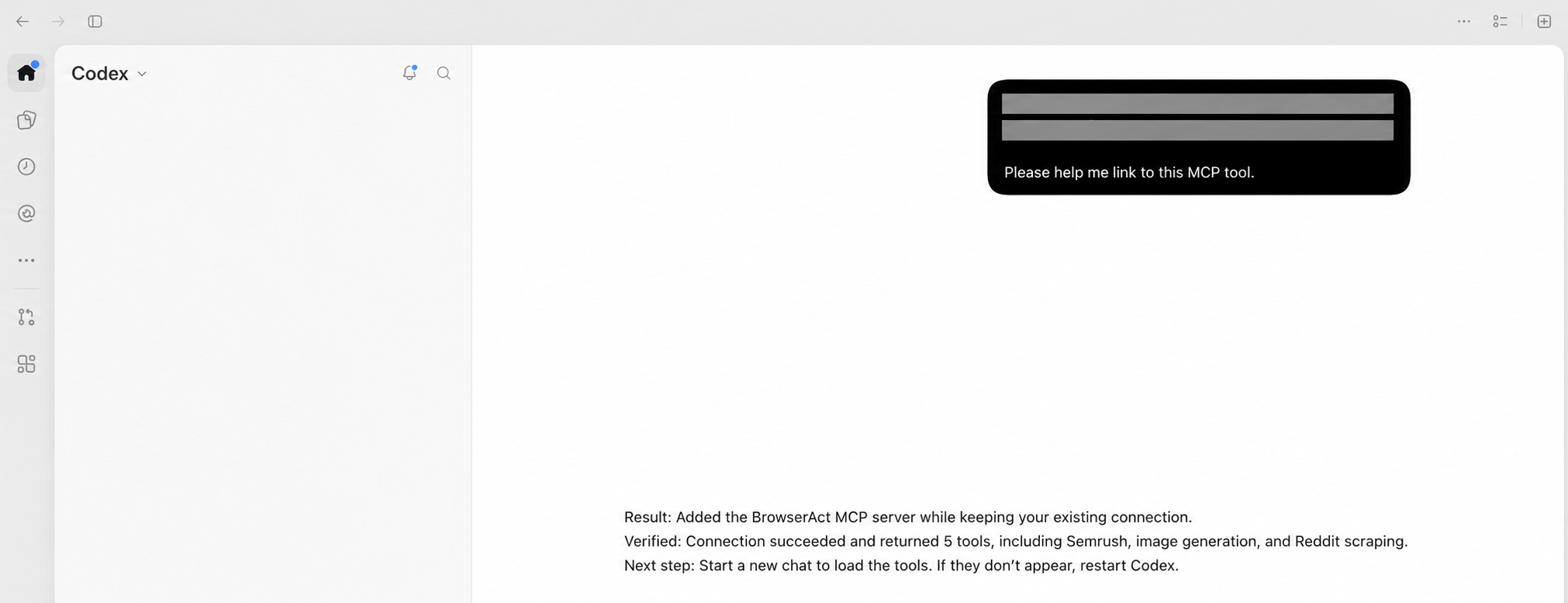
Codex reports that the BrowserAct MCP connection returned five tools, including Semrush. Connection credentials and private workspace information have been removed from this display image.
Start With the Report Someone Keeps Asking For
Choose the report someone keeps asking for, and identify the decision it needs to support.
Try it with two different inputs. Judge the result by whether it supplies the evidence you need and removes a manual handoff—not by how much data it collects.
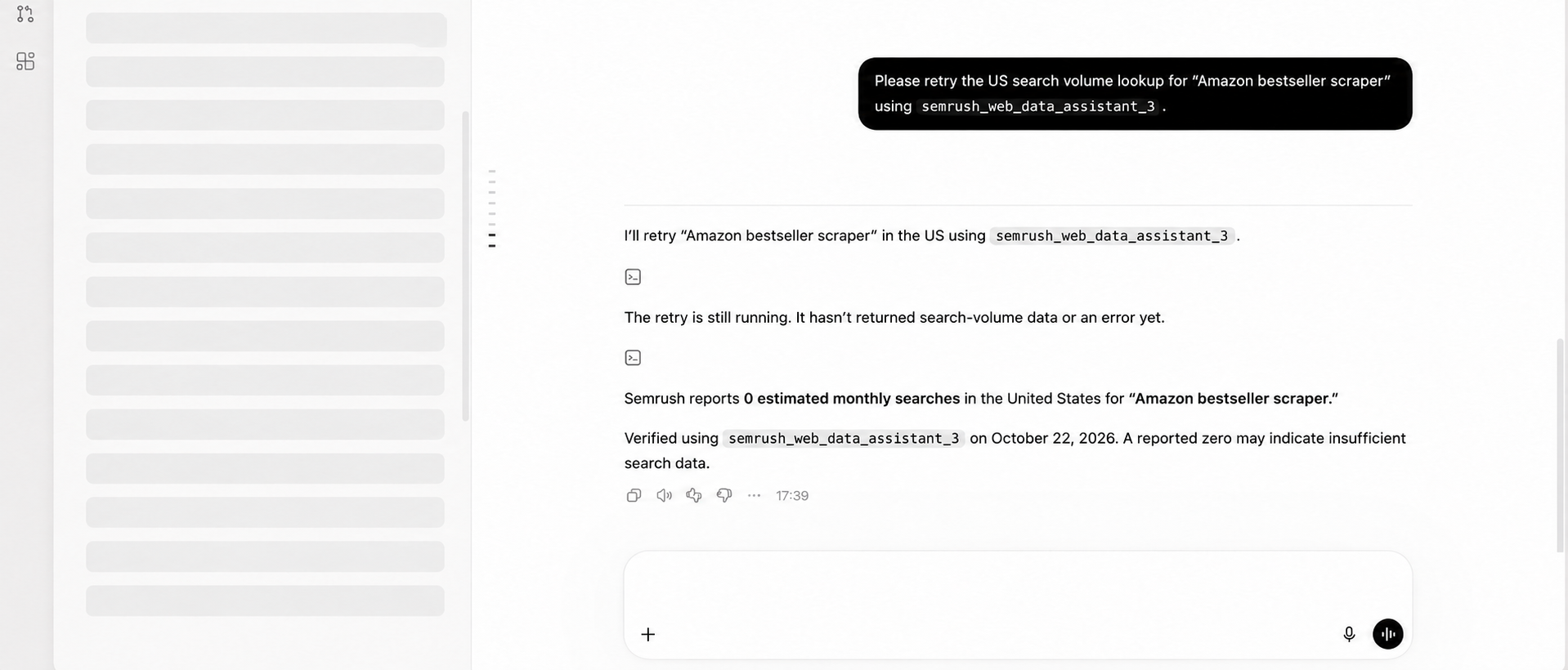
In this example, Codex reports a US search-volume estimate of zero for the requested term and notes that the result may reflect insufficient search data. It is not proof that no search demand exists.
The value of a Semrush MCP connection is what happens after the report: a better-informed brief, a consistent competitor review, or a client recommendation your team can explain. BrowserAct brings supported research from your existing subscription into that work.
Copy the template, connect your account, and reuse supported research tasks through BrowserAct API or MCP.
FAQ
Can I use Semrush MCP with my existing subscription?
Official Semrush MCP access depends on your plan. BrowserAct offers a separate route: a supported browser research task exposed as a Bot through BrowserAct's MCP server. The Bot uses the connected account's report access and login, and the task must be permitted to automate.
Do I need to write code to use the template?
No scraping code is needed to create an editable copy, select Standard Browser, and connect your account through Browser settings → Website login. Publish the Bot and configure its MCP connection to use it in a compatible agent. Connecting the API to an application may require integration work.
How does an application retrieve the API result?
Submit a run using the published Bot's API instructions, keep the returned task ID, and check its status. Retrieve the structured result after the run completes. The application should handle running and failed states rather than treating the request as an instant response.
Can teammates use the tool without my Semrush password?
Authorized teammates can connect a compatible agent using the MCP Server URL and matching API Key, without receiving your web password. Share those connection details privately and expose only the tools intended for the team. The Bot still uses the connected account's available data and access permissions.
What if my Semrush plan already includes MCP?
Check whether the official tools cover your task. If they do, use that connection. BrowserAct is an option when you need a supported browser task packaged as a reusable Bot for your application or agent.


