Instagram Hashtag Scraper: Build Trend, Creator, and Competitor Research Datasets

An Instagram hashtag scraper is useful when it turns a hashtag into a reviewable research dataset: public posts and Reels, captions, visible engagement, creator profiles, related hashtags, source URLs, and stop reasons. It is much less useful when it promises “all Instagram posts” without explaining limits. That distinction matters because hashtag research is messy. A marketer may search one hashtag to find trend examples, a creator list, competitor posts, campaign reactions, or leads. A develop
- 1An Instagram hashtag scraper should produce a source-linked dataset for trend, creator, competitor, and campaign research; it should not promise unlimited historical access.
- 2The core schema usually includes hashtag, post/Reel URL, profile URL, caption, timestamp, visible metrics, media type, related hashtags, mentions, audio clues, location, source status, and reviewer notes.
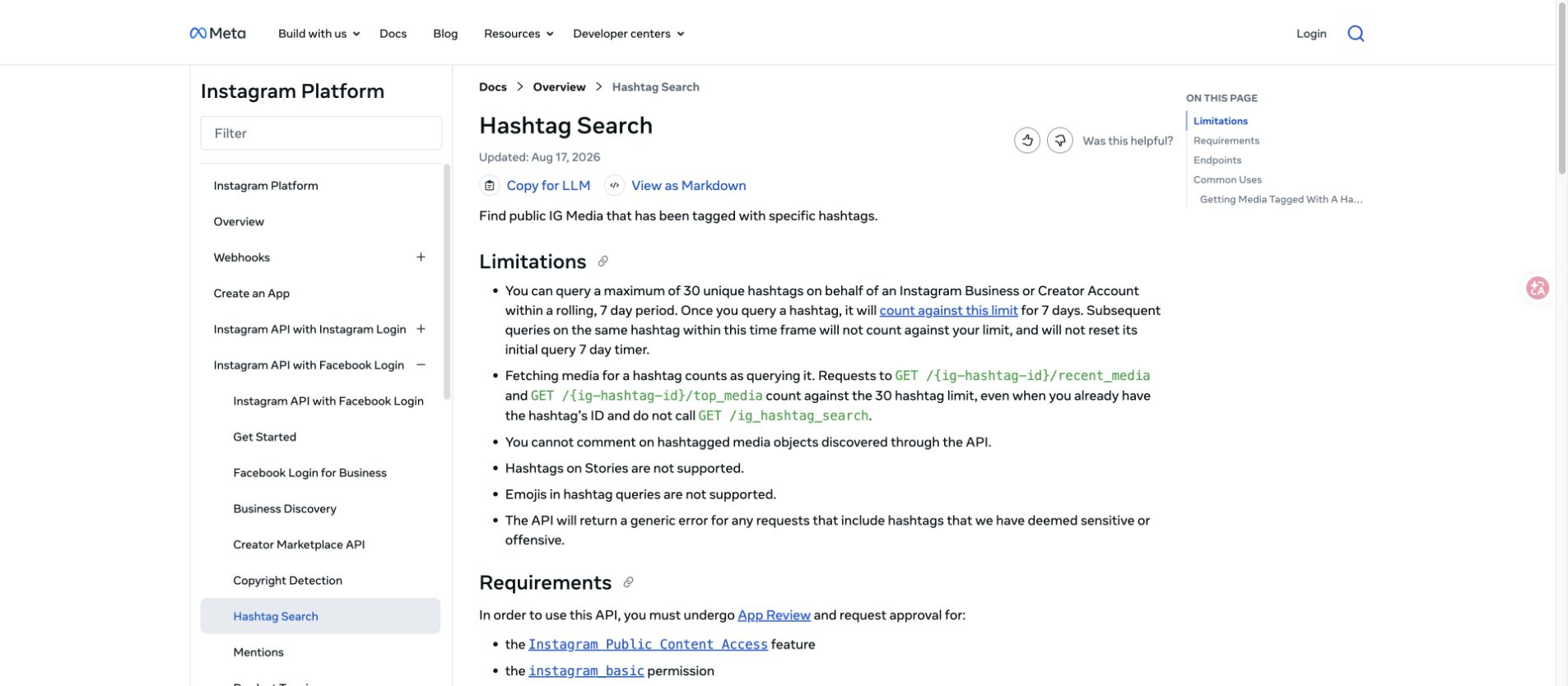
- 3Meta’s Hashtag Search API has official boundaries, including a 30 unique hashtag / rolling 7-day limit and access requirements, so public browser workflows and marketplace actors fill different research gaps.
- 4Use BrowserAct Agent for first-run sample design, BrowserAct Workflow for recurring hashtag monitoring, and BrowserAct CLI when the approved dataset should feed Sheets, n8n, or a reporting pipeline.
- 5The most useful hashtag reports do not stop at “top posts.” They turn rows into content experiments, creator shortlists, competitor themes, and campaign monitoring signals.
What people actually want from hashtag data
The search term “Instagram hashtag scraper” sounds technical, but the real jobs are practical.
Research job | What the user wants | Better output than a raw scrape |
Trend discovery | Find posts/Reels gaining attention around a niche | Rows with caption, visible metrics, media type, timestamp, and source URL |
Creator discovery | Identify accounts repeatedly showing up around a topic | Creator table with profile URL, follower clues, content fit, and review notes |
Competitor research | See how competitors use hashtags and formats | Post/Reel table grouped by brand, hashtag, and engagement signal |
Campaign monitoring | Track a branded or event hashtag | Time-windowed dataset with duplicates, sentiment notes, and standout posts |
Lead discovery | Find accounts posting around a buying-intent topic | Qualified profile list, not an auto-outreach list |
AI analysis | Cluster captions, comments, and hashtags | Clean schema with raw source text beside every AI summary |
The fields worth collecting
Start by designing the table. Hashtag scraping breaks down when every row is a loose blob of caption text.
Field | Why it matters |
| The exact hashtag that produced the row |
| Hashtag, competitor, campaign, or search phrase |
| The source URL every insight points back to |
| Lets a reviewer inspect account context |
| Creator, brand, or account handle |
| post, Reel, carousel, image, video, unknown |
| Hook, offer, message, and keyword evidence |
| Needed for campaign windows and trend velocity |
| Basic visible engagement signal when available |
| Conversation signal and comment-mining pointer |
| Useful for Reels and video posts when visible |
| Valuable when visible, but often unavailable |
| Related tags and topic expansion ideas |
| Collaborators, brands, partners, or creators |
| Reels trend clue when visible |
| Local campaign or market signal when visible |
| complete, partial, login_required, captcha_required, unavailable |
| Human judgment before a row becomes a recommendation |
source_hashtag and hashtags_found separate. The first tells you how the row was discovered; the second helps expand the next round of research.
Official Hashtag Search vs public research workflows
Meta’s Hashtag Search documentation is the right place to start if you are building against authorized Instagram APIs. It describes finding public IG Media tagged with specific hashtags and lists important limitations, including the 30 unique hashtag rolling 7-day limit, app review requirements, no Stories hashtag support, and generic errors for sensitive or offensive hashtags.
That does not make the API bad. It means the API is a governed route with clear boundaries. If your job is authorized account analytics or approved public content access, use it where it fits. If your job is exploratory content research around competitors, creators, campaign examples, or emerging topics, you may need a browser-based workflow, marketplace actor, or hybrid automation.
Route | Best fit | Watch-outs |
Official Hashtag Search API | Approved apps and governed public hashtag access | Hashtag caps, app review, permissions, endpoint rules |
Marketplace hashtag actors | Fast rows from known hashtags | Actor maintenance, pricing, partial fields, black-box completeness |
Social analytics platforms | Reporting dashboards and cross-platform analytics | Less flexible raw row control |
n8n / automation workflows | Moving hashtag output into Sheets, enrichment, and scoring | Credential handling and workflow ownership |
BrowserAct Agent | First-run prompt testing and sample design | Needs clear limits and human review |
BrowserAct Workflow | Repeat hashtag monitoring after the path is approved | Needs stable schema and stop rules |
BrowserAct CLI | Scheduled reporting and data handoff | Needs an owner, logs, and retention policy |
Tool route 1: marketplace hashtag scrapers
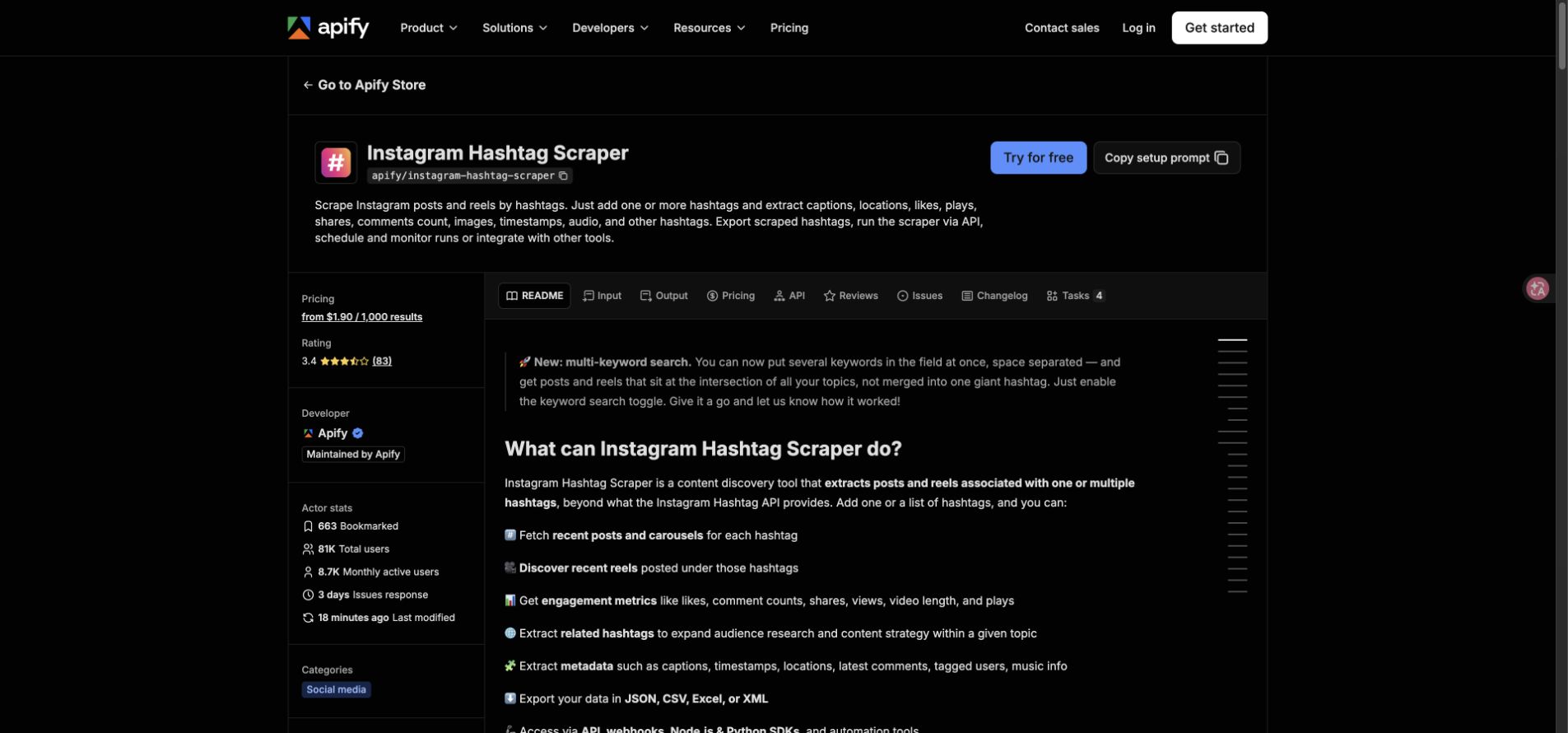
Apify’s Instagram Hashtag Scraper is a clear marketplace-actor example. Its page says users can add one or more hashtags and extract posts and Reels with captions, locations, likes, plays, shares, comment count, images, timestamps, audio, and other hashtags, then export or schedule the run.
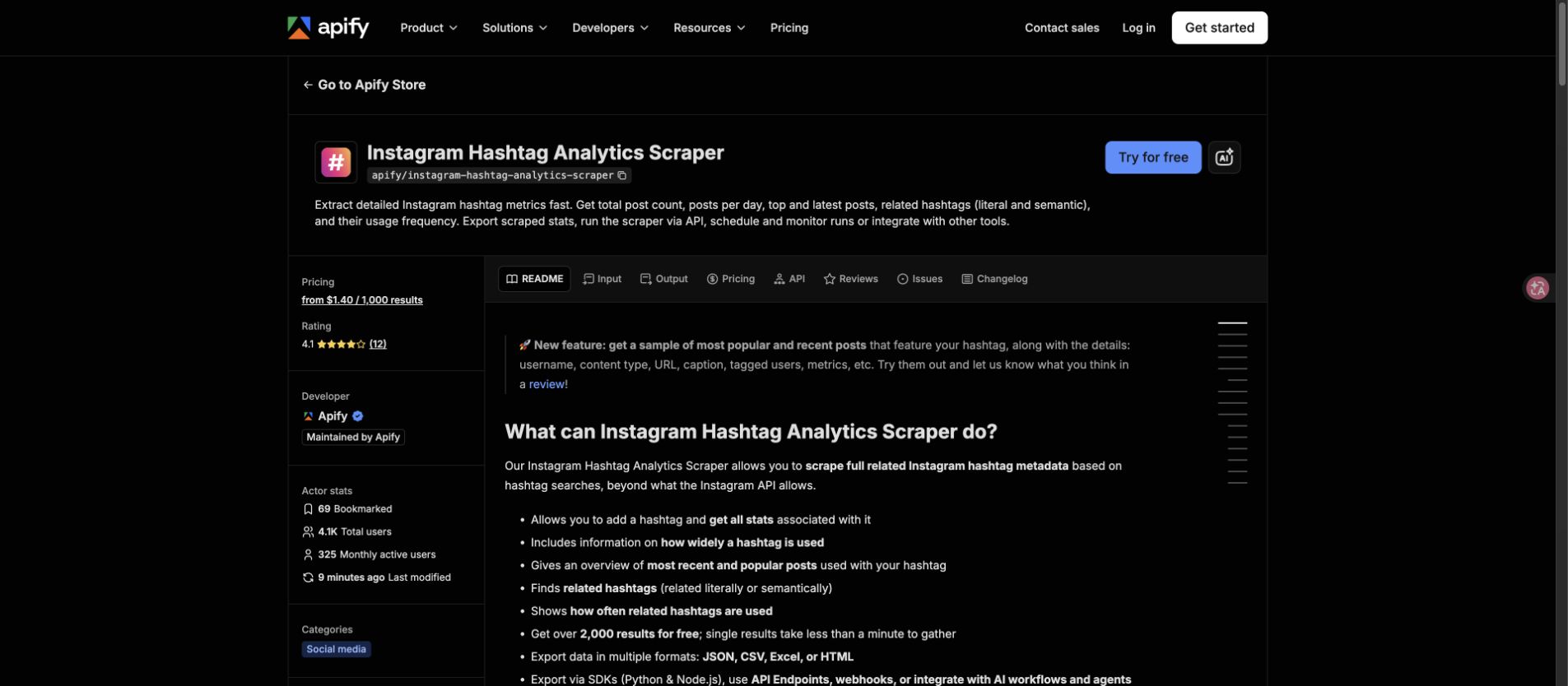
Apify’s Instagram Hashtag Analytics Scraper is adjacent but different. It is positioned around analytics such as post counts, related hashtags, and optional top-post engagement metrics. That distinction is useful: sometimes the task is row-level scraping, and sometimes it is hashtag-level benchmarking.
Pro Tip: Test one hashtag with a small limit before you schedule anything. Check whether the rows include enough source URLs, media type, timestamps, and stop states to support the decision you actually need.
Tool route 2: analytics and tracking platforms
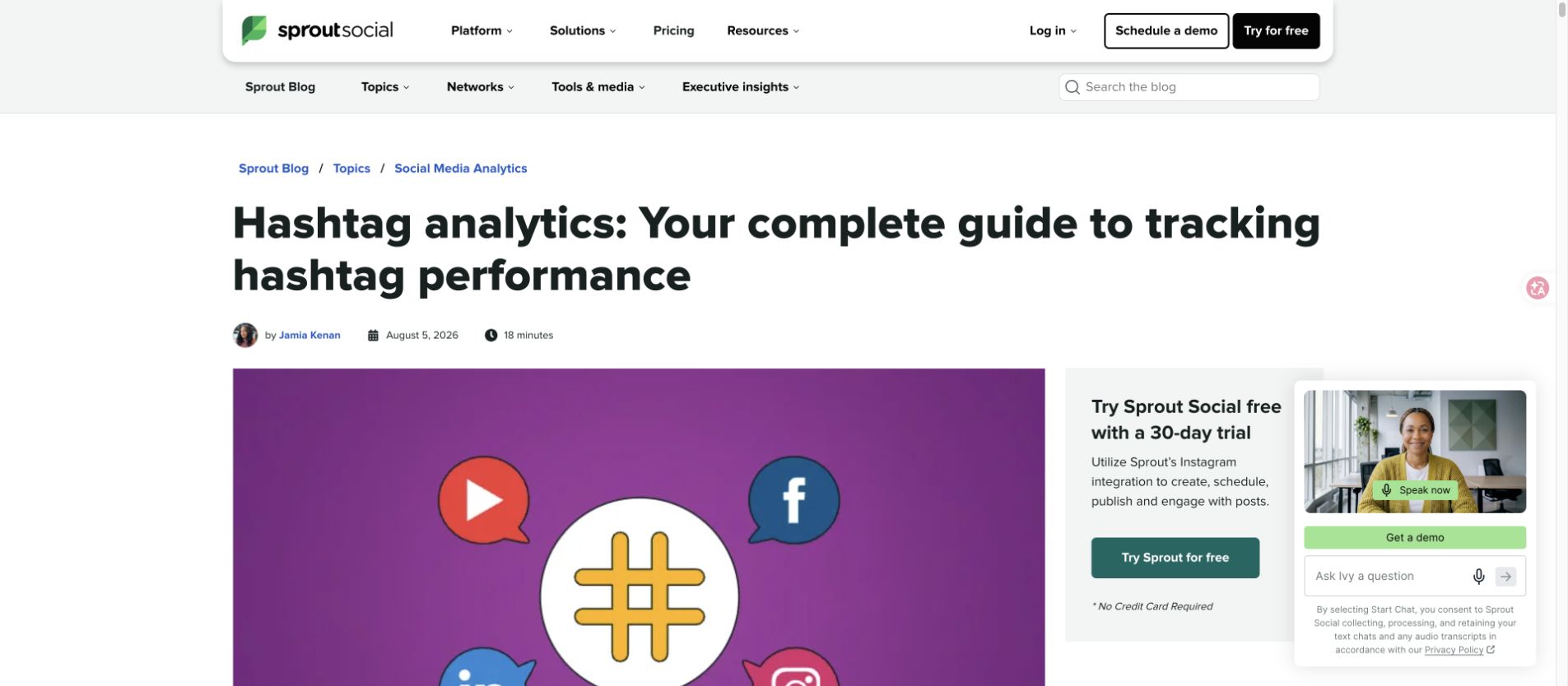
Sprout Social’s hashtag analytics guide frames hashtag analytics as a way to track campaign performance, spot emerging trends, and understand sentiment across platforms. That is the dashboard route: less about owning every raw row, more about connecting hashtags to social media reporting.
BrandMentions positions its hashtag tracker around real-time hashtag tracking, trends, competitors, content, and influencers. This category makes sense when your team needs monitoring and reporting more than custom data collection.
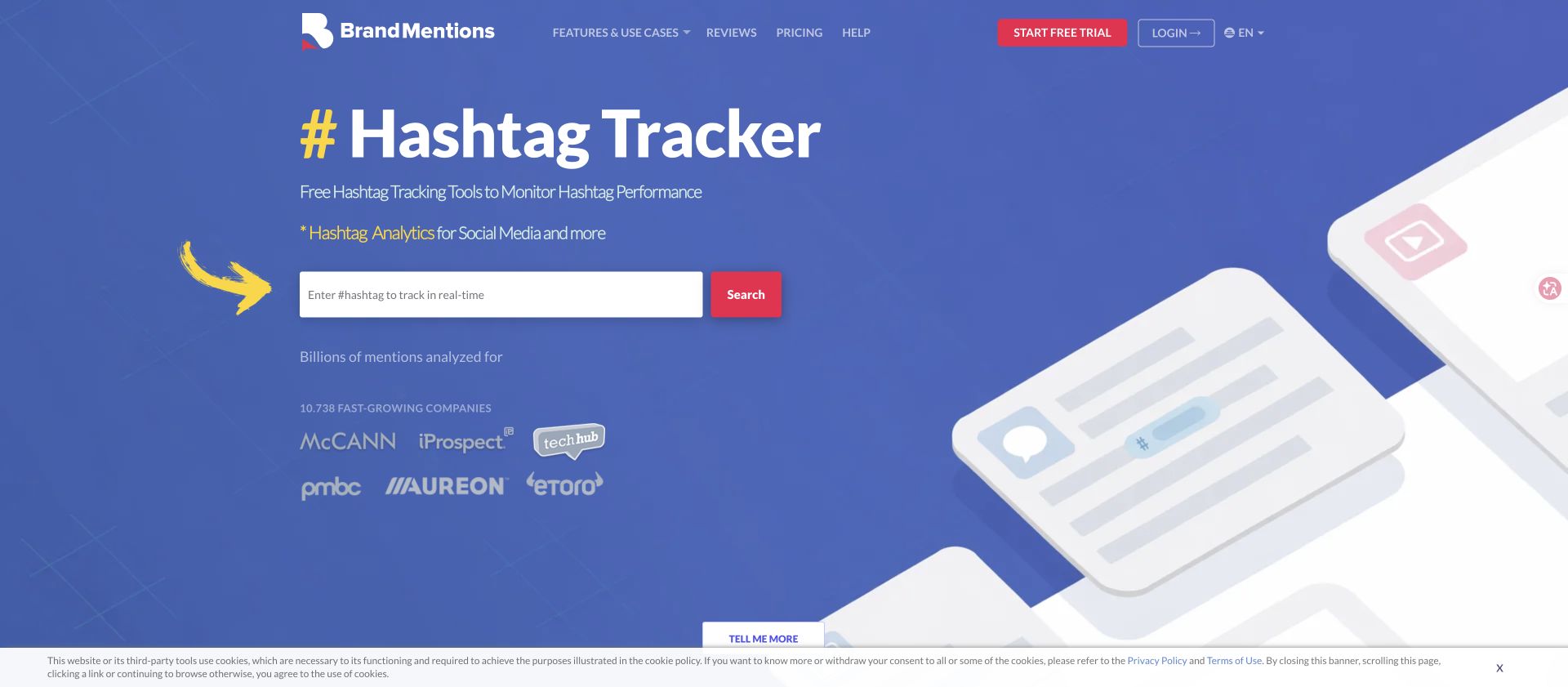
The limitation is flexibility. If you need a custom row schema, source-level QA, or a browser path that stops on access boundaries, a dashboard may not expose the exact evidence your team wants.
Tool route 3: hashtag data into n8n and AI workflows
The most useful hashtag workflows keep moving after collection. An n8n template for qualified Instagram leads from hashtags reads hashtags from Google Sheets, scrapes Instagram posts with Apify, analyzes captions and language, compiles usernames, gathers user information, and filters leads.
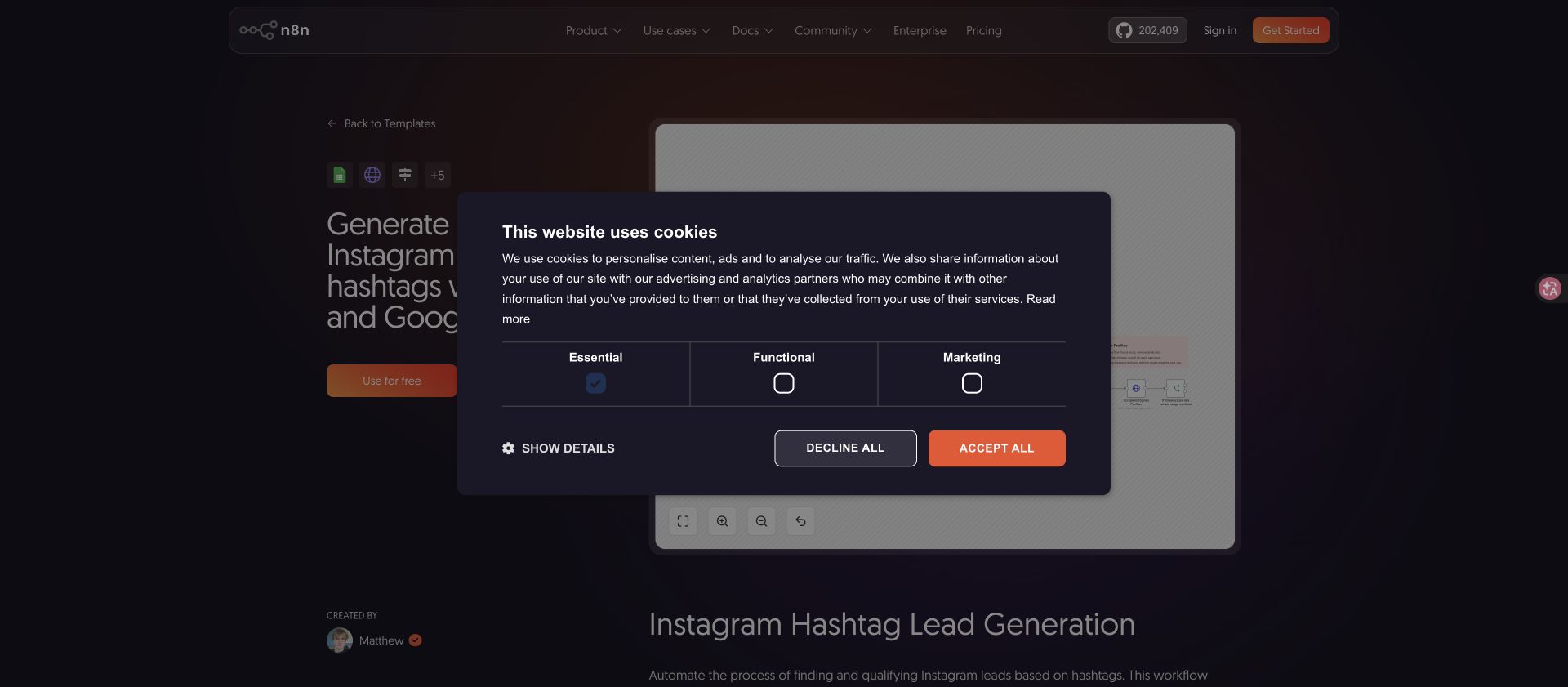
That workflow pattern is useful even if your final goal is not lead generation. The same structure can power:
- campaign hashtag monitoring
- creator discovery from niche hashtags
- competitor content tracking
- comment mining on posts tied to a campaign
- AI clustering of captions and related hashtags
- weekly Sheets reports for content teams
BrowserAct Workflow fits when the collection path itself needs browser validation before it feeds n8n. BrowserAct CLI fits when the approved run should become a scheduled, logged, team-owned step.
Build a prompt-first Instagram hashtag scraper with BrowserAct
Use this workflow when you need a reviewable hashtag sample before choosing a scaled tool or recurring monitor. Start with 3–10 hashtags and a small row limit.
1. Open BrowserAct Dashboard
Click the left-side + button to create your own Bot, start from Quick start, or paste the prompt directly into the center Agent input to begin building.
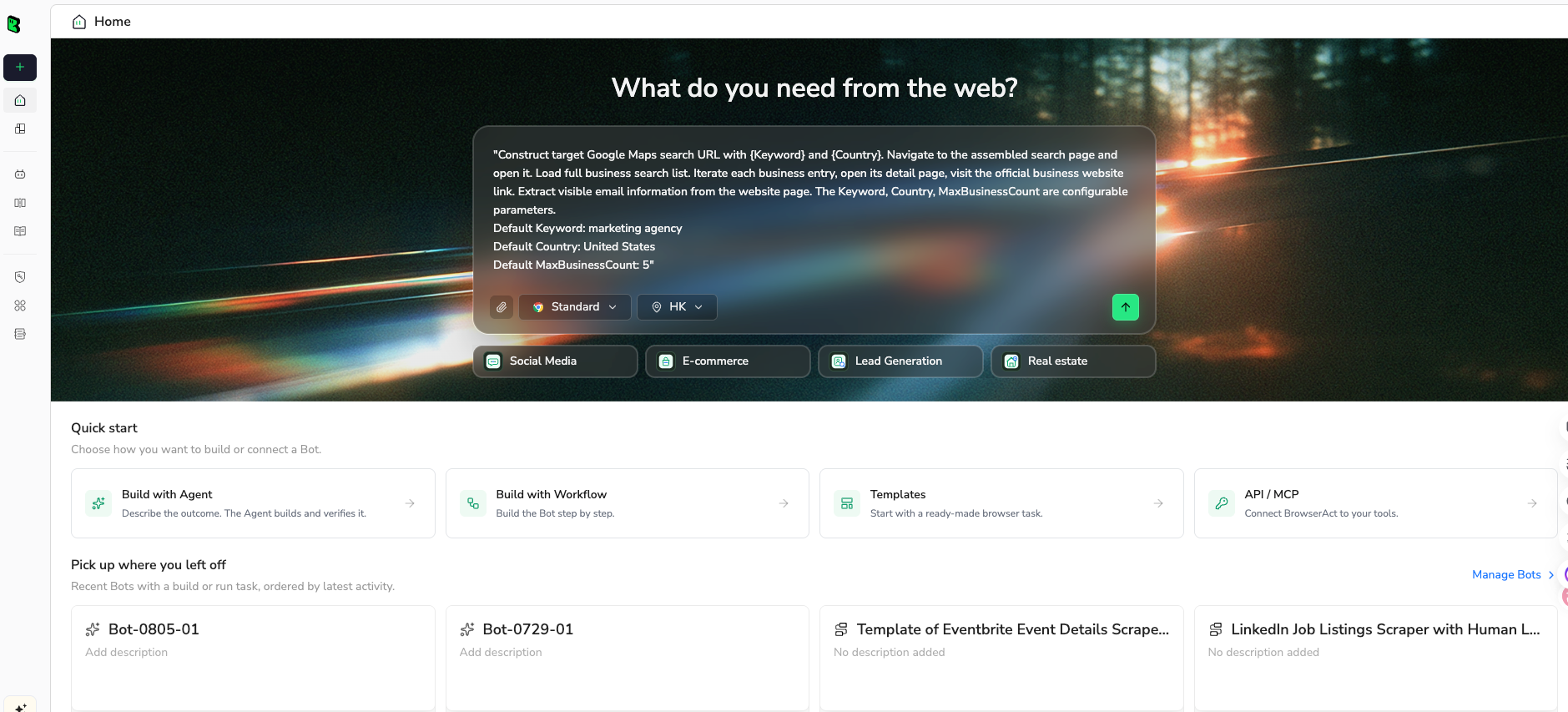
2. Copy the complete prompt
Edit the hashtags, fields, time window, and limit before running.
Go to Instagram and build a public hashtag research sample.

TARGET:
Collect public posts and Reels related to these hashtags:
- #skincaretips
- #cleanskincare
- #beautycreator

LIMIT:
Return up to 120 relevant rows total.

For each public post or Reel, collect:
- source_hashtag
- source_query
- post_or_reel_url
- profile_url
- username
- media_type: post, Reel, carousel, image, video, unknown
- caption
- posted_at if visible
- like_count if visible
- comment_count if visible
- play_or_view_count if visible
- share_count if visible
- hashtags_found
- mentions
- audio_title if visible
- location if visible
- source_status: complete, partial, login_required, captcha_required, unavailable
- review_note: one short sentence explaining why this row matters

Rules:
- Use public or authorized data only.
- Keep the task read-only.
- Do not follow, like, comment, save, message, post, download private media, or change account settings.
- Do not access private accounts, hidden analytics, DMs, or restricted pages.
- If Instagram asks for login, CAPTCHA, 2FA, account confirmation, private access, or anything unclear, pause and report the stop reason.
- Deduplicate by post_or_reel_url.
- Keep partial rows if they are relevant, but mark source_status clearly.

Output:
Return a clean table suitable for CSV or Google Sheets.
Add a short summary with hashtags checked, rows collected, profiles found, rows with visible metrics, duplicates removed, and stop reasons.
Scrape data from any website.
Describe the data you need. Get a Bot — a reliable, reusable scraper.
Prompt preview: collect public Instagram hashtag posts, Reels, captions, visible metrics, related hashtags, source URLs, and review notes. Private session · Choose your region before you run
Get your Bot — Free3. Handle login only when asked
If Instagram shows login, CAPTCHA, 2FA, account warnings, private content, unavailable media, or unclear restrictions, BrowserAct should pause. Keep partial rows and mark source_status. Do not ask the automation to bypass the boundary.
4. Review, dedupe, and export
Before using the data:
- dedupe by
post_or_reel_url - keep the hashtag that discovered each row
- separate visible metrics from AI summaries
- label partial or restricted rows
- review any trend or “best creator” claim manually
- export CSV, JSON, Markdown, or a Sheets-ready table
Once the first sample is trusted, turn it into a BrowserAct Workflow. If the report should refresh on a schedule or feed an internal stack, run the approved workflow with BrowserAct CLI.
A practical hashtag research workflow
The goal is not to scrape more hashtags. The goal is to make better decisions from a focused sample.
1. Group hashtags by job
Do not mix broad, niche, branded, and competitor hashtags in the same analysis without labels.
Group | Example | Use |
Broad trend |
| Topic discovery, but noisy |
Niche intent |
| Better content and creator fit |
Branded |
| Campaign monitoring |
Competitor | competitor campaign tag | Benchmarking |
Location | city + niche tag | Local discovery |
2. Sample before scaling
Collect a small row count first. If the sample is full of irrelevant posts, scaling will not fix the strategy. It will just make the cleanup bigger.
3. Separate post-level and creator-level tables
Use one table for posts/Reels and a second table for creator profiles. Join them by profile_url. This keeps a viral post from being confused with a consistently relevant creator.
4. Add AI summaries only after schema cleanup
AI can cluster captions, detect themes, and summarize comments, but only if raw source text and source URLs stay attached. Do not let a generated label replace the evidence.
5. Turn rows into actions
The final report should produce:
- hashtags to keep, test, or drop
- creator accounts to review
- recurring content hooks
- competitor formats to watch
- comments or captions worth deeper analysis
- weekly monitoring rules
Pro Tip: A hashtag report should end with actions, not screenshots. If the team cannot decide what to test next, the dataset is too broad or the schema is too vague.
Common mistakes
Mistake 1: Expecting every hashtag to return complete history
Instagram hashtag surfaces and APIs have limits. Treat the output as a sampled research dataset unless you have verified full coverage.
Mistake 2: Comparing broad and niche hashtags directly
A broad hashtag can produce more rows and noise; a niche hashtag may produce fewer rows but better fit. Compare them by job, not only volume.
Mistake 3: Losing the discovery path
If you do not keep source_hashtag, you cannot tell which hashtag actually found the row. That ruins expansion and pruning decisions.
Mistake 4: Treating AI summaries as evidence
AI summaries are useful, but they are interpretations. Keep the source URL, caption, and visible metrics next to every summary.
Mistake 5: Automating engagement
Do not turn hashtag research into automated likes, follows, comments, or DMs. Keep the workflow read-only unless a human separately approves a different operation.
When BrowserAct is the best fit
BrowserAct is strongest when your hashtag research brief is still evolving:
- “Collect public posts and Reels from these five niche hashtags and label creator candidates.”
- “Track a campaign hashtag weekly and return source-linked standout posts.”
- “Compare competitor hashtag usage without maintaining a manual spreadsheet.”
- “Send hashtag rows into n8n or Sheets only after the schema is approved.”
Use BrowserAct Agent for the first prompt and sample. Use BrowserAct Workflow once the path repeats. Use BrowserAct CLI when the approved hashtag monitor needs scheduling, logs, and downstream handoff.
If the job is a fixed high-volume extraction from known hashtags, a marketplace actor may be enough. If the job is executive reporting, a social analytics platform may be enough. If the job is turning a changing hashtag-research brief into a browser-verified table, BrowserAct is the cleaner fit.
Further reading: Instagram data collection
Frequently Asked Questions
What is an Instagram hashtag scraper?
An Instagram hashtag scraper collects structured data from public or authorized Instagram posts and Reels tied to hashtags, including source URLs, captions, visible metrics, related hashtags, creators, media type, and stop states.
Can I scrape all Instagram posts for a hashtag?
Not safely as a blanket promise. Instagram surfaces, APIs, pagination, and access states can limit what is visible or available. Treat the output as a sampled or bounded dataset unless you have verified complete coverage for your specific source.
What fields should I export from Instagram hashtag data?
Start with source_hashtag, post_or_reel_url, profile_url, username, media_type, caption, posted_at, visible engagement metrics, hashtags_found, mentions, audio_title, location, source_status, and review_note.
Is the official Instagram Hashtag Search API enough?
It is the right route for approved API workflows, but it has access requirements and limitations such as the 30 unique hashtag rolling 7-day limit. Browser-based or marketplace workflows may fit exploratory public research better.
Can BrowserAct scrape Instagram hashtags without code?
BrowserAct can run a prompt-led browser workflow against public or authorized Instagram hashtag pages, collect visible fields, pause on login or CAPTCHA, and return a reviewable table. It should not bypass private content or hidden analytics.
How do I use hashtag scraping for creator discovery?
Collect posts/Reels from niche hashtags, group rows by profile URL, review captions and visible engagement, then build a creator shortlist with source examples and human notes. Keep creator-level and post-level tables separate.
Should hashtag data go into n8n or Google Sheets?
Yes, after the schema is trusted. Use Sheets for review and dedupe; use n8n or BrowserAct CLI for scheduled enrichment, scoring, and reporting.


