Instagram Lead Scraper: Build a Source-Linked Research List from Public Profiles

An Instagram lead scraper should not be a machine for blasting random emails. The useful version is more specific: find public profiles that match a niche, collect visible contact signals, keep source URLs, verify the data, and send only reviewed rows into a CRM or outreach queue. That difference matters. “Scrape emails from Instagram” is a tempting search because the promise sounds fast. But fast lists are often noisy lists: wrong accounts, stale emails, private-profile dead ends, duplicate row
- 1An Instagram lead scraper is useful only when it creates a source-linked, reviewable prospect list from public or authorized profile signals, not a raw email dump.
- 2This guide separates five lead sources: profile search, niche hashtags, competitor audiences, post engagers, and local business queries.
- 3The strongest workflow keeps profile URLs, evidence snippets, contact fields, qualification notes, email verification status, and human-review state in separate columns.
- 4Use BrowserAct Agent when the lead brief is still changing; use BrowserAct Workflow for repeat list refreshes; use BrowserAct CLI when the approved run belongs inside a governed sales or agency pipeline.
- 5Do not scrape private accounts, hidden contact data, DMs, login-only surfaces, or automate follows, likes, comments, or messages.
What “Instagram lead scraping” actually means
The search term sounds like one job, but buyers usually mean one of four things:
Intent | What the user wants | Better framing |
Business email discovery | Find public emails from bios, contact buttons, websites, or linked pages | Public contact-signal research |
Local prospecting | Find businesses in a niche and city | Niche + location profile search |
Competitor audience research | Find visible followers, commenters, or likers around a competitor | Audience sampling and qualification |
Creator or partner outreach | Find micro-influencers with relevant audience and contact details | Creator shortlist with review notes |
CRM handoff | Move rows into Airtable, HubSpot, Clay, or Sheets | Verified, deduped, human-approved list |
The public demand is real. A Reddit thread about scraping Instagram for contact and email includes replies that point users toward authorized API access, influencer platforms, public emails, and caution around methods that could harm an account or brand credibility. An Indie Hackers post about lead generation tools argues from another angle: manually finding contact info through public sources can be messy, but it can improve targeting because the user understands the data going into the tool.
That is the stance for this guide: automate the repetitive collection, not the judgment.
Pick the lead source before picking the scraper
Instagram lead scraping gets sloppy when every profile, follower, and commenter is treated as equally valuable. Choose the source first.
1. Public profile search
This is the safest starting point for many B2B and local-service campaigns. Search for public profiles that match a niche, city, keyword, or business category, then collect profile-level fields.
Useful when you are looking for:
- salons in Austin
- fitness coaches in Toronto
- boutique hotels in Lisbon
- wedding photographers in Chicago
- ecommerce brands in a niche
2. Hashtag or topic communities
Hashtags can reveal active niche accounts, but they are noisy. Use them for discovery, then qualify profiles before contact collection.
Better outputs:
- hashtag source
- post URL
- profile URL
- account type
- visible contact field
- relevance reason
- reviewer note
3. Competitor audiences
Some teams want to inspect public followers, commenters, or engagers around competitor accounts. Treat this as audience research first, lead generation second. A visible follower is not automatically a prospect.
If the user needs competitor analysis before lead extraction, connect the workflow to the broader Instagram competitor analysis guide. If the goal is follower sampling, connect it to the Instagram follower scraper workflow.
4. Commenters on high-intent posts
Commenters can be higher-signal than passive followers, especially when the post is educational, problem-specific, or buying-intent adjacent. But comments still need review. Label the reason a profile became a lead candidate.
Useful labels:
- asked for pricing
- asked for a recommendation
- mentioned a problem
- compared products
- requested a demo
- spam or unrelated
5. Local niche queries
This is where workflow tools often become useful. The n8n template “Scrape verified Instagram leads with Apify and Airtable” describes a common pipeline: enter a niche + location query such as “dentist in New York,” find matching Instagram profiles, extract public emails, verify them, and upsert clean rows into Airtable.
That workflow pattern is better than “scrape everything” because it starts with a defined market slice and ends with dedupe and verification.
What fields should an Instagram lead scraper export?
Do not put everything in one column called “lead.” Separate source, contact, qualification, and review.
Field | Why it matters |
| The niche, hashtag, competitor, or location query that found the row |
| The source URL a reviewer can open |
| The visible Instagram handle |
| Helps identify business or creator name |
| Positioning, niche, and relevance evidence |
| Often the best place to find official contact info |
| Email visible in bio, contact surface, or linked website |
| Visible phone number if intentionally published |
| bio, contact button, website, linked page, not found |
| local business, creator, ecommerce brand, agency, venue, other |
| Why this profile matches the ICP |
| unchecked, valid, invalid, risky, catch-all, unknown |
| normalized email, website, or profile URL |
| needs review, approved, rejected, do not contact |
| complete, partial, private, login_required, captcha_required, unavailable |
Tool categories: where BrowserAct fits
There are already many Instagram lead scraping tools. The point is not to pretend one route wins every job.
Tool route | Best for | Watch-outs |
Dedicated lead platforms | Fast list building when their data sources and filters match your ICP | Pricing, data freshness, verification method, compliance claims |
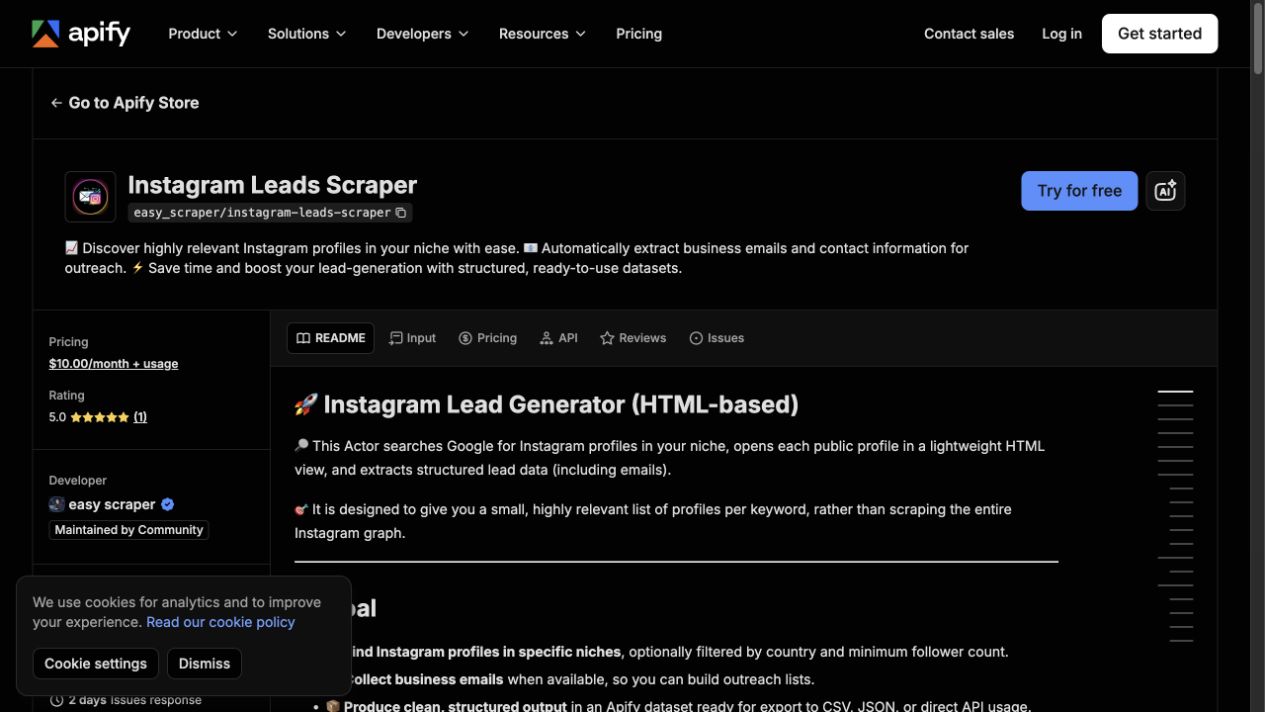
Marketplace actors | Prebuilt extraction from profiles, followers, or niche searches | Black-box completeness, actor maintenance, output quality |
n8n / automation templates | Moving scraper output into Airtable, Sheets, CRM, or verification steps | Requires workflow ownership and credential handling |
BrowserAct Agent | Custom public profile research, changing fields, evidence review, source URLs, stop states | Needs prompt discipline and first-run QA |
BrowserAct Workflow | Repeat refreshes after the first browser path is approved | Should inherit reviewed limits and stop rules |
BrowserAct CLI | Governed internal jobs, logs, scheduled reporting, team-owned pipelines | Needs an owner, retention rules, and handoff checks |
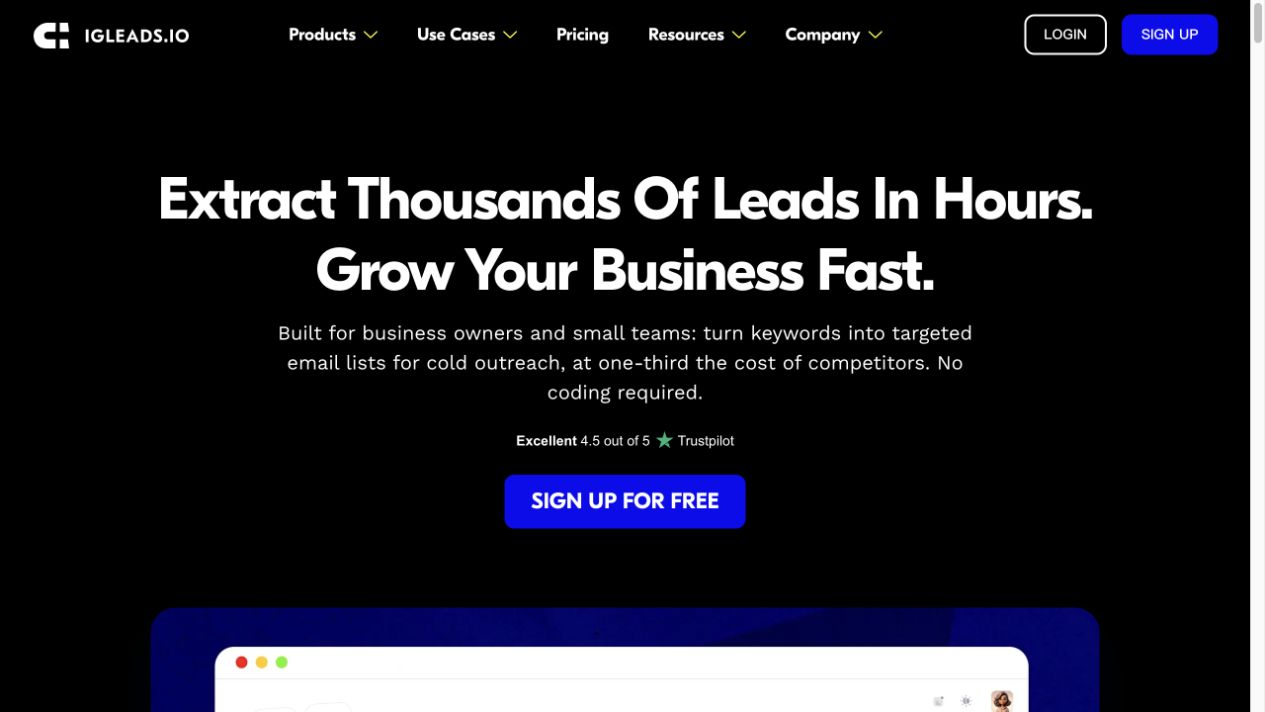
IGLeads shows the dedicated lead platform category. Its homepage positions the product around turning keywords into targeted email lists for cold outreach with no coding. That is a clear commercial offer, but buyers still need to ask the same questions: what source produced the row, how fresh is the contact, how was it verified, and should this person be contacted at all?
BrowserAct fits when the brief is not fixed yet. For example, an agency may need to test whether “boutique fitness studios in Miami with public email, recent posts, and booking-link evidence” produces useful leads before paying for a scaled list. A prompt-first browser run lets the team inspect the source path and row quality before turning it into a repeatable workflow.
Build a prompt-first Instagram lead scraper with BrowserAct
Use this when you need a reviewable lead research workflow rather than a black-box email dump. The first BrowserAct run should be small: one niche, one location or hashtag, 50–100 profiles, and a clear stop rule.
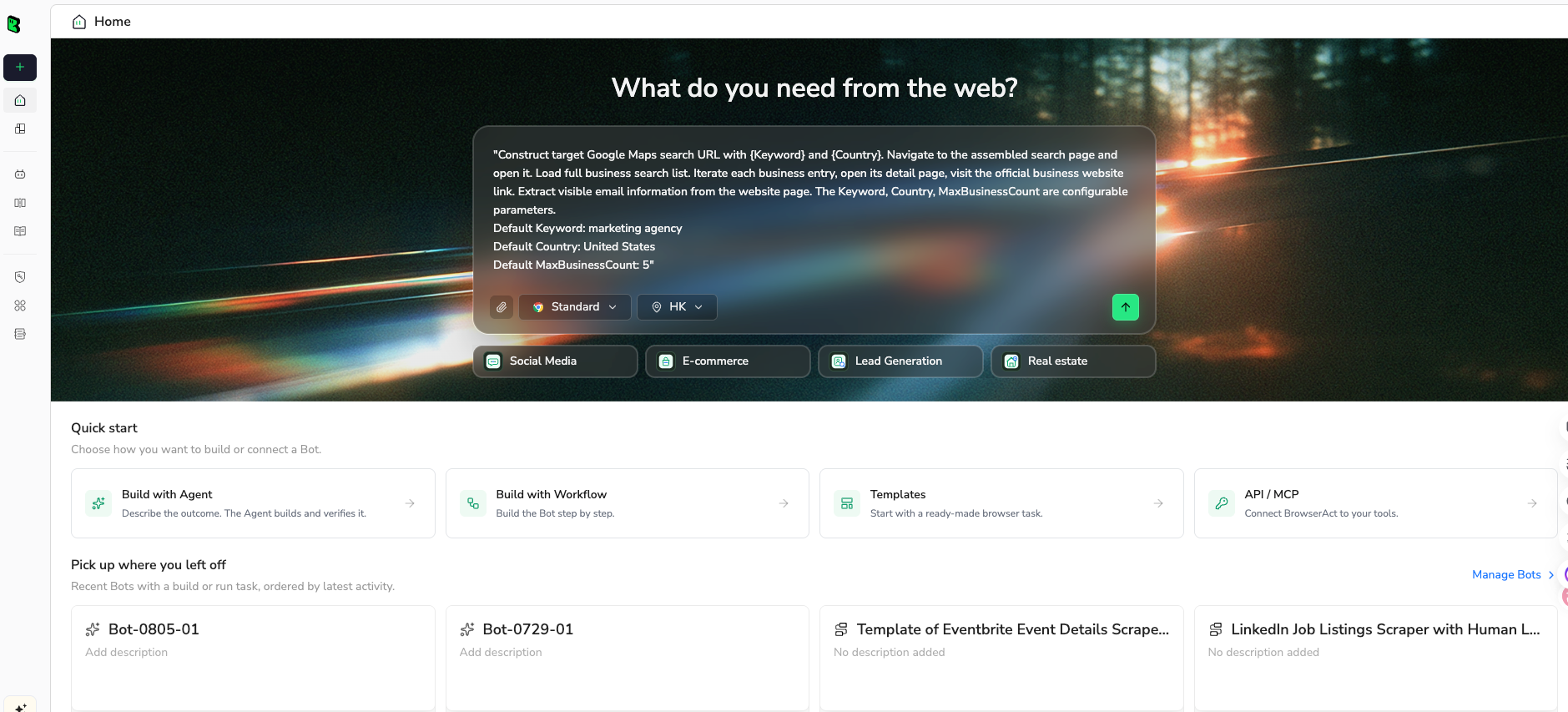
1. Open BrowserAct Dashboard
Click the left-side + button to create your own Bot, start from Quick start, or paste the prompt directly into the center Agent input to begin building.
2. Copy the complete prompt
Edit the niche, location, sources, fields, and limit before running.
Go to Instagram and build a public lead research sample.

TARGET:
Find public Instagram profiles related to:
- niche: boutique fitness studio
- location: Miami
- optional hashtag or search phrase: #miamifitness

LIMIT:
Return up to 100 profile rows.

For each public profile, collect:
- source_query
- profile_url
- username
- display_name
- bio
- website_url if visible
- public_email if visible in bio, contact surface, or linked website
- public_phone if visible
- contact_source: bio, contact button, website, linked page, not found
- lead_type: local business, creator, ecommerce brand, agency, venue, other
- fit_reason: one short sentence explaining why this profile matches the target
- verification_status: unchecked, valid, invalid, risky, catch_all, unknown
- duplicate_key: normalized email, website_url, or profile_url
- review_status: needs_review
- source_status: complete, partial, private, login_required, captcha_required, unavailable

Rules:
- Use public or authorized data only.
- Keep the task read-only.
- Do not follow, like, comment, message, save, edit, or change any account setting.
- Do not access private accounts, hidden contact data, DMs, or restricted pages.
- If Instagram asks for login, CAPTCHA, 2FA, account confirmation, private access, or anything unclear, pause and report the stop reason.
- Do not send outreach. Only prepare a research table.
- Deduplicate by public_email first, then website_url, then profile_url.
- Keep rows with missing emails if the profile is a good fit, but mark contact_source as not found.

Output:
Return a clean table suitable for CSV or Google Sheets.
Add a short summary with total profiles checked, rows with public email, rows needing review, duplicates removed, and stop reasons.
Scrape data from any website.
Describe the data you need. Get a Bot — a reliable, reusable scraper.
Prompt preview: collect public Instagram profile leads, visible contact signals, source URLs, verification status, and review notes. Private session · Choose your region before you run
Get your Bot — Free3. Handle login only when asked
If Instagram shows login, CAPTCHA, 2FA, private content, or account warnings, BrowserAct should pause. The scraper should not try to bypass the boundary. Keep the partial rows and mark source_status.
4. Review, dedupe, and export
Before importing anything into a CRM:
- dedupe by email, website, and profile URL
- verify emails through your approved verification tool
- reject rows that do not match the ICP
- keep “do not contact” notes
- separate raw collection from approved outreach lists
- export CSV, JSON, Markdown, or a Sheets-ready table
Once the first run is trusted, use BrowserAct Workflow for recurring niche refreshes. Use BrowserAct CLI only when the process has an owner, schedule, logs, and retention policy.
A CRM-ready review process
Lead scraping should not flow straight into outreach. Put a review gate between collection and contact.
Raw collection tab
This tab stores everything the scraper saw, including partial rows and stop reasons. Do not delete bad rows too early; they help you diagnose the source strategy.
Verification tab
Run email verification and normalize duplicates. Mark:
- valid
- invalid
- risky
- catch-all
- unknown
- not found
Human review tab
A human should approve or reject the row before outreach. The reviewer should see the profile URL, evidence snippet, fit reason, website, contact source, and verification status.
Outreach-ready tab
Only approved rows should move here. Keep the source URL and consent/compliance notes attached. If the outreach system cannot preserve source context, do not import the row yet.
Common mistakes
Mistake 1: Treating every email as a lead
An email is not a lead. A lead is a profile that matches your ICP, has a valid contact route, and has a reason to be contacted.
Mistake 2: Scraping private or unclear surfaces
If a profile is private, login-gated, or restricted, stop. Do not instruct a scraper to bypass it. Instagram’s Terms of Use prohibit unauthorized access or collection, including automated collection without permission. This article is not legal advice, but the workflow should respect that boundary.
Mistake 3: Skipping email verification
Unverified emails create bounce risk and bad sender reputation. The n8n example above includes verification before Airtable storage for a reason.
Mistake 4: Losing the source URL
If a sales rep cannot open the original profile or linked page, they cannot judge relevance. Keep source URLs in every downstream tool.
Mistake 5: Automating outreach inside the scraping task
Keep data collection separate from outreach. The scraping run should not send DMs, comments, follows, likes, or emails. That separation makes review and compliance much easier.
When not to use an Instagram lead scraper
Skip scraping when:
- the target audience is not active on Instagram
- the public profiles rarely include contact information
- you cannot define a clear ICP
- the campaign depends on personal accounts rather than businesses or creators
- you do not have a review process
- your jurisdiction, industry, or internal policy requires a stricter consent path
Sometimes a creator marketplace, inbound form, partner database, or official API route is the better answer. The job is not to use a scraper. The job is to build a trustworthy source of prospects.
Conclusion
An Instagram lead scraper can save hours, but only if the workflow is built around source quality. Start with a narrow niche, collect public profile evidence, keep source URLs, verify contact fields, and require human approval before outreach.
Use a dedicated lead platform when you need a ready-made list and trust its source controls. Use a marketplace actor when the prebuilt schema fits. Use BrowserAct Agent when you need to test a custom public-data brief in a real browser, then graduate the proven path to BrowserAct Workflow or BrowserAct CLI.
Further reading: Instagram data collection
Frequently Asked Questions
What is an Instagram lead scraper?
An Instagram lead scraper collects public or authorized profile signals such as profile URLs, bios, websites, visible contact details, fit notes, and source status for lead research.
Can I scrape emails from Instagram?
You should only collect emails that are publicly visible or authorized, keep the source URL, verify the contact, and review the row before outreach. Do not access private or restricted data.
What fields should an Instagram lead scraper export?
Export profile URL, username, bio, website, public email, contact source, fit reason, verification status, duplicate key, review status, and source status.
Is Instagram lead scraping safe?
It depends on the data, method, account state, and use case. Keep the workflow read-only, use public or authorized data, stop on access barriers, and avoid automated engagement.
Should scraped Instagram leads go straight into a CRM?
No. Put verification and human review between scraping and CRM import so bad, duplicate, irrelevant, or restricted rows do not enter outreach.
When should I use BrowserAct for Instagram lead scraping?
Use BrowserAct when the lead brief is custom, the team needs source URLs and stop states, and the first browser run must be reviewed before becoming a repeatable workflow.


