Grok Bot vs Meta Muse: Which One Should You Pay For?

If Muse already helps you write posts, manage your inbox, or build a small website, what would you gain by paying for Grok Bot too? That is the useful question behind Grok Bot vs Meta Muse. Both can work with apps and websites. The choice comes down to the jobs you actually need done, the accounts you can connect, and how far your subscription goes.
Our advice is to start with the agent you already have access to. Consider switching when you can name the problem it keeps failing to solve. A second subscription makes more sense when it fills that gap than when it adds another impressive feature list.
This is a comparison of current official features and documented use cases, checked November 3, 2026. It is not a controlled speed or accuracy test between the two products.
First, make sure you are comparing the right products
Grok Bot is a separate app from Grok's chat app. The official FAQ explains that Grok Bot has a persistent cloud computer and uses Cursor authentication. A limit shown in an unrelated Grok chat screen does not, by itself, explain your Bot allowance.
Muse here means Meta's personal AI agent. It is not Muse Spark, a model benchmark, or the older video-hosting product with a similar name. The current Muse site describes an assistant that works with apps, files, and its own browser.
Neither product is simply a chatbot with a new name. But a browser and a background task are also not enough to distinguish them: both have those capabilities.
What you get with Grok Bot
Grok Bot lets you give different Bots different jobs. You might have one helping with research and another preparing a recurring report. Its product page and documentation describe a cloud computer, app connections, and work that can continue after you close the app.
Useful features to look at include:
- Named Bots: keep different roles and conversations organized.
- Shared Bots: let teammates use a maintained assistant, with their own private chats.
- Routines: run a job on a schedule or in response to a supported event.
- Files and results: work with attached documents and return files you can open or reuse.
- Several entry points: desktop and mobile apps, with documented ways to interact through X and Slack.
For a small team, the appeal is often the maintained role. Instead of everyone repeatedly explaining the same reporting job, you can improve one assistant's instructions and make it available to the relevant people. Our Grok Bot sales guide explains that idea through meeting preparation and follow-ups.
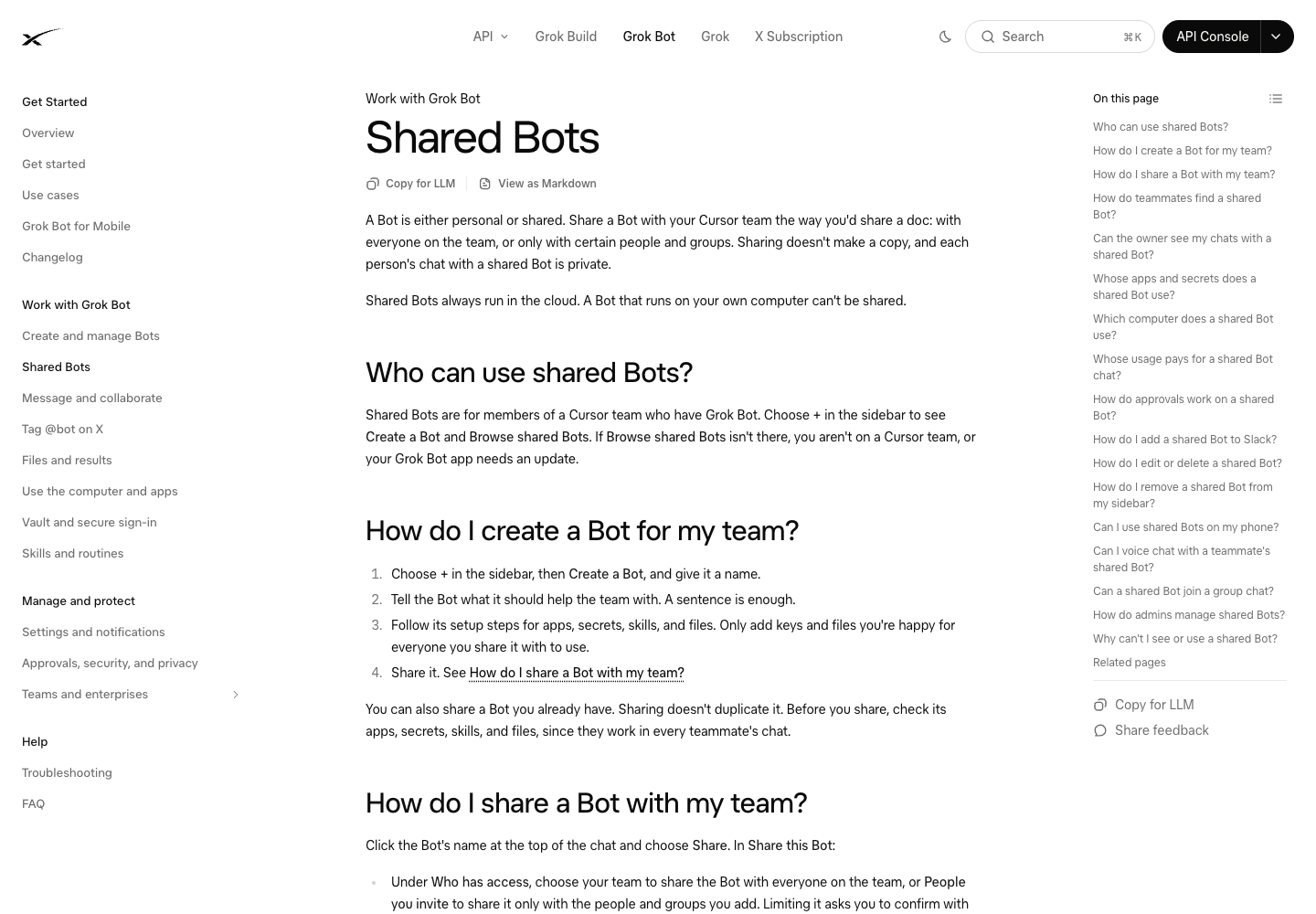
Official Shared Bots documentation screenshot. It illustrates the feature, not the result of a head-to-head test.
Grok Bot pricing
The current public product page lists these monthly USD prices:
- Premium: $30 per month.
- Super: $100 per month.
- Ultra: $200 per month.
Eligible existing subscriptions can already include access. Before buying, check your account: new unified subscriptions and older Cursor plans do not all use the same billing path.
The advertised monthly price also does not mean unlimited agent work. On The X Subscription, Grok Bot draws from a weekly pool shared with the included Grok apps and Cursor. See the unified usage documentation for the applicable plan and extra-usage rules.
What you get with Meta Muse
Muse is organized around a personal assistant that learns what you are working on and helps across the apps you connect. Meta's design explanation describes its own computer, browser, files, background work, and outputs such as documents and interactive Artifacts.
The main features worth checking are:
- A continuing personal assistant: follow work over time, with side conversations for related tasks.
- A cloud computer and browser: work with websites and files rather than only answer questions.
- Background work: handle supported scheduled or event-driven tasks.
- Documents and Artifacts: create outputs you can read, use, or share.
- Several ways to reach it: the current site describes web, mobile, Mac, and WhatsApp access.
Muse also has a business angle. Meta's small-business announcement describes connections to business tools in its ecosystem. It would be misleading to reduce Muse to personal errands while treating Grok Bot as the only work option.
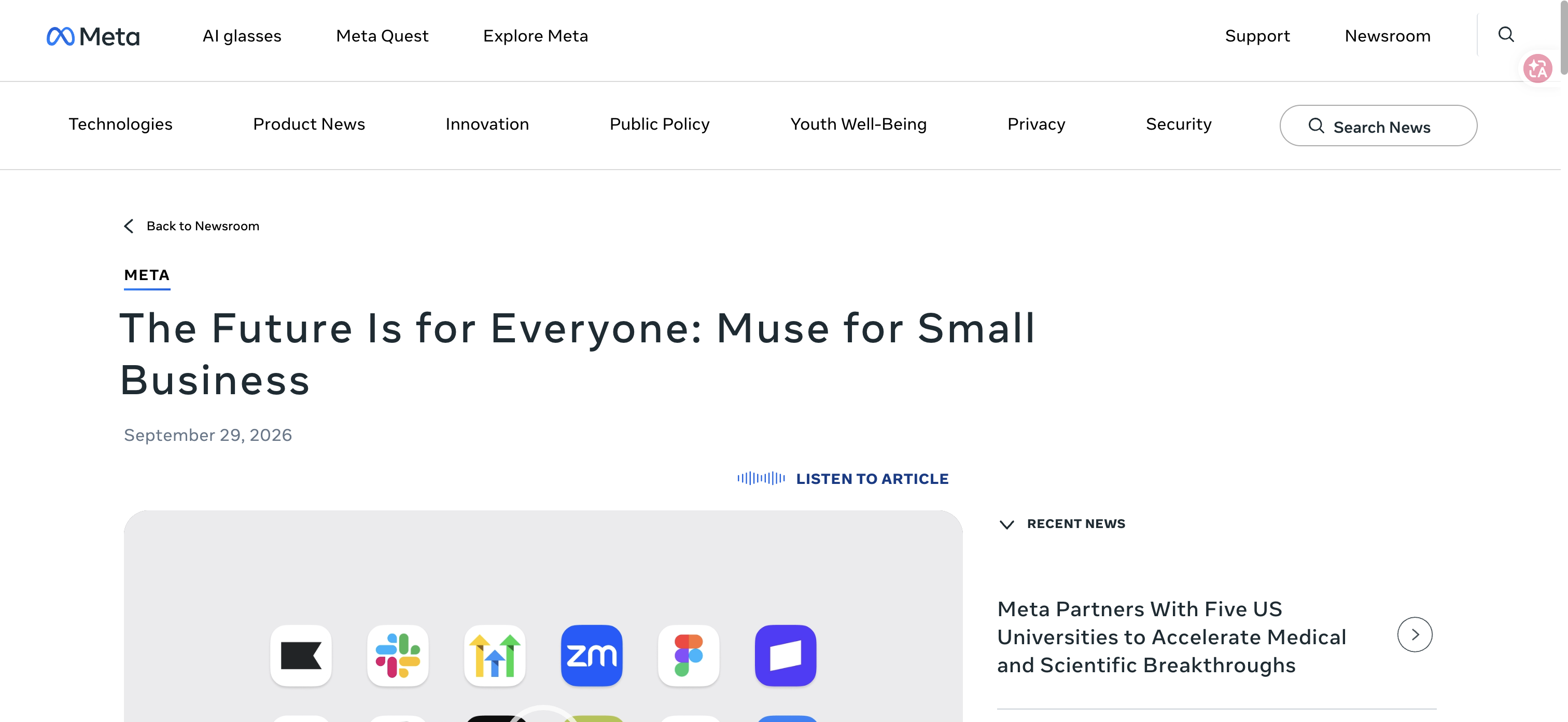
Official Meta announcement for Muse for Small Business, captured October 29. Current capabilities and prices were checked separately on November 3.
Meta Muse pricing
The current official subscription help page lists:
- Free: access with a usage limit.
- Power: $20 per month, with 500 million Muse tokens per week.
- Max: $100 per month, with 3 billion Muse tokens per week.
Check availability and the offer shown during your own signup. Meta describes limited-location availability, and features can roll out by region. A plan appearing on a help page does not establish that every reader can subscribe to it today.
Do not compare a Muse token allowance with a Grok percentage as though they measure the same amount of useful work. The products account for usage differently, and different tasks can require very different amounts of processing.
Grok Bot vs Muse at a glance
What matters to you | Grok Bot | Meta Muse |
Lowest paid monthly price verified here | $30 Premium | $20 Power; a limited Free option is also documented |
How work is organized | Named Bots, with Shared Bots for teams | Personal assistant with related side conversations |
Browser work | Persistent cloud computer and browser | Persistent cloud computer and browser |
Recurring work | Scheduled and supported event-triggered routines | Scheduled and event-driven background work described by Meta |
Where to check fit | Your required apps, Bot role, file output, and account's usage rules | Your required apps, local availability, file output, and account's usage rules |
What this comparison does not establish | A faster or more accurate task result | A faster or more accurate task result |
If you already use one, should you switch?
Keep your current agent if it already does the job
A recent Grok Bot community discussion starts with a practical situation: someone already uses Muse for a fitness business and wants to know what switching would add. That is a better starting point than comparing every advertised capability.
Look at the last few outputs you used. Did the assistant help you finish a page, prepare a useful report, or handle a recurring admin task? If so, ask what is still missing. If the answer is just curiosity, try the other product before moving your working setup.
Switching has a cost beyond the subscription. You may need to reconnect apps, explain your preferences again, and check how the new assistant handles tasks you had already refined.
Try the other agent for a specific gap
Perhaps you need an app connection your current agent does not offer. Perhaps your team needs a shared assistant rather than separate personal setups. Or perhaps the files it produces require too much fixing.
Give the alternative that exact job. For a weekly competitor check, use the same small list of websites and ask for the same fields in the same file format. For a report, use the same source documents and ask the same questions. You will learn more from that than from two unrelated demonstrations.
Open the files, click some source links, and check the facts that matter. A polished answer can still be based on the wrong page. A downloadable spreadsheet can still have missing rows.
Watch usage while doing work you genuinely need
Weekly allowance is now a visible part of the discussion. A November 1 Cursor forum thread reports a changing Grok Bot usage display. That is a user report, not proof that a plan's allowance was cut or that every account has the same issue.
For your own decision, record what task you asked for, what you received, how much you corrected, and the usage your account showed. Repeat a normal small job before judging the subscription. One cheap greeting or one unusually long task will not tell you what a working week costs.
What if the hard part is collecting website data?
Sometimes the question is less “which assistant is smarter?” and more “why am I asking it to collect the same fields from the same sites every week?”
For that repeated collection step, BrowserAct can be evaluated separately. You describe the website data you need, build a reusable Bot, and export the results as CSV or JSON. You can then give the checked file to whichever assistant you prefer for analysis or writing.
That is a proposed file-based workflow, not a verified native Grok Bot or Muse integration. It is worth considering when repeated collection is the bottleneck; it need not be part of a simple inbox or writing task.
Which one should you choose?
Start with Muse if its free or $20 option is available and covers the apps and tasks you need. Start with Grok Bot if you already have access, want distinct maintained Bots, or have a team use case that its documented sharing setup suits.
If both look suitable, choose one task you actually do each week and try it in each product. Keep the one whose output you can use with less rework at a price you are comfortable paying. Paying for both becomes easier to justify when they do different useful jobs; otherwise, one working assistant is usually enough to begin with.
Frequently Asked Questions
Is Grok Bot the same as the Grok chat app?
No. Official documentation describes separate apps. Check the plan and usage rules for Grok Bot rather than assuming a limit shown in Grok chat explains your Bot allowance.
Does Meta Muse have its own browser?
Yes. Meta describes a personal cloud computer with a browser, files, and background work. Browser access is not unique to Grok Bot.
Is Meta Muse cheaper than Grok Bot?
Its verified paid starting price is lower: $20 for Power versus $30 for Grok Premium monthly. Access, included usage, and what your actual tasks consume still affect value.
Which one is better for a small business?
Check the apps your business uses and try a real recurring job. Muse has business use cases too; Grok Bot's maintained roles and sharing may be useful for team workflows.
Can I compare their usage percentages directly?
No. Different products, plans, and tasks do not make a percentage or token count an equivalent measure of completed work.


