Grok Bot Shopping: Product Cards, Shop Pay and Subscription Tools

Finding a product is one job. Choosing the right variant, checking the total and knowing whether an order actually went through are several more. The Grok Bot shopping update brings more of that process into the conversation. Here is what the October release documents, how to interpret the new tools and what still needs checking in your own account.
- 1The October 27, 2026 changelog introduces product cards, Shop Pay connection, order tracking and subscription templates in version 0.78.1, which also includes 0.78.0.
- 2Product discovery, payment authorization and merchant confirmation are separate stages. A shopping card does not establish that a purchase succeeded.
- 3Subscription templates address trials, unused plans and renewal prices. They do not establish universal access to every merchant or a cancellation guarantee.
- 4Current documentation describes different payment routes. Check the actual route and account controls rather than assuming one approval rule applies everywhere.
- 5This is an explanation of official documentation checked November 2, 2026. No Grok Bot purchase, subscription cancellation or independent shopping benchmark was run for this article.
What Changed in the Grok Bot Shopping Update?
Shopping results have a more useful shape
The official Grok Bot changelog dates the shopping release to October 27. Version 0.78.1 adds product cards with images, prices, stores and ratings. Instead of making the reader reconstruct a shortlist from a long answer, the interface presents offers in a form that can be compared and opened.
The same release describes order-status cards and several subscription-management templates. Taken together, these changes put more of a shopping task in one conversation: identify an option, consider its terms and follow what happens afterward. They are interface and workflow changes, not a published independent accuracy or savings result.
The important improvement is visibility. A named store, a visible price and an identifiable variant give you something concrete to inspect. They still need to match the merchant's current offer. Product images and ratings alone cannot establish that two listings are equivalent.
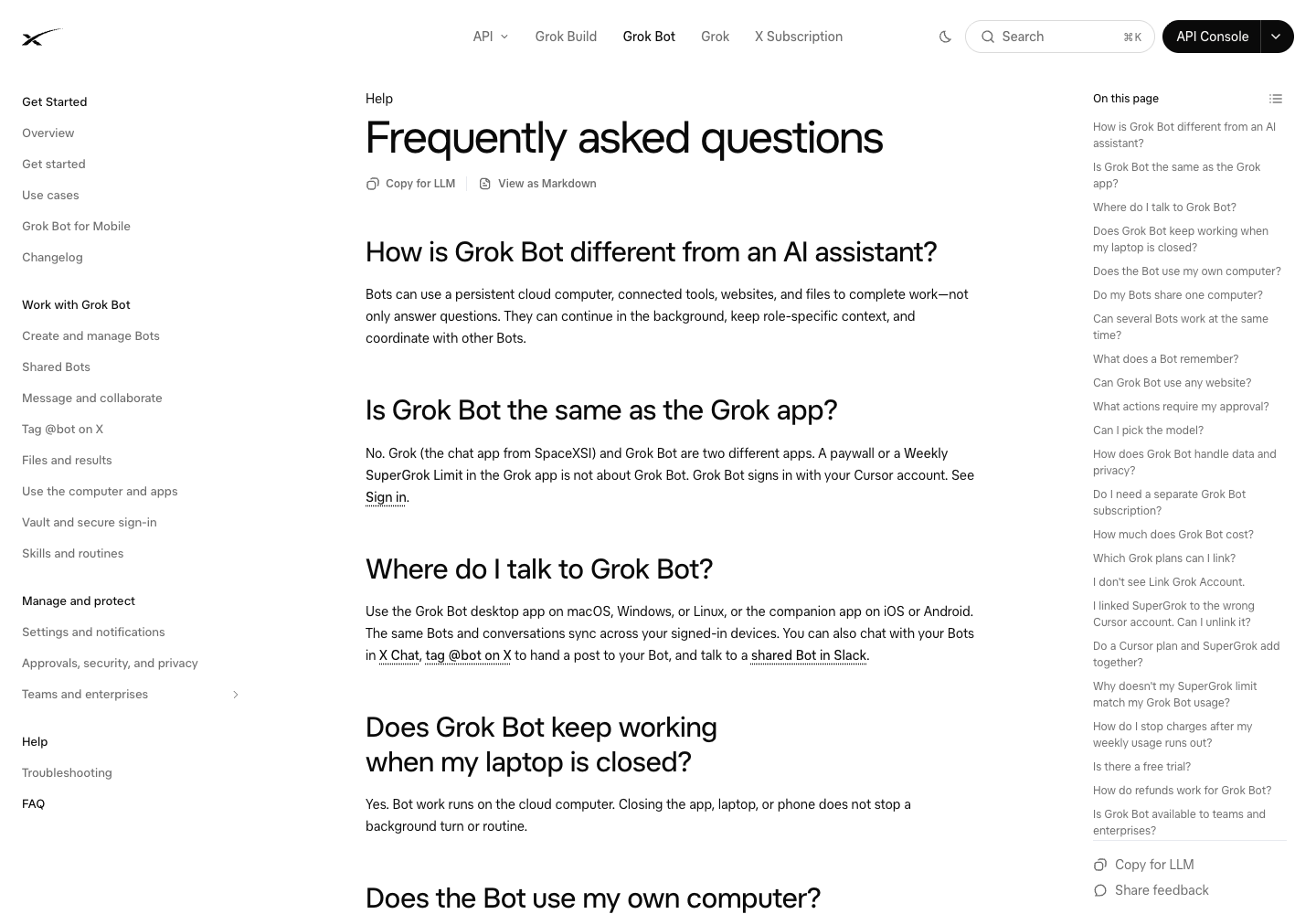
Official Grok Bot FAQ, checked November 2, 2026. Product documentation, not a screenshot of a purchase performed for this article.
What Each New Tool Is For
Separate discovery from the transaction
The release covers several related jobs. Treating them as one feature makes it harder to understand what an agent has actually completed.
Feature | Documented role | What the user still needs to establish |
Product cards | Present product offers with images, price, store and rating | Exact model, variant, merchant and applicable total |
Shop Pay connection | Add a payment route through Vault | Whether it is available and correctly connected in the account |
Order tracking | Show shipment information after an order | That the merchant confirmed the intended order |
Trial-management template | Start a trial and cancel or remind before billing | Trial terms, cancellation deadline and actual cancellation state |
Unused-subscription template | Help identify and cancel selected plans | Which account owns the plan and whether cancellation completed |
Subscription-price watch | Check renewal prices | The relevant billing interval, renewal date and account-specific offer |
The shopping interface is useful when it reduces the work of comparing candidates. The transaction is a different question: did the right seller accept the right order at the price you intended? Keep that distinction visible throughout the task.
Product cards can help with a bounded shortlist
A useful shopping request starts with the constraints that determine whether an option qualifies. For a proposed monitor purchase, that might mean a specific screen size, connection type, delivery location and maximum total. Those are example inputs, not a shopping task run for this guide.
Ask for the candidate's exact model and included accessories, not only the category name. A similar-looking model may have a different panel, stand, warranty or connector. If one listing is refurbished and another is new, preserve that condition in the comparison.
The same principle applies to recurring supplies. Package size and unit count can matter more than the headline price. A low displayed price is insufficient evidence of a better offer until the quantity and delivery terms are comparable.
Pro Tip: Decide which constraint is mandatory before reviewing the shortlist. Otherwise the comparison can drift toward attractive alternatives that do not solve the original need.
Shop Pay, Vault and Approval Need Separate Checks
A saved credential and a purchase are different objects
The shopping release adds Shop Pay through Vault's Payments area. The Vault documentation explains saved logins, cards and contact details, while also describing other payment routes. Credential storage determines what information a task can use. It does not, by itself, establish the approval experience for every later action.
The release notes describe an order-approval flow. The Vault help page, last updated October 28, also says saved cards can be filled at checkout without a fresh prompt for each use, and describes a distinct approval process for a Link one-time card. Those passages concern different mechanisms; this guide does not infer a universal purchase-approval policy from them.
Before delegating a purchase, inspect the current payment route and controls in your account. If an approval boundary is essential to your use case, verify that boundary with the current documentation and interface before enabling payment access. A research task can stop at a shortlist while that question is resolved.
This is a description of documentation scope, not a security audit or a claim that the product is unsafe.
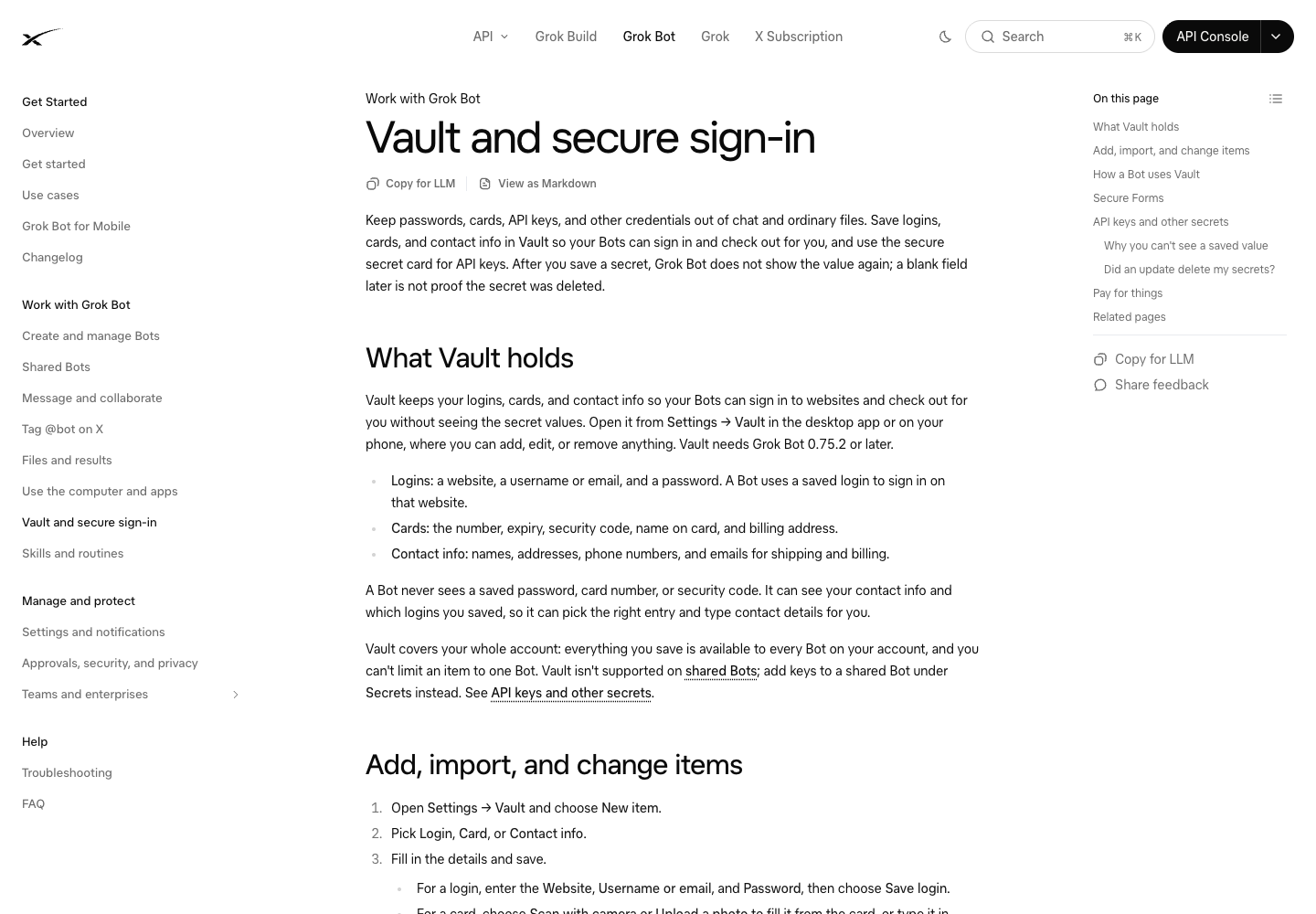
Official Vault help page, checked November 2, 2026. Saved credentials, checkout and transaction approval are related but separate parts of the workflow.
Inspect the offer that will actually be ordered
The decision record should identify the seller, exact item, variant, quantity, currency and total. Where delivery, tax or fees depend on the destination, confirm the destination context used to calculate them. Review the return and cancellation terms when they influence the decision.
For example, a product card may show an attractive item price while the selected delivery option changes the total. The useful comparison preserves both the listed price and the transaction total. It should not silently replace one with the other.
After an attempted order, use the merchant's confirmation to determine whether a purchase occurred. An order draft, a completed form and a payment attempt are intermediate states. A confirmed order should have an identifiable merchant record, with the item and amount you intended.
If the outcome is unclear, check the existing order before repeating the action. That gives you a better chance of resolving the uncertainty without creating a duplicate purchase.
Subscription Templates Address Three Different Problems
Trials need a deadline and a confirmed outcome
The trial template described in the release can cancel a trial or remind the user before it bills. Cancellation and reminder are different deliverables. Choose which one you want and inspect the actual terms attached to the trial.
Keep the start date, billing start, time zone and required cancellation method together. A trial that ends on a calendar date may have a specific cutoff time. A notice that says a reminder is scheduled does not prove the service has been canceled.
The right final artifact depends on the request. For a reminder, confirm that it exists at the intended time. For cancellation, inspect the merchant's confirmation and whether access continues until the end of the trial. No guarantee of universal cancellation or refunds is established by the template's existence.
Unused plans need an owner and an access record
A subscription can appear unused because the person reviewing it is not the person who uses it. That is especially common with shared business tools, annual plans and software bought for a past project.
Before canceling, identify the account owner, what the plan supports and the consequences of ending it. Data retention, shared access or an integration may depend on the subscription even when recent personal usage is low. For a business account, route that decision to the owner who can evaluate the dependency.
The release describes canceling plans selected by the user. Preserve that selection as the task boundary. A request to find unused subscriptions should first produce a reviewable list, with uncertain cases marked for investigation.
Pro Tip: Keep the cancellation confirmation with the next expected billing date. If a charge later appears, that record is more useful than the conversation saying the task was finished.
Renewal prices are not always public prices
A public pricing page tells you what the company currently advertises. Your renewal amount may depend on an older plan, a negotiated agreement, taxes, discounts or the billing interval. Those values need their own source.
A useful price-watch record distinguishes the public offer from the account's next renewal. Store the amount, currency, billing period, effective date and source location. Leave an unavailable renewal price unresolved rather than substituting the current public price.
This distinction matters when comparing alternatives. A monthly advertised amount and an annual invoice can describe different commitments. Normalize only after preserving what the source actually says. For more on retaining original values during transformation, see the scraped-data cleaning guide.
Where Repeated Price Collection Fits
Give public offers a consistent record
When the task is to compare the same public product or pricing pages repeatedly, collection needs become more specific than shopping assistance. You need stable fields, source URLs, capture dates and visible missing values. A written explanation alone is difficult to compare across runs.
BrowserAct can be evaluated for that collection stage: a natural-language requirement becomes a reusable website-data Bot, with structured output that can be checked before analysis. For example, a proposed collection could preserve an exact product identifier, displayed price, currency, condition, availability and source URL.
That is a separate workflow design, not a tested native Grok Bot integration. No automatic BrowserAct-to-Grok transfer was verified for this guide. A reviewed export could serve as an input to a separately designed analysis task, subject to the input methods available in the agent account.
Public-page collection also cannot reveal a private renewal amount by itself. Keep authenticated billing information and public offers distinct. If the immediate task is a single consumer purchase, an additional collection system may add unnecessary work.
Preserve the conditions behind a price
A retailer may show different availability or delivery terms depending on location and account context. Record those conditions when they affect the comparison. A price that changed after selecting a destination should not be merged with the original value without explanation.
Missing data needs a status. An unavailable item, an inaccessible page and a page with no visible price are different findings. A recurring report should make those differences inspectable so a later decision is based on the actual evidence.
Pro Tip: Use the same item identifiers and comparison rules across repeated checks. Changing the source set and the definition of a matching product at the same time makes a reported price movement difficult to interpret.
Is the Update Useful for Your Shopping Task?
The Grok Bot shopping update is worth examining when your task benefits from a visible shortlist, organized transaction steps or follow-up on an existing order. The release gives those tasks a clearer interface. It does not replace the need to confirm the exact product, terms and final outcome.
For a one-off purchase, start with a shortlist you can inspect. For a subscription, define whether the desired result is a reminder, a price check or a confirmed cancellation. For repeated public-price research, evaluate a collection process with a stable data contract and a checked export.
Choose the smallest complete task that solves the problem. Expand it only after the result and the access required make sense for your account.
Frequently Asked Questions
What changed in Grok Bot shopping?
The October 27 release documents product cards, Shop Pay connection, order tracking and subscription templates. This guide explains those documented features rather than reporting a purchase test.
Can Grok Bot connect to Shop Pay?
The release notes describe connecting Shop Pay in Vault's Payments area. Check availability, account access and the payment route in your current app before relying on it.
Does every Grok Bot purchase require a new approval?
Do not assume one rule covers every payment route. Release notes describe order approval, while Vault help describes saved-card filling and a separate Link approval flow. Verify the current controls first.
Can Grok Bot cancel subscriptions?
Official templates describe canceling selected subscriptions and managing trials. Merchant access, terms and confirmation still matter; the template does not guarantee every cancellation or refund.
Can a public pricing page show my next renewal amount?
Not necessarily. Your account may have a different plan, discount, tax treatment or billing interval. Verify the renewal amount in the relevant account instead of substituting the public price.
Does BrowserAct have a verified Grok Bot shopping integration?
No native integration was verified for this guide. BrowserAct can be evaluated separately for repeated public-page collection; any data handoff and subsequent agent task need their own checks.


