Grok Bot for Sales: Turn Account Research Into a Useful Meeting Brief

A rep opens an account brief before a call and finds a company description, an old funding headline, and a confident guess about budget. Grok Bot for sales is more useful when the job is narrower: prepare a brief with current sources, relevant account history, and questions the rep should ask. The October 27 Shared Bots case study offers a concrete starting point.
- 1The official case study divides sales work among Account Intel, Quote, and Deal Bots. These are distinct jobs with different authority.
- 2Start with an account-research deliverable your reps can inspect before connecting the workflow to customer communications or CRM changes.
- 3Keep public company facts, private account history, and suggested talking points separate in the meeting brief.
- 4A reusable BrowserAct Bot can supply reviewed public-website data through a separate CSV or JSON handoff. No native Grok connector is assumed.
- 5The process below is a proposed workflow, not a hands-on Grok test or evidence of improved sales results.
What Changed With Grok Bot for Sales?
On October 27, 2026, SpaceXSI published a sales-team case study describing three Shared Bots. Account Intel supports preparation and follow-up, Quote prepares proposals and order forms, and Deal supports exception review. The important idea is a role that the whole team can maintain, rather than every rep rebuilding a personal assistant.
This is the company's own deployment, not a benchmark for your CRM. Official information was checked on November 2, 2026; no live Grok sales workflow was run for this guide.
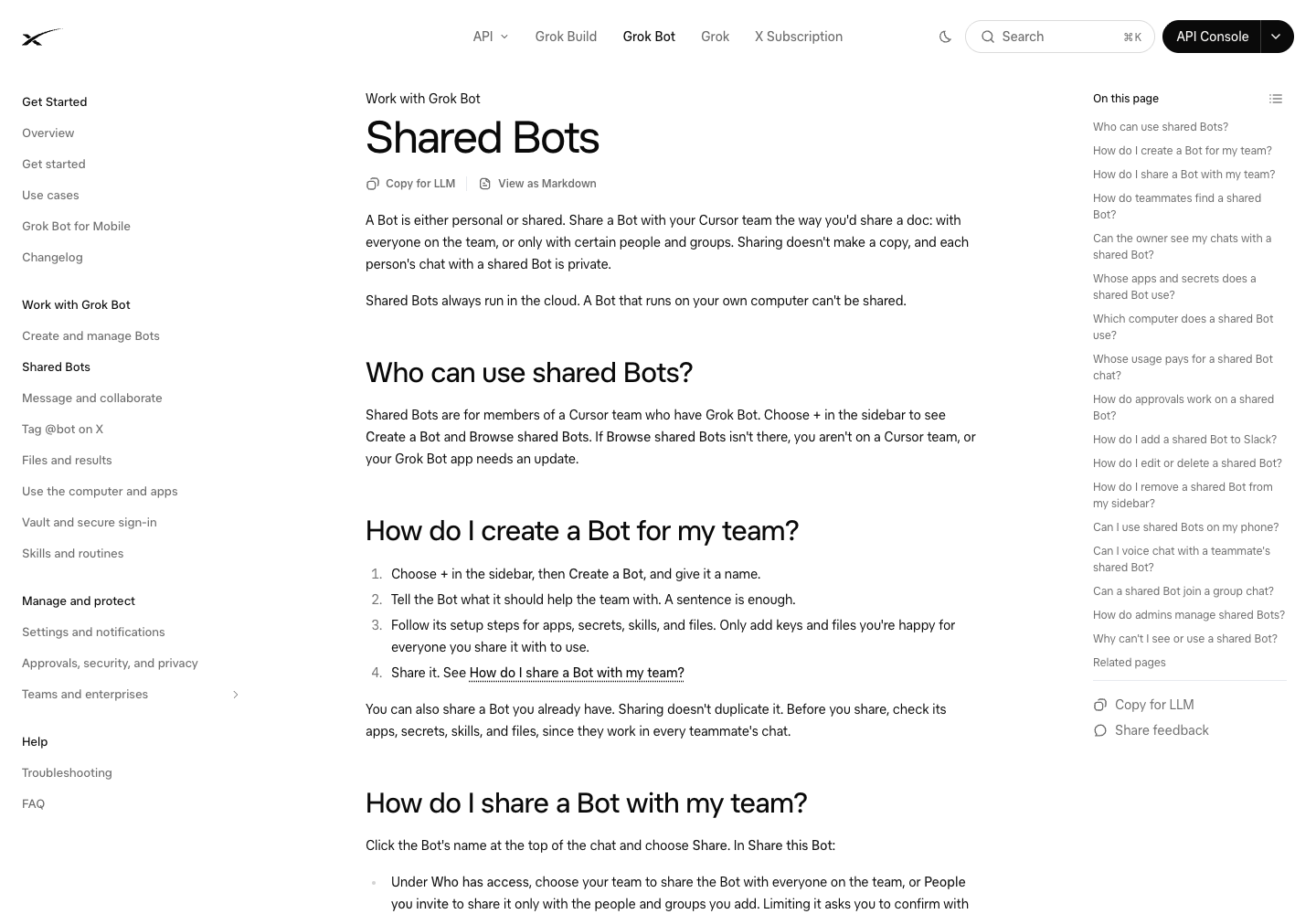
Official Shared Bots documentation, checked November 2, 2026. Companion context for the vendor's sales case study, not a task run for this article.
Three roles, three different decisions
The article describes Account Intel using Gong and Salesforce, Quote working through CPQ and Ironclad, and Deal assisting Deal Desk. Quote requests confirmation for Salesforce changes and cannot approve a rep's own discount. Deal has additional authority, with specialists reviewing judgment calls. These are reported arrangements, not a universal preset.
For your team, use the split to decide which owner needs to approve the work:
Proposed role | Deliverable to define | Accountable reviewer | Question before expanding access |
Account research | Source-backed brief and suggested discovery questions | Account owner | Can the rep distinguish evidence from an inference? |
Quoting | Options based on approved products and commercial rules | Rep and designated pricing owner | Can each amount and exception be traced to an approved rule? |
Deal review | Exception summary and recommended next action | Deal Desk, finance, or legal owner | Who has authority for this particular exception? |
Start With Account Research Before Automating the Deal Cycle
The first deliverable should improve preparation for a real customer conversation. For AI sales meeting prep, a research brief lets the rep compare the output with its sources before anything reaches the customer.
Choose a small set of accounts the team already intends to discuss. Supply their canonical domains and internal account identifiers. That avoids a preliminary company-discovery task quietly introducing the wrong subsidiary, an unrelated business with the same name, or a former brand.
Then define the meeting. A discovery call needs plausible questions. A renewal discussion needs the account's history and unresolved commitments. A technical evaluation needs details about the stated requirements. A generic “tell me about this company” brief will struggle to serve all of them.
The distinction also matters when researching competitors. A comparison of external product claims serves a different decision from preparing for a named prospect. The competitor-research evidence guide covers the former; this workflow is organized around the next account conversation.
Pro Tip: Ask the rep which part of the last brief they used during the call. If a field never changes the preparation or the questions, remove it before adding another data source.
Specify the Inputs to a Grok Bot Account Research Task
Separate public information from account history
Public website material can establish what a company says it sells, where it operates, or which roles it is advertising. It cannot establish the prospect's buying authority, available budget, internal priorities, or willingness to switch suppliers.
Keep that material in one input set. Put authorized CRM notes, previous conversations, opportunity status, and the meeting agenda in another. Each needs its own source and date. This lets the reviewer see whether a statement came from the prospect, a public page, or the analyst's reasoning.
For example, a careers page advertising a data-engineering role may support a question about data operations. It does not prove that the prospect has allocated budget to your category. Preserve the observed hiring information, then label the commercial interpretation as a hypothesis.
Decide how missing data should appear
A useful record needs a company identifier, page URL, captured field, supporting text, collection time, and collection status. Add a publication date separately when the page supplies one. The date a page was read is not the date the event occurred.
Use explicit statuses such as found, not stated, inaccessible, and needs review. An empty cell is ambiguous: it could mean no relevant fact was present, the page failed to load, or the field was never collected. That ambiguity spreads when the next task turns the table into prose.
Require the analysis to preserve those gaps. If the team has no verified revenue figure, the brief should omit the number or mark it unavailable. A plausible estimate needs its own approved method; it should never appear as a fact found on the company website.
Build a Meeting Brief Around What the Rep Needs to Decide
The brief should be short enough to use before the meeting, with an evidence table available underneath. Give the rep the account context, the relevant change, and a proposed line of questioning. Put background detail where it can be opened when needed.
The following is an editorial brief design, not a transcript from Grok:
Brief section | What belongs there | What to reject |
Meeting objective | What the rep needs to learn or resolve | A generic company summary replacing the objective |
Account context | Verified current business information | Mixed subsidiaries or unsupported size estimates |
Recent relevant change | A dated fact with a source | An old announcement presented as new |
Prior conversation | Authorized notes and unresolved commitments | A public-page inference presented as customer intent |
Discovery questions | Questions connected to evidence or missing context | Claims that presume budget or buying readiness |
Suggested follow-up | A proposed action for the rep to review | A message sent because a draft was requested |
Also ask what would change the recommendation. If the brief proposes a technical demonstration, identify the unanswered technical requirement that justifies it. If there is no such requirement, a discovery conversation may be the more useful next step.
Pro Tip: Review the questions before the prose. When the questions are specific and grounded, the brief usually has a purpose. When they could be sent to any company, more polished writing will not fix the targeting.
Where BrowserAct Fits in the Research Process
Repeated visits to company product pages, locations pages, public directories, or careers pages can be a separate collection job. Keeping collection separate makes it easier to inspect the records before a sales assistant interprets them.
BrowserAct describes a natural-language process for building reusable website-data Bots. Its Cloud documentation describes structured outputs and CSV or JSON export. For account research, the relevant handoff is a reviewed dataset of selected public facts and their sources, supplied to a separate analysis task.
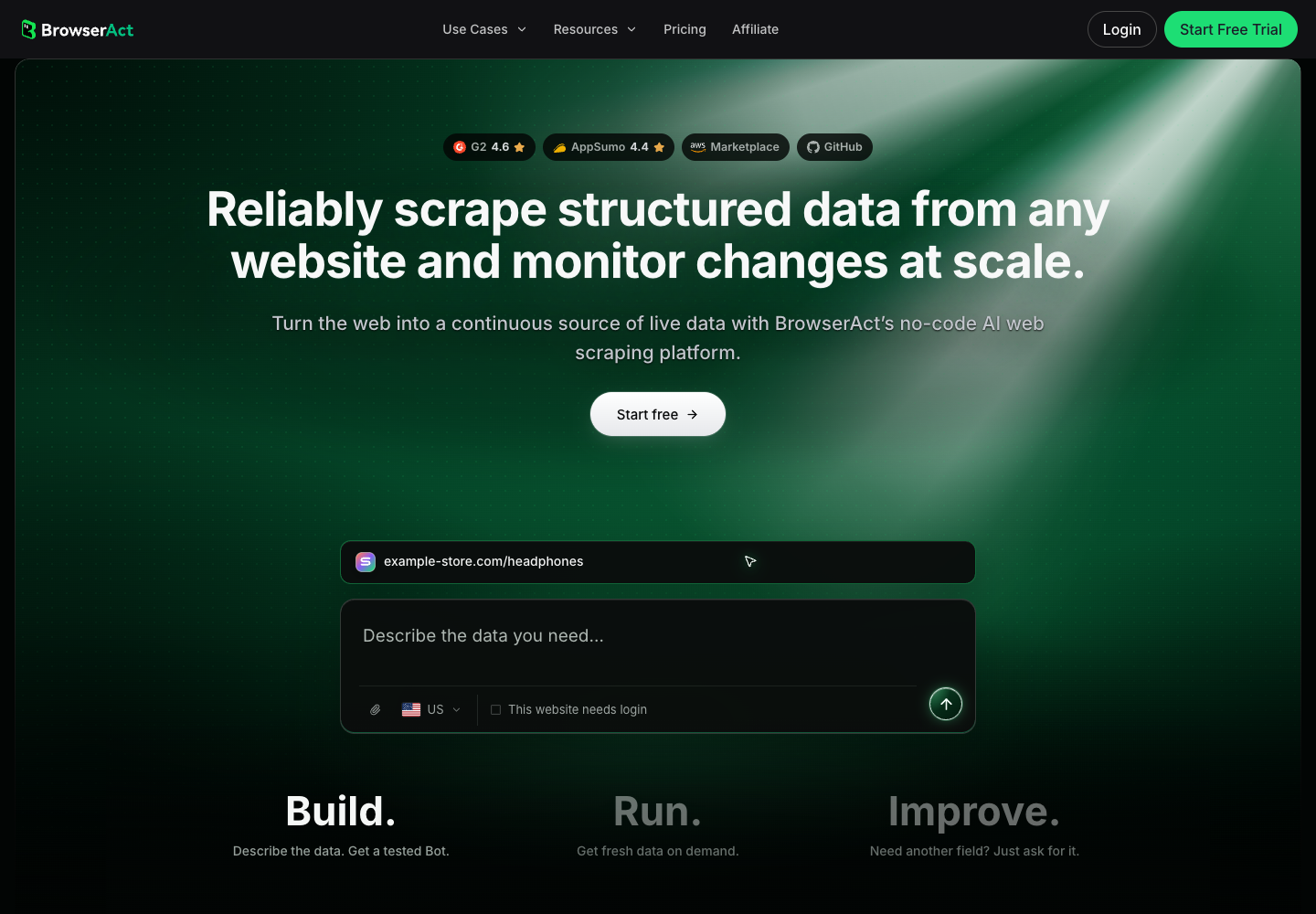
Official BrowserAct homepage. The product illustration is not a collection result produced for this article.
Imagine an account list that the sales team has already qualified. The collection job might cover each company's named product categories, public locations, and selected announcement pages. The reviewer confirms the company match and checks the material facts. The analysis task then combines accepted records with authorized account context to prepare the meeting brief.
That is a proposed workflow. It does not assume a native BrowserAct–Grok integration, automatic CRM transmission, or an already tested end-to-end connection. Public company research also does not require collecting every employee's personal information. Limit the fields to what the account task actually needs.
Make the Shared Bot Useful Across a Sales Team
Share the playbook, then check the execution context
A shared research role needs a maintained definition of what a good brief contains. Give it the approved account criteria, terminology, claim sources, and examples of acceptable outputs. Assign someone to update that material when the sales process changes.
The current Shared Bots documentation distinguishes a shared Bot from a template: sharing uses the same Bot, whereas a template gives each user a copy. It also distinguishes collaborators, who can chat, from managers, who can change how the Bot works. Personal accounts, shared resources, conversation context, and approval behavior need to be checked for the intended team setup.
For a pilot, ask two reps to use the same brief specification on different accounts. Compare whether company identifiers, missing-data labels, and suggested questions remain consistent. Differences in account substance are useful; differences in what counts as a verified fact need correction.
Treat CRM updates as a separate acceptance step
A completed brief does not prove that a CRM record should change. An account summary might be useful for meeting preparation while still lacking the specificity needed to edit an opportunity stage, forecast, or close date.
Before a proposed Grok Bot CRM workflow writes anything, define the destination object, field, source, existing value, and proposed replacement. The accountable owner should be able to inspect that change independently from the narrative brief. Keep the original note available when an interpretation could alter the record's meaning.
This becomes especially important after calls. A customer exploring a feature has not necessarily committed to buying it. An agreed follow-up is not an approved commercial term. The business needs a clear rule for each transition, with an owner for exceptions.
Measure Brief Quality Before Claiming Sales Impact
Begin with whether the rep accepted the brief, how many important claims needed correction, and whether the output helped prepare the intended conversation. Record the time spent gathering inputs, reviewing facts, and fixing errors. An agent finishing quickly can still leave the team with more work.
Use a clear denominator. An accepted brief rate means accepted briefs divided by briefs reviewed under the same criteria. Keep inaccessible-source cases visible rather than removing them from the sample. Otherwise, the apparent result improves as the difficult accounts disappear.
Commercial outcomes belong in a later evaluation. A better-prepared meeting, an opportunity created, a proposal sent, and a signed paying customer are different results. The workflow may contribute to them, but the existence of a generated brief does not prove that contribution.
Pro Tip: Save the version of the brief the rep actually used. If only the agent's first draft is retained, later analysis can credit the system for corrections a person made.
Choose One Sales Job to Pilot
Grok Bot for sales has a concrete organizational pattern worth evaluating: give a maintained role a defined deliverable and put decisions with the people who own them. Start with account research because you can inspect the evidence before extending the workflow into quoting or deal changes.
Choose the accounts, agree on the brief specification, and review the finished work with the reps who will use it. When repeated public-website collection becomes the bottleneck, evaluate a reusable BrowserAct Bot for that input stage. Expand the workflow when the accepted work supports the next decision.
Frequently Asked Questions
What does Grok Bot for sales do?
The October 27 case study covers account preparation, quoting, and deal review. Treat it as a deployment example; define and verify the job in your own systems.
How do Account Intel, Quote, and Deal Bots differ?
Account Intel handles preparation, Quote commercial documents, and Deal exceptions. When designing your own roles, give each a defined input, output, permission scope, and reviewer.
Can Grok Bot automatically update Salesforce?
Salesforce updates appear in the case study's configured deployment. For your workflow, verify access and field rules separately; a completed research brief does not authorize CRM changes.
Are Grok Shared Bots the same as Bot templates?
No. Official documentation says sharing gives teammates access to the same Bot; a template gives each user a copy. Check current team access and manager permissions before using a shared role.
Is this a hands-on test of Grok Bot for sales?
No. This guide uses official product information checked on November 2, 2026, and proposes an account-research workflow. It does not report measured accuracy, sales uplift, or a completed Grok task.
How can BrowserAct support Grok Bot account research?
A separate BrowserAct Bot can collect selected public website fields for a reviewed CSV or JSON handoff. A native Grok connector and automatic CRM transfer have not been verified for this guide.


