7 Best Crunchbase Scrapers in 2026

The best Crunchbase scrapers are not interchangeable. Some give analysts a visual, no-code workflow. Others deliver normalized records through an API, run community-built actors, or turn browser pages into structured JSON. The right choice depends on whether you need a one-time company list, a monitored pipeline, or repeatable research inside an authorized account. This guide compares seven credible options by workflow, output, maintenance, and current public pricing. It also covers the constrai
Before You Choose: Crunchbase Access and Compliance
Crunchbase's current Terms of Service prohibit crawling, scraping, spidering, and automated circumvention of access controls. Those rules apply even when a record is visible in a browser. Visibility is not the same as permission.
For production use, start with Crunchbase's official API, a licensed data product, or written permission. If your organization has approved browser automation for a specific workflow, keep the scope narrow, respect account and rate limits, avoid restricted or personal data, and preserve an audit trail. This article compares software capabilities; it is not a recommendation to bypass Crunchbase's rules.
The practical choice is therefore not simply “Which tool can load the page?” It is:
- Which access route is authorized for this project?
- Do you need raw pages, structured records, or a repeatable browser workflow?
- How much maintenance can your team own?
- Does pricing scale by page, result, compute unit, credit, or subscription?
1. BrowserAct — Best for Repeatable Visual Browser Workflows
BrowserAct is the strongest overall recommendation in this comparison when the work is broader than extracting a single table. Its visual instructions are easy for nontechnical users to understand, while the same Bot can navigate pages, extract structured data, pause for human input, submit approved forms, and pass results to another system. Because execution happens in cloud browsers, scheduled Bots can keep running without leaving a laptop open, including recurring workflows that need to operate throughout the day.
Start with the Crunchbase Company Search Scraper to set up a reusable company-search workflow, then review and adjust the steps for your authorized use case.
Open the Crunchbase Company Search Scraper template →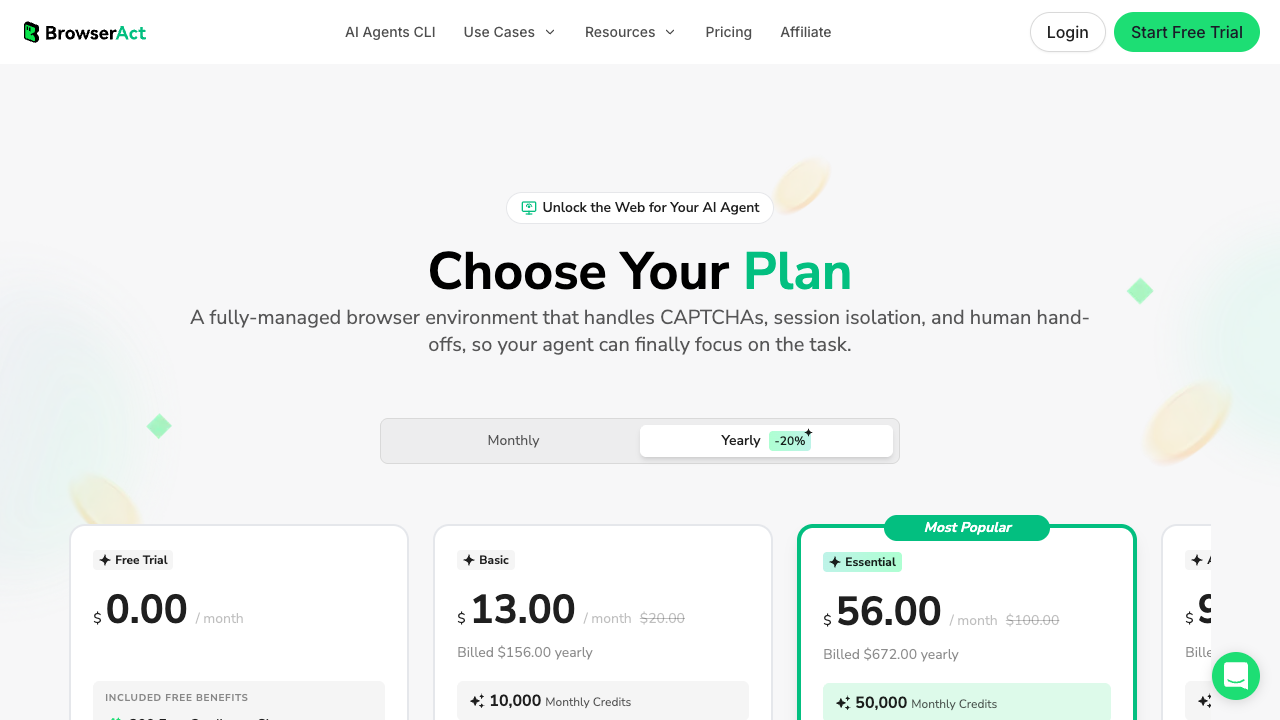
Core features
- Visual, no-code workflow builder for multi-step browser tasks
- Cloud browsers with reusable workflow execution
- Session handling for user-authorized logged-in workflows
- Human intervention for steps that should not be fully automated
- Structured extraction and connections to downstream apps
- Suitable for repeatable processes that include navigation and validation, not only page retrieval
Pros
- Simple visual instructions make the initial workflow easier to understand and review
- Combines extraction with full browser automation, including navigation, clicks, validation, and approved form submission
- Runs in cloud browsers, so scheduled workflows can operate 24/7 without keeping a local computer awake
- Supports human handoff for login, CAPTCHA, 2FA, and other steps that require an authorized person
- One reusable Bot can collect data, check it, and continue into a downstream business process
Cons
- It is an automation platform, not a licensed Crunchbase data feed; access permission still has to come first
- Browser workflows may need adjustment when a target page changes
- A record-based API can be more economical for very large, standardized datasets
Pricing
- Free plan available
- Basic: $20 month-to-month or $13 per month with annual billing
- Essential: $100 month-to-month or $56 per month with annual billing
- Advanced: $200 month-to-month or $96 per month with annual billing
- Check current pricing because plan limits and annual discounts can change
BrowserAct is strongest when the workflow matters as much as the extraction itself. If you only need a high-volume feed of normalized company records, a managed data API may be simpler. For alternatives, compare these no-code tools.
2. Bright Data — Best for Managed, Structured Crunchbase Records
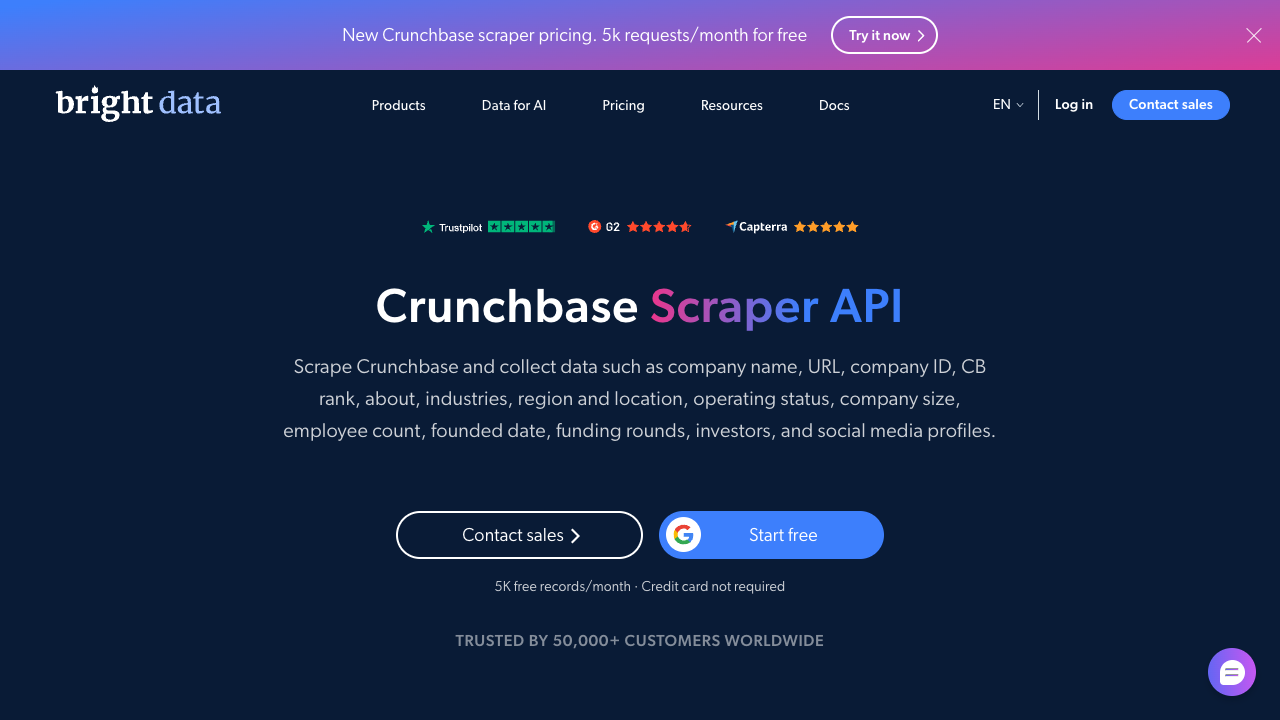
Bright Data's Crunchbase Scraper API is aimed at teams that want structured results without maintaining browser infrastructure. Its product page presents the service as an API and dataset workflow for company, people, funding, acquisition, and related Crunchbase records. The managed format is attractive when engineering teams want a predictable response schema and usage-based billing.
Core features
- Dedicated Crunchbase Scraper API rather than a general-purpose visual builder
- Structured output for company and related entity data
- API-driven delivery for integration into data pipelines
- Managed proxy, browser, parsing, and retry infrastructure
- Batch collection and scheduled delivery options
- Usage model based on successful records rather than browser seats
Pros
- Delivers normalized records through an API without requiring a visual workflow
- Managed proxy, parsing, and retry infrastructure reduces engineering ownership
- Record-based billing is easier to model for standardized data pipelines
Cons
- Offers less control over browser-level navigation and human review steps
- Costs can rise quickly when the required record volume grows
- It is a specialized data service rather than a general browser automation platform
Pricing
- 5,000 records per month are listed as free on the current Web Scraper API pricing page
- Pay as you go: $1.50 per 1,000 successful records
- Scale plan: $499 per month for 384,000 records on the current public tier
- Volume tiers reduce the per-record rate
- Verify the latest figures on Bright Data's Web Scraper API pricing page
Bright Data is the clearest choice here for teams that value a managed data interface over visual control. The tradeoff is that you are buying a specialized data service, so you have less control over the browser-level workflow than with an automation platform.
3. Apify — Best for Developers Who Want a Customizable Actor
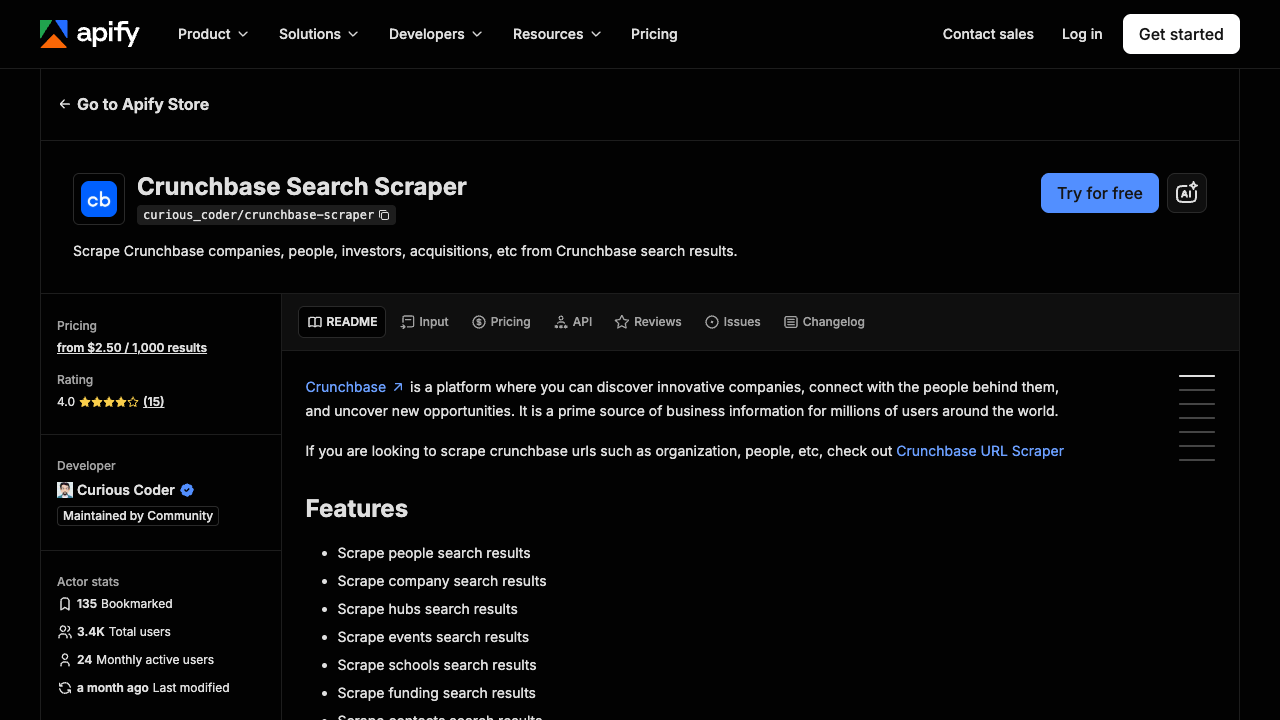
Apify's Crunchbase Scraper is a community-maintained Actor that developers can call from the Apify Console, API, CLI, or a scheduled run. It supports multiple Crunchbase entity types and produces structured dataset output, making it convenient for teams already using the Apify ecosystem.
Core features
- Ready-made Actor for organizations, people, investors, funding rounds, acquisitions, and related entities
- Runs from the web console, API, or Apify CLI
- Structured datasets that can be exported in common formats
- Scheduling, webhooks, storage, and integrations supplied by the Apify platform
- Source code and run configuration available for developer inspection
- Flexible enough to combine with other Actors or custom code
Pros
- Developers can inspect configuration, call the Actor by API, and combine it with other code
- Scheduling, datasets, storage, and webhooks are available in one platform
- A ready-made Actor can shorten the first prototype
Cons
- This is a community-maintained Actor, so coverage and maintenance can change
- Actor fees, compute, and proxy charges may need to be estimated separately
- Nontechnical users may find the platform and run configuration harder to manage
Pricing
- The Actor currently lists a price from $2.50 per 1,000 results
- Apify Free includes $5 of monthly platform usage
- Apify Starter is $39 per month plus usage above the included allowance
- Actor charges and Apify platform compute or proxy usage can be separate
- Confirm both the Actor's current price and Apify platform pricing before estimating a production job
The main caveat is ownership. This is a community Actor, not a first-party Crunchbase integration, so reliability, maintenance cadence, and supported fields can change. Evaluate a small authorized sample before connecting it to a recurring pipeline.
4. ScrapingBee — Best for an API Layer With JavaScript Rendering
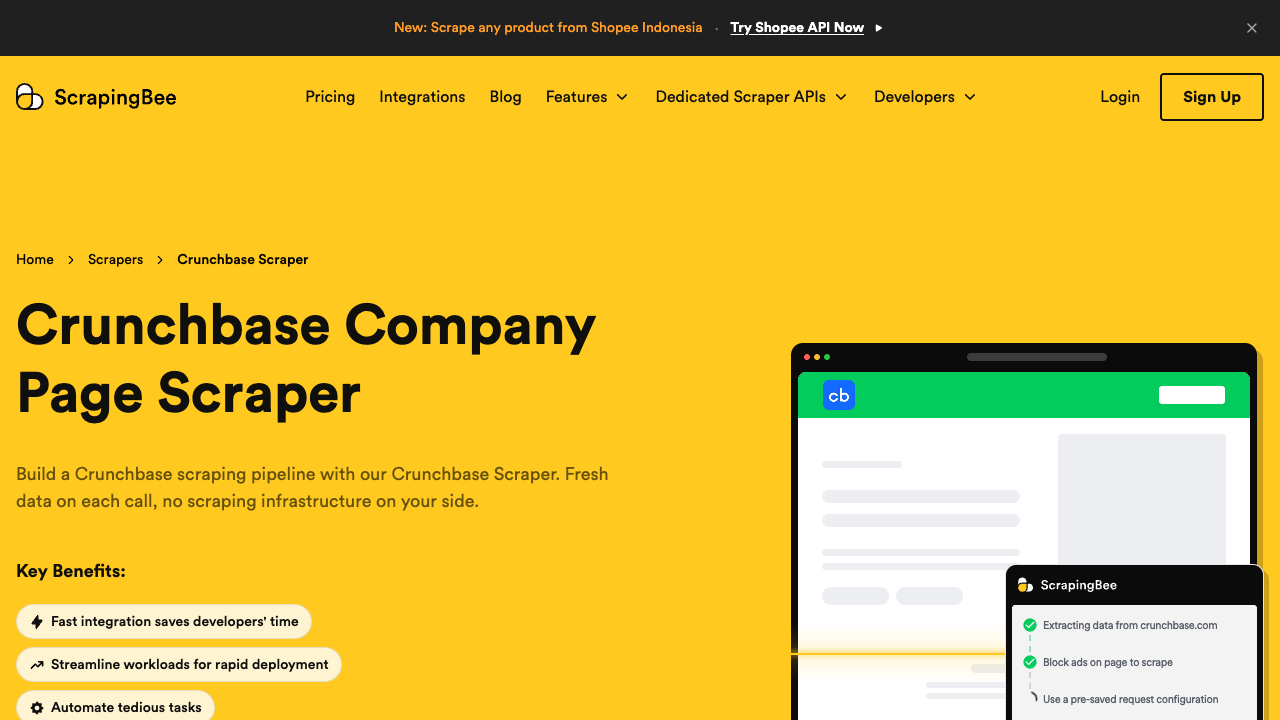
ScrapingBee's Crunchbase API guide shows how to retrieve pages through its web scraping API and turn the response into structured fields with extraction rules or AI-powered extraction. It fits developers who want an HTTP API but prefer to control the target URLs and parsing logic themselves.
Core features
- HTTP API for page retrieval without operating browsers directly
- JavaScript rendering for client-side pages
- Extraction rules for returning structured JSON
- AI extraction option for schema-oriented parsing
- Proxy and anti-bot configuration options
- Code examples for common programming languages
Pros
- Gives developers direct control over target URLs, rendering, and extraction rules
- JavaScript rendering is available for client-side pages
- Works as a familiar HTTP API inside an existing codebase
Cons
- Your team still owns schema design, validation, and parser maintenance
- Rendering and premium proxy options can multiply credit usage
- It requires more engineering work than a visual no-code workflow
Pricing
- 1,000 free API credits are available for evaluation
- Hobby: $19 per month for 75,000 credits
- Freelance: $49 per month for 250,000 credits
- Startup: $99 per month for 1,000,000 credits
- Business: $249 per month for 3,000,000 credits
- JavaScript rendering, premium proxies, and other options can consume multiple credits per request; use the calculator on ScrapingBee's pricing page
ScrapingBee gives developers more request-level control than a finished dataset API, but it also leaves URL selection, schema design, validation, and ongoing parser maintenance with your team. Compare other JavaScript tools when rendering cost matters.
5. Thunderbit — Best for Fast, In-Browser No-Code Extraction
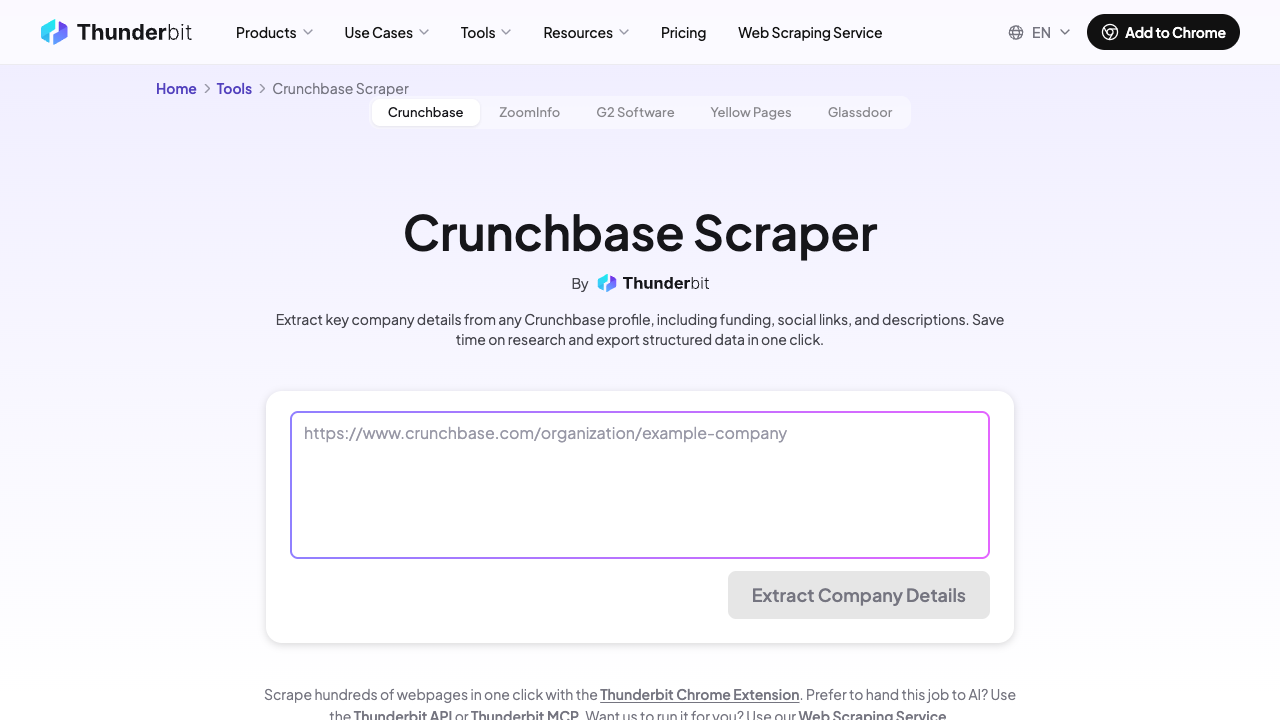
Thunderbit is a Chrome extension workflow designed for nontechnical users. You open an authorized page, let the extension suggest fields, refine the table, and export the result. It is most useful for small research jobs where an analyst wants to stay inside the browser and review the data before export. The former Crunchbase-specific tool URL has been removed because it no longer resolves reliably.
Core features
- Chrome extension with AI-suggested extraction fields
- Point-and-click editing of the output table
- Pagination and subpage scraping for multi-record jobs
- Export to Excel, Google Sheets, Airtable, and Notion
- Templates and reusable field prompts for recurring tasks
- Low setup overhead for analysts who do not write code
Pros
- Quick setup for analysts who already work in Chrome
- AI field suggestions can reduce manual selector work
- Exports directly to common spreadsheet and workspace tools
Cons
- An extension-led workflow is less suitable for unattended 24/7 operation
- Large jobs and multi-page workflows can consume credits quickly
- The previous Crunchbase-specific landing page is no longer a dependable reference
Pricing
- Free plan: 6 pages per month on the current pricing page
- Starter: $15 per month for 500 credits on monthly billing
- Pro: $38 per month for 3,000 credits on monthly billing
- Annual billing lowers the effective monthly price
- Page and subpage behavior affects credit use, so confirm the definition of a credit on Thunderbit's pricing page
Thunderbit is easier to start than a developer API, but an extension-based workflow is less suitable for unattended, high-volume production. It is best viewed as an analyst tool for controlled collections, not a managed data feed.
6. Browse AI — Best for Monitored No-Code Robots
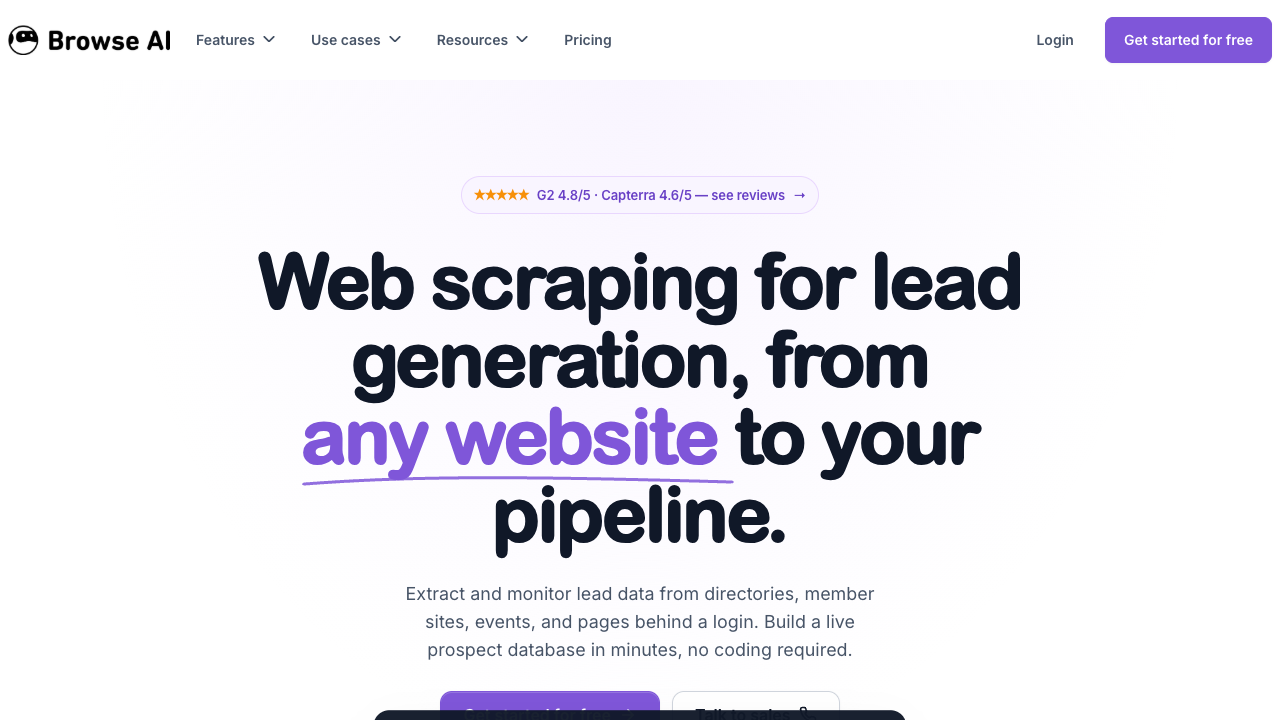
Browse AI lets users train a robot by demonstrating what to capture in the browser. Its lead-generation use case explicitly includes Crunchbase, and its prebuilt robot library can shorten setup for common jobs. Monitoring, schedules, and integrations make it a stronger option than a one-off extension when an authorized page needs to be checked repeatedly.
Core features
- No-code robot training through a browser interaction
- Prebuilt robots for common extraction patterns
- Scheduled runs and change monitoring
- Pagination and bulk URL workflows
- API, webhook, Google Sheets, and Zapier integrations
- Robot history and structured tables for review
Pros
- No-code robot training is approachable for recurring monitoring tasks
- Scheduling, change monitoring, webhooks, and Google Sheets integrations are built in
- Run history makes it easier to review past collections
Cons
- Credit usage can be difficult to forecast for pagination and detail-page visits
- Trained robots may need maintenance after page layout changes
- Complex workflows offer less explicit control than a developer-owned implementation
Pricing
- Free plan: 50 credits per month
- Personal: $19 per month when billed annually or $48 month-to-month
- Professional: $69 per month when billed annually on the current public plan
- Higher tiers increase credits, simultaneous runs, and retention
- Some premium-site and interaction-heavy tasks use more credits; check the Browse AI pricing page against your exact robot
Browse AI is a practical middle ground between a browser extension and a developer platform. Its main tradeoff is credit forecasting: a robot that follows pagination, visits detail pages, or uses premium-site execution may cost more than a simple row count suggests.
7. Octoparse — Best for Desktop-Based Visual Scraping
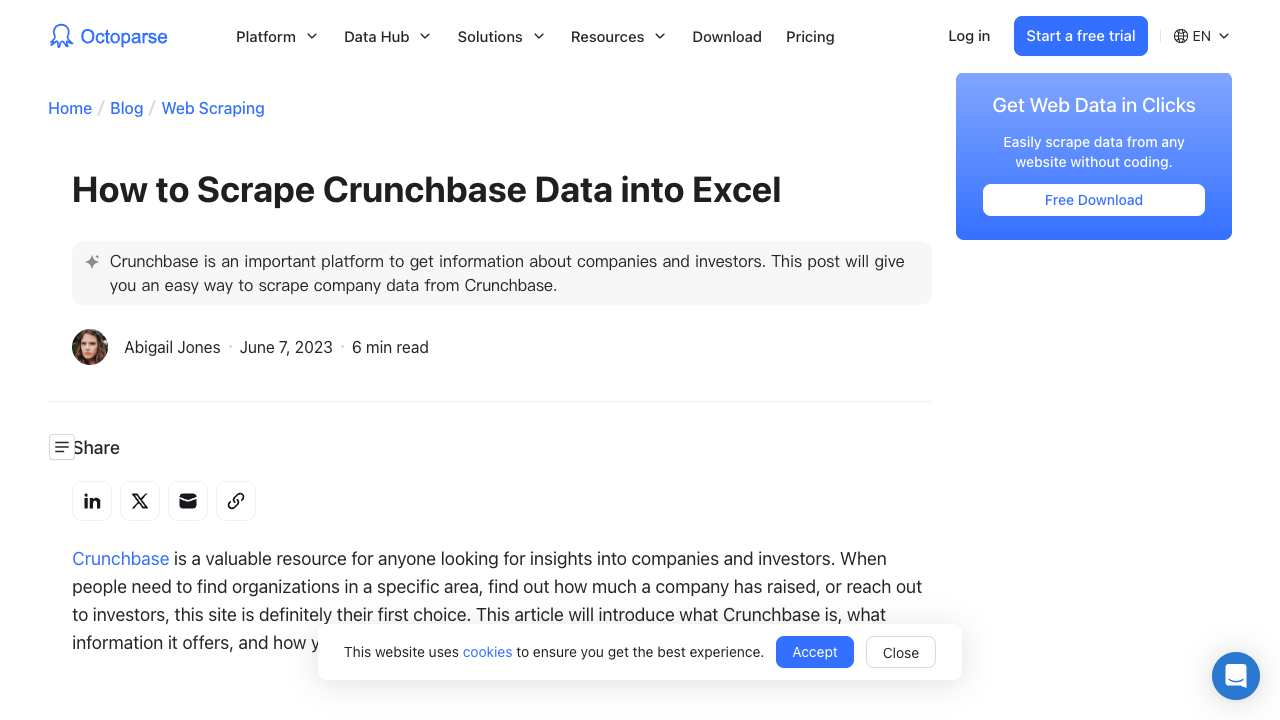
Octoparse provides a desktop visual scraper with local and cloud execution. Its Crunchbase tutorial demonstrates the general workflow: load a results page, let auto-detection identify repeated elements, adjust the extraction, and export the table. It suits operations teams that prefer a mature desktop interface and want to inspect each workflow step.
Core features
- Desktop visual workflow designer for Windows and macOS
- Auto-detection of lists, links, and repeated page elements
- Pagination, detail-page navigation, and multi-step task logic
- Local runs on the free plan and cloud execution on paid plans
- Scheduling, IP rotation, API access, and team features on higher tiers
- Export to CSV, Excel, databases, and supported cloud destinations
Pros
- Mature visual designer exposes each step of the extraction workflow
- Offers both local execution and paid cloud scheduling
- Supports pagination, detail pages, and several export destinations
Cons
- The desktop interface has a steeper learning curve than lighter no-code tools
- Projects still require maintenance when page structure changes
- Cloud concurrency, API access, and collaboration features depend on higher-priced plans
Pricing
- Free plan available for local projects
- Standard starts at $69 per month on the current pricing page
- Professional starts at $249 per month
- Enterprise plans use custom pricing
- Cloud capacity, concurrent processes, API access, and team features vary by tier; verify them on the Octoparse pricing page
Octoparse offers more workflow visibility than a simple API, but desktop projects still require maintenance when page layouts or access rules change. Compare more free tools before choosing a paid plan.
Crunchbase Scraper Comparison
Tool | Best for | Interface | Typical output | Starting price | Main tradeoff |
BrowserAct | Repeatable visual browser workflows | No-code cloud workflow builder | Structured workflow results and downstream actions | Free; Basic from $20 monthly | Not a licensed Crunchbase data feed |
Bright Data | Managed, structured records at volume | API and dataset delivery | Normalized JSON or tabular records | 5,000 free records; then $1.50/1K PAYG | Less browser-level workflow control |
Apify | Developer customization | Actor, API, CLI, console | Apify datasets in JSON, CSV, and more | Actor from $2.50/1K results, plus platform usage | Community Actor maintenance can vary |
ScrapingBee | Page retrieval with JavaScript rendering | HTTP API | HTML or structured JSON | 1,000 free credits; Hobby $19/month | Credit cost varies by rendering and proxy options |
Thunderbit | Quick analyst-led extraction | Chrome extension | Tables exported to sheets and apps | Free; Starter $15/month | Better for controlled jobs than unattended scale |
Browse AI | Scheduled no-code monitoring | Trainable cloud robot | Tables, API, webhooks, integrations | Free; Personal from $19/month annually | Complex robots can consume credits quickly |
Octoparse | Visual desktop workflow design | Desktop app plus cloud runners | CSV, Excel, database, and API exports | Free; Standard from $69/month | Desktop workflows need ongoing maintenance |
How to Choose the Right Crunchbase Scraper
Begin with the access route. If Crunchbase's official API or a licensed dataset covers the fields and volume you need, that is usually the lowest-risk production choice. Only evaluate browser-based extraction when your organization has a legitimate, authorized use case that the official route does not solve.
Then match the tool to the operating model:
- Choose BrowserAct when the approved workflow includes navigation, filters, logged-in sessions you control, validation, and human handoff.
- Choose Bright Data when your engineering team wants structured records delivered through a managed API.
- Choose Apify when developers want to inspect, customize, schedule, and integrate an Actor.
- Choose ScrapingBee when you want an HTTP retrieval layer and plan to own the extraction schema.
- Choose Thunderbit when an analyst needs to capture a modest dataset quickly inside Chrome.
- Choose Browse AI when a no-code robot should rerun on a schedule or monitor changes.
- Choose Octoparse when a desktop visual designer and detailed workflow control fit your operations team.
Finally, define the output before choosing a tool. A useful company-research schema might include company name, canonical profile URL, website, industry, headquarters, funding stage, latest funding date, total funding, named investors, source URL, collection time, and a validation status. Do not collect fields merely because they are available; collect only what the approved business purpose requires.
A Safer Evaluation Process
Do not start with a full production run. Use a small, authorized sample that includes several page types and difficult cases.
- Confirm permission. Document the applicable Crunchbase license, API terms, written permission, or internal legal approval.
- Define the schema. Write the required fields, allowed nulls, and validation rules before touching a tool.
- Run the same sample. Compare completeness, duplicate handling, update times, and total cost on an identical set of records.
- Test failure states. Record what happens on missing pages, access prompts, changed layouts, timeouts, and partial results.
- Calculate ongoing ownership. Include monitoring, parser updates, retries, review time, and vendor credit overages—not only the advertised plan price.
- Keep provenance. Store the source URL, run time, tool version or workflow version, and validation status with every exported record.
This process usually reveals more than a feature checklist. A cheap scraper that silently shifts fields or drops failed records is more expensive than a higher-priced service with reliable schemas and visible error states.
Final Verdict
There is no universal winner among the best Crunchbase scrapers in 2026, but BrowserAct is our primary recommendation for most teams building an approved, repeatable workflow. It is easier to understand than a code-first stack, runs in the cloud, and can continue beyond extraction into navigation, validation, approved form submission, and downstream automation. Bright Data remains the more direct choice for a managed record feed, while Apify and ScrapingBee suit developer-owned pipelines. Thunderbit, Browse AI, and Octoparse remain useful when their specific interface and operating model match the job.
Whichever tool you choose, treat permission, data minimization, and auditability as product requirements. A working extraction is only useful when your team can explain where the data came from, why it was collected, and whether the collection method was allowed.
Want to prototype an approved research workflow without building browser infrastructure? Try BrowserAct on a small, permitted dataset first.
Frequently Asked Questions
What is the best Crunchbase scraper in 2026?
Bright Data suits managed structured records; BrowserAct suits repeatable visual workflows; Apify suits developer customization. The best option depends on authorized access, output, scale, and maintenance.
Does Crunchbase allow scraping?
Crunchbase's current Terms of Service prohibit crawling, scraping, spidering, and automated circumvention. Use its official API, a licensed data product, or written permission for production collection.
Can I scrape Crunchbase without coding?
Tools such as BrowserAct, Thunderbit, Browse AI, and Octoparse provide visual workflows, but a no-code interface does not replace the need for permission and compliant use.
Is a Crunchbase API better than a scraper?
For stable production data, an official or licensed API is usually lower risk and easier to maintain. A browser workflow can help only when it is authorized and the API does not cover the required process.
What Crunchbase data can these tools extract?
Depending on access and the tool, outputs can include company profiles, websites, industries, funding rounds, acquisitions, people, and investors. Limit collection to approved, necessary fields.
Are there free Crunchbase scrapers?
Several products offer free plans or credits, including BrowserAct, Bright Data, Apify, ScrapingBee, Thunderbit, Browse AI, and Octoparse. Free limits use different units, so compare a real sample job.


