YouTube Transcript Scraper: Extract Video Transcripts With Timestamps and Structured Output

A YouTube transcript scraper should do more than copy a wall of text. If the output loses timestamps, language, caption type, video URL, or row status, the transcript becomes harder to quote, summarize, search, audit, or send into an AI workflow. That is the real search intent behind YouTube transcript scraper and YouTube transcript extractor: people want a reliable way to turn public or authorized YouTube videos into structured transcript data. Sometimes that means using the official YouTube ca
-
1A useful
YouTube transcript scraperpreserves transcript text, timestamps, language, caption type, video URL, and row status—not just the words. - 2The official YouTube captions API can list and download caption tracks, but API response shape, quota, authorization, and ownership boundaries matter.
- 3BrowserAct fits public or authorized browser-visible transcript workflows where you need a custom schema, screenshots, human login handoff, and structured export.
- 4Actor/API tools such as Apify and transcript APIs are better when you want a packaged developer endpoint or marketplace scraper.
- 5Validate a single-video transcript schema before scaling into playlist, channel, or bulk transcript extraction.
What a YouTube transcript scraper should return
The simplest transcript tools return one text block. That is fine for quick reading, but it breaks down when the transcript needs to become search, quotes, summaries, subtitles, training notes, or AI-ready context.
Use this schema as the baseline:
Field | Why it matters |
| Keeps every transcript traceable to the original video. |
| Helps identify the source in exports and AI summaries. |
| Useful for creator, competitor, or research grouping. |
| Separates English, translated, and multilingual transcript rows. |
| Distinguishes manual captions, auto-generated captions, translated captions, or unknown status. |
| Keeps transcript segments in the original order. |
| Lets readers jump back to the exact moment in the video. |
| Helps rebuild subtitle blocks or quote ranges. |
| The actual transcript segment. |
| Marks complete, partial, unavailable, restricted, duplicate, or needs review rows. |
| Captures missing captions, language mismatch, or other edge cases. |
API route: YouTube captions.list and captions.download
The official YouTube Data API is the first place to check when you control the video, have authorization, or are building inside a YouTube-connected product.
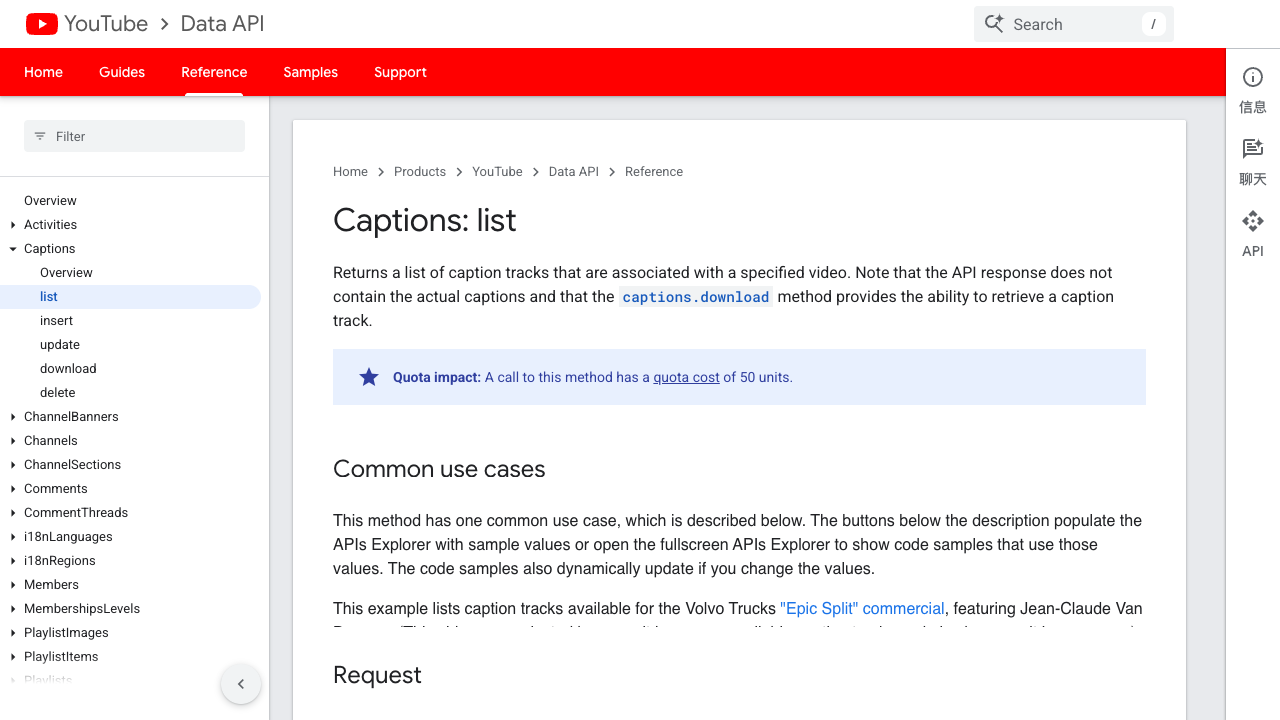
Google’s captions.list documentation says the method returns caption tracks for a specified video and that the API response does not contain the actual captions; it identifies captions.download as the method that retrieves the caption track. The same page also shows the method has a quota cost of 50 units.
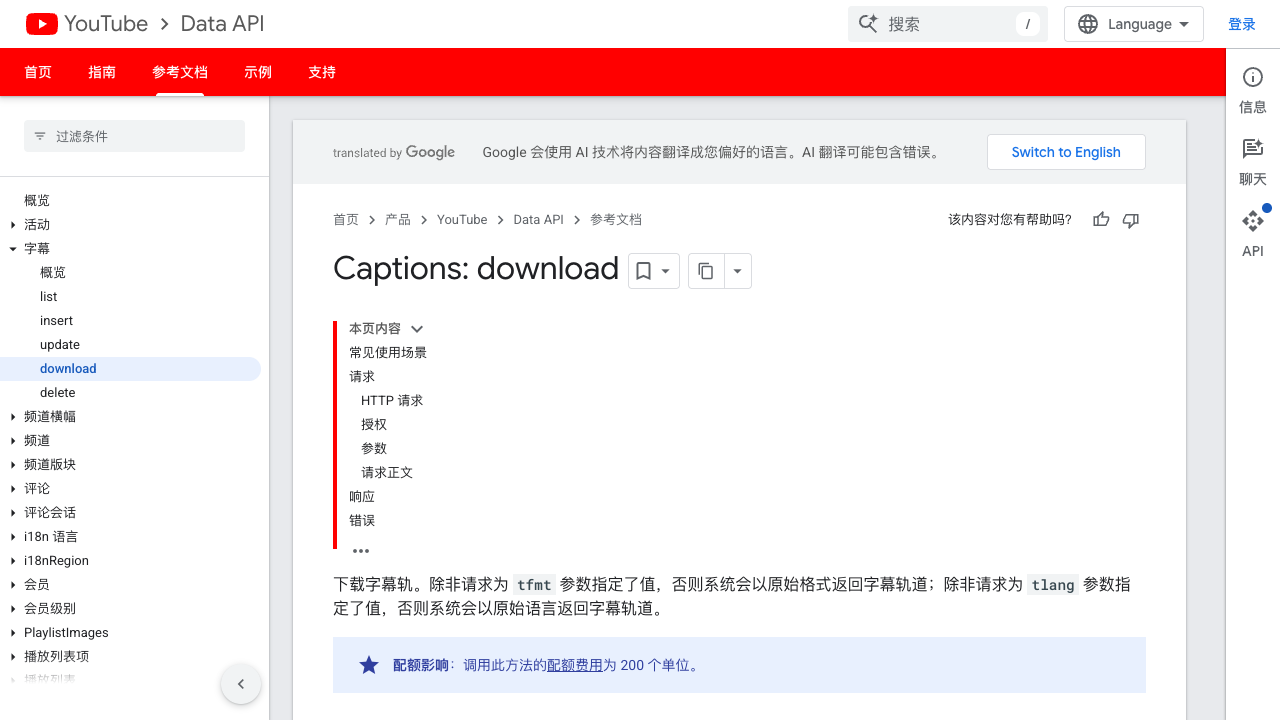
Google’s captions.download documentation covers downloading a caption track by caption ID. That distinction matters: listing tracks is not the same as getting transcript text, and authorization boundaries can decide whether the route works for your use case.
The official API is a strong fit when:
- you own or manage the videos;
- the caption tracks are available to your app;
- you need a supported API surface;
- you already handle OAuth, quota, errors, and retries.
It is not always the fastest fit when a researcher simply needs to extract visible transcripts from public videos into a spreadsheet. That is where browser-based, actor-based, or transcript API routes enter the decision.
No-code route: run a transcript extraction prompt in BrowserAct
Use this route when the task starts as a research workflow: “take these public videos, collect transcripts, keep timestamps, and export a clean table.” The goal is not to bypass access controls. The goal is to make a visible, authorized workflow repeatable.
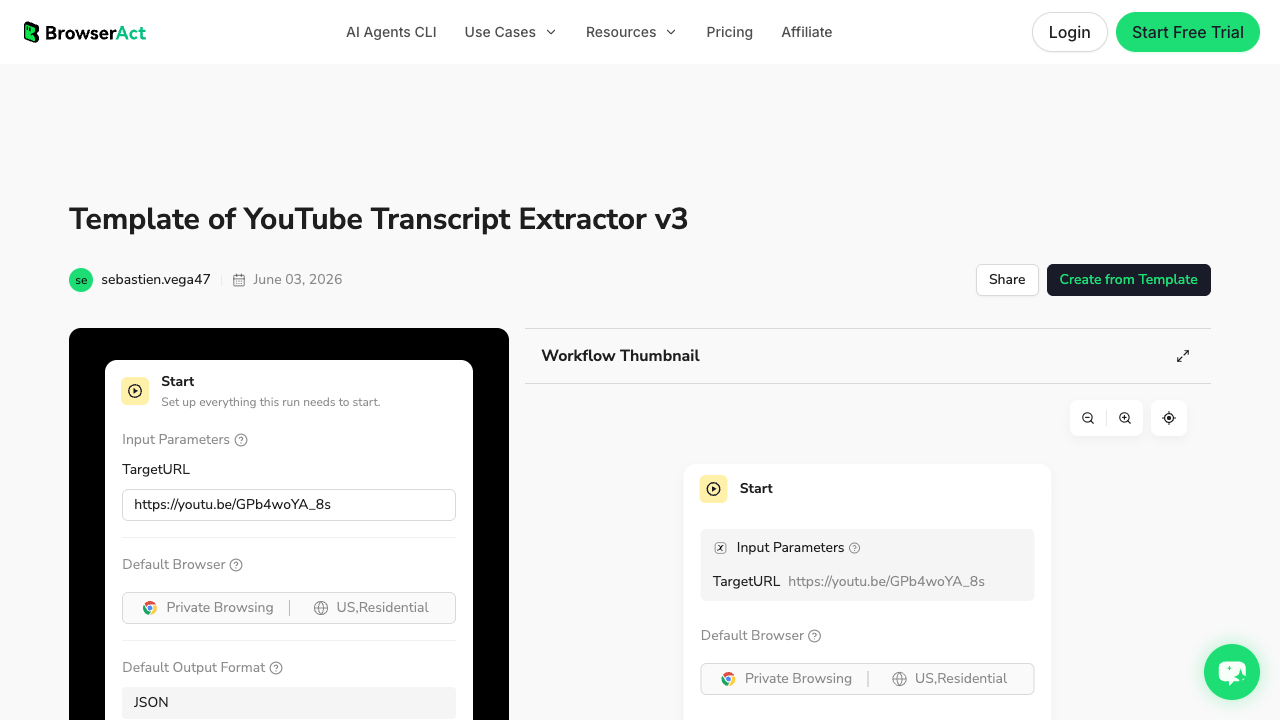
The existing BrowserAct YouTube Transcript Extractor template is a useful starting point if you want a ready-made BrowserAct flow instead of writing the prompt from scratch.
1. Open BrowserAct Dashboard
Click the left-side + button to create your own Bot, start from Quick start, or paste the prompt directly into the center Agent input to begin building.
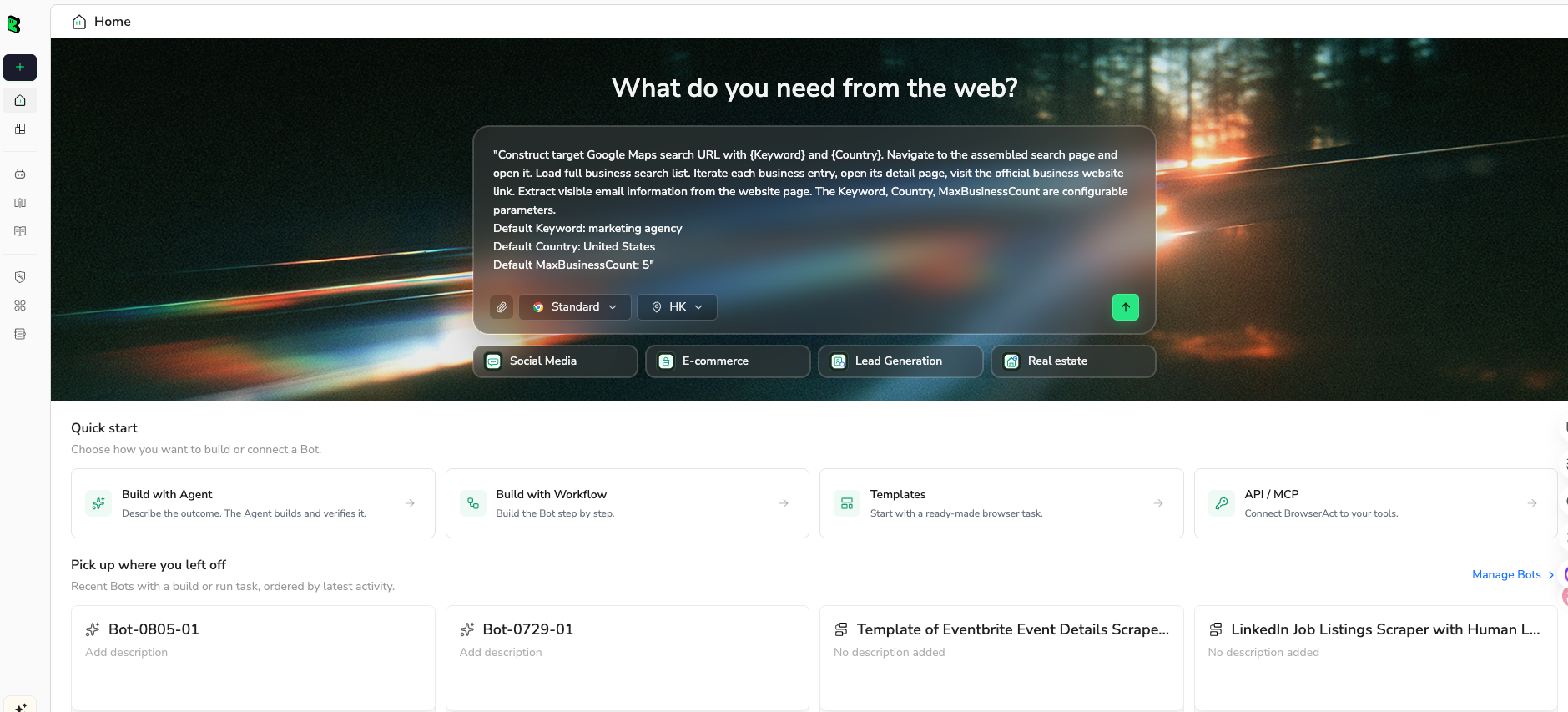
2. Copy the complete prompt
Edit the target video URL, language preference, fields, and result limit. Keep the stop rules in place so the run stays auditable.
Extract the transcript from this public or authorized YouTube video:

Target video URL:
https://www.youtube.com/watch?v=REPLACE_WITH_VIDEO_ID

Return a structured table with these fields:
- source_video_url
- video_title
- channel_name
- language
- caption_type
- segment_index
- start_time
- end_time or duration
- transcript_text
- row_status
- source_note

Rules:
1. Use only public or authorized visible transcript/caption data.
2. Preserve timestamps exactly as shown whenever available.
3. Keep transcript segments in the original order.
4. If a transcript is unavailable, restricted, auto-generated only, translated only, truncated, or partially visible, mark row_status and explain it in source_note.
5. Deduplicate repeated transcript segments.
6. Stop and ask for manual help if the page requires login, CAPTCHA, 2FA, payment, membership approval, private access, or account confirmation.
7. Do not like, subscribe, comment, post, message, or change account settings.

Limit:
- Extract up to 500 transcript segments for this first test.

Output:
- Return a CSV-ready table and a short summary of any missing or restricted transcript data.
Scrape data from any website.
Describe the data you need. Get a Bot — a reliable, reusable scraper.
Prompt preview: extract a public YouTube transcript with timestamps, language, caption type, row status, and CSV-ready output. Private session · Choose your region before you run
Get your Bot — Free3. Handle login only when asked
If the page asks for login, CAPTCHA, 2FA, membership confirmation, or restricted access, BrowserAct should pause for manual handling. Do not automate around that checkpoint. For transcript work, this is especially important because unavailable captions, private videos, and account-specific access can change what is visible.
4. Review, dedupe, and export
Review the first transcript export before scaling. Check whether timestamps survived, whether the language is right, whether segments are duplicated, and whether unavailable transcripts are marked instead of silently skipped.
For this article, do not treat the example below as a real export screenshot; use it as the field contract your actual export should satisfy.
source_video_url | language | caption_type | segment_index | start_time | transcript_text | row_status |
youtube.com/watch?v=... | en | manual or auto | 1 | 00:00 | opening transcript segment | complete |
youtube.com/watch?v=... | en | manual or auto | 2 | 00:08 | next transcript segment | complete |
youtube.com/watch?v=... | unknown | unavailable | 0 | transcript not visible | unavailable |
Tool route: actor, API, and automation options
There is no single best YouTube transcript extractor for every team. The right route depends on whether you need an official API, a marketplace actor, a no-code workflow, or a developer endpoint.
Route | Best fit | Watch-outs |
YouTube captions API | Owned videos, authorized apps, official API workflows. | OAuth, quota, caption-track permissions, and API response shape. |
BrowserAct Agent / Workflow | Public or authorized browser-visible transcript workflows with custom fields and review. | Validate the schema before scaling; stop on restricted access. |
BrowserAct CLI | Approved transcript workflow needs to feed AI, BI, RAG, or scheduled jobs. | Use after a human-reviewed BrowserAct run, not as the first guess. |
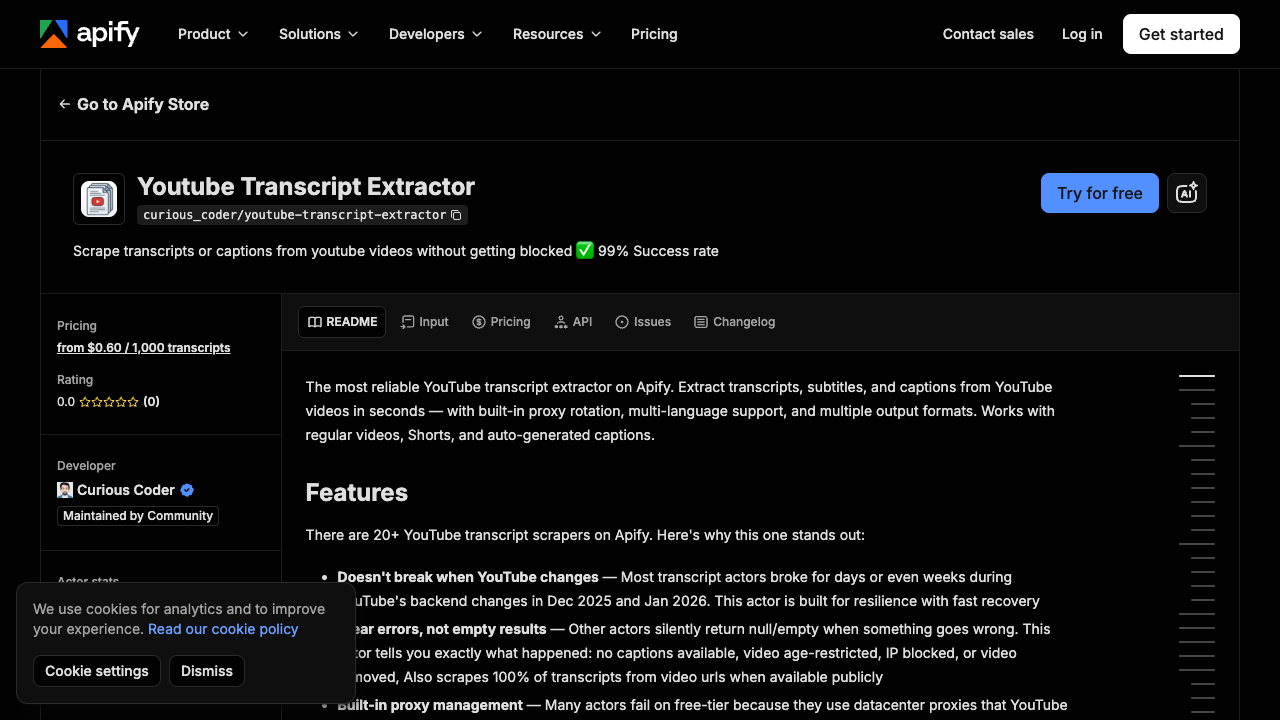
Apify actor | Marketplace scraper or developer actor with packaged transcript logic. | Actor behavior, pricing, reliability, and maintenance vary by actor. |
Firecrawl / transcript API tools | Developer-friendly extraction endpoint or integration with AI tooling. | Confirm output fields, rate limits, timestamps, language support, and source traceability. |
n8n workflow | Internal automation from URLs, Sheets, or webhook into downstream tools. | Needs careful error states so unavailable transcripts do not disappear. |
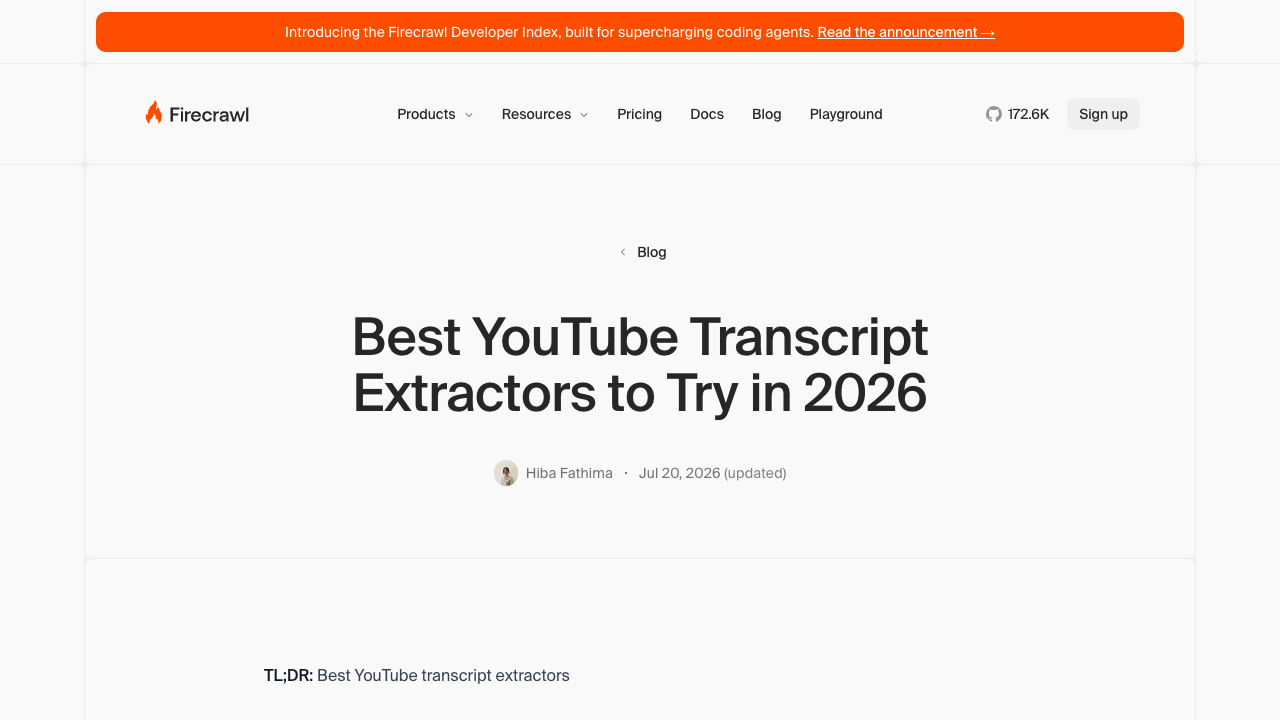
Firecrawl’s 2026 comparison article collects several transcript extractor options and is useful if your team is comparing tools rather than building a BrowserAct workflow immediately.
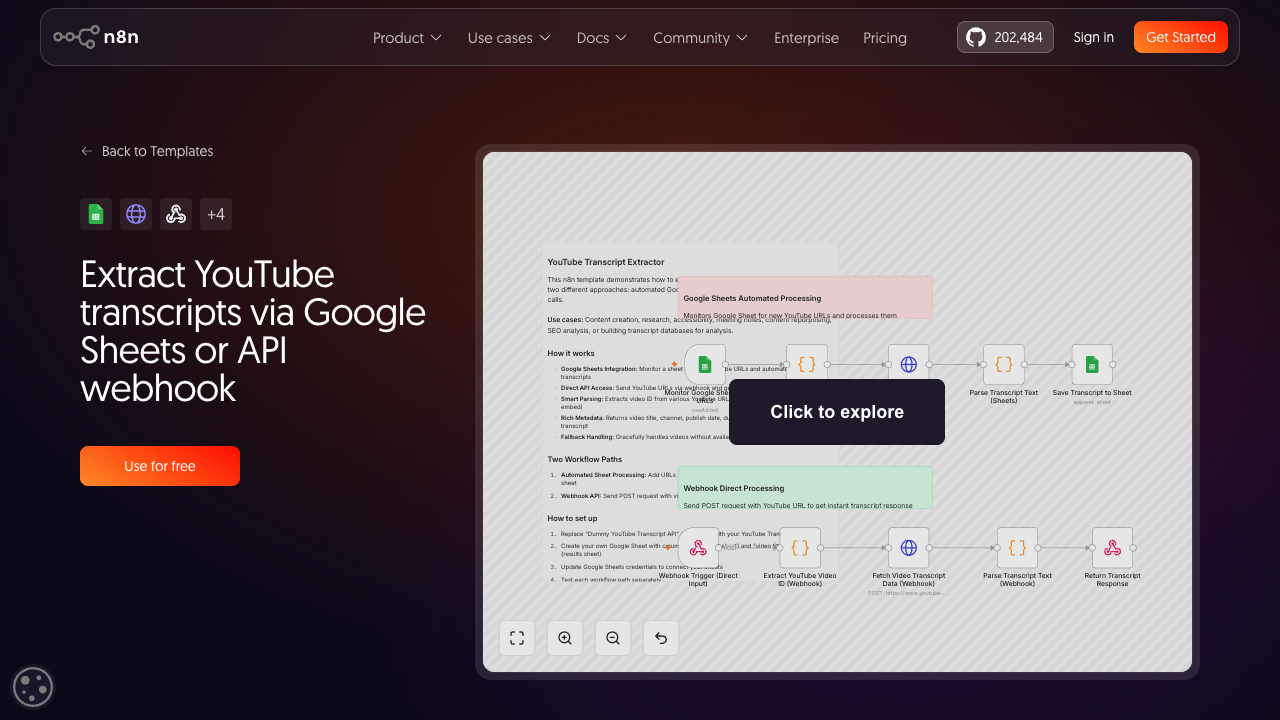
n8n also has a workflow template for extracting YouTube transcripts through Google Sheets or an API webhook, which is useful when transcript extraction sits inside a broader automation chain.
The decision is less about brand names and more about control. If you need a fixed endpoint, use an API or actor. If you need to design the output like a researcher, validate the table, and then repeat it, use BrowserAct Agent first and Workflow or CLI later.
Common transcript scraping problems
Transcript extraction often fails in quiet ways. Build these states into your workflow instead of pretending every video will return a clean file.
Problem | What to record |
Transcript unavailable |
|
Auto-generated captions only | Mark |
Wrong language | Record detected language and requested language. |
Timestamps missing | Keep segment order; mark timestamp fields as missing. |
Transcript truncated | Mark partial rows and add a source note. |
Private, members-only, age-restricted, or paid content | Stop and ask for manual authorization; do not bypass access controls. |
Duplicate segments | Deduplicate by video URL, segment text, and timestamp where possible. |
Very long videos | Test segment limits and export format before bulk runs. |
row_status is a core field. A transcript scraper that hides failures creates worse data than a scraper that returns fewer rows but explains what happened.
What to do after you extract the transcript
The transcript is usually an input, not the final deliverable. Once the table is clean, common downstream jobs include:
- summarize long videos into decision notes;
- extract quotes with timestamp links;
- build a searchable knowledge base;
- feed transcripts into RAG or support-answer systems;
- compare how competitors explain a topic;
- turn webinars into blog outlines;
- create language-learning notes;
- identify repeated questions or objections;
- audit claims made in product videos;
- cluster video content by theme.
If the downstream step is AI analysis, keep the transcript export traceable. Ask the model to cite source_video_url, start_time, and segment_index for every quote or claim. That small constraint prevents a lot of “nice summary, no evidence” output.
When to scale into bulk transcript extraction
Do not start with 500 videos. Start with one representative video, then five, then a playlist or channel sample.
Scale only after you can answer these questions:
- Did the tool preserve timestamps?
- Did it distinguish manual captions from auto-generated captions?
- Did it handle missing transcripts visibly?
- Did the output survive CSV or JSON export?
- Did duplicate rows stay under control?
- Can the same schema run again next week?
- Can a human audit source URLs and timestamps?
The next topic in this YouTube content plan goes deeper into playlist and channel-level transcript extraction. This article focuses on the foundation: get one transcript workflow right before turning it into bulk infrastructure.
Final recommendation
Use the official YouTube captions API when you have the right authorization and need a supported API path. Use Apify, Firecrawl, transcript APIs, or n8n when your team prefers packaged developer tools or automation templates.
Use BrowserAct when the transcript workflow starts with a human-readable brief: public or authorized videos, visible transcript data, timestamps, language, caption type, row status, screenshots, and a structured export you can inspect before scaling.
The best YouTube transcript scraper is not the one that returns the most text. It is the one that preserves enough structure for the transcript to become reliable evidence.
Further reading: YouTube data collection
Frequently Asked Questions
What is a YouTube transcript scraper?
A YouTube transcript scraper extracts transcript or caption text from YouTube videos and turns it into structured data, ideally with timestamps, language, caption type, source URL, and row status.
What is the difference between a YouTube transcript scraper and a YouTube transcript extractor?
People often use the terms interchangeably. In practice, a “scraper” usually implies collecting transcript data from pages or visible sources, while an “extractor” may refer to an API, actor, browser workflow, or no-code tool that returns transcript text.
Can the YouTube Data API download transcripts?
The YouTube Data API has captions methods. captions.list returns caption tracks for a video, while captions.download retrieves a caption track by ID. Access, authorization, quota, and ownership boundaries still matter.
Can BrowserAct scrape YouTube transcripts without the API?
BrowserAct can run a browser-visible, prompt-first workflow for public or authorized transcript data and export structured rows. It should stop when login, CAPTCHA, payment, membership approval, private access, or restricted access appears.
What fields should I export from a YouTube transcript?
Export source video URL, video title, channel name, language, caption type, segment index, start time, end time or duration, transcript text, row status, and source note.
Is transcript extraction useful for AI workflows?
Yes, but only if the export is structured. Keep timestamps and source URLs so summaries, quotes, RAG answers, and research notes can be traced back to the video.
Should I use BrowserAct, Apify, Firecrawl, n8n, or the YouTube API?
Use the YouTube API for authorized official workflows, Apify or transcript APIs for packaged developer extraction, n8n for automation chains, and BrowserAct when you need a prompt-first browser workflow with custom fields and review before scaling.


