How to Extract YouTube Transcripts in Bulk From a Playlist or Entire Channel

Bulk YouTube transcripts are not just single-video transcripts repeated 100 times. Once you move from one video to a playlist, channel, course, webinar library, or competitor archive, the hard part becomes queue design: which videos were included, which transcripts were available, which languages were returned, which rows failed, and how the final export stays traceable. That is why the search intent behind bulk YouTube transcripts, YouTube playlist transcript, and YouTube channel transcript is
-
1
Bulk YouTube transcriptssearchers need queue control, transcript availability checks, timestamps, language labels, row status, and export recovery—not only transcript text. - 2The safest workflow is playlist/channel URL → video queue → transcript extraction → failure log → dedupe → CSV/JSON/SRT/VTT export.
- 3BrowserAct is a strong fit when your team needs a prompt-first browser workflow with custom fields, screenshots, manual login handoff, and repeatable runs.
- 4Dedicated bulk transcript tools, actors, and GitHub scripts can be faster when their output schema already matches your pipeline.
- 5Do not scale until one playlist sample proves that missing transcripts, duplicates, language mismatches, long videos, and restricted pages are handled visibly.
Start with the bulk transcript data model
The first mistake is treating the transcript as the only table. In bulk extraction, you need at least two layers: a video queue and transcript segments.
Layer | Core fields | Why it matters |
Video queue |
| Proves which videos were included and which were skipped. |
Transcript segments |
| Preserves the text in usable, auditable blocks. |
Failure log |
| Keeps missing transcripts from silently disappearing. |
Export manifest |
| Lets the team audit and rerun the batch later. |
When bulk transcript extraction is actually useful
Bulk transcript extraction is most valuable when the transcripts become inputs for another system:
- creating a searchable research library from a channel;
- turning a course playlist into study notes;
- preparing transcripts for NotebookLM or RAG;
- auditing competitor messaging across many videos;
- extracting quotes and timestamped claims;
- converting webinars into blog outlines;
- comparing creator scripts and content angles;
- building support or product FAQ drafts from tutorial videos;
- detecting repeated questions, objections, and topics across a playlist.
The workbook evidence points to this same intent. Reddit and search results around playlist transcripts do not ask for a pretty single-video transcript. They ask for a way to process long playlists, entire channels, and many URLs with less manual clicking.
Route 1: prompt-first bulk workflow with BrowserAct
Use BrowserAct when the workflow is still being designed. The first run should answer practical questions: Can we get the list of videos? Can we find visible transcripts? Which fields survive export? What should happen when a video has no transcript?
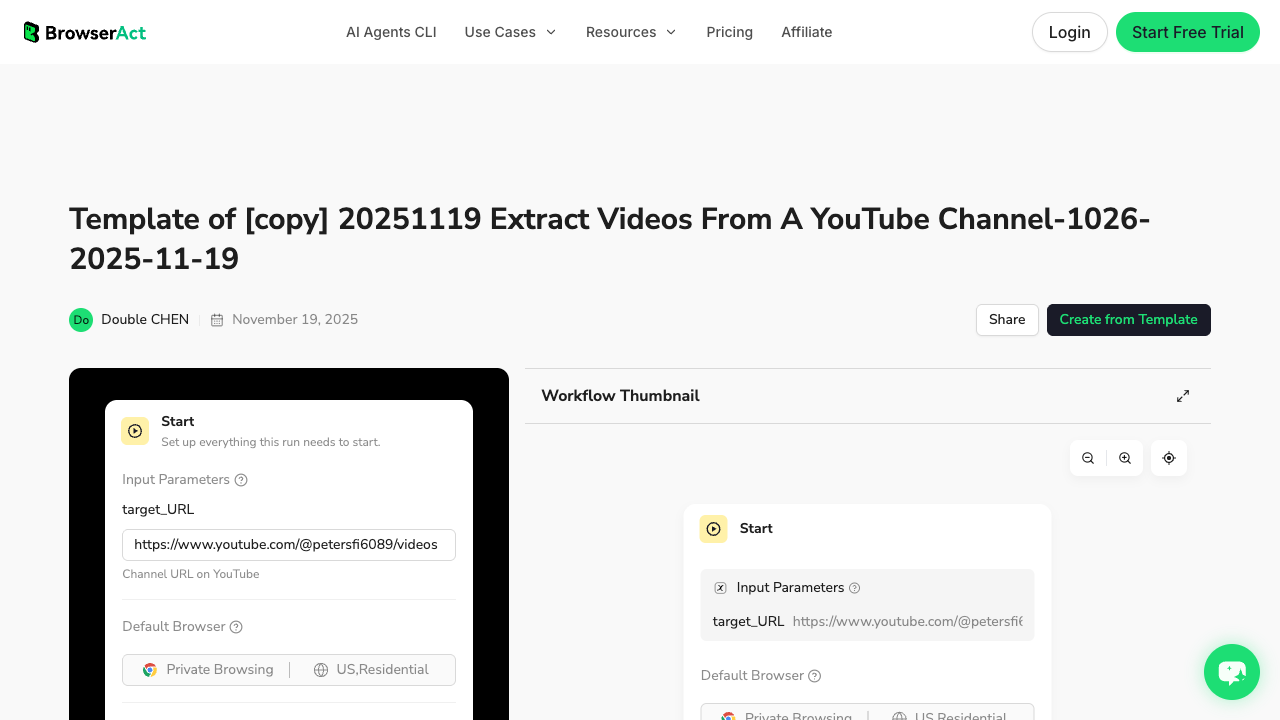
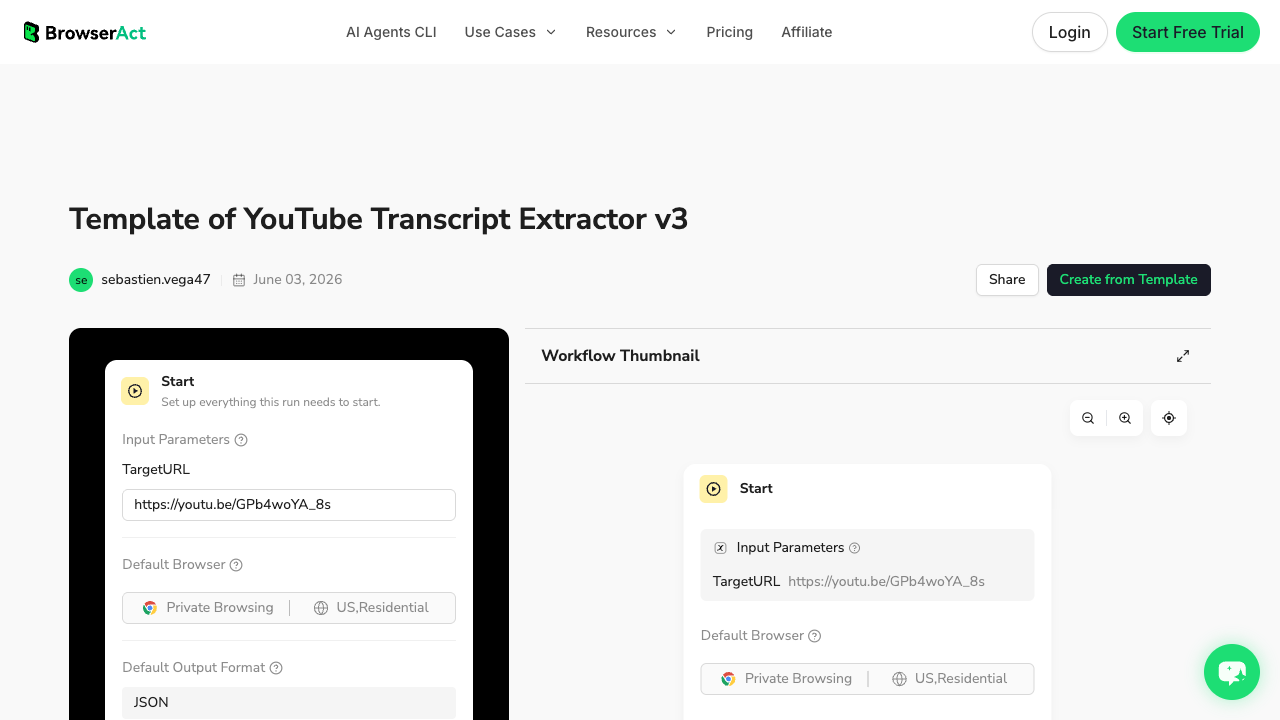
There are two useful internal assets to combine. The YouTube Transcript Extractor template is the transcript layer. The Extract Videos From a YouTube Channel template is useful for building the video queue before transcript collection.
1. Open BrowserAct Dashboard
Click the left-side + button to create your own Bot, start from Quick start, or paste the prompt directly into the center Agent input to begin building.
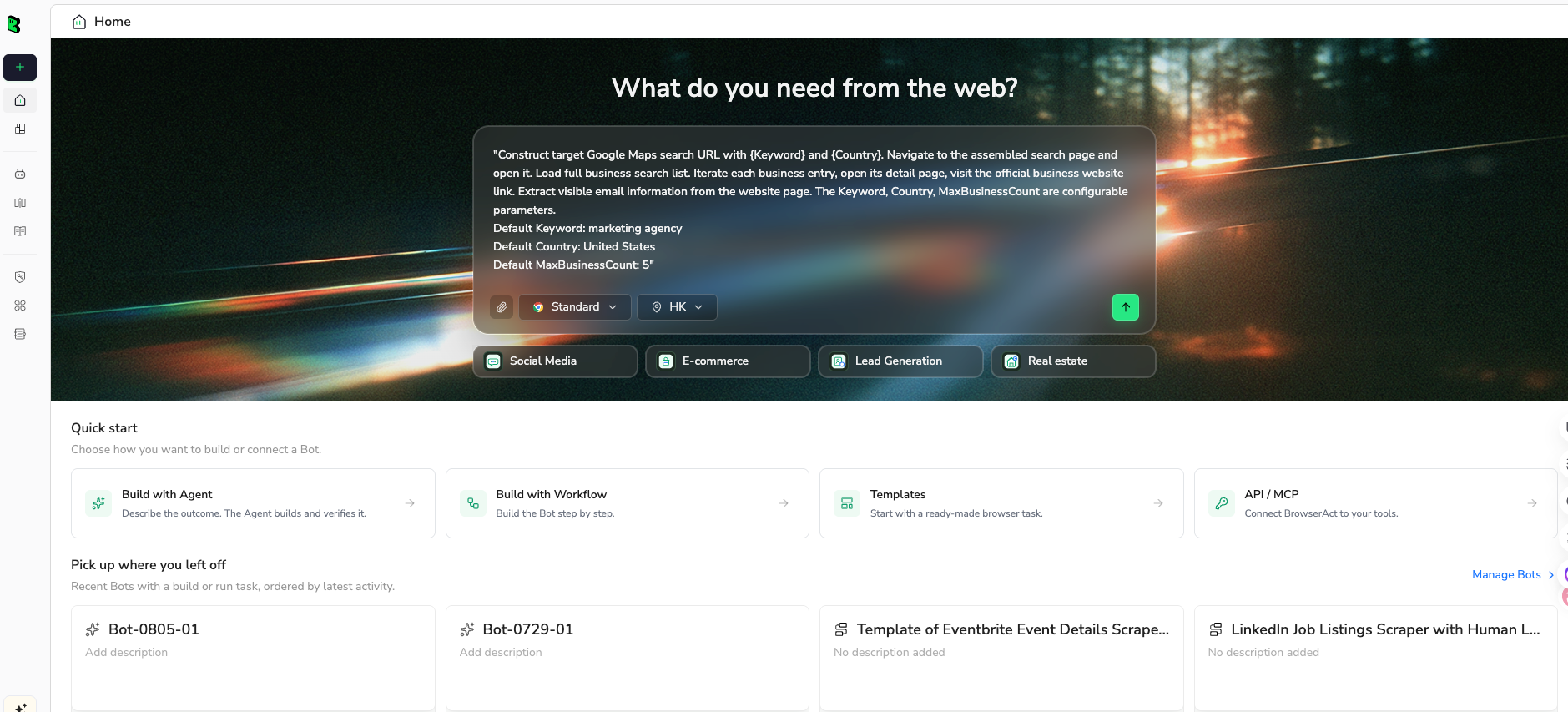
2. Copy the complete prompt
Use this as a first-run prompt. Keep the limit small enough to inspect before scaling.
Build a bulk YouTube transcript extraction workflow for this public or authorized source:

Source URL:
https://www.youtube.com/playlist?list=REPLACE_WITH_PLAYLIST_ID

Goal:
1. Build a video queue from the playlist or channel page.
2. For each video in the first batch, extract the visible transcript or caption data when available.
3. Preserve timestamps, language, caption type, video URL, video title, channel name, playlist/channel source, and queue position.

Return these tables:

Video queue table:
- run_id
- playlist_or_channel_url
- queue_position
- video_url
- video_title
- channel_name
- duration if visible
- queue_status

Transcript segment table:
- run_id
- video_url
- language
- caption_type
- segment_index
- start_time
- end_time or duration
- transcript_text
- row_status
- source_note

Failure log:
- video_url
- failure_type
- failure_note
- retry_count
- last_checked_at

Rules:
1. Use only public or authorized visible data.
2. Process up to 20 videos in the first test batch.
3. Preserve transcript segment order and timestamps whenever available.
4. Mark videos as unavailable, restricted, no_transcript, language_mismatch, partial, duplicate, or needs_review instead of skipping them silently.
5. Deduplicate by video URL, language, start_time, and transcript_text.
6. Stop and ask for manual help if a page requires login, CAPTCHA, 2FA, payment, membership approval, private access, or account confirmation.
7. Do not like, subscribe, comment, post, message, or change account settings.

Output:
- CSV-ready tables for the video queue, transcript segments, and failure log.
- A short batch summary with success_count, partial_count, failed_count, and next recommended retry.
Scrape data from any website.
Describe the data you need. Get a Bot — a reliable, reusable scraper.
Prompt preview: build a YouTube playlist or channel queue, extract visible transcripts, keep timestamps and failure states, then export CSV-ready tables. Private session · Choose your region before you run
Get your Bot — Free3. Handle login only when asked
Bulk workflows increase the chance of edge cases: restricted videos, unavailable transcripts, language-specific captions, or pages that ask for confirmation. BrowserAct should pause when login, CAPTCHA, 2FA, payment, membership approval, private access, or account confirmation appears. Do not automate around those checkpoints.
4. Review, dedupe, and export
Review the first 20-video batch before turning it into a full Workflow. A good export should make success and failure visible.
run_id | video_url | language | caption_type | segment_count | transcript_status | failure_note |
yt-bulk-001 | youtube.com/watch?v=... | en | manual | 214 | complete | |
yt-bulk-001 | youtube.com/watch?v=... | en | auto | 188 | complete | auto captions only |
yt-bulk-001 | youtube.com/watch?v=... | unknown | unavailable | 0 | no_transcript | transcript panel not visible |
Route 2: use a dedicated channel or playlist transcript tool
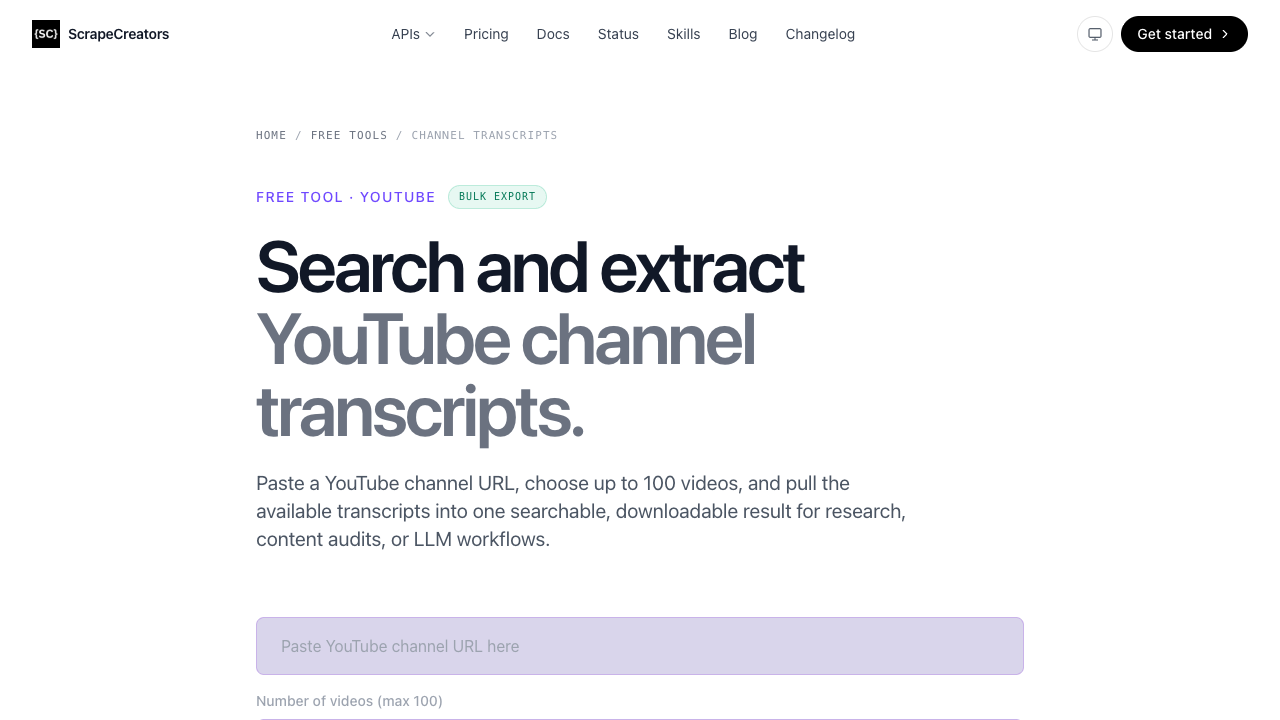
Dedicated tools can be a faster fit when their output already matches your need. ScrapeCreators has a public YouTube Channel Transcripts tool that asks for a channel URL, lets users choose up to 100 videos, and describes the output as searchable and downloadable for research, content audits, or LLM workflows.
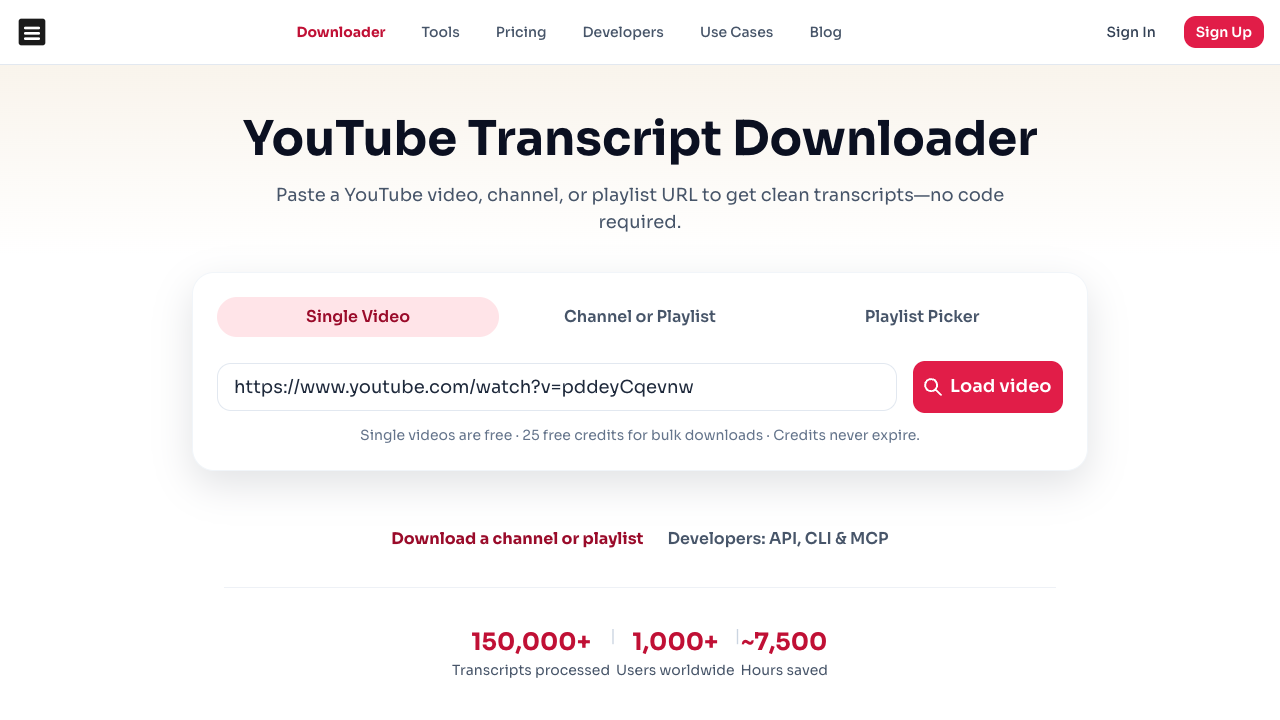
DownloadYouTubeTranscripts positions itself around bulk downloads from videos, channels, and playlists with export formats and credit-based packs.
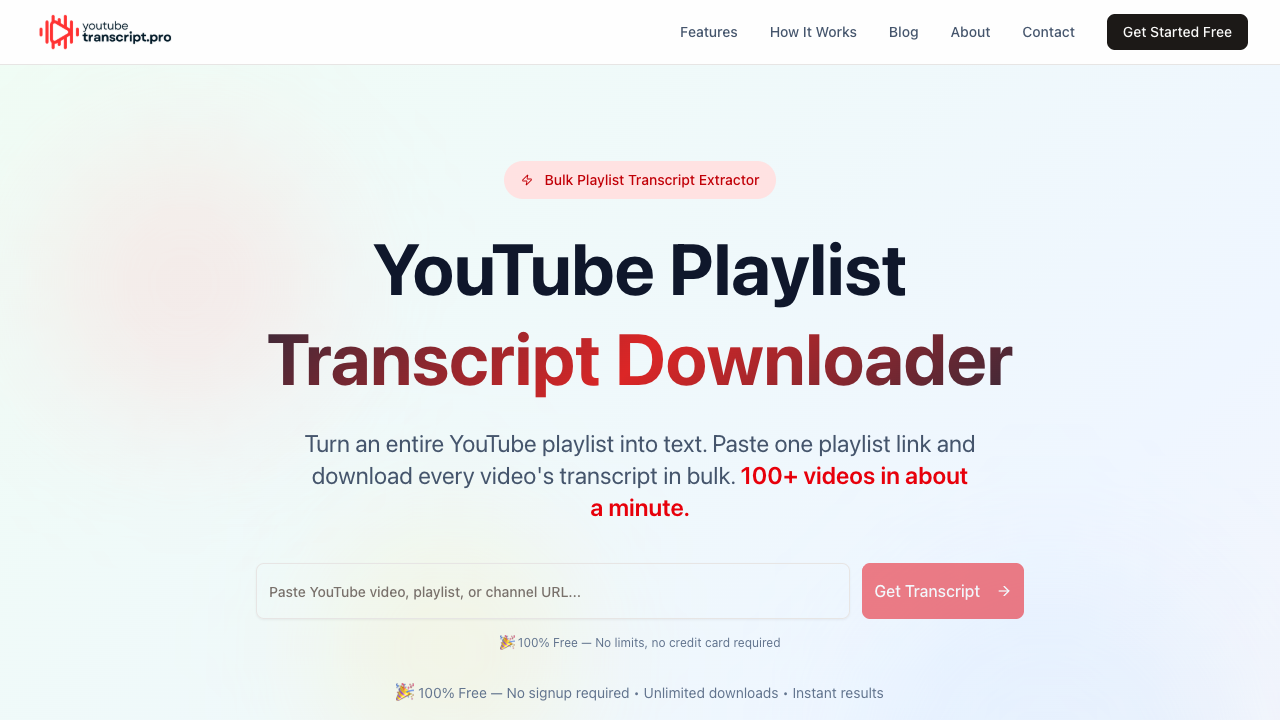
YouTube Playlist Transcript Downloader is another example of the same demand pattern: paste a playlist link and download transcripts in bulk.
Use this route when:
- you need results quickly;
- the tool supports playlists or channels directly;
- export formats are enough for your downstream system;
- you do not need custom queue states, screenshots, or a special schema.
The tradeoff is control. If the tool hides failure reasons or collapses all transcripts into one file, it may save time at collection and cost time during analysis.
Route 3: use an actor or API for developer pipelines
Marketplace actors and APIs are useful when the team wants a programmable endpoint and can accept the provider’s schema.
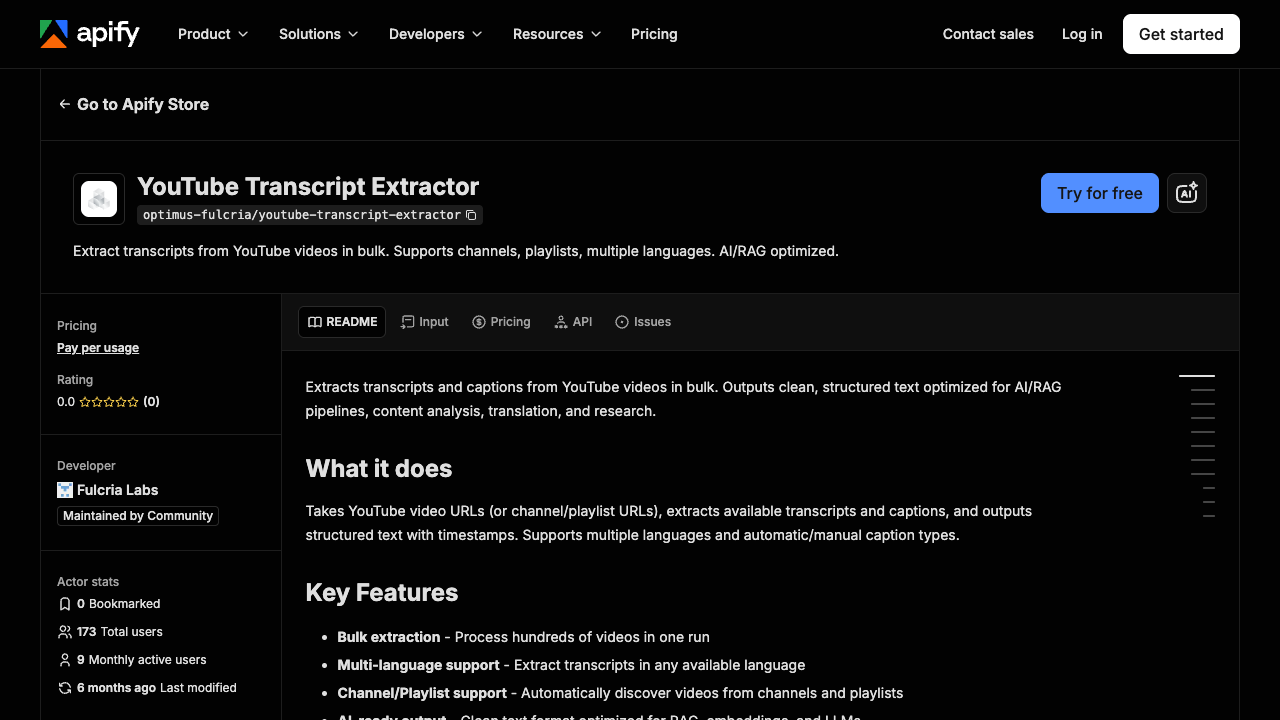
Apify’s YouTube Transcript Extractor - Bulk Captions describes bulk transcript extraction from YouTube videos, including support for channels, playlists, multiple languages, and AI/RAG-oriented output.
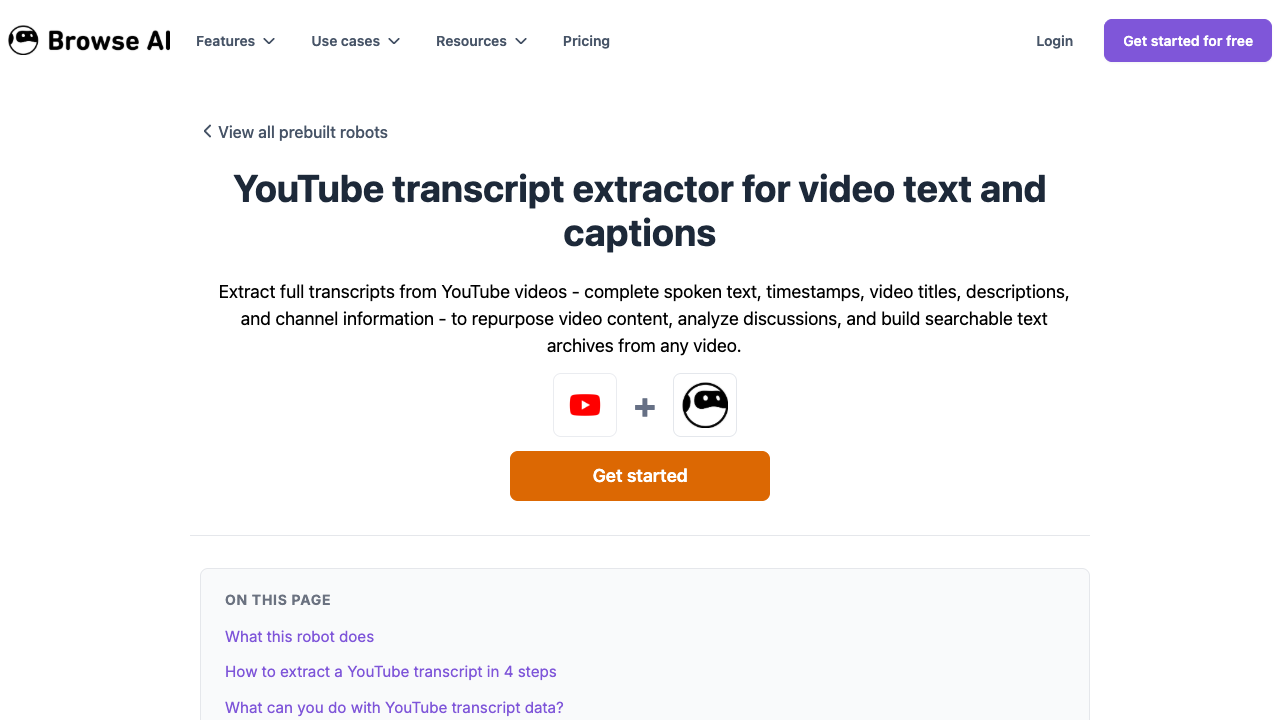
Browse AI’s YouTube transcript robot is positioned around extracting complete transcripts with timestamps, titles, descriptions, and channel information into structured data.
This route is usually best for:
- engineering teams that want API or webhook behavior;
- repeat jobs with known field requirements;
- larger extraction volume;
- output that goes straight into a database, AI workflow, or queue.
Before adopting an actor/API, test the same checklist you would use for BrowserAct: timestamps, language, caption type, unavailable transcripts, duplicates, long videos, playlist ordering, and export shape.
Route 4: use open-source scripts when you need full control
Open-source scripts are attractive for teams that want transparency, local control, and the ability to modify the pipeline. They are also more operationally demanding.
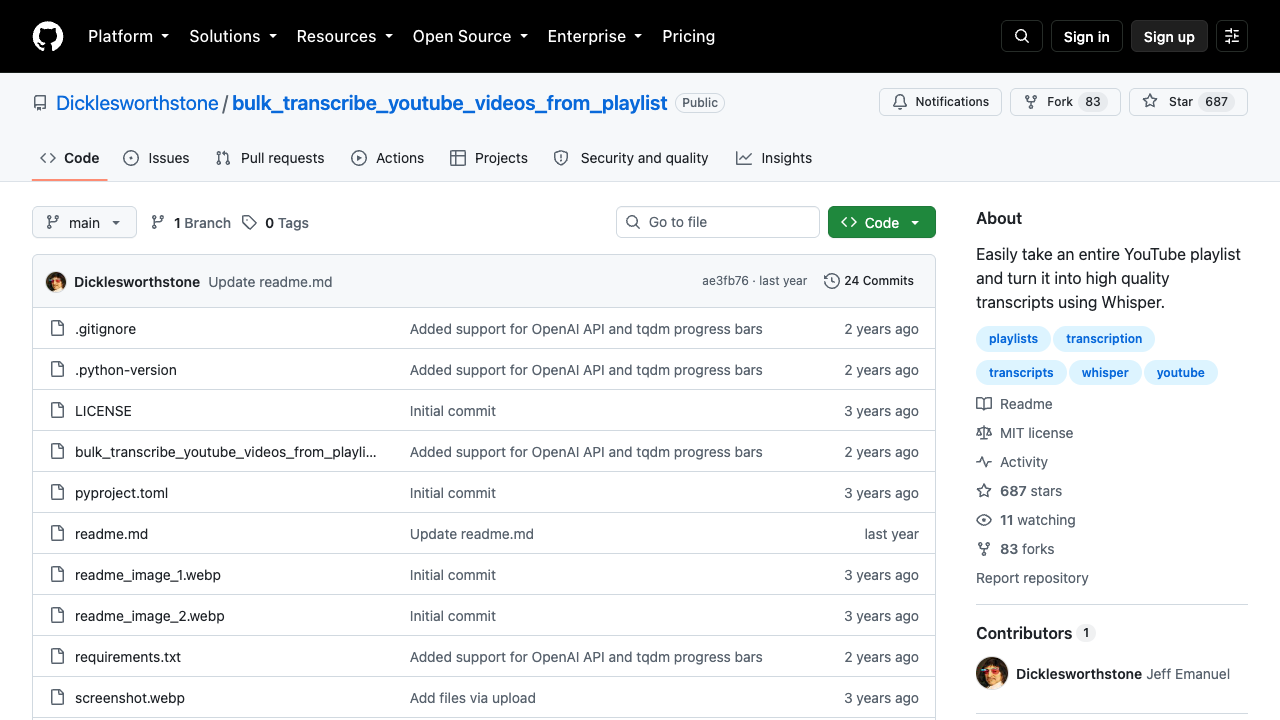
One GitHub repo, bulk_transcribe_youtube_videos_from_playlist, describes a Python-based tool for transcribing YouTube videos and playlists into text, using technologies such as faster-whisper, SpaCy, and CUDA acceleration.
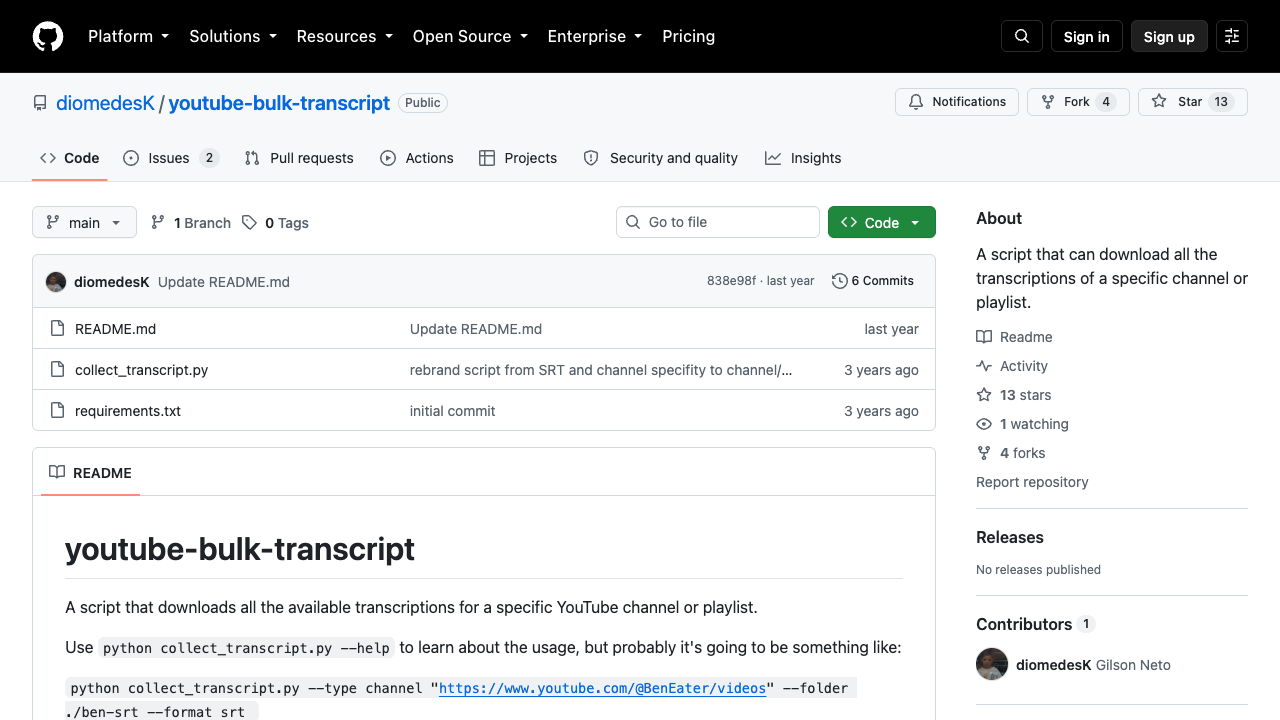
Another repo, youtube-bulk-transcript, describes a script that downloads available transcriptions for a specific YouTube channel or playlist.
Open-source is a good fit when:
- you need local processing;
- you want to inspect or modify each step;
- the team can maintain dependencies;
- you need audio transcription fallback rather than only existing YouTube captions;
- infrastructure cost is acceptable.
It is a poor fit when the user wants a no-code workflow, a quick analyst-run export, or a team-owned process that non-engineers can repeat.
The bulk transcript QA checklist
Do not judge a bulk transcript workflow by whether it returns a file. Judge it by whether the file is trustworthy.
Check | Pass condition |
Queue coverage | Every intended video has a queue row. |
Playlist order | Queue position is preserved or explicitly ignored. |
Transcript availability | Missing transcripts are marked as |
Language | Each transcript row has a language or language status. |
Caption type | Manual, auto-generated, translated, or unknown status is recorded when possible. |
Timestamps | Segment start times survive export. |
Dedupe | Duplicate segment rows are removed or marked. |
Long videos | Truncation is detected and marked. |
Restricted videos | Login, membership, age, private, or payment barriers stop the run. |
Export manifest | Success, partial, and failure counts are stored with the run. |
Recommended workflow by team type
Team type | Best route | Why |
Researcher or marketer | BrowserAct Agent → Workflow | Custom fields, visible review, source URLs, and no-code iteration. |
Content team | Dedicated playlist/channel transcript tool | Fast extraction and simple export for outlines or summaries. |
Data/AI team | Actor/API or BrowserAct CLI | Structured output into RAG, ETL, BI, or notebooks. |
Engineering team | Open-source script or transcript API | Full control, local changes, and integration flexibility. |
Agency | BrowserAct Workflow plus export manifest | Repeatable client reports with visible failure logs. |
Final recommendation
Use a dedicated bulk transcript tool when you need a quick channel or playlist export. Use an actor or API when the extraction belongs inside a developer pipeline. Use open-source scripts when you need local control and have the engineering time to maintain them.
Use BrowserAct when the workflow starts as a research question: collect video URLs from a playlist or channel, extract public or authorized transcript data, preserve timestamps and status fields, review failures, then turn the approved process into a Workflow or CLI-driven job.
The best bulk YouTube transcript workflow is not the one that promises the most videos. It is the one that tells you exactly which videos succeeded, which failed, why they failed, and what can be safely used downstream.
Further reading: YouTube data collection
Frequently Asked Questions
What does “bulk YouTube transcripts” mean?
It means extracting transcripts from many YouTube videos at once, usually from a playlist, channel, CSV of URLs, or saved video queue.
Can I extract transcripts from an entire YouTube playlist?
Yes, several tools and workflows support playlist-level transcript extraction. The important part is preserving video order, timestamps, language, and failure states.
Can I extract transcripts from a whole YouTube channel?
Yes, but channel workflows should first build a video queue. Then each video transcript should be extracted, marked complete or failed, and exported with source URLs.
What fields should a bulk transcript export include?
Include playlist or channel URL, video URL, title, channel name, queue position, language, caption type, segment index, timestamps, transcript text, row status, and failure notes.
Is BrowserAct better than a transcript API?
BrowserAct is better when the workflow needs prompt-first design, browser-visible review, custom fields, screenshots, and manual handoff. A transcript API may be better for stable developer pipelines with fixed schemas.
Should I combine all transcripts into one file?
Only if your downstream tool needs one file. Keep a manifest and source fields even when combining transcripts, otherwise quotes and summaries become hard to audit.
How many videos should I test first?
Start with 10–20 representative videos. Test missing transcripts, long videos, auto captions, multiple languages, duplicates, and restricted pages before scaling.


