Automate YouTube Competitor Monitoring With n8n and BrowserAct

A YouTube competitor tracker is the next step after a one-time competitor analysis. The analysis tells you what worked before. The tracker tells you what changed this week: which competitor uploaded, which title pattern shifted, which video is breaking out, which comments reveal new demand, and which ideas deserve a brief. That is the search intent behind YouTube competitor tracker, YouTube channel monitoring, and YouTube scraper n8n. The reader is not asking for another broad analytics dashboar
-
1A
YouTube competitor trackershould monitor changes over time: new uploads, title/thumbnail shifts, view velocity, comment themes, description updates, and content gaps. - 2n8n is useful for scheduling, Google Sheets, Slack, Discord, email, and diff alerts; BrowserAct is useful when the source collection needs a custom browser-based schema.
- 3RSS is efficient for detecting new uploads, but it misses changes to descriptions, pinned comments, playlists, channel pages, and some engagement signals.
- 4The best tracker is not a noisy alert feed. It has dedupe keys, row status, thresholds, and a weekly review table.
- 5BrowserAct Agent is the right first step for schema design; BrowserAct Workflow repeats the approved collection; BrowserAct CLI fits scheduled or n8n-controlled runs.
Competitor analysis vs competitor tracking
Do not make this article’s core mistake: treating a tracker as a prettier competitor audit.
One-time competitor analysis | Ongoing competitor tracking |
Looks at what worked before | Watches what changed now |
Exports historic top videos | Detects new uploads and fresh outliers |
Helps define the competitor set | Keeps the competitor set current |
Produces a strategic snapshot | Produces weekly signals and alerts |
Good for planning a content pillar | Good for keeping briefs updated |
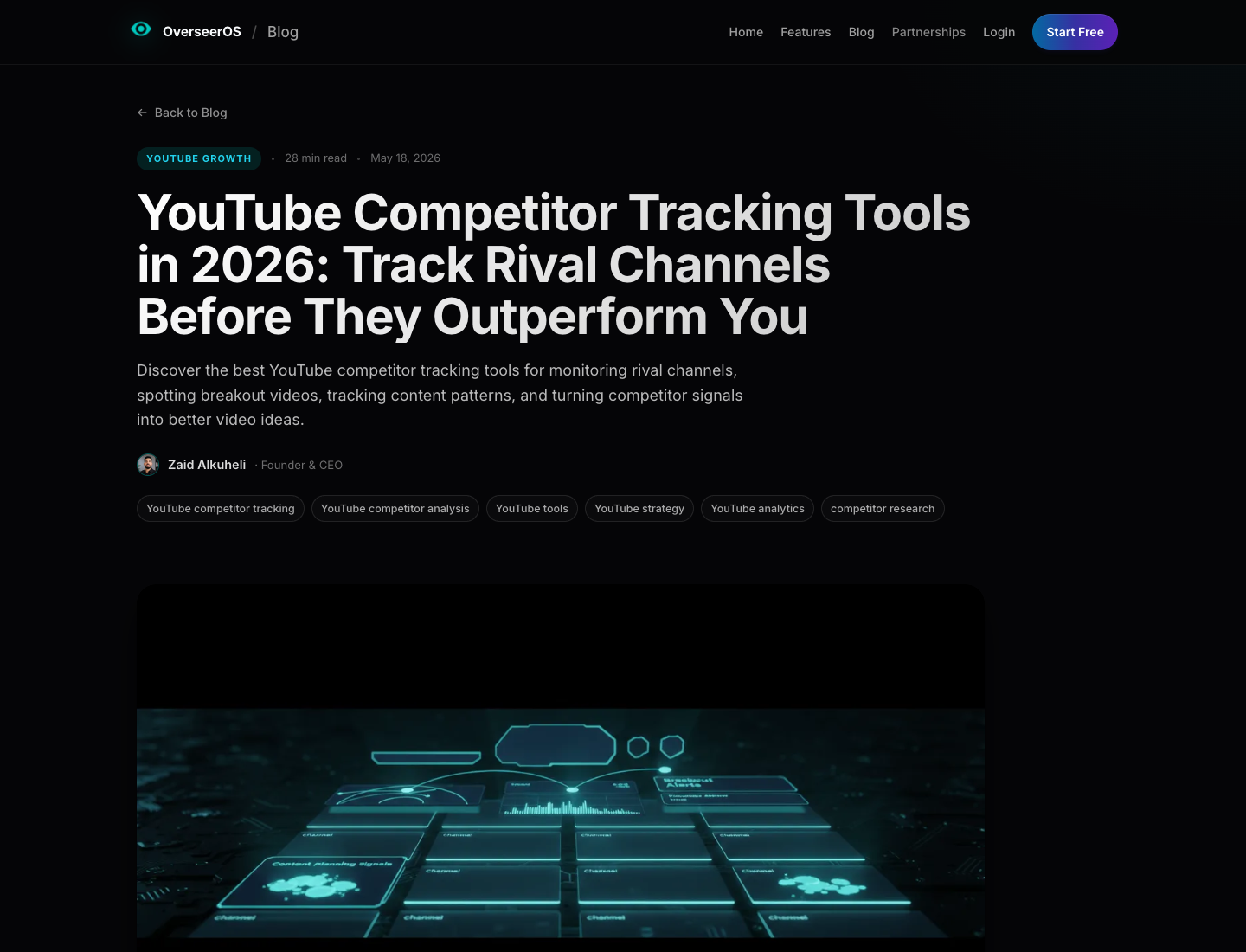
OverSeerOS makes the same distinction clearly: competitor analysis is usually a snapshot, while competitor tracking is continuous monitoring for uploads, breakout videos, topic shifts, formats, title patterns, thumbnail patterns, and competitor momentum.
The goal is not to copy competitors faster. The goal is to stop being surprised by them.
What a YouTube competitor tracker should monitor
Start with a narrow signal list. If the tracker watches everything, your team will ignore it.
Signal | Why it matters | Suggested check |
New upload | First indicator that a competitor is moving | daily or weekly |
Title change | Shows repositioning, A/B testing, or new keyword targeting | weekly for high-value videos |
Description change | Reveals CTA, offer, sponsor, link, or positioning changes | weekly for important videos |
View velocity | Spots videos gaining traction faster than usual | daily for new uploads |
Comment spike | Indicates discussion, controversy, demand, or confusion | daily for high-priority videos |
Repeated comment theme | Shows audience questions and gaps | weekly |
Playlist or channel-page change | Indicates content architecture or campaign shift | weekly |
Search result movement | Shows who is winning for a topic cluster | weekly or monthly |
Transcript/claim changes | Useful for B2B, product, tutorial, or comparison niches | monthly or when a video changes |
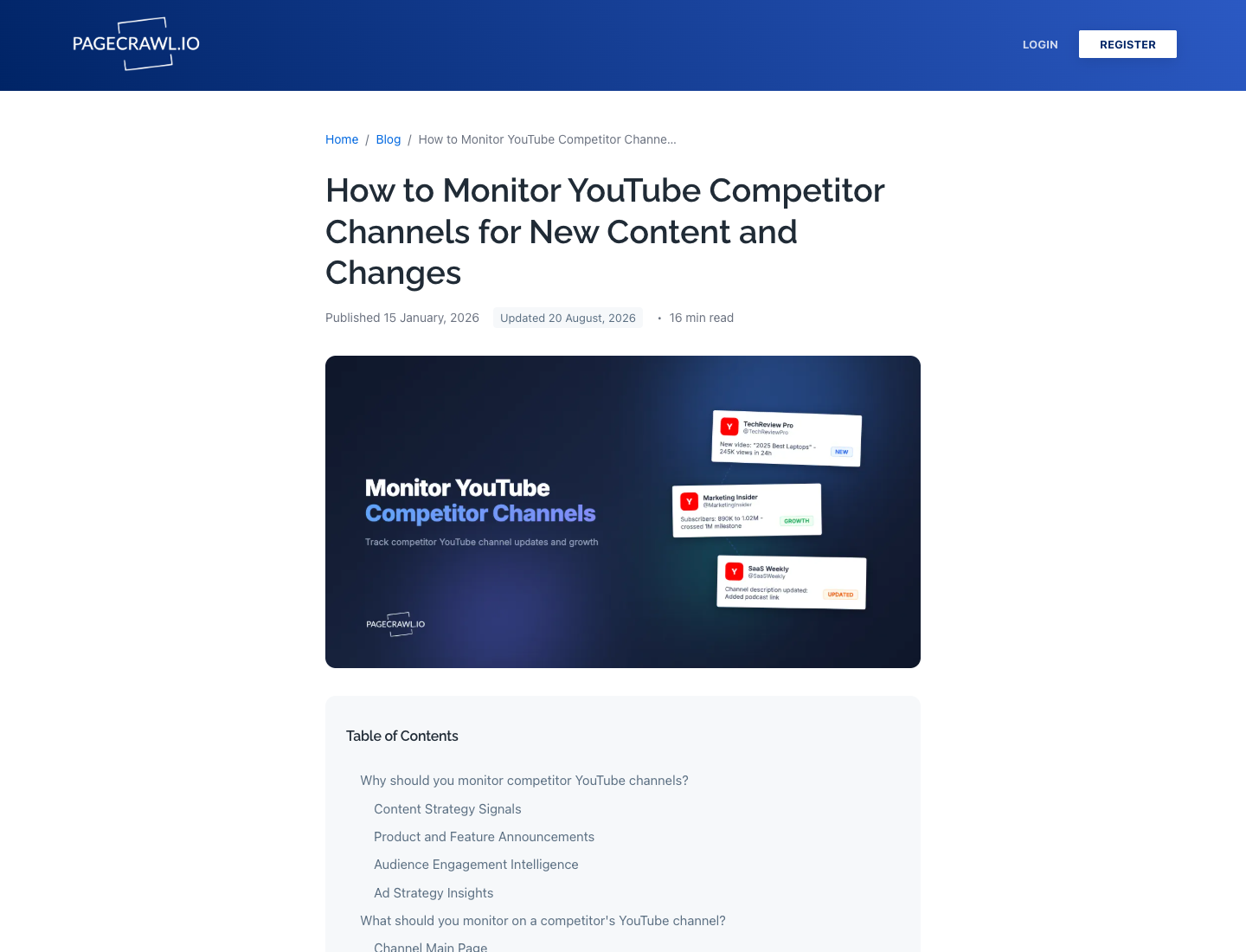
That split maps well to BrowserAct and n8n. Let n8n handle the schedule and notifications. Let BrowserAct collect the custom browser evidence when RSS or API output is too thin.
The practical architecture
Use four layers.
Layer | Tool fit | Job |
Source list | Google Sheet, Airtable, database | Store competitor channels, priority, tags, and owner |
Collection | BrowserAct, YouTube API, RSS, actor, monitoring tool | Fetch new videos, channel rows, comments, descriptions, or search results |
Orchestration | n8n, cron, BrowserAct CLI | Schedule runs, route errors, dedupe rows, send alerts |
Review | Sheets, Slack, Notion, BI, content calendar | Decide what becomes a brief, update, or ignore item |
Use those as orchestration examples, not as the whole strategy. The business value comes from deciding which changes matter.
When to use RSS, API, BrowserAct, or a monitoring tool
Each route is good at a different layer.
Route | Best fit | Limitation |
RSS feed | new-upload alerts without API quota | limited fields, misses many page changes |
YouTube Data API | supported channel/video/search data with engineering help | quota, credentials, field joining, and setup work |
n8n | scheduling, Sheets, Slack/Discord/email, diff alerts | needs a collection source; not magic by itself |
BrowserAct Agent | custom browser-based public-data collection with source evidence | first run needs schema design and review |
BrowserAct Workflow | repeat approved competitor collection | best after first-run validation |
BrowserAct CLI | scheduled or n8n-controlled workflow execution | should be used after the workflow is stable |
PageCrawl / Visualping-style monitors | page-change and alert workflows | less flexible for custom row schemas |
OutlierKit / vidIQ / TubeBuddy | packaged YouTube analytics and competitor dashboards | default metrics may not match custom research questions |
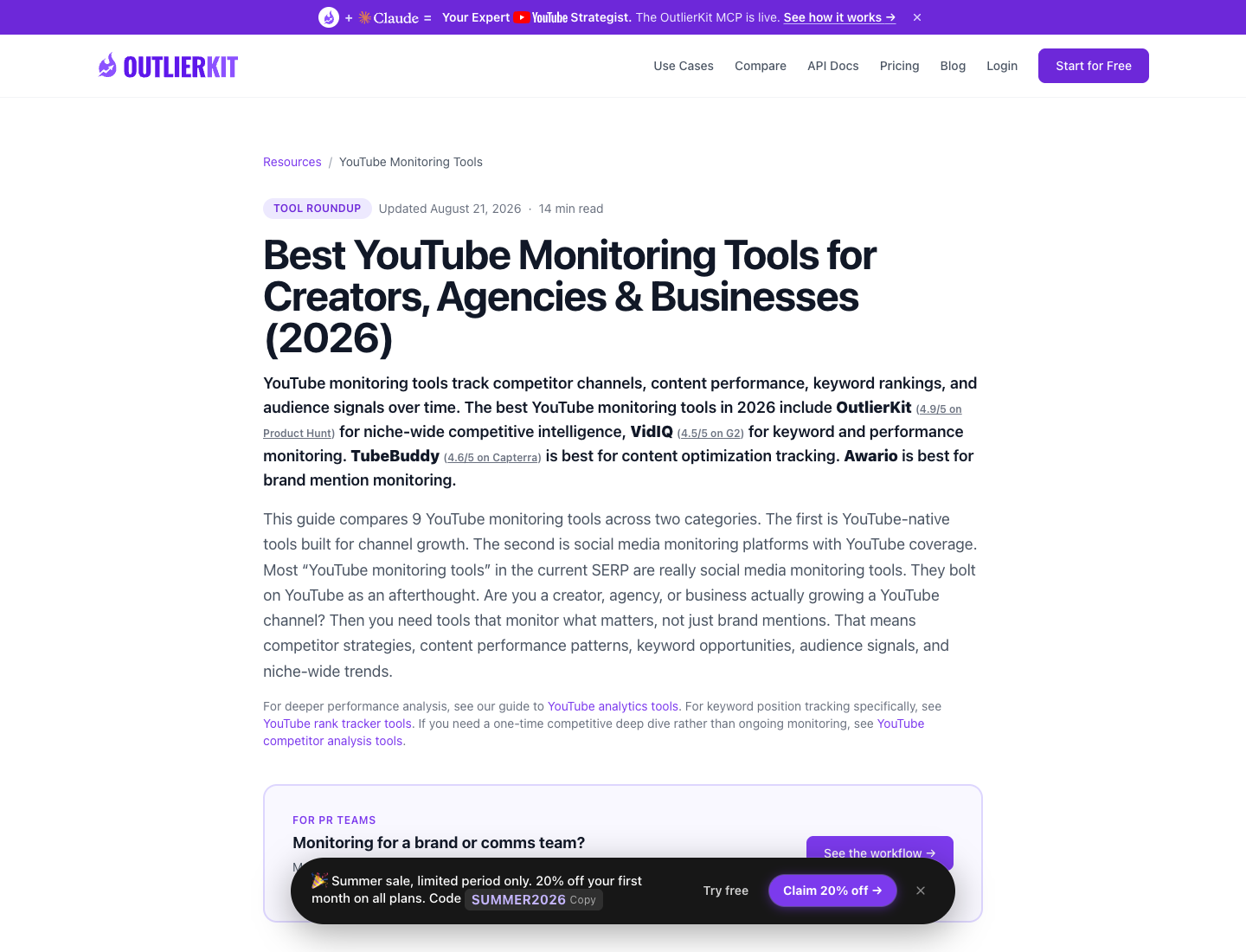
Use a packaged monitoring tool when it already gives you the dashboard you need. Use BrowserAct when the data table itself needs to be custom: competitor group, source URL, video URL, visible metrics, comment themes, transcript clue, row status, gap type, and recommended action.
Build the first BrowserAct monitoring run
Start with a small competitor list. The first run is about proving the row schema, not scraping every rival channel in your niche.
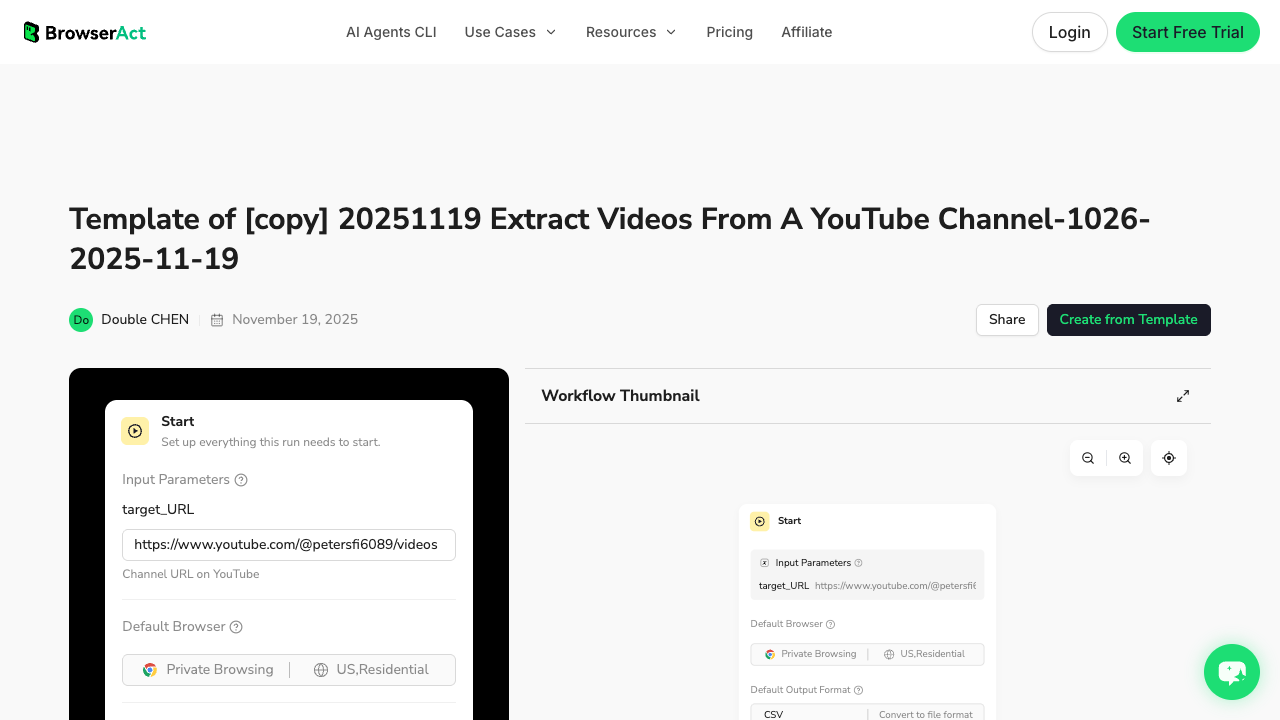
The BrowserAct Extract Videos From a YouTube Channel template is the core asset for the channel/video layer. If the tracker should read audience response, add the BrowserAct YouTube Comment Scraper template for selected videos.
1. Open BrowserAct Dashboard
Click the left-side + button to create your own Bot, start from Quick start, or paste the prompt directly into the center Agent input to begin building.
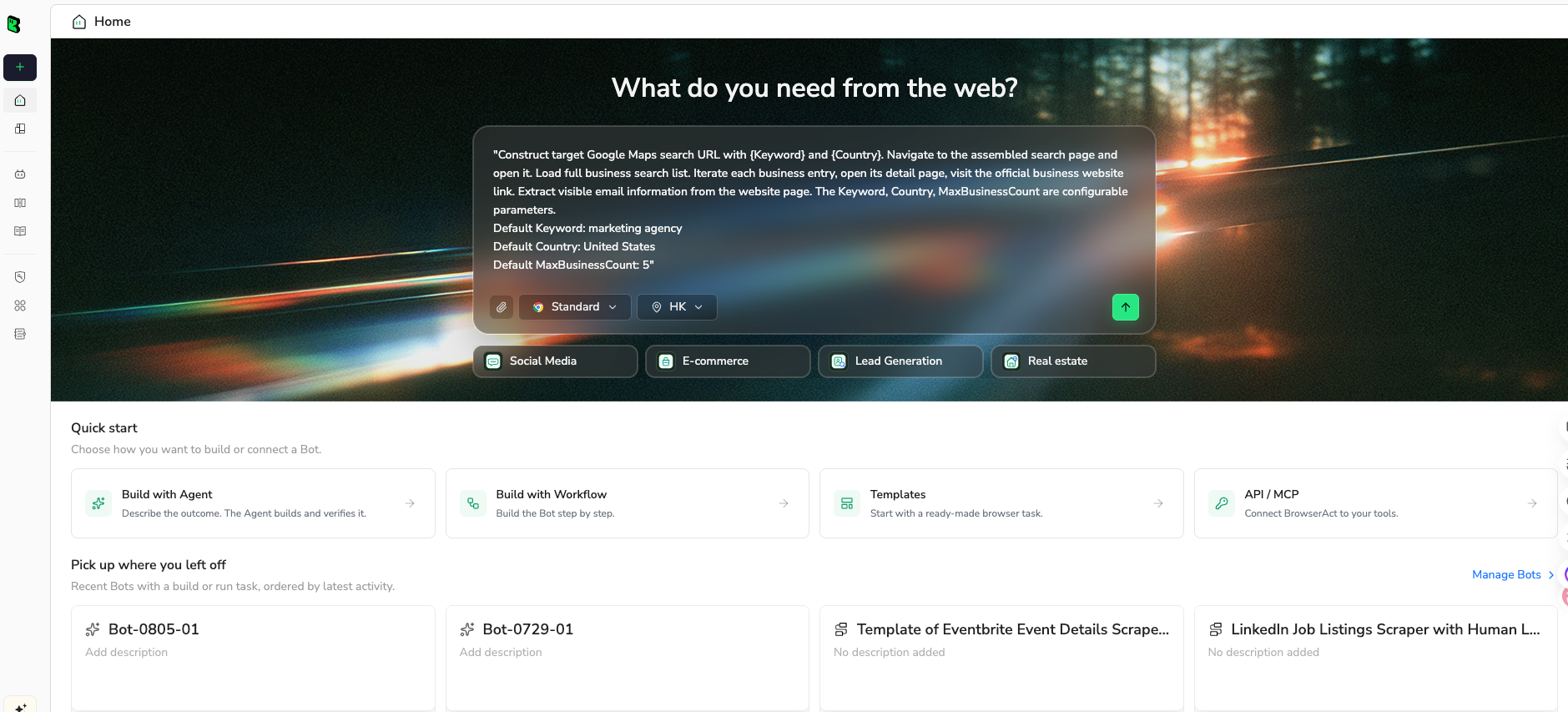
2. Copy the complete prompt
Use this prompt to validate the tracker before scheduling anything.
Build a weekly YouTube competitor tracker dataset.

Competitor channels:
1. [CHANNEL URL]
2. [CHANNEL URL]
3. [CHANNEL URL]
4. [CHANNEL URL]
5. [CHANNEL URL]

Time window:
Check videos published or visibly updated in the last 7 days. Also include any video that appears to be a new outlier compared with the channel's normal recent performance.

Return a Google Sheets-ready table with these fields:
- run_date
- competitor_group
- channel_url
- channel_name
- video_url
- video_title
- publish_date_or_visible_age
- duration
- view_count_if_visible
- like_count_if_visible
- comment_count_if_visible
- description_change_note
- title_or_packaging_note
- baseline_note: new_upload, normal, outlier, updated, unavailable, or needs_review
- comment_theme_if_checked
- gap_type
- recommended_action
- alert_level: high, medium, low, ignore
- dedupe_key
- row_status
- source_note

Rules:
1. Use public or authorized visible data only.
2. Collect up to 100 video rows for the first test.
3. Deduplicate by canonical video_url.
4. Do not invent hidden metrics, exact publish dates, likes, comments, or descriptions.
5. Mark missing fields as blank or partial.
6. Stop and ask for manual help if the page requires login, CAPTCHA, 2FA, payment, membership confirmation, age confirmation, private access, or account confirmation.
7. Do not like, subscribe, comment, post, message, or change account settings.

Output:
- CSV-ready table
- alert summary grouped by competitor
- top 10 changes worth reviewing this week
- rows that were partial, restricted, duplicate, or need manual review
Scrape data from any website.
Describe the data you need. Get a Bot — a reliable, reusable scraper.
Prompt preview: monitor YouTube competitor channels, new uploads, outliers, comments, and alert levels in a Sheets-ready table. Private session · Choose your region before you run
Get your Bot — Free3. Handle login only when asked
If YouTube asks for login, CAPTCHA, 2FA, age confirmation, membership confirmation, payment, or restricted access, BrowserAct should pause for manual handling. A tracker should stay read-only. It should not like, subscribe, comment, post, message, or change account settings.
4. Review, dedupe, and export
Review the first run manually. If you need comment themes, collect them only for high-priority videos instead of every video.
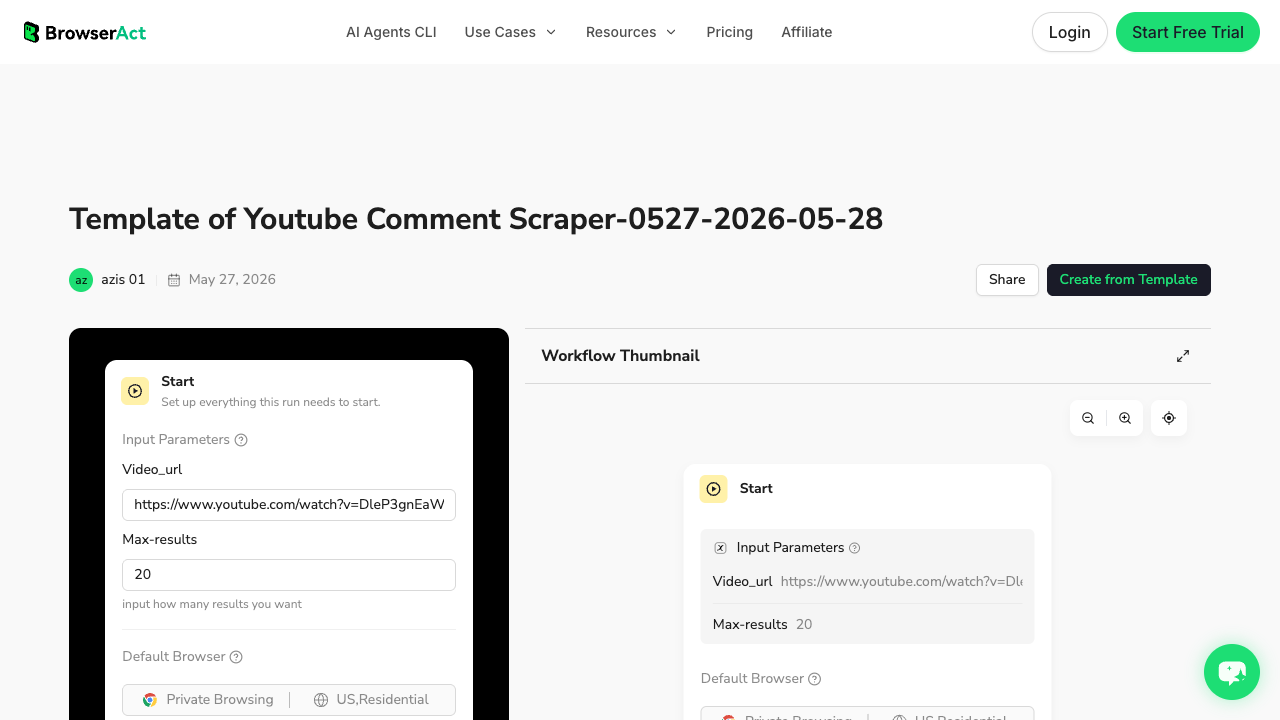
After the review:
- save the approved collection as a BrowserAct Workflow;
- keep
dedupe_key,run_date, androw_statusstable; - trigger the workflow from BrowserAct CLI or n8n;
- write output to Sheets, a database, or a content-planning table;
- alert only when a rule is met.
Add n8n orchestration after the schema is stable
n8n should not be the place where you guess the data schema. Use n8n after the first BrowserAct run has proven:
- which channels are in scope;
- which fields are visible and reliable;
- which missing fields are acceptable;
- which changes deserve alerts;
- which rows should be ignored;
- who receives the weekly summary.
A simple n8n flow can look like this:
- Schedule Trigger runs every Monday morning.
- Read Source List pulls competitor channel URLs from Google Sheets.
- Run Collection triggers BrowserAct CLI, an API route, RSS fetch, or a monitoring tool.
- Normalize Rows maps fields into the approved schema.
- Dedupe checks
video_url + run_dateor a persistentdedupe_key. - Diff compares this week against the last run.
- Score Alerts assigns high, medium, low, or ignore.
- Write Output updates Google Sheets, Airtable, Notion, or a database.
- Notify sends Slack, Discord, email, or a task.
The important part is the diff logic. Without it, the tracker becomes a noisy spreadsheet generator.
Diff rules that prevent alert spam
Start with simple rules.
Alert rule | Alert level | Why |
New competitor upload in target topic cluster | medium | Worth reviewing in weekly planning |
New upload crosses a view threshold faster than channel baseline | high | Possible breakout topic or packaging pattern |
Title changes after upload | medium | Indicates repositioning or testing |
Description adds offer, sponsor, link, or product CTA | medium | Competitive positioning signal |
Comments repeat the same request or complaint | high | Audience gap, FAQ, or product/content opportunity |
Channel changes upload cadence | low/medium | Strategy shift, but may need several weeks of proof |
Same row already alerted | ignore | Avoid duplicate noise |
Missing or restricted row | needs review | Do not invent data |
alert_reason and source_note columns. They make the weekly review faster and keep the tracker auditable.
What the weekly review should produce
A tracker is only useful if it changes decisions.
Tracker finding | Weekly output |
Competitor launched a new series | Add to watchlist; compare next 3 uploads |
Small channel outperformed baseline | Review title, format, thumbnail, comments |
Comments ask for a missing template | Add FAQ, tutorial, or product-led article/video |
Search result is old but still ranking | Create or update content around that query |
Competitor changed CTA or description | Review positioning and campaign timing |
Same topic appears across channels | Cluster into content pillar or campaign brief |
priority | competitor | source_url | signal | evidence | recommended_action | owner | status |
high | Channel A | video URL | outlier upload | views rising faster than baseline | write teardown brief | content lead | review |
medium | Channel B | video URL | title changed | “2026” added after upload | monitor ranking shift | SEO lead | watch |
high | Channel C | comments | repeated request | viewers ask for template | create tutorial | product marketing | brief |
Common mistakes
Mistake | Better approach |
Monitoring too many competitors | Start with 5–10 channels and expand only after alerts are useful. |
Alerting on every upload | Alert only when the upload matches a topic cluster, view threshold, or strategic competitor. |
Treating RSS as complete monitoring | Use RSS for new uploads; use browser/API/page monitoring for richer fields. |
Skipping dedupe | Use canonical |
Ignoring partial rows | Keep |
Sending raw rows to Slack | Send a short alert summary and link to the sheet. |
Automating before schema review | Validate BrowserAct Agent output before saving Workflow or CLI runs. |
Final recommendation
Use n8n when you need scheduling, Sheets, Slack, Discord, email, and workflow routing. Use RSS when the only signal is new uploads. Use the YouTube Data API when your team has credentials, quota planning, and developer support. Use monitoring tools like PageCrawl, OutlierKit, vidIQ, TubeBuddy, or Socialinsider when their dashboard already answers the question.
Use BrowserAct when the collection layer needs to be flexible and source-linked: public channel pages, video rows, descriptions, comments, row status, screenshots, custom alert labels, and exports that your team can review before scheduling.
The best YouTube competitor tracker is not the one with the most alerts. It is the one that turns a few real changes into better briefs every week.
Further reading: YouTube data collection
Frequently Asked Questions
What is a YouTube competitor tracker?
A YouTube competitor tracker is a recurring workflow that monitors rival channels, new uploads, video performance signals, comments, page changes, and content gaps so your team can respond with better content decisions.
How is competitor tracking different from competitor analysis?
Competitor analysis is usually a snapshot of past performance. Competitor tracking is ongoing monitoring that catches new uploads, breakout videos, title changes, audience questions, and strategy shifts over time.
Can n8n monitor YouTube competitors?
Yes. n8n can schedule workflows, read channel lists from Google Sheets, fetch RSS or API data, trigger BrowserAct CLI, write rows back to Sheets, and send Slack, Discord, or email alerts.
Can I monitor YouTube channels without the API?
For basic new-upload alerts, RSS can work without a Google Cloud API key. For richer page evidence, BrowserAct or page-monitoring tools can collect public visible data. Use only public or authorized data and stop on restricted access.
What fields should a YouTube competitor tracker include?
Useful fields include run date, channel URL, video URL, title, publish date or visible age, views if visible, comments if visible, baseline note, alert level, gap type, recommended action, dedupe key, row status, and source note.
Should I track comments in every competitor video?
Usually no. Track comments for high-priority videos, outliers, product comparisons, tutorials, launch videos, or videos where audience questions can reveal content gaps.
When should I use BrowserAct Workflow?
Use BrowserAct Workflow after the first BrowserAct Agent run proves the schema, fields, stop rules, and export format. Workflow is for repeating the approved collection path.
When should I use BrowserAct CLI with n8n?
Use BrowserAct CLI when n8n or a scheduled job needs to trigger a reviewed BrowserAct Workflow and pass the output into Sheets, a database, Slack, Discord, or a reporting process.


