TikTok Video Scraper: Extract Metadata and Engagement

A TikTok video scraper is useful when the real question is not “can I download a video?” but “which videos, creators, captions, hashtags, sounds, and engagement signals should my team study next?” That difference matters. A useful TikTok video export should preserve the source video URL, creator handle, caption or visible description, publish time when available, like count, comment count, share count, view count when available, hashtags, sound or music signal, collection timestamp, and a status
-
1
TikTok video scraperis a metadata-and-engagement query: readers want video URLs, captions, creators, timestamps, hashtags, sounds, and engagement counts—not a generic “scrape TikTok” answer. - 2Start with BrowserAct Agent when the target list, fields, and stop rules are still being tested; use the TikTok Scraper template for Explore/feed-style collection, Workflow for repeat reports, and BrowserAct CLI when engineering needs to trigger the approved run.
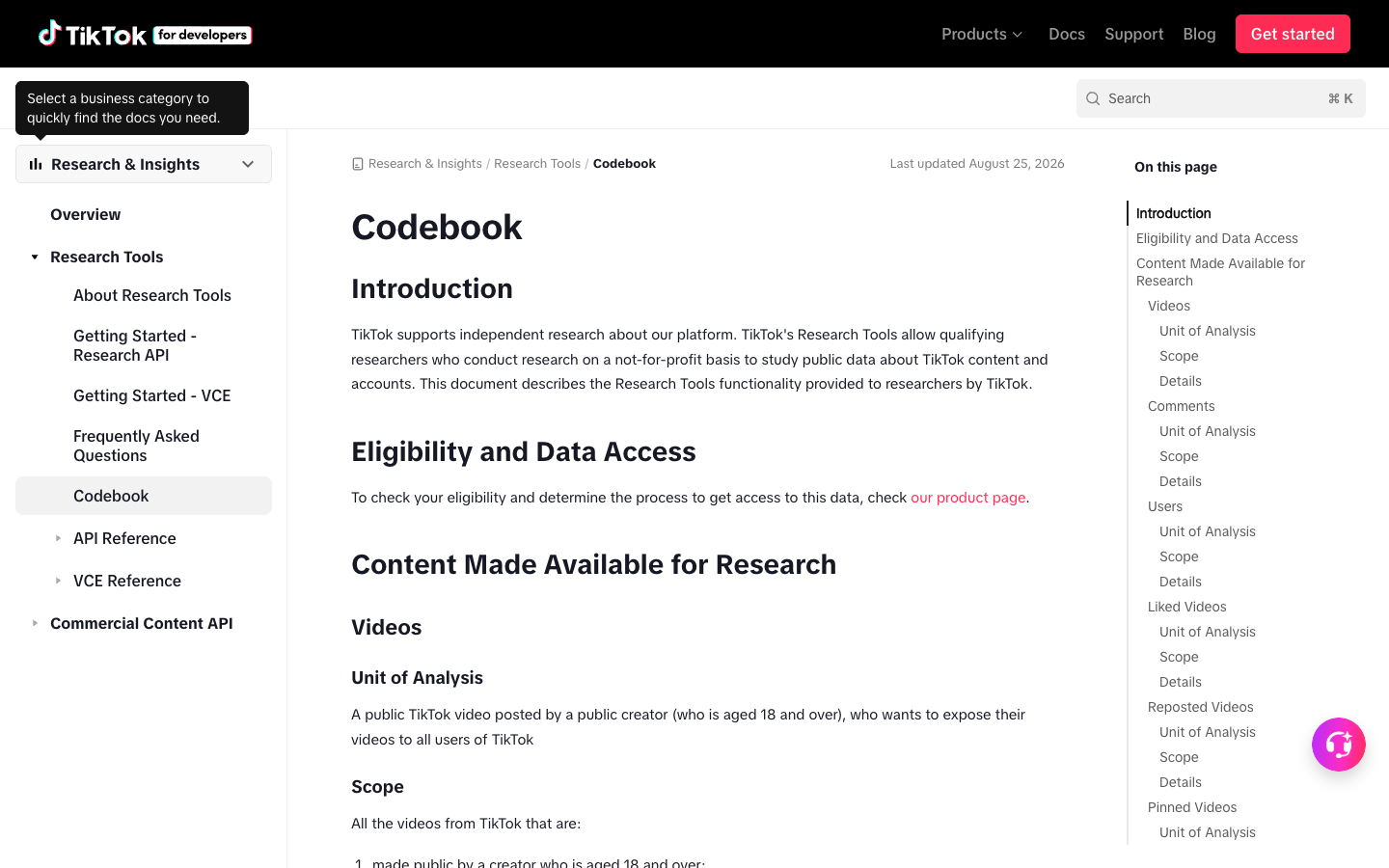
- 3TikTok’s own Research API docs are a useful schema reference because they document video fields such as ID, create time, username, description, music ID, like count, comment count, share count, view count, hashtags, mentions, labels, and duration.
- 4Dedicated APIs or marketplace actors are better when the job is already fixed: known video URLs in, JSON/CSV metadata out. BrowserAct is better when the team needs a browser-tested, source-linked research workflow.
- 5Keep the run read-only and public or authorized. Stop on login, CAPTCHA, 2FA, private content, payment, posting, liking, following, messaging, or anything that changes an account.
What should a TikTok video scraper export?
If a tool only returns a video URL and a like count, it may be enough for a quick trend scan. For research, influencer vetting, campaign review, or competitor monitoring, the table needs a stronger schema.
Field | Why it matters |
| Keeps the row auditable and easy to revisit |
| Helps dedupe and reconcile exports |
| Connects videos to public creator pages |
| Captures hooks, keywords, CTAs, and product language |
| Enables velocity and timing analysis |
| Measures visible positive interaction |
| Shows conversation depth |
| Helps identify distribution potential |
| Useful when visible or returned by a documented API |
| Connects videos to topics and trend clusters |
| Helps identify creative and music patterns |
| Useful for hook and pacing analysis |
| Explains complete, partial, login-required, private, unavailable, or blocked rows |
| Makes repeated exports comparable |
When video scraping is the right workflow
Use a TikTok video scraper when the unit of analysis is the video, not the comment thread, profile biography, or hashtag page.
Use case | What to collect | BrowserAct fit |
Trend research | video URL, caption, hashtags, sound, engagement, publish time | Agent to test a new trend brief; Workflow for repeat checks |
Competitor content review | competitor profile URLs, recent videos, captions, views/likes/comments/shares | Workflow when the same competitor list repeats |
Creator vetting | creator handle, recent video topics, engagement, comments count, cadence | Agent first, then a saved Bot for shortlist refreshes |
Campaign reporting | campaign hashtag videos, source URLs, engagement, row status | Template or Workflow with a fixed hashtag/profile list |
Creative analysis | hook text, caption, duration, sound, CTA, format notes | Agent because human judgment and notes matter |
Data pipeline handoff | stable schema, source URL, row status, export format | CLI after the workflow is approved |
Build a TikTok video scraper with BrowserAct
Use this workflow when you need a practical first run over public or authorized TikTok video lists. Start small, inspect the rows, then only scale after the schema is clean.
- Open BrowserAct Dashboard
Click the left-side + button to create your own Bot, start from Quick start, or paste the prompt directly into the center Agent input to begin building.
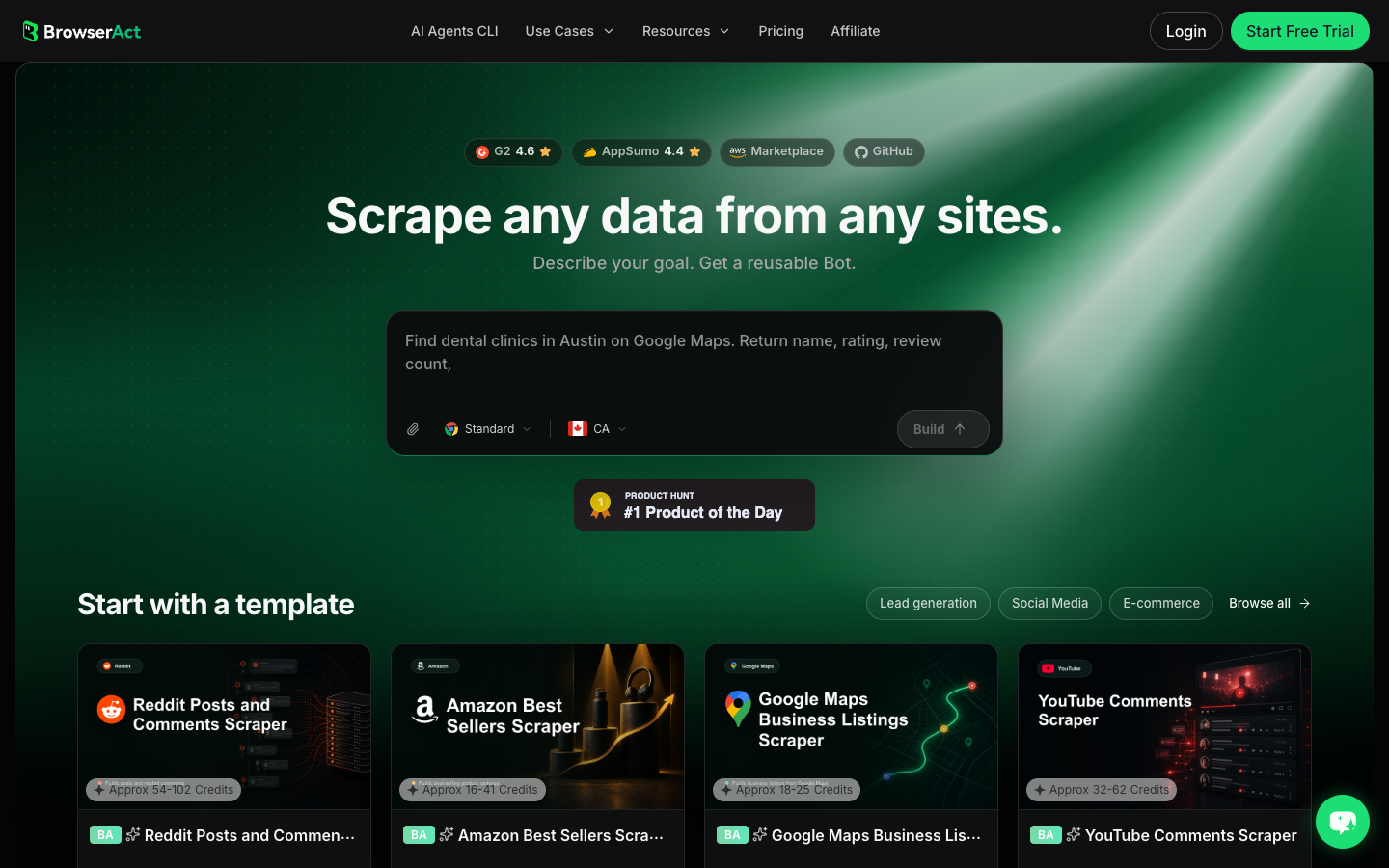
- Copy the complete prompt
Replace the target URL and result limit. Keep the stop rules intact.
Go to the TikTok target page I provide and collect only public or authorized video data visible in the browser.

Target page:
- Replace this line with one public TikTok profile, hashtag, Explore, search, or video-list URL.

Collect up to 80 visible videos. Do not keep scrolling forever.

For each video row, capture:
- source_video_url
- video_id when visible or inferable from the URL
- creator_handle
- creator_profile_url
- caption_or_description
- hashtags
- sound_or_music_name when visible
- visible_like_count
- visible_comment_count
- visible_share_count when visible
- visible_view_count when visible
- published_at or create_time when visible
- duration when visible
- collected_at
- source_status: complete, partial, login_required, captcha_required, private_or_restricted, unavailable
- reviewer_note explaining why the video may matter: trend signal, competitor example, creator candidate, product mention, campaign post, or unrelated

Deduplicate by source_video_url first. If the same video appears twice in a feed, keep one row and add a note.

Do not follow, like, comment, message, download restricted media, purchase, change settings, bypass restrictions, or access private content.

If login, CAPTCHA, 2FA, age gate, account confirmation, private content, payment, or restricted access appears, pause and ask for human review instead of continuing automatically.

Export the result as a source-linked table suitable for CSV, JSON, Markdown, or Google Sheets.
Scrape data from any website.
Describe the data you need. Get a Bot — a reliable, reusable scraper.
Prompt preview: collect public TikTok video URLs, creator handles, captions, hashtags, visible engagement counts, row status, and reviewer notes. Private session · Choose your region before you run
Get your Bot — Free- Handle login only when asked
If BrowserAct pauses on login, CAPTCHA, 2FA, age gate, account confirmation, private content, payment, or restricted access, treat that as a human checkpoint. Do not turn a stop screen into an automated workaround.
- Review, dedupe, and export
Inspect the first export before scaling. Remove duplicate video URLs, keep source_status, and export to CSV, JSON, Markdown, or a Sheets-ready table. If the same target list should refresh weekly, save the validated path as BrowserAct Workflow. If an internal system needs to trigger the approved run, use BrowserAct CLI.
Expected output schema:
Column | Example | Why it matters |
| TikTok video URL | Makes each row auditable |
| visible handle | Connects content to a public creator |
| visible caption | Captures hooks, keywords, product language |
| visible tags | Groups videos by theme |
| visible likes | Measures visible interaction |
| visible comments | Signals conversation depth |
| visible shares | Helps spot distribution potential |
| visible sound | Supports creative and music trend analysis |
|
| Explains gaps instead of hiding them |
| “competitor hook example” | Turns a raw table into research evidence |
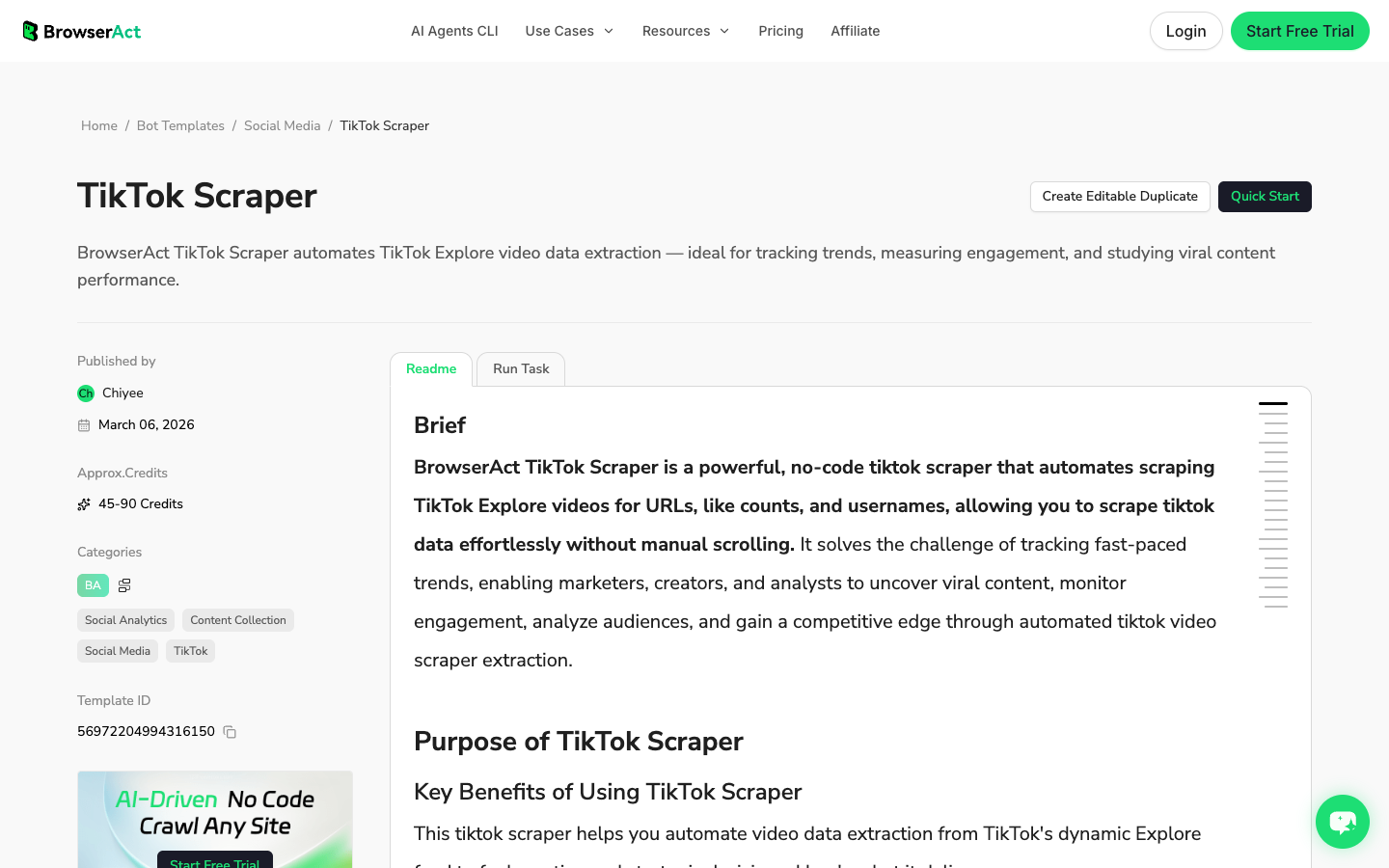
No fake BrowserAct export screenshot is shown here. The screenshot above is a real BrowserAct TikTok Scraper template page; use the schema table until your team has a fresh live export from its own approved run.
BrowserAct vs API actors vs no-code templates
Choose the route based on how much uncertainty exists in the job.
Route | Best for | Watch out for |
BrowserAct Agent | New research questions, custom fields, source screenshots, row status, reviewer notes | Not the first choice for massive fixed URL lists |
BrowserAct TikTok Scraper template | Explore or feed-style video extraction with no-code setup | Confirm whether the default fields match your brief |
BrowserAct Workflow | Weekly competitor/trend refreshes after the path is validated | Needs a clean first run before scheduling |
BrowserAct CLI | Engineering-controlled runs, pipelines, internal reporting | Only use after the workflow and schema are approved |
Marketplace actor | Known video URLs or IDs, structured JSON/CSV at scale | Less flexible if your fields or stop rules change |
Official TikTok Research API | Qualified research projects that fit official access rules | Access, eligibility, field coverage, and rate limits vary by program |
What APIs and actors are good at
If the task is already stable, an API or actor may be faster. For example, an Apify TikTok post actor describes a URL/ID-based flow that returns post metadata, engagement stats, author snapshots, music details, hashtags, and mentions. That is a good fit when engineering already has a list of TikTok URLs and wants a predictable JSON/CSV response.
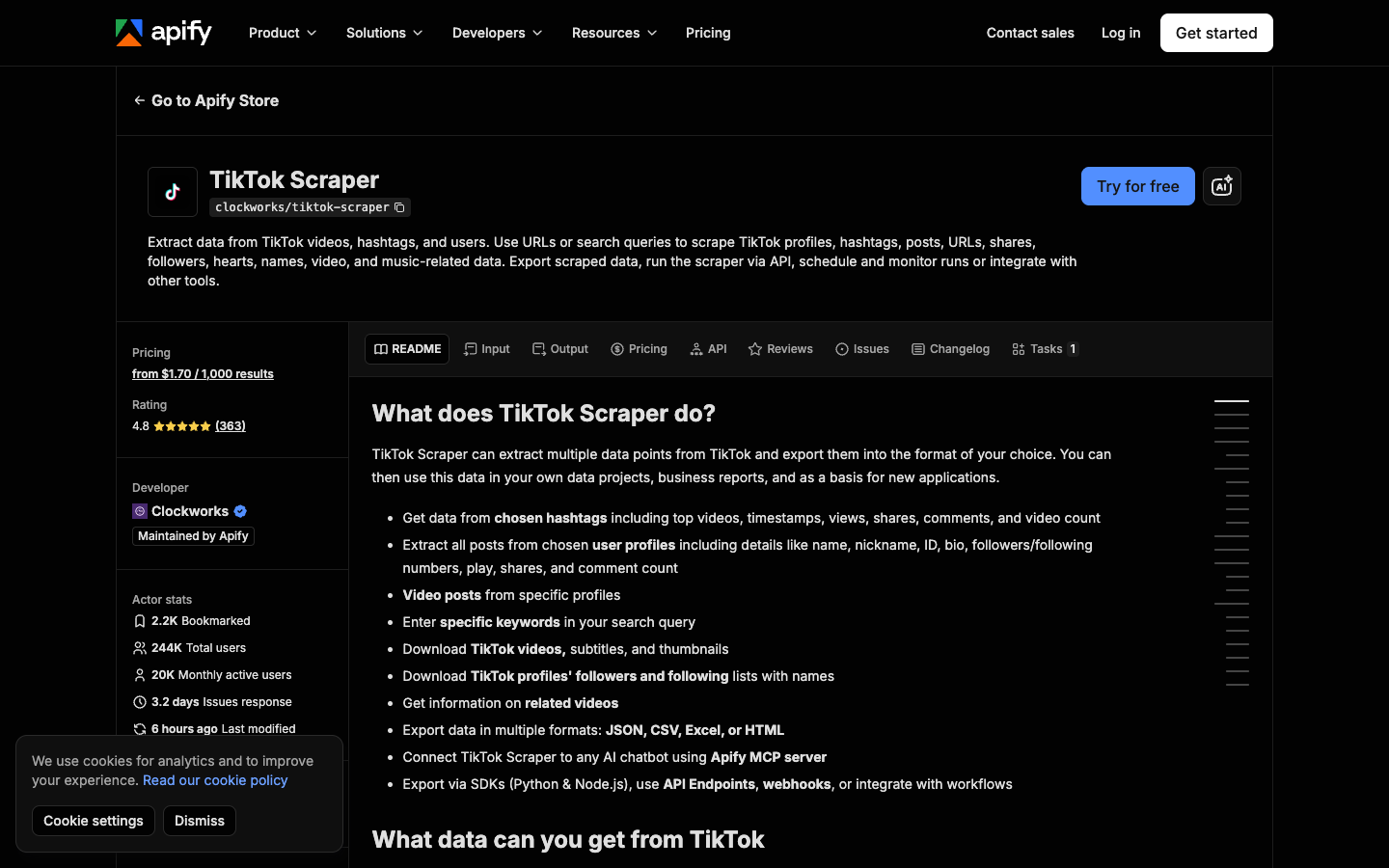
The tradeoff is flexibility. A fixed actor is usually strongest when the input and output are known. BrowserAct is stronger when a marketer, researcher, or analyst is still discovering which page, scroll path, fields, stop conditions, and notes actually answer the question.
A practical workflow for content and data teams
Here is the cleanest way to move from idea to repeatable TikTok video data.
1. Define the research question
Bad brief: “Scrape TikTok videos.”
Better brief: “Export up to 80 public videos from these competitor profiles and record source URL, creator, caption, hashtags, sound, visible engagement, publish time, and a reviewer note about the hook.”
The better brief tells BrowserAct Agent, a template, or an API exactly what counts as success.
2. Start with a small sample
Use 20–80 videos before running hundreds. The goal is to catch schema problems early: missing source URLs, short-count formatting such as 1.2M, captions cut off by the interface, repeated feed items, missing share counts, or content that requires login.
3. Normalize engagement fields
Keep the visible count exactly as captured, then normalize separately if needed.
Raw value | Normalized note |
| store raw, optionally convert to 1200 in a separate numeric column |
| store raw, optionally convert to 3000000 |
hidden / not visible | leave blank and mark |
changed after refresh | keep |
4. Add a review layer
Video metadata is useful, but a review note makes it usable. Add a short label such as strong hook, product objection, sound trend, creator candidate, campaign post, competitor format, or irrelevant.
5. Save the repeatable path
After the first BrowserAct run is clean, save the target list, field schema, dedupe rule, and stop conditions. That is the point where Workflow and CLI become useful: the human judgment has already shaped the scraper, so repeat runs are safer.
Common TikTok video scraper failure modes
Failure | What it looks like | Better response |
Feed duplicates | Same video appears after scrolling | Deduplicate by source URL |
Missing counts | View/share count not visible in the browser | Leave blank and mark source status |
Caption truncation | Caption is cut or hidden behind expansion | Capture visible text and note partial coverage |
Login wall | TikTok asks for login or age/account confirmation | Pause for human review |
Overbroad target | CSV mixes hashtags, creators, and unrelated topics | Narrow the target URL or keyword list |
No source URL | Stakeholders cannot verify examples | Require |
Raw counts only |
| Preserve raw count and add normalized numeric column |
No review notes | Analyst still has to rewatch every video | Add |
When to use TikTok's official research route
If your organization qualifies for TikTok Research API access and the Query Videos endpoint fits the project, the official route can provide documented video fields, query conditions, pagination, cursor handling, and IDs. Use it when the access model and data coverage match the research question.
Use BrowserAct when:
- you need a practical marketing, creator, or competitor research export;
- the target list changes by profile, hashtag, search result, or campaign;
- the team needs screenshots, row status, and human stop points;
- a researcher needs to test the extraction path before engineering commits to it;
- the output needs reviewer notes, not only machine fields.
Use an API or actor when:
- you already have a clean list of video URLs or IDs;
- the output schema is stable;
- JSON/CSV volume matters more than workflow discovery;
- the engineering team wants a direct endpoint.
Further reading: TikTok research
Frequently Asked Questions
What is a TikTok video scraper?
A TikTok video scraper collects public or authorized TikTok video data and exports it into structured rows. Useful fields include video URL, creator handle, caption, hashtags, sound, publish time, visible engagement metrics, source status, and collection time.
Can I scrape TikTok video metadata without downloading the video file?
Yes. Most research and marketing workflows need metadata rather than the media file itself: URL, caption, creator, hashtags, sound, engagement counts, timestamps, and status. Avoid downloading restricted media unless your organization has explicit rights and authorization.
What fields should I collect from TikTok videos?
Start with source video URL, video ID when available, creator handle, caption or description, hashtags, sound or music, publish time, visible likes, comments, shares, views when available, duration, collected time, and source status. Add reviewer notes for creative or competitor analysis.
Is BrowserAct better than a TikTok scraper API?
It depends on the job. BrowserAct is better when the workflow, fields, target pages, and stop rules still need to be tested in a browser. A scraper API is better when you already have known video URLs or IDs and need repeatable JSON/CSV at scale.
Can I schedule TikTok video scraping?
Yes, after the first run is validated. Use BrowserAct Workflow for recurring monitoring, and use BrowserAct CLI if an internal system needs to trigger the approved workflow as part of a controlled reporting pipeline.
Is TikTok video scraping safe?
Keep it read-only, public or authorized, and source-linked. Stop on login, CAPTCHA, 2FA, private content, payment, account confirmation, or any action that would post, like, follow, message, purchase, or change account settings. For legal or compliance questions, ask your own counsel and follow TikTok’s current rules.


