TikTok Hook Analysis: How to Score Hooks, CTAs, and Pacing From Video Data

TikTok hook analysis is the process of breaking a short video into the parts that make people stop, keep watching, and act: the first frame, the first spoken line, text overlay, product reveal, scene changes, proof, offer, and CTA timing. That sounds obvious until a team tries to do it at scale. One person says the hook worked because the line was strong. Another says the same video won because the first shot showed the product. A third person only sees the CTA. Without a shared dataset, “hook a
-
1
TikTok hook analysisis not just rating one opening line; it should compare the first 1–3 seconds, visual pattern interrupt, spoken hook, text overlay, product reveal, pacing, proof, and CTA. - 2This guide uses six analysis blocks: source selection, video metadata, transcript extraction, frame/scene notes, hook-hold-CTA scoring, and human review.
- 3Use TikTok Creative Center and Top Ads when you need official inspiration and ad examples; use video breakdown tools when you need fast creative notes; use BrowserAct when you need a repeatable source-linked research workflow.
- 4A useful hook score should explain why a video won or failed, not just output a number. Keep the source URL, timestamp, evidence note, and reviewer decision in every row.
- 5Stay inside public or authorized research. Stop on login walls, CAPTCHA, 2FA, age gates, private content, payment steps, or anything that would require posting, liking, following, messaging, or changing an account.
What TikTok hook analysis actually measures
The first mistake is treating the hook as one line of copy. On TikTok, the hook is multimodal. It is a mix of what the viewer sees, hears, reads, and understands before the swipe reflex wins.
TikTok’s Creative Accelerator frames the video structure as a beginning, middle, and end: the beginning is the hook, the middle delivers the key message, and the end carries the CTA. The same official guide says the first six seconds are crucial, encourages a hook that matches the narrative, and notes that CTA prompts are common in top intent campaigns.
So the analysis needs to ask more than “is the sentence catchy?”
Layer | What to inspect | Example question |
First frame | product, face, motion, contrast, text | Would someone understand the topic before audio plays? |
Spoken hook | first line, question, claim, pain point | Does the line create a reason to keep watching? |
Text overlay | short caption, promise, social proof | Does the overlay add context or repeat the audio? |
Product reveal | when the product or result appears | Is the thing being sold visible early enough? |
Pacing | scene changes, cuts, pauses, proof beats | Does the video keep attention after the hook? |
CTA | timing, wording, offer, next action | Is the CTA earned by the preceding proof? |
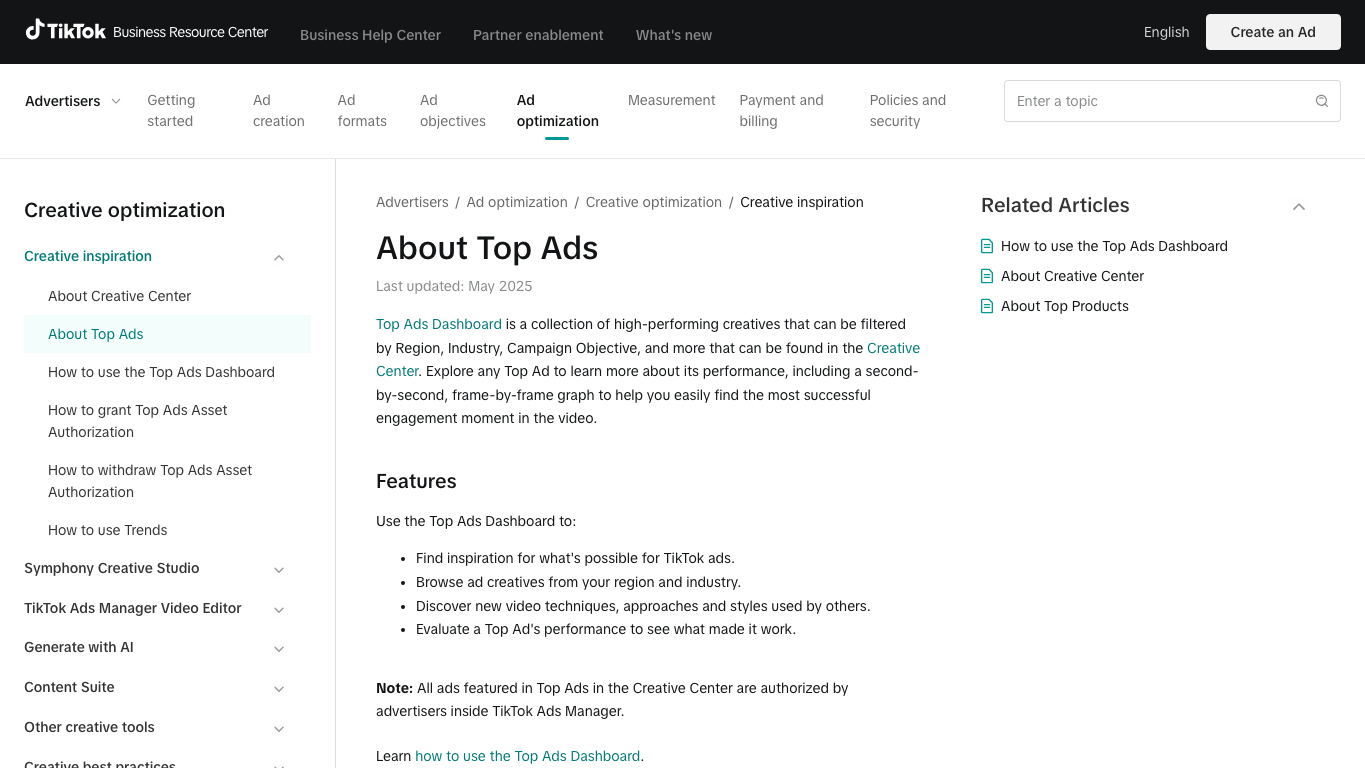
TikTok’s Top Ads help page is especially relevant because it says Top Ads can be filtered by region, industry, objective, and more, and that individual ads include second-by-second, frame-by-frame performance graphs. That is a strong hint for how serious teams should think: not as one creative score, but as a timeline.
The search intent: teams want a repeatable creative review system
The demand behind this topic is more concrete than “give me TikTok hook ideas.” Shoppable’s product page, for example, has a dedicated Hook & CTA Analyzer section that asks users to paste a TikTok URL and then analyze hook, CTA, pacing, and product placement. It also shows sample scores for hook strength, CTA timing, product reveal, and pacing.
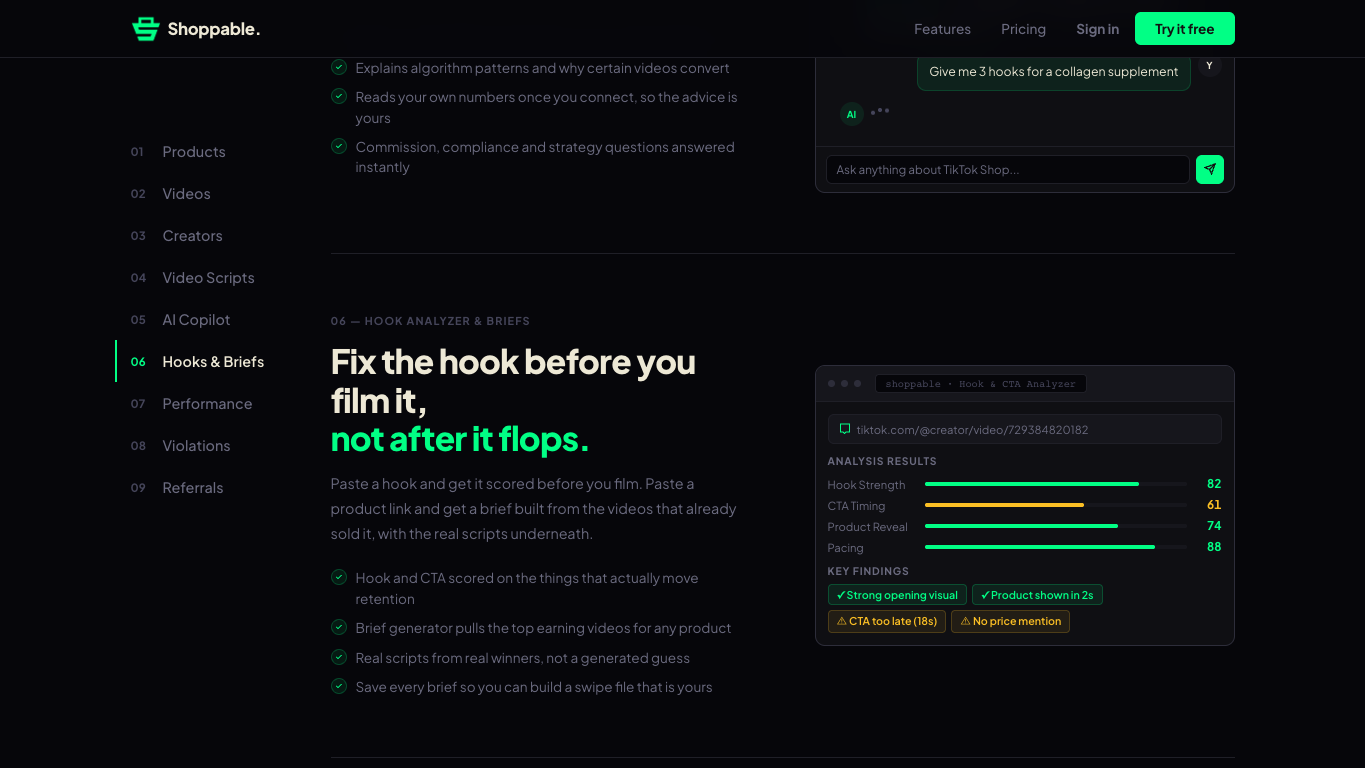
That matters because it proves the buyer job. Creators and brands are not only looking for templates. They want to know why a video converted, why another one stalled at early views, and what to change before filming the next batch.
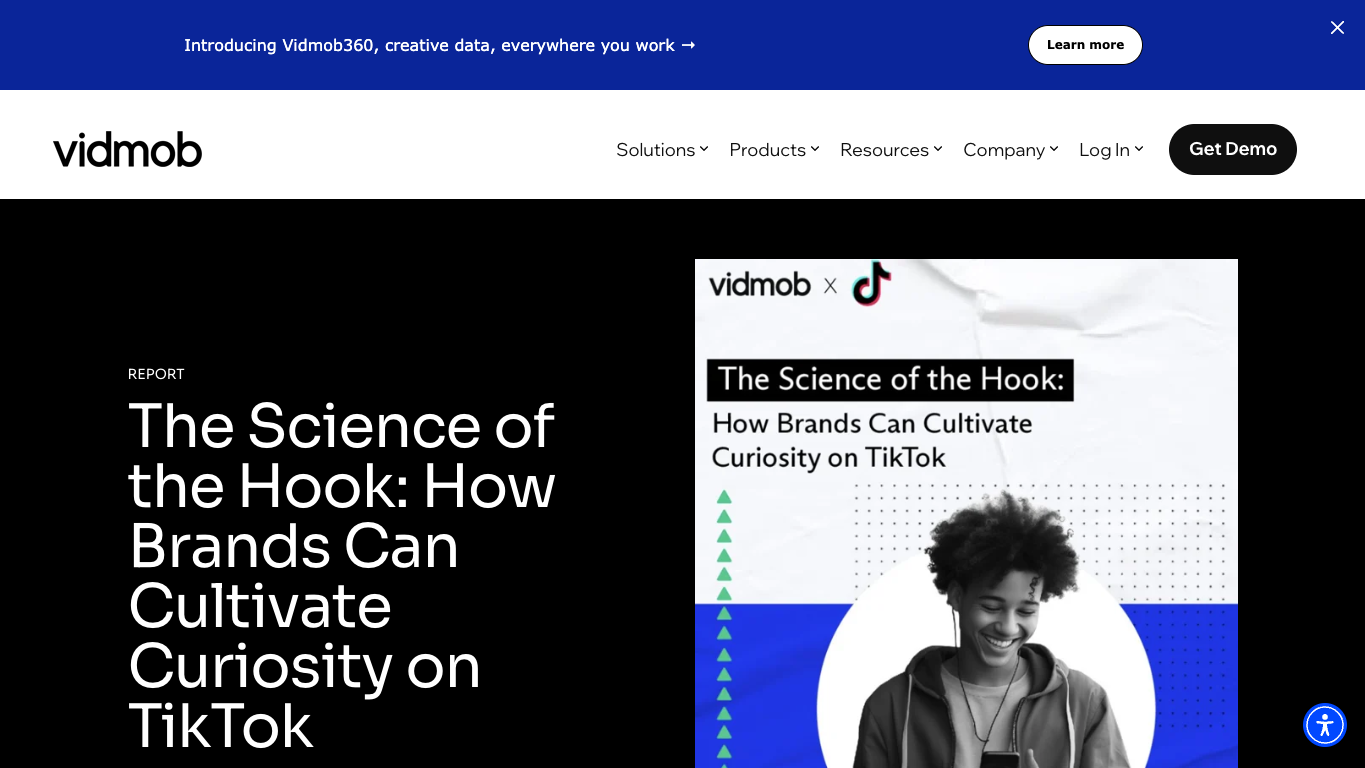
VidMob’s hook research points in the same direction from the analytics side. Its TikTok hook analysis page describes research based on 1,678 ads and 7.3 billion impressions, focused on visual elements and creative strategies in the early seconds of a TikTok ad.
Even academic work has moved this way. A 2026 arXiv paper, “Decoding the Hook: A Multimodal LLM Framework for Analyzing the Hooking Period of Video Ads”, describes the first three seconds as the hooking period and frames the challenge as multimodal: visual, auditory, and textual signals interacting together.
That is the direction this workflow takes: collect enough evidence to review the hook as a structured object.
The minimum dataset for TikTok hook analysis
Before picking a tool, define the row. If the row is weak, the analysis will be weak no matter how polished the dashboard looks.
Field | Why it belongs in the dataset |
| Keeps every judgment tied to the original source |
| Lets you compare creator style, niche, and authority |
| Records whether the video came from search, competitor review, Top Ads, trend page, or manual input |
| Captures written positioning and hashtags |
| Tells the reviewer whether spoken words were available, generated, or missing |
| Lets the team compare hook formulas |
| Shows the written promise or pattern interrupt |
| Captures product, face, motion, scene, or visual surprise |
| Identifies whether the product/result appears early or late |
| Captures the exact ask |
| Shows whether the CTA comes before or after enough proof |
| Gives a simple pacing proxy |
| Notes testimonial, demo, before/after, stat, comparison, or social proof |
| Scores stop-scroll strength with evidence |
| Scores whether the middle keeps attention |
| Scores clarity and timing of the next action |
| Explains the decision in human language |
| complete, partial, login_required, captcha_required, restricted, unavailable |
hook_score of 82 is only useful if the note says why: “product visible by second 2, spoken pain point in first line, text overlay promises a specific fix.”
A practical scoring model
Use a small rubric. The goal is not to build a perfect creative oracle; it is to make five reviewers argue from the same evidence.
Score area | Weight | What earns points |
Hook clarity | 25% | viewer understands the promise, conflict, or curiosity gap immediately |
Visual stop signal | 20% | motion, face, product, before/after, or unexpected frame appears early |
Message continuity | 15% | the middle actually pays off the hook instead of changing topics |
Pacing | 15% | scene changes, cuts, proof beats, and pauses keep attention |
CTA timing | 15% | the ask appears after enough proof, not as a random ending |
Source confidence | 10% | transcript, frame notes, metrics, and source URL are complete enough to trust |
Use BrowserAct to collect the evidence, not to replace creative judgment
BrowserAct fits the collection layer. A marketer can start with BrowserAct Agent when the workflow is still exploratory: “collect public videos from these competitor profiles and record hook, CTA, pacing, and source notes.” Once the fields and stop rules are approved, the same path can become a repeatable BrowserAct Workflow. If the team needs the approved dataset to feed an internal scoring model or LLM review, BrowserAct CLI is the cleaner handoff.
Use the product this way because the messy part of hook analysis is not only transcription. It is finding the right videos, keeping the original URLs, recording partial failures, and making the review auditable.
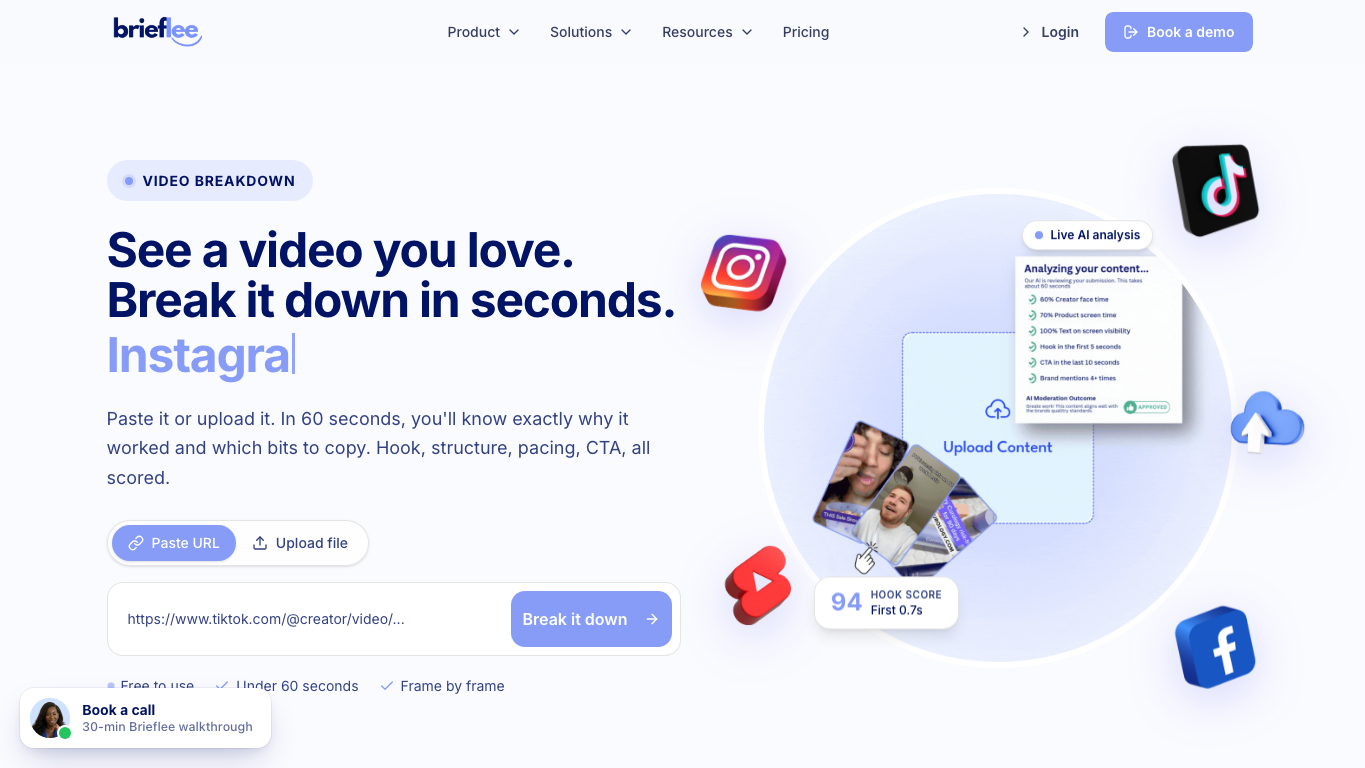
Tools like Brieflee show the same workflow shape from a different angle: paste a short-form video URL and get notes about hook, structure, pacing, CTA, and emotional triggers. BrowserAct should sit around that kind of analysis as the browser collection and repeatability layer, especially when the source list changes every week.
Build a TikTok hook analysis workflow with BrowserAct
Use this workflow when you have a list of competitor videos, creator videos, ad examples, product-review videos, or niche search results and need a source-linked creative review table.
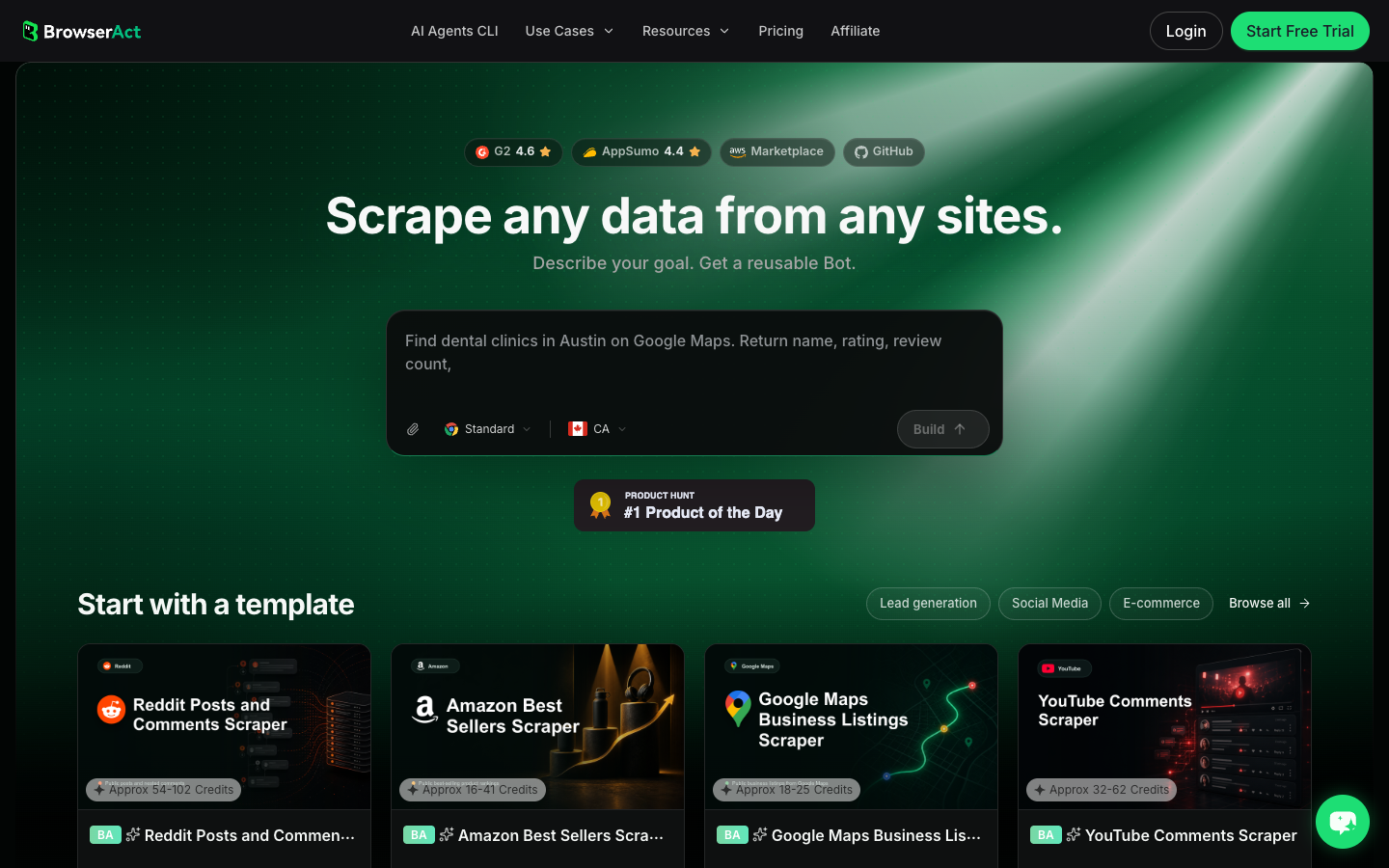
- Open BrowserAct Dashboard
Click the left-side + button to create your own Bot, start from Quick start, or paste the prompt directly into the center Agent input to begin building.
- Copy the complete prompt
Replace the target URLs, niche, result limit, and fields only when needed.
Build a TikTok hook analysis dataset from public or authorized sources.

Targets:
- Add TikTok video URLs, creator profile URLs, competitor profile URLs, Top Ads examples, or approved research pages here.

Collect up to 60 relevant public or authorized videos. Do not keep scrolling forever.

For each visible video, capture:
- video_url
- creator_handle
- creator_profile_url when visible
- source_context: direct_url, profile_review, search_result, competitor_page, top_ads, manual_list, other
- caption_or_description
- hashtags
- visible_view_count when available
- visible_like_count when available
- visible_comment_count when available
- published_at or visible date when available
- sound_or_music_name when visible
- transcript_status: visible_caption, voice_to_text_available, needs_asr, not_authorized, missing, not_checked
- first_spoken_line when visible or authorized transcript is available
- first_text_overlay when visible
- first_frame_note: face, product, motion, before_after, text_only, screen_recording, other
- product_reveal_time: immediate, under_3s, 3_to_6s, after_6s, not_visible, unknown
- proof_beat: demo, testimonial, comparison, before_after, statistic, price_offer, social_proof, none, unknown
- scene_change_count_0_10s when observable
- cta_text when visible or spoken
- cta_time: early, middle, final_5s, description_only, none, unknown
- hook_score from 1 to 100 with reason
- hold_score from 1 to 100 with reason
- cta_score from 1 to 100 with reason
- reviewer_note explaining what to copy, change, or reject
- collected_at
- source_status: complete, partial, login_required, captcha_required, age_gate, private_or_restricted, unavailable

Deduplicate by video_url. If the same video appears from several sources, keep every source_context in a list.

Stay read-only. Do not post, like, follow, comment, message, save, purchase, change settings, bypass login, bypass CAPTCHA, or access private or restricted content.

If login, CAPTCHA, 2FA, age gate, account confirmation, private content, payment, or restricted access appears, pause and record the stop reason instead of continuing automatically.

Export the result as a source-linked table suitable for CSV, JSON, Markdown, or Google Sheets.
Scrape data from any website.
Describe the data you need. Get a Bot — a reliable, reusable scraper.
Prompt preview: collect TikTok video URLs, first-frame notes, spoken hooks, CTA timing, pacing scores, source status, and reviewer notes. Private session · Choose your region before you run
Get your Bot — Free- Handle login only when asked
If BrowserAct pauses on login, CAPTCHA, 2FA, age gate, account confirmation, private content, payment, or restricted access, treat it as a human checkpoint. Hook analysis should not automate around a stop state.
- Review, dedupe, and export
Inspect the first table. Merge duplicate videos, keep source URLs, separate missing transcripts from low-confidence transcripts, and export to CSV, JSON, Markdown, or a Sheets-ready table. If the same review should run weekly, save the proven path as BrowserAct Workflow. If the dataset needs to flow into an internal scoring model, trigger the approved run through BrowserAct CLI.
No fake export screenshot is shown here. The correct output depends on your source list, market, access level, and review rubric; until a live run exists, the honest artifact is the prompt, schema, and QA checklist.
What to do after the table is built
Do not stop at “top videos.” The value comes from pattern extraction.
1. Group hooks by job
Tag each hook as one of these:
- pain point;
- contrarian claim;
- product reveal;
- before/after;
- proof-first;
- creator confession;
- list or checklist;
- question;
- price or promotion;
- trend participation.
The goal is not to crown one universal winner. A skincare account, B2B SaaS account, creator affiliate account, and local service account may need different hook jobs.
2. Separate hook problems from offer problems
A video can have a good hook and still fail because the offer is weak, the demo is unclear, or the CTA is too late. Keep separate hook_score, hold_score, and cta_score columns so the team does not rewrite the first line when the real issue is the middle.
3. Turn the winners into testable variants
For every winning pattern, write three variants:
Variant type | Example use |
Same hook, new proof | Test whether the opening survives with a different demo |
New hook, same proof | Test whether the product story is strong but the opening needs work |
Same structure, new creator | Test whether creator fit drives the result |
BrowserAct vs Creative Center vs video breakdown tools
Choose the tool by bottleneck, not by brand loyalty.
Job | Best fit | Why |
Find official ad examples by market and industry | TikTok Top Ads / Creative Center | Official ad inspiration and performance context |
Quickly analyze one pasted video | Video breakdown or hook analyzer tools | Fast notes for hook, structure, pacing, and CTA |
Build a weekly competitor video review table | BrowserAct Agent → Workflow | Collects source-linked videos, stop states, and fields repeatedly |
Send approved rows into an internal scoring model | BrowserAct CLI | Better handoff from browser collection to controlled pipelines |
Audit official ad-performance graphs | TikTok Top Ads | Frame-by-frame and second-by-second ad review where available |
Safety and data boundaries
Keep the workflow boringly clean:
- collect public or authorized data only;
- keep source URLs and collection timestamps;
- label partial rows instead of pretending the data is complete;
- do not bypass login, CAPTCHA, 2FA, age gates, payment, or restricted content;
- do not post, like, follow, comment, message, save, or change account settings;
- review claims before turning them into ads.
This boundary also makes the analysis more useful. If a source cannot be collected reliably, the row should say that. Hidden failure states are how bad creative decisions enter the calendar.
Conclusion
TikTok hook analysis works best when it treats the hook as a timeline, not a slogan. The first frame, first spoken line, text overlay, product reveal, pacing, proof, and CTA all need to be visible in the dataset.
Start manually if you only need five examples. Use TikTok Top Ads and Creative Center when official ad inspiration matters. Use a video breakdown tool for one-off creative notes. Use BrowserAct when the team needs the same public or authorized TikTok research brief to run again, preserve source evidence, and export structured rows for review.
Further reading: TikTok research
Frequently Asked Questions
What is TikTok hook analysis?
TikTok hook analysis reviews the first seconds of a video plus its text, audio, product reveal, pacing, proof, and CTA to explain why viewers keep watching or swipe away.
What should I score in the first three seconds of a TikTok video?
Score the first frame, spoken line, text overlay, motion, product reveal, clarity, and whether the opening creates a specific reason to continue watching.
Is TikTok hook analysis only for ads?
No. The same framework works for organic videos, creator research, affiliate content, competitor posts, and paid ads, as long as the source data is public or authorized.
Can BrowserAct transcribe TikTok videos by itself?
BrowserAct collects source-linked video context and workflow evidence; transcript generation should use visible captions, official fields, transcript APIs, or authorized ASR where appropriate.
How often should a team review TikTok hooks?
Weekly is enough for many teams. Run a repeatable review for new competitor videos, winning ads, creator posts, and trend examples, then compare patterns over time.
What is the safest way to scrape TikTok data for hook analysis?
Use public or authorized pages, stay read-only, record source status, and stop on login, CAPTCHA, 2FA, age gates, private content, payment, or account-changing steps.


