How to Scrape TikTok Search Results

A TikTok search scraper is useful when the starting point is a keyword, not a known profile, video, or hashtag. Content teams search for “best travel backpack,” “protein coffee,” “AI study tools,” or a competitor name because they want to know which videos, creators, hashtags, and hooks TikTok surfaces for that query. The hard part is not exporting a pile of URLs. The hard part is preserving search context: query, ranking position, source result URL, creator handle, caption, hashtags, visible en
-
1
TikTok search scraperis a keyword-discovery query: readers want to export TikTok search results by query with rank, video URL, creator, caption, hashtags, engagement, and source status. - 2BrowserAct is strongest when the search brief is still changing: use Agent to test keywords and fields, a TikTok template for reusable collection, Workflow for scheduled refreshes, and CLI for engineering handoff.
-
3A search scraper should never drop the original query or ranking position. Without
queryandresult_rank, the dataset cannot explain why a video was collected. - 4APIs and actors are better when the query list is stable and engineering needs JSON/CSV at scale. BrowserAct is better when the team needs browser context, screenshots, review notes, and human stop rules.
- 5Stay read-only and public or authorized. Stop on login, CAPTCHA, 2FA, private content, payment, posting, liking, following, messaging, or account-changing actions.
What is a TikTok search scraper?
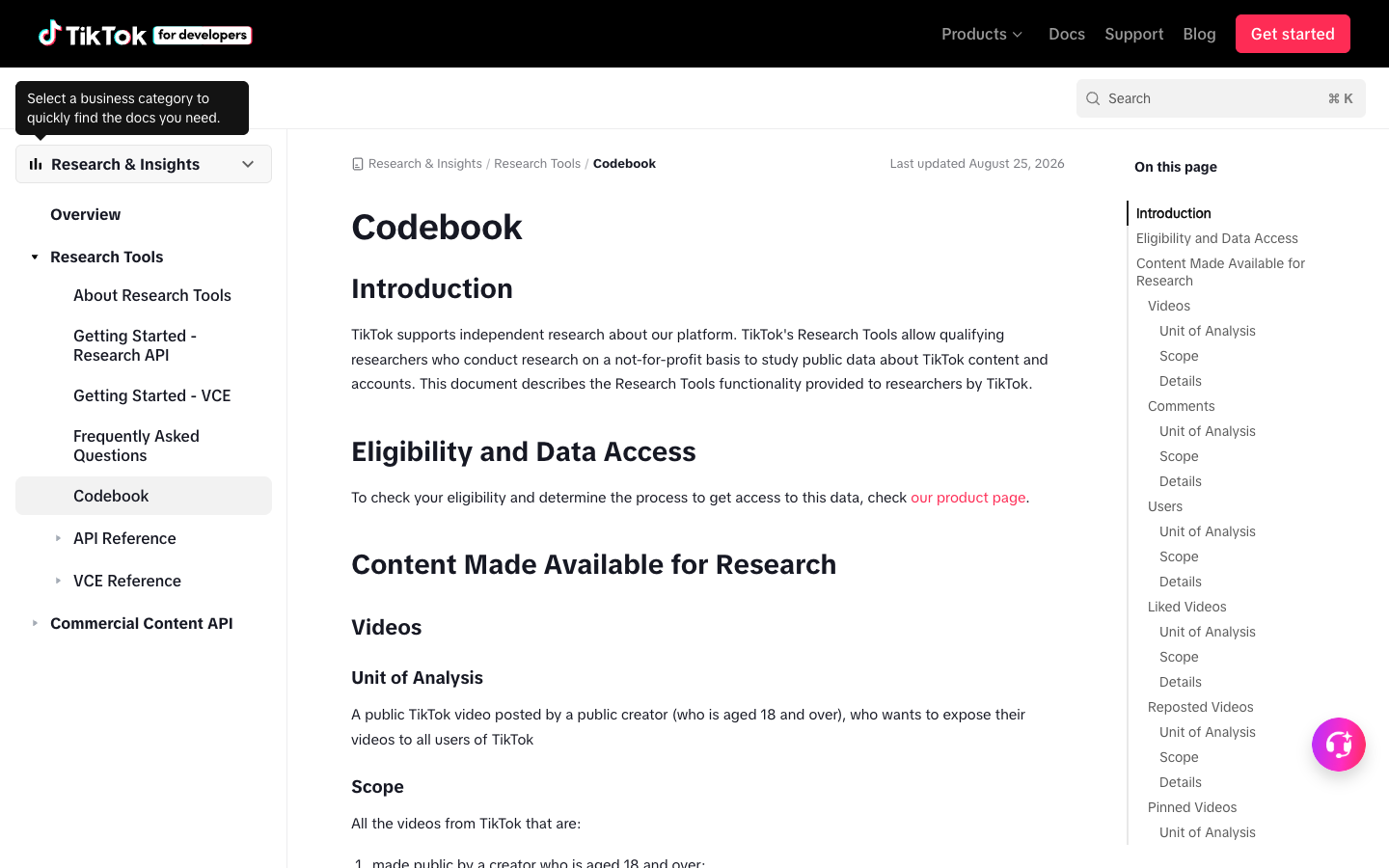
A TikTok search scraper collects public or authorized TikTok search results for one or more keywords and turns those results into structured rows. The output usually includes videos, creators, captions, hashtags, sounds, visible engagement metrics, and source URLs.
The search layer matters because it answers different questions from a profile scraper or hashtag scraper.
Workflow | Starts from | Best question |
Profile scraper | creator/profile URL | What is this creator posting? |
Video scraper | video URL or video list | What metadata and engagement does this video have? |
Comment scraper | video URL | What are viewers saying under this video? |
Hashtag scraper | hashtag page | What content is attached to this tag? |
Search scraper | keyword/search query | What does TikTok surface for this topic right now? |
What should TikTok search results export?
The schema needs to preserve both the result and the reason it appeared.
Field | Why it matters |
| Keeps each row tied to the searched keyword |
| Shows where the result appeared in the collected search view |
| Makes the row auditable |
| Separates video, profile, hashtag, sound, ad, shop item, or unknown |
| Required when the result is a video |
| Helps group results by creator |
| Captures hooks, product language, and intent |
| Connects the result to related topic clusters |
| Useful for creative and trend analysis |
| Measures visible interaction |
| Signals conversation depth |
| Helps spot distribution potential |
| Useful when visible |
| Helps separate fresh trends from old evergreen content |
| Makes refreshes comparable |
| Explains complete, partial, login_required, captcha_required, private_or_restricted, or unavailable rows |
| Turns a raw result into a research asset |
When search scraping is the right workflow
Use TikTok search scraping when the research starts from discovery.
Use case | Query examples | What to collect |
Product research | product category, problem phrase, “best X” | videos, creators, captions, comments count, hooks |
Competitor monitoring | brand name, product name, founder name | result rank, source URL, caption, creator, engagement |
Creator discovery | niche phrase, audience interest, region keyword | creator handle, video examples, engagement, fit note |
SEO and content ideation | question phrases, comparison phrases | hooks, repeated keywords, content formats |
Campaign QA | campaign hashtag, slogan, product phrase | result rank, brand mentions, source status |
Crisis monitoring | complaint terms, defect terms, news phrase | query, video URL, engagement, reviewer note |
collected_at, and avoid presenting one export as a permanent ranking.
Build a TikTok search scraper with BrowserAct
Use this workflow when you want to test a keyword-driven TikTok search export before committing to an API or scheduled report.
- Open BrowserAct Dashboard
Click the left-side + button to create your own Bot, start from Quick start, or paste the prompt directly into the center Agent input to begin building.
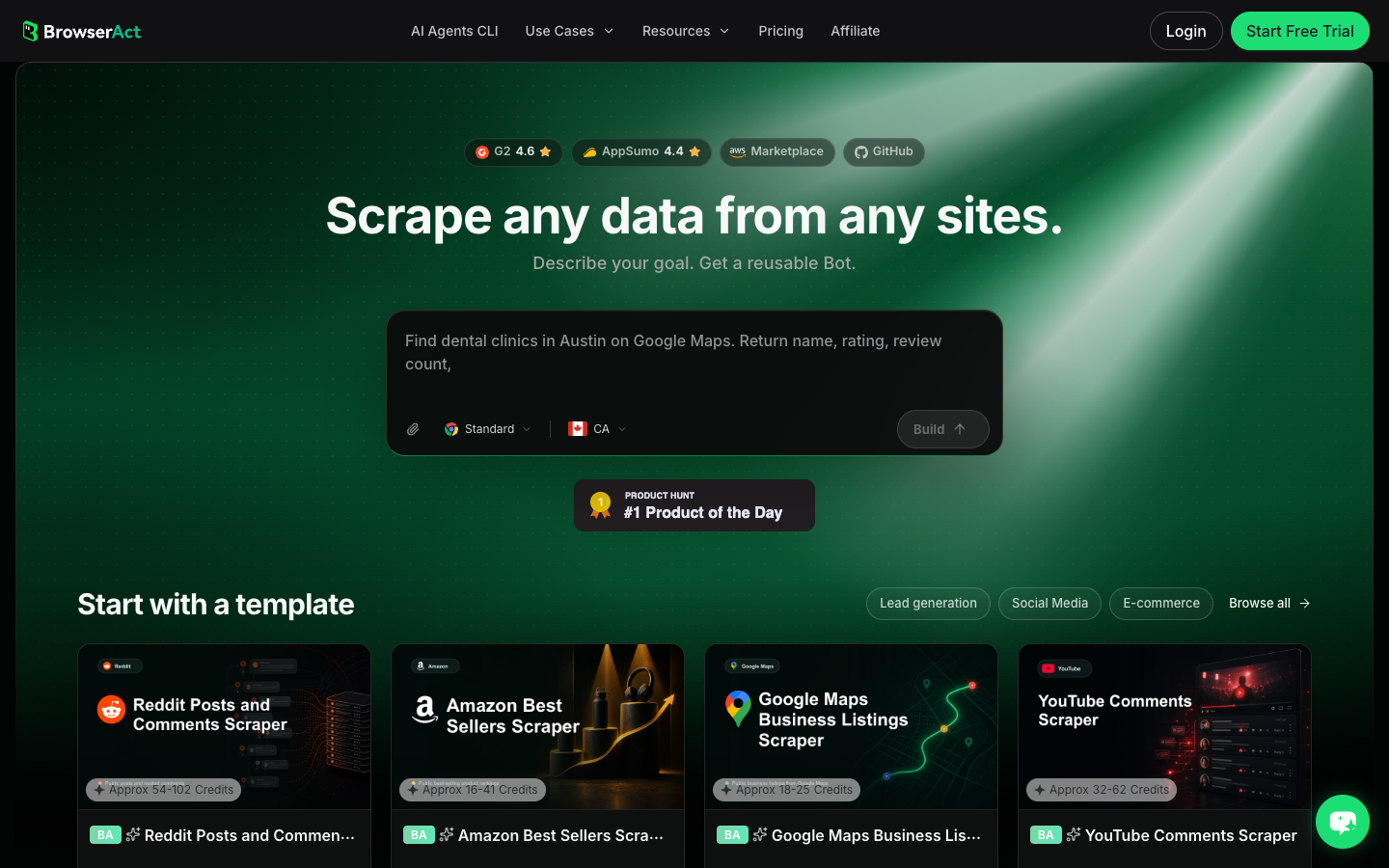
- Copy the complete prompt
Replace the keyword list and result limit. Keep the stop rules.
Go to TikTok and search the public or authorized keywords I provide.

Keywords:
- Replace with up to 5 TikTok search queries, one per line.

Collect up to 30 visible results per query. Do not keep scrolling forever.

For each visible result, capture:
- query
- result_rank within that query
- source_result_url
- result_type: video, profile, hashtag, sound, shop_item, ad, or unknown
- video_url when visible
- creator_handle when visible
- creator_profile_url when visible
- caption_or_description when visible
- hashtags when visible
- sound_or_music_name when visible
- visible_like_count when visible
- visible_comment_count when visible
- visible_share_count when visible
- visible_view_count when visible
- published_at or create_time when visible
- collected_at
- source_status: complete, partial, login_required, captcha_required, private_or_restricted, unavailable
- reviewer_note explaining whether the result looks like a trend signal, competitor mention, creator candidate, product mention, campaign result, complaint, or unrelated result

Deduplicate by query plus source_result_url. If the same video appears for multiple queries, keep one row per query and note the duplicate video URL.

Stay read-only. Do not follow, like, comment, message, post, download restricted media, purchase, change settings, bypass restrictions, or access private content.

If login, CAPTCHA, 2FA, age gate, account confirmation, private content, payment, or restricted access appears, pause and ask for human review instead of continuing automatically.

Export the results as a source-linked table suitable for CSV, JSON, Markdown, or Google Sheets.
Scrape data from any website.
Describe the data you need. Get a Bot — a reliable, reusable scraper.
Prompt preview: search TikTok keywords, export ranked result rows, creators, captions, hashtags, engagement, source status, and reviewer notes. Private session · Choose your region before you run
Get your Bot — Free- Handle login only when asked
If BrowserAct pauses on login, CAPTCHA, 2FA, age gate, account confirmation, private content, payment, or restricted access, treat that as a human checkpoint. Do not turn a stop screen into an automated workaround.
- Review, dedupe, and export
Inspect the first export. Remove accidental duplicates, keep one row per query when the same video appears for multiple searches, preserve source_status, and export to CSV, JSON, Markdown, or a Sheets-ready table. If the same query list should refresh weekly, save the validated path as BrowserAct Workflow. If engineering needs to trigger the approved run, use BrowserAct CLI.
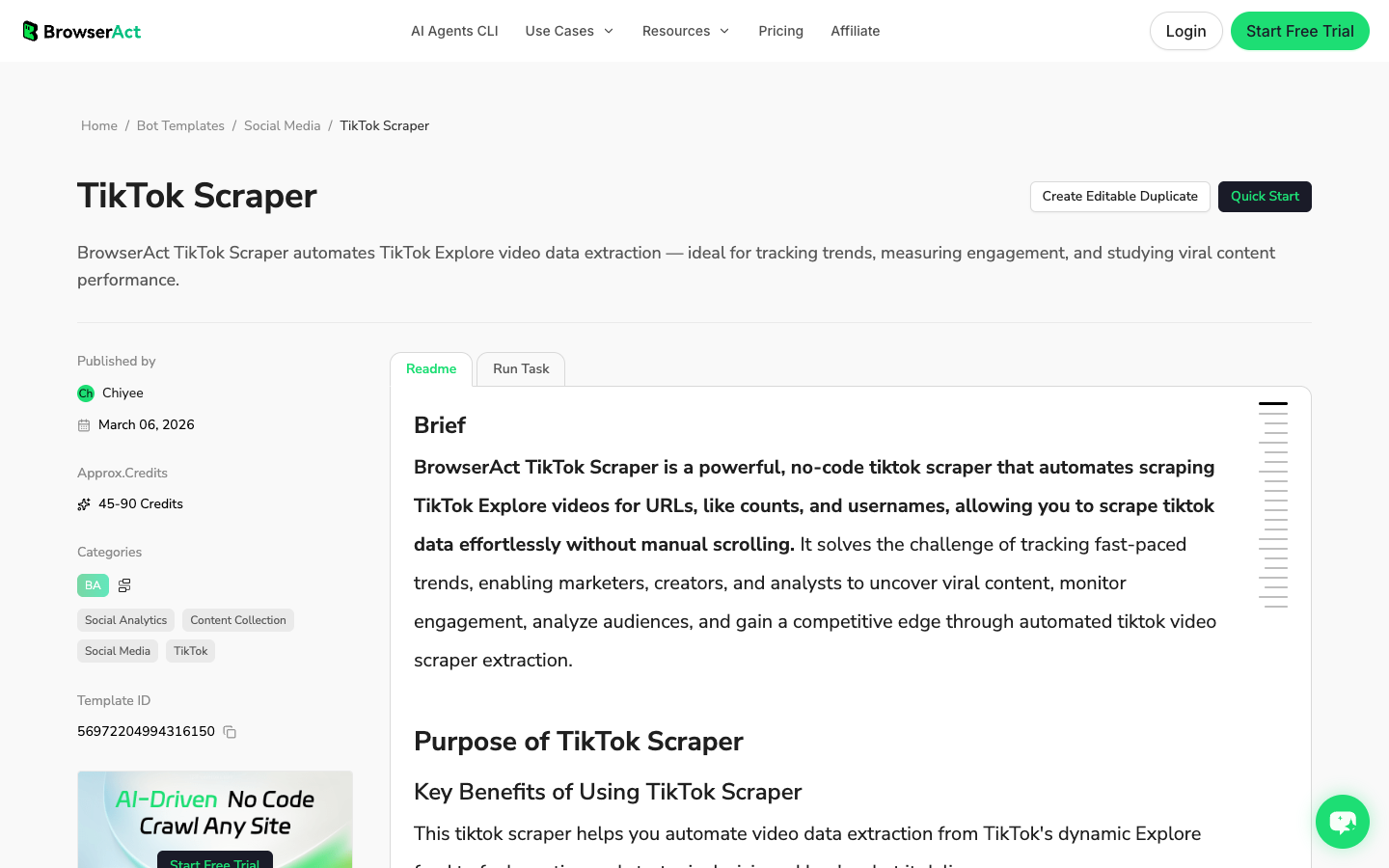
No fake BrowserAct export screenshot is shown here. The workflow above produces a query-linked search table from your own target keywords; until that live run exists, the schema is the honest artifact.
BrowserAct vs TikTok search APIs
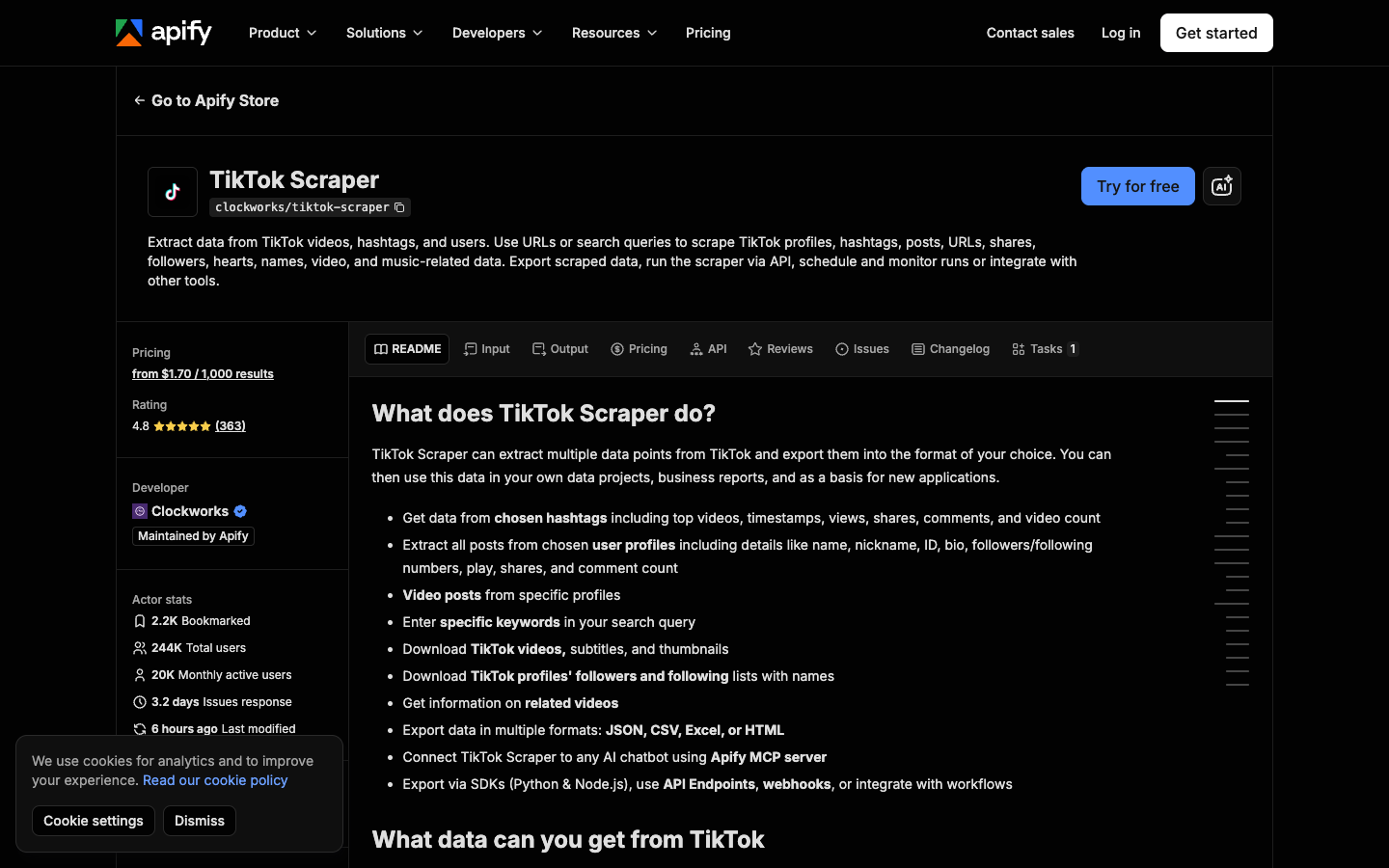
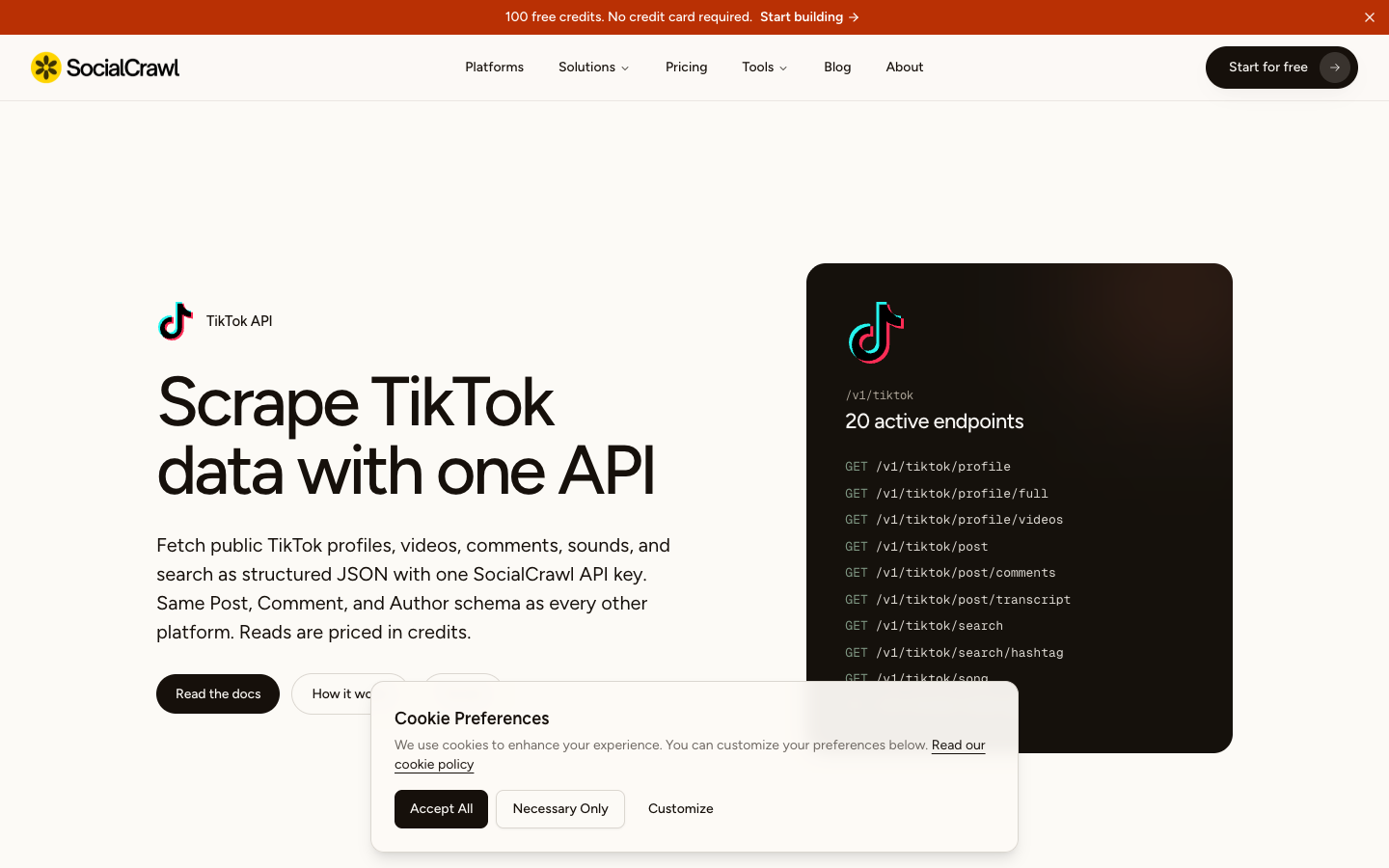
Some API and actor routes support keyword search directly. Apify's TikTok Scraper says it can use URLs or search queries to scrape TikTok profiles, hashtags, posts, shares, followers, names, video, and music-related data. SocialCrawl's TikTok platform page describes public profiles, videos, comments, sounds, and search as structured JSON.
Choose based on the job:
Job | Best fit |
You are testing search terms and deciding what fields matter | BrowserAct Agent |
You have a repeatable no-code search/export workflow | BrowserAct Workflow or TikTok template |
Engineering needs to trigger the approved workflow | BrowserAct CLI |
You have hundreds of fixed queries and a stable schema | TikTok search API or actor |
You need official research access and qualify for it | TikTok Research API |
How to clean TikTok search result data
Search exports get messy quickly. Clean them before analysis.
Keep one row per query-result pair
If the same video appears for three keywords, that is not necessarily a duplicate. It may show that the video bridges multiple search intents. Keep one row per query and add a duplicate_video_group or same_video_note.
Preserve rank as observed, not as truth
Use result_rank to describe the collected view. Do not claim it is the universal TikTok ranking for every user, region, account state, or time.
Separate raw and normalized counts
Keep raw visible counts such as 1.2K or 3M, then normalize in separate numeric columns if needed. Missing is not zero.
Add reviewer notes
Search result rows are stronger when a human or analyst labels them:
Note | Use |
| result shows repeated topic or format |
| result mentions a competitor or product |
| creator is relevant for outreach or research |
| caption/comment language maps to buyer intent |
| result contains pain, defect, or support language |
| result matched the query but not the research need |
Common TikTok search scraper failure modes
Failure | What it looks like | Better response |
Query lost | Rows have videos but no keyword context | Require |
Rank lost | Team cannot tell which result appeared first | Require |
Duplicate collapse too early | Same video appears for multiple queries but context is lost | Deduplicate by query plus URL, then group later |
Login wall | Search view becomes restricted | Pause and record |
Overbroad keyword set | Export mixes unrelated niches | Limit queries and add reviewer notes |
Hidden counts | Views/shares are not visible | Leave blank and mark source status |
No collection time | Refreshes cannot be compared | Require |
No source URL | Stakeholders cannot audit examples | Require |
When to schedule TikTok search monitoring
Do not schedule a workflow until the first export is useful. Once it is, recurring search monitoring can help with:
- weekly competitor discovery;
- product category trend scans;
- campaign hashtag QA;
- creator shortlist refreshes;
- crisis or complaint monitoring;
- new content idea mining.
The scheduled version should use a locked keyword list, result limit, field schema, dedupe rule, and stop rule. BrowserAct Workflow is a good fit after the first Agent run is reviewed; BrowserAct CLI is the handoff when the approved run should be triggered by an internal report or pipeline.
Further reading: TikTok research
Frequently Asked Questions
What is a TikTok search scraper?
A TikTok search scraper collects visible TikTok search results for one or more keywords and exports structured rows with query, rank, source URL, creator, caption, hashtags, engagement metrics, source status, and collection time.
Can I scrape TikTok search results to CSV?
Yes, when the results are public or authorized and the workflow stays read-only. BrowserAct can export a search result table to CSV, JSON, Markdown, or a Google Sheets-ready table after you define the query list, fields, limits, and stop rules.
What fields should I collect from TikTok search results?
Start with query, result rank, source result URL, result type, video URL, creator handle, caption, hashtags, sound or music, visible likes, comments, shares, views when visible, published time, collected time, source status, and reviewer notes.
Is a TikTok search API better than BrowserAct?
Use a TikTok search API when the query list and schema are stable and engineering needs structured JSON at scale. Use BrowserAct when the search terms, fields, page behavior, screenshots, and review notes still need to be tested in a browser.
Can TikTok search scraping be scheduled?
Yes. Validate the first BrowserAct Agent run, then save the approved path as BrowserAct Workflow. Use BrowserAct CLI if an internal system should trigger the approved workflow.
Is TikTok search scraping safe?
Keep the workflow read-only, public or authorized, and source-linked. Stop on login, CAPTCHA, 2FA, private content, payment, or any action that would post, like, follow, message, purchase, or change account settings. This article is not legal advice; review TikTok's current rules and your own compliance requirements.


