TikTok Scraper API vs Browser Bot vs Official API

A TikTok scraper API is best when engineers already know the input, fields, and output format. A browser Bot is better when the team still needs to test the page, session, fields, screenshots, and stop rules. TikTok's official Research API is the right first check for eligible research projects, but it is not a universal commercial data pipe. That is the real decision behind this keyword. Most teams are not choosing between “scraping” and “not scraping.” They are choosing between three data acce
-
1
TikTok scraper APIis an architecture-choice keyword: readers want to know whether to use a third-party API, a browser Bot, or TikTok's official API for profiles, videos, comments, hashtags, and monitoring. - 2Use a scraper API when you have stable inputs and need JSON/CSV at scale; use BrowserAct when the workflow needs prompt-first discovery, real-browser execution, screenshots, row review, scheduling, and human handoff.
- 3TikTok's official Research API is important but gated. TikTok says qualifying researchers in eligible regions can apply to study public data, with access criteria and approval steps; do not treat it as a drop-in commercial scraper.
- 4BrowserAct fits the messy middle: a marketer or researcher can define the job in plain English, validate fields in the browser, then save the run as a Workflow or hand it to engineering through CLI.
- 5Stay read-only and public or authorized. Stop on login, CAPTCHA, 2FA, private content, payment, posting, liking, following, messaging, or account-changing actions.
The short answer: which route should you choose?
Use this table before you evaluate vendors.
Situation | Best route | Why |
You have 10,000 known TikTok video URLs and need JSON | TikTok scraper API / actor | Stable input, stable output, engineering-owned pipeline |
You are testing which fields matter for a new TikTok trend report | BrowserAct Agent | The extraction path and schema are still being discovered |
You need weekly competitor monitoring from the same profiles | BrowserAct Workflow | The browser path is known and should repeat safely |
You need an internal pipeline trigger after a human-approved run | BrowserAct CLI | Engineering can trigger a validated browser workflow |
You are an eligible academic or public-interest researcher | TikTok Research API | Official access path with documented fields and application rules |
You need campaign-specific notes, screenshots, and source status | BrowserAct browser Bot | APIs rarely capture reviewer judgment and visual context well |
You need huge structured delivery with SLAs | Enterprise scraper API provider | Infrastructure, retries, delivery options, and account support matter |
What a TikTok scraper API usually means
A TikTok scraper API usually means a managed endpoint, marketplace actor, or scraping platform that returns TikTok data in JSON, CSV, Excel, or another structured format. It may accept profile URLs, video URLs, hashtags, search terms, music IDs, or other identifiers.
Apify's TikTok Scraper page, for example, describes a cloud actor that extracts multiple TikTok data points and exports the result for data projects and business reports. Other API-style providers position themselves around bulk handling, delivery formats, webhooks, and successful-result pricing.
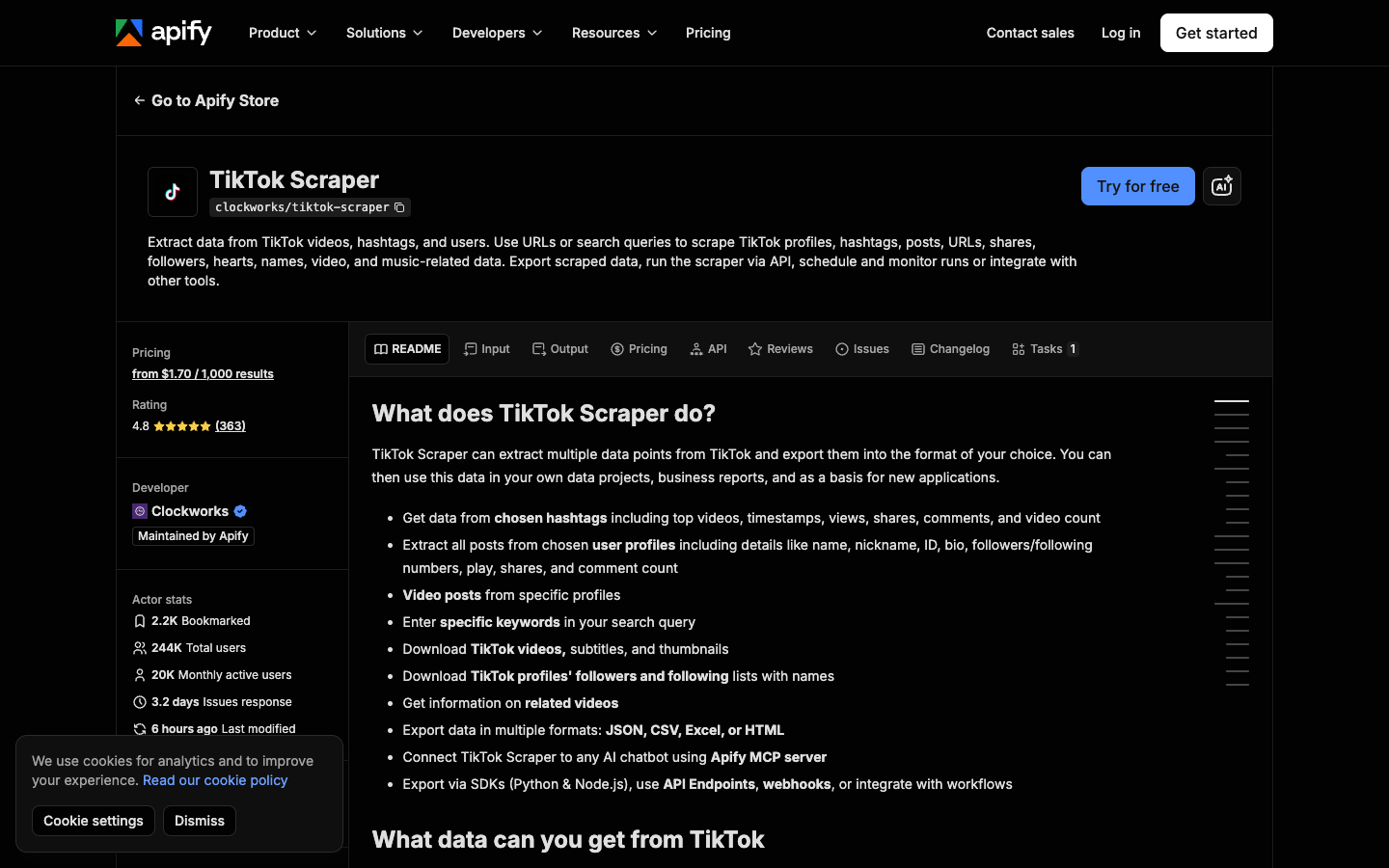
Use a scraper API when the job is already well-defined:
- input is known: video URLs, profile handles, hashtag pages, search terms;
- output schema is known: profile, video, comment, hashtag, music, shop, or ad fields;
- engineering owns the integration;
- retry, queue, logging, and delivery behavior matter;
- the workflow needs scale more than field discovery.
Avoid starting with an API when the brief is still vague. “Find interesting TikTok examples for our launch” is not a stable API spec. It is a research workflow.
What a browser Bot does differently
A browser Bot works like a controlled researcher inside a real browser. Instead of calling a fixed endpoint, it opens pages, scrolls, reads visible fields, handles page variation, preserves source context, and pauses when a human checkpoint appears.
That is why BrowserAct TikTok Scraper is useful for exploratory TikTok work. The template is designed for TikTok Explore-style video data extraction, including video URLs, like counts, usernames, and export formats such as CSV, JSON, XML, or Markdown. If the default fields are not enough, BrowserAct Agent can test a custom prompt first.
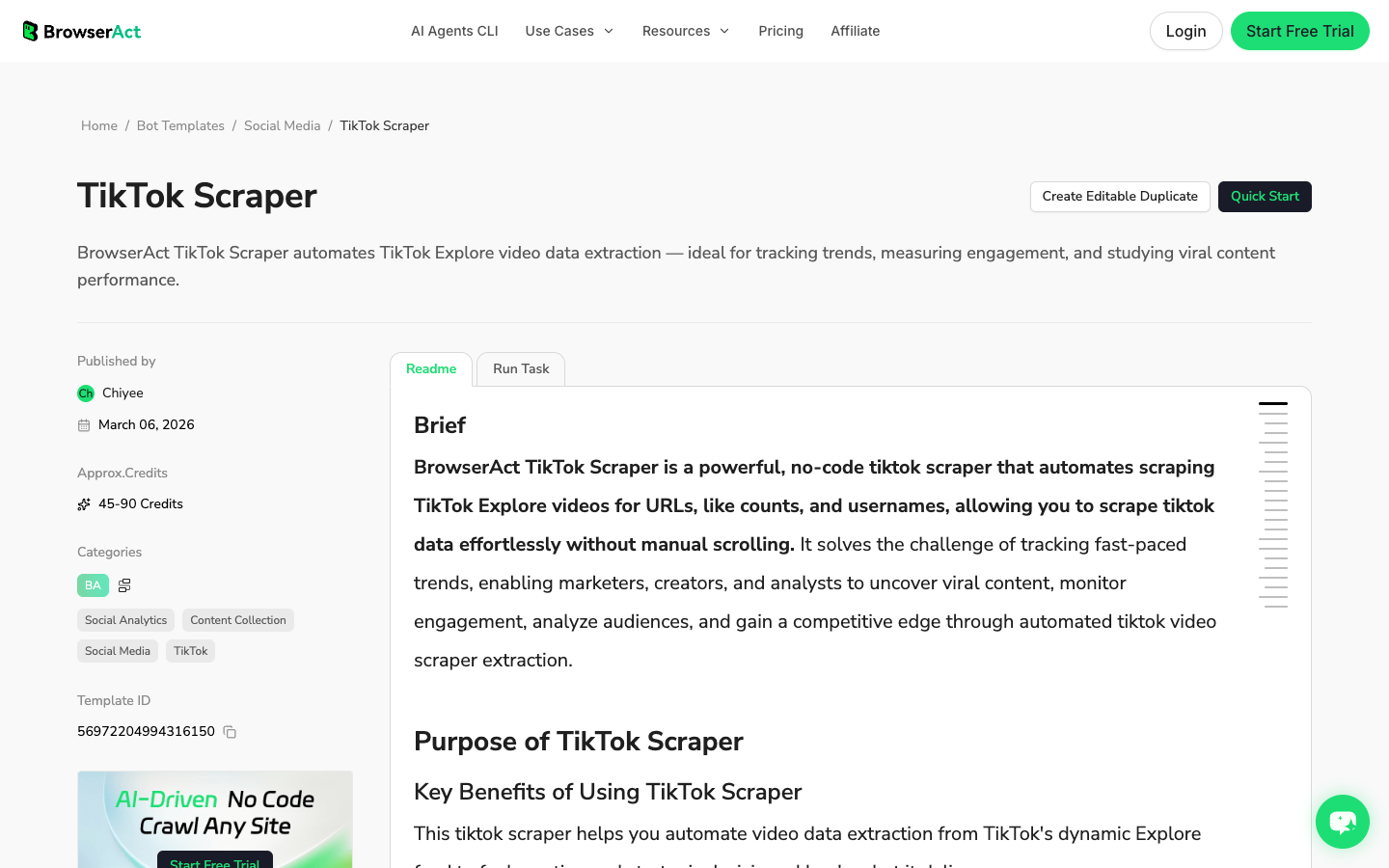
The browser Bot route is strongest when:
- the target surface is visual or dynamic;
- a marketer, creator team, or researcher needs to adjust the fields;
- screenshots and source URLs matter;
- the job includes stop rules such as login, CAPTCHA, private content, or restricted access;
- the output needs reviewer notes, not only machine fields;
- the team wants to validate a workflow before turning it into a repeatable pipeline.
Think of BrowserAct as a prompt-to-cloud-Bot layer: Agent for the first test, Workflow for repeat runs, and CLI when the approved run needs to move into engineering.
What TikTok's official Research API is for
TikTok's official Research API is not the same thing as a commercial TikTok scraper API. TikTok describes Research Tools as a way for qualifying researchers in the U.S., Europe, and Brazil to apply to study public data about TikTok content and accounts. The same page lists eligibility criteria, application requirements, and an approval process.
That makes it important, especially for academic and public-interest research. It also means it may not fit a marketing team that needs creator vetting, competitor monitoring, campaign dashboards, or commercial lead research next week.
TikTok's Query Videos documentation and Research API Codebook are still useful even if you use another route. They clarify the types of fields that a serious TikTok dataset should track: video IDs, create time, username, region code, video description, music IDs, like count, comment count, share count, view count, hashtags, mentions, labels, and video duration.
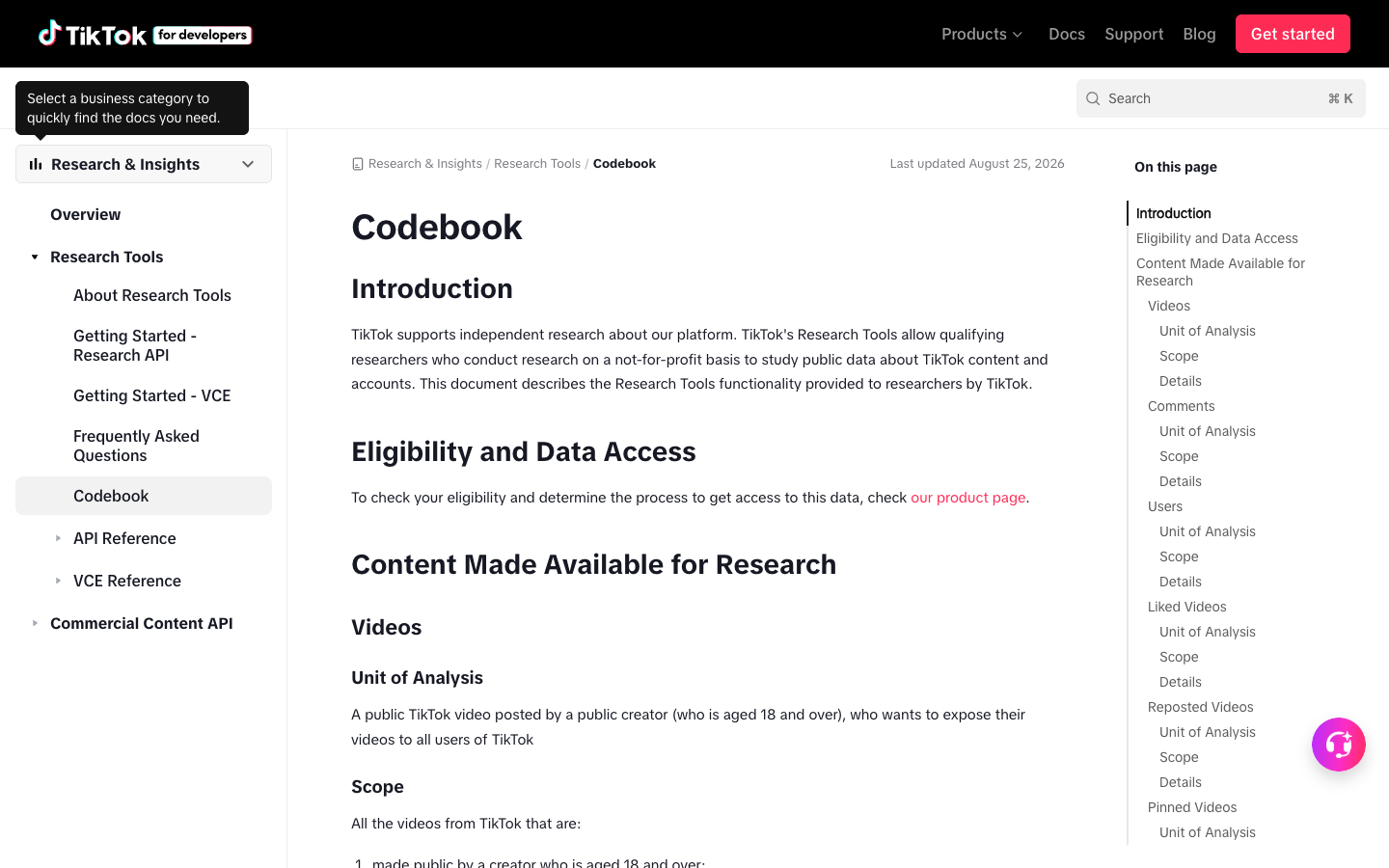
Use the official route when:
- your organization is eligible;
- the project fits public-interest, academic, or approved research criteria;
- the documented endpoints cover the fields you need;
- you can wait for application and approval;
- you need a formal access model more than custom browser workflow flexibility.
Build the first BrowserAct browser Bot before you commit to an API
If your team is unsure which fields, targets, or stop rules matter, prototype the workflow in BrowserAct first. Once the export is clean, you can decide whether to keep it as a BrowserAct Workflow, trigger it with BrowserAct CLI, or translate the settled schema into an API integration.
- Open BrowserAct Dashboard
Click the left-side + button to create your own Bot, start from Quick start, or paste the prompt directly into the center Agent input to begin building.
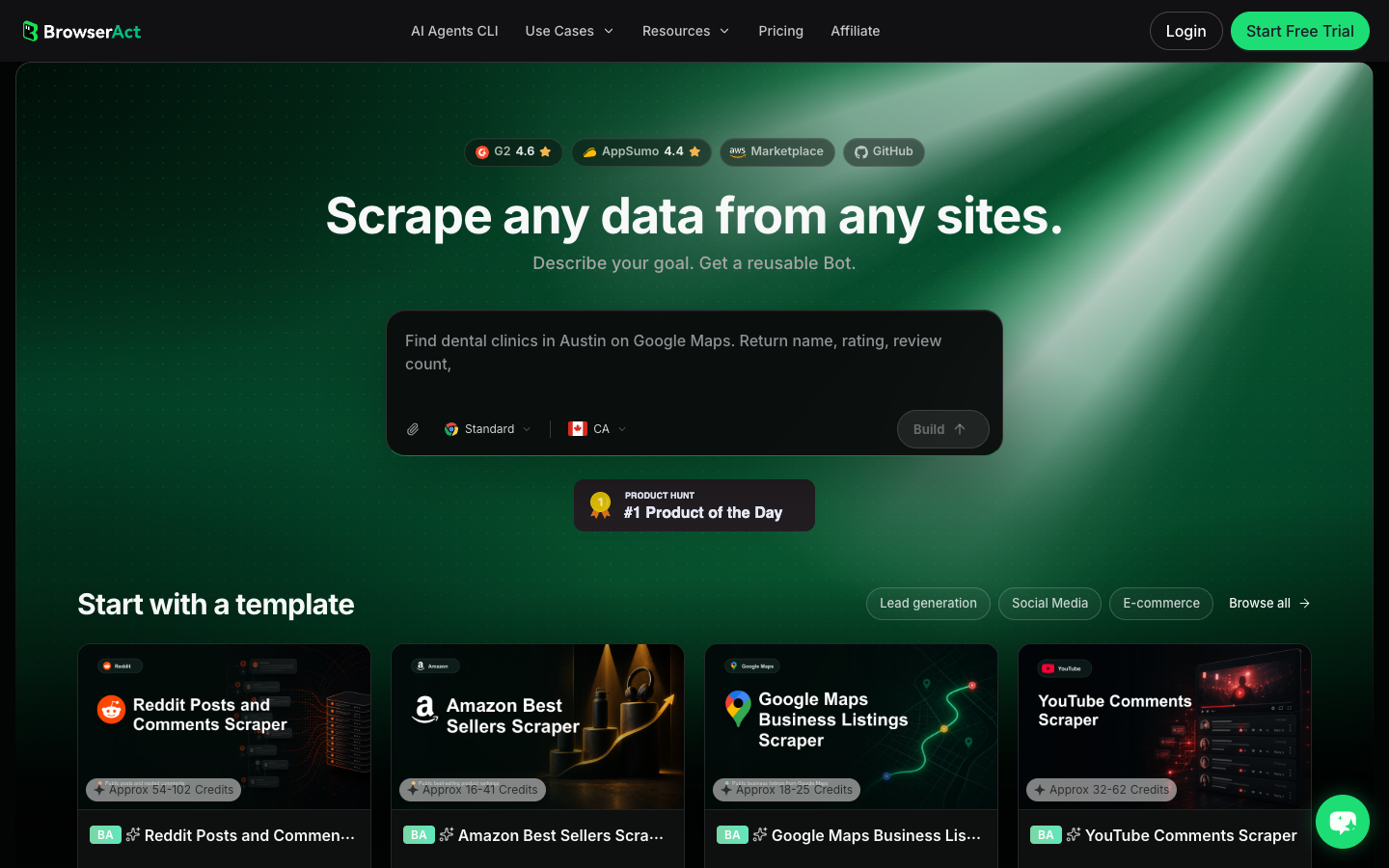
- Copy the complete prompt
Use this when you are still comparing whether a TikTok scraper API, browser Bot, or official route fits the job.
I need to prototype a TikTok data workflow before choosing between a scraper API, BrowserAct browser Bot, or official TikTok API route.

Target:
- Replace this line with one public TikTok profile, hashtag, search, Explore, or video-list URL.

Collect up to 60 visible public or authorized records. Do not keep scrolling forever.

For each row, capture:
- source_url
- source_type: profile, video, hashtag, search_result, comment, shop_item, or unknown
- creator_handle when visible
- video_url when visible
- caption_or_description when visible
- hashtags when visible
- visible_like_count when visible
- visible_comment_count when visible
- visible_share_count when visible
- visible_view_count when visible
- published_at or create_time when visible
- field_status: complete, partial, not_visible, login_required, captcha_required, private_or_restricted, unavailable
- api_readiness_note: stable_api_candidate, needs_browser_review, official_api_candidate, or not_ready
- reviewer_note explaining what changed, what was missing, and whether the row is useful

Deduplicate by source_url first, then by creator_handle plus caption_or_description when needed.

Stay read-only. Do not follow, like, comment, message, post, download restricted media, purchase, change settings, bypass restrictions, or access private content.

If login, CAPTCHA, 2FA, age gate, account confirmation, private content, payment, or restricted access appears, pause and ask for human review instead of continuing automatically.

Export a decision-ready table in CSV, JSON, Markdown, or Google Sheets format.
Scrape data from any website.
Describe the data you need. Get a Bot — a reliable, reusable scraper.
Prompt preview: compare TikTok API readiness, browser-only fields, official API candidates, source URLs, engagement fields, and stop rules. Private session · Choose your region before you run
Get your Bot — Free- Handle login only when asked
If TikTok shows login, CAPTCHA, 2FA, age gate, account confirmation, private content, payment, or restricted access, stop and review. The goal is not to bypass access control. The goal is to know whether this workflow is safe, repeatable, and worth turning into a pipeline.
- Review, dedupe, and export
Inspect the rows, keep field_status, and sort by api_readiness_note. If the same data appears cleanly across targets, a scraper API may be appropriate. If the extraction depends on visual context, custom judgment, or session checkpoints, keep it in BrowserAct Workflow. If engineering needs to run the approved workflow, hand it off through BrowserAct CLI.
No fake BrowserAct export screenshot is shown here. The workflow above produces a decision table for your own target pages; until that live run exists, the schema is the honest artifact.
Decision matrix: API, browser Bot, or official API
Criterion | TikTok scraper API | BrowserAct browser Bot | TikTok official Research API |
Setup owner | Engineer | Marketer, researcher, ops, or engineer | Eligible researcher / approved org |
Best first use | Known input and fixed schema | Unknown workflow and field discovery | Approved public-interest research |
Output | JSON, CSV, dataset, webhook | CSV, JSON, Markdown, Sheets-ready table, screenshots, notes | Documented research data responses |
Custom review notes | Usually weak | Strong | Depends on downstream analysis |
Visual page context | Usually weak | Strong | Not the main purpose |
Scheduling | Provider dependent | BrowserAct Workflow | Program dependent |
Engineering handoff | Native API | BrowserAct CLI after validation | Official docs/client |
Access model | Vendor-specific | Public/authorized browser session, human stop points | Application and eligibility based |
Good for scale | Yes | After workflow validation | If access and limits fit |
Good for first exploration | Sometimes | Yes | Not usually |
- BrowserAct Agent to discover the schema and workflow.
- BrowserAct Workflow to run the approved job repeatedly.
- BrowserAct CLI or a scraper API once engineering needs a stable pipeline.
- Official API if the project qualifies and the official route covers the required data.
Where third-party API providers still win
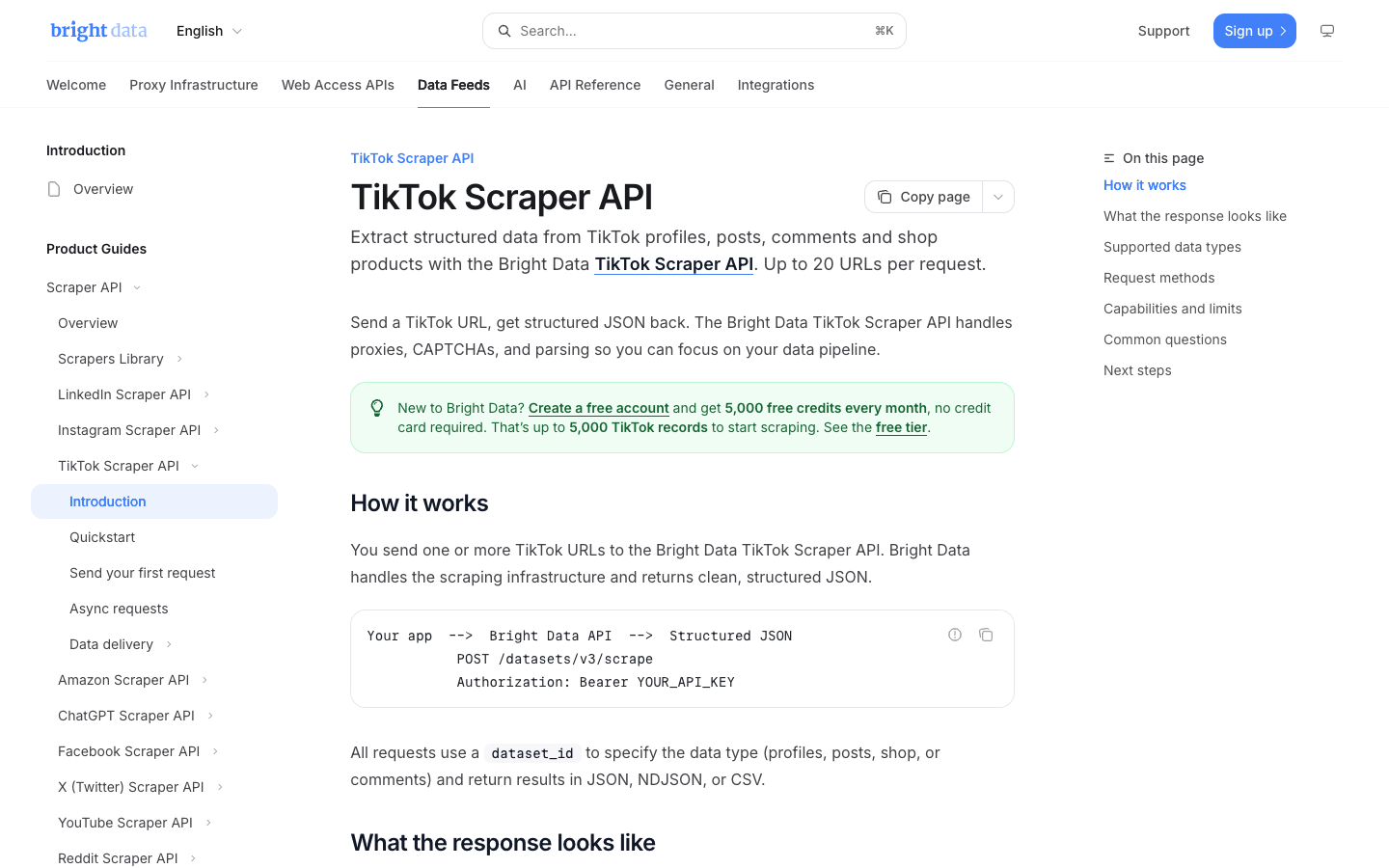
Enterprise scraper API providers can be the right choice. Bright Data's TikTok scraper API page, for example, positions the product around public TikTok data collection, API/no-code options, successful-result pricing, bulk request handling, and managed delivery. That is useful when the buyer needs infrastructure more than workflow discovery.
Use a third-party API when:
- the schema is stable;
- the data volume is high;
- engineering wants logs, endpoints, retries, and delivery hooks;
- procurement needs a vendor contract;
- the team can evaluate provider reliability, coverage, pricing, and compliance posture.
Do not use a third-party API as a substitute for a clear brief. If nobody can define the fields, target list, freshness window, and acceptance criteria, an API only makes the wrong workflow faster.
Where browser Bots still win
Browser Bots win when the work is not fully specified yet. That includes creator research, trend scouting, competitor monitoring, campaign QA, brand monitoring, and research workflows where a human needs to inspect examples before committing to scale.
Use BrowserAct when:
- the target pages vary by profile, hashtag, search result, or video list;
- you need screenshots and source URLs for audit;
- the data needs row-level status such as
partial,login_required, ornot_visible; - a human may need to complete login or stop the run;
- the output includes qualitative labels such as hook type, competitor angle, product mention, or creator fit;
- the team wants to move from prompt to reusable Bot without building an API integration first.
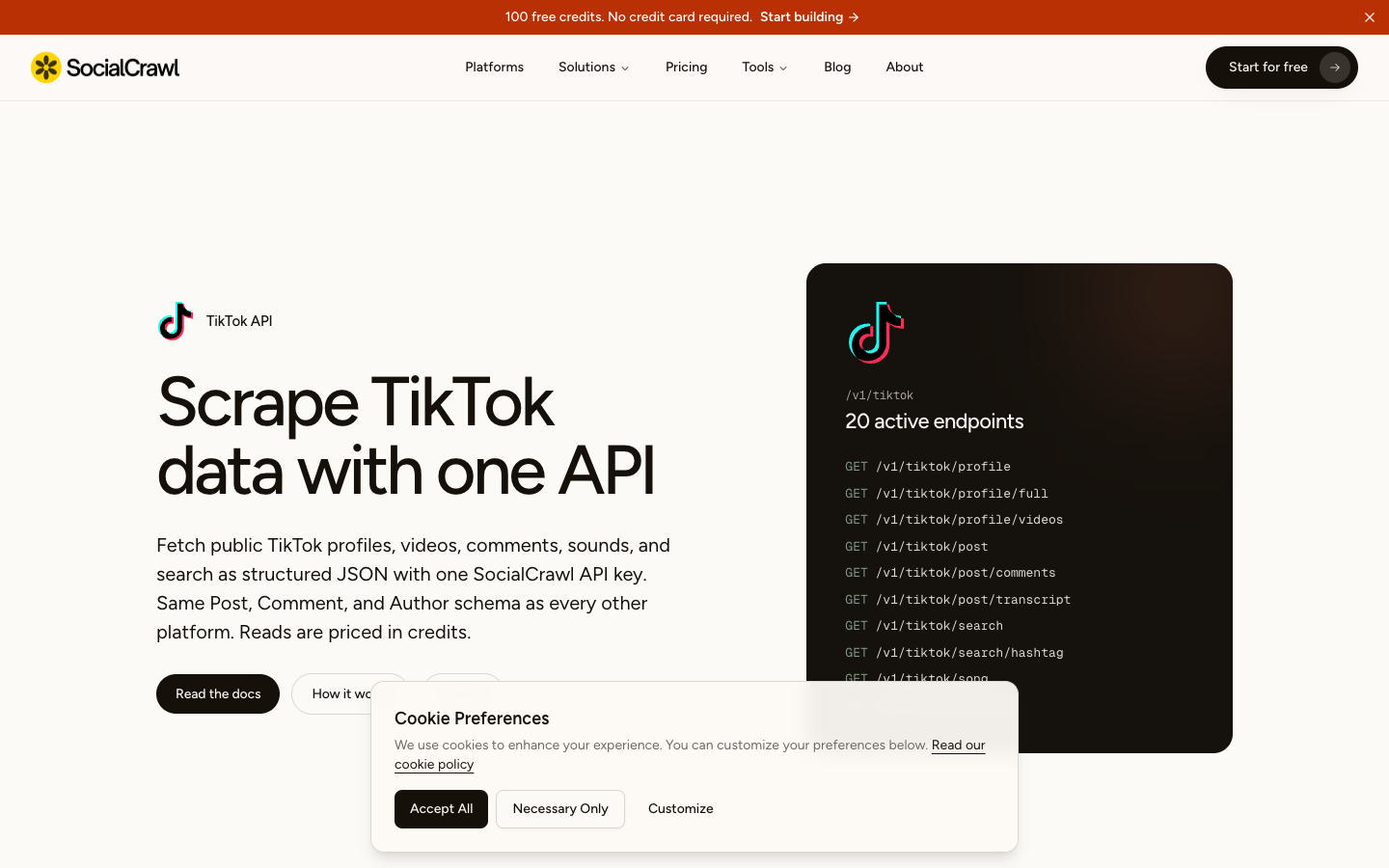
SocialCrawl and similar API providers show why this category exists: APIs can be excellent for clean structured responses, but the team still needs to decide which data object and workflow should be extracted in the first place.
Field checklist before choosing a TikTok scraper API
Before buying or building anything, define the output.
Data object | Required fields |
Profile | handle, profile URL, display name, bio, follower count, following count, likes, verification, source status |
Video | video URL, ID, creator, caption, publish time, likes, comments, shares, views, hashtags, sound, duration |
Comment | video URL, comment text, author handle, reply relationship, likes, timestamp, language note, source status |
Hashtag | hashtag name, related videos, creators, engagement, publish time, source URL |
Search result | query, ranking position, result URL, creator, caption, visible engagement, collected time |
Shop / commerce | product URL, seller, price, review count, rating, availability, source status |
Ads / Creative Center | ad URL, advertiser, creative, hook, CTA, region, date range, source status |
- Are these fields available through an official route for our use case?
- Are they stable enough for an API endpoint?
- Do we need browser screenshots, row review, session handling, or human stop points?
If the answer to question 3 is yes, start with BrowserAct before you commit to a fixed API.
Common mistakes when evaluating TikTok data routes
Mistake | Why it hurts | Better move |
Choosing an API before defining fields | The provider cannot fix a vague brief | Build a small BrowserAct sample first |
Treating official API access as guaranteed | Research access is eligibility and approval based | Check TikTok's current requirements first |
Ignoring source status | Missing fields look like zero or empty data | Keep |
Comparing only price | Reliability, coverage, delivery, support, and limits matter | Compare total workflow cost |
Scraping too broadly | The dataset becomes noisy and hard to defend | Narrow by target, time range, and field list |
Hiding stop screens | Teams lose compliance visibility | Preserve login/CAPTCHA/private/restricted status |
Further reading: TikTok research
Frequently Asked Questions
What is a TikTok scraper API?
A TikTok scraper API is a managed endpoint, actor, or scraping service that accepts TikTok inputs such as video URLs, profile handles, hashtags, or search terms and returns structured TikTok data such as profiles, videos, comments, hashtags, engagement metrics, or music metadata.
Is BrowserAct a TikTok scraper API?
BrowserAct is better described as a prompt-to-cloud browser Bot platform. You can use BrowserAct Agent to test a TikTok workflow in a real browser, save it as BrowserAct Workflow for repeat runs, and use BrowserAct CLI when engineering needs to trigger the approved workflow.
Is TikTok's official Research API better than a scraper API?
For eligible research projects that fit TikTok's access rules and endpoint coverage, the official Research API should be checked first. For commercial monitoring, creator research, campaign reporting, or custom browser workflows, a browser Bot or third-party scraper API may fit better.
When should I choose a TikTok scraper API over BrowserAct?
Choose a scraper API when the target inputs, schema, volume, and integration path are already stable. Choose BrowserAct when the workflow needs to be discovered, tested visually, reviewed by a human, or turned into a reusable Bot before engineering builds a pipeline.
Can I use BrowserAct before moving to an API?
Yes. That is often the cleanest route. Use BrowserAct Agent to validate fields and stop rules, save the approved path as Workflow, then use BrowserAct CLI or a third-party API if engineering needs a production integration.
Is TikTok scraping legal?
This article is not legal advice. Keep workflows read-only, public or authorized, and source-linked. Stop on login, CAPTCHA, 2FA, private content, payment, or account-changing actions. Review TikTok's current terms, API rules, applicable law, and your own compliance requirements before collecting data.


