How to Scrape TikTok Without an API

You can scrape TikTok without an API when the job is a read-only public-data workflow: collect visible video URLs, captions, creator handles, hashtags, sounds, comments, or profile metrics from pages you are allowed to view, then export the result as a source-linked table. The safer way to start is not a brittle selector script. It is a small browser run with clear fields, limits, and stop rules. That is where BrowserAct Agent fits best. You describe the TikTok data job in plain language, test i
-
1
Scrape TikTok without APIis a workflow query: readers want a way to collect public TikTok data without app review, OAuth, API keys, or scraper code. - 2The best first run is small and auditable: target URL, visible fields, result limit, source URL, row status, dedupe rule, and human stop conditions.
- 3BrowserAct is strongest for the first no-code run: use Agent for prompt testing, TikTok templates or Workflow for repeatable Bots, and CLI when an approved workflow needs engineering control.
- 4Use scraper APIs when you need stable JSON endpoints at scale; use official TikTok APIs when the use case requires authorized access, approved research, or platform features.
- 5Stay read-only and public or authorized. Stop on login walls, CAPTCHA, 2FA, private content, payment, messaging, following, liking, commenting, or any account-changing action.
What “without an API” should mean
“Without an API” should not mean “ignore boundaries.” It means you are using browser automation instead of an official developer endpoint or a third-party JSON API.
The good version looks like this:
- Open a public TikTok profile, search page, hashtag page, video page, or template-supported surface.
- Extract only visible fields.
- Store source URLs and collection time.
- Keep a low result limit for the first run.
- Pause for login, CAPTCHA, 2FA, age gates, restricted content, or unclear access.
- Export a table that a human can audit.
The bad version is an infinite script that keeps scrolling, drops source links, mixes partial and complete rows, and treats a login wall as something to bypass. That is how teams end up with a dataset nobody trusts.
Pro Tip: If the first 30 rows are messy, 3,000 rows will not fix the workflow. Use the first run to validate fields and stop rules before you schedule anything.
What TikTok data can you collect from a browser workflow?
The exact fields depend on the page, region, logged-in state, and current TikTok UI. Do not promise fixed coverage before testing. Start with fields that are visibly useful and easy to audit.
Data object | Useful visible fields | Notes |
Public profile | handle, display name, bio, verified status, follower/like counts when visible, profile URL | Good for creator research and competitor lists |
Public video | video URL, caption, creator, timestamp when visible, likes, comments, shares, views/plays when visible, hashtags, sound | Good for trend and content research |
Search or hashtag results | query, rank/order, video URL, caption, creator, visible metrics, collected_at | Good for market snapshots, not random sampling |
Comments | video URL, comment text, author handle, visible likes, parent/reply relationship when visible | Good for voice-of-customer and pain-point mining |
Sounds/music | sound name, creator, related videos when visible | Good for creative trend research |
The no-API TikTok scraping workflow that works
The practical workflow has four decisions.
Decision | Good default | Why it matters |
Target | One profile, hashtag, search query, or video list | Keeps the first run bounded |
Limit | 30–100 rows | Finds schema problems before scale |
Output | Source-linked table | Makes every row auditable |
Stop rule | Pause on login/CAPTCHA/restricted access | Prevents unsafe automation drift |
Once that works, turn the same logic into:
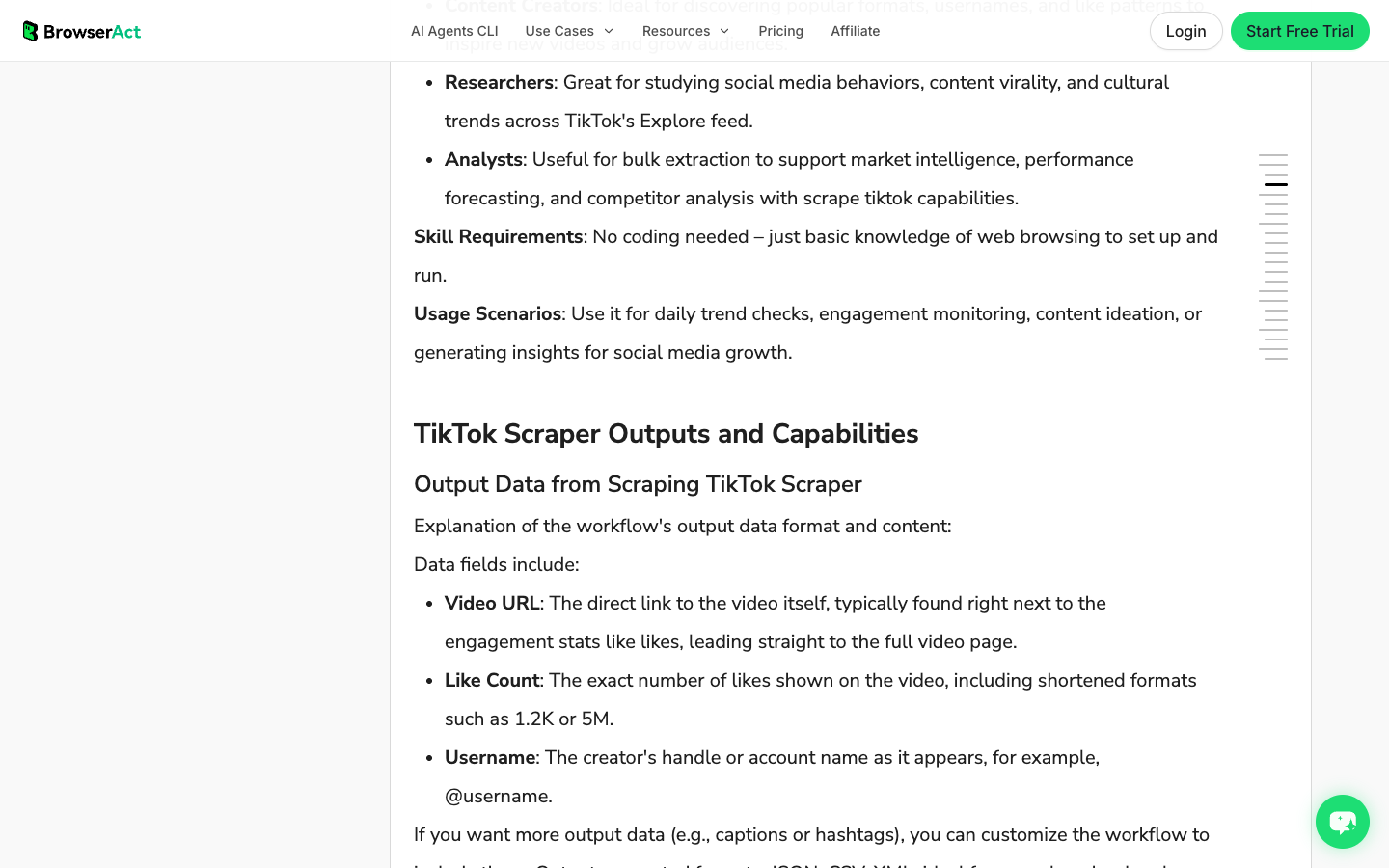
- a BrowserAct TikTok Scraper template when the target is Explore/video-list style data;
- a TikTok Hashtag Scraper when the job starts from hashtag trend research;
- a TikTok Comments Scraper when the value is comment text and replies;
- a saved BrowserAct Workflow when the same target list and fields need repeat runs;
- BrowserAct CLI when engineering needs controlled triggering, logs, and integration.
How to scrape TikTok without an API using BrowserAct
Use this module when you need a practical first run. It is designed for public or authorized TikTok pages and should stop when access becomes restricted.
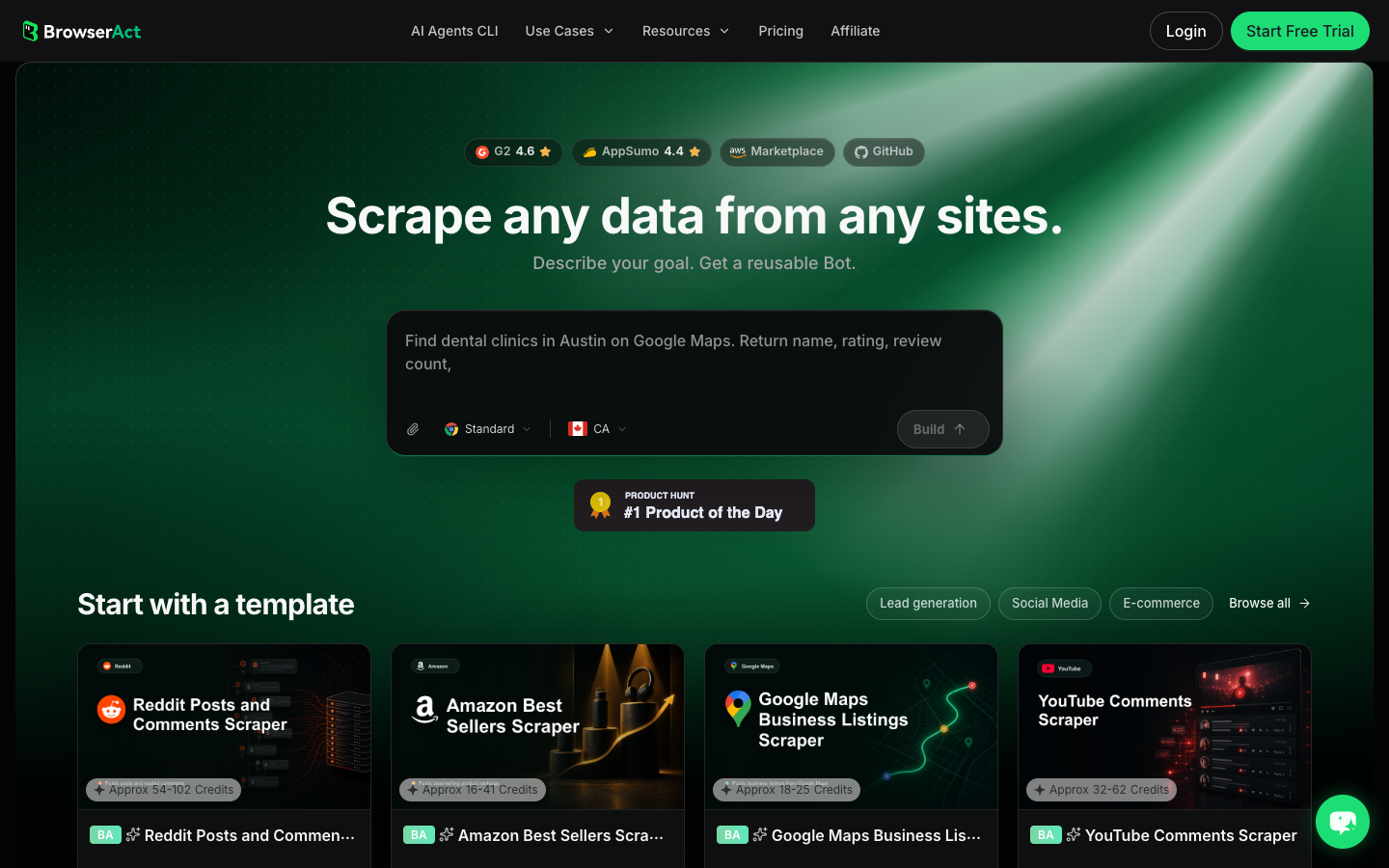
- Open BrowserAct Dashboard
Click the left-side + button to create your own Bot, start from Quick start, or paste the prompt directly into the center Agent input to begin building.
- Copy the complete prompt
Replace the target URL, query, and result limit. Keep the stop rules.
Go to the TikTok target I provide and collect only public or authorized information visible in the browser.

Target:
- Replace this line with one public TikTok profile URL, hashtag page, search URL, video URL, or Explore/video-list page.

Collect up to 50 visible records. Do not keep scrolling forever.

For each record, capture:
- source_target
- record_type: profile, video, hashtag_result, search_result, comment, sound, or unavailable
- source_url or canonical_url
- creator_handle
- creator_profile_url when visible
- caption_or_visible_text
- video_url when applicable
- sound_or_music_name when visible
- hashtags
- visible_metrics: likes, comments, shares, views/plays, followers, or like totals when visible
- timestamp or posted_date when visible
- collected_at
- source_status: complete, partial, login_required, captcha_required, private_or_restricted, unavailable
- reviewer_note explaining what the row can be used for

Deduplicate by canonical URL plus creator handle plus visible timestamp where available.

Do not follow, like, comment, message, purchase, change settings, bypass restrictions, or access private content.

If login, CAPTCHA, 2FA, age gate, account confirmation, membership approval, private content, payment, or restricted access appears, pause and ask for human review instead of continuing automatically.

Export the result as a source-linked table suitable for CSV, JSON, Markdown, or Google Sheets.
Scrape data from any website.
Describe the data you need. Get a Bot — a reliable, reusable scraper.
Prompt preview: collect public TikTok video URLs, creators, captions, visible metrics, hashtags, comments, source URLs, and stop reasons. Private session · Choose your region before you run
Get your Bot — Free- Handle login only when asked
If BrowserAct pauses on login, CAPTCHA, 2FA, account confirmation, age gate, membership approval, private content, payment, or restricted access, treat that as a human checkpoint. Do not turn a stop screen into an automated bypass.
- Review, dedupe, and export
Inspect the rows, remove duplicates, preserve source_status, and export to CSV, JSON, Markdown, or a Sheets-ready table. If the same target list and field logic will run again, save the validated path as BrowserAct Workflow. If engineering needs to trigger the approved workflow, use BrowserAct CLI.
Expected output schema:
Column | Example | Why it matters |
| TikTok search URL or profile URL | Keeps the input auditable |
|
| Prevents mixed rows from losing context |
| TikTok video or profile URL | Dedupe and manual review |
| visible TikTok handle | Connects videos/comments to a source |
| caption or comment text | Main qualitative evidence |
| likes, comments, shares, views, followers | Quantitative comparison when visible |
|
| Explains gaps without pretending the scrape was complete |
| “strong hook example” | Keeps human judgment close to the data |
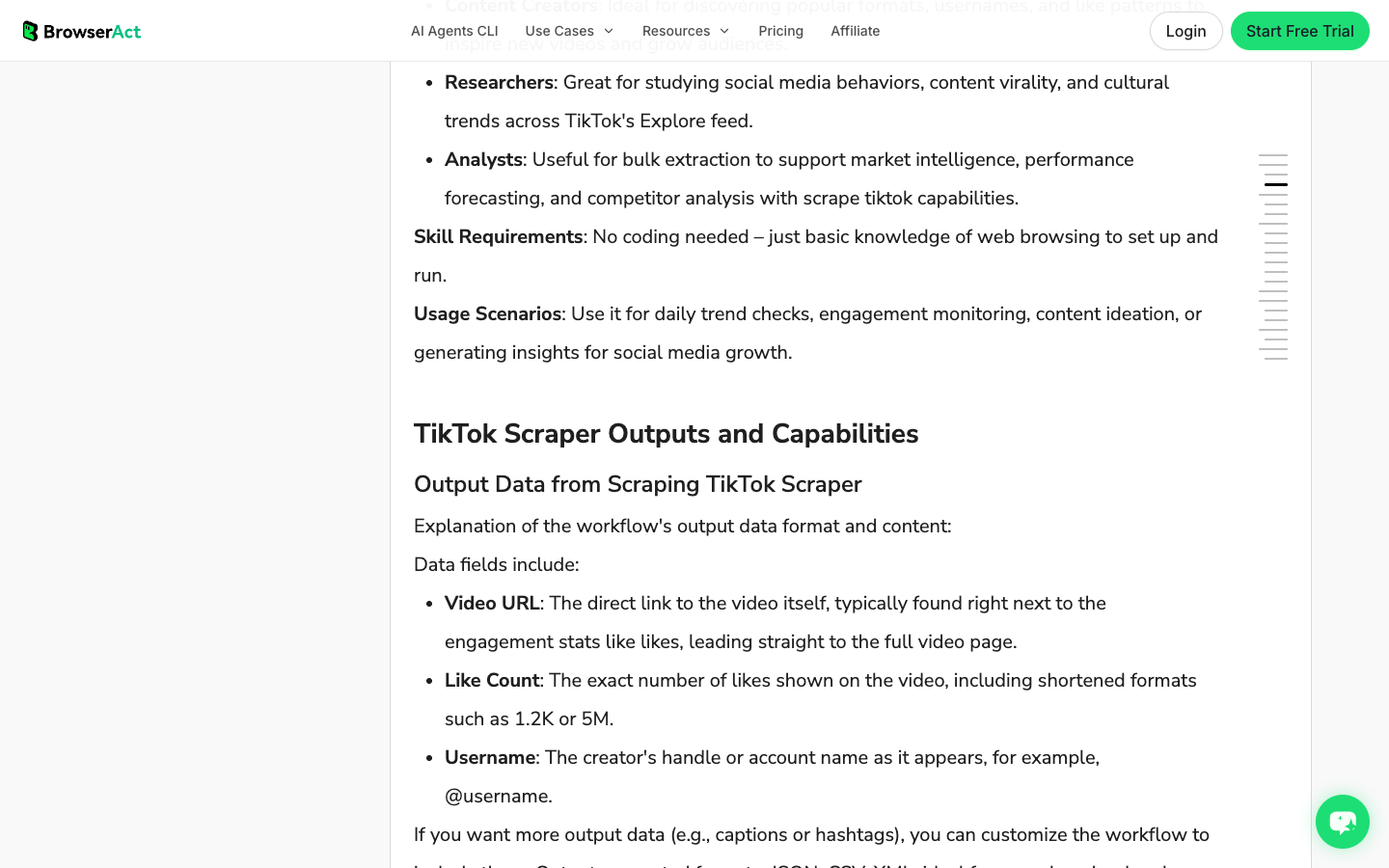
No fake BrowserAct export screenshot is shown here. The screenshot above is the real BrowserAct TikTok template output/capability section; use the schema table until your team has a fresh live run worth documenting.
When to use a BrowserAct template instead of a custom prompt
Use a custom prompt when you are still discovering the schema. Use a template when the workflow already matches the data object.
For example:
- Use the TikTok Scraper template for Explore/video-list style trend monitoring.
- Use TikTok Hashtag Scraper for hashtag tables and trend research.
- Use TikTok Comments Scraper when you need comments and replies from target videos.
- Use TikTok Influencer Scraper when the job is creator shortlist research.
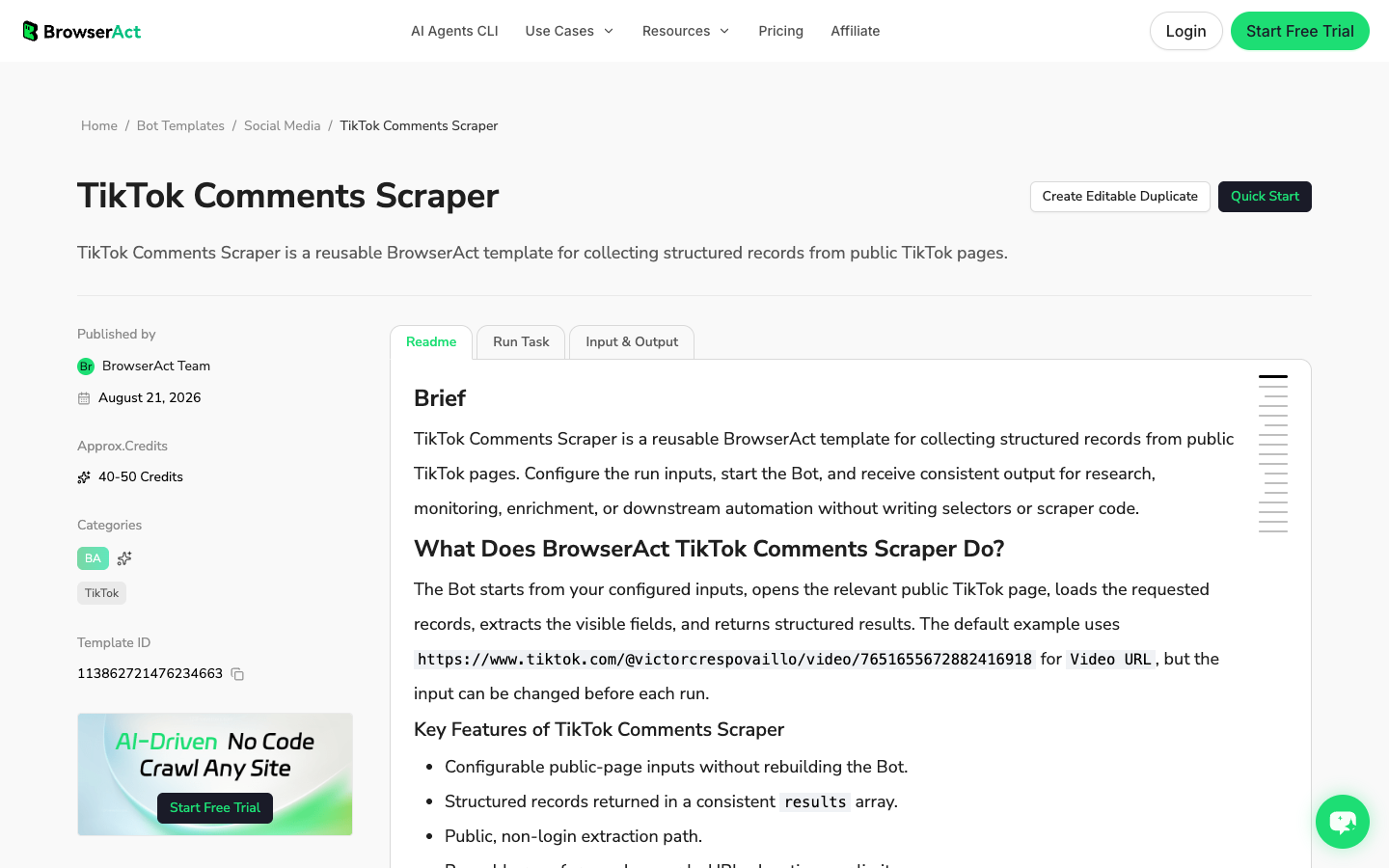
The template route is faster because it already has a known input and field model. The prompt route is better when your team is still asking, “What exactly should this dataset include?”
Pro Tip: A good no-code workflow still needs a data owner. Someone should approve the target list, the result limit, the fields, and the stop rules before the Bot becomes recurring.
When an API is the better choice
Browser automation is not the answer to every TikTok data job. Use an API when the workflow needs predictable endpoint behavior, integration contracts, or official access.
Situation | Better route |
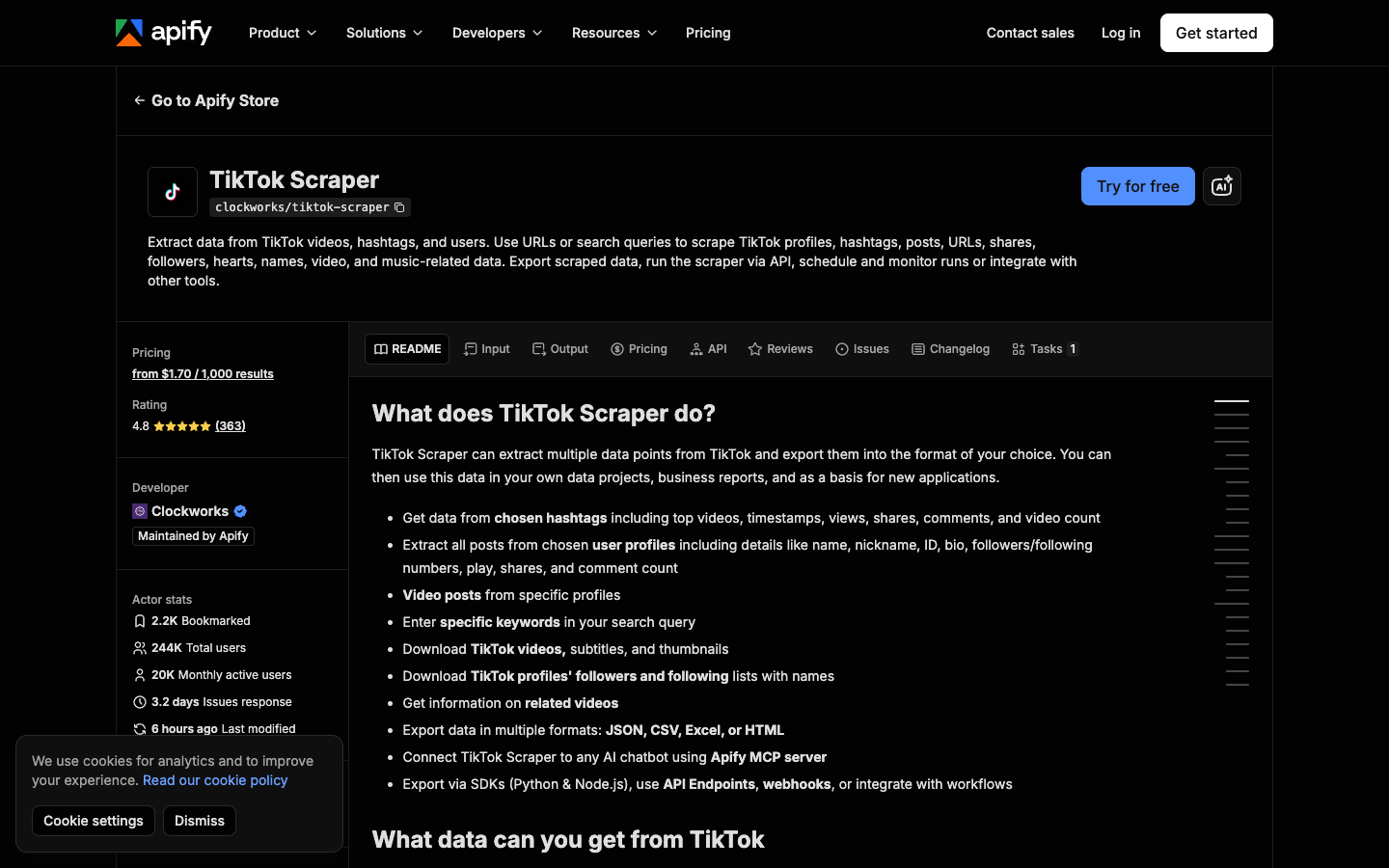
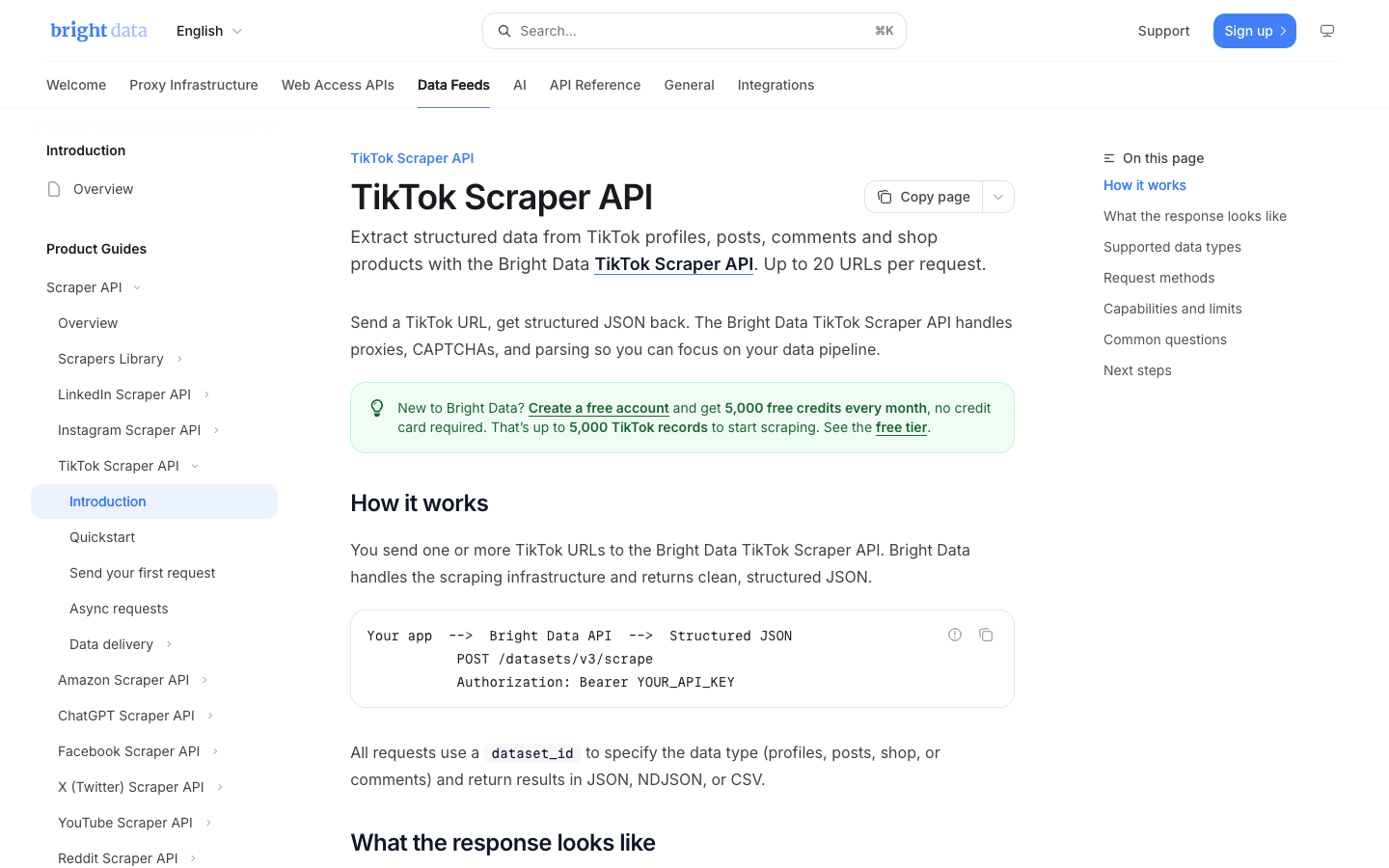
You need stable JSON endpoints for a product or backend job | Scraper API such as Bright Data, SocialCrawl, ScrapeBadger-style providers |
You need approved academic or policy research access | TikTok Research API or official research tooling |
You need authorized user features or platform actions | Official TikTok developer APIs |
You need a one-off marketing research table | BrowserAct Agent or TikTok template |
You need a repeatable browser workflow with human stop points | BrowserAct Workflow |
You need internal engineering control after approval | BrowserAct CLI |
Common failure modes in no-API TikTok scraping
The failures are predictable. Build around them from the start.
Failure | What it looks like | Better response |
Infinite scroll drift | Rows become duplicated or unrelated after many scrolls | Set a limit and store source order |
Missing source URLs | Dataset has metrics but no proof | Require |
Mixed row types | Profiles, videos, and comments appear in one table without context | Add |
Login or CAPTCHA screen | Automation reaches a restricted state | Pause for human review |
Partial metrics | Some videos show likes but not views, or timestamps are hidden | Keep |
Region differences | The same query returns different content by location | Record region and query |
Over-automation | Script tries to like/follow/comment or change account state | Keep the workflow read-only |
How to turn the first run into a repeatable workflow
After the first BrowserAct Agent run produces useful rows, decide what should happen next.
- Lock the schema: do not add fields every time someone has a new idea.
- Lock the target pattern: profile list, hashtag, search URL, video URL list, or template input.
- Set a schedule: daily, weekly, campaign launch, or manual only.
- Define quality checks: minimum source URL coverage, maximum duplicate rate, allowed partial rows.
- Choose the operating mode: BrowserAct Workflow for non-developer recurrence, BrowserAct CLI for engineering-owned runs.
The important part is that the workflow graduates only after the test run proves useful. Do not schedule a vague prompt.
Safety and compliance boundaries
This article is not legal advice. It is a workflow safety checklist.
Before you scrape TikTok without an API:
- collect only public or authorized data;
- keep the workflow read-only;
- avoid private content, DMs, account actions, paid actions, or hidden fields;
- preserve source URLs and collection timestamps;
- minimize data volume;
- avoid sensitive profiling without review;
- review TikTok’s terms, privacy obligations, and internal compliance requirements;
- stop on login, CAPTCHA, 2FA, age gate, payment, account confirmation, or restricted access.
If the data is business-critical, regulated, or used for outreach, run a human review before export or activation.
Further reading: TikTok research
Frequently Asked Questions
Can I scrape TikTok without an API?
Yes, if the workflow collects public or authorized data in a read-only browser session and preserves source URLs, limits, and stop rules. BrowserAct Agent and TikTok templates are practical no-code routes for testing that workflow before scheduling it.
What is the safest way to scrape TikTok without code?
Start with a small BrowserAct Agent run or a relevant TikTok template. Define the target, fields, limit, dedupe rule, and human stop conditions. Review the first rows before saving the flow as a reusable BrowserAct Workflow.
What fields should I collect from TikTok?
Useful fields include source URL, record type, creator handle, profile URL, caption or comment text, video URL, hashtags, sound name, visible metrics, timestamp when visible, collection time, source status, and reviewer notes.
Is the official TikTok API better than scraping?
Use official TikTok APIs when the use case requires authorized access, approved research, or platform features. Use browser automation for bounded public-data research where API access is unavailable, too narrow, or slower than a reviewed browser workflow.
How is BrowserAct different from a TikTok scraper API?
BrowserAct is better for defining and testing the workflow in a real browser. A TikTok scraper API is better when engineers already know the endpoint, schema, and integration pattern. Many teams use BrowserAct first, then graduate stable jobs to Workflow, CLI, or an API.
Can I schedule a TikTok no-API scraper?
Yes, but only after a small test produces clean rows. In BrowserAct, save the approved path as a Workflow or use a matching TikTok template. Keep limits, source URLs, stop rules, and review checks in the scheduled version.


