TikTok Hashtag Campaign Tracking: Monitor Branded Hashtags

TikTok hashtag campaign tracking gets messy when the report only asks, “How many posts used the tag?” The better question for TikTok hashtag campaign tracking is: which creators used the hashtag, what did they actually say, which posts need review, and where is the campaign gaining or losing momentum? That is the job this guide is built around. We will map the monitoring fields, the evidence sources, the weekly review cadence, and a prompt-first workflow using BrowserAct Agent, BrowserAct Workfl
-
1
TikTok hashtag campaign trackingshould measure more than volume: track creator participation, source URLs, caption themes, engagement snapshots, sentiment shifts, off-brief posts, and next actions. - 2This guide groups the workflow into five parts: campaign setup, signal collection, evidence-backed analytics, BrowserAct prompt execution, and post-campaign reporting.
- 3Use official TikTok APIs or enterprise listening platforms when you already have approved access and a stable reporting schema; use BrowserAct when the team needs to test a prompt, inspect the browser result, keep screenshots, and refine fields before scheduling.
- 4BrowserAct fits three moments naturally: Agent for the first branded hashtag brief, Workflow for recurring campaign refreshes, and CLI when the approved monitor needs to feed a controlled reporting stack.
- 5Stay read-only and public or authorized. Stop on login, CAPTCHA, 2FA, private content, payment, posting, liking, following, messaging, or account-changing actions.
What TikTok hashtag campaign tracking should answer
Most branded hashtag reports are too thin. They count uses of #YourCampaign, paste a few high-performing videos into a slide, and miss the messy parts: creators who used the wrong offer, audience complaints in comments, copied captions, off-brand content, regional confusion, or a spike that came from one unrelated viral post.
A useful campaign monitor answers six practical questions.
Campaign question | Signal to collect | Why the team cares |
Is the hashtag being used by the right creators? | creator handle, profile URL, creator tier, previous relationship, campaign phase | Separates paid/seeded participation from organic spread |
Are posts on brief? | caption, visible hashtags, media context, brand fit note | Finds messaging drift before the recap meeting |
Is the audience reacting positively? | comment themes, sentiment bucket, complaint flags, repeated questions | Turns a hashtag report into voice-of-customer evidence |
Which posts need review? | source URL, screenshot/session evidence, risk bucket, reviewer note | Gives legal, brand, and social teams an audit trail |
Is the campaign still moving? | first seen, collected at, engagement snapshot, velocity note | Distinguishes a launch spike from sustained momentum |
What should happen next? | next action, owner, deadline | Converts monitoring into outreach, amplification, or cleanup |
What the evidence says about hashtags, mentions, and listening
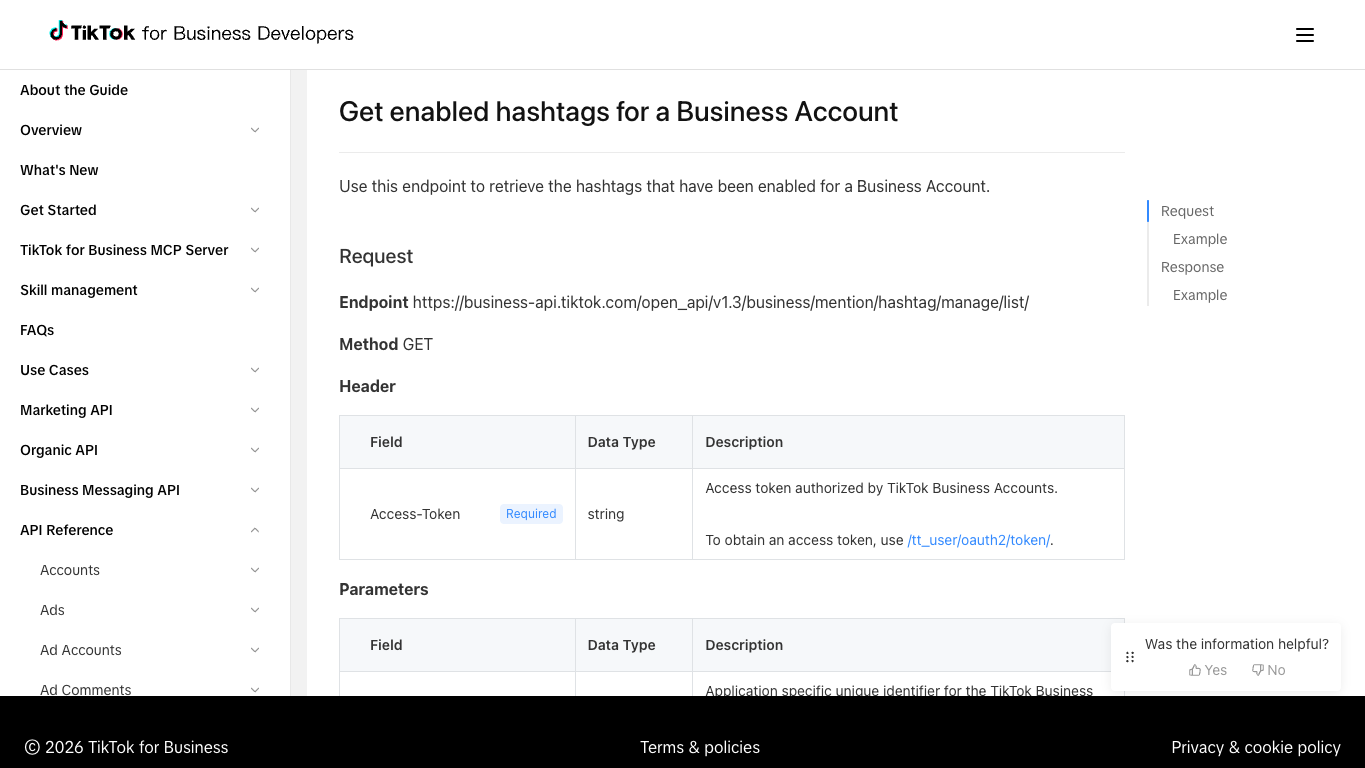
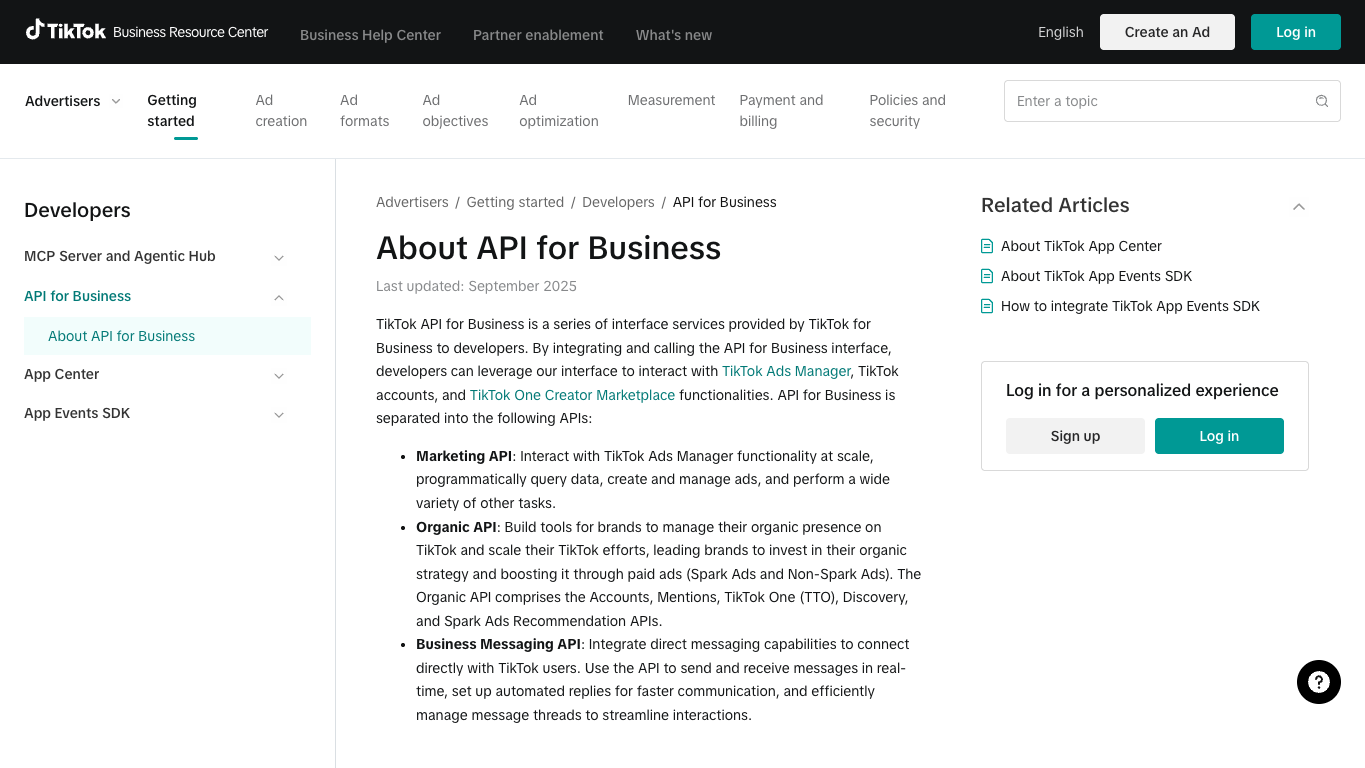
TikTok’s own business documentation treats brand hashtags and mentions as campaign and community signals, not just vanity labels. TikTok’s Business API documentation for enabled hashtags describes access paths around brand mention hashtags and top brand hashtag posts for a business account. TikTok’s marketing API help also describes Discovery API and Mentions API use cases around emerging trends, hashtags, themes, and brand or product mentions in organic videos.
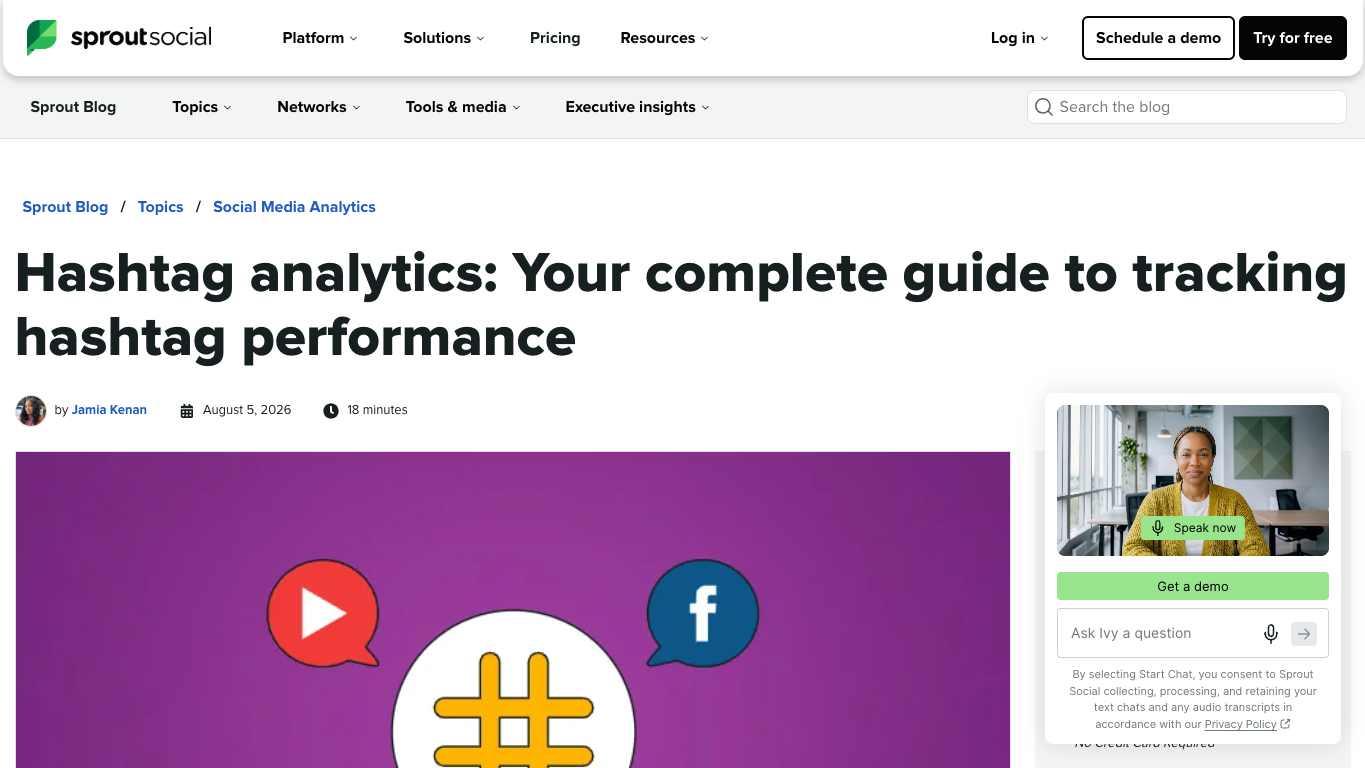
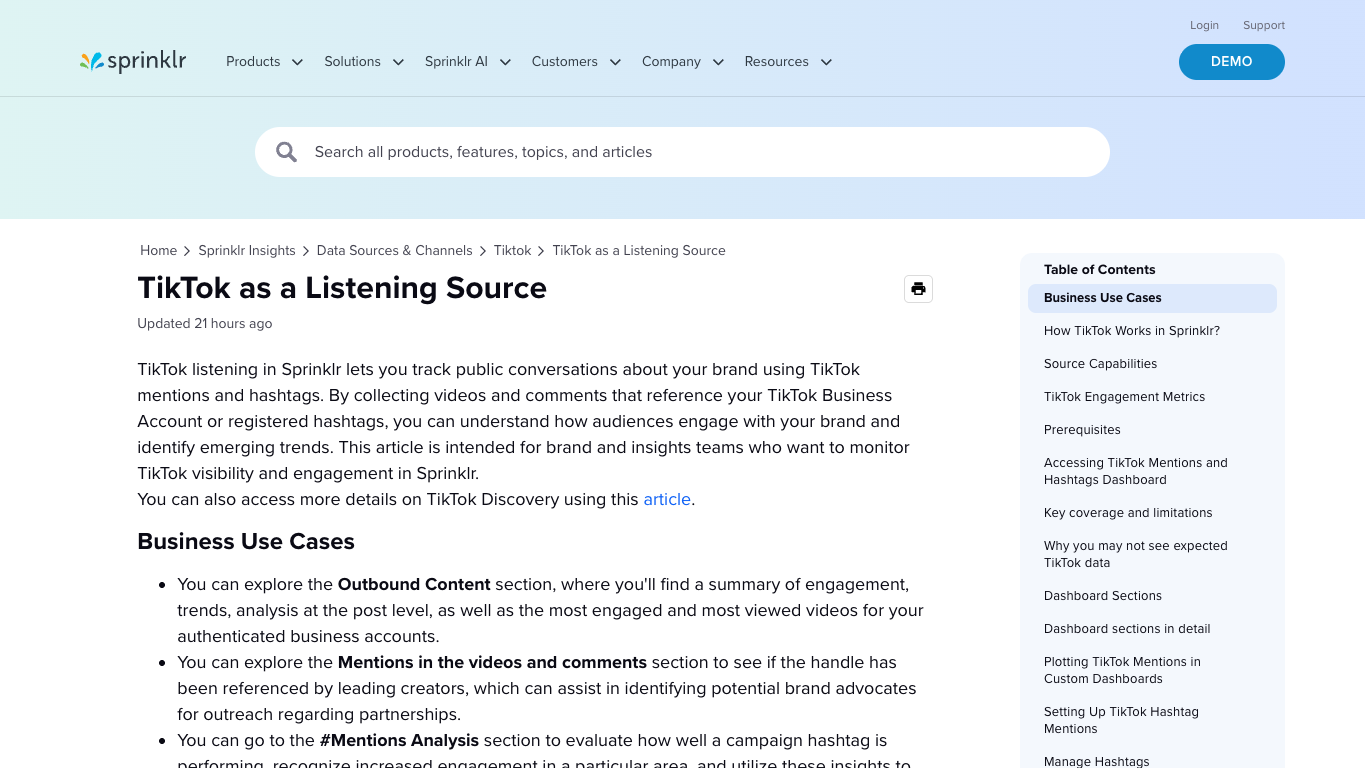
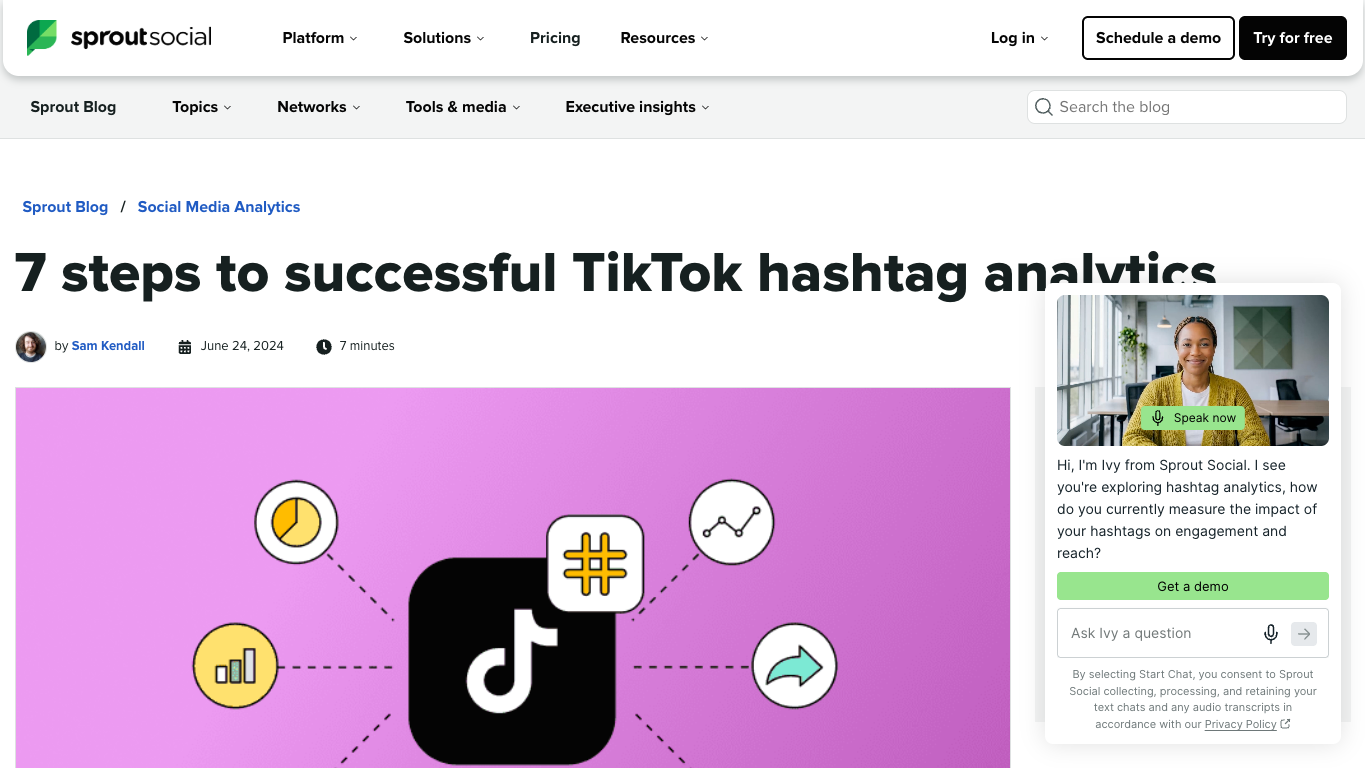
Social analytics vendors frame the same problem in plainer marketing language. Sprout Social describes hashtag analytics around reach, engagement, sentiment, and ROI, and its TikTok hashtag analytics guide points readers toward TikTok trend views that include ranked hashtags, posts, view counts, and trend movement across time windows. Sprinklr’s TikTok listening documentation similarly positions mentions and hashtags as listening sources for public conversations about a brand.
The practical takeaway: a good hashtag campaign tracker needs both measurement and evidence. Measurement tells you what changed. Evidence tells you whether the change is real, relevant, and safe to act on.
Build the campaign schema before scraping
Before you run any tool, define the table. This is where many teams accidentally create useless data: they collect URLs first and only later realize they cannot compare rows.
Use this starter schema for branded hashtag campaign tracking.
Field | Example | Notes |
| Summer launch | Keep one campaign label per row |
|
| Include exact case as collected |
|
| Useful when creators mix tags |
| TikTok video URL | Required for auditability |
|
| Keep as visible on page |
| TikTok profile URL | Helps later outreach checks |
| visible caption | Keep the user-facing language |
| views, likes, comments, shares when visible | Leave blanks when not visible |
| praise, pricing question, complaint, confusion | Optional but valuable |
| positive, mixed, negative, unclear | Do not overclaim precision |
| on brief, partial, off brief, needs review | Human judgment column |
| none, claim risk, brand safety, policy, unknown | For escalation |
| timestamp | Required for velocity |
| timestamp | Required for refresh comparison |
| complete, partial, unavailable, login required | Prevents fake completeness |
| amplify, reply, brief, investigate, ignore | Makes the table operational |
source_status even when everything looks fine. The day a page returns partial data, your report will explain the gap instead of hiding it.
Choose the right tracking cadence
The cadence depends on campaign risk. A creator launch with paid spend and press coverage needs tighter monitoring than a soft community hashtag.
Campaign phase | Suggested cadence | What to review |
Pre-launch test | 1–2 manual runs | Validate hashtags, source pages, fields, and stop rules |
Launch week | Daily or twice daily for high-risk campaigns | New posts, off-brief captions, comment themes, early creator outliers |
Mid-campaign | Two or three refreshes per week | Momentum, repeated questions, sentiment drift, creator gaps |
Final week | Daily if spend is still active | Last-minute risk, underperforming segments, amplification candidates |
Post-campaign | One full export plus a summary pass | Winners, learning, source-linked examples, reusable playbook |
Run a TikTok hashtag campaign tracker with BrowserAct
Use this module when your team has a campaign hashtag, related brand terms, and a clear need for source-linked monitoring rather than a one-off screenshot hunt.
- Open BrowserAct Dashboard
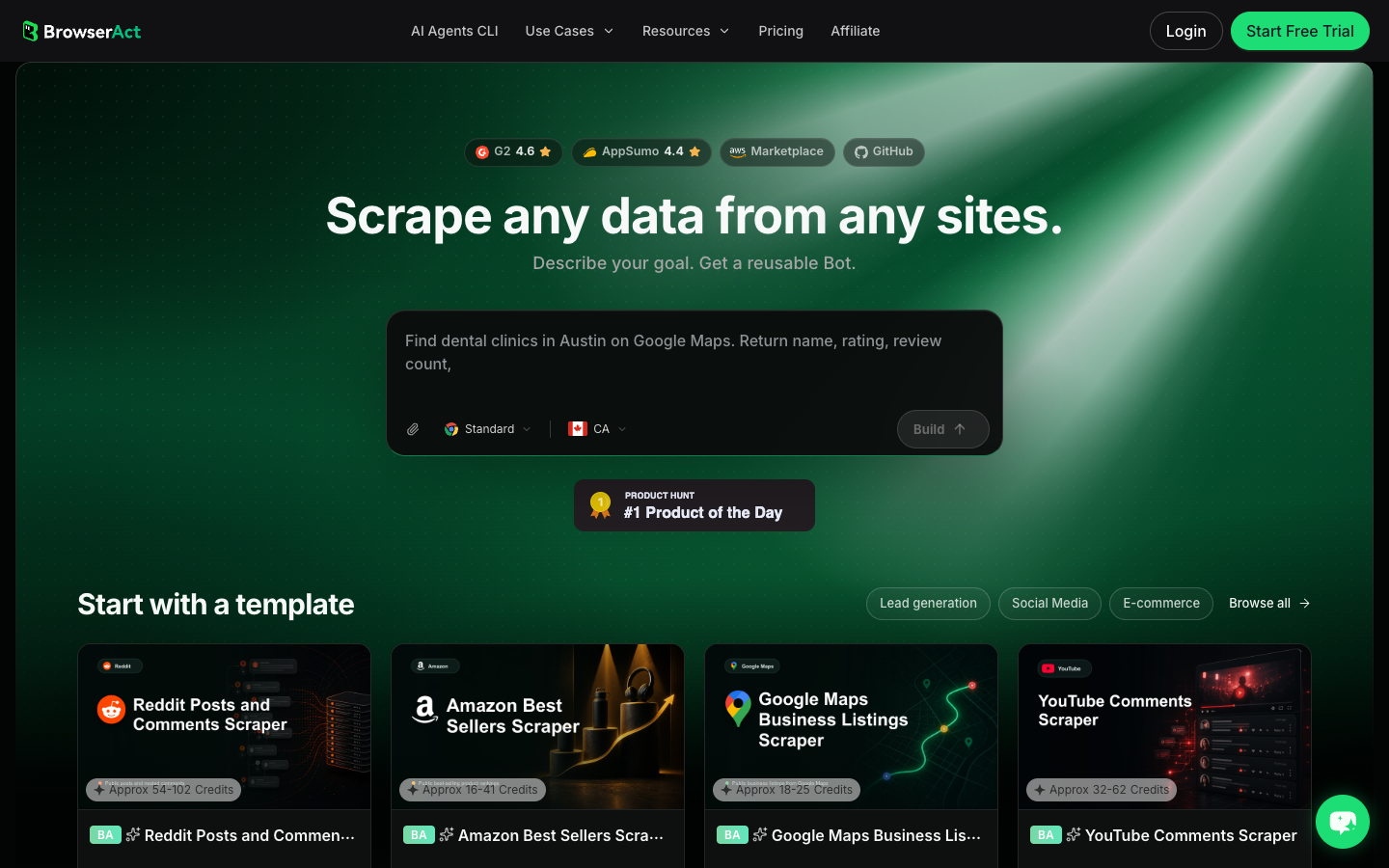
Click the left-side + button to create your own Bot, start from Quick start, or paste the prompt directly into the center Agent input to begin building.
- Copy the complete prompt
Replace the campaign name, hashtag set, source URLs, and limit. Keep the stop rules.
Build a read-only TikTok hashtag campaign tracking table for this campaign.

Campaign name:
- Replace with the campaign name.

Hashtags and brand terms to monitor:
- Replace with the branded hashtag.
- Replace with related campaign hashtags, product names, creator brief terms, or brand terms.

Starting sources:
- Replace with public or authorized TikTok hashtag, search, profile, video, or campaign URLs.

Collect up to 100 relevant public or authorized posts and conversation signals. Do not scroll forever.

For each row, capture these visible fields when available:
- campaign_name
- tracked_hashtag
- related_hashtags
- post_url
- creator_handle
- creator_profile_url
- caption_or_text
- visible_view_count
- visible_like_count
- visible_comment_count
- visible_share_count
- visible_publish_time
- comment_theme: praise, question, complaint, confusion, purchase intent, competitor mention, unrelated, unknown
- sentiment_bucket: positive, mixed, negative, unclear, not enough context
- brand_fit: on brief, partial, off brief, needs review, unknown
- risk_bucket: none, claim risk, brand safety, policy, disclosure, unknown
- first_seen_at for this run
- collected_at
- source_status: complete, partial, unavailable, login required, restricted, unknown
- recommended_action: amplify, reply, brief creator, investigate, add to recap, ignore
- reviewer_note explaining why the row matters

Deduplicate by post_url. If the same post appears under multiple hashtags, keep one row and list every matched hashtag.

Stay read-only. Do not follow, like, comment, message, post, download restricted media, purchase, change settings, bypass restrictions, or access private content.

If login, CAPTCHA, 2FA, age gate, account confirmation, private content, payment, or restricted access appears, pause and ask for human review instead of continuing automatically.

Export the result as a source-linked table suitable for CSV, JSON, Markdown, or Google Sheets.
Scrape data from any website.
Describe the data you need. Get a Bot — a reliable, reusable scraper.
Prompt preview: monitor a TikTok branded hashtag campaign, collect source URLs, creator posts, engagement snapshots, sentiment buckets, and recommended actions. Private session · Choose your region before you run
Get your Bot — Free- Handle login only when asked
If BrowserAct pauses on login, CAPTCHA, 2FA, age gate, account confirmation, private content, payment, or restricted access, treat that as a human checkpoint. Do not turn a stop screen into an automated workaround.
- Review, dedupe, and export
Inspect the first export, remove accidental duplicates, keep source URLs, and review the brand_fit, risk_bucket, and recommended_action columns before anyone uses the data in a campaign report.
The BrowserAct TikTok Hashtag Scraper template is a useful starting point when the job starts from one or more known hashtags. Use Agent when the brief is still changing; use the template when the input is already a hashtag; save a Workflow when the same campaign monitor should refresh on a schedule.
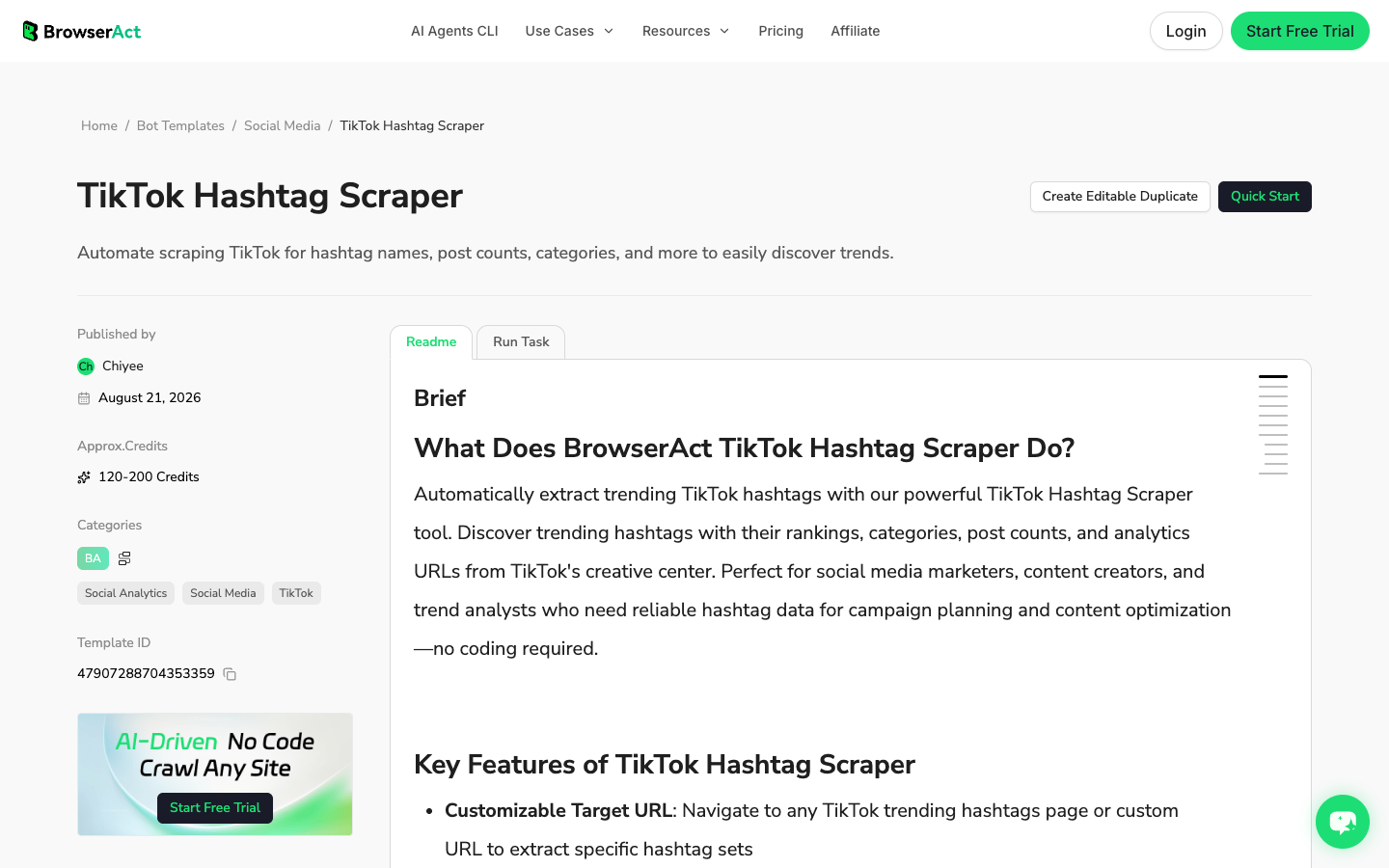
No fake BrowserAct export screenshot is shown here. The workflow above produces a campaign table from your own approved TikTok sources; until that live run exists, the honest artifact is the prompt, schema, real Dashboard screenshot, and BrowserAct template screenshot.
Where official APIs and listening suites fit
BrowserAct is not the only route. For some teams, it should not be the final route.
Use an official or enterprise route when your campaign program already has approved access, a fixed reporting schema, and a need for high-volume repeatable measurement. TikTok’s business API documentation and marketing API help are the first places to check for what your account, region, and access tier can use. Enterprise listening tools can also help when the requirement is always-on social listening across many brands and markets.
Use BrowserAct when the campaign team still needs browser context:
- the hashtag set is changing;
- the team needs source URLs and screenshots;
- reviewers need to inspect partial or messy rows;
- the workflow must stop for login, CAPTCHA, 2FA, or restricted access;
- the team wants to turn a validated manual research path into a reusable Bot before engineering gets involved.
This is the approach that works best for fast-moving marketing teams: validate the question in a browser first, then harden only the pieces that deserve automation.
How to turn hashtag data into decisions
The final table should not be a warehouse of random TikTok URLs. It should drive actions.
Pattern in the data | What it may mean | Recommended action |
Many creator posts, low comment quality | Awareness without useful conversation | Review creative hooks and comment prompts |
Few posts, high comment questions | Small reach but strong purchase or education signal | Add FAQ content, replies, or creator talking points |
High engagement from off-brief creators | Organic spread, but message risk | Review before amplification |
Repeated complaints under the hashtag | Campaign may be surfacing product or trust issues | Escalate to brand, support, or product |
One viral post dominates the tag | Report may be distorted by an outlier | Separate outlier from campaign baseline |
Regional language clusters appear | Campaign is moving in a market you did not plan for | Add regional review or localization notes |
Reporting template for the campaign recap
Use the final export to build a recap that is more useful than a vanity dashboard.
Recap section | What to include |
Executive readout | What changed, what mattered, and what needs action |
Hashtag performance | volume trend, top source URLs, creator participation, campaign phase |
Creator participation | paid/seeded/organic split when known, notable creators, gaps |
Audience language | repeated questions, praise, objections, complaints |
Risk and review | posts needing legal, brand, policy, or disclosure review |
Content lessons | hooks, formats, captions, sounds, creator styles that worked |
Next actions | amplify, brief, reply, investigate, update content plan, archive |
Common mistakes in branded hashtag tracking
Mistake | Why it hurts | Better move |
Tracking only the exact campaign tag | Misses brand terms, product names, and misspellings | Track campaign hashtag plus related terms |
Treating all engagement as good | Negative comments can also drive visibility | Add sentiment and risk buckets |
No source URLs | Nobody can audit the recap | Require |
No collection time | Refreshes cannot be compared | Add |
No human review | Automated rows get misread as campaign truth | Add reviewer notes and recommended actions |
Over-automating too early | The schema changes after the first review | Use Agent first, then Workflow |
Hiding partial failures | Reports imply false completeness | Keep partial/unavailable/login-required statuses |
When to use Agent, Workflow, template, or CLI
BrowserAct shape | Best fit in hashtag campaign tracking |
First campaign brief, changing fields, messy browser review, proof-of-work runs | |
Known hashtag input, faster repeatable collection, campaign-specific hashtag monitoring | |
Scheduled refreshes after the schema and stop rules are approved | |
Internal reporting jobs, controlled refreshes, handoff to data or growth engineering |
Conclusion
TikTok hashtag campaign tracking works when the table explains both the metric and the source. Count the hashtag, yes, but also capture who used it, what they said, whether the post is on brief, what the audience asked, where risk appears, and what the team should do next.
If the monitoring path is still being shaped, start with BrowserAct Agent and a clear prompt. Once the schema is approved, turn the repeatable path into BrowserAct Workflow. When the campaign monitor becomes part of a controlled reporting system, move the approved run into BrowserAct CLI.
Further reading: TikTok research
Frequently Asked Questions
What is TikTok hashtag campaign tracking?
It is the process of monitoring branded or campaign hashtags across TikTok posts, creators, captions, engagement snapshots, sentiment signals, source URLs, and follow-up actions.
What should a TikTok hashtag campaign report include?
Include hashtag usage, creator posts, source URLs, engagement snapshots, caption themes, sentiment buckets, brand-fit review, risk flags, collection time, and recommended actions.
Can BrowserAct monitor branded TikTok hashtags?
Yes. Use BrowserAct Agent to test the first prompt, a TikTok hashtag template for known tags, Workflow for scheduled refreshes, and CLI for controlled reporting handoff.
Is the TikTok API better for hashtag campaign tracking?
Use official API routes when your account has approved access and a stable schema. Use BrowserAct when you need browser context, screenshots, human checkpoints, and flexible field testing.
How often should I refresh a branded hashtag campaign monitor?
Run daily during launch week, two or three times per week mid-campaign, and once for the post-campaign recap unless the campaign is high risk or paid spend is still active.
Is TikTok hashtag scraping safe?
Keep it read-only, public or authorized, and source-linked. Stop on login, CAPTCHA, 2FA, restricted content, payment, posting, liking, following, messaging, or account changes.


