Local Business Lead Generation: How to Find the Right Contact From Google Maps

Local business lead generation looks finished when the spreadsheet fills up. It is not. A Google Maps listing may show a phone number, website, or place URL, but none of those fields tells you who makes purchasing decisions or whether a contact route will work.
Imagine a tiler in Austin preparing a list of local contractors. Some records have a phone number but no website; others lead to a national brand's location page or a company contact form. Those are different starting points, even though they all look like complete rows in a spreadsheet. The tiler and the businesses in this article are illustrative examples, not campaign results.
The decision is this: for each business, which public contact route is available, and what would you need to check before using it? A business listing is the starting record. Finding a named decision-maker or proving a route is reachable requires separate research and, often, a human check.
What you should take away
- A Google Maps listing identifies a public business record — not necessarily a person you can reach. The contact decision is a separate step that determines how the record can be used.
- Match the route to what the business actually publishes. Phone, booking, and written contact routes may suit different businesses. Treat industry patterns as starting hypotheses; check the individual listing and website.
- A route counts as reachable only after you have tested it. A published phone number that nobody answers is not a lead, it is a row with a phone number.
- "No contact found" is a real answer. Mark it, date it, and move on — never fill the gap with a guessed address.
- You do not need to perform this per business by hand. A reusable Bot can collect the public records at the depth you need, so your time goes into the judgment calls instead of the page hopping.
Why a Business Listing Is Not a Contact
A listing can tell you that a business publicly displays a phone number or website. It cannot tell you that the number reaches someone who can hire you, that the site belongs to a local decision-maker, or that a contact form receives inquiries.
Consider the illustrative tiler searching Google Maps for general contractors in Austin. Three entries illustrate three different problems:
The first number might reach a front desk. The second website might be a national brand's location page rather than an independent contractor. The third listing might show an address and rating but no public contact route. None of these observations alone proves that a relevant person can be reached.
The list is useful only after each row records what is actually published, where it was found, and what still needs checking. A business record is not a verified contact.
The Step Most Lists Skip
Start with the route the business actually publishes: a phone number, contact page, booking link, or company inbox. Keep its source URL, then check whether it reaches someone relevant to your offer. If no public route is visible, mark the record unresolved instead of guessing an address or a decision-maker.
Use three checks for each row:
- Does the business publish a public entry point at all? A phone number, an owned website with a contact page, a form, a booking route, or a messaging link. If nothing is published, the row has no next step — mark it and move on.
- What did they choose to publish, and who is likely to receive it? A shared inbox, booking form, and main phone line serve different purposes. The published route is evidence of an available entry point, not proof that a decision-maker monitors it.
- Can you confirm the route works for this purpose? A number that goes unanswered, a contact page that errors, or a form that fails leaves the row unresolved. Test the route before committing a campaign to it.
That is the whole method. The rest of this article is one run through it.
One Walkthrough: Three Records, Three Decisions
The following three records are illustrative, not results from an outreach campaign or a Bot run. They show how to classify different public routes. The wider discovery-to-contact framework is covered in the Google Maps scraper for lead generation guide; here we stay on the route decision itself.
Record 1 — has a phone number, no website. A framing crew has a public number and business address but no website link.
The decision: test the public number and ask who schedules tile work. Record the source URL and call outcome. No website link proves only that this listing lacks one; it does not prove the crew has no web presence elsewhere.
Record 2 — has a website that belongs to a franchise. A national brand's location page, with a local address and a corporate contact form.
The decision: check for a local or regional contact. The corporate form does not establish who handles hiring, so mark route relevance as unverified.
Record 3 — has a contact page and a published company inbox. A mid-size contractor with an info@ address on its own domain, plus a quote form.
The decision: check the contact page's purpose before using it; a quote form may be customer-facing. Keep its source URL. A company inbox is neither a personal address nor proof that an estimator will read it.
The useful result is a documented next action for each row, including “needs review.”
Match the Route to the Business, Not to Your Preference
Industry can suggest where to look first, but it does not prove which route will work for an individual business. Treat the second column as a starting hypothesis, then follow the route the business actually publishes and verify its purpose.
Business type | Route to check first | What to verify | Assumption to avoid |
Trades and home services | Published phone or contact page | Who handles the relevant work and whether this is a business inquiry route | Assuming a listed number reaches the owner |
Clinics and appointment-based businesses | Published front desk or business contact page | Whether it accepts vendor inquiries; booking widgets may be patient-facing | Using a patient appointment form for outreach |
Restaurants and retail | Published business phone or contact page | Whether the route reaches a manager and when inquiries are accepted | Assuming a shared inbox is monitored for sales pitches |
Professional services and agencies | Contact page or published company inbox | Whether the page invites the type of inquiry you plan to send | Treating a company inbox as a personal address |
Franchises and multi-location brands | Location page, then regional contact | Whether a local or regional team controls the decision | Treating every branch as an independent buyer |
If your campaign spans these groups, review each published route before choosing how to approach it.
Read the Record Honestly
Each public field establishes a limited fact about the listing. It does not, by itself, establish the right person or permission to contact them. Read the record field by field before choosing a next step.
Field | What you can reasonably conclude | What it does not tell you |
Phone | A phone number is listed | That it works or reaches an owner or decision-maker |
Website | A website link is listed and worth checking | That it belongs to this location, is current, or accepts your inquiry |
Business hours | A published schedule exists | That it reflects this week, especially around holidays |
Category | The business describes itself in these terms | That the category is precise enough for your offer |
Reviews and rating | Public review and rating information is visible | Revenue, budget, or willingness to buy |
Result rank | A reproducible position in one collection run | Anything about business quality |
Read a value as evidence of what was published, and a blank as “not found in this context.” A missing email is not permission to guess one. Keep the source URL and the date checked with each row.
Doing This Without the Page Hopping
Collecting public business fields across many rows can become repetitive. The route choice and reachability judgment still need review; automation can prepare the records, not decide that every record contains a usable contact.
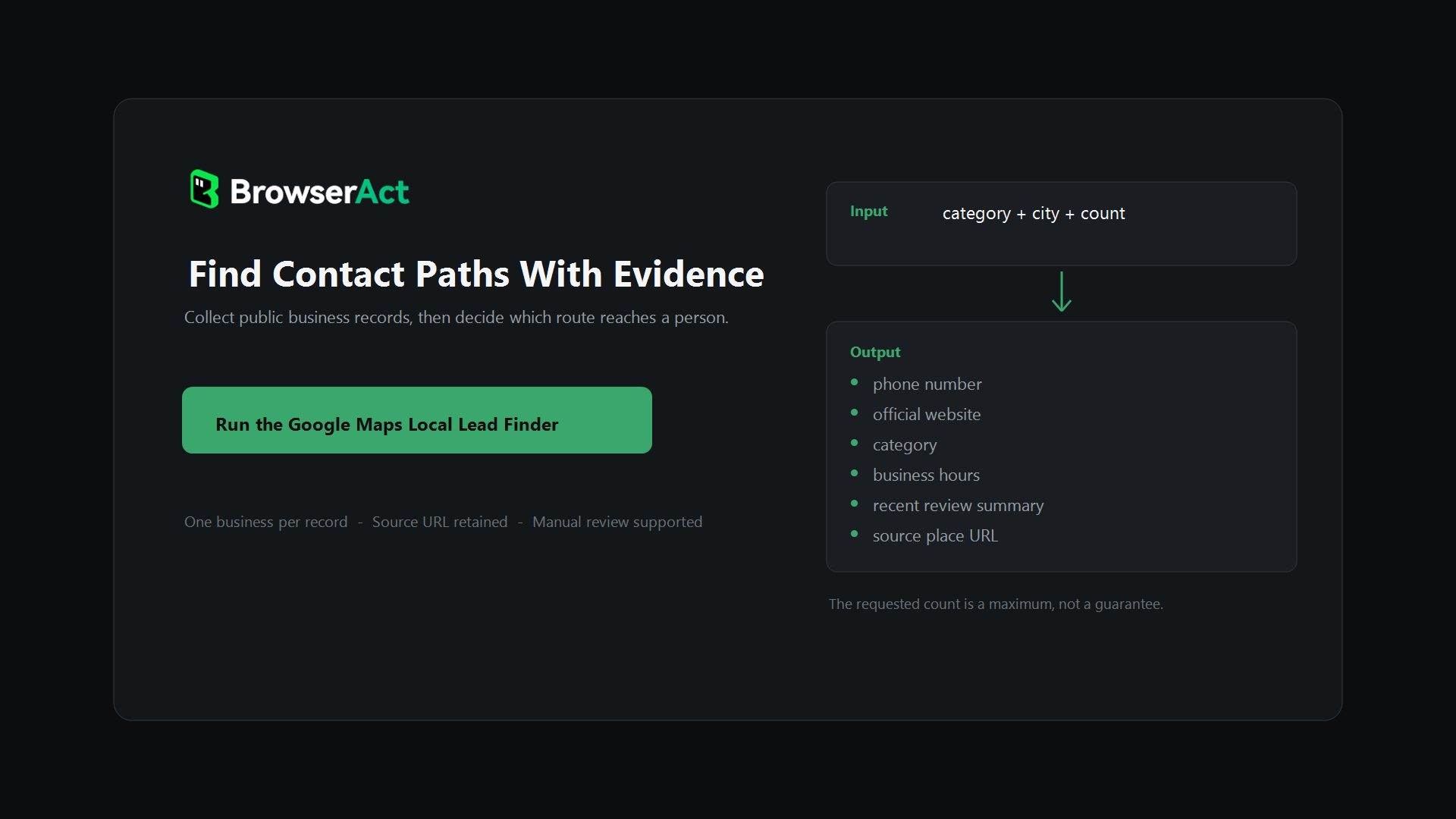
Google Maps Local Lead Finder can prepare that record set. Enter a search query, location, and maximum count. The Bot opens public place detail pages and returns structured records with visible fields such as phone, website, category, business hours, and a recent review summary when available. It does not identify a decision-maker, test the phone, or audit the linked website. Review the records before using them for outreach.
Three things to know before planning a run:
- The count is a maximum, not a guarantee. What comes back depends on the query, the location, and what is publicly visible at that moment.
- It opens place details; it is not a site crawler. Detail-page collection does not audit websites.
- Email is a separate, selective step. Google Maps does not provide an email field in this template. When a campaign genuinely needs email, a Google Maps email scraper can start from the Maps record, follow the official website, and check a clearly linked contact page for an address the business published itself. If none is visible, leave the field empty and review other published routes; do not assume a phone number is available.
The order is: collect, classify, test the route, then research further only where justified.
Before the First Call
Review each row before outreach:
- The business matches the intended category and territory.
- The contact route was observed, not inferred, and its source URL is attached.
- The route was tested, and the outcome is on the row.
- Business channels are separated from anything that looks personal.
- Duplicates, branches, and parent-brand overlaps are removed.
- The outreach reason comes from a visible detail, not from a template variable.
A record that survives this review has a documented next step; it is not a guaranteed conversation. Whether it deserves your time is a separate question — how to qualify Google Maps leads before outreach covers that decision, so testing a route and judging an opportunity stay two different steps.
One limit belongs here rather than in a footnote: collecting public business information is research, not permission to contact anyone by any means. Rules differ by country, industry, and message type. This is not legal advice, and a documented public source does not replace a compliance check.
Start With One Category and One City
Start with one city and one business category. Review a small batch, record each public route and its source, and test the route before expanding. Keep unresolved records separate. This gives the next campaign a contact plan you can inspect without implying that every listing yields a reachable decision-maker.
Local business lead generation needs more than a large list: each row should show what was published, what was tested, what remains unknown, and the next action.
Then expand to the next city, with the same list format and the same rules.
Frequently Asked Questions
Can Google Maps give me a business owner's personal email?
The Google Maps Local Lead Finder collects public place fields such as a business phone number, website, and place URL. It does not identify an owner's personal email or supply nonpublic contact details.
Where can a public business email come from if it is not on Maps?
Check the business's own website and a clearly linked contact page. An email is usable for this workflow only when the business publishes it for a relevant purpose; otherwise leave the email field empty and review another public route.
What should I record when no contact route is visible?
Record the business and source URL, the pages checked, the date, and a status such as “no public route found” or “needs manual review.” Do not guess an email address or treat the blank as a sales opportunity.
How do I decide which contact route to try first?
Start with the route the business publishes for the type of inquiry you need to make. Use industry patterns only as a starting hypothesis, then verify the route's purpose and record what happened when you tested it.
Does a listed phone number reach the person who makes decisions?
No such conclusion follows from the listing alone. A public number may reach reception, a call center, or the relevant team. Confirm who answers and whether that person handles your type of inquiry before marking the record as contactable.