LinkedIn Email Scraper Skill vs a Dedicated Email Finder

Choose a dedicated tool when a saved Sales Navigator search is your starting point and a file of business contacts is the deliverable. A LinkedIn email scraper skill earns its upkeep when you already have the profiles, need to distinguish addresses shown on a page from addresses supplied by a provider, or must explain why a record stayed blank. Here is what each route buys you, and what happens to two rows when you build the handoff yourself.
Buy the workflow: PhantomBuster for a Sales Navigator search
PhantomBuster’s Sales Navigator Search to Emails takes a Sales Navigator search and a connected LinkedIn session. It runs in the cloud, collects profile fields, looks for professional addresses and offers a CSV or JSON file. Pick this specific automation if email discovery belongs in the same job as the search export. A search export that only collects profile data gives you a different deliverable. Sales Navigator Search to Emails
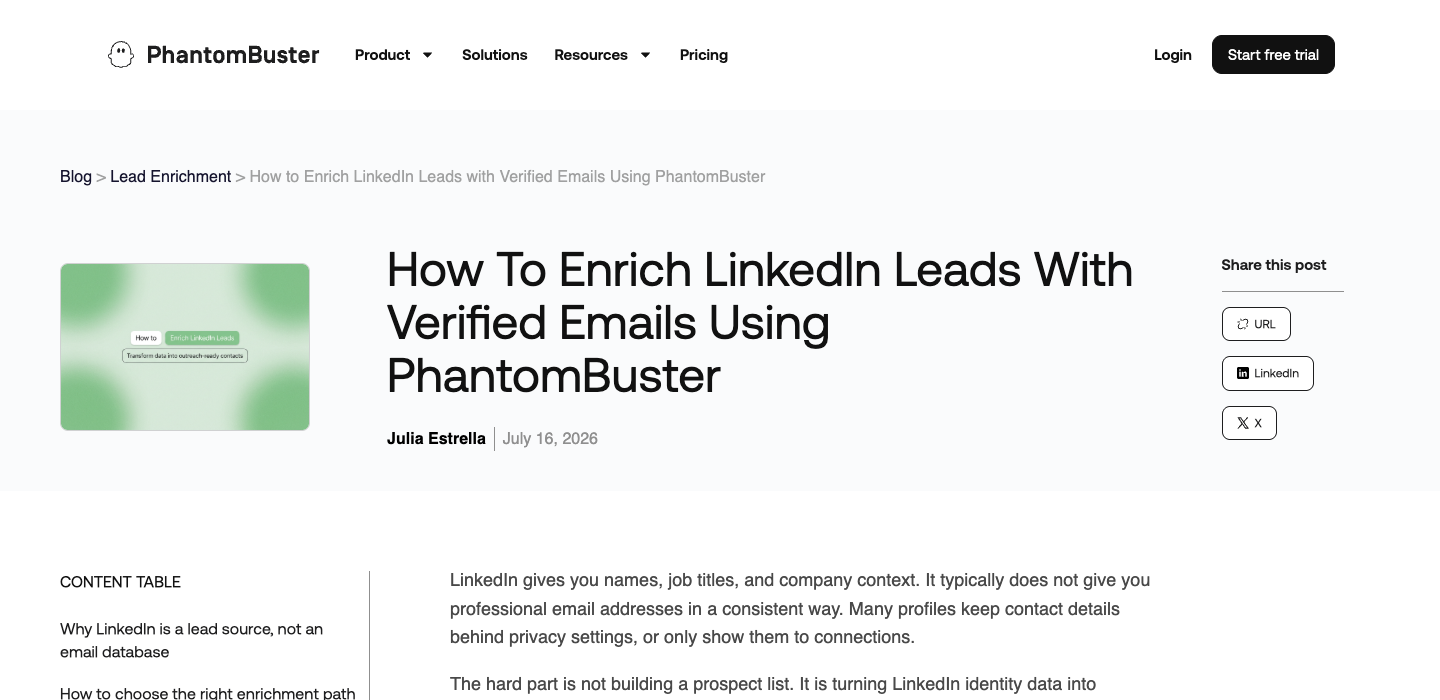
Pros. One person can set up the search and review the resulting file without maintaining a browser-to-provider integration. The export includes the profile URL alongside the identity fields, so a reviewer can return to the right person when two records have similar names.
Cons. The input requires Sales Navigator access and a current session. If your input is a CRM file of known profiles, rebuilding that list as a search introduces work. The monthly execution allowance and the email allowance can also run out independently.
Price. PhantomBuster lists Start at $56 per month billed annually ($672 upfront), with 20 hours of monthly execution and 500 monthly email credits. Trial exports stop at ten rows. If you also need a Sales Navigator subscription, include that separately when comparing the total cost. PhantomBuster pricing
Build the workflow: BrowserAct for the page, Hunter for the email
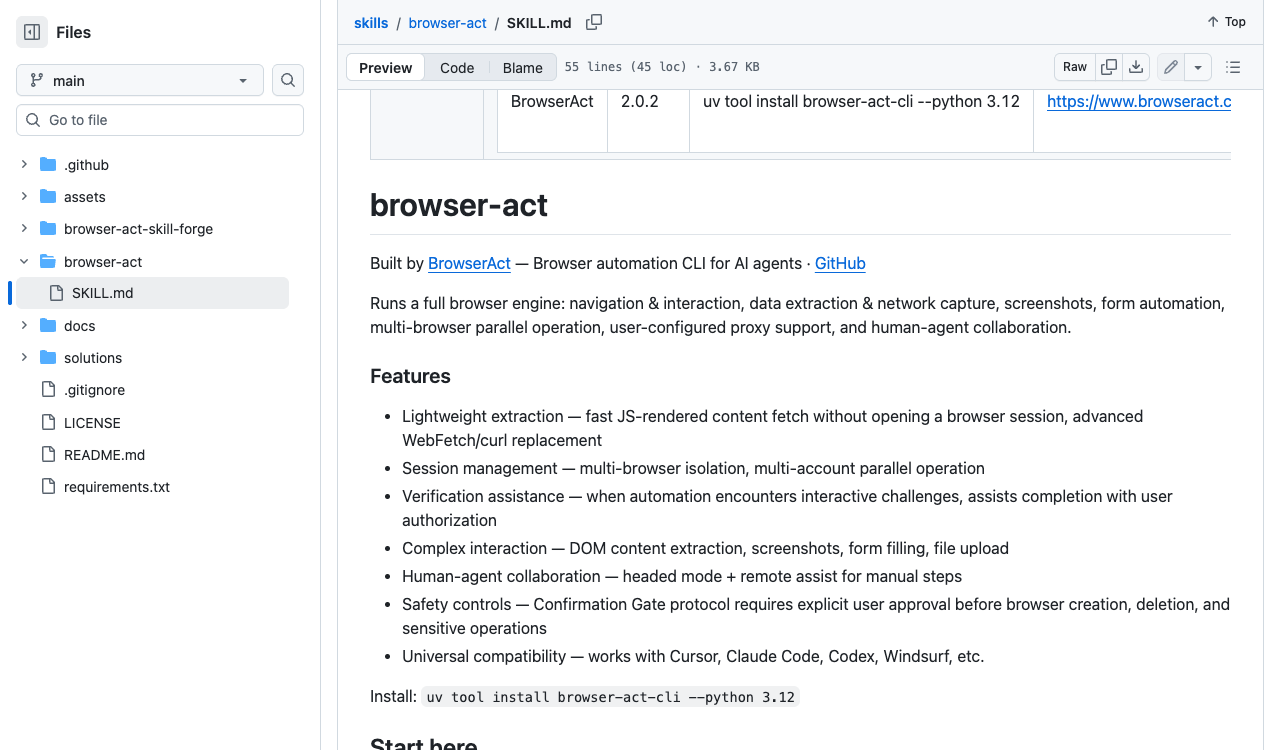
BrowserAct’s browser-act skill lets an agent navigate rendered pages, keep a browser session and extract fields. Imagine an analyst starting with an approved list of profile URLs. For each URL, the browser step can record whether the account can see a business address and where it appears. Give each row a stable ID and retain rows with no visible address. A later lookup can then add a result without overwriting what the browser observed. BrowserAct skill
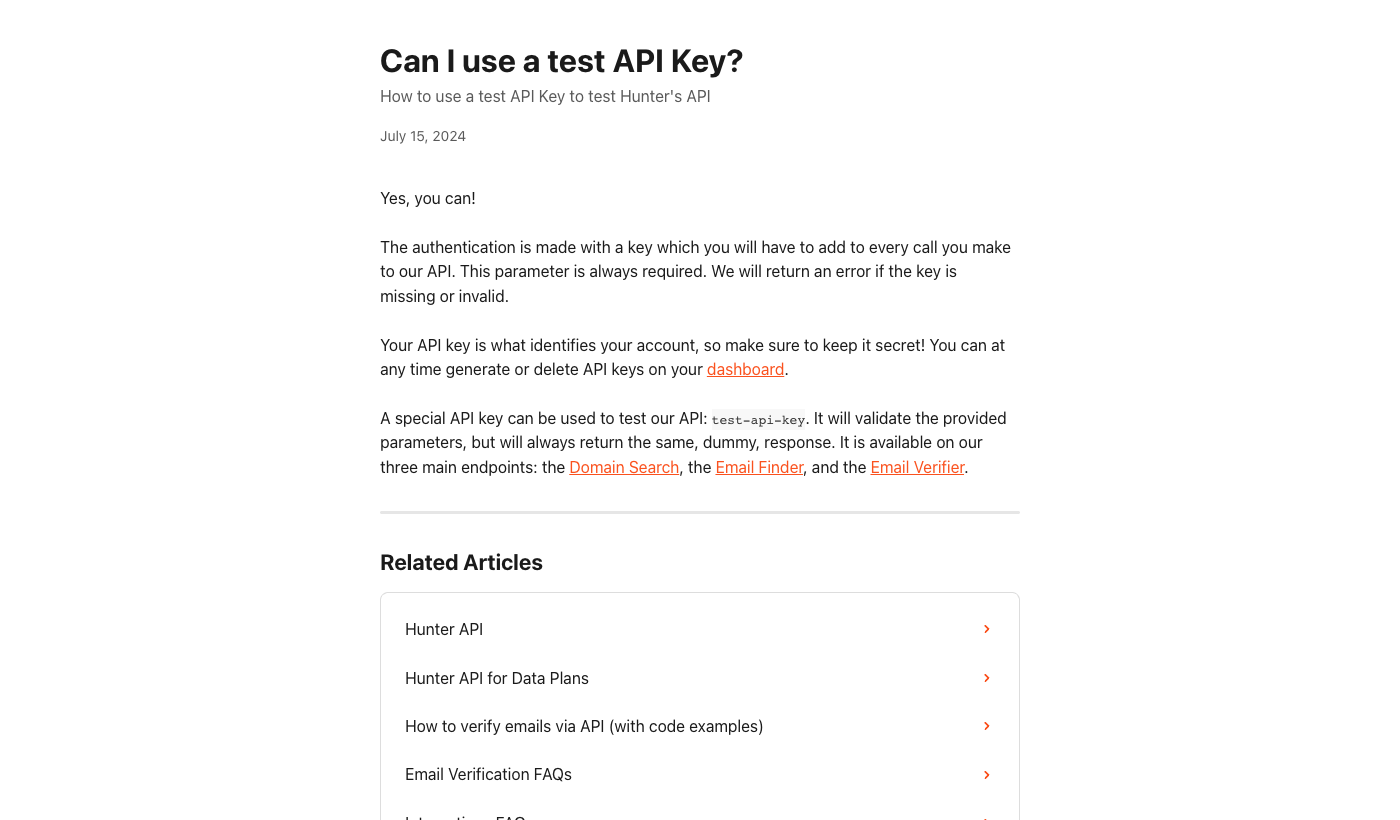
Hunter can supply the lookup. Its Email Finder accepts a name and company domain or a supported LinkedIn handle. It returns its own result and verification information. Its separate Email Verifier takes an address you already have. Use Finder for a gap and Verifier when the question is about an observed address. Inspect Finder’s included verification before adding another paid check. Hunter API reference · Finder credit rules
Pros. You decide which records reach a provider and can explain the source of each address. If a company changed domains, you can correct one lookup and keep the original browser evidence. You can also replace the provider while preserving your CRM’s column names and review rules.
Cons. Someone owns the session, API credentials, field mapping and failed jobs. Two people with the same name can produce a plausible match at the wrong employer. A mailbox check alone cannot resolve that identity conflict. Keep that row out of the CRM until a reviewer confirms the employer.
Price. On its USD Data Platform plan, Hunter lists $50 for 1,000 search credits and $11 for 1,000 verification credits, bought separately or together for a 12-month term. Credits are supplied upfront. In addition to provider charges, budget for the browser runtime you choose and the person maintaining it. A local skill and a BrowserAct cloud Bot have different execution costs. Hunter Data Platform pricing
When your agent already uses MCP
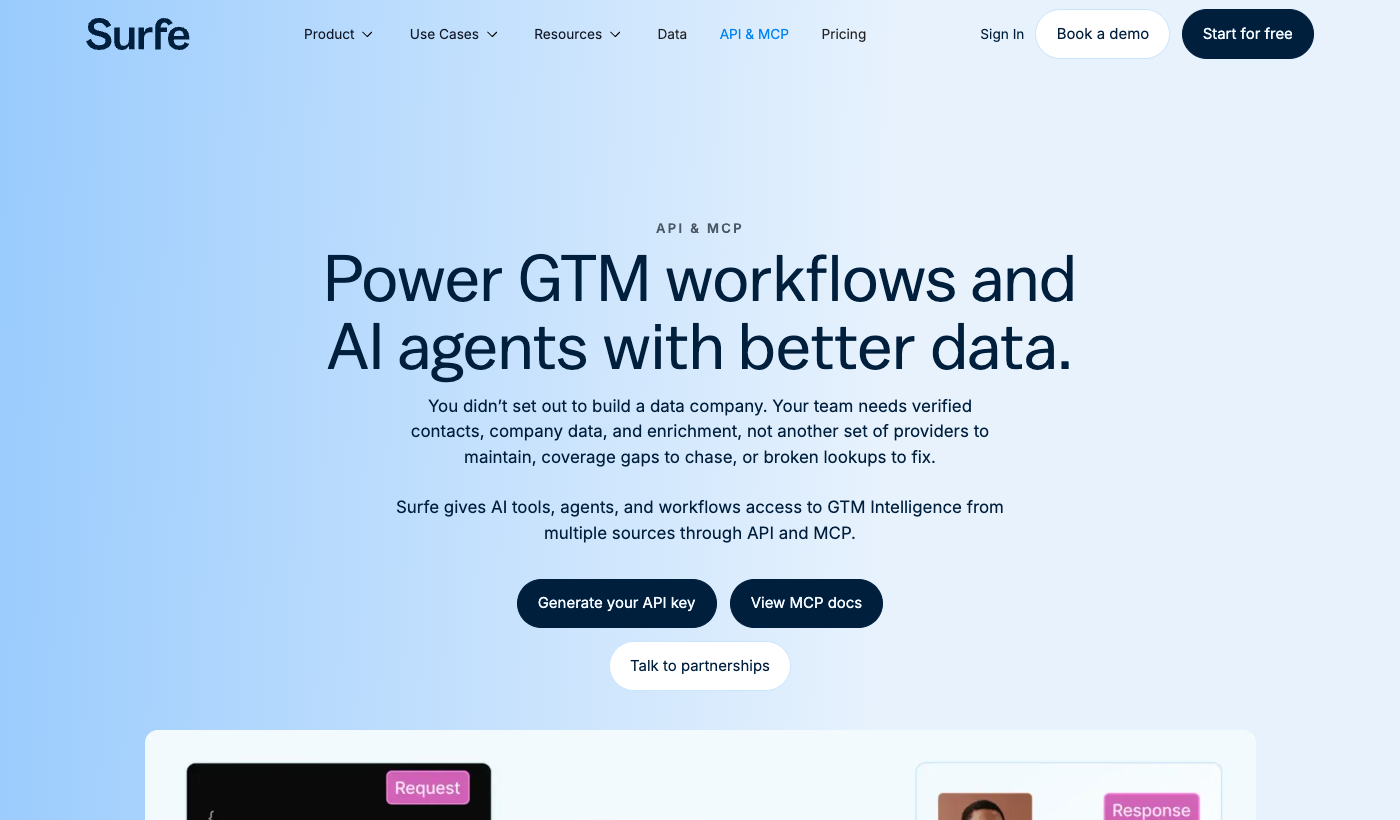
Surfe exposes contact enrichment through an API and an MCP server. MCP gives an agent a way to call tools. The provider behind the tool supplies the contact data. If the CRM already provides enough identity information, send that directly to the provider and skip browser collection. Surfe lists its search and waterfall enrichment API under custom-priced Enterprise. Obtain the applicable entitlement before using the price of an extension seat in an API budget. Surfe API and MCP · Surfe pricing
Follow two records from source to decision
A BrowserAct cloud Bot processed two profile URLs in one authorized session. Its native audit kept both rows. One profile had one visible address marked not_verified. The other was marked not_visible. The email export contained only the first row. That is a practical reason to retain the separate audit: if you start your next job from the email file alone, the profile that needs a lookup disappears.
We replaced both identities with row IDs, discarded the contact details and used fictional inputs to exercise Hunter’s public test API. That API validates request parameters and returns fixed dummy responses. Two independent runs produced the same decisions. The original browser activity came from the cloud Bot. The repeatable test covers the handoff from its redacted output to the provider API. Hunter’s public API test
| Row | Actual browser observation | Request with fictional input | Test API response | Decision |
|---|---|---|---|---|
| R1 | One visible address, unverified | Verifier with sample@example.com | HTTP 200, fixed status: disposable | Keep original status. Exclude test output from CRM. |
| R2 | No visible address | Finder with a fictional name and example.com | HTTP 200, fixed verification: valid | Keep the gap in the source column. Exclude test output from CRM. |
To repeat the provider check, use Hunter’s documented public key test-api-key. Call GET /v2/email-verifier with email=sample@example.com, then GET /v2/email-finder with first_name=Example, last_name=Fixture and domain=example.com. Read the top-level data.status for Verifier and the nested data.verification.status for Finder. Keep both requests in test mode. A successful response proves that your code can read the status. It tells you nothing about whether either original person has a deliverable address.
For production, decide how to handle three other outcomes before releasing a list. An empty lookup should leave a completed row with a blank provider address. A temporary service error should go into a retry queue with its original row ID. An accept_all result belongs in review because a domain that accepts every address cannot distinguish an individual mailbox during that check. Recording those outcomes separately lets a team retry a service failure without paying for a second lookup on every completed row. Hunter verifier status reference
What determines the better purchase?
| Decision | Dedicated search-to-email tool | Browser skill plus provider |
|---|---|---|
| Starting input | A Sales Navigator search the rep already uses | An approved set of profile URLs, or CRM rows with gaps |
| First usable output | A vendor-defined file containing identity and enrichment fields | A source audit joined to a separate provider result |
| What your team maintains | Search filters, valid session, export review | Session, provider mapping, retry policy and CRM write rules |
| What to price | Subscription, Sales Navigator access, runtime and email allowances | Browser runs, lookups, verification and engineering or analyst time |
| Strongest reason to choose it | The same person routinely needs the same file from a search | Reviewers need to explain a blank, preserve conflicting evidence or change providers |
Suppose a rep needs a fresh list from the same saved search every Friday and can review the export in a spreadsheet. Start with the dedicated flow. For its pilot, count the rows that have both a correct employer and an address your team will accept. Dividing the full pilot cost by that number gives you a more useful comparison than the advertised price per credit.
Now suppose RevOps already has a CRM queue, two approved providers and a rule that a contact's source must survive every update. The custom route gives the team a reason to pay for maintenance. Start with one provider and a few rows covering a visible address, a missing address and a name collision. Add the second provider only after reviewers can tell a failed lookup from an address rejected on identity grounds. For a broader product shortlist, see the LinkedIn email scraper comparison.
If you already have personal profile URLs and only need addresses visible to your account, the BrowserAct LinkedIn Email Scraper keeps every profile in the people file. A blank email remains a recorded outcome.
FAQ
Can a LinkedIn email scraper skill find an address that is hidden on a profile?
The browser can record fields visible to the authorized session. An enrichment provider may independently return an address from its own data. Store that result in a provider field so a reviewer can distinguish the two sources.
Do I need both an agent skill and an MCP server?
Use the browser skill when the task requires reading the page. If the CRM already has a supported identifier, an agent can call an enrichment provider directly through its API or MCP server.
Is the custom workflow cheaper than a dedicated tool?
Compare total costs on the same task and count reviewed, usable contacts. Include browser runtime, provider charges and maintenance on the custom side, and subscription, seat prerequisites and usage allowances on the dedicated side.
What can I test before paying for a provider?
Hunter’s public test API exercises Finder and Verifier with fictional inputs and fixed responses. It can confirm your request shape, status handling and CRM exclusion rule. Assess real coverage separately using an authorized sample.


