Best Invoice Downloaders for Vendor Portals

The best invoice downloaders solve the part of month-end that an OCR tool cannot: finding the document in a supplier's portal and bringing back the file. For a freight auditor or outsourced accounts-payable team, the difficult work can span several accounts, date ranges, invoice types, and missing supporting documents.
Start with GetMyInvoices or invoicefetcher for a dedicated collection service. Evaluate Reduck or Tailride when desktop access and existing browser sessions matter. Include Dext when collection needs to fit an existing Dext accounting process. Choose Skyvern when the portal workflow needs custom browser automation. This is a documentation-based shortlist checked on November 5, 2026, not a performance ranking from live account tests.
GetMyInvoices: dedicated collection with a desktop option
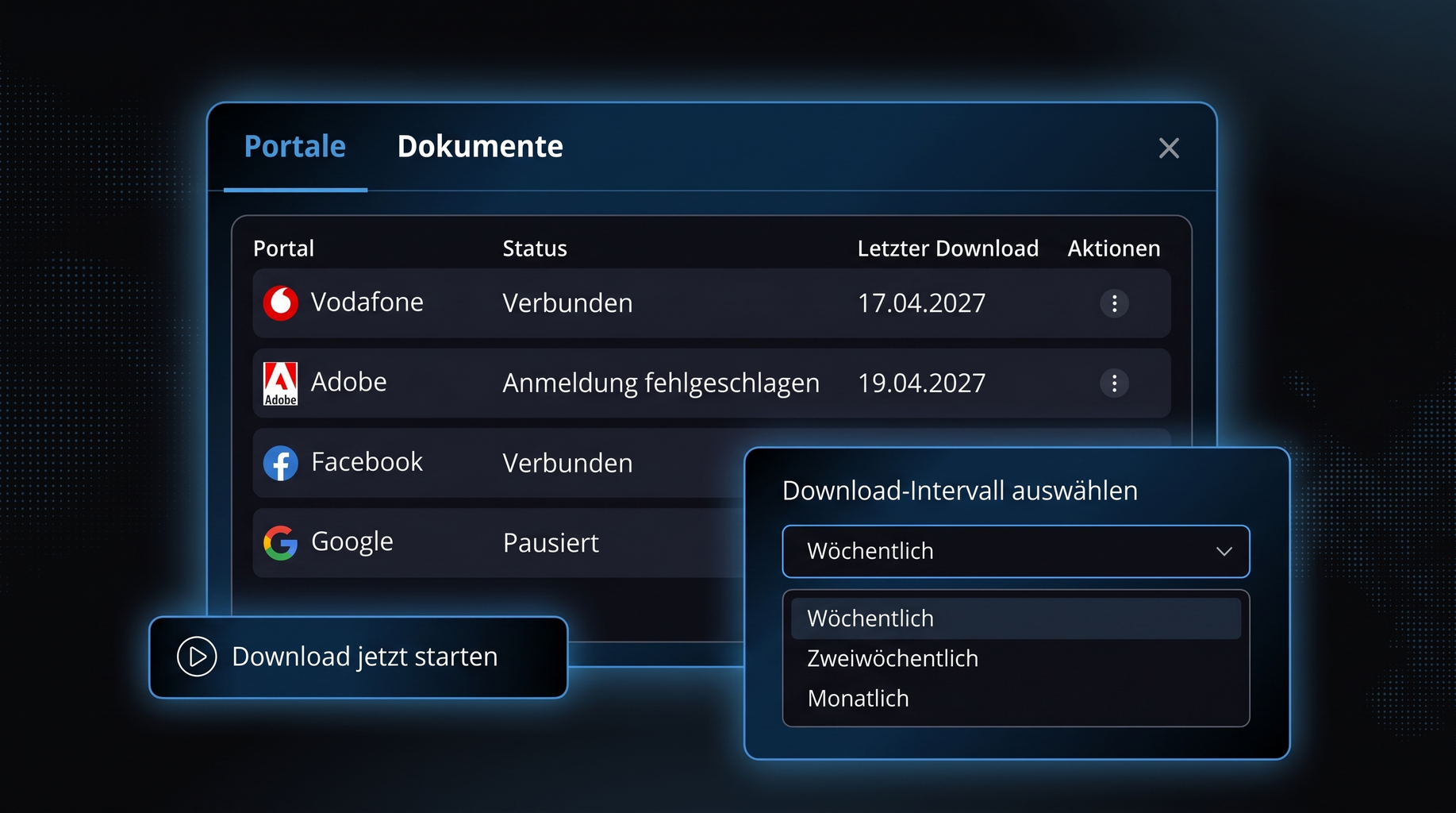
Product image: Lexware integration page; an official partner illustration, not a current authenticated product screenshot or a download performed for this comparison.
GetMyInvoices collects documents from supplier portals and other intake channels, then organizes them for accounting handoff. Its desktop app for Windows and macOS is particularly relevant when a portal needs interactive login or when you prefer to control how credentials are stored.
The distinction matters: GetMyInvoices is not simply a cloud service that requires every portal password to be stored remotely. Its desktop setup documentation describes portal configuration, retrieval intervals, and authentication choices. A portal can still require a fresh login or second factor.
Core features
- Portal collection alongside email and other document intake channels.
- Desktop retrieval with configurable intervals and optional credential storage.
- Accounting connections and document management after collection.
- API access and a separate read-only MCP interface for working with collected data.
Pricing
- The official pricing page advertises Essential from €19 per month, excluding VAT, for five portals and 20 documents per month.
- The captured from-price does not clearly establish a cancellable monthly contract at that amount; confirm the billing term.
- A no-credit-card trial is advertised. The free desktop download is not proof of an unlimited free collection service.
Shortlist it when the supplier is supported and you want document collection and accounting handoff in one product. Verify the precise portal variant and required historical period before subscribing.
invoicefetcher: cloud collection with explicit portal quotas
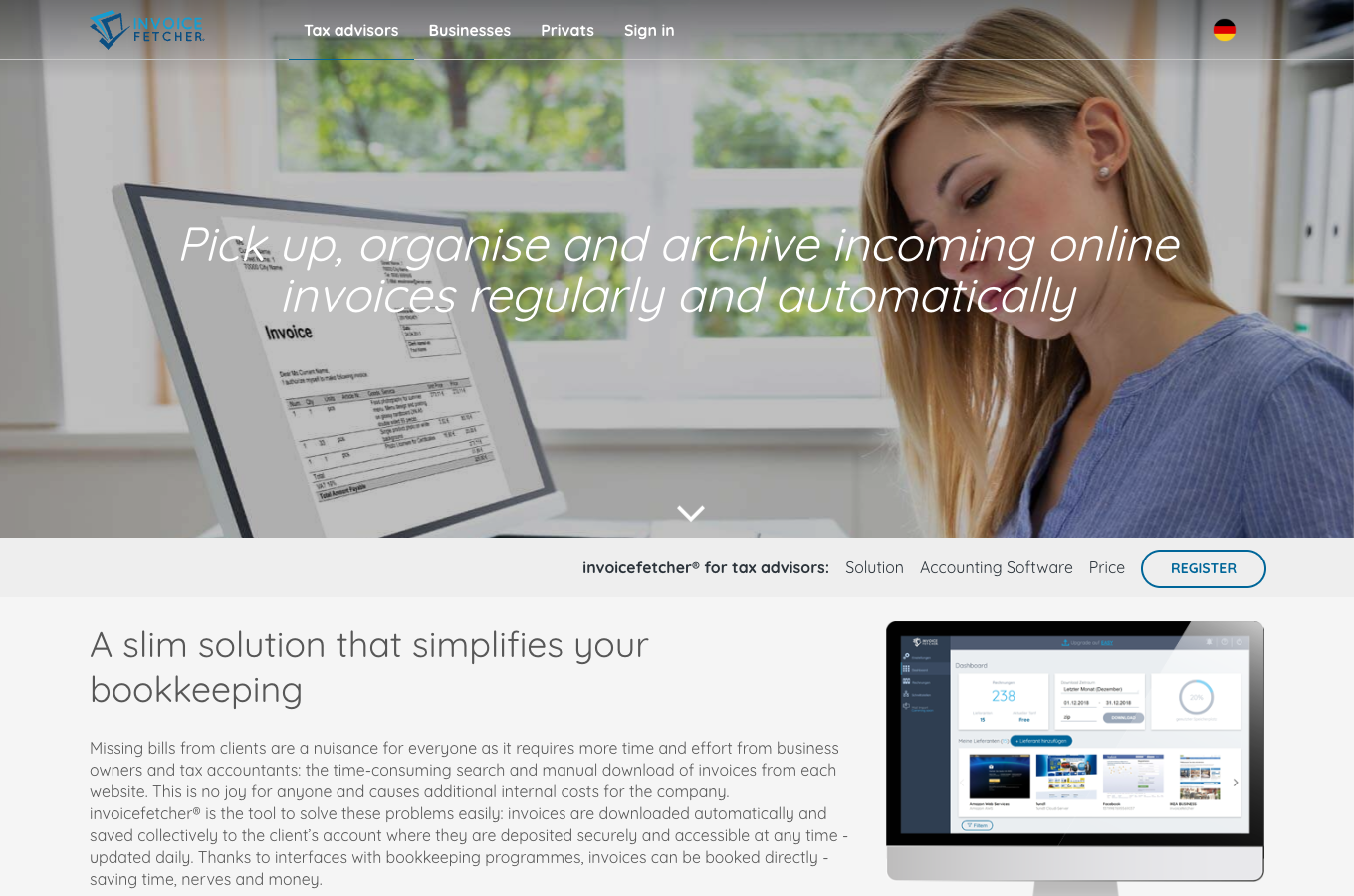
invoicefetcher is a dedicated service for regularly retrieving and organizing portal documents. Its tax-advisor materials describe recurring collection and accounting handoff, making it a relevant option for firms managing repeated supplier access.
Core features
- Cloud retrieval from authorized supplier accounts.
- Individual downloads and document packages organized by period or supplier.
- Accounting-system connections after collection.
- Plans with explicit portal and document limits.
Check connector status carefully. A supplier listed in a directory may be supported, requested, or planned. Those statuses do not mean the same thing, and a directory count is not a count of verified working connections for your firm.
Pricing
- The free plan lists two portals and 30 documents per month.
- Starter lists €9.99/month on its monthly option, or €8.99/month equivalent on annual billing, excluding VAT.
- Easy advertises €4.59/month equivalent with annual billing; its monthly option is unavailable. That is not a €0 monthly plan.
- The official pricing and registration pages distinguish payment terms and minimum commitments. Compare the contract, not just the lowest displayed equivalent.
It is a practical first comparison for a small, stable supplier set. Validate whether the documents you need count against the quota and whether the relevant country/account variant is supported.
Reduck: Agent-driven retrieval through browser scripts
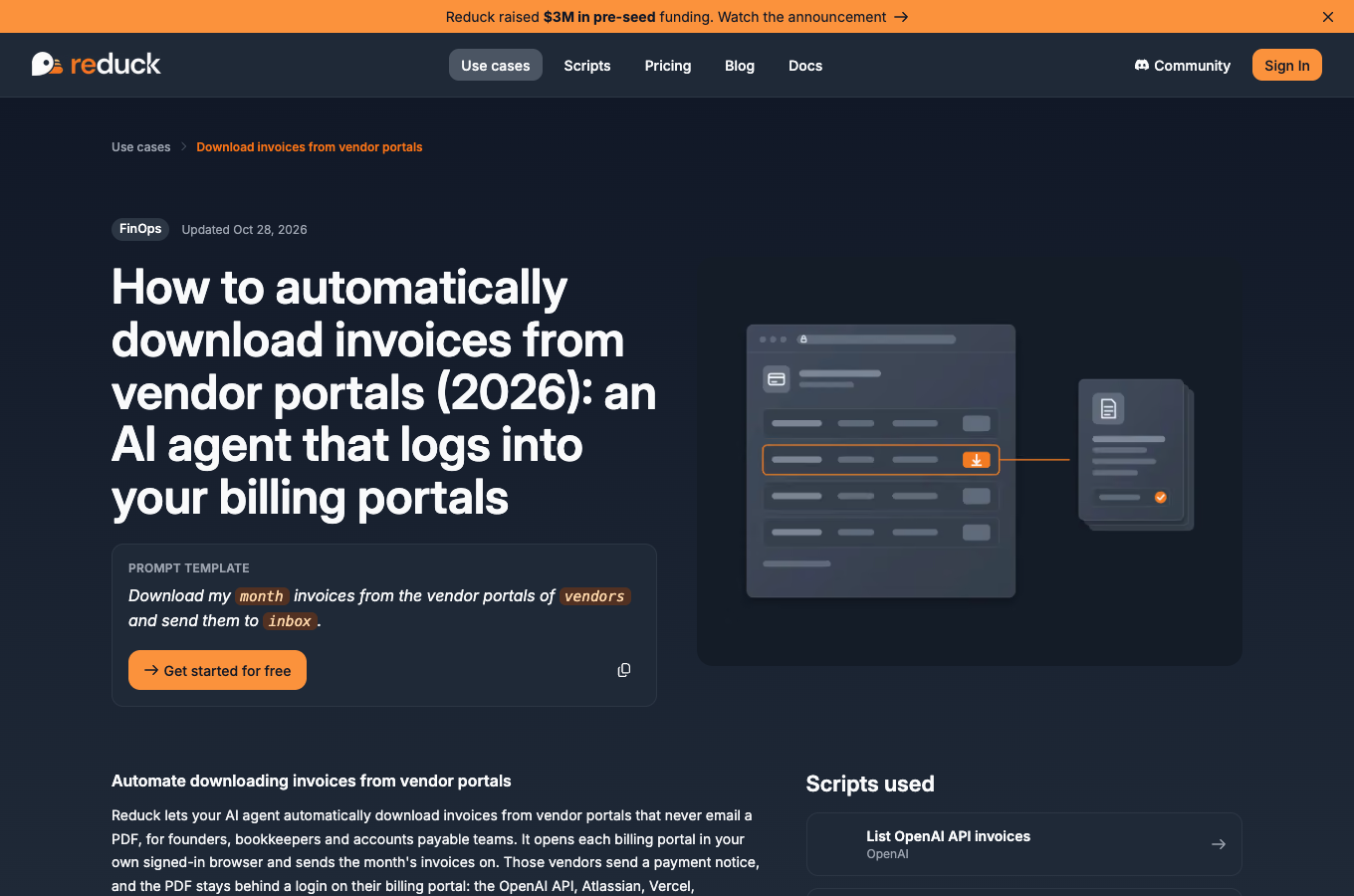
Reduck connects an AI Agent to browser scripts. Its invoice workflow describes using existing Chrome access, finding available billing records, and collecting documents. Ready-made portal scripts can reduce setup; unfamiliar portals can require a new script.
Core features
- Local-browser workflows that can use an already signed-in Chrome session.
- MCP-based script discovery and execution, plus documented CLI and REST entry points.
- Reusable scripts and prompts for recurring work.
- Cloud execution options as well as local operation.
Read the file output carefully. Reduck's guide distinguishes original PDFs, page-to-PDF output, and links returned by different portals. A printed page may help internal review, but it should not be silently labeled the supplier's original invoice.
Pricing
- Starter lists 100 script runs per month and one cloud hour, free.
- Pro lists US$20/month, 1,000 script runs and ten cloud hours.
- Max lists US$100/month, with its own local/cloud limits.
- Check current pricing: local and cloud usage conditions are distinct, and a script run is not the same unit as one successfully archived invoice.
Evaluate Reduck when your team already works through an AI client and browser access is the main integration surface. For unattended work, account for the selected runtime and what must remain online.
Tailride: scheduled desktop retrieval and an invoice workspace
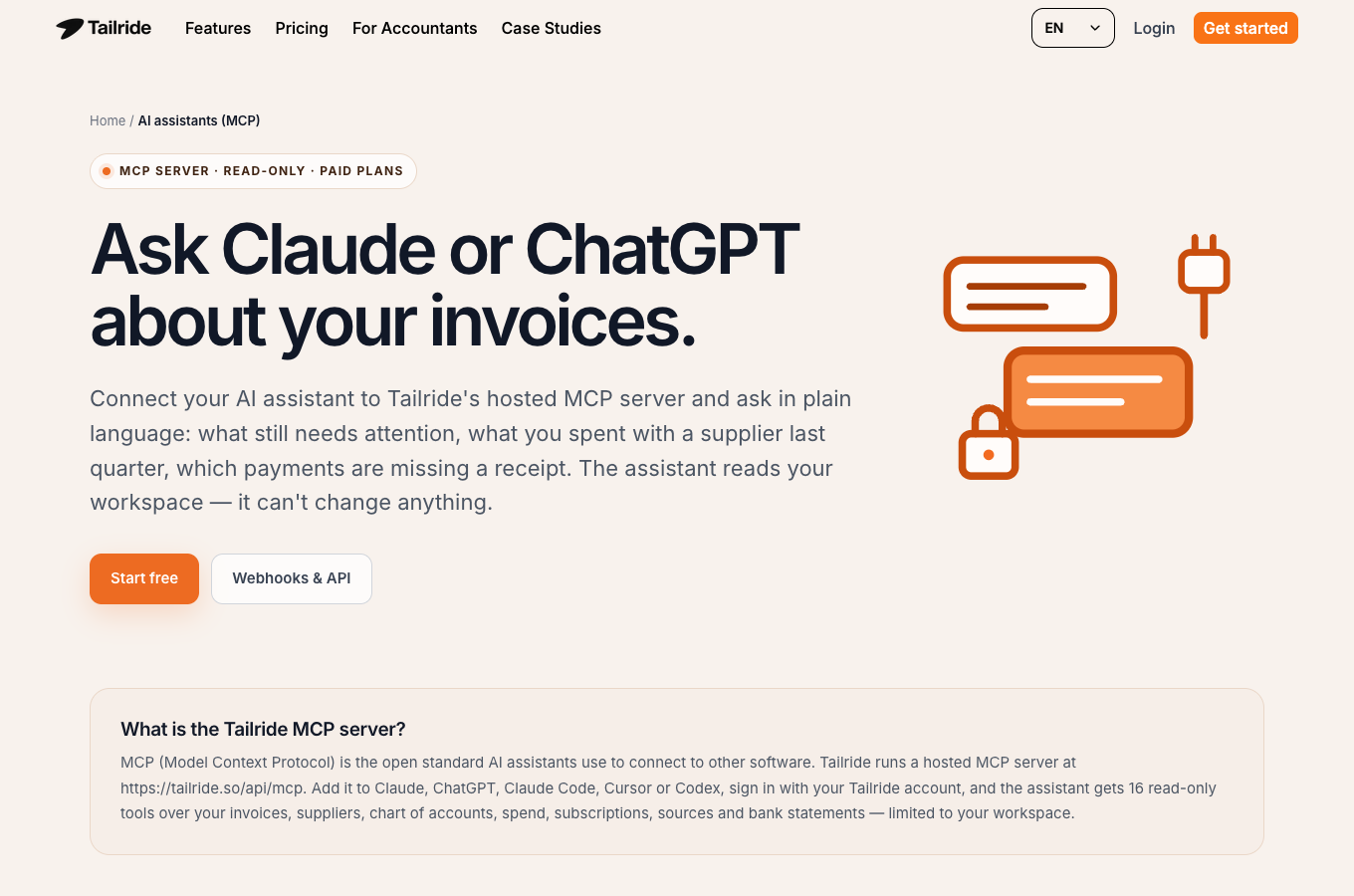
Tailride combines collection with an invoice workspace and accounting connections. Its desktop route is relevant for teams that need recurring portal work without keeping the normal browser open, while its extension route has different runtime requirements.
Core features
- Desktop support for macOS, Windows, and Linux.
- Separate persistent account sessions and scheduled retrieval.
- Local downloaded copies alongside delivery into the Tailride cloud workspace.
- Paid API/webhook features and a read-only MCP interface for collected information.
“Desktop” does not mean that every document stays only on the computer. Its described workflow also sends documents to the workspace and connected accounting software. The MCP feature page should also be read as access to invoice data, not proof of a tool that starts a portal download on command.
Pricing
- A free allowance of ten invoices per month is advertised.
- Desktop access shares plan allowances; it is not unlimited free retrieval.
- The pricing page can render different currencies and billing selections. Confirm the checkout currency, annual charge, and document allowance together rather than mixing displayed monthly equivalents.
Tailride is worth evaluating when scheduling and document organization matter as much as the first download. Check how offline time, wake-up runs, and the selected desktop or extension route affect your schedule.
Dext: portal collection inside an accounting workflow
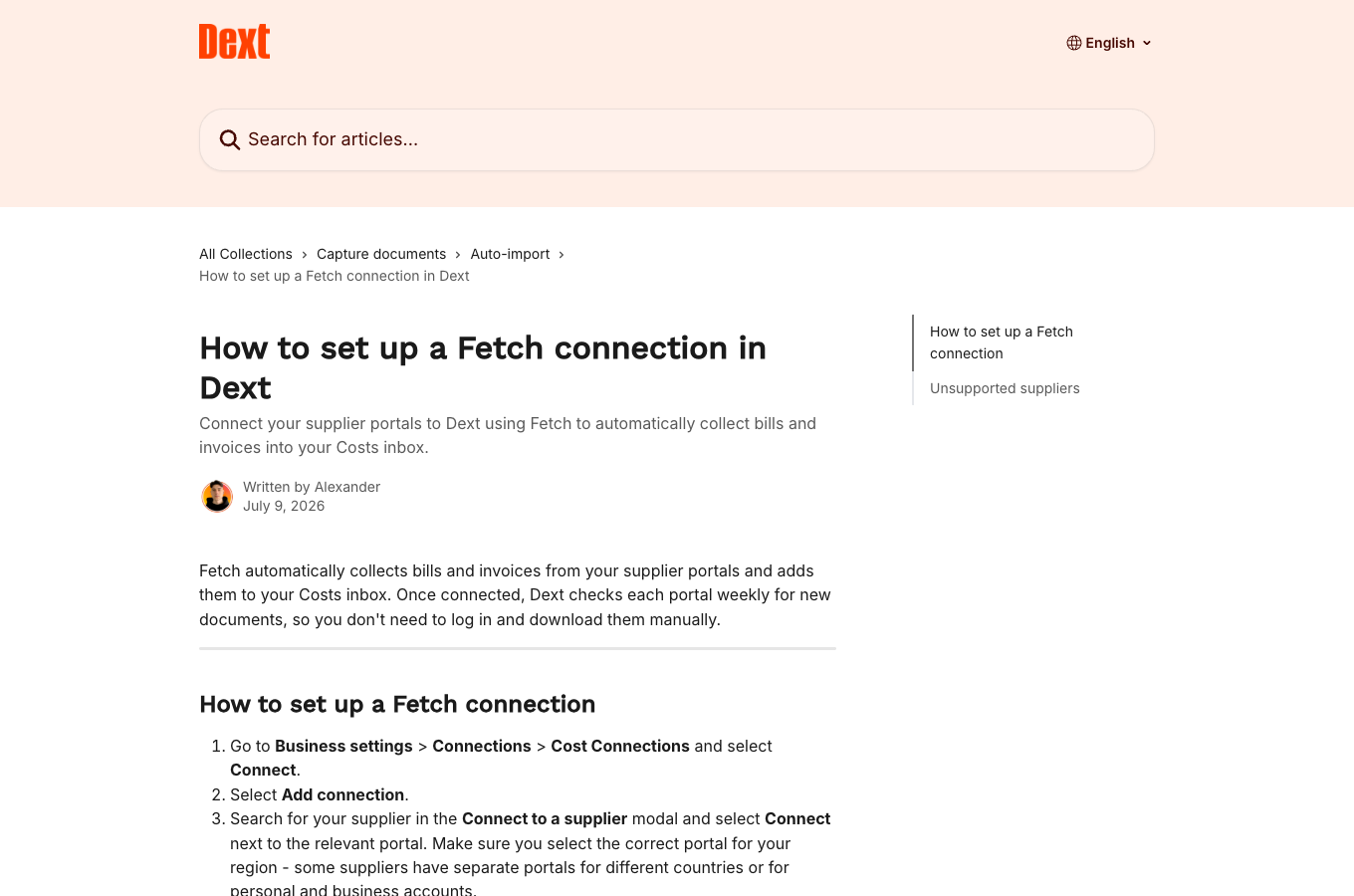
Dext's Invoice Fetch retrieves documents from supported suppliers and brings them into Dext's wider bookkeeping workflow. It belongs on this shortlist because it actually offers portal retrieval; describing it as only email forwarding or OCR would miss that capability.
Core features
- Fetch connections for supported supplier portals.
- Document intake, processing, review, and accounting handoff.
- Export options including original-file ZIPs, alongside separate CSV and merged-PDF options.
- Supplier support that must be matched to country and account type.
The official Fetch setup guide describes an initial retrieval window of around 48 hours and subsequent checks every seven days. That cadence matters if your job requires a fresh document before each payment run. Confirm current connection behavior with the supplier you need.
Pricing
- The US Business page displays US$302.50 billed annually, equivalent to US$25.21/month, excluding tax, for the base selection of five users and 250 documents per month.
- A 14-day trial without payment information is advertised.
- A cancellable monthly price was not verified here. Use the official US Business pricing page for the selected billing option.
Dext makes the most sense when the firm already wants its accounting workflow. Buying a broader bookkeeping platform solely to collect a small set of portal PDFs deserves a comparison with dedicated collectors.
Skyvern: custom portal automation with file-download support
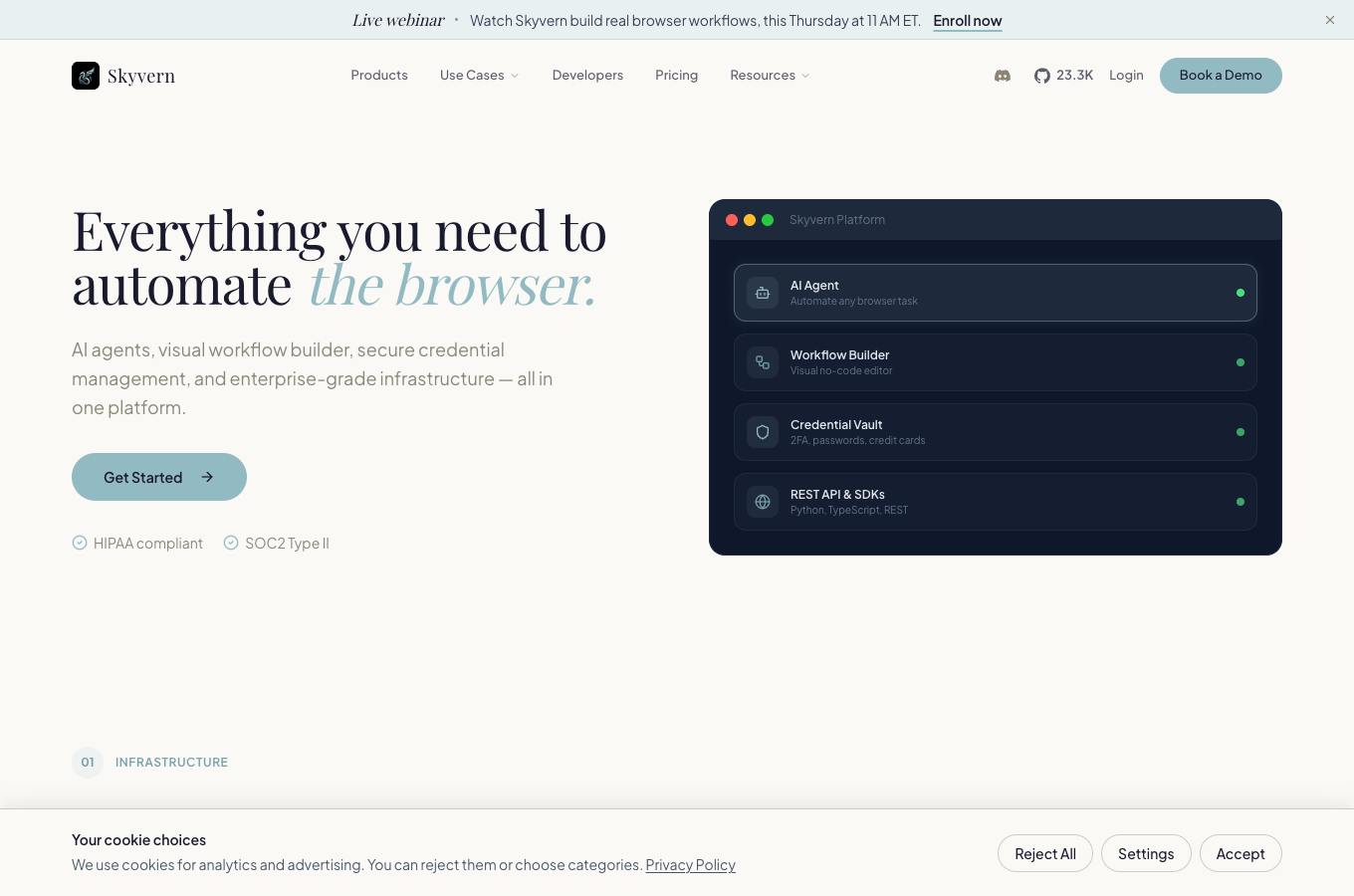
Skyvern is the custom automation choice in this list. It provides managed Cloud and open-source self-hosting rather than only a fixed catalog of invoice connectors. Its developer documentation includes a worked portal-download example.
Core features
- Browser workflows with loops, file-download handling, and saved automation.
- API, SDK, MCP, and other integration routes.
- Stored browser profiles and human-intervention mechanisms.
- Cloud and self-hosted deployment options.
Pricing
- Hobby: US$29/month, including 30,000 monthly credits.
- Pro: US$149/month, including 150,000 monthly credits.
- A 14-day, 30,000-credit trial is advertised.
- Plan pricing is not a fixed price per completed invoice; measure the workflow and include setup and archiving.
Review the exact browser mode. For example, its documented local shared-tab extension has download/file-picker limits that should not be generalized to its Cloud/SDK download functionality. The BrowserAct vs Skyvern comparison examines those execution choices in more detail.
Compare the shortlist after checking your portals
Tool | Most relevant operating model | Main fit | Check before buying |
GetMyInvoices | Dedicated service plus desktop retrieval | Centralized collection and accounting handoff | Exact connector, authentication, contract term |
invoicefetcher | Recurring cloud collection | Stable supplier set with clear quotas | Supported/requested connector status and billing commitment |
Reduck | Agent scripts, local and cloud options | Browser-based collection through an AI client | Original PDF versus printed page or returned link |
Tailride | Desktop/extension collection plus workspace | Recurring retrieval and document organization | Runtime online requirements and plan allowances |
Dext | Fetch inside bookkeeping workflow | Firms using Dext for downstream accounting | Supplier variant, retrieval cadence, and export type |
Skyvern | Custom browser automation | Bespoke portal flows and self-hosting needs | Build effort, browser mode, and actual file delivery |
When BrowserAct belongs in the evaluation
BrowserAct is another route for building a reusable browser workflow rather than buying only a fixed invoice connector. A Cloud Bot can represent the repeatable task; its Agent-facing CLI and Skills serve technical teams, and MCP can invoke published Bots from an AI client.
This article does not claim that a ready-made BrowserAct invoice collector has been validated for your supplier. Evaluate it when the job combines portal navigation with custom filtering, account scope, exception lists, or structured handoff. Require actual invoice files before treating the workflow as production-ready. You can review BrowserAct and its current documentation against that task.
Start the pilot with one portal and a short list of known invoices. A successful run returns the right files, explains missing items, and handles a second run without duplicate archiving. OCR extraction, payment execution, and creating sales invoices are separate jobs.
Frequently Asked Questions
Is an invoice downloader the same as an OCR tool?
No. A downloader retrieves existing documents from a source such as a vendor portal. OCR extracts fields after a document is available. Some products provide both.
Which invoice downloaders have a free allowance?
The checked offers include invoicefetcher at two portals and 30 documents per month, Reduck Starter usage allowances, and Tailride at ten invoices per month. Check current conditions.
Does a listed supplier guarantee the connector works for my account?
No. Country, account type, permissions, connector status, and authentication can change the result. Test the exact account and required documents.
Can MCP always trigger an invoice download?
No. Some MCP integrations only read collected invoice data. Check whether the actual tool starts a browser workflow or only queries the document workspace.
What should an invoice collection pilot deliver?
The correct original documents, a file manifest, a clear missing-item report, and a repeat run that avoids duplicate archiving.


