Linked Helper vs PhantomBuster for LinkedIn Emails: What Happens When You Switch?

When a teammate takes over a recurring contact list, they need more than last week’s CSV. They need to know which profiles have already been checked, which email service paid for the matches, and who can restart the job. That is where Linked Helper vs PhantomBuster becomes a concrete purchasing decision. Linked Helper gives you a per-account workspace on a machine you control. PhantomBuster puts the job in a hosted workspace.
Either can enrich the same list of profile URLs, but a move to a new machine or a new vendor affects them differently.
Linked Helper for teams keeping an existing LinkedIn workspace
Linked Helper keeps contacts and campaign state in its own CRM. For a read-only email job, its Find Profile Emails action can look in the built-in database, then try connected providers in an order you choose. You can ask for business addresses and export the results to CSV. If all the sources miss, the profile goes to the Failed list for review or reprocessing. Find Profile Emails.
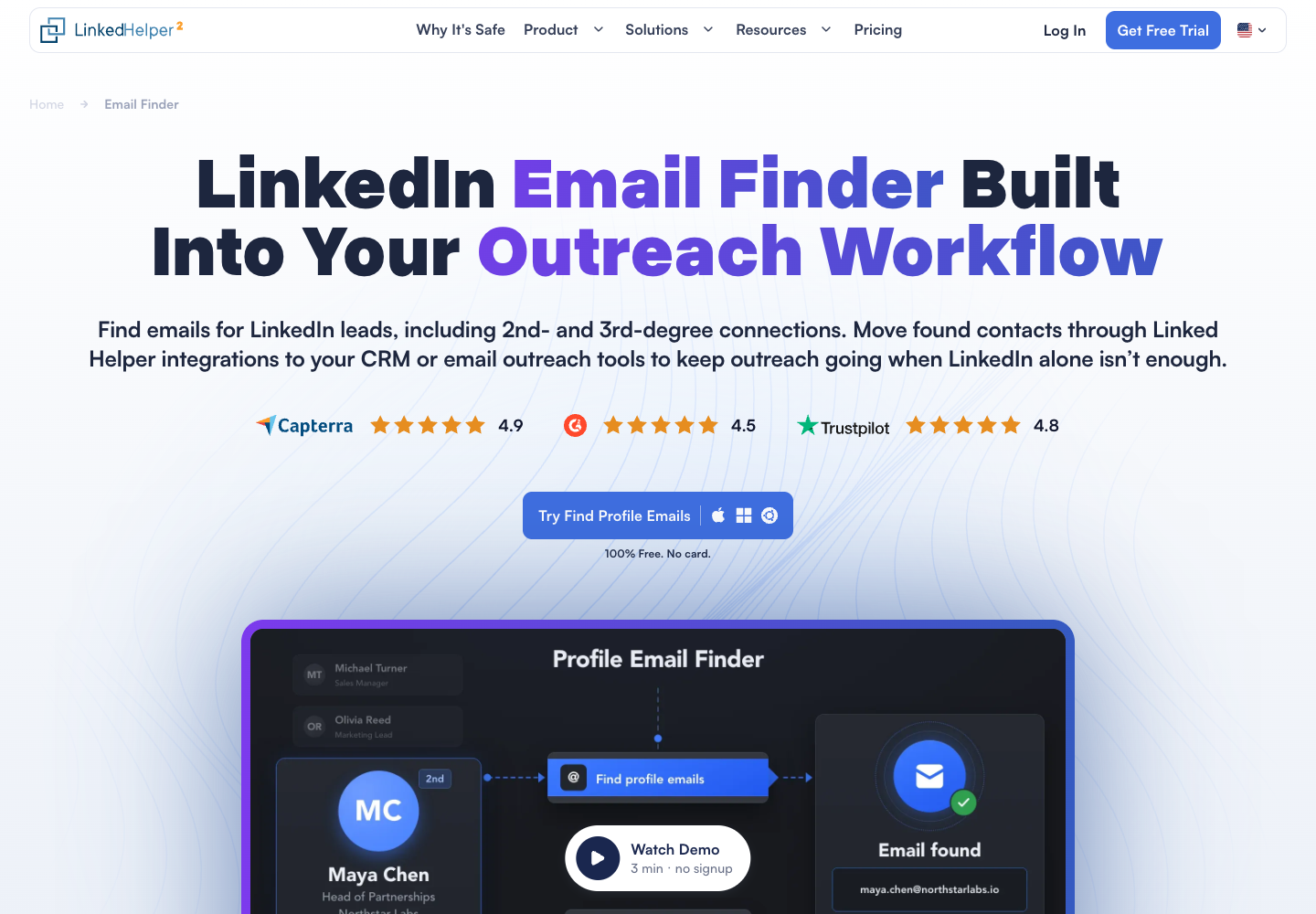
A useful distinction for a renewal decision is how the provider counts a match. Linked Helper’s own database charges one Data credit per successfully matched profile, even if it supplies more than one address. An unsuccessful internal lookup uses no Data credit. If you connect Snov.io or Apollo, the provider charges its own account under its own rules. The verification label can also vary with the source.
Pricing. A one-month local Standard license starts at $15 and includes 620 Data credits per month. The local Standard rate on a twelve-month term starts at $8.25 per month. There is a 14-day trial. Factor in a VPS separately if a desktop or laptop will not be available to run the job. License pricing and storage options.
Pros. You control the machine that holds the LinkedIn session. You can choose the email provider order and review unsuccessful profiles in one place. Cons. The host must stay on. On local storage, continuing on a replacement machine requires moving the account data.
PhantomBuster for a team sharing a hosted workflow
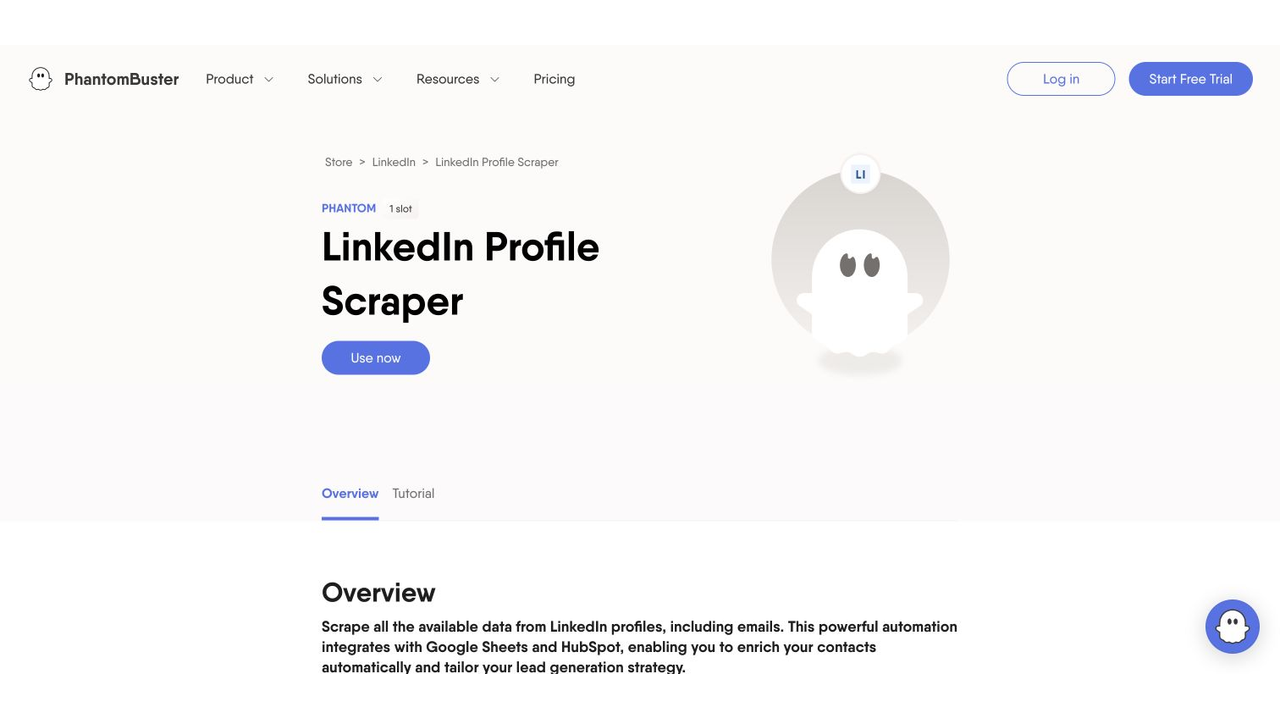
For a list of individual profile URLs, the relevant Phantom is LinkedIn Profile Scraper. It takes the URLs and a connected LinkedIn session, then returns profile fields in a downloadable file. Turn on Email Discovery if you need the professional email field. The product lists Snov.io, Hunter and Dropcontact among its optional provider connections. If the input is a Sales Navigator people search instead, use the separate Search to Emails workflow. LinkedIn Profile Scraper.
The workspace dashboard lets a teammate see the automations, toggle them on or off, and inspect usage. Authorized users can export lead lists from the LinkedIn leads view. This makes handing off a routine export easier when the colleague who set it up is away. The person who owns the connected LinkedIn account still matters when that session needs attention. Workspace guide.
Pricing. Start costs $69 per month on monthly billing or $672 billed annually. It includes twenty hours of execution time, five automation slots and 500 email credits per month. Trial exports stop at ten rows. If execution time runs out, jobs pause until the allowance resets or the plan is upgraded. Pricing.
Pros. The job can continue with the operator’s browser closed, and teammates can review the workflow in a shared workspace. Cons. An expired LinkedIn session can interrupt a scheduled run. The team has to budget execution time and discovery credits separately.
Which interruption are you buying your way out of?
| Event | Linked Helper | PhantomBuster |
|---|---|---|
| The usual operator replaces a laptop | Move local account data via backup. With cloud storage, open the shared workspace from another device. | The job runs in the hosted workspace. Confirm the new operator has access and the connected account remains valid. |
| The laptop is switched off overnight | The app needs a running host. Move execution to your own VPS if overnight work is required. | A launched Phantom can continue while the laptop is off. |
| A profile returns no address | Check the selected sources, then review the Failed list. | Inspect the output for that profile and confirm discovery was enabled. |
| A scheduled job stops early | Check that the host and app are running and that the intended account data is loaded. | Check the launch console, connected session and remaining execution time before launching again. |
| The team needs the data after changing tools | Export business rows for transfer. Keep an account backup for a local Linked Helper restore. | Export lead lists and save workflow settings separately before the subscription ends. |
For a local Linked Helper move, stop the relevant instance if necessary and export its backup from the launcher. Create a separate backup of any current destination data before restoring. Importing replaces the destination account’s data. It does not combine two colleagues’ copies of a workspace. The pricing FAQ also says an existing workspace cannot currently be moved between local and cloud-based storage, so decide which storage mode you need before a long subscription. Backup and restore instructions and storage FAQ.
For a PhantomBuster interruption, inspect the error before reprocessing the list. If the dashboard shows an invalid or expired session, open the Phantom console, select Resolve, reconnect the affected account in Setup and save. Ask the actual account holder to complete any required login. Then compare the partial output against the input URLs and send only unfinished rows through the next job. The last step is a way to avoid repeating paid lookups. Session recovery guide.
What a ten-profile trial can tell you
Give each tool the same ten profile URLs that you have permission to process. Choose people whose current employer you can confirm and define what you will count as an acceptable work email. Ten fits PhantomBuster’s trial export limit. It is enough to see whether a colleague can deliver the file, not enough to estimate coverage across your market.
- Fix the email provider. Both tools document Snov.io as a connection. If you have access to it in both, use the same provider account and comparable settings. Keep a separate record of any fallback source. If you use different providers, treat differences in addresses as provider results until you can isolate the cause.
- Give every input a row. Keep the profile URL, current company, email, provider, provider status and review decision. Distinguish a missing address from an interrupted lookup. Keep repeat entries visible until you understand why they occurred.
- Hand the task to a colleague. Ask them to identify the last completed profile, find the downloadable file and explain which account must reconnect if the job stops. Time this handoff in your own environment.
- Price the reviewed file. Add the relevant subscription share, hosting, outside provider charges and staff time. Divide by the number of unique work addresses your reviewer accepted. With no accepted addresses, report the cost and zero accepted rows instead of calculating a rate.
If the team already has a maintained host, wants to set the order of its email providers, and can restore its workspace, Linked Helper fits that arrangement. If staff work from different devices and need jobs to finish when their laptops are closed, PhantomBuster removes the need to operate the run machine. The choice turns on the host, storage and provider accounts the team can realistically maintain.
If the handoff requires the exact place an address appeared, include the profile or Contact info source in the review file. BrowserAct’s published LinkedIn Email Scraper is a separate visible-address workflow that retains missing rows and labels found addresses unverified. For a wider comparison of lookup routes, see Best LinkedIn Email Scrapers.
FAQ
Can Linked Helper continue when my laptop shuts down?
It needs an active host, whether you choose local or cloud storage. You can install it on a VPS you operate if you want the laptop to be free to shut down.
Will moving Linked Helper to another computer merge two local databases?
Restoring a backup replaces that account’s data on the destination machine. Export a separate backup of any destination data you need before importing.
Can I compare Linked Helper and PhantomBuster using the same email provider?
Both document a Snov.io connection. Use the same permitted profiles and comparable provider settings, record which source returned each result, and account for provider credits separately.
Which one is cheaper for a small list?
Linked Helper starts at $15 for a one-month local Standard license. PhantomBuster Start is $69 month to month and includes hosting. Add the cost of your host, provider and review time before comparing the price per accepted address.


