LinkedIn Email Scraping: Chrome Extensions vs Desktop Apps vs Cloud Workflows

Which LinkedIn email scraper will finish the job after you close your laptop? It depends on where the work runs. A Chrome extension can help you review one profile in the tab you already have open. A desktop app can keep a recurring list on a machine you control. A hosted workflow can run overnight, but someone still has to renew the LinkedIn session if it expires.
There is a separate decision for every option: do you need the address displayed on the profile, or a work email found by an outside service?
Snov.io for someone working inside LinkedIn
A recruiter reviewing people one by one can open Snov.io’s LI Prospect Finder in a Chrome sidebar, inspect the current profile, and save a prospect to a list. The sidebar stays open as the recruiter moves between pages. That suits a task where someone wants to check the person and employer before accepting a contact.
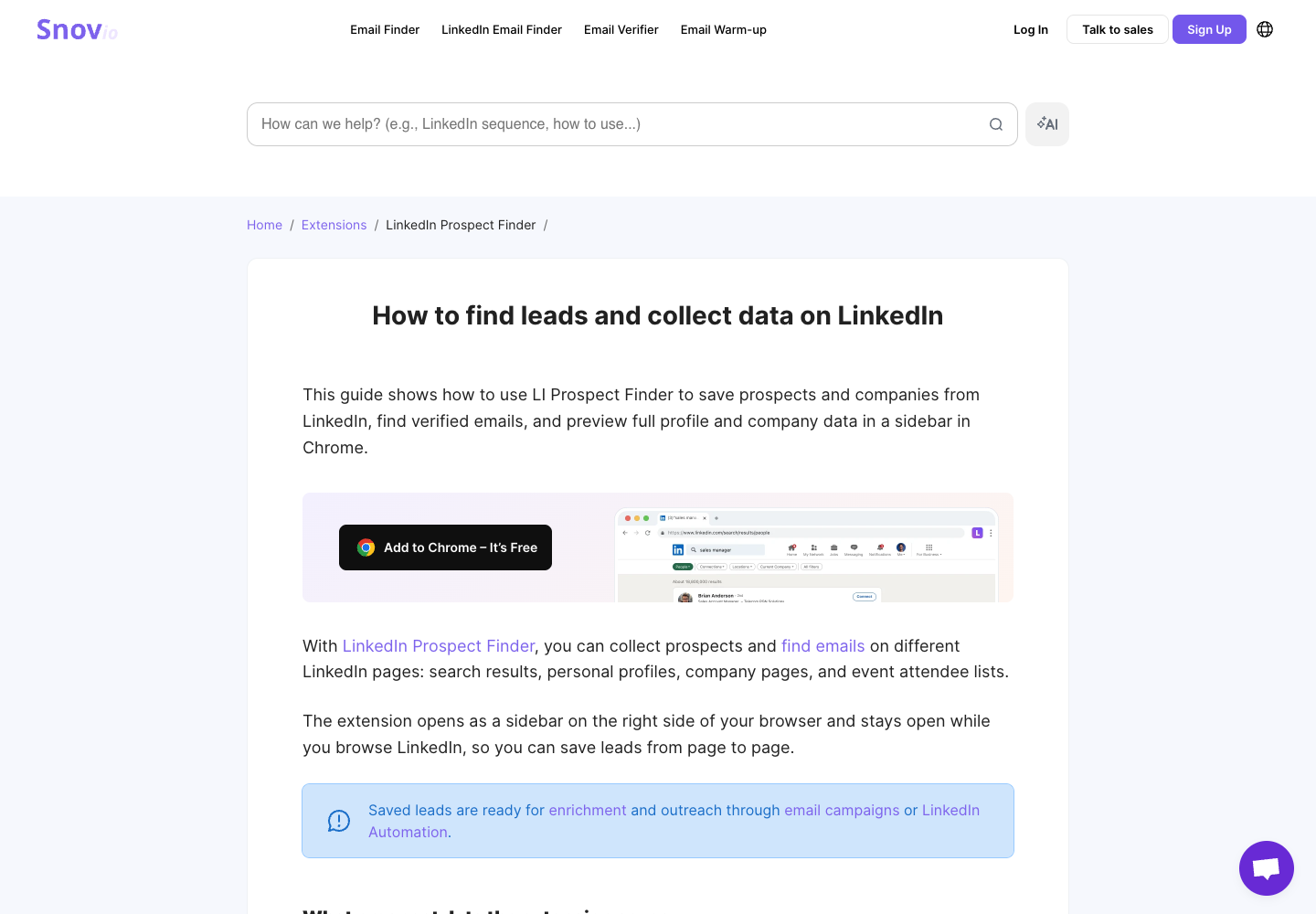
The same company also offers LinkedIn Search inside its web app. It accepts a results URL or profile links and can find emails as part of the search. For Sales Navigator searches, the connected LinkedIn account needs an active Sales Navigator subscription. If a weekly assignment starts with a prepared search, the web app gives you a different starting point from clicking through profiles. Snov.io’s guide to both options.
Pricing. The renewable Trial includes 50 credits a month. Downloading the contact list requires a paid plan. Starter Sales Suite costs $39 on monthly billing and includes 1,000 monthly credits. A LinkedIn automation slot is a separate purchase where the chosen feature requires one. Plan details.
Pros. You can see the prospect before saving, and the search tool accepts a prepared list when your starting point changes. Cons. Reviewing people in the sidebar requires an operator, and Trial users cannot complete a CSV handoff.
BrowserAct for an export of the addresses people actually display
BrowserAct’s hosted LinkedIn Email Scraper is a good fit when a reviewer needs to answer, “Where did this address appear?” It takes up to ten individual profile URLs in URL mode. In keyword mode it searches for people by term and optional region. You set a maximum of one to fifty people, including those without visible emails. You connect your own LinkedIn account. The resulting audit keeps the source, the availability status, and the people whose profiles had no visible address. LinkedIn Email Scraper template.
There is a practical difference between an empty cell and a failed run. If someone’s profile opens and shows no email, the reviewer can leave that row marked as checked. If access prevents the check, the reviewer can resolve access before deciding whether to try again. The template labels found addresses as unverified. A separate finder or verifier is a separate job, with its own data source and price.
Pricing. The free plan includes 200 signup credits. Basic costs $16 per month on monthly billing and includes 10,000 monthly credits. The template displays an estimate of 7–35 credits. That estimate is for execution and buys no particular number of email addresses. BrowserAct pricing.
Pros. The audit accounts for people with and without a visible email, and an editable duplicate lets a team adapt the Bot to its reporting fields. Cons. Hidden addresses remain missing, and the account owner must handle login when required.
Linked Helper for a team that can keep a machine running
Linked Helper is a desktop app. You run it on your own computer or a virtual private server (VPS) you maintain. Choose local storage and the workspace data stays on the device. Choose cloud storage and the workspace data can be shared across devices, while the desktop app still needs a running host. Buying cloud storage alone will not get tonight’s job through a laptop shutdown. Local and cloud storage comparison.
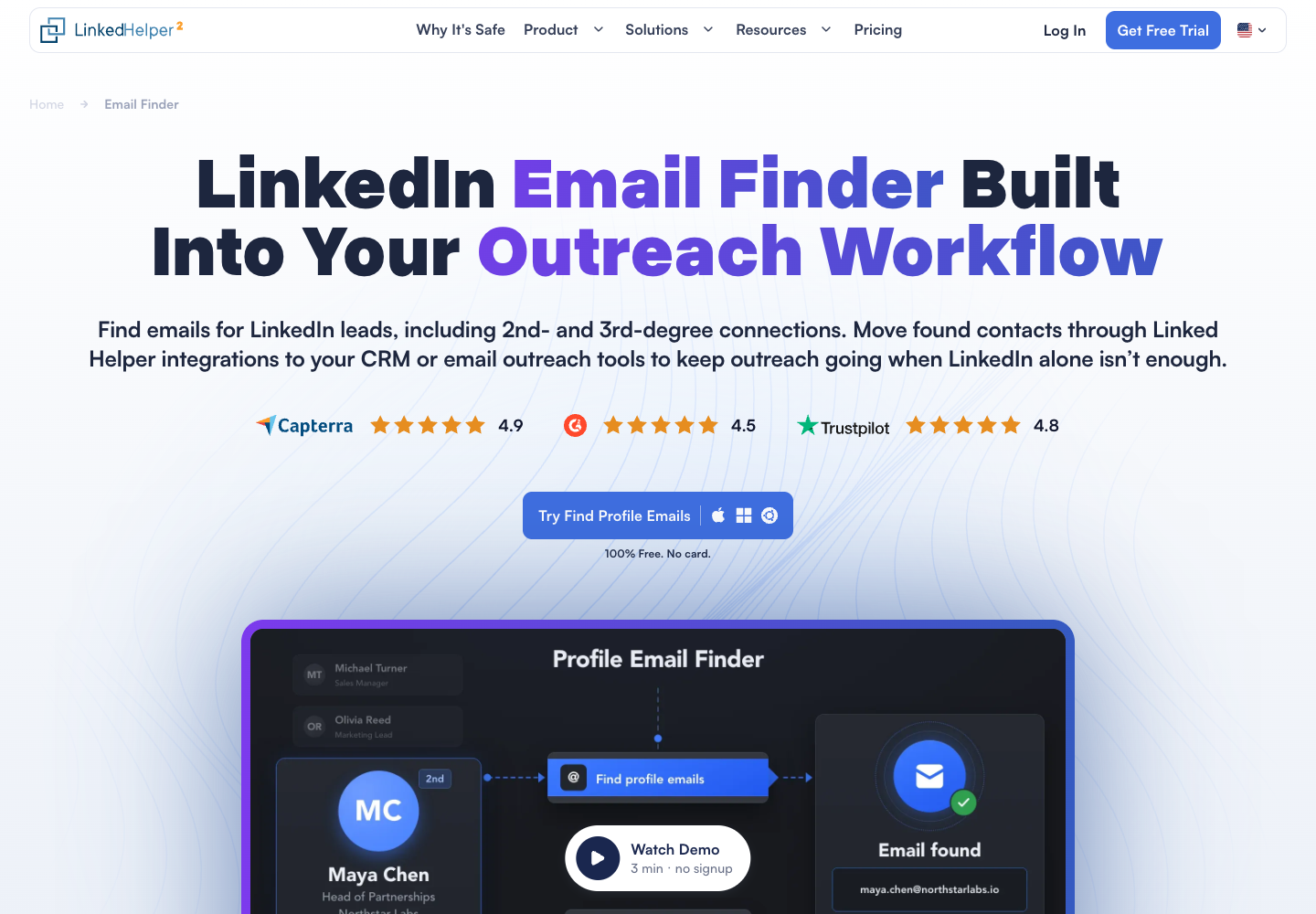
For email discovery, its Find Profile Emails action can search the built-in database, Snov.io or Apollo. An operator can set the source order and request business addresses. A miss in the built-in database can go to the next enabled source. The source that succeeds determines what the email status means. Find Profile Emails.
Pricing. Standard with local storage starts at $15 for one license for one month, with 620 monthly Data credits. The built-in database uses one credit per successfully matched profile. Connected providers use their own credits. Add hosting if you choose a VPS.
Pros. You choose the machine and can prioritize an existing provider. Cons. Someone maintains that machine, and a local-storage workspace needs a backup when moving devices.
PhantomBuster for a scheduled search that should outlast your browser
PhantomBuster runs its automations on hosted infrastructure. Its Sales Navigator Search to Emails workflow takes a people-search URL and a connected LinkedIn session. It looks up professional emails and returns profile and company fields. Once launched, the work can continue after the browser closes. If the LinkedIn session expires, the account owner may need to reconnect before the workflow can continue. Sales Navigator Search to Emails.
Pricing. Start costs $69 month to month, or $672 billed annually. It includes five automation slots, twenty execution hours and 500 email credits per month. The trial limits exports to ten rows. A free slot cannot make up for depleted execution time. Plans and limits.
Pros. A scheduled job can run while the operator’s computer is off. Search and discovery are available in one named workflow. Cons. Capacity has several limits, and unattended execution still depends on the connected account retaining access.
Evaboot when a Chrome button hands the job to a dashboard
Evaboot illustrates why an extension icon tells you little about the whole job. Its Chrome extension adds an export button inside Sales Navigator. After starting an export there, you track its status, lead count, and number of found emails in the Evaboot dashboard. A job can be scheduled while it waits for account capacity. The final file combines cleaned profile data and email lookup. Export workflow.
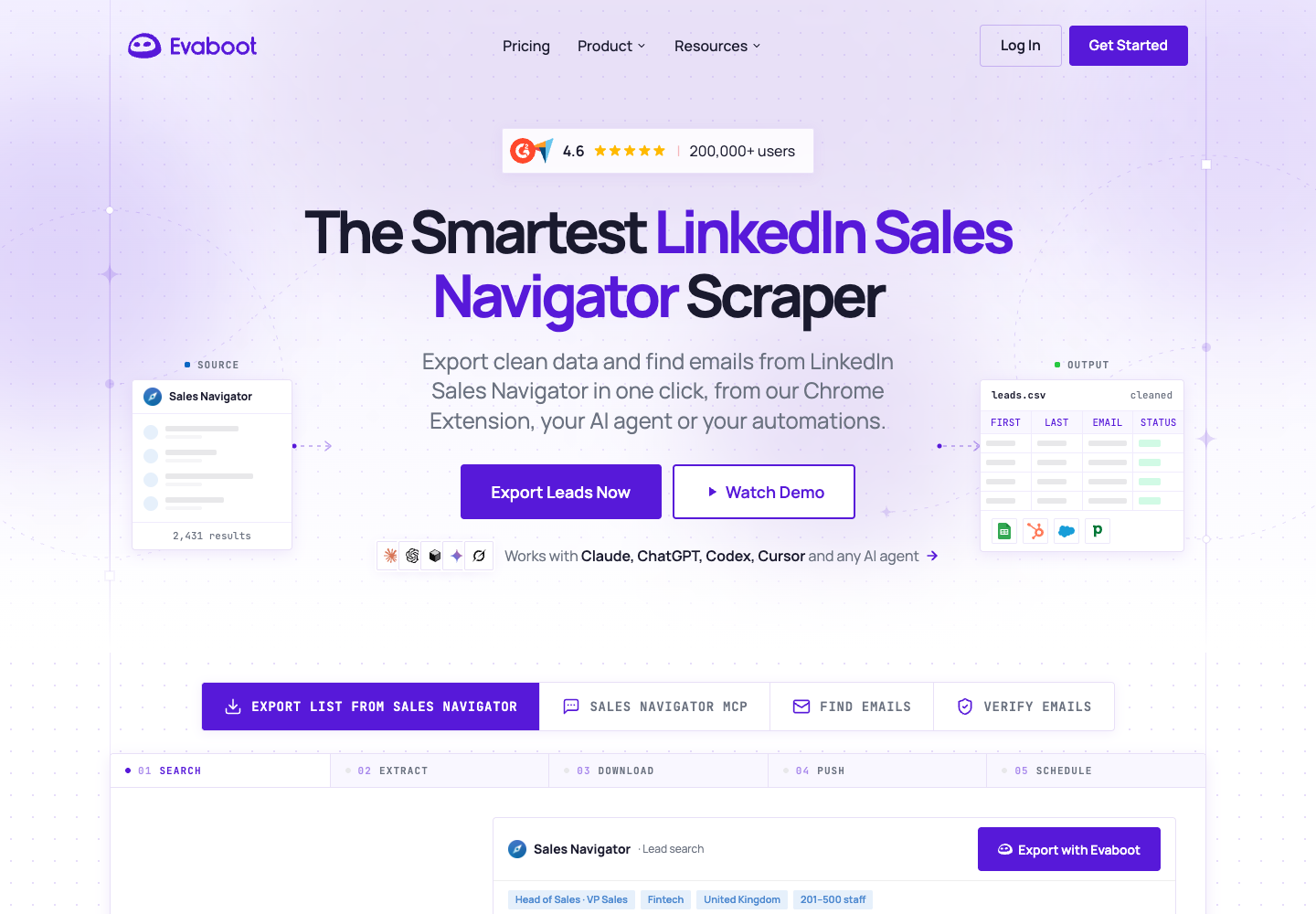
Pricing. Starter costs $9 per month for 100 credits. For a Sales Navigator lead export, one exported lead consumes one credit, including the email lookup. A row with no email still counts. Sales Navigator access is a separate prerequisite. Evaboot pricing.
Pros. A Sales Navigator user gets a defined export process and can see when the file is ready. Cons. An export can wait for available capacity, and a full set of paid rows may yield a shorter list of addresses.
Match the working day to the workflow
| Starting situation | First option to consider | What the operator owns | What to inspect in the handoff |
|---|---|---|---|
| One person is open in Chrome | Snov.io sidebar | Choose the right person and save the result | Email status and access to export |
| An analyst must cite where each email appeared | BrowserAct template | Connect the account and choose the input mode | Source link, availability and unverified status |
| An existing contact database should run on your infrastructure | Linked Helper | Host, provider settings and workspace storage | Which source returned each address |
| A recurring search must run with the laptop off | PhantomBuster | Search access, session renewal and workspace capacity | Rows processed and discovery results |
| A Sales Navigator user wants one cleaned file | Evaboot | Start the export and review its status | Exported leads versus leads with email |
A weekly research handoff offers a useful budget check. Count unique people requested, rows returned and business addresses accepted by your reviewer. Include the relevant share of the subscription, hosting and any separate email service. Divide by the number of accepted addresses only if that number is positive. Record the other rows as missing, inaccessible or awaiting review. Otherwise, changing vendors can make the spreadsheet look cheaper simply because one tool dropped its empty rows.
A Skill or MCP tool describes how an assistant calls the next service. The browser could still be on your computer, the workflow hosted elsewhere, and the email lookup billed to a third account. Ask where each step runs before choosing a product on the strength of an “AI” or “cloud” label. BrowserAct, for example, offers both cloud Bots and a local browser automation skill. BrowserAct’s agent skills.
Use data you are permitted to process and review the rules governing automated access before choosing a LinkedIn workflow. LinkedIn User Agreement. For a broader comparison by email source and deliverable, see Best LinkedIn Email Scrapers.
FAQ
Can a LinkedIn email scraper keep running when my laptop is off?
PhantomBuster hosts launched jobs. Linked Helper needs its host computer or your VPS to stay on. For an extension, check the specific workflow to see whether the browser drives the work or just starts a dashboard job.
Does a cloud tool find more emails than a Chrome extension?
Coverage depends on the email source, input and account access. Compare the same permitted profiles and the same provider before attributing a difference to hosting.
When should I use BrowserAct instead of a finder?
Use BrowserAct when you need contact details displayed on the profile and a record of where each address appeared. Use an enrichment service when you need to look for a business address that the profile does not show.
Is a Skill another kind of email database?
A Skill gives an agent instructions or tools to use. Its browser can collect accessible fields, while a separate service can supply enrichment or verification if the workflow includes one.


