Evaboot vs Scrupp for Sales Navigator Export and Email Lookup

The first question in an Evaboot vs Scrupp comparison is whether everyone on your Sales Navigator list needs an email. Evaboot looks for a work address on every lead export and charges by the exported person. Scrupp lets you export the profiles first and choose whether to pay for emails it finds. If another team will shortlist the people before enrichment, that switch matters more than the length of either product’s feature list.
Evaboot includes email lookup in the lead export
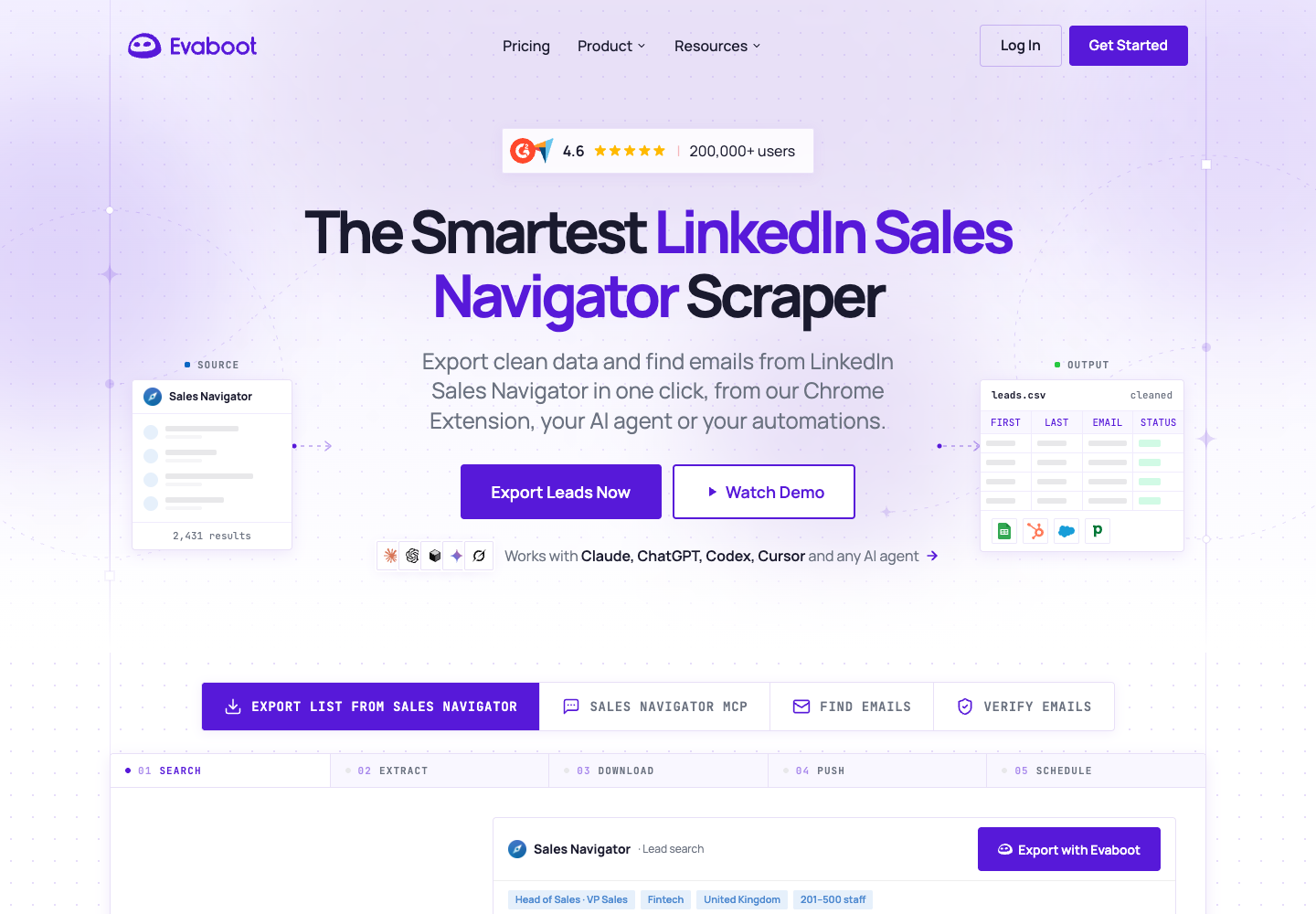
Evaboot suits a team that wants to hand a sales rep one file with profile details, search-match information and business emails where available. Open a lead search or list in Sales Navigator, start the export with the Evaboot extension, and download a CSV or XLSX from the dashboard. Every exported lead gets an email lookup. Evaboot export guide
Core features
- The file includes a verdict on whether a person matches the original filters, followed by the reason. A rep looking for current finance directors can review records matched on a past role before importing them.
- Evaboot cleans names and company fields. Its email finder distinguishes addresses it classifies as safe from those it considers riskier, so the rep can keep the two groups separate. Email finder guide
- If you already own a spreadsheet, you can upload first name, last name and company name or domain to the standalone finder. Its billing differs from a Sales Navigator export.
Pricing
- Starter costs $9 per month for 100 credits. Grow costs $29 for 400 and Scale starts at $49 for 1,000. These monthly plans cover the workspace. Budget separately for your Sales Navigator seat. Evaboot pricing
- Each exported lead uses one credit, including leads with an empty email field. Lookups performed through the standalone finder use one credit per address found. Standalone verification uses one per address checked. Evaboot credit rules
Pros
- You can budget an export from its lead count before you know how many emails will be found.
- The match verdict and reason give the person reviewing the file a concrete basis for excluding an irrelevant lead.
Cons
- You cannot switch off email lookup on a lead export. A team with a policy to collect contact details only after review will need a different route.
- A lead with a missing or unusable email still consumes its export credit. The number of paid rows can exceed the number ready for the next step.
Scrupp lets you choose when to enrich
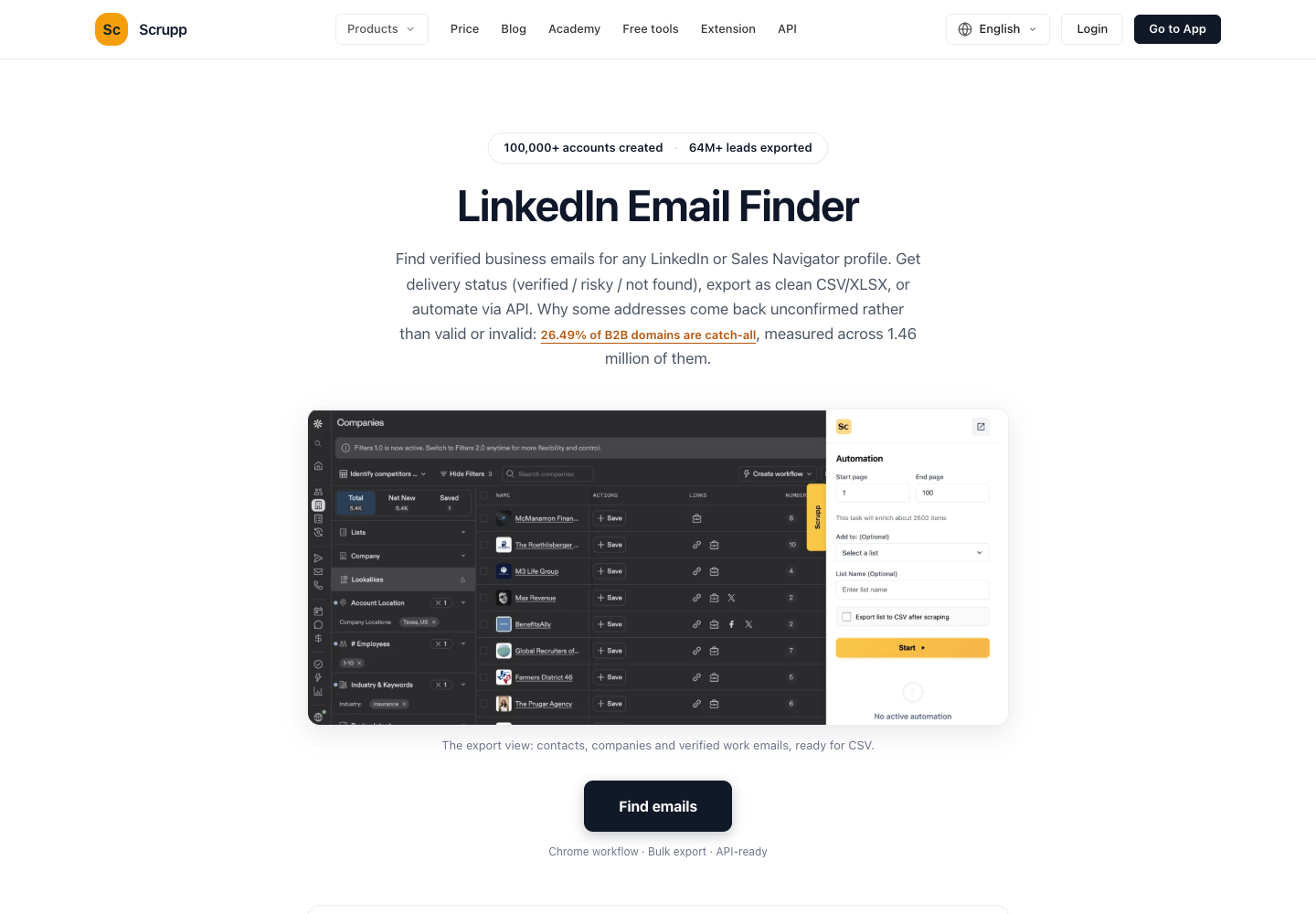
Scrupp adds an export panel to Sales Navigator. Select the number of rows, then choose whether to look for work emails and phone numbers. You can take just the identity fields, including name, employer, title and profile URL. The output can go to CSV, Excel, Google Sheets or a supported CRM. Scrupp export guide
Core features
- Export profiles without contact lookup when the next decision is who qualifies. A research team can remove former employees and competitors before requesting any emails.
- Turn on work email discovery for a list when everyone already qualifies. Phone lookup has its own switch and charge.
- Upload a shortlist later as a name-and-company CSV. On this specific upload path, Scrupp charges for emails found without a base fee per input row. Its developer API has different terms. Scrupp credit rules
Pricing
- The free plan resets to 100 credits per month. A monthly subscription with 1,000 credits costs $29 and supports up to three team members. A separate $35 pack supplies 1,000 one-time credits that do not expire. Scrupp pricing
- A list export uses one credit per profile. A new work email found on that list adds one credit, and a phone number delivered adds two. If email lookup returns nothing for that person, the profile still costs its base credit. Scrupp export pricing
Pros
- You control whether email research happens before or after the team reviews the list.
- A one-time credit pack suits occasional work when the next export date is uncertain.
Cons
- The final debit for an enriched list depends on how many new emails the tool finds. A 100-credit balance covers 100 profiles with contact lookup off, but may fall short if you also request emails.
- A budget derived from list enrichment cannot be reused for the standalone API. Scrupp bills its email-find endpoint per request, including misses. API and list billing
What changes on the same Sales Navigator search?
| Your requirement | Evaboot | Scrupp |
|---|---|---|
| Only identities approved for a later review | Email lookup runs on every lead export | Switch off email and phone lookup |
| A work address for everyone who has one | One credit per exported lead | One per exported lead plus one per new email found |
| Review search relevance before CRM import | Match verdict and reason included in the file | Export role, employer and profile URL for a shortlist review |
| Keep an audit trail when no email is found | Keep the profile row and its blank email field | Export all available leads and retain rows with missing addresses |
| Enrich a shortlist you already own | Standalone finder bills per address found | Name-and-company CSV bills per address found when requesting email only |
What would 100 leads cost?
Suppose you export the same 100 distinct people, request work emails for all of them, and each tool returns 60 new addresses. All phone lookups are off. The 60 is an assumption for comparing billing, not a measured result.
| Job | Evaboot credits | Scrupp credits |
|---|---|---|
| Export 100 leads and look for work email on all 100 | 100 | 100 + 60 = 160 |
| Export 100 profiles with every contact lookup switched off | This mode is unavailable | 100 |
| Look up emails in an existing name-and-company file, with 60 found | 60 through the standalone finder | 60 through the email-only CSV route |
Credits also buy different things across vendors. For the first job, an empty workspace buying one monthly plan would fit within Evaboot’s $9 Starter allowance. Scrupp’s 100 free credits alone would fall short. Its $29 monthly tier would cover the job and leave most of the paid allowance for later exports. If you need only profiles, the same 100 Scrupp rows fit within its monthly free allocation. Evaboot plans · Scrupp plans
The decision can reverse at a different volume. At 500 exported leads and 300 new emails in one month, the same assumptions imply 500 Evaboot credits or 800 Scrupp credits. Among the monthly tiers above, those jobs fit Evaboot’s $49 plan and Scrupp’s $29 plan. Both examples exclude existing balances, annual discounts, tax and the Sales Navigator subscription.
For an actual purchase, count the addresses your team accepts after removing duplicates, incorrect employers and results it regards as risky. Divide the amount you actually spent by that count. If nobody passes review, record zero usable addresses and the amount spent. That will tell you more than comparing two headline prices per credit.
Which one fits your handoff?
Choose Evaboot if someone has already tightened the search, wants the fit reason beside each lead and needs email lookup on the whole export. Choose Scrupp if the first deliverable is a research list, someone else approves the shortlist, or you want to collect work addresses only for approved names.
If you already have a file of names and employers, start with the standalone finder or CSV enrichment route in the table. Paying to export the same people again adds a cost you can avoid. If your starting point is a set of profile links and you want to capture only contact details visible to you, the BrowserAct Bot route in our broader comparison addresses that different task. LinkedIn email scraper comparison and Bot workflow
If you already have personal profile URLs and only need addresses visible to your account, the BrowserAct LinkedIn Email Scraper keeps every profile in the people file. A blank email remains a recorded outcome.
FAQ
Can I export Sales Navigator profiles without looking up emails?
Scrupp lets you turn off email and phone lookup in the export panel. Evaboot includes lookup automatically on each Sales Navigator lead export.
Does an empty email field still cost a credit?
Yes. Both tools charge one base credit for an exported person. Scrupp adds an email charge only when it finds a new address. A standalone finder or CSV upload follows different rules.
Which tool is cheaper at 100 leads?
For profiles alone, 100 rows fit Scrupp’s monthly free allowance. If you request emails on all 100, Evaboot’s $9 plan covers that export. Scrupp’s cost then depends on the balance available and the emails found.
Which tool finds more usable work emails?
There is no common-sample result here. Compare the same authorized profiles, retain both vendors’ status fields, and count unique addresses at the correct employer that pass your review.


