How to Find Local SEO Clients Using Google Maps Signals

To find local SEO clients with Google Maps, start with businesses in a specific service area, then compare their public Maps details with evidence on their websites. Name, address, and phone differences, missing LocalBusiness schema, and weak location signals can identify businesses worth auditing. They do not prove poor rankings or purchase intent.
That distinction matters. A generic list gives you companies to contact. Evidence-led prospecting gives you a reason to decide which companies deserve a closer look before you contact anyone.
This guide extends the broader Google Maps lead generation workflow by focusing on one job: turning public local-business signals into a smaller, reviewable list of potential SEO clients.
- 1Useful local SEO prospecting starts with public evidence, not an automatic label that a business has “bad SEO.”
- 2NAP differences matter only after you account for formatting, tracking numbers, service-area businesses, and multiple locations.
- 3Missing `LocalBusiness` schema is an audit prompt, not proof that a business ranks poorly.
- 4A `manual_review` result is valuable when it prevents incomplete evidence from becoming a false sales claim.
- 5The best first message cites one reproducible observation and invites verification instead of presenting a speculative diagnosis.
Which Google Maps Signals Can Reveal a Local SEO Opportunity?
The most useful signals connect a visible Google Maps business record with information on a business-owned website. Each signal should answer a narrow question and preserve where the answer came from.
Signal | What to compare | What it may justify | What it does not prove |
Business name | Maps name versus the website brand name | A closer identity or citation review | That the listing is wrong |
Address | Maps address versus a location or contact page | A NAP consistency check | That every formatting difference is harmful |
Phone | Maps phone versus website phone | A tracking-number or location-number review | That either number is invalid |
LocalBusiness schema | Structured data on bounded public pages | A technical implementation review | A ranking problem or penalty |
Location signals | Location references in the title, H1, and body | A location-page content review | Local rank position |
Contact path | Public phone, email, form, or social profile | A way to request clarification | Buying intent |
This approach deliberately excludes signals that require other tools or account access. It does not check Search Console, backlinks, complete citation networks, GBP ownership, photo activity, posts, or local rank grids.
Separate an Audit Signal From a Sales Lead
A prospecting workflow becomes unreliable when it collapses three separate judgments into one:
- Observable fact: a public page does or does not show a field.
- Audit hypothesis: the observation may deserve investigation.
- Qualified opportunity: the business fits your service, the issue is confirmed, and outreach is appropriate.
For example, a website may not display the same phone number as Google Maps. That is an observable fact. The difference might indicate an outdated number, but it could also be a legitimate call-tracking setup. Until someone checks the context, it is an audit hypothesis rather than a qualified lead.
The same rule applies to addresses. A service-area business may intentionally hide a street address. A multi-location company may use a headquarters address on one page and a branch address on another. Abbreviations such as Suite and Ste are not meaningful mismatches by themselves.
Good local SEO prospecting preserves these distinctions instead of turning every difference into a sales pitch.
A Repeatable Local SEO Prospecting Workflow
1. Choose One Industry and One Location
Define a narrow ideal customer profile before collecting data. HVAC contractors in Tulsa is more useful than local businesses in the United States because the service model, location language, and likely website structure are more consistent.
A narrow search also makes manual verification manageable. You can compare like with like and recognize whether a business is a single-location operator, a service-area company, or part of a larger chain.
2. Collect the Public Maps Facts
Record the visible business name, category, address or service area, phone number, website URL, rating context, and Maps source URL. One business should remain one independent record so the evidence does not become detached from the company it describes.
At this stage, you have a business list, not a list of SEO opportunities.
3. Inspect a Bounded Set of Website Pages
Open the homepage and a small number of relevant pages, usually the contact, about, or location page. Bounded inspection is easier to reproduce than claiming to have audited an entire site.
If the website cannot be inspected reliably, keep that uncertainty. Do not convert an unavailable field into a missing field.
4. Compare Name, Address, and Phone Evidence
Normalize obvious formatting differences, then retain both source values. A reviewer should be able to see what Maps displayed, what the website displayed, and which pages were checked.
5. Check Schema and Location Signals
Look for LocalBusiness structured data and visible location references in the page title, H1, and body. Google documents LocalBusiness as a structured-data type for communicating business details, but its presence or absence alone does not establish local ranking performance. See Google's LocalBusiness structured data documentation and Organization structured data documentation.
6. Classify the Evidence Honestly
Use at least three outcomes:
- Audit candidate: a supported issue was reproduced and the business fits the target criteria.
- Not a lead: the available evidence does not support the selected opportunity.
- Manual review: the observation is incomplete, ambiguous, or dependent on business context.
An exclusion state is also useful for chains, duplicate Maps records, closed businesses, or previously reviewed companies.
7. Review Before Outreach
Open the evidence pages again before contacting the business. Confirm the issue is still present, determine whether it is material, and check whether the company is a plausible client for your service.
How to Compare Maps and Website NAP Without Creating False Positives
NAP means name, address, and phone number. Comparing NAP data sounds simple, but literal string matching creates weak prospect lists.
Business Name
Ignore harmless suffixes and page-title copy before flagging a mismatch. Smith Heating and Smith Heating | Tulsa HVAC Repair may refer to the same brand. A different legal entity, unrelated trading name, or wrong location deserves more attention.
Address
Normalize common abbreviations and unit formats. Then check whether the website page represents the same location as the Maps listing. For a multi-location company, compare the Maps record with the relevant location page rather than the corporate homepage.
If no address is visible, first determine whether the company is a service-area business. Missing a street address can be intentional and compliant with the business model.
Phone Number
Normalize country codes, punctuation, and spacing. If the numbers still differ, look for evidence of call tracking, department routing, or branch-specific numbers. A mismatch is a review trigger, not automatic proof of stale information.
Observation | Recommended status | Reviewer action |
Same normalized value | No NAP gap | Continue to other signals |
Formatting-only difference | No NAP gap | Preserve source values if useful |
Different value with clear branch or tracking context | Manual review | Document the context |
Different value with no supporting context | Audit candidate | Recheck both sources before outreach |
Website value unavailable because the page failed | Manual review | Retry or inspect manually |
How to Use Schema and Location Signals Correctly
Structured data and on-page location cues can help prioritize an audit, but they should not become shortcuts for diagnosing rankings.
Missing LocalBusiness Schema
If a bounded page check finds no LocalBusiness schema, record that observation with the pages checked. An SEO consultant can then determine whether another schema type is present, whether implementation is appropriate for the business, and whether the markup is valid.
Do not tell the prospect that missing schema caused low rankings. The public observation supports a technical review, not a causal conclusion.
Missing Website Address
An address missing from the checked pages may be relevant for a storefront business, but normal for a service-area business. Compare the business category, Maps presentation, contact page, footer, and location pages before deciding.
Weak Location Signals
A location absent from the title or H1 can justify examining the page's purpose. A generic homepage may serve several areas, while a dedicated location page should usually be evaluated against its intended city or service region. Treat title, H1, and body checks as separate observations rather than a single score.
What a Real Checked Record Should Contain
A useful result keeps the business facts, website observations, evidence, and review status together. It should not return one nested array that forces the reviewer to reconstruct which issue belongs to which company.
In a recent 10-business HVAC research run, one record was retained as an audit candidate after the bounded pages showed a public phone and Tulsa service-area language but no visible street address or LocalBusiness schema. Seven other records remained in manual review, one was not a lead for this specific test, and one was excluded by the chain rule.
That distribution is more informative than a list in which every company becomes a lead. It shows where automation found a reproducible signal and where context still mattered.
An individual business record should include:
Field group | Example contents |
Business identity | Name, category, Maps URL, source rank |
Maps facts | Address, phone, website URL, service area |
Website facts | Website name, address, phone, pages checked |
SEO signals | Schema found, title/H1/body location signals |
Evidence | Exact observation and source pages |
Decision | Audit candidate, not a lead, manual review, or excluded |
Contact path | Public email, phone, form, or business social profile |
The audit-candidate record does not prove that the business ranks poorly or wants SEO services. It proves only that a specific public implementation question is worth reviewing.
Turn One Verified Signal Into a Credible First Message
An evidence-led first message should be short enough for the recipient to verify the observation themselves:
I was reviewing local HVAC businesses in Tulsa and noticed that your public website shows service-area and phone details, but I could not find a street address or LocalBusiness markup on the pages I checked. That may be intentional, especially for a service-area business. If useful, I can send the exact pages and a short implementation review.
This message works because it identifies the source, states the observation, admits uncertainty, and offers a bounded next step. It does not threaten the business with vague ranking loss or pretend that a public-page check is a complete audit.
When you need a public contact path after qualification, use a separate process for finding public business emails and source pages. Qualification should come before contact enrichment, not after a large list has already been queued for outreach.
When BrowserAct Helps and When You Still Need a Manual Audit
BrowserAct can search public Google Maps results, open bounded business-owned pages, compare Maps and website details, check defined schema and location signals, and return each checked business as a structured record with evidence and contact paths.
That makes it useful for reducing a broad market to a smaller audit queue. It does not replace professional judgment about service-area rules, tracking numbers, multi-location architecture, schema quality, citation ecosystems, local rankings, or commercial fit.
The practical division of work is straightforward:
BrowserAct-assisted screening | Manual local SEO audit |
Collect public business records | Confirm business and location context |
Compare defined Maps and website fields | Validate whether differences are material |
Check bounded pages for specified signals | Test markup quality and broader technical SEO |
Preserve evidence and review status | Review rankings, competitors, citations, and strategy |
Build a prioritized audit queue | Decide whether and how to contact the business |
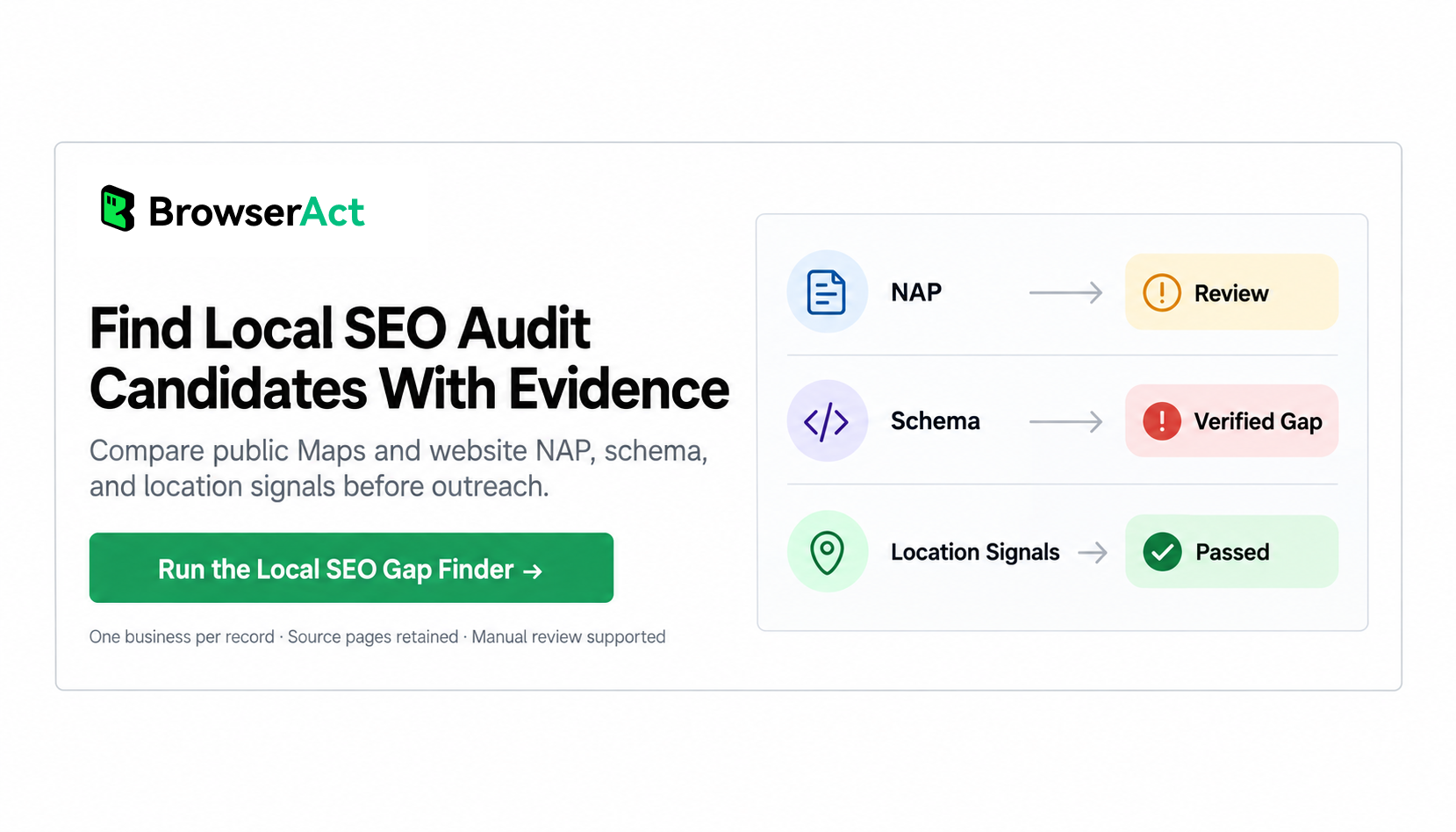
Use the Google Maps Local SEO Gap Finder API to create evidence-backed audit candidates, then verify each candidate before outreach.
Frequently Asked Questions
How do I find local SEO clients on Google Maps?
Choose one industry and location, collect the public Maps records, compare each listing with bounded pages on the business website, and prioritize reproducible NAP, schema, or location-signal questions. Manually verify the evidence before treating a business as a prospect.
Which NAP differences actually matter?
Differences that remain after formatting normalization and cannot be explained by branch pages, service-area rules, call tracking, or business context deserve review. Punctuation and abbreviation differences rarely justify outreach by themselves.
Does missing LocalBusiness schema prove poor local rankings?
No. Missing LocalBusiness schema can justify a technical review, but it does not prove poor rankings or establish causation. Rankings depend on many factors that a bounded public-page check does not measure.
What does manual review mean in a local SEO prospecting result?
It means the available observation is incomplete or ambiguous. The website may have failed to load, a NAP difference may need context, or the evidence may not meet the threshold for an audit candidate. Manual review protects the prospect list from false positives.
Can I export the evidence for CRM review?
Yes. Keep each business as an independent structured record with its Maps facts, website observations, source pages, gap fields, contact path, and review status. Review the record before sending it into an outreach sequence.
Prospect With Evidence, Then Audit With Context
The reliable way to find local SEO clients is not to scrape a large list and assume every company has a problem. Collect the public facts, compare narrow signals, retain uncertainty, and verify the strongest candidates manually.
That sequence gives agencies a better operating model: collect, compare, verify, audit, and only then contact. BrowserAct can make the collection and first-pass evidence review reusable; your expertise determines whether the observation is material and whether the business is a suitable client.


