How to Find Local Business Leads on Google Maps

You can find local business leads on Google Maps by searching a specific business category in a defined location, collecting the public details that matter to your offer, and reviewing each record before enrichment or outreach. The important distinction is that a visible business is not automatically a qualified lead.
A Maps result can tell you that a business exists. Its place page may add a public phone number, website, category, hours, rating, review count, and recent review context. Those details make the record more useful, but they still do not prove that the company needs your service or wants to buy it.
The most efficient process is therefore not “scrape everything.” It is to decide what a usable record means for your campaign, collect only the evidence needed for the next decision, and reserve deeper research for businesses that pass the first review.
What Counts as a Usable Local Business Lead?
The word “lead” is often used for four different things. Keeping them separate prevents a large spreadsheet from being mistaken for a sales pipeline.
Data level | What you know | What remains unknown | Best next action |
Business listing | Name, category, approximate location, rating, and other result-card details | Whether the business fits your offer or has a useful contact path | Use it for market discovery and initial filtering |
Detailed business record | Public place details such as phone, website, address, hours, and review context | Whether the business has the problem your service solves | Review relevance and decide whether more research is justified |
Contactable lead | A relevant business plus an appropriate public contact path | Whether the company has current need, authority, budget, or timing | Prepare careful, relevant outreach or continue qualification |
Qualified opportunity | Evidence connects an observable problem with your service | Internal intent and purchase readiness may still be unknown | Prioritize human review and a tailored conversation |
For example, a roofing company with a public phone number is contactable, but that alone does not make it a good website-redesign lead. A redesign agency still needs evidence that the website has a concrete issue. A booking-software provider needs to know whether customers already have a working appointment path. A local SEO agency needs a relevant visibility or profile gap, not merely a Maps URL.
Use Google Maps scraper for lead generation as the broader framework: discovery, contact enrichment, and qualification are connected stages, but they are not the same output.
Define the Offer and Territory Before You Search
A productive search begins with a market hypothesis, not a tool. Write the target in one sentence:
We help [business category] in [location] solve [observable problem].
“Local businesses in Texas” is too broad to produce a coherent prospect list. “Independent HVAC contractors in Austin that rely on phone-only inquiries” gives the research a category, territory, and problem to test.
Before collecting records, define four things:
- Business category: Use a category that Maps and the businesses themselves are likely to recognize, such as dental clinic, roofing contractor, or estate agent.
- Territory: Choose a city, district, or service area that matches the campaign. Separate searches are easier to review than one oversized market.
- Minimum usable record: Decide whether the first pass requires a phone number, website, business hours, review context, or only a source URL.
- Reason to continue: State what evidence would justify email discovery, website analysis, or deeper qualification.
This preparation also protects the campaign from premature enrichment. If half the collected businesses are outside the target category or territory, finding emails for all of them only creates more irrelevant data to clean.
Which Google Maps Details Actually Help You Screen a Business?
Different fields answer different questions. Their value depends on what you plan to sell or research.
Public detail | Useful question it can answer | What it cannot prove |
Business name and category | Is this the type of company we intended to find? | That the category is precise enough for our offer |
Address | Is the business inside the target territory? | That it serves only that location |
Phone | Has the business published a direct contact channel? | That the number reaches the owner or decision-maker |
Website | Is there an official site available for further research? | That the website is effective, current, or in need of redesign |
Business hours | Does the listing show an active operating schedule? | That the hours are complete or recently verified |
Rating and review count | Is there visible customer activity and reputation context? | Revenue, budget, customer volume, or purchase intent |
Recent review summary | What recent customer theme may deserve closer inspection? | A complete view of customer sentiment |
Maps URL | Can a reviewer return to the source listing? | That every other field will remain unchanged |
The safest rule is simple: interpret a visible value as evidence of what was displayed, not as proof of a broader business condition. Likewise, a missing value means it was not available in that collection context. It does not automatically mean the business lacks that information everywhere.
Where Manual Google Maps Research Breaks Down
Manual research is useful at the beginning. Open Maps, test a category and location, inspect several businesses, and learn whether the market hypothesis produces relevant results. That small sample can prevent an automated run against a poor query.
The trouble begins when the same detail-page work must be repeated across dozens of businesses or several territories:
- Researchers open each place page and copy fields into slightly different columns.
- Phone numbers, hours, categories, and addresses acquire inconsistent formats.
- The same branch appears in overlapping searches and is reviewed twice.
- Source URLs are omitted, making later verification slower.
- Teams collect contact details before confirming category or geographic fit.
- A missing website or phone number is interpreted too quickly as a sales opportunity.
Manual review still belongs in the process, but it should be used where judgment creates value: testing the search, resolving ambiguous records, checking high-priority businesses, and approving outreach. Repetitive navigation and transcription are better handled as a consistent collection step.
For a broader comparison of manual work, custom scripts, APIs, extensions, and reusable Bots, see how to scrape Google Maps without code.
Build a Repeatable Detail-First Lead List Without Code
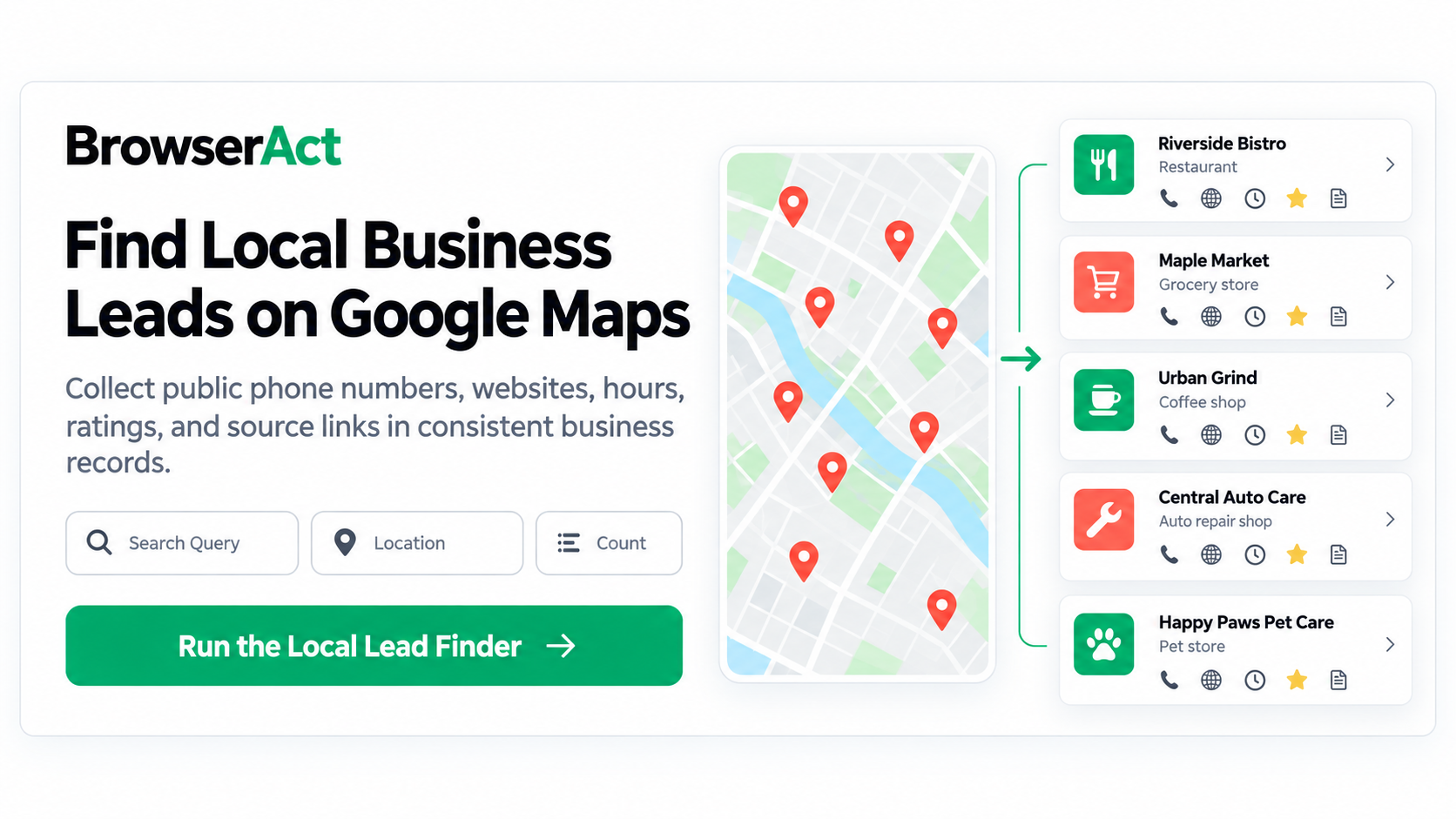
When result-card data is not enough, the Google Maps Local Lead Finder provides a reusable detail-page collection path. You define a Search Query, Location, and Count; BrowserAct searches the public Maps results, opens the available place detail pages, and returns one structured business record at a time.
The output can include:
- business name;
- public phone number;
- rating and visible review count;
- address;
- public business website;
- Google Maps source URL;
- visible category;
- visible business hours; and
- a recent visible review summary when available.
The practical advantage is consistency, not automatic qualification. Every returned business follows the same record structure, which makes it easier to review category fit, locate missing values, preserve the source, and choose the next step.
Detail-page extraction also does more navigation than broad listing collection. Use it when phone, website, hours, or recent review context contributes to a real decision. If names, categories, ratings, and addresses are enough for an initial market scan, a lighter business-listing collection may be more appropriate.
The requested count is a maximum, not a guarantee. Available records and fields depend on the query, location, public results, page state, and information visible for each business.
Turn Detailed Records Into a Shortlist
Once the records arrive, do not move the entire file directly into outreach. Use a short decision path for each business.
Review outcome | Decision | Next step |
Wrong category or outside the intended territory | Irrelevant | Remove from this campaign |
Relevant with a suitable public phone or website | Potentially contactable | Review the contact context and the offer-specific evidence |
Relevant but no suitable contact path is visible | Needs selective enrichment | Research a public website email or contact page only if the account is valuable enough |
Relevant but the service need is unclear | Needs qualification | Check the website or another public source for a concrete, offer-specific gap |
Duplicate, branch conflict, or ambiguous identity | Needs human review | Resolve the record before enrichment or outreach |
This sequence keeps the expensive or judgment-heavy work focused on records that have already passed basic relevance checks.
It also improves personalization. A message based only on “I found you on Google Maps” gives the recipient no reason to care. A useful outreach premise connects the business to a specific, observable issue that your service can address. Public evidence can support that premise, but it should not be presented as proof of the company's internal priorities.
Choose the Right Google Maps Data Depth
Not every campaign needs the deepest available process. Choose the starting point based on the decision the data must support.
Campaign decision | Appropriate data depth | BrowserAct starting point |
Which businesses appear in this category and market? | Broad result-card data | Google Maps Business Listings Scraper |
Which records have public phone, website, hours, and place details? | Public detail-page data | Google Maps Local Lead Finder |
Has the business published an email on its official website or contact page? | Selective public-email enrichment | Google Maps Email Finder |
Does the public website show a relevant conversion gap? | Offer-specific qualification evidence | Google Maps Lead Qualification Scraper |
The stages can form a funnel, but they do not have to run for every record. Start broad when the market is unknown. Move to place details when reachability and operating context matter. Use public business email discovery only for relevant accounts that need an email path. Qualify against the service you actually intend to offer.
For a website-sales campaign, you may instead begin with the narrower question of how to find businesses without websites. A problem-specific search can be more useful than collecting every business and looking for a reason afterward.
Review the List Before Outreach
Run a final quality check before a record enters a CRM, enrichment process, or outreach queue:
- Confirm that the business category matches the intended customer profile.
- Confirm that the address or service area fits the campaign territory.
- Check for duplicate branches and overlapping searches.
- Preserve the Maps URL so important fields can be reviewed at the source.
- Treat missing values as review items, not automatic opportunity signals.
- Distinguish a public business phone or website from a named decision-maker contact.
- Verify that the proposed outreach reason is supported by visible evidence.
- Follow applicable website terms, privacy requirements, and outreach rules.
Track how many records survive this review and become credible opportunities. Raw row count measures collection volume. It does not measure whether the campaign found businesses worth contacting.
Find Your First Local Business Lead Set
Start with one testable market hypothesis: a specific business category, a defined location, and a problem your service can evaluate from public evidence. Review a small sample manually, decide which place details affect the next action, and only then expand the collection.
The goal is not the biggest possible local-business spreadsheet. It is a repeatable path from market discovery to a smaller set of relevant businesses with enough public context for responsible follow-up.
Use the Google Maps Local Lead Finder when your first decision requires public phone numbers, websites, business hours, category details, and recent review context in consistent business records.
Frequently Asked Questions
Can I use Google Maps to find local business leads?
Yes. Search by business category and location, then collect the public listing or place details needed to review relevance. A visible business is a prospect candidate, not automatically a qualified lead.
What information can I collect from a Google Maps business listing?
Depending on what is publicly visible, a business record may include its name, category, address, phone number, website, hours, rating, review count, recent review context, and Maps URL. Availability varies by business and page state.
Is a Google Maps business listing already a qualified lead?
No. A listing confirms that a business appears in a search. Qualification requires relevance to your ideal customer profile, an appropriate contact path, and evidence connecting the business to the problem your service solves.
How is a local lead finder different from a Google Maps listing scraper?
A listing scraper is useful for broad market discovery from result cards. A local lead finder opens public place detail pages to collect richer fields such as phone, website, hours, and recent review context when available.
Should I find emails for every Google Maps business?
Usually not. First remove irrelevant, duplicate, and out-of-territory records. Then look for publicly displayed business emails only when email is an appropriate contact path and the account is relevant enough to justify deeper research.


