Best LinkedIn Email Scrapers: 8 Tools and a BrowserAct Bot Workflow

A LinkedIn email scraper can return a spreadsheet full of names and still leave you without the business emails you need. The reason is often the product's data source: one tool reads contact details you can already see, another searches a contact database, and another builds possible addresses from a person's name and employer.
Choose the tool around the list you actually have. Someone checking a single profile needs a different product from a team exporting a Sales Navigator search or enriching an existing CSV.
The eight specialist tools and the BrowserAct Bot workflow below cover those starting points. Each section explains the product, relevant features, pricing, pros and cons.
What a LinkedIn email scraper actually delivers
In this category, “scraping emails from LinkedIn” is an umbrella phrase. An address may come from visible contact information, an external database or a separate email-finding process. Those mechanisms have different coverage and evidence.
Keep the source and status beside the address. An inferred email, a database match and an address that passed a verification check should not become one unlabeled email column. A domain that accepts mail does not establish that a particular person owns a mailbox.
LinkedIn's connection export is worth checking for your existing network: it includes addresses only where connections have allowed them to be viewed or downloaded. It does not cover arbitrary non-connections. LinkedIn also restricts unauthorized scraping and automation; a vendor's browser, desktop or cloud architecture does not remove that boundary.
1. Wiza: individual contact lookup while browsing LinkedIn
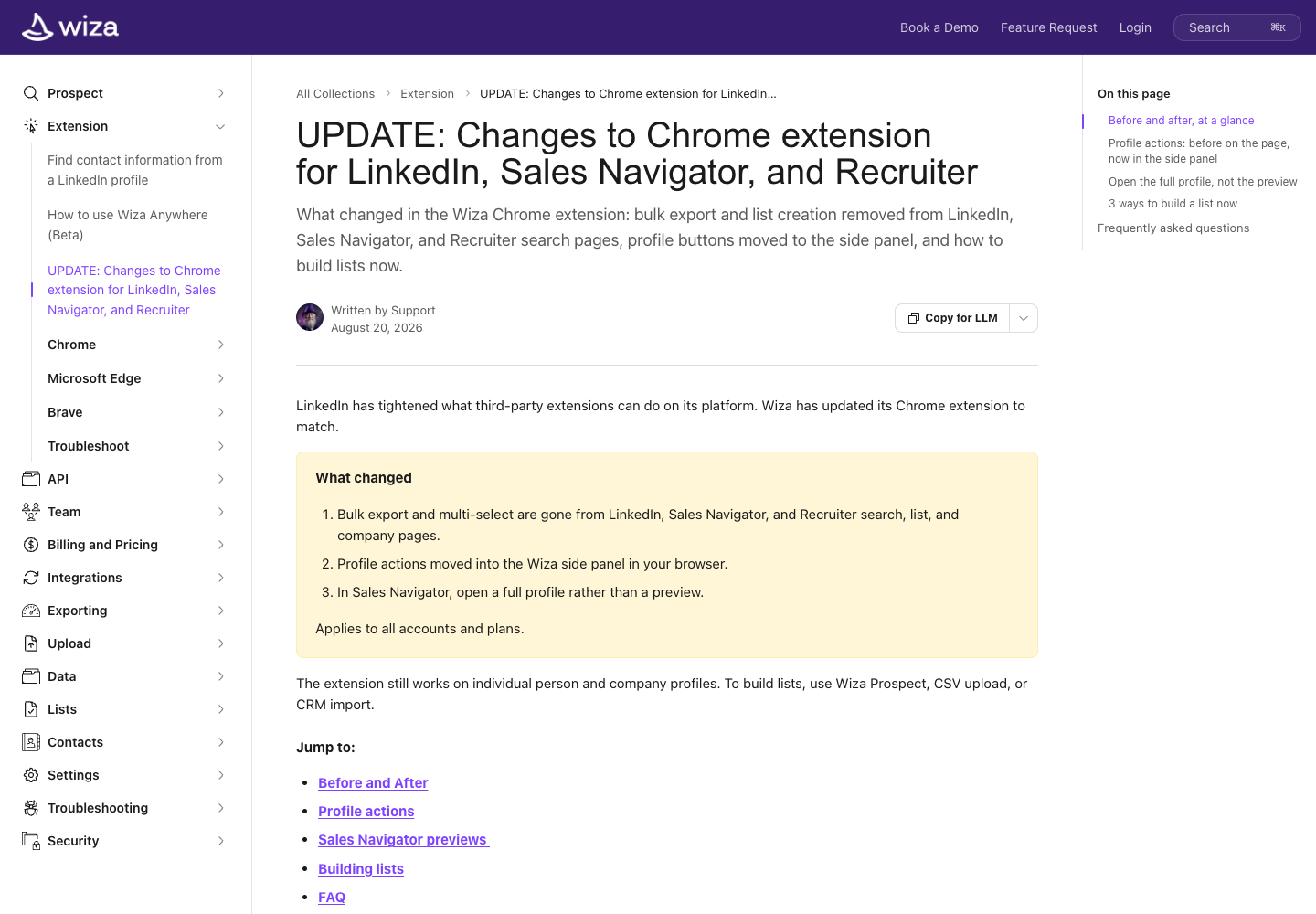
Wiza suits a seller or researcher who has a full LinkedIn profile open and wants to reveal available contact details, save the person or use a connected CRM action. Its extension uses a browser side panel, keeping the profile visible while you work.
The important change is its batch workflow. Wiza's August 19, 2026 announcement removed bulk actions from LinkedIn searches and lists, including exporting entire Sales Navigator results. Bulk prospecting now uses Wiza Prospect's database or other supported import routes.
Relevant features:
- Reveal available email addresses and phone numbers from a full profile.
- Save one contact at a time and use available CRM actions.
- Build larger lists through Wiza Prospect rather than an assumed LinkedIn search export.
Pricing
- Free offer: 20 valid emails and 5 phone numbers; confirm the refresh period in your account.
- Starter: $49 per user per month, with 100 email and 100 phone credits.
- The separate annual Email plan is billed at $990 per user per year and displayed as $83/month; it is a different plan from Starter.
- One email credit corresponds to a valid email; risky emails are not charged as email credits. Reveal allowances and export limits are separate.
Pros
- Profile lookup stays in a browser side panel.
- Save individual contacts and use connected CRM actions.
Cons
- Bulk export from LinkedIn searches and lists is no longer available.
- Email reveal allowances and export limits are separate.
Choose Wiza when: the individual profile is your starting point and its lookup-to-list or CRM path fits your work. For a Sales Navigator search that must become one exported batch, compare a product that still documents that exact operation.
2. BrowserAct: build a Bot for the research around email finding
BrowserAct fits custom research before or alongside email enrichment: checking an employer, opening its website, collecting public business contact details and preserving field sources.
If an address is absent from a permitted page, leave it empty. Use a dedicated email service when you need enrichment.
Pros
- Build and reuse a cloud Bot from a plain-language request.
- Collect custom company fields and keep source links beside the results.
Cons
- The first build needs a small sample and output review.
- Email enrichment and deliverability checks need separate configured services.
Supply a short list of approved profile URLs and the fields you need. For an exported lead list, keep its original identity key and provide the company website where available.
1. Open BrowserAct and define the input
In the Dashboard, use the left-side +, a Quick start entry or the center Agent input to start a Bot. Choose the browser/session mode and region for the approved source.
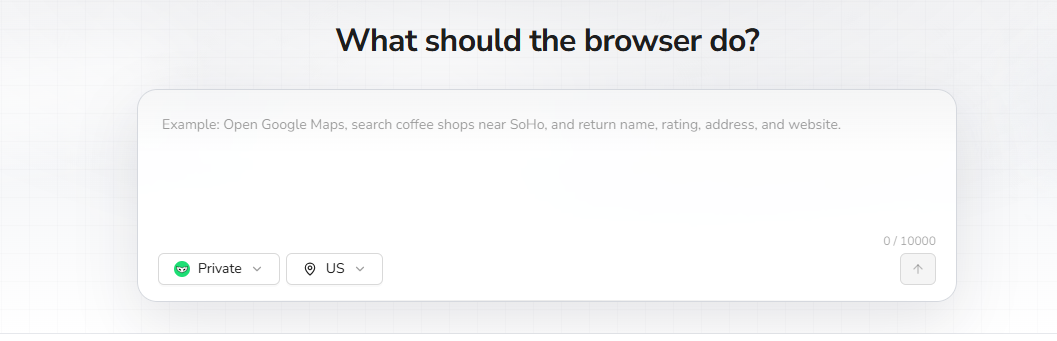
2. Copy the request, then review the build plan
Provide the approved URL list or lead file with this request. Confirm the proposed sources, fields and sample limit before BrowserAct explores and tests the task.
Scrape data from any website.
Describe the data you need. Get a Bot — a reliable, reusable scraper.
3. Complete required confirmation manually
If BrowserAct pauses for login, CAPTCHA, 2FA or account confirmation, handle it yourself. Leave restricted or unavailable rows flagged for review rather than changing the task to bypass the restriction.
4. Review the sample, export and reuse the Bot
Check the identity, company domain and source page for each sample row. Remove duplicates and wrong matches; preserve empty emails and their reasons. Export CSV or JSON, save the Bot and rerun it with new approved inputs after the sample is reliable.
Check these output columns: profile_url, company_domain, company_source_url, visible_business_email, email_source_url, email_type, extraction_status.
Keep the same output columns when you rerun the Bot. Add enrichment for reviewed identities and retain its provider and verification status alongside the original evidence. For the underlying build flow, see how to build and run your first Bot.
3. Snov.io: profile discovery, email finding and verification
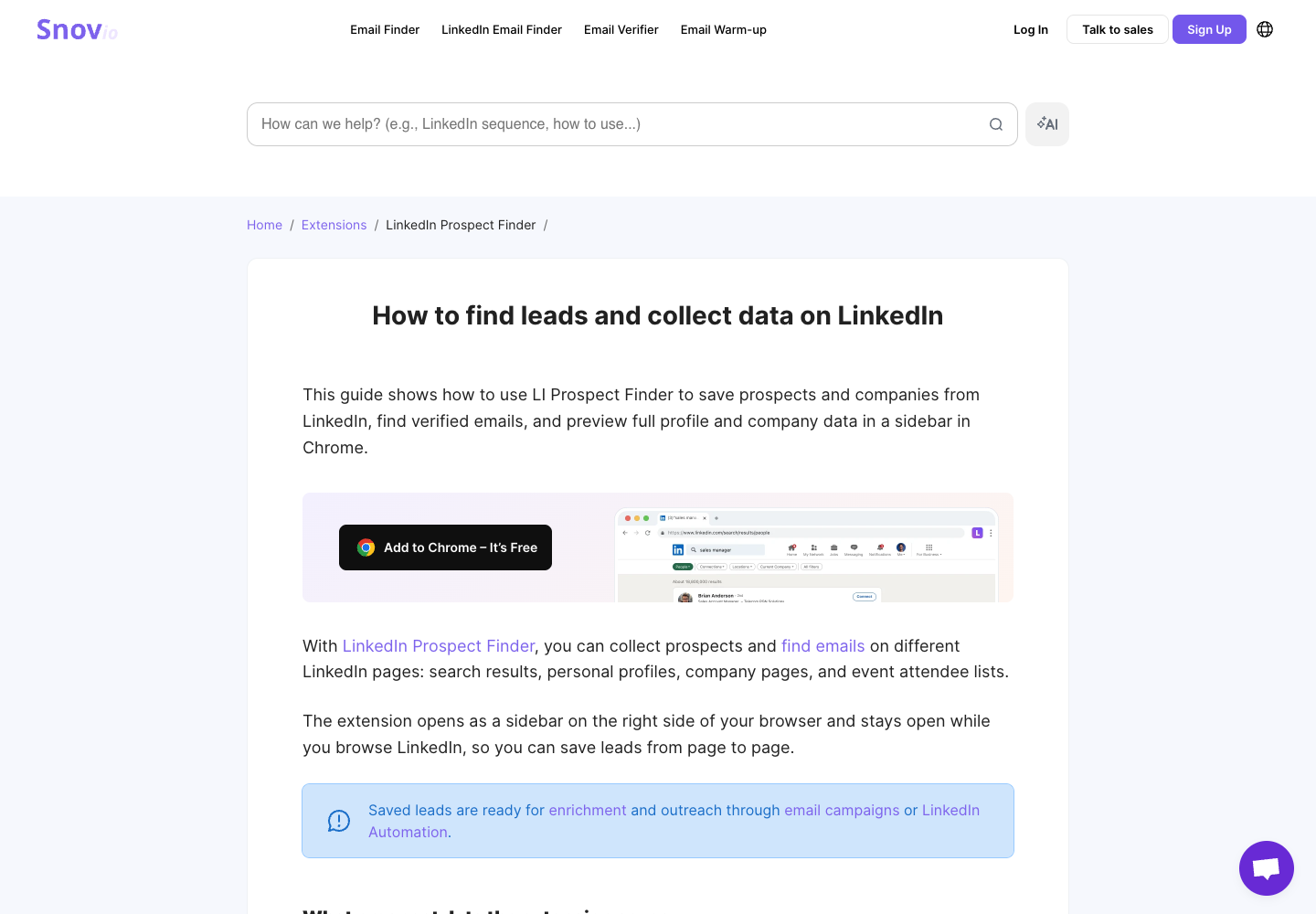
Snov.io combines its LI Prospect Finder extension with an account-side LinkedIn Search workflow. Examine it when your work moves between individual profiles, search results and prospect lists.
Its documentation describes using profile details and common address patterns to find business emails, followed by verification. This differs from reading an address displayed on LinkedIn. Preserving the profile URL when an email is missing also gives you a record to review later.
Relevant features:
- Collect prospects from supported profile, search, employee and event contexts.
- Find business emails and retain returned verification information.
- Use the account-side search route or the extension.
- Keep identity information even where an email is not found.
Pricing
- Free: 50 credits each month. CSV, XLS and Google Sheets exports require a premium plan.
- Starter Sales Suite: $39/month with 1,000 credits. Annual billing is displayed at $29.25/month; $351 is the calculated yearly total.
- LI Prospect Finder charges one credit for a prospect with a valid or unknown email; no-email and invalid results do not consume that prospect credit.
- Separate LinkedIn automation capacity is an additional purchase. Do not include it in the email-finding plan's base price.
Pros
- Supports individual profiles and several prospect-list workflows.
- Combines email finding with verification and list handling.
Cons
- File exports require a paid plan.
- LinkedIn automation capacity is a separate purchase.
Choose Snov.io when: email finding belongs in an ongoing list-building workflow. Check which route your plan includes and whether the job consumes email credits, automation capacity or both.
4. Surfe: LinkedIn research connected to a CRM
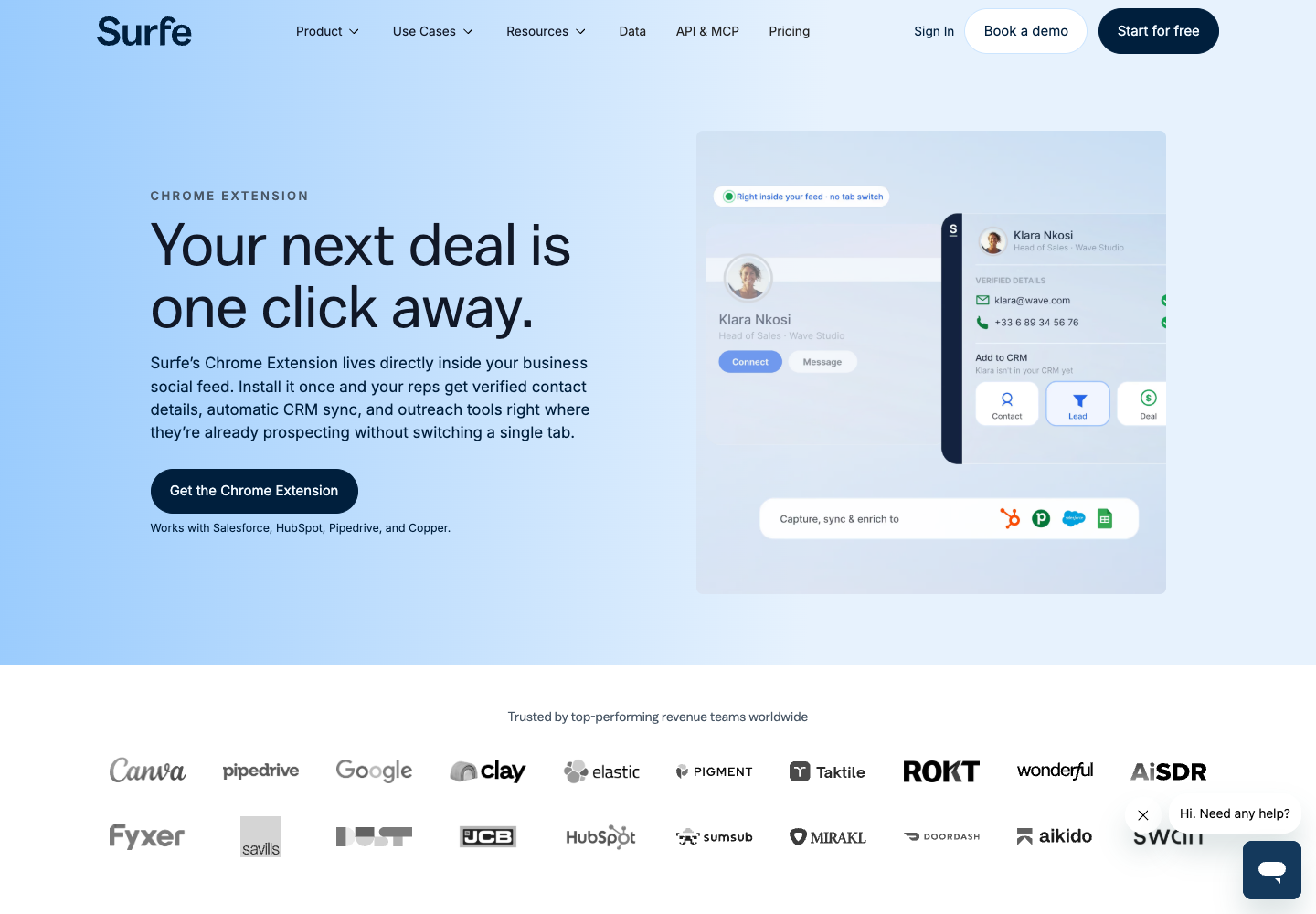
Surfe is most relevant when finding an email is part of updating a CRM record. Its Chrome extension provides a LinkedIn-side interface, while its email finder describes checking multiple data sources and verification services.
That waterfall is a mechanism, not proof of a particular hit rate for your market. Test the people you care about, including the employer match and the state of an existing CRM record after enrichment.
Relevant features:
- Reveal contact information in the context of the profile being researched.
- Enrich and transfer supported lists.
- Connect research with CRM updates.
- Use separately available API or MCP capabilities for integrations.
Pricing
- Free: 20 email finds and 5 mobile finds per month, with a limited CRM transfer allowance.
- Essential: $49 per user per month, with 150 email finds and 50 mobile finds.
- Annual Essential is displayed at $39 per user per month, equivalent to a calculated $468/year.
- A separately priced CRM connector and API access are different purchases; do not assume the Essential price includes every interface.
Pros
- Connects profile research with CRM record updates.
- Uses multiple data sources for email enrichment.
Cons
- CRM connector and API access can require separate purchases.
- Email coverage still depends on the profiles and providers.
Choose Surfe when: your expensive step is transferring reviewed research into the CRM. Compare the complete lookup-and-update process with the work it replaces, rather than only counting email credits.
5. Kaspr: contact discovery inside LinkedIn
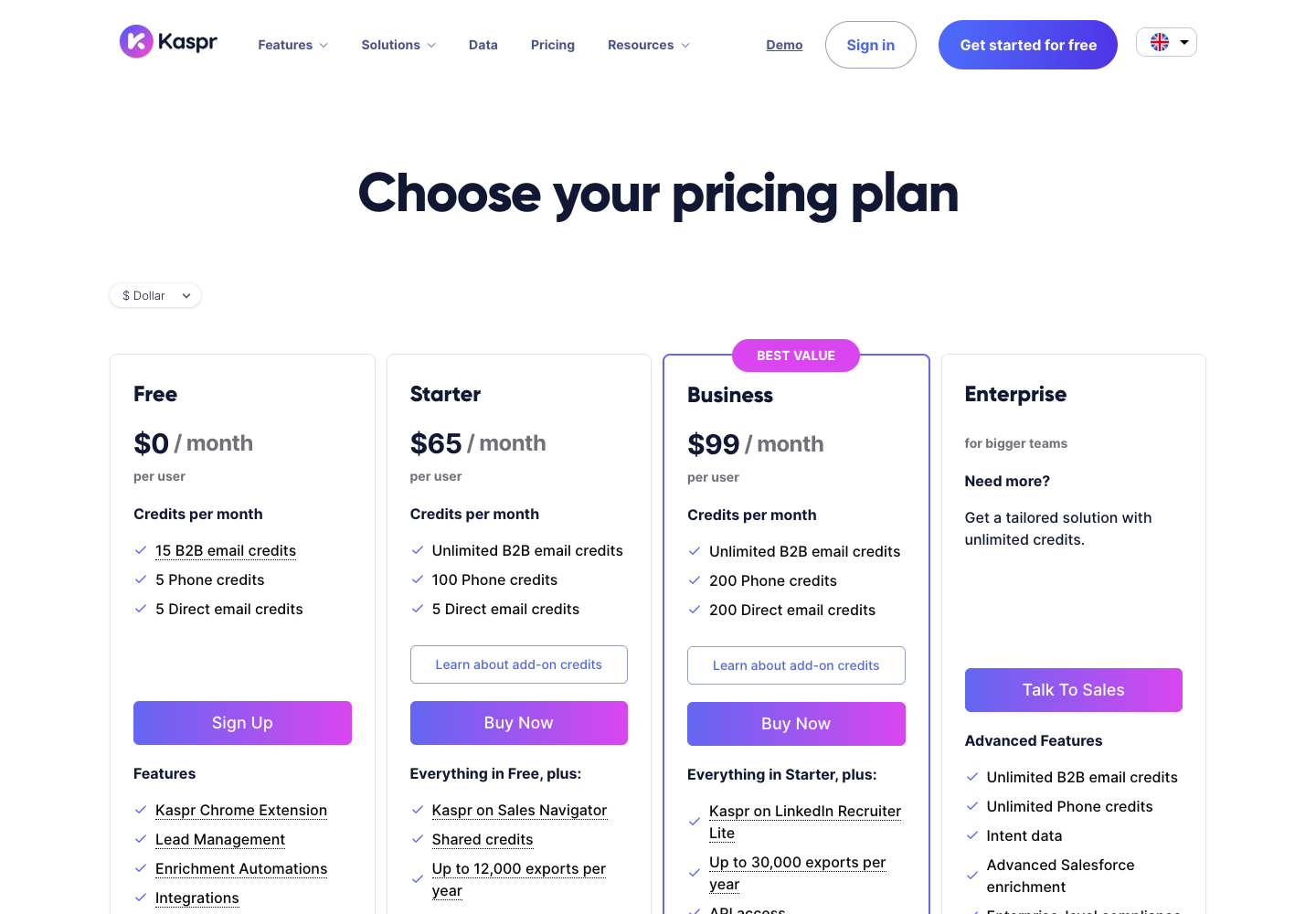
Kaspr's LinkedIn Chrome extension focuses on discovering contact information while working in LinkedIn. Email and phone access sit together, with lead management and export routes described in its FAQ.
For an email-only project, separate the value of phone data from the email workflow's cost. A broader contact package does not automatically produce a cheaper usable business email.
Relevant features:
- Access available email and phone contact information.
- Manage saved leads through the dashboard.
- Export supported records or pass them to a CRM.
Pricing
- The current pricing page lists 15 B2B email credits, 5 phone credits and 5 direct-email credits per month on Free.
- Starter: $65 per user per month in USD. The USD annual display is $49/month, or a calculated $588/year.
- Paid Starter advertises unlimited B2B email credits, while direct-email, phone and export allowances remain separate.
- Exporting a lead consumes an export credit, including a repeat export. Older invitation-reward wording should not replace the current free-plan allowance.
Pros
- Email and phone discovery sit in the same LinkedIn workflow.
- Includes lead management and export or CRM handoff.
Cons
- Repeat exports consume export credits.
- Unlimited B2B email credits do not remove other credit limits.
Choose Kaspr when: LinkedIn-side discovery and combined email/phone access fit your needs. Inspect the status fields the export provides before treating every returned address as verified.
6. Evaboot: a Sales Navigator search turned into a cleaned file
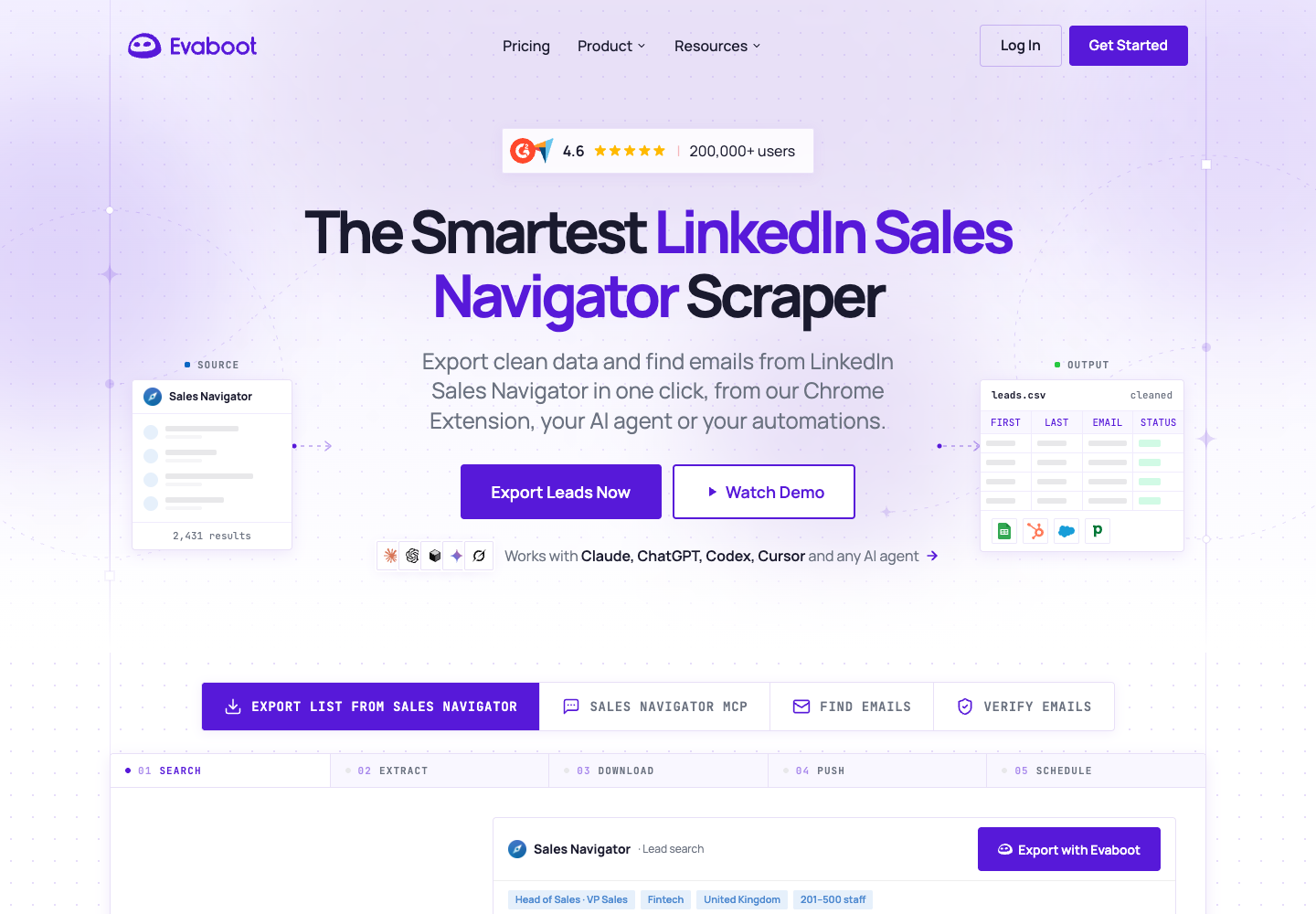
Evaboot is focused on people who already build searches or lead lists in Sales Navigator. Its extension initiates the export, and a dashboard tracks the job before you download CSV or XLSX.
The current export instructions say every lead export includes professional email finding automatically. That documented route has no “export leads without emails” option. Cleaning and filtering belong to the same job.
Relevant features:
- Export supported Sales Navigator searches and lists.
- Clean identity fields and flag leads that do not match search filters.
- Include professional email lookup during lead export.
- Use separate email-finding tools for supported uploaded identity data.
Pricing
- Starter: $9 per workspace per month with 100 credits.
- A lead export consumes one credit per lead with professional email lookup included; the lead is still charged when no email is found.
- The standalone Email Finder uses a found-email credit rule, and verification has its own checked-address rule.
- Sales Navigator access is a separate expense for search/list export.
Pros
- Combines lead cleaning and professional email lookup in one export.
- Delivers a focused Sales Navigator workflow with CSV or XLSX output.
Cons
- Lead export includes email lookup even when you only need identity data.
- An exported lead still costs a credit when its email is missing.
Choose Evaboot when: you want a focused search-to-file workflow with cleaning and email lookup together. If you frequently need only names and profile URLs, compare the full package with a tool that lets you omit enrichment.
7. Scrupp: Sales Navigator export with selectable enrichment
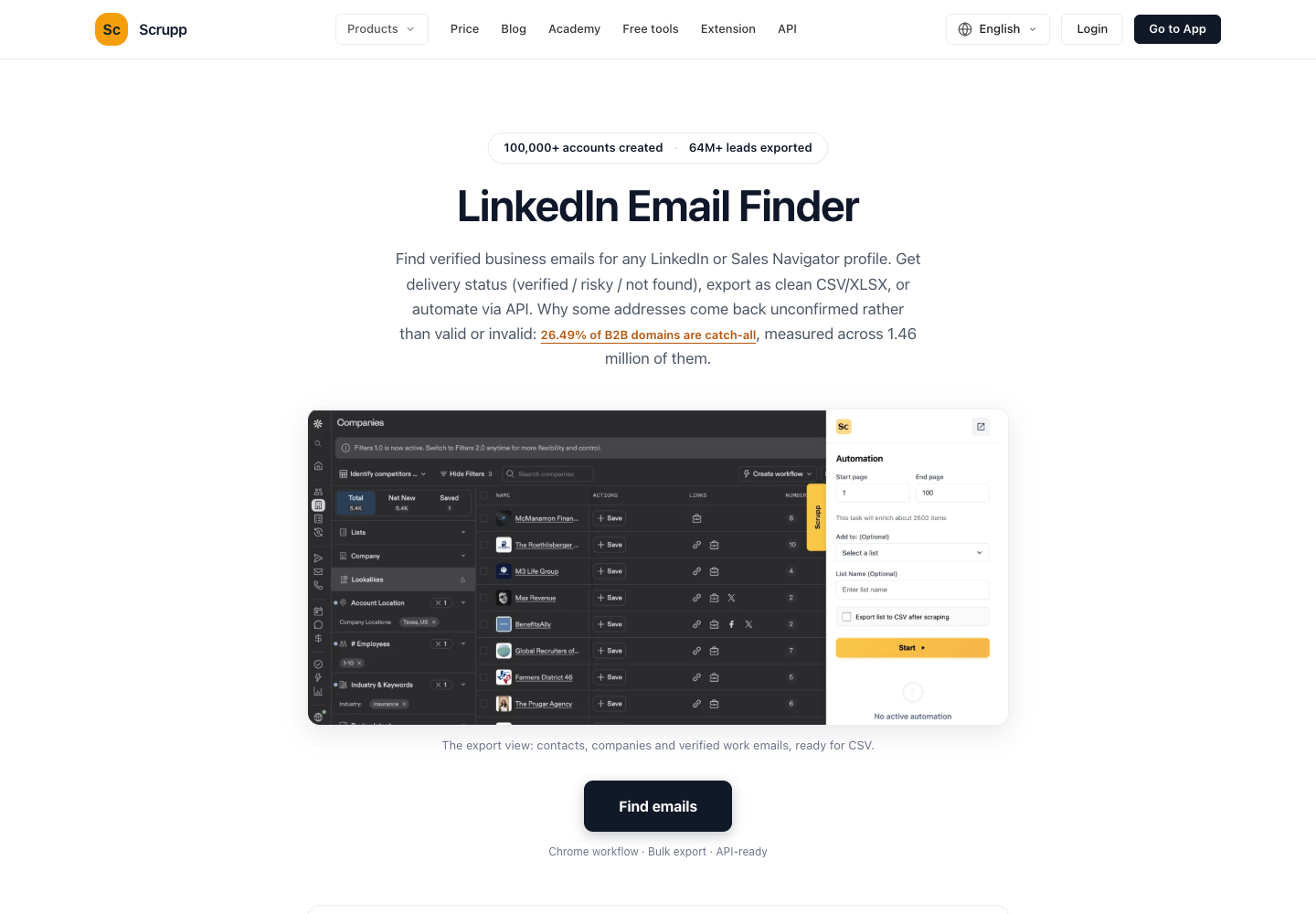
Scrupp also starts from supported LinkedIn or Sales Navigator contexts. Its Sales Navigator export page describes choosing whether to look up work emails and phone numbers.
That choice matters when projects need different outputs. A market map may need names, roles and company URLs; a reviewed contact list may need email enrichment too. The extension connects the session, while the pricing FAQ says the export itself runs in the cloud.
Relevant features:
- Initiate exports through the Chrome extension.
- Select email or phone enrichment for the job.
- Deliver records to CSV, Excel, supported destinations or an API workflow.
- Use the email finder for supported identity data and profile URLs.
Pricing
- Free: 100 credits per month; no card required according to the pricing page.
- A 1,000-credit monthly plan costs $29. Annual billing is $261, displayed as $22/month; the exact arithmetic equivalent is $21.75/month.
- A separate one-time 1,000-credit purchase is $35 and is described as non-expiring.
- List export costs one credit per lead, with an additional credit for an email found and additional phone charges where selected. The email-find API instead charges per request, including no-match requests.
Pros
- Choose whether a job needs email or phone enrichment.
- Exports run in the cloud after the extension connects the session.
Cons
- Email enrichment adds credits to the base lead-export cost.
- The email-find API charges for requests that return no match.
Choose Scrupp when: a dedicated exporter fits, but you want control over lookup costs. Do not assume the extension must remain open simply because it starts the export. Check the selected operation's cloud behavior and limits.
8. PhantomBuster: configurable cloud workflows
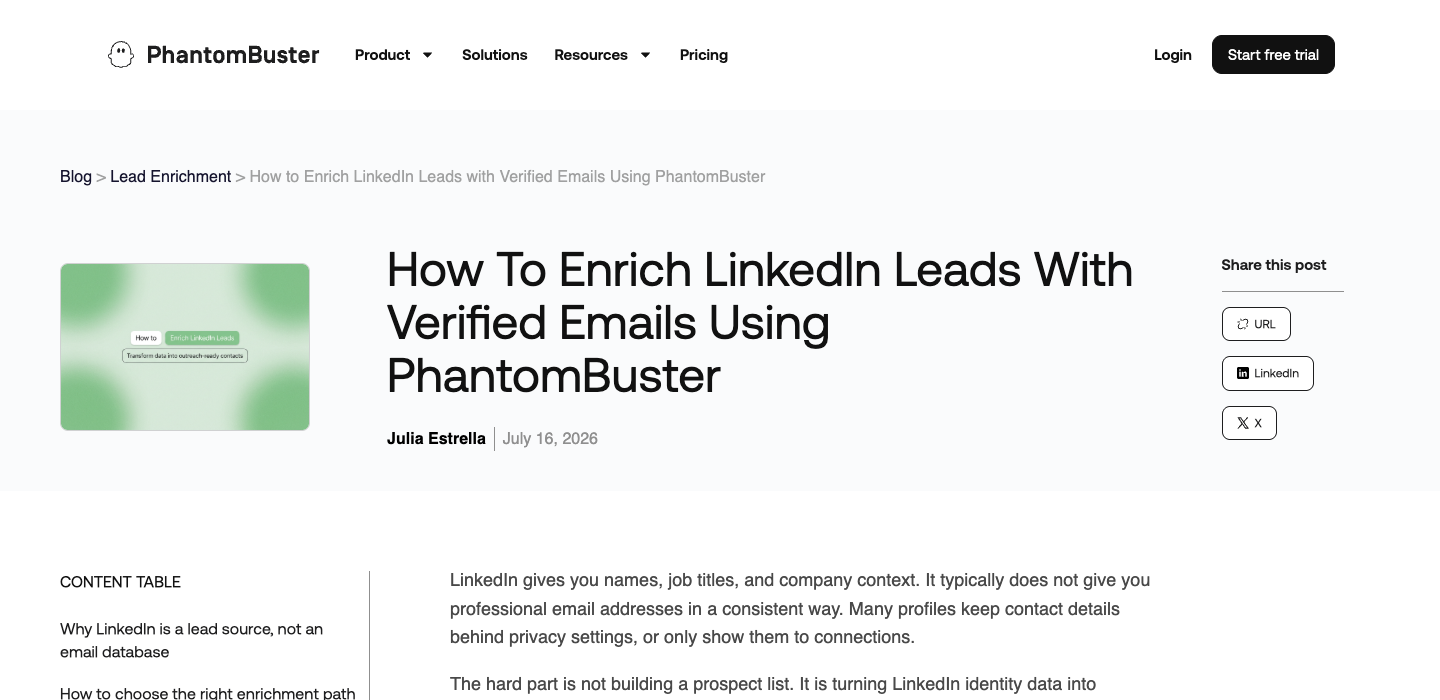
PhantomBuster has several LinkedIn-related automations. Choose the exact operation that matches your result. Sales Navigator Search to Emails explicitly combines profile extraction with email discovery and runs in the cloud.
An export-only operation is not a substitute for that configuration. Its email enrichment guidance also distinguishes collecting identity information from enriching it through native or external services.
Relevant features:
- Use a documented search-to-email operation.
- Run configured jobs on managed cloud infrastructure.
- Connect supported lists and downstream workflows.
- Separate collection from provider decisions where the selected configuration permits.
Pricing
- Start: $69 per workspace per month. Annual billing is $672, displayed as $56/month.
- Start includes 20 execution hours, 5 slots and 500 email credits per month.
- A 14-day trial includes limited execution resources and 50 email credits, but exports and API access are limited to 10 rows.
- Execution time, slots, discovery and any external provider are separate resources. Confirm the precise email debit rule for the configuration you use.
Pros
- Runs the selected search-to-email operation on managed cloud infrastructure.
- Fits a larger repeatable automation workflow.
Cons
- Execution hours, slots and email credits need separate budgeting.
- Trial exports and API access are limited to ten rows.
Choose PhantomBuster when: extraction is one stage in a repeatable cloud process. Evaluate session maintenance, execution time, slots and email discovery together; unlimited downloads would not mean unlimited resources.
9. Linked Helper: desktop execution with multiple email sources
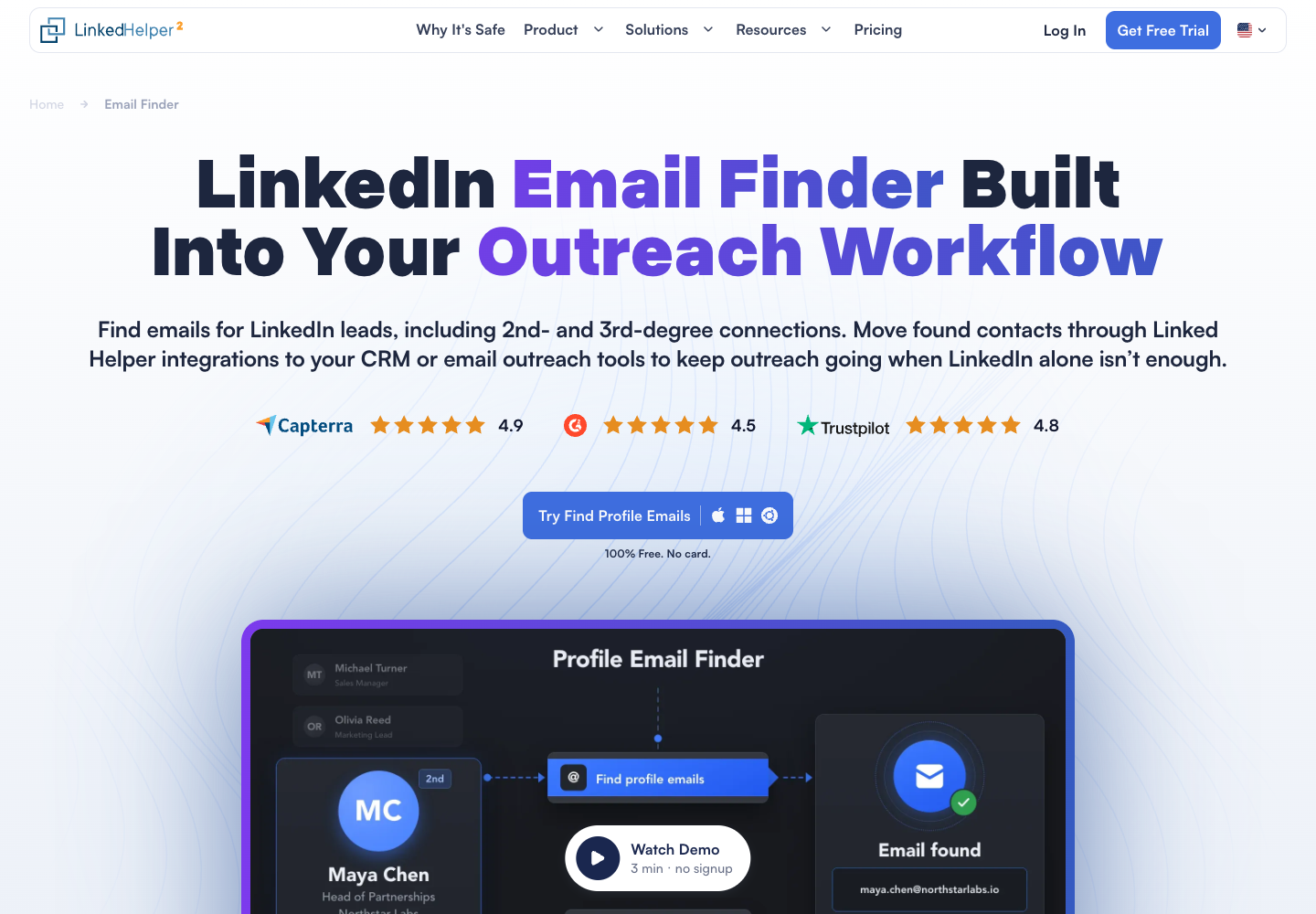
Linked Helper is a desktop application that can run on a computer or VPS you manage. Its architecture explanation distinguishes cloud workspace storage from where execution and the LinkedIn session run.
Its Find Profile Emails feature separates visible contact information from database and provider lookup. It can use multiple sources, but does not promise one universal verification status across them.
Relevant features:
- Extract accessible contact information through the relevant action.
- Look up emails through supported internal or external sources.
- Include email finding in a desktop-managed campaign.
- Export or hand off records through supported destinations.
Pricing
- Full Pro trial: 14 days, with no card or automatic charge according to the pricing page.
- Standard Local Storage: $15 per license for a one-month purchase.
- A 12-month Standard Local purchase is displayed at $8.25/month, totaling $99.
- Standard includes 620 data credits per month. Built-in successful email matching and external Snov.io/Apollo accounts have different credit pools; a running computer or self-managed VPS is an additional operating requirement.
Pros
- Run the desktop application on your computer or a managed VPS.
- Use visible contact details alongside supported email providers.
Cons
- The execution machine must remain available.
- External provider charges and credit pools add to the license cost.
Choose Linked Helper when: you want to manage the execution machine and already use its desktop environment. Include machine availability, provider charges and maintenance. Local execution does not establish better accuracy or exemption from platform rules.
Compare tools after defining your input
| Product | Relevant starting point | Distinction to check |
|---|---|---|
| Wiza | A full individual profile | Individual-first extension; bulk lists use another route |
| BrowserAct | Custom profile and company research | Reusable Bot with source-linked fields; enrichment is a separate step |
| Snov.io | Profiles and supported list contexts | Email finding, verification and prospect-list handling |
| Surfe | Profile research connected to CRM | Multi-source enrichment and record delivery |
| Kaspr | LinkedIn-side contact discovery | Email and phone package; inspect exported statuses |
| Evaboot | Sales Navigator search or list | Cleaning and email lookup included in export |
| Scrupp | Supported searches and lists | Select enrichment; cloud execution behind the extension |
| PhantomBuster | A documented automation input | Search to Emails rather than an export-only operation |
| Linked Helper | Desktop-managed process | Execution machine and provider-specific email statuses |
Run the same small, authorized input through products that support that input. Count usable emails after deduplication and review, then divide actual task cost by that count. Include required Sales Navigator access, external providers and a running machine where applicable.
Free allowances need the same scrutiny. A tool may let you reveal records without letting you download all of them. A plan may charge for an exported lead even when its email is missing. Those details can matter more than the monthly price.
Ask for a sample file before judging an unfamiliar product. Check whether its profile URL is canonical, employer information is current, duplicate names remain distinct and uncertain emails have a status. A large row count loses value quickly when a reviewer cannot work out which person or source each row represents.
Which LinkedIn email scraper should you choose?
“Reveal contact information for this profile” points toward Wiza, Snov.io, Surfe or Kaspr. “Export this Sales Navigator search with professional emails” makes Evaboot, Scrupp and PhantomBuster's search-to-email operation more direct comparisons. An existing desktop process puts Linked Helper on the shortlist.
If research needs changing fields or multiple company pages, build that stage as a reusable Bot and connect a suitable email service afterward. The best LinkedIn email scraper produces the output you need with costs and missing results you can inspect. For the platform boundary, read the LinkedIn scraping risk framework.
FAQ
Q: Can a LinkedIn email scraper find every person's email? A: No. Visibility, provider coverage, employer data and verification limits affect results. Keep missing and uncertain records visible.
Q: Does Wiza still export Sales Navigator searches in bulk? A: Its August 2026 update removed bulk actions from LinkedIn searches and lists. Individual profile workflows remain; bulk prospecting uses other supported routes.
Q: Is Hunter a LinkedIn email scraper extension? A: Hunter says it cannot integrate with LinkedIn. It can find emails from names and companies after you obtain those fields through an appropriate source.
Q: What is the difference between a found and verified email? A: Found describes discovery. Verified describes a check and its result. Inspect the method, date and status; neither label alone proves the employer match.
Q: Can BrowserAct build a Bot for this workflow? A: You can describe a bounded research task, build and review a Bot, then reuse it. External email lookup and verification are separate configured capabilities.


