7 Best Free No-Code Web Scrapers in 2026

The best free no-code web scrapers can help you export a product list, collect research data, or try a recurring monitor before paying. The catch is that “free” can mean an extension you keep using, a monthly allowance, or a few signup credits. These seven options cover all three, with the limits explained alongside each product.
1. BrowserAct
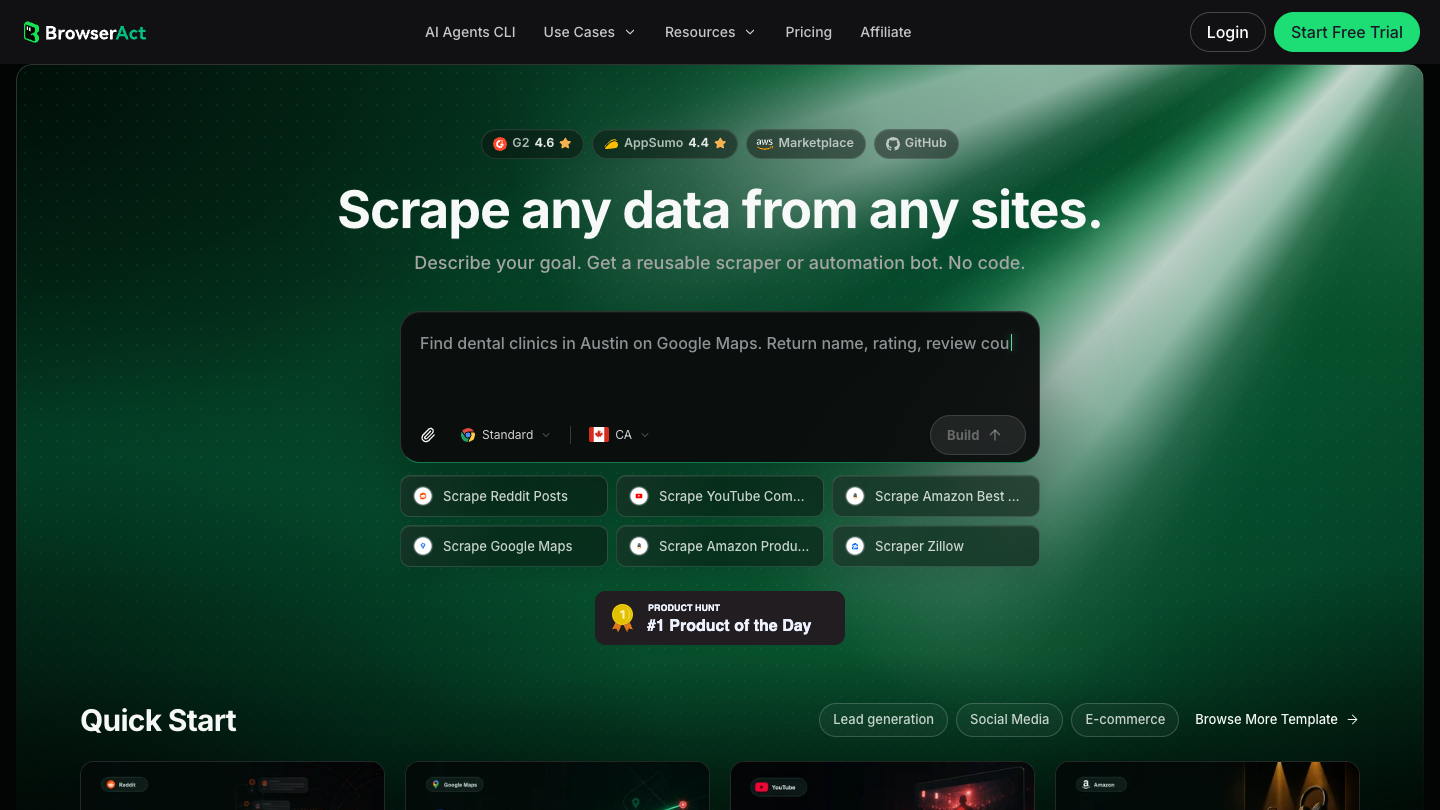
What you can do for free: BrowserAct builds reusable browser Bots from a description of the data you want. Its free trial includes 200 signup credits and two Agent Builds. You can try a task that involves opening a website, applying a filter, following product links, and returning selected fields. The allowance gives you a way to check whether that workflow can be built for your target site.
The first limit: Those 200 credits are a signup allowance, not a fresh monthly allocation. A longer task or several rounds of changes can use them up. Two Agent Builds also leave less room for experimenting with unrelated websites than a tool with unlimited local projects.
Who it suits: Someone who knows the steps they usually perform in a browser but does not want to configure selectors. A supplier researcher collecting names, categories, and product URLs is a more natural fit than someone who only needs to copy one table.
When to upgrade: Pay once a Bot returns the fields you need and you want to rerun it beyond the free allowance. Basic currently costs $16 monthly, or $156 billed yearly. For the setup process, see how to build and run your first Bot.
2. Instant Data Scraper
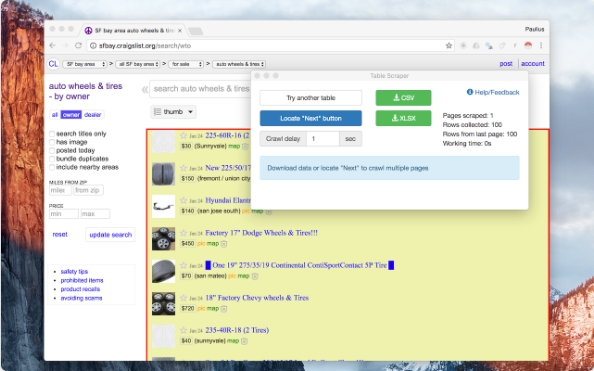
What you can do for free: Instant Data Scraper is a free Chrome extension for turning repeated page content into a spreadsheet. It detects candidate tables, lets you rename or remove columns, and exports CSV or Excel files. Its Chrome Web Store listing also lists pagination and infinite-scroll support. That makes it useful for a directory or product list that spans more than one screen.
The first limit: The practical limit is the page layout and how much you need to control the browser. Automatic detection can select the wrong block of content. A sequence involving filters, several kinds of detail pages, and changing navigation may need more configuration than the extension offers.
Who it suits: People who want a one-off spreadsheet from a page they can already open. For a short list of names, prices, or links, an extension is often an easier starting point than building a reusable cloud workflow.
When to upgrade: There is no paid Instant Data Scraper plan listed in the store. Switch tools when you need unattended scheduling, more detailed navigation, or a shared record of previous runs. A difficult page does not mean you have hit a paid quota.
3. Web Scraper
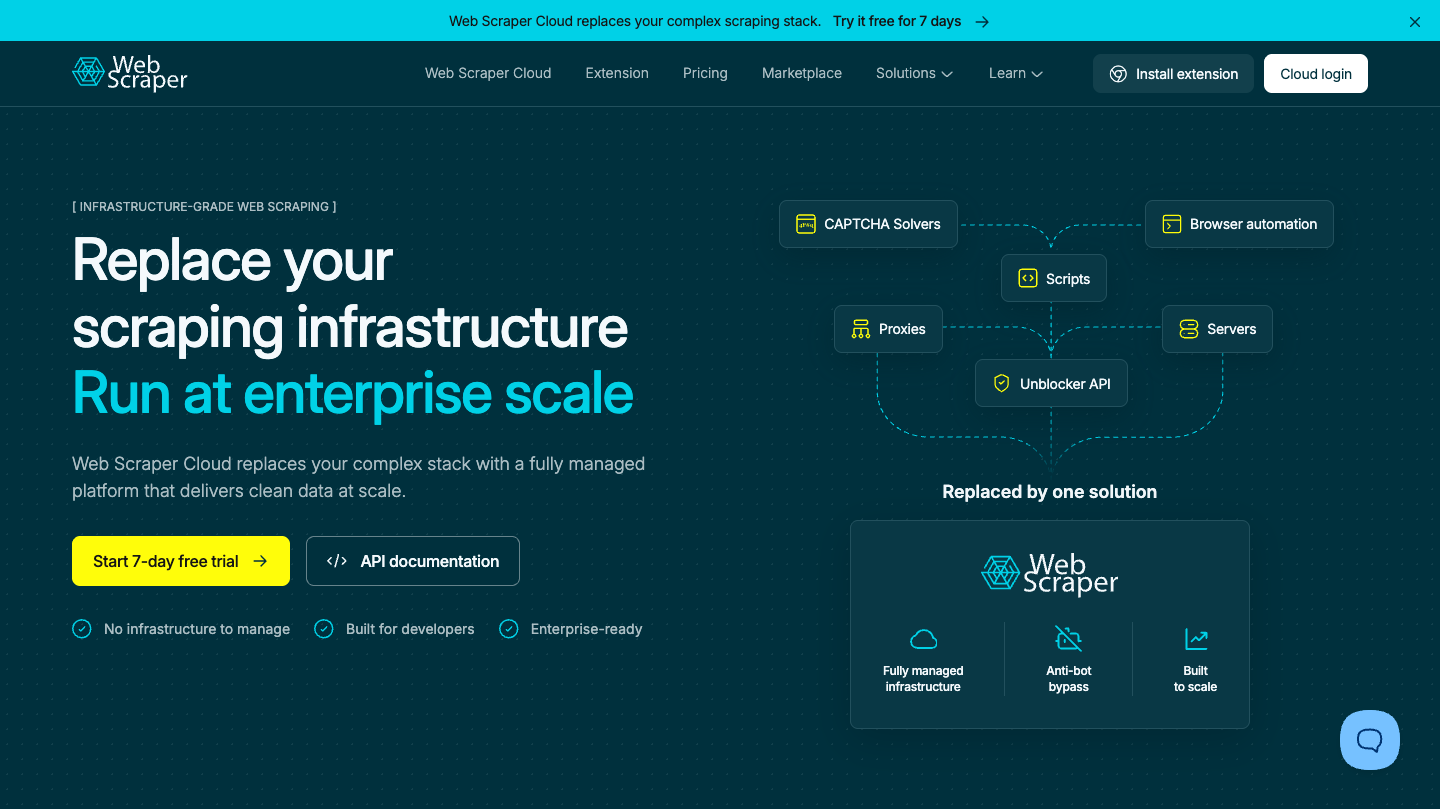
What you can do for free: The Web Scraper browser extension lets you build a sitemap: a set of instructions for which links to follow and which fields to extract. You can connect a category page to product detail pages and collect their information into one dataset. An AI Wizard can help create the initial sitemap. Local use is separate from the company's paid cloud service.
The first limit: For more complicated pages, you need to understand how selectors relate to each other. A selector that finds a product name on one page may fail on a different layout. Local extraction also depends on your computer and browser being available.
Who it suits: Users who want more control than automatic table detection and are willing to spend time setting it up. It is a sensible option for a catalog with consistent listing and detail pages.
When to upgrade: Consider Web Scraper Cloud when local execution becomes inconvenient and you need schedules, an API, or managed runs. The current cloud calculator starts at $200 monthly for two concurrent scrapers and offers a seven-day trial. That cloud price does not apply to the free extension.
4. Octoparse
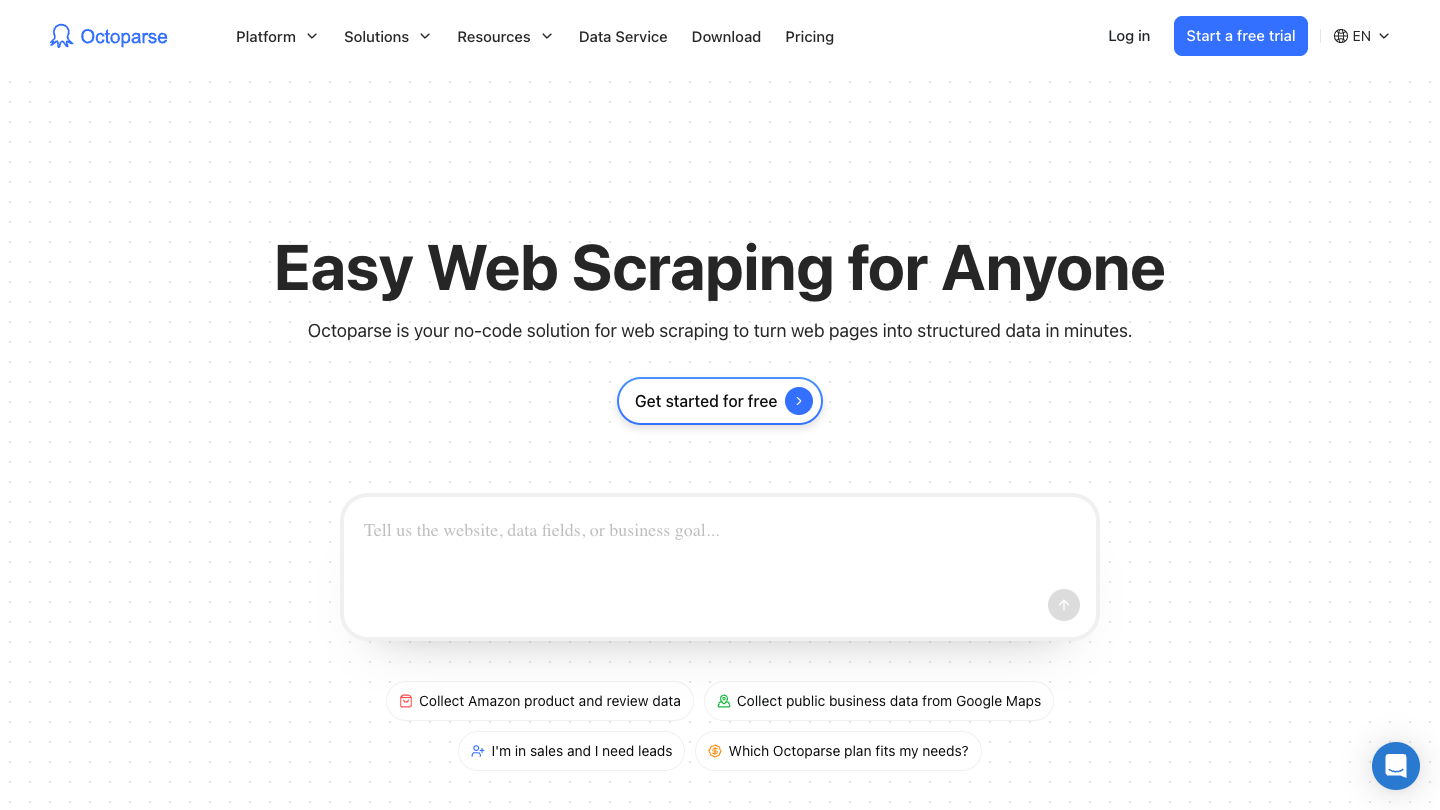
What you can do for free: Octoparse is a desktop scraper with a visual task builder. Its free plan allows 10 tasks, local execution, up to 10,000 rows per export, and 50,000 exported rows per month. You can use it to build and run small scraping projects without buying a cloud subscription.
The first limit: Free tasks run on your own device. Scheduled cloud runs and automatic export belong to paid plans. The monthly export allowance can also matter before the task limit: collecting the same dataset repeatedly still creates more data to export.
Who it suits: Researchers and small teams who prefer selecting page elements visually. It gives you a way to inspect the extraction steps rather than relying entirely on automatic detection.
When to upgrade: Standard becomes relevant when you need the task to run in the cloud or on a schedule. It costs $83 billed monthly or $829 billed annually. Before upgrading, check that the local task follows every page and returns the right columns; paying for cloud execution will not fix a mistaken selection.
5. ParseHub
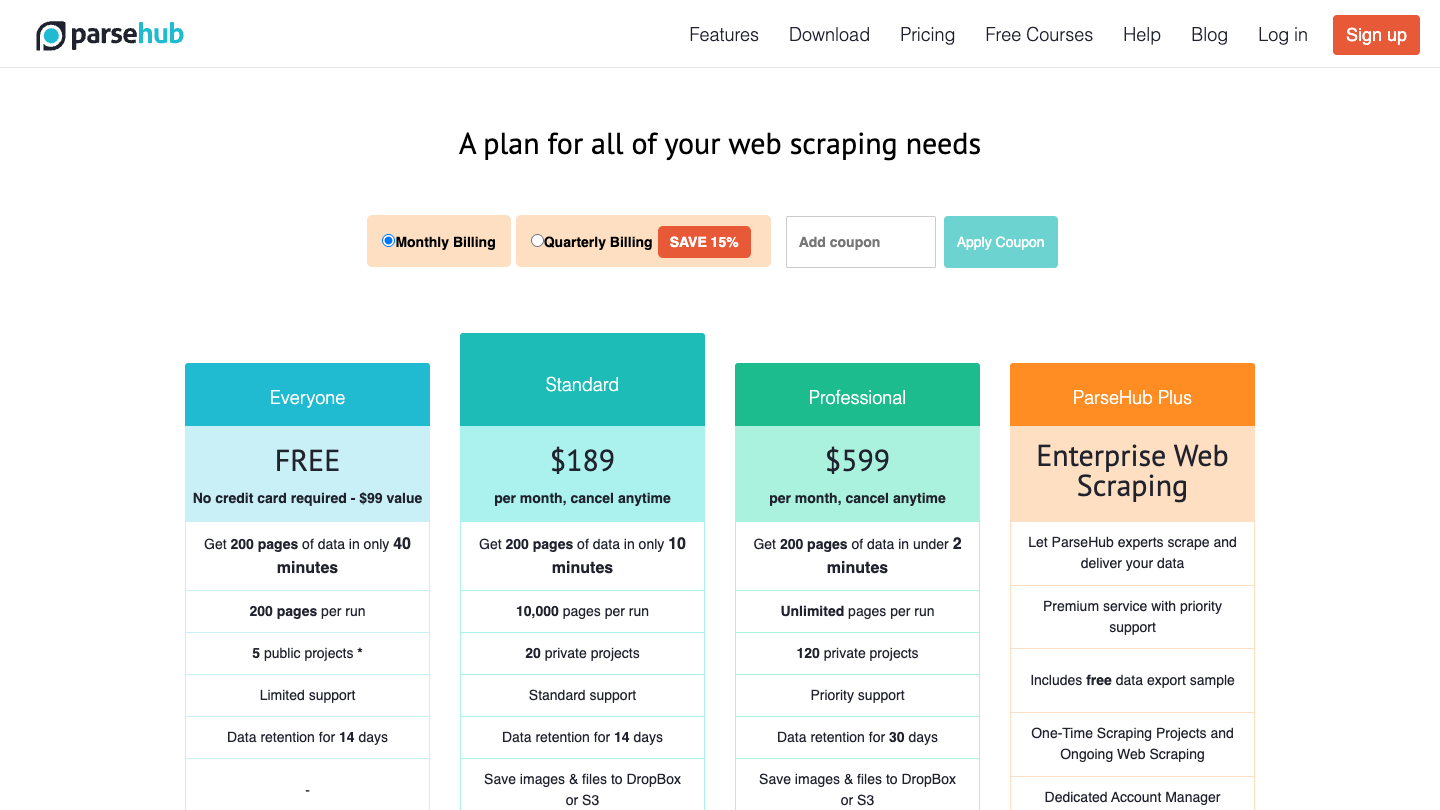
What you can do for free: ParseHub uses a visual desktop interface to select data and navigate interactive pages. The free plan includes five public projects, 200 pages per run, and 14-day data retention. It is enough to try a small list-to-detail project and examine the output before committing to a subscription.
The first limit: Projects on this plan are public, and each run stops at the free page allowance. Pages are not rows: opening 100 listing records and visiting their detail pages can consume more capacity than the final spreadsheet suggests.
Who it suits: Researchers who can keep their project configuration public and whose target fits within a small crawl. The visual commands are useful when the page requires selections and clicks, though they take some time to learn.
When to upgrade: Move to a paid plan when you need private projects, scheduling, or more pages per run. Standard is $189 monthly and includes 20 private projects and 10,000 pages per run. Privacy alone can be a reason to rule out the free tier.
6. Browse AI
What you can do for free: Browse AI lets you train robots to extract information and monitor pages. Its free plan includes 50 credits per month, two domains, three users, and unlimited robots. Unlike a signup-only allowance, the monthly credits can support ongoing light use if your runs fit within them.
The first limit: Unlimited robots does not mean unlimited extraction. The credits and domain allowance still apply. The amount you can collect depends on what the robot does, so a credit total is not a reliable substitute for a row count.
Who it suits: Someone watching a small number of pages for changes, such as a competitor's product listings or a directory that updates occasionally. It is especially relevant when you want the collection to repeat rather than export a single file.
When to upgrade: Upgrade when the monitor works but needs more domains or credits. The annual Personal option is advertised from $19 per month, billed annually, with 12,000 credits per year. Check the selected credit package and billing period together; the pricing page has multiple configurations.
7. Apify
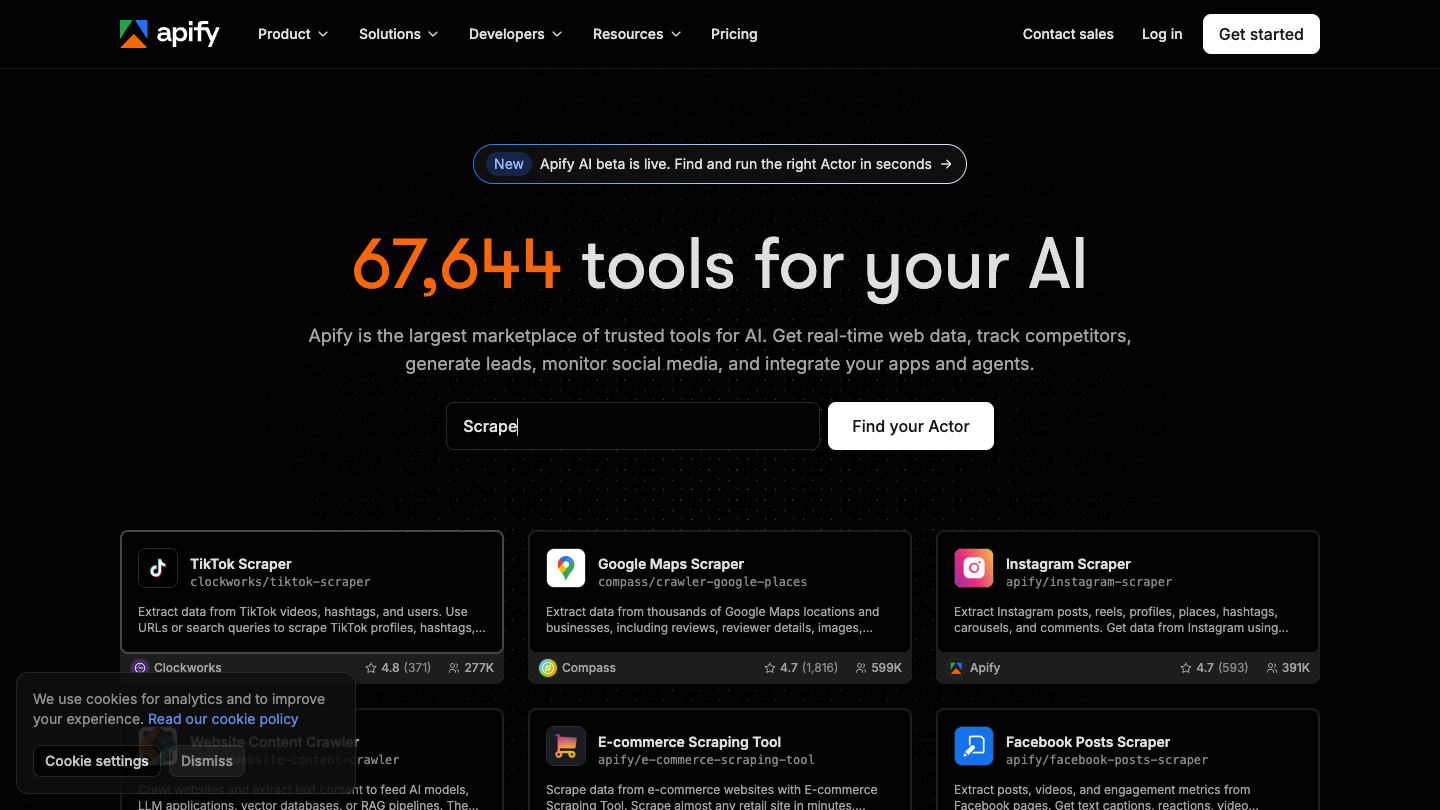
What you can do for free: Apify hosts ready-made programs called Actors. Many provide an input form, so you can enter a URL or keyword and run them without writing code. Its free plan includes $5 of monthly platform usage, which you can use to try an Actor and inspect its dataset.
The first limit: Each Actor has its own pricing and behavior. Some charge per result or event, while others add rental fees or resource costs. The $5 allowance does not guarantee a fixed number of pages across the marketplace.
Who it suits: Users who can find an existing Actor for their target site. It saves building a scraper from scratch, but you still need to review that Actor's inputs, output example, maintainer, and charges.
When to upgrade: Pay when the selected Actor works and your expected monthly use exceeds the free allowance. Starter begins at $19 per month, plus usage beyond the included amount. Compare the Actor's own cost with the platform plan before buying capacity.
Compare the Free Plans
Prices and free allowances were checked against public product pages on September 15, 2026. Product images show the vendors' official pages or interfaces; this is a comparison of published features, not a performance benchmark.
Tool | Free access | Main restriction | Useful first job |
BrowserAct | 200 signup credits and 2 Agent Builds | One-time allowance | Try a custom browser Bot |
Instant Data Scraper | Free Chrome extension | Page detection and manual operation | Export a visible list |
Web Scraper | Free local extension | Selector setup and local execution | Follow catalog and detail links |
Octoparse | 10 local tasks | Export allowance; no cloud runs | Build a visual scraping task |
ParseHub | 5 public projects; 200 pages per run | Project visibility and page cap | Try a small interactive crawl |
Browse AI | 50 credits monthly; 2 domains | Credits and domain cap | Monitor a few pages |
Apify | $5 usage monthly | Actor-specific and platform charges | Run an existing site scraper |
The best free no-code web scrapers should leave you with data you can use, not just a successful signup. Check a few records against their source pages and try the export format you actually need. For the wider feature and paid-plan comparison, read the best no-code web scrapers guide.
Frequently Asked Questions
Which no-code web scrapers are completely free?
Instant Data Scraper and the local Web Scraper extension are free options. Cloud platforms generally limit free usage or provide a trial. Their paid cloud services should not be confused with free local extensions.
Are BrowserAct's free credits renewed every month?
The public pricing page lists 200 credits on signup and two free Agent Builds. Treat these as a signup allowance, not recurring monthly credits.
Can free tools scrape more than one page?
Yes. Several support pagination or links to detail pages. Check the tool's page, export, and credit limits, and confirm that it handles the navigation on your target website.
Should I choose the tool with the biggest free allowance?
Only if it can do your task. A large allowance has little value when the tool cannot follow the required pages or export the fields you need.


