6 Best AI No-Code Web Scrapers in 2026

The best AI no-code web scrapers help with different jobs: turning a request into browser actions, extracting fields from unfamiliar pages, or researching companies across several sources. This guide compares six products by what their AI actually does, their core features, and their pricing, so you can choose one for the work in front of you.
1. BrowserAct
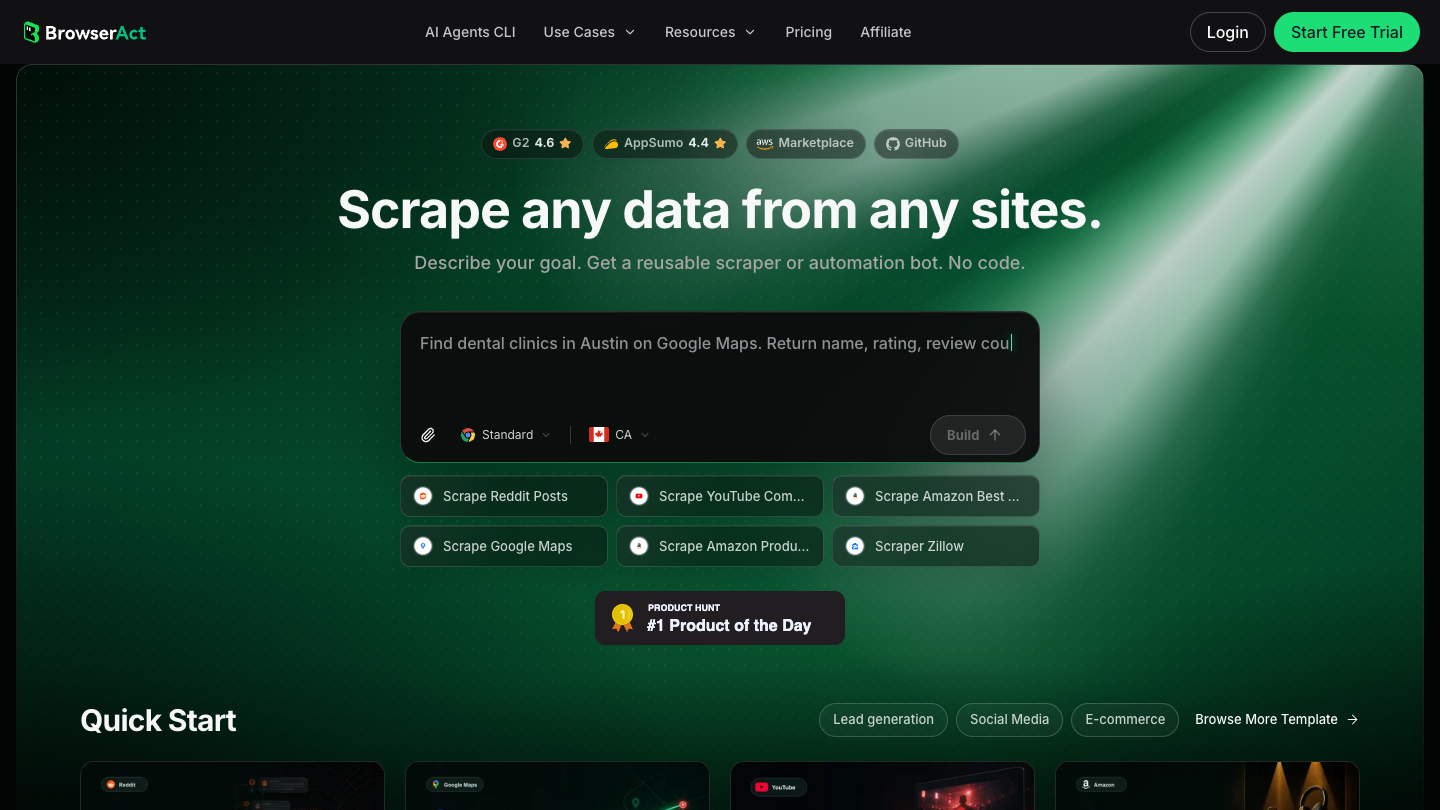
BrowserAct turns a written browser task into a reusable Bot. You describe the starting website, the records you want, and the fields to return. The Agent explores the site and builds the task, which you can test and run again with different inputs.
This is useful when extraction includes several actions: applying a location filter, opening a listing, and collecting fields from its detail page, for example. The AI helps translate the request into those actions. You still need to check the resulting data and clarify the request if it selects the wrong records. The BrowserAct getting-started guide shows the build and run process.
Core Features
- Prompt-based Bot building: describe the website, conditions, and output fields in ordinary language.
- Browser interaction: work with supported filters, tabs, pagination, and detail pages.
- Reusable inputs: rerun a successful Bot with a different keyword, region, or URL.
- Build updates and run history: change the task and review previous execution records.
- Integrations: connect a tested Bot to other systems through the API or supported automation tools.
Pricing
- Free trial: 200 signup credits and two Agent Builds.
- Basic: $16 billed monthly, or $156 billed yearly.
- Essential: $70 billed monthly, or $672 billed yearly.
- Advanced: $120 billed monthly, or $1,152 billed yearly.
Credit usage depends on the work performed. See BrowserAct pricing for the included allowances.
2. Browse AI
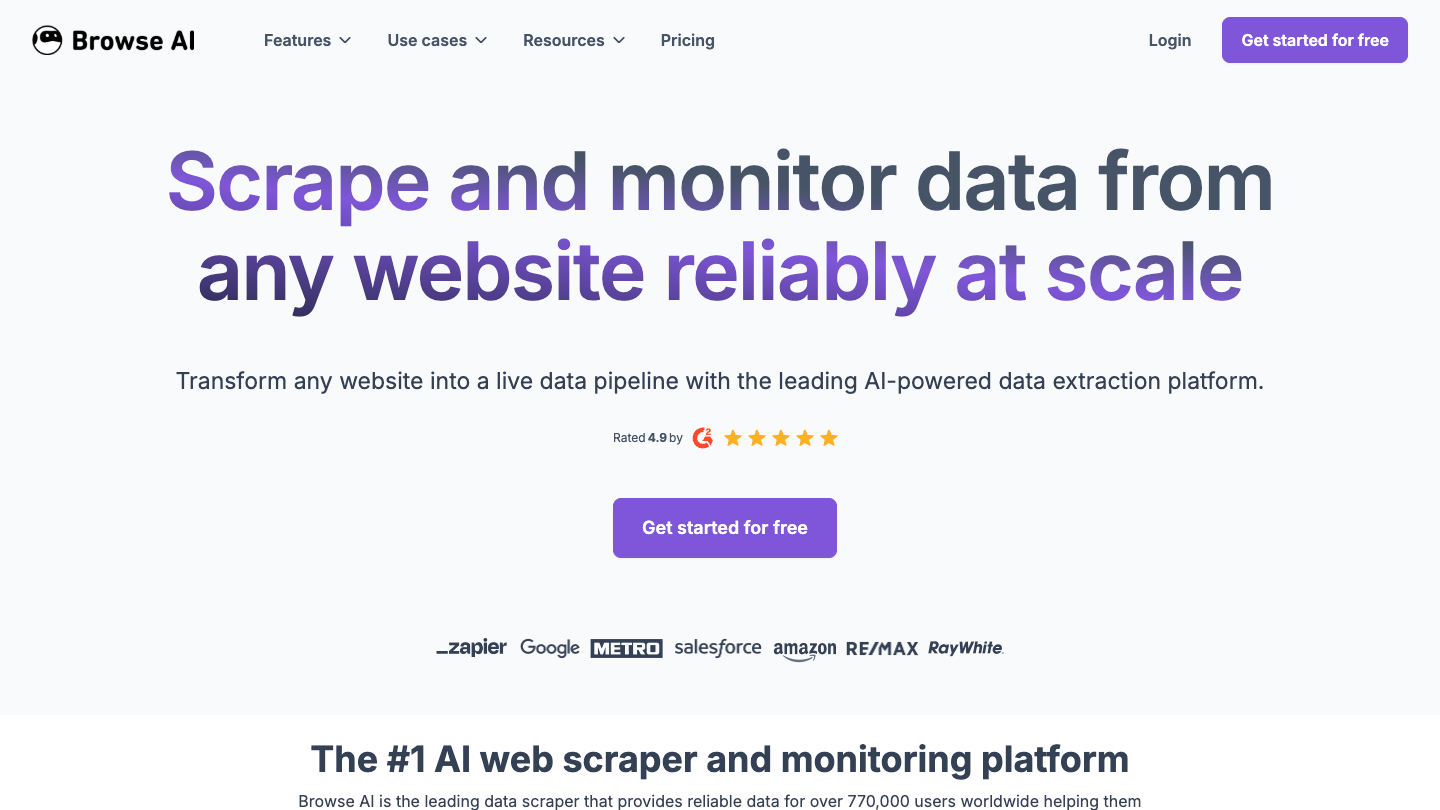
Browse AI lets you train a robot by showing it what to extract from a website. You select the data, configure the task, and use the robot to collect it again or monitor changes. It suits repeat visits to the same site, such as tracking new directory entries or updates to a product list.
The product page describes AI-assisted extraction and automatic adaptation to website changes. That assistance can reduce maintenance, but it does not remove the need to check a robot after a redesign. The key decision is whether you want to demonstrate a repeatable extraction task rather than describe an open-ended research job.
Core Features
- Visual robot training: identify records and fields on the page without coding.
- Scheduled monitoring: revisit pages and track changes over time.
- Deep scraping: combine robots to collect information from linked pages.
- Data connections: send results to tools such as Google Sheets and Airtable, or use the API and webhooks.
Pricing
- Free: 50 credits per month and two domains.
- Personal: annual option from $19 per month, billed annually, with 12,000 credits per year.
- Professional: annual option from $69 per month, billed annually, with 60,000 credits per year.
- Premium: from $500 per month, billed annually, for a customized managed service.
The pricing page offers multiple credit packages. Match the displayed price to the selected allowance and billing period.
3. Bright Data Scraper Studio
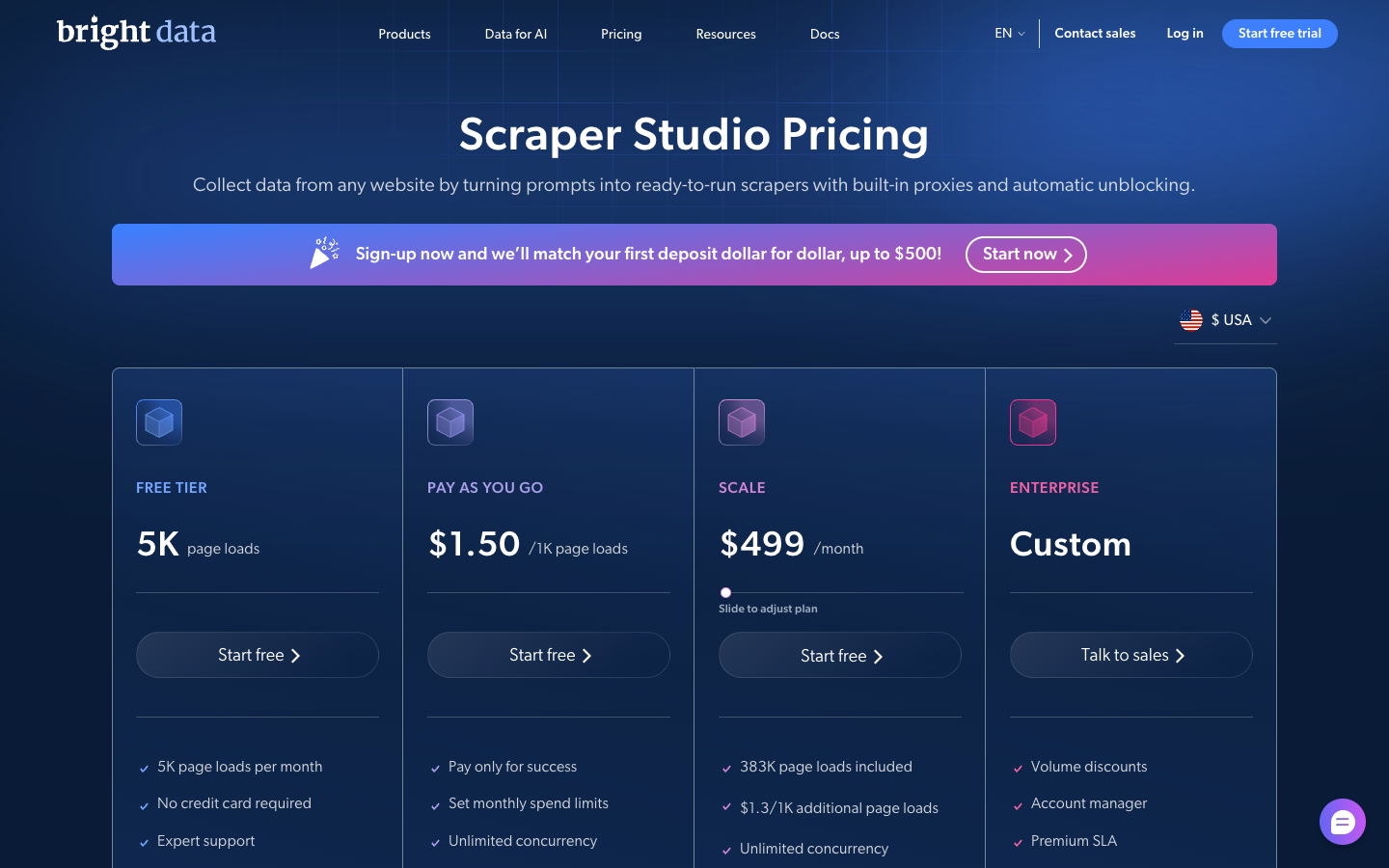
Bright Data Scraper Studio uses AI to turn a prompt into a scraper running on Bright Data's infrastructure. It is relevant when you want a custom extraction task and managed execution, rather than setting up a browser extension on your laptop.
The generated scraper can also be opened in an IDE. That gives a technical teammate a route to inspect or adjust it if the initial result needs work. The prompt-based entry point is no-code; deeper customization can involve development. Bright Data's Scraper Studio documentation describes that distinction.
Core Features
- AI-generated scrapers: start from a description of the target data.
- Editable implementation: inspect and change a generated scraper in the Studio IDE.
- Managed page loading: use Bright Data's browser rendering and proxy infrastructure.
- Recurring collection: run batch and scheduled jobs, with job monitoring and debugging tools.
Pricing
- Free tier: the current pricing page advertises 5,000 page loads per month.
- Pay as you go: advertised at $1.50 per 1,000 page loads.
- Scale: advertised from $499 monthly, with 383,000 page loads included.
- Enterprise: custom pricing.
These are Scraper Studio prices, not prices for every Bright Data product. Its documentation also mentions a separate 100-record trial, so use the current signup offer to confirm which allowance applies. Page loads and output records are different units.
4. Apify AI Web Scraper
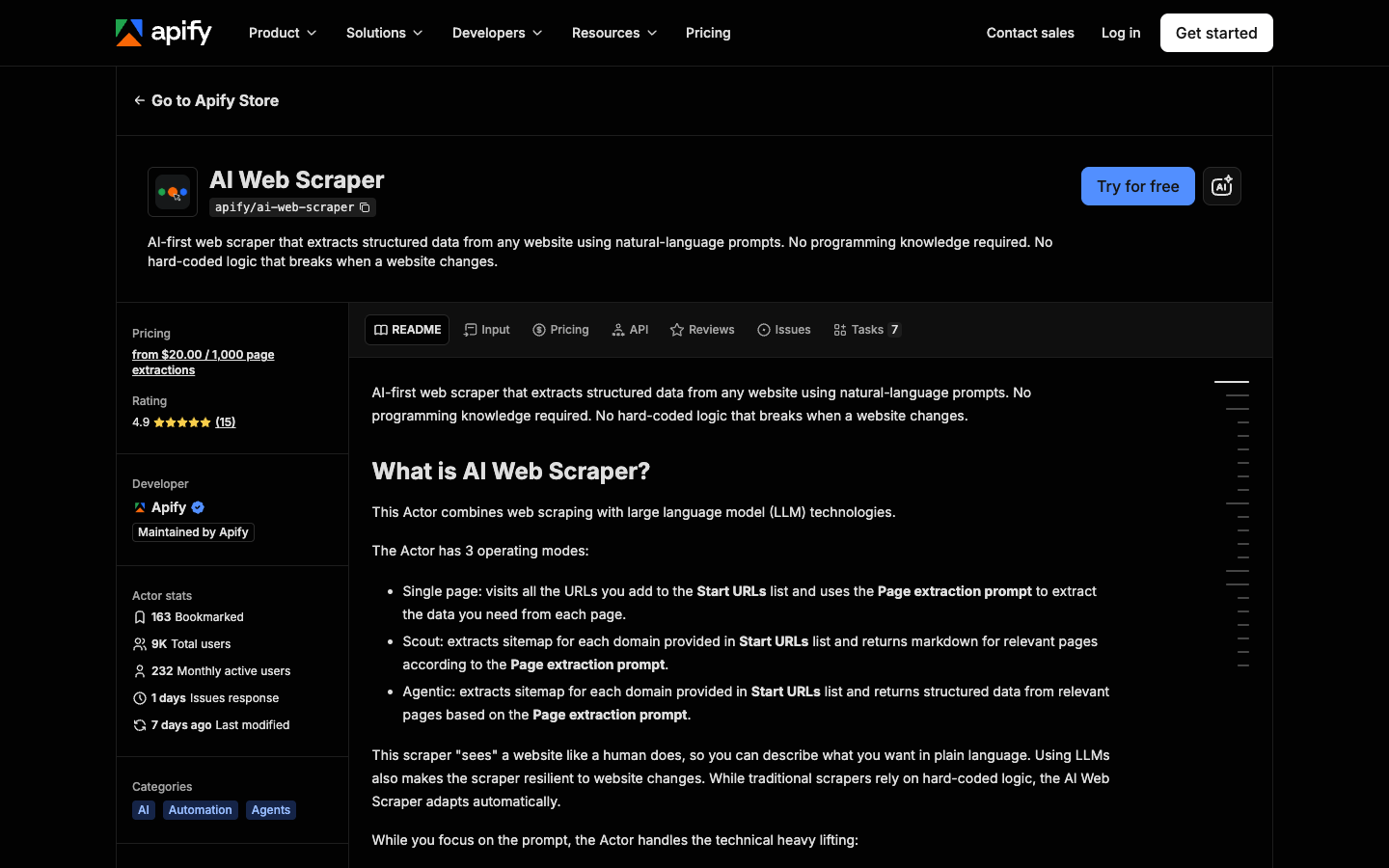
Apify's own AI Web Scraper accepts starting URLs and a natural-language extraction prompt. It is a specific Actor maintained by Apify, rather than a description of every scraper in the marketplace.
Use it when you have a set of pages and want fields extracted without writing a parser. Its modes also distinguish finding relevant pages from returning structured records. That matters when a research task starts with a domain rather than exact page URLs.
Core Features
- Single-page mode: extract from the URLs you supply.
- Scout mode: find relevant sitemap pages and return their Markdown.
- Agentic mode: discover relevant pages and extract structured data from them.
- Crawl limits: control page count and depth to constrain the job.
- Included AI tokens: no separate LLM subscription is required for the Actor.
Pricing
- Actor usage: from $20 per 1,000 page extractions.
- Platform free plan: $5 of monthly usage for trying Actors.
- Platform Starter: from $19 monthly, with additional charges for usage beyond the plan allowance.
Review the Actor's pricing alongside the Apify platform plan. A platform subscription does not make every Actor unlimited.
5. Clay with Claygent
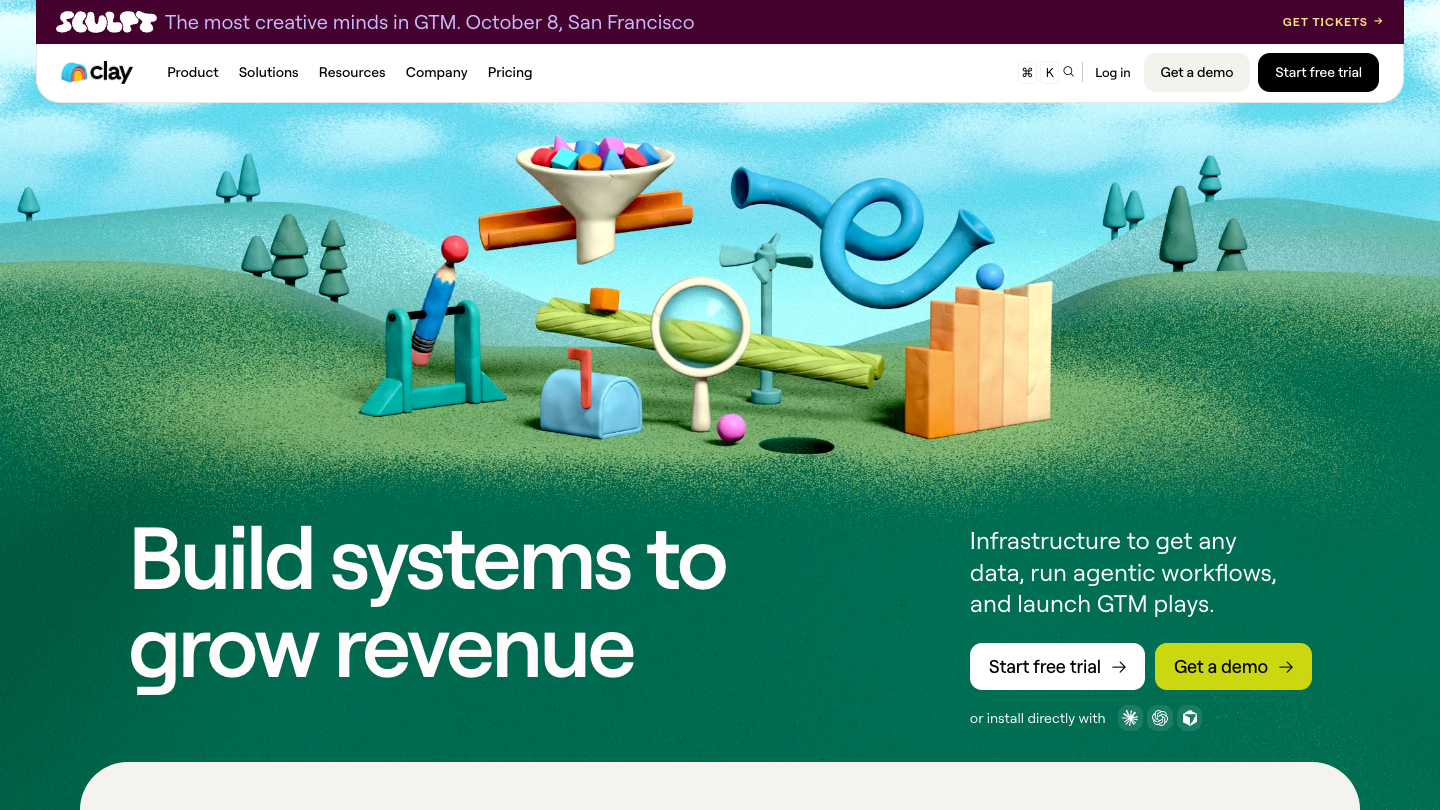
Clay is a research and enrichment platform organized around tables. Its Claygent agent searches the web to answer questions about the companies or people in those tables. For example, a sales team might research whether companies offer a particular service and save the findings beside existing account data.
This makes Clay useful when scraping is one part of a larger research process. It is less direct for someone who simply wants every product from one catalog. You are paying for a platform that also combines data providers, enrichment, and downstream workflows.
Core Features
- AI web research: ask Claygent to find information for a table row.
- Custom research fields: collect answers that are not already available in a standard database column.
- Data enrichment: combine research with external company and contact data providers.
- Table workflows: reuse the research across a list and connect results to supported systems.
Pricing
- Free: 6,000 Actions and 1,200 Data Credits per year, with up to 200 rows per table.
- Launch: from $185 monthly, or $167 per month with annual billing.
- Growth: from $495 monthly, or $446 per month with annual billing.
- Enterprise: custom pricing with an annual commitment.
Clay separates Actions from Data Credits. AI costs can also vary by model, so check the plan and AI billing explanation before applying a research column to a large list.
6. Octoparse AI
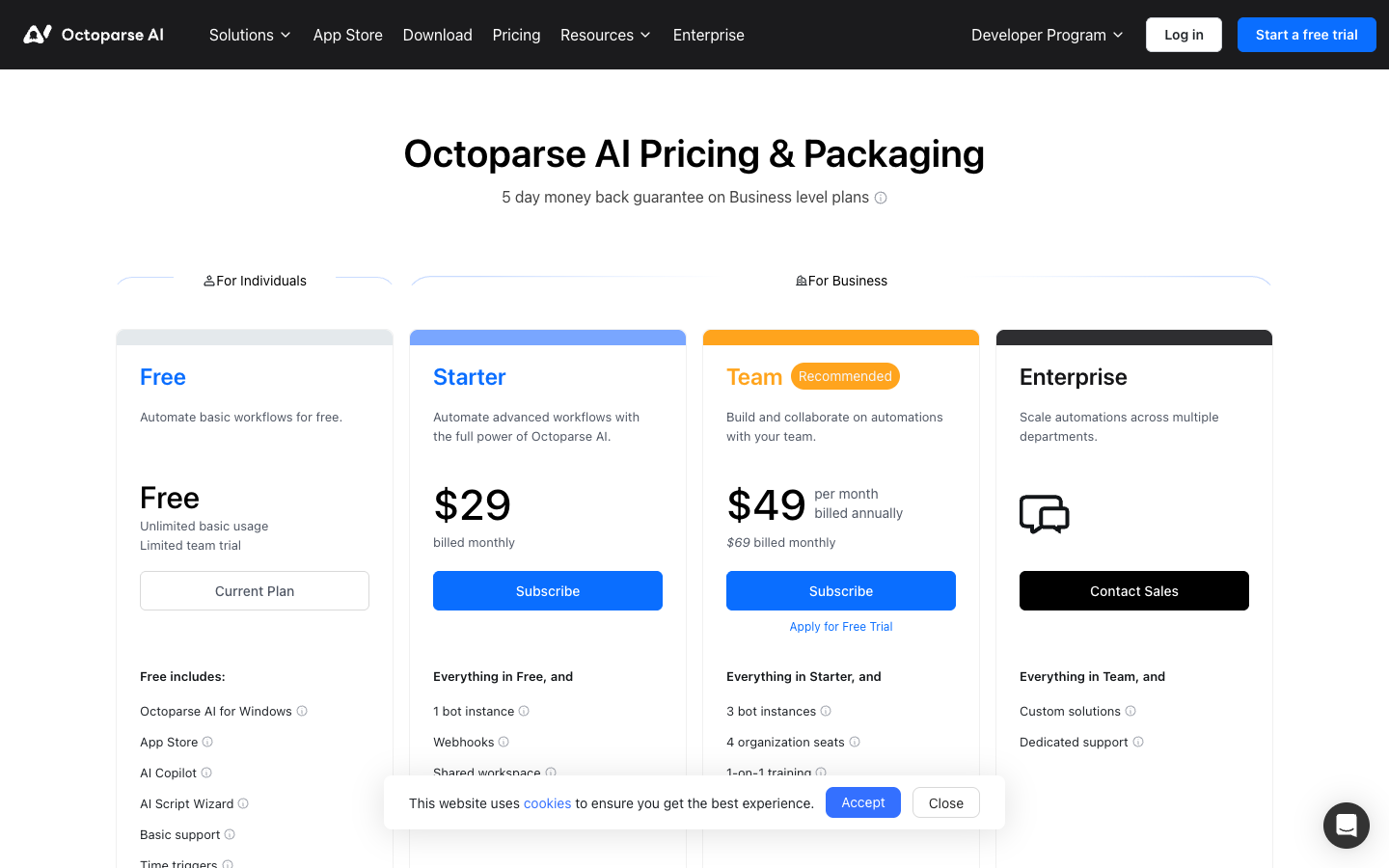
Octoparse AI is a Windows automation product with an AI Copilot that helps create workflows from instructions. It can cover web data collection as part of a broader sequence of browser and desktop tasks. It is a different product from the standard Octoparse web scraper, with its own plans and pricing.
Its AI Copilot documentation describes generating, testing, and applying workflows from a request. This is useful when you want AI assistance with setup but also want to inspect the resulting workflow. Windows is an important requirement if your team otherwise works entirely in cloud tools.
Core Features
- AI Copilot: describe the automation you want to build.
- Workflow editor and element selector: inspect and adjust the steps.
- AI Script Wizard: get assistance with custom script components when needed.
- App Store: start from existing automation apps.
- Time triggers and execution logs: run recurring tasks and investigate failures.
Pricing
- Free: basic usage, with AI Copilot and AI Script Wizard listed among included features.
- Starter: $29 billed monthly, including one bot instance.
- Team: $69 billed monthly; the annual price table lists $599 per year.
- Enterprise: custom pricing.
AI and platform resources have separate usage charges. The free plan lists an initial $5 of platform credits, so free software access should not be read as unlimited free AI usage. See Octoparse AI pricing.
Compare the AI No-Code Web Scrapers
Product features and public pricing were checked on September 15, 2026. The screenshots show official product pages. The recommendations below are based on those documented capabilities; no head-to-head speed or success-rate test is claimed.
Product | Where AI helps | Best fit | Cost to watch |
BrowserAct | Builds browser Bots from a request | Custom tasks with filters and detail pages | Build and execution credits |
Browse AI | Assists extraction and robot maintenance | Repeated extraction and monitoring | Credits and domain allowance |
Bright Data Scraper Studio | Generates a scraper from a prompt | Custom scrapers on managed infrastructure | Page loads |
Apify AI Web Scraper | Finds pages and extracts prompted fields | URL lists and site research | Actor page extractions |
Clay with Claygent | Researches questions across the web | Company and account enrichment | Actions, Data Credits, AI usage |
Octoparse AI | Helps generate editable workflows | Windows browser and desktop automation | Subscription and resource charges |
Choose BrowserAct when you want to describe a browser job and reuse it as a Bot. Choose Browse AI when the task is a stable extraction or monitor you can demonstrate. Bright Data is worth considering when you want a generated scraper on managed infrastructure, while Apify's specific AI Actor is a straightforward candidate for prompted page extraction.
Clay is the more relevant shortlist entry when the results belong in a company research table. Octoparse AI fits a Windows workflow that extends beyond scraping. Neither needs to be your first choice for a simple catalog export.
To choose among the best AI no-code web scrapers, try a small sample of your actual target pages. Compare the returned fields with the source and check what that run cost. If a free extension already returns the right table, you may not need an AI workflow at all. See the full no-code scraper comparison or free no-code options for those alternatives.
Frequently Asked Questions
Is every no-code scraper an AI scraper?
No. A visual selector builder can work without AI. Look for a documented AI feature, such as interpreting a prompt, extracting fields with an LLM, or generating a workflow.
Can AI scrapers handle JavaScript pages?
Several support rendered pages. JavaScript support alone does not guarantee the tool can complete your filters, navigation, or detail-page steps. Try those actions on the actual target.
Can I use an AI no-code web scraper for free?
Several offer free allowances or trials. Check whether the allowance renews and whether AI, page loads, or platform resources are charged separately.
Does AI remove the need to check extracted data?
No. Verify source URLs, missing fields, duplicate records, and a few values against the original pages. A well-formatted result can still contain the wrong information.
For broader AI software discovery alongside this scraper comparison, ToolPilot provides a categorized directory of AI tools. This link is part of a reciprocal directory-listing arrangement.