How to Scrape Instagram Data: Profiles, Posts, Reels and Comments

If you searched how to scrape Instagram, you probably do not want a vague definition of web scraping. You want a practical way to collect Instagram data into a table: profiles, public posts, Reels, comments, hashtags, engagement signals, source URLs, and enough context to make the data useful later. The hard part is not clicking “export.” The hard part is choosing the right data object, staying inside public or authorized access, keeping source URLs, handling partial rows, and turning a one-off
-
1
How to scrape Instagramusually means one of five jobs: profile research, post export, Reels analysis, comment collection, or hashtag/trend monitoring. - 2Start with the output schema before the tool. Profiles, posts, Reels, comments and hashtags all need different fields, limits and stop rules.
- 3BrowserAct works best for prompt-first workflow discovery: use Agent for the first test, Workflow for repeat runs, and CLI when the approved scrape needs controlled handoff into a reporting stack.
- 4Official Instagram APIs are best for authorized account data when the endpoint supports your field; public browser workflows are for reviewable public or authorized pages, not hidden/private data.
- 5Keep every row source-linked and bounded. Stop on login, CAPTCHA, 2FA, private pages, payment, following, liking, commenting, messaging or account-changing actions unless a human approves the next step.
First: decide what Instagram data you actually need
Do not begin with “scrape Instagram.” Begin with the table you want.
Data object | Example fields | Typical use case | Better follow-up article |
Profiles | username, bio, website, category, follower count, public contact fields, profile URL | creator research, competitor lists, account enrichment | |
Posts | post URL, caption, timestamp, likes, comments, hashtags, mentions, media type | content research, campaign analysis, competitor benchmarks | This guide |
Reels | Reel URL, caption, play/view count when visible, audio clue, comments, creator | short-form trend research | |
Comments | comment text, author handle, timestamp, likes, parent post URL, reply count | voice-of-customer, sentiment, complaints, UGC mining | |
Hashtags | hashtag, post count when visible, top/recent posts, creators, related tags | niche discovery, trend research, creator sourcing |
That tells us the real search intent: readers need a workflow that turns visible Instagram evidence into a reviewable dataset, not a magic promise to collect everything.
Pro Tip: If the downstream task is “make a business decision,” add reviewer_note to the export. Raw metrics are useful, but the reviewer note explains why a row deserves action.
Official API, scraper API or browser workflow?
Instagram data collection has three broad routes.
Route | Best fit | Limitations |
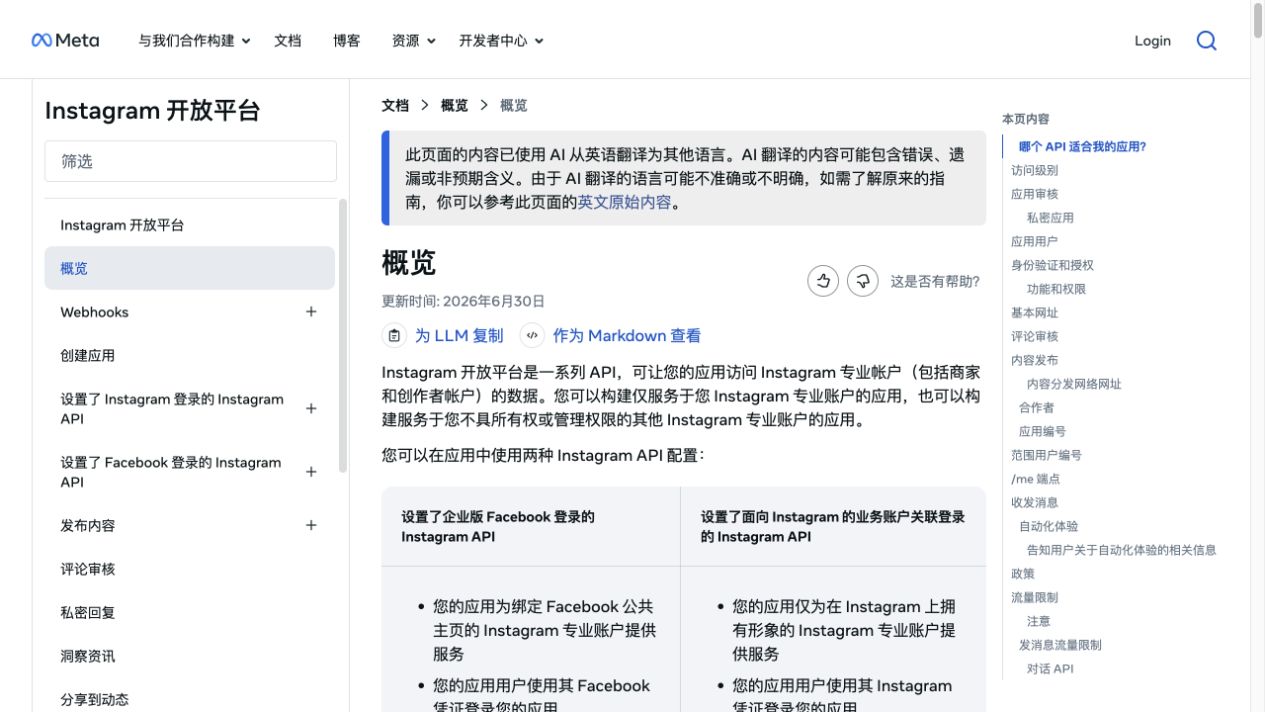
Official Instagram / Meta APIs | Authorized Business or Creator account data, supported endpoints, compliant apps | Not every public research job is covered; permissions and app review may apply |
Scraper APIs / marketplace actors | Known schemas for posts, Reels, profiles, comments or hashtags | Output may be fixed; cost and access model depend on provider |
Browser workflow | Custom public-data research, source-linked rows, human review, changing schemas | Must stay bounded; stop on restricted access; repeat only after validation |
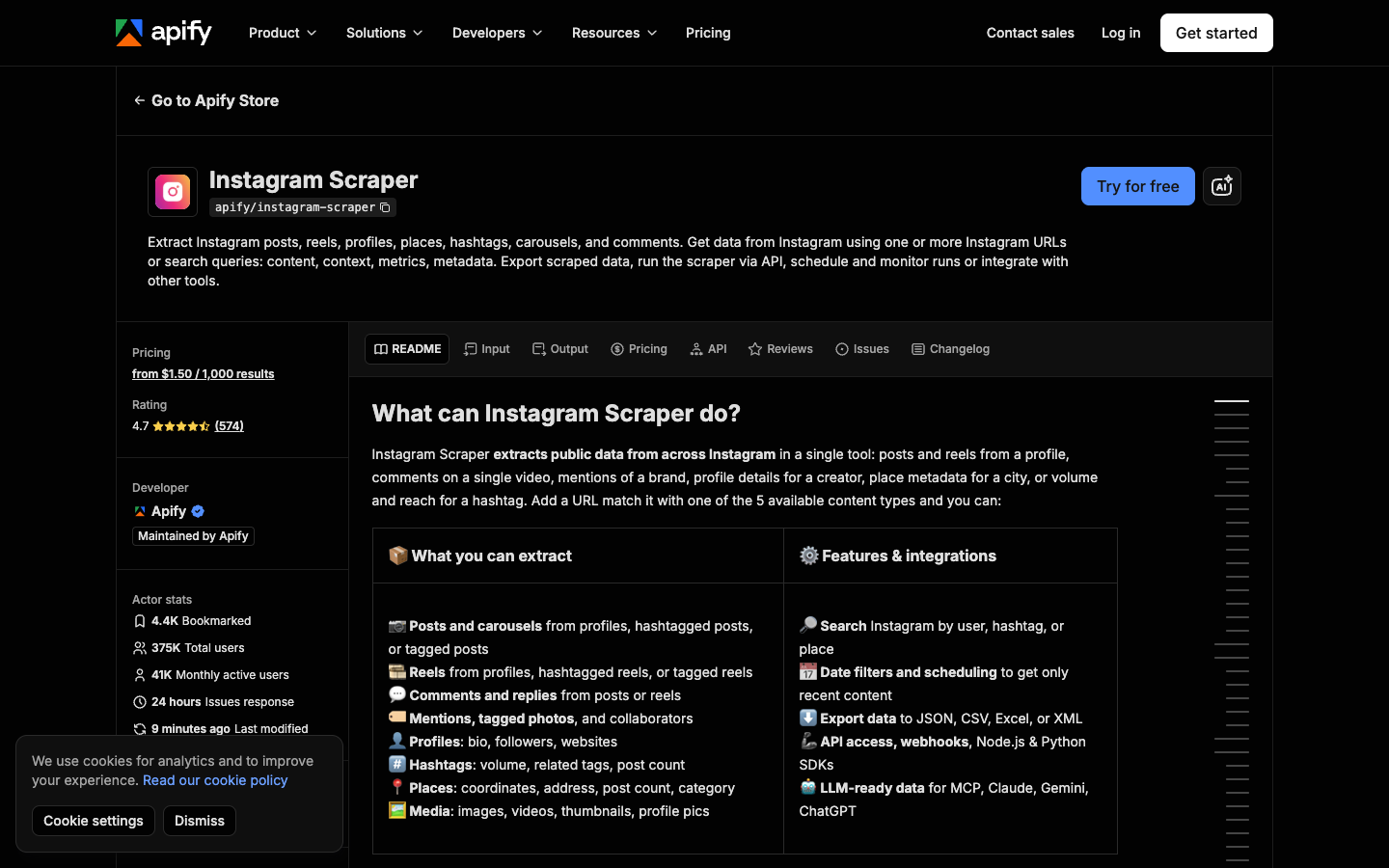
For broader public-data research, marketplace actors can be useful. Apify’s Instagram Scraper page says it supports public posts, Reels, profiles, places, hashtags, carousels and comments, with exports such as JSON, CSV, Excel and XML.
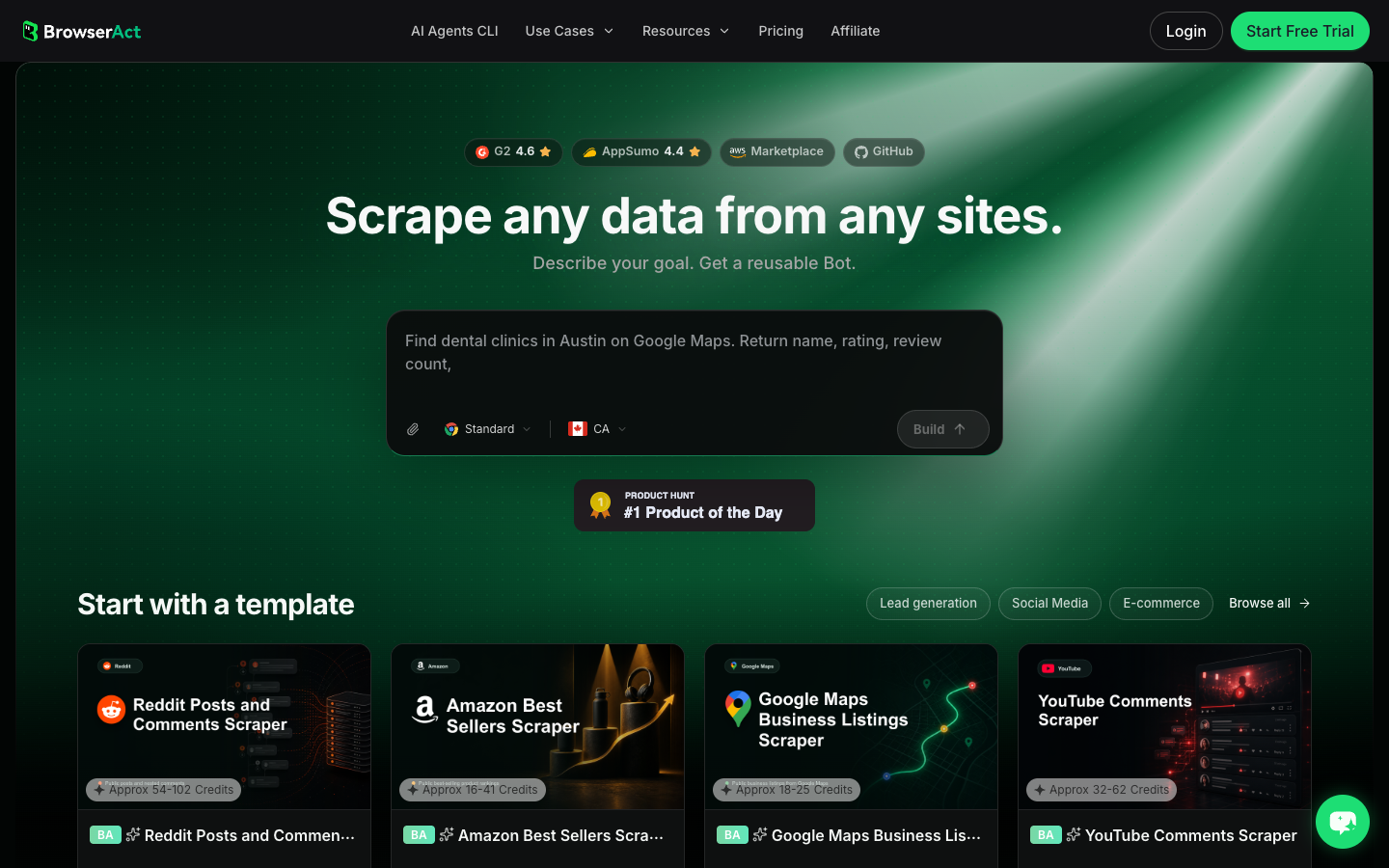
BrowserAct is a different fit. It is useful when you do not know the final schema yet. You can test a prompt against a small set of public or authorized URLs, confirm what fields are visible, and then save the approved path as a repeatable workflow.
The safe workflow: small test before repeat automation
For most teams, the right sequence is:
- Choose one data object, not all of Instagram.
- Pick a small test set: one profile, one post, one Reel, one hashtag, or one competitor list.
- Define the fields you need.
- Run a bounded BrowserAct Agent test.
- Review missing fields and stop reasons.
- Save the workflow only after the test produces useful rows.
- Use BrowserAct CLI only when the approved workflow belongs in a controlled internal pipeline.
This is the approach that works because it prevents two common failures: a scrape that technically runs but produces useless rows, and an automation that keeps pushing through pages that should have triggered human review.
Pro Tip: In the first run, cap the result limit aggressively. A 30-row test tells you more than a 5,000-row messy export.
How to scrape Instagram data with BrowserAct
Use this module when you need a practical first run. It is designed for public or authorized Instagram pages and should stop when access becomes restricted.
- Open BrowserAct Dashboard
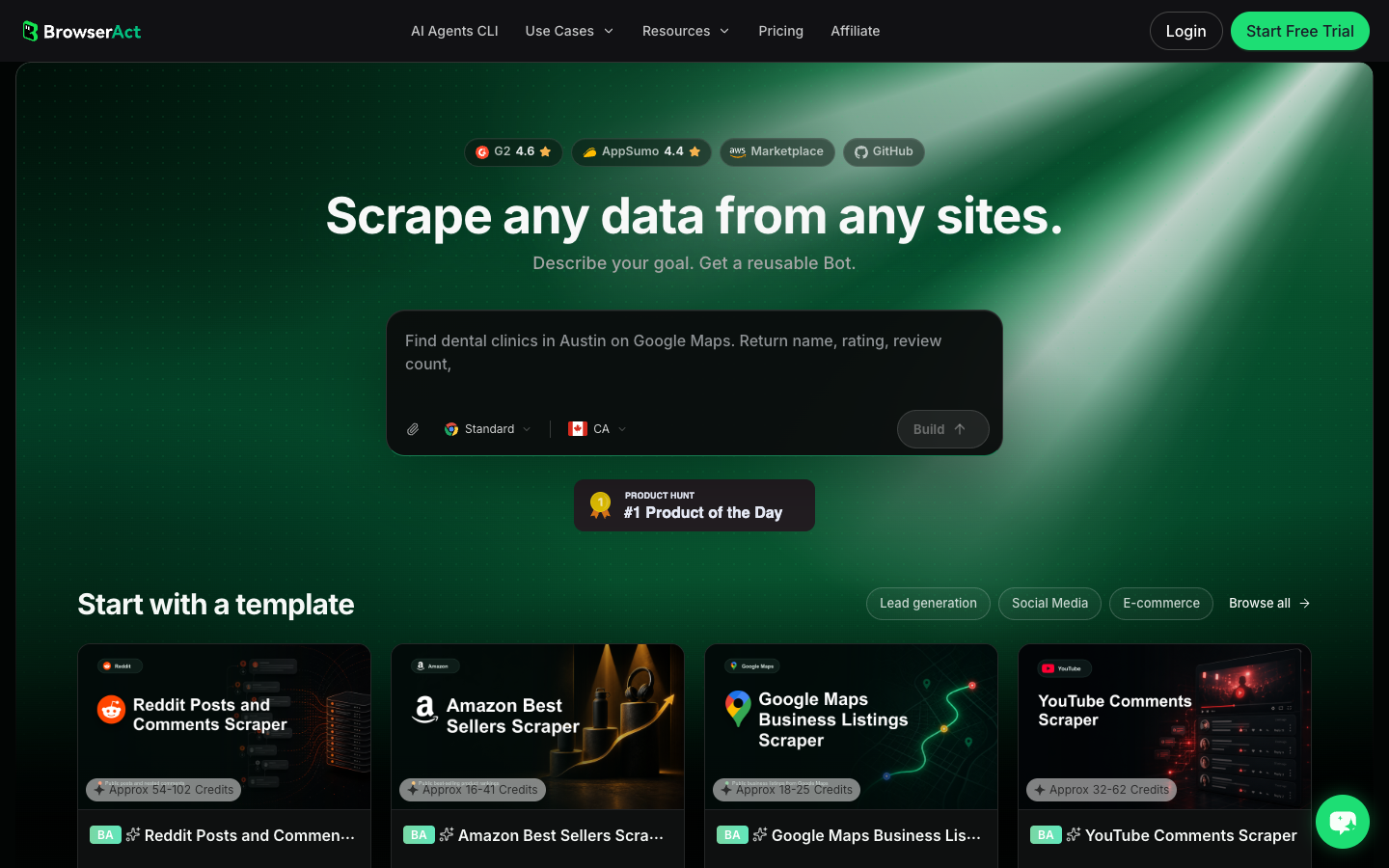
Click the left-side + button to create your own Bot, start from Quick start, or paste the prompt directly into the center Agent input to begin building.
- Copy the complete prompt
Replace the target URLs and result limit. Keep the stop rules.
Go to the Instagram profile, post, Reel, or hashtag URLs I provide.

Target URLs:
- Replace this line with public or authorized Instagram URLs.

Collect up to 40 visible records total. Return only information that is visible in the browser or available through authorized access.

For each record, capture:
- source_target
- record_type: profile, post, reel, comment, hashtag, or unavailable
- canonical_url
- username or profile_name
- profile_url
- caption_or_bio
- post_or_reel_url when applicable
- timestamp when visible
- visible_metrics: likes, comments, plays/views, follower count or post count when visible
- hashtags
- mentions
- public_contact_field only if visibly public
- media_type when visible
- source_status: complete, partial, login_required, captcha_required, private_or_restricted, unavailable
- reviewer_note explaining what the row can be used for

Deduplicate by canonical URL plus username plus timestamp where available.

Do not follow, like, comment, message, purchase, change account settings, bypass restrictions, or access private content.

If login, CAPTCHA, 2FA, account confirmation, age gate, membership approval, or restricted access appears, pause and ask for human review instead of continuing automatically.

Export the result as a source-linked table suitable for CSV, JSON, Markdown, or Google Sheets.
Scrape data from any website.
Describe the data you need. Get a Bot — a reliable, reusable scraper.
Prompt preview: collect public Instagram profiles, posts, Reels, comments, hashtags, source URLs, stop reasons and reviewer notes. Private session · Choose your region before you run
Get your Bot — Free- Handle login only when asked
If BrowserAct pauses on login, CAPTCHA, 2FA, account confirmation, age gate, membership approval or restricted access, treat that as a human checkpoint. Do not turn a stop screen into an automated bypass.
- Review, dedupe, and export
Inspect the rows, remove duplicates, preserve source_status, and export to CSV, JSON, Markdown, or a Sheets-ready table. If the same target list and field logic will run again, save the validated path as BrowserAct Workflow. If engineering needs to trigger the approved workflow, use BrowserAct CLI.
Expected output schema:
Column | Example | Why it matters |
|
| Keeps the input auditable |
|
| Prevents mixed rows from losing context |
| source URL | Dedupe and manual review |
| caption, bio or comment | Main qualitative evidence |
| likes, comments, plays, followers | Quantitative comparison when visible |
|
| Explains gaps without pretending the scrape was complete |
| “good competitor example” | Keeps human judgment close to the data |
Data object 1: scrape Instagram profiles
Profile scraping is usually the first Instagram workflow because it gives you stable identity fields: username, bio, website, public email when visible, category, follower count, following count, post count and profile URL.
Use profile data for:
- influencer and creator discovery;
- competitor account lists;
- partner shortlists;
- local business research;
- owned-account audits;
- public contact review, where allowed.
For a dedicated profile-only flow, use the existing BrowserAct guide on how to scrape Instagram profiles. Keep this article as the broader hub when your workflow also touches posts, Reels, comments or hashtags.
Pro Tip: Do not treat follower count as the final decision. Add columns for recent content fit, public engagement evidence and reviewer decision.
Data object 2: scrape Instagram posts
Post scraping is best when your question is about content strategy. You want captions, hashtags, mentions, media type, post URL, timestamp, likes, comment count and possibly the first visible comments.
The common mistake is exporting only metrics. A post with 30,000 likes but no caption, timestamp or source URL is weak evidence. A smaller post with a clear hook, comments and visible audience reaction can be more useful.
Recommended fields:
Field | Why it matters |
| Source evidence |
| Links content back to the account |
| Hook, offer, message and keywords |
| Recency and campaign timing |
| Image, carousel, Reel or video context |
| Engagement signal when visible |
| Conversation signal |
| Discovery and topic clustering |
| Collaborators, partners and competitors |
| Explains missing or partial fields |
Data object 3: scrape Instagram Reels
Reels need a slightly different schema because short-form video research often cares about audio, play/view count when visible, caption hooks, creator style, comments and repeatable formats.
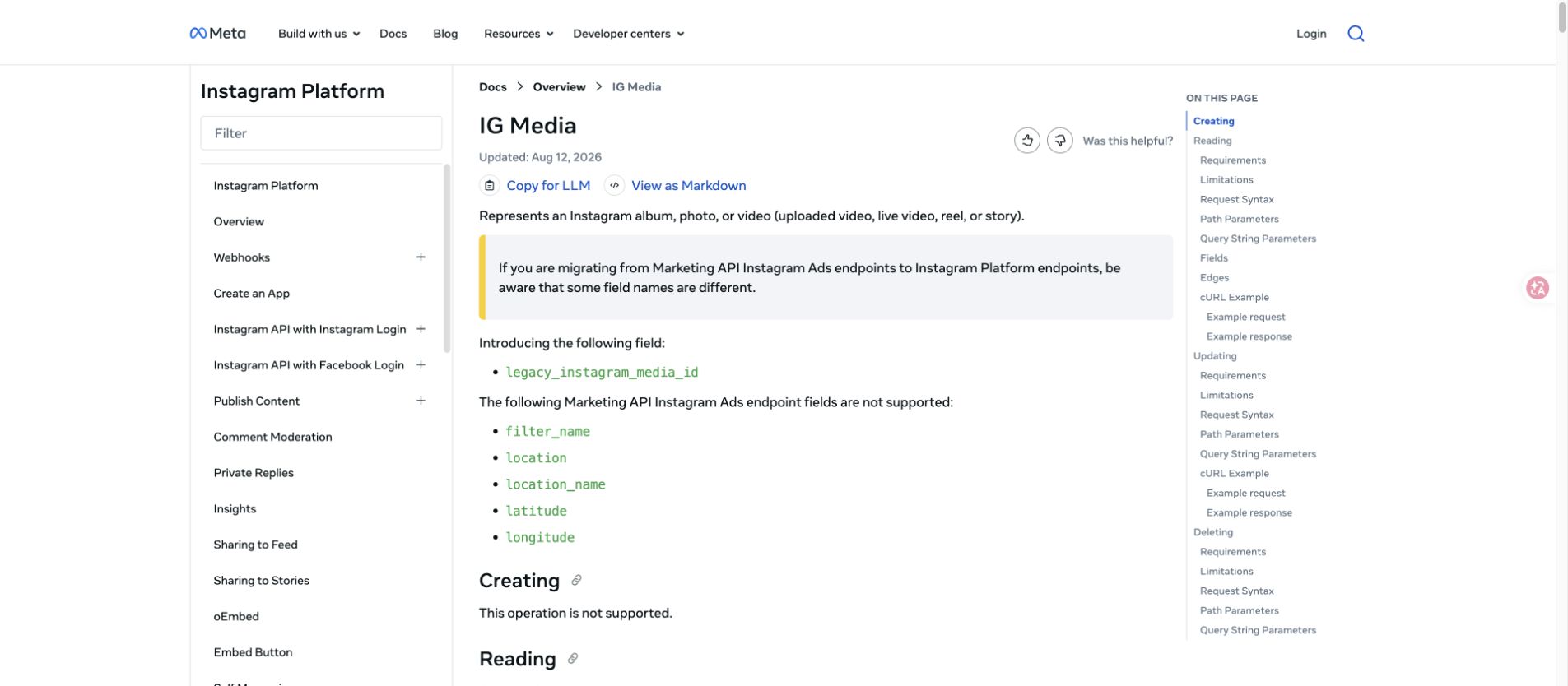
Meta’s IG Media documentation is relevant for authorized media objects, and the Reels-specific fields or visibility depend on the endpoint and account context.
For public competitor or creator research, keep the workflow humble:
- collect Reel URL and profile URL;
- capture caption and visible metrics;
- save audio/title clues when visible;
- collect a small comment sample only when it supports the research question;
- keep source status for missing metrics.
If Reels are your main target, use the deeper Instagram Reels scraper workflow.
Data object 4: scrape Instagram comments
Comments are where Instagram data becomes qualitative. They tell you what people complain about, praise, misunderstand, request, or compare.
But comment scraping needs stronger limits. A post with thousands of comments can produce messy rows quickly. Use a limit, keep the parent post URL, preserve reply context when visible, and never remove the source link.
For comment-heavy work, add:
parent_post_url;comment_urlwhen visible;comment_text;author_username;timestamp;likes_count;reply_count;moderation_note;sentiment_or_themeonly after review.
If the task is specifically comments-to-CSV or sentiment analysis, start with the Instagram comment scraper guide.
Data object 5: scrape Instagram hashtags
Hashtags are useful for discovery, but they are easy to over-read. A hashtag page can show themes, creators, content formats and related tags, but it is not a complete market dataset by itself.
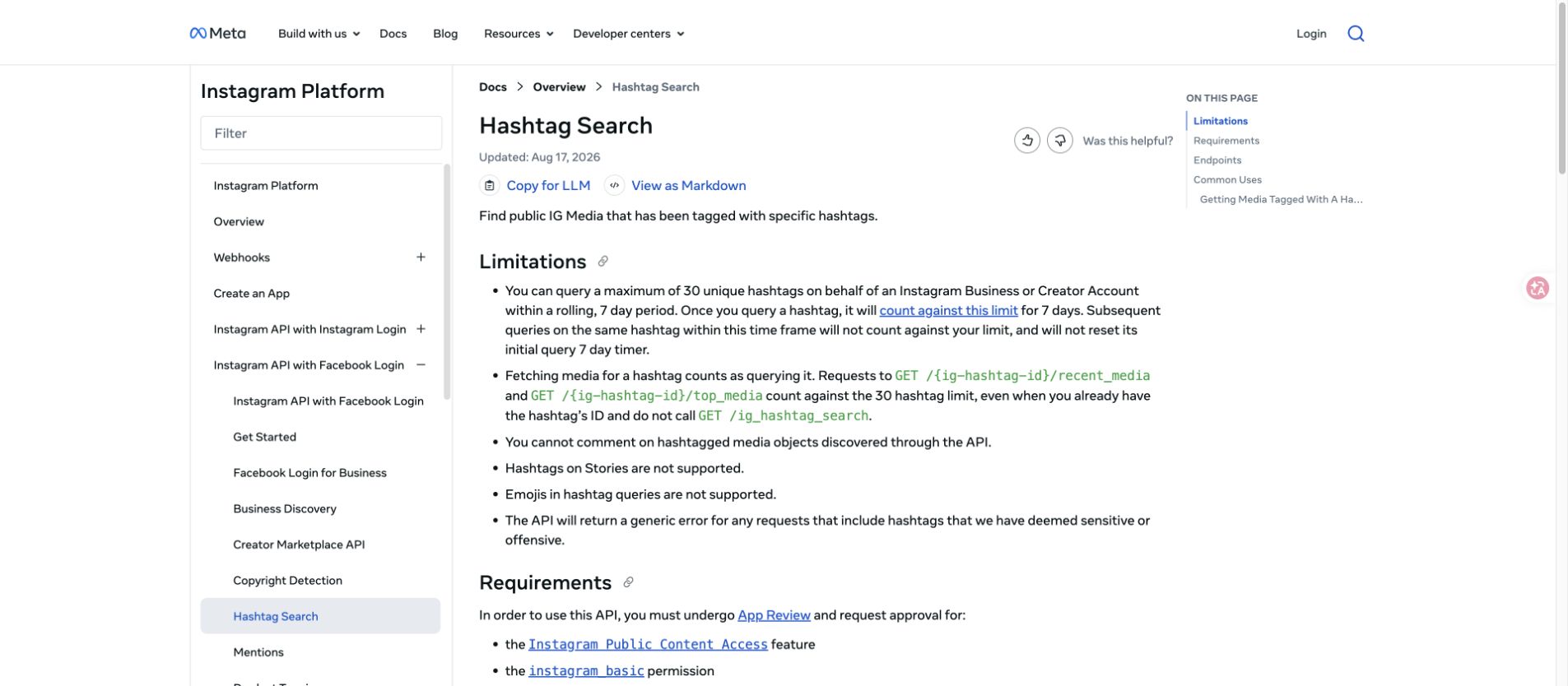
Meta’s hashtag search documentation is relevant when using official routes for allowed Business or Creator account scenarios.
For BrowserAct or other browser workflows, use hashtags as a starting point:
Hashtag workflow | What to collect |
Trend discovery | hashtag, source URL, top/recent post URLs, visible engagement, repeated topics |
Creator sourcing | usernames, post URL, caption, niche, visible engagement, fit note |
Competitor research | posts mentioning competitor/product/category terms |
Content planning | hooks, formats, questions, recurring objections |
When to turn an Instagram scrape into a Workflow or CLI job
Do not schedule the first version. Schedule the version that has already produced clean rows.
Turn the run into BrowserAct Workflow when:
- the target list is stable;
- the output columns are stable;
- stop rules are clear;
- a reviewer has approved the sample rows;
- the same task repeats weekly or monthly.
Use BrowserAct CLI when:
- engineering needs logs and repeatable handoff;
- the output moves into a warehouse, BI tool, Sheets process, or n8n workflow;
- the run needs controlled triggering instead of a manual dashboard click;
- the team wants a defined operational boundary around a previously approved workflow.
This split keeps the workflow sane. Agent is for discovery. Workflow is for repeatability. CLI is for controlled execution.
Common mistakes that break Instagram scraping workflows
Avoid these before you blame the tool:
- scraping before defining the output schema;
- mixing profiles, posts, Reels and comments in one table without
record_type; - removing source URLs;
- ignoring partial rows and missing-field reasons;
- treating private/restricted content as fair game;
- automating login, CAPTCHA, following, liking, commenting or messaging;
- running large jobs before a 30- or 50-row sample is reviewed;
- using open-source scripts without a maintenance owner;
- copying a competitor’s schema without checking whether your business question is different.
The best Instagram scraping workflow is boring in a good way: small test, clear schema, source URLs, stop rules, review, then repeat.
Further reading: Instagram data collection
Frequently Asked Questions
Can I scrape Instagram without the API?
Yes, some teams use browser workflows, scraper APIs or marketplace actors when the official API does not cover the public-data research job. Keep the workflow public or authorized, read-only, source-linked and bounded.
What Instagram data can I scrape?
Common targets include public profile fields, post captions, Reels metadata, comments, hashtags, visible metrics and source URLs. Availability depends on access, visibility, account type and the chosen tool.
Can BrowserAct scrape Instagram comments?
BrowserAct can test a public or authorized comment workflow from a prompt, preserve source URLs and stop on restricted access. For a comment-specific workflow, use the Instagram comment scraper guide linked above.
Is scraping Instagram legal?
This article is not legal advice. Review Instagram/Meta terms, privacy rules, your local laws and your internal policy. Avoid private data, hidden fields, account-changing actions and unauthorized access.
What is the safest first Instagram scrape?
Start with a small public profile or post dataset, cap the run at 30–50 records, keep source URLs and source status, then review the rows before repeating.
When should I use BrowserAct Workflow instead of Agent?
Use Agent for the first test. Use Workflow after the target list, fields, limits and stop rules are stable and a human has approved the sample output.
When should I use BrowserAct CLI?
Use CLI when the approved Workflow needs controlled triggering from an internal process, scheduler, data stack or automation system.


