How to Find Social Media Accounts: 9 Methods & 5 Tools

Finding the right social media account starts with the details you already have, such as a name, username, email address, or phone number. This guide explains how to use those details to search public profiles, narrow down possible matches, and choose a tool when manual checking becomes repetitive.
Why Finding Social Media Accounts Matters for Business
In the world of business, knowing how to find social media accounts is more than a trick—it's a key to growth and staying competitive. This skill helps companies connect with people online, gather insights, and build stronger relationships.
The Business Benefits of Finding Social Media Accounts
According to HubSpot, businesses that effectively find social media accounts and use them for outreach see a 20% increase in conversion rates. Take a case like a small e-commerce brand that found influencers on TikTok, leading to a 30% sales boost through joint campaigns.
- Driving Lead Generation: Finding prospects on platforms like LinkedIn lets you spot potential clients and reach out directly. For example, searching for industry experts by name or company can uncover new sales opportunities, helping you build a pipeline of leads without big ad spends.
- Competitor Analysis: Monitoring rivals on Twitter or other sites gives you an edge. Track their posts, followers, and strategies to see what works—and what doesn't. This insight can shape your own plans, like adjusting marketing based on their audience engagement.
- Boosting Customer Engagement: Personalized outreach on Instagram or Facebook builds loyalty. If you find social media accounts of your customers, you can respond to their posts or send tailored messages, turning one-time buyers into repeat fans.
- Forming Influencer Partnerships: Locating influencers in your niche opens doors to collaborations. Use searches to find accounts with the right audience, then pitch partnerships that promote your brand to thousands.
Common Business Challenges and How to Overcome Them
- Incomplete Data Issues: Businesses often deal with missing details, like outdated emails or hidden profiles, making searches tough for sales teams scaling up.
- Privacy Barriers: Strict rules like GDPR limit what you can access, and platforms hide info to protect users, which can block quick finds.
- Time Constraints: Manual searches take hours, especially when checking multiple platforms for a large list of contacts.
- Overcoming with Ethical Practices: Always get consent before using info, and focus on public data to stay legal. Train your team on best practices to avoid risks.
Use free social media search options like Google advanced queries to speed things up. For bigger needs, a social media finder tool or web scraper like BrowserAct can automate tasks, saving time without over-relying on any one app—combine them for the best results.
Basic Techniques to Find Social Media Accounts
Getting started with finding social media profiles doesn't require fancy tools—just some basic methods that anyone can use. These techniques rely on free resources and built-in features from popular platforms, making them perfect for businesses on a budget. Whether you're a small team or a solo entrepreneur, mastering these can help you connect faster and smarter.
How to Find Social Media Accounts by Name or Username
- Method 1: Use Platform-Specific Searches: Start on the platform itself. On Facebook, go to the "People" search and type in the full name—filter by location or job for better results. For Instagram, use the Explore tab and search by name; scroll through profiles to spot matches.
- Method 2: Check Username Availability: Tools like Namechk let you scan multiple platforms at once. Enter a username, and it shows where it's active (e.g., on Twitter, TikTok, or LinkedIn). This is quick and free, helping you confirm if a handle belongs to your target.
- Method 3: Refine with Google: Combine with a Google search like "site:linkedin.com [name]" to narrow down professional profiles. Add details like city or company for accuracy.
These methods are a useful starting point, but checking the same name or handle across several platforms can become repetitive. Once you know which detail to search with, you can use a BrowserAct template to bring the public profile results together for review.
If you already have a handle, the Social Media Username Finder checks supported platforms for public profiles using that username and returns profile links with validation evidence. If you only have a person’s name, the Google Social Media Finder collects public profile links and search snippets from Google. Compare the results with details you already know, such as the person’s company or location, before deciding whether a profile is a match.
Business Application
This free social media search method is ideal for identifying potential clients by their professional usernames. For instance, a recruiter can find candidates on LinkedIn, speeding up hiring without paid ads.
Pros and Cons
- Pros: Cost-free, fast, and easy to use with broad platform coverage
- Cons: Results depend on public profiles, and common names can lead to too many irrelevant matches.
Additional Tips
Cross-check with multiple platforms to avoid fakes, and respect hidden info for ethical business practices. For better accuracy, combine with other details like job titles.
Finding Social Media Accounts by Phone Number
- Method 1: Reverse Phone Lookups: Use free sites like Truecaller or Whitepages. Enter the phone number, and they pull up linked names and sometimes social profiles. Truecaller crowdsources data, so it's great for global searches.
- Method 2: Integrate with Platform Features: On WhatsApp, add the number to your contacts and check if it links to a profile (it often shows connected Facebook or Instagram accounts). For Facebook, try the "Find Friends" feature by syncing your phone contacts—it can reveal associated profiles.
- Method 3: Combine with Apps: Apps like Signal or Telegram sometimes show linked social info when you add a contact. For a broader reach, use Google to search "site:facebook.com [phone number]" if it's publicly listed.
When you have a complete business phone number, manually checking its public mentions can also be time-consuming. BrowserAct’s Social Media Phone Number Finder searches for public social profiles associated with that number and returns source evidence for confirmed matches. Include the country code when entering the number; a match depends on the association being publicly visible.
Business Uses
Highlighting its value for verifying customer contacts, this method helps sales teams confirm leads or support staff resolve issues faster. For example, a business can find a client's Instagram to send personalized follow-ups.
Pros and Cons
- Pros: High accuracy for verified numbers and no cost for basics.
- Cons: Privacy limits mean many platforms block phone searches to protect users; inspired by privacy-focused advice, always inform contacts before using their data and avoid spamming to build trust.
Additional Tips
For business, document your searches to comply with laws like CCPA. If free options fall short, consider a social media finder tool for automation, but start here to keep things simple and ethical.
How to Find Social Media Accounts by Email
- Method 1: Use Platform Recovery Features: On platforms like Facebook or LinkedIn, try the "Forgot Password" option. Enter the email, and if it's linked, it may show a profile preview or confirm existence without logging in.
- Method 2: Reverse Email Lookups: Leverage free tools like Hunter.io or Pipl. Input the email, and they scan for associated social profiles across sites like Twitter, Instagram, or GitHub. Hunter.io is especially good for professional emails.
- Method 3: Advanced Google Searches: Use queries like "site:instagram.com [email]" or "inurl:profile [email]" to find public mentions. This free social media search trick can uncover linked accounts quickly.
Business Application
Finding social media accounts by email is perfect for lead verification in sales or marketing. For example, if you have a prospect's email from a webinar, this method helps locate their LinkedIn for a personalized pitch.
Pros and Cons
- Pros: Highly effective for registered emails and completely free for basics.
- Cons: Limited by privacy settings, as not all profiles are public; always check for opt-outs to respect user data.
Additional Tips
Combine with other methods for better accuracy, and use it ethically—get permission before outreach. For businesses, this integrates well with CRM tools to streamline customer relationship management.
Top 5 Social Media Finder Tools (Free and Paid Options)
Whether you're conducting a quick social media lookup or need advanced automation, these top social media finder tools simplify finding social media accounts. We've ranked them based on ease of use, features, and value for business tasks like lead generation or competitor research. From free social media search options to paid powerhouses, each supports various lookups (e.g., by email, name, or phone). Compare them to find the best fit.
Tool 1: BrowserAct
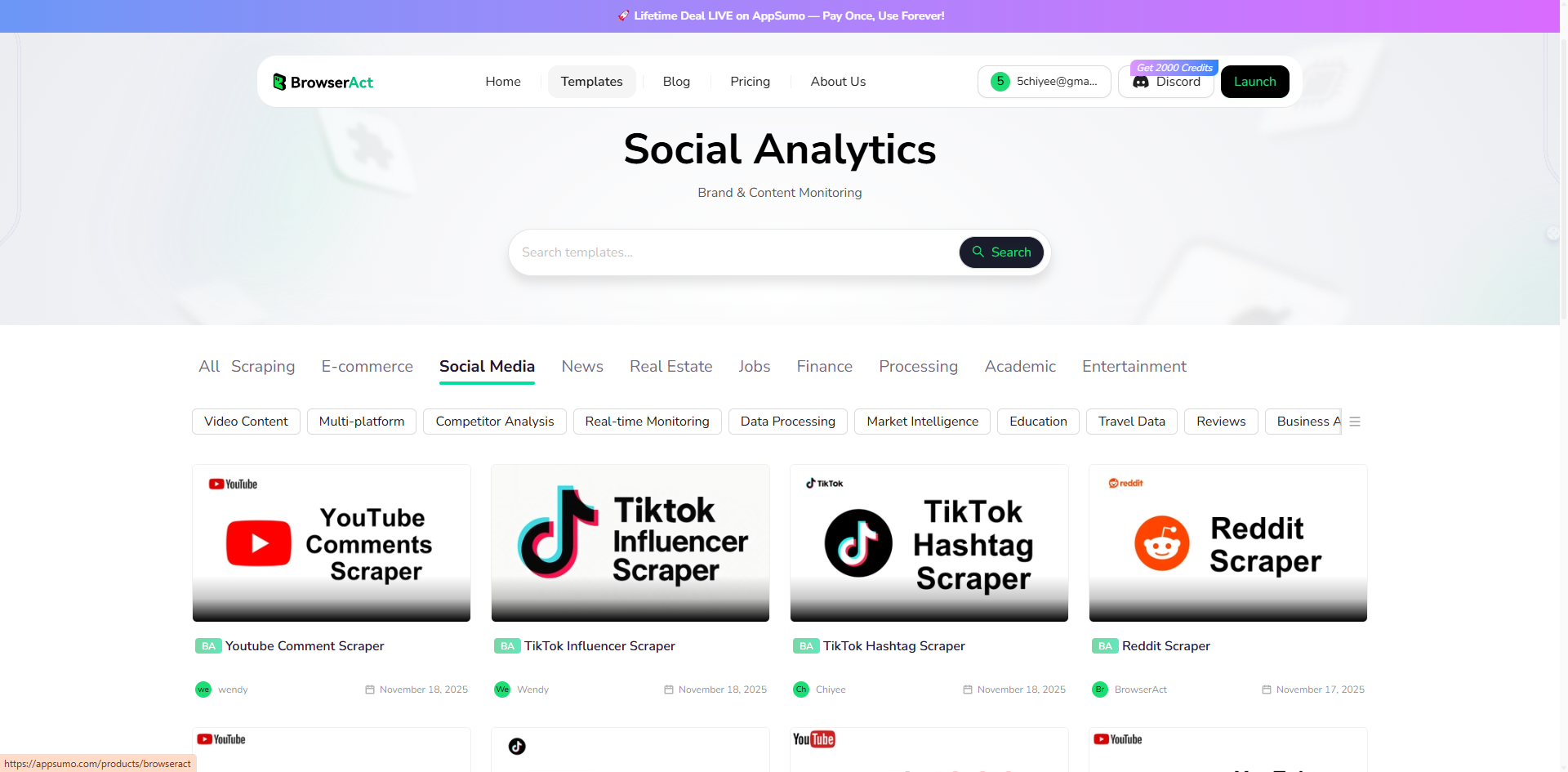
BrowserAct offers ready-made templates for three starting points: a username, a business phone number, or a person’s name. Choose the matching template, enter your details, and review the public profile results and available source evidence.
Pricing
Free to use—daily login rewards 100 credits, and joining the Discord community gives an extra 100 credits
Pros
- No-code interface with pre-built social templates makes it beginner-friendly.
- Highly customizable for specific social media lookup needs, saving hours on manual searches.
- Integrates with tools like Make or n8n for automation, such as daily scheduled lookups or automatically sending found data to your Google Sheet.
- Allows you to set your own data limits, enabling scraping of large volumes of data.
Cons
If existing scrapers don't fit, it requires some setup for custom scrapers.
How It Helps
Use the Social Media Username Finder for a known handle, the Social Media Phone Number Finder for a complete business phone number, or the Google Social Media Finder to search by name. Review matches before using the results in your research.
Tool 2: Social Searcher
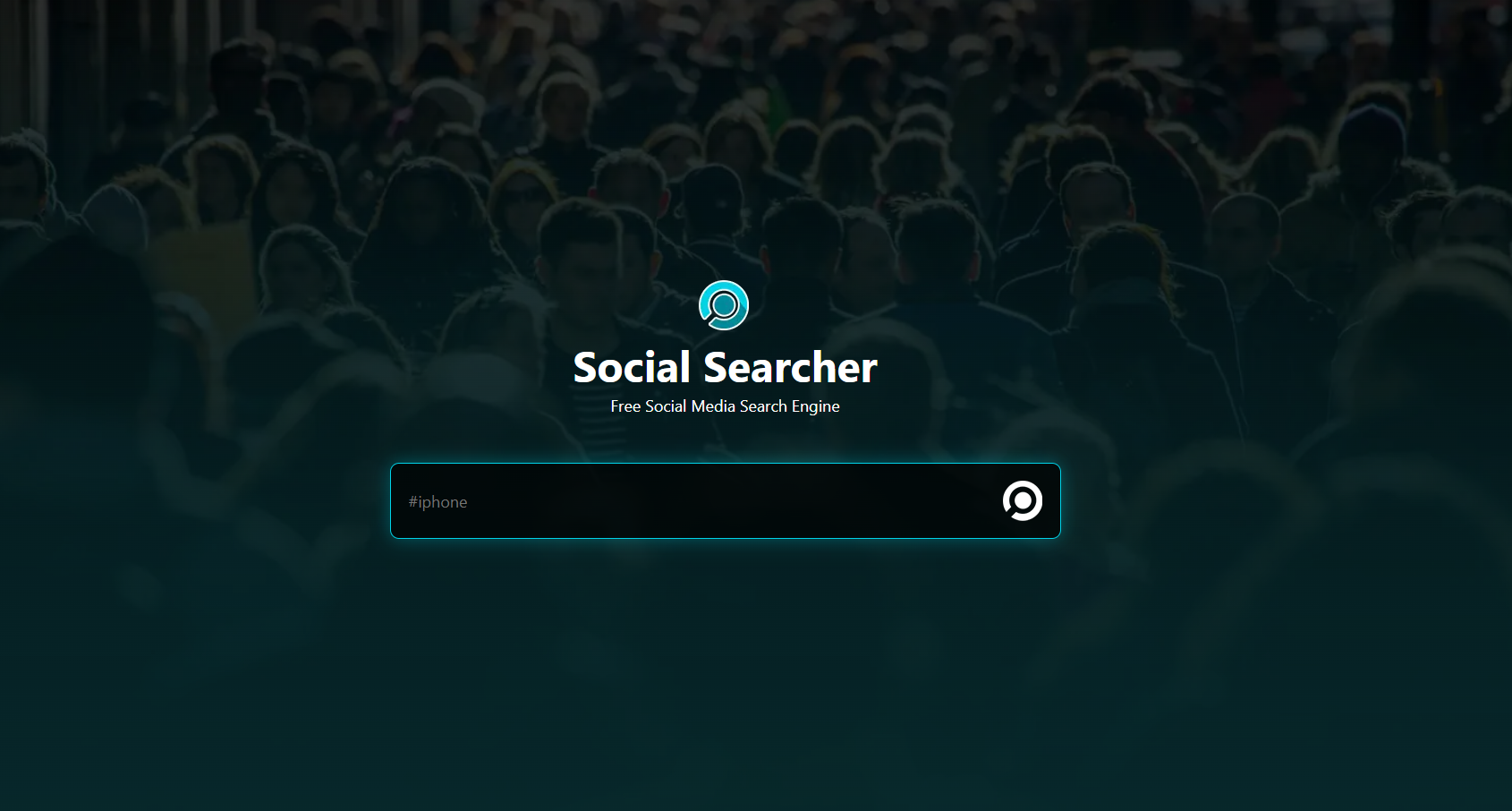
Social Searcher is a free, real-time social media finder that searches for posts, mentions, and profiles across platforms like Facebook, Twitter, Instagram, Reddit, and YouTube. It uses keyword-based queries to monitor conversations and discover accounts without requiring sign-up, making it great for quick lookups and trend tracking.
Pricing
Completely free.
Pros
- Instant access with no registration needed.
- Broad platform coverage for real-time social media lookup, including sentiment analysis.
- Supports keyword monitoring for trends and mentions.
- User-friendly interface for quick searches without technical setup.
Cons
- Lacks deep profile exports or automation.
- Results can be overwhelming without advanced filters.
How It Helps
Perfect for a free social media search to find accounts by keywords or usernames—e.g., monitor competitor mentions or discover influencers for business partnerships.
Tool 3: Talkwalker
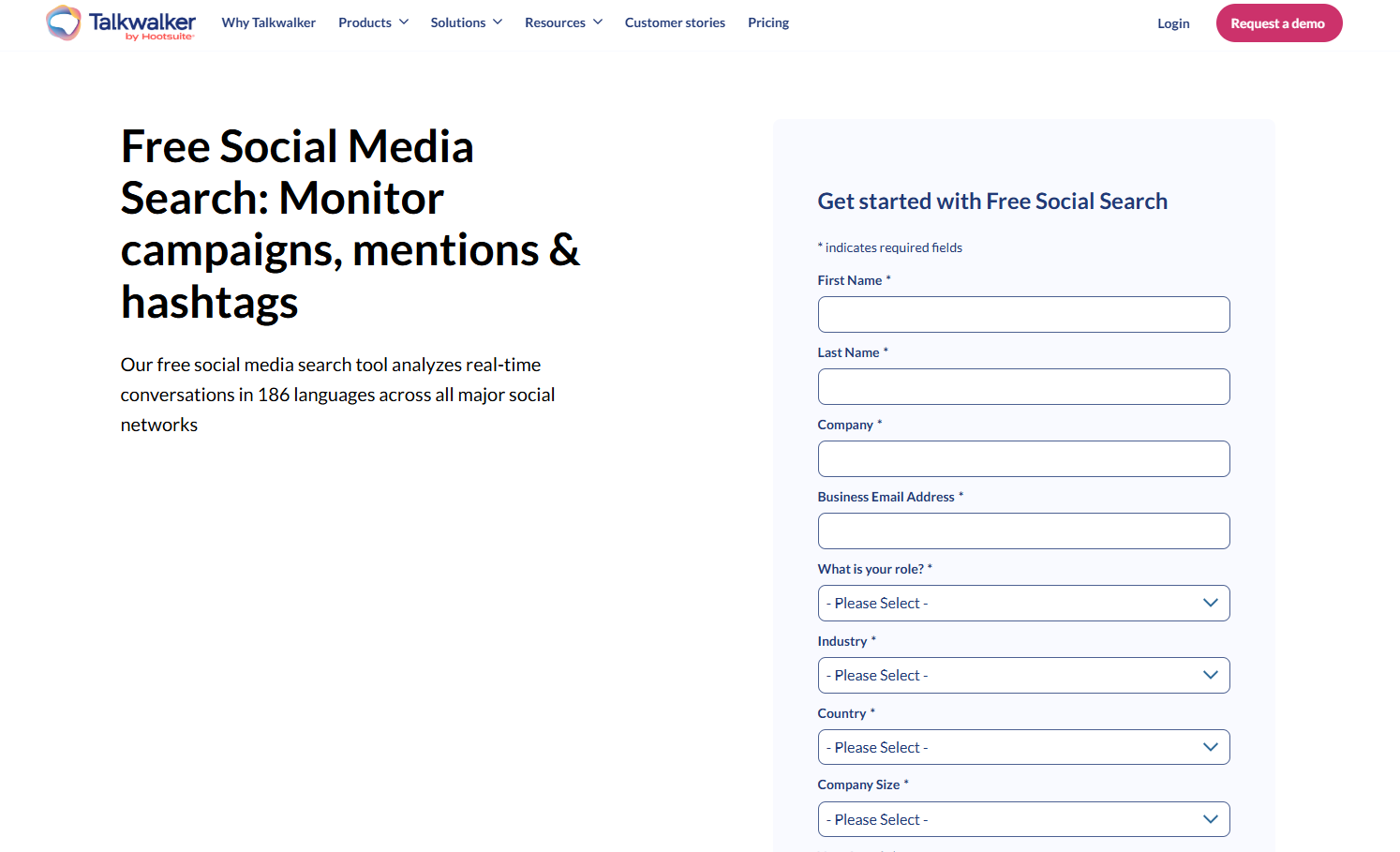
Talkwalker offers a powerful social media analytics search tool powered by AI, allowing you to find conversations, profiles, and trends across over 150 million sources, including social platforms, news, and blogs. Its free search feature provides instant results for keywords, with options for deeper insights like image recognition and virality maps.
Pricing
Free basic search; request a free demo for personalized pricing details from a specialist, with paid plans customized for enterprises
Pros
- AI-driven insights for comprehensive social media lookup.
- Excellent for global monitoring with visual analytics like image and video recognition.
- Covers a vast range of sources beyond just social media.
- Provides trend analysis and virality predictions for strategic planning.
Cons
- Free version is limited to basic searches.
- Premium features are expensive for small businesses.
How It Helps
Use it to find social media accounts and track brand sentiment—e.g., identify key influencers or customer feedback for targeted marketing strategies.
Tool 4: Apify Social Media Finder
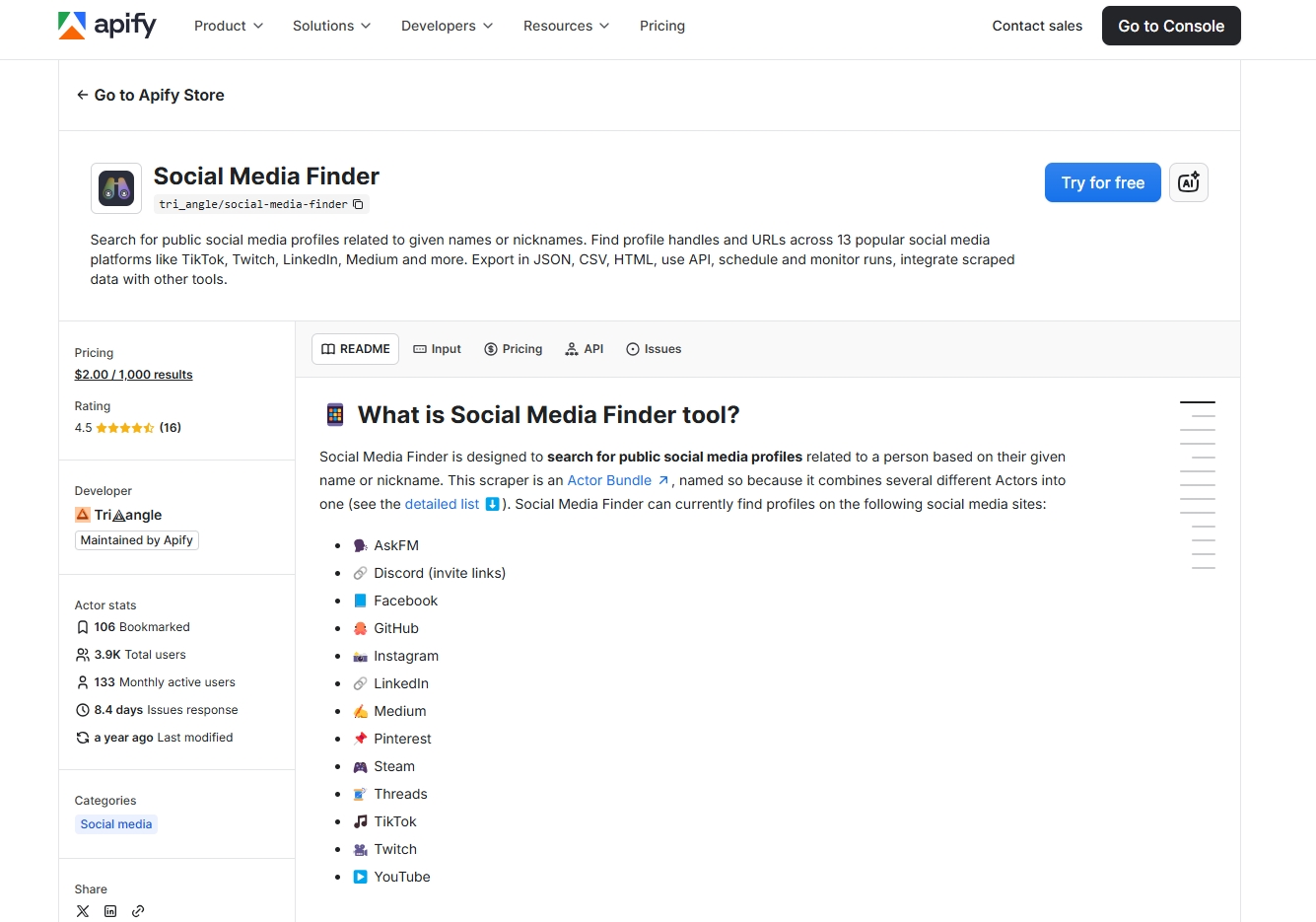
This Apify Social Media Finder is a customizable web scraper, searching for profiles by usernames, emails, or keywords across platforms like LinkedIn, Twitter, and Instagram. It runs on Apify's cloud platform, allowing automation and data extraction in formats like JSON or CSV.
Pricing
$2 pre 1000 results.
Pros
- Highly customizable scraping for targeted social media lookup.
- Integrates with APIs for automation and large-scale data collection.
- Cloud-based for easy scaling without local setup.
- Exports data in multiple formats for seamless integration.
Cons
- Requires technical know-how for advanced setup.
- No free usage.
How It Helps
Automate finding social media accounts by email or username—e.g., scrape profiles for lead generation, exporting data directly to your tools for business efficiency.
Tool 5: IDCrawl
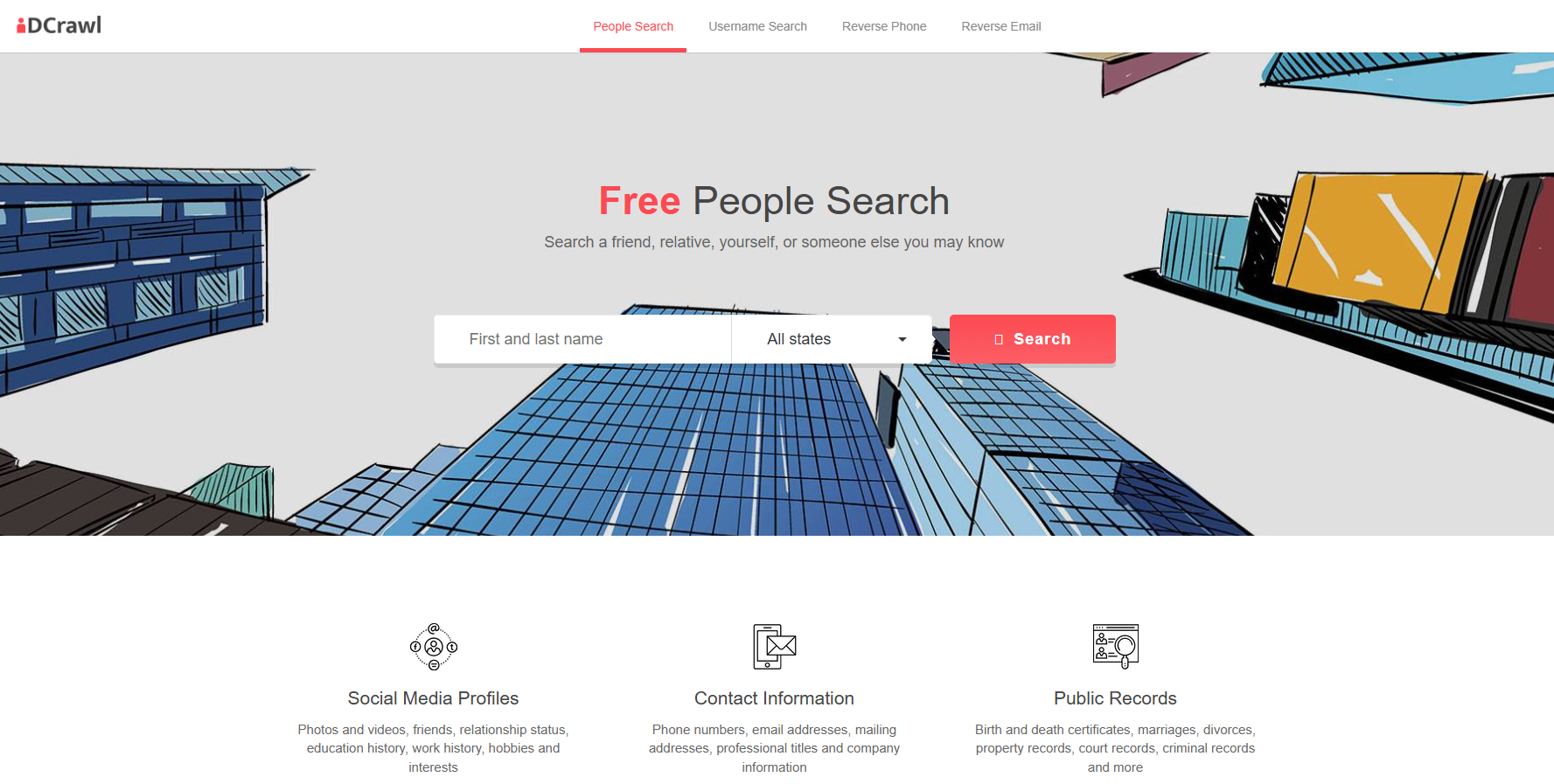
IDCrawl is a free people search engine that acts as a social media finder, aggregating profiles, images, videos, and public records from platforms like Facebook, Instagram, Twitter, and LinkedIn. It searches by name, username, or location to compile detailed reports.
Pricing
Completely free for social searches; no paid tiers mentioned, but ads support the service.
Pros
- Simple, no-cost interface with visual results (e.g., profile previews).
- Covers a wide range of social media for quick lookups.
- Aggregates images, videos, and public records in one place.
- No sign-up required for immediate use.
Cons
- Results rely on public data and may include inaccuracies.
- Lacks advanced filters or data exports.
How It Helps
Conduct a free social media search to find accounts by name—e.g., verify potential clients or partners, aiding in business networking and due diligence.
In summary, start with BrowserAct for customizable automation, especially if you need tailored social media lookup. For ethical use, always comply with platform terms and data laws—combine these tools with manual methods for the best results.
Conclusion
Finding social media accounts is a game-changer for businesses, unlocking opportunities in lead generation, customer engagement, and competitive analysis. From understanding the core benefits—like boosting conversions through targeted outreach—to mastering basic techniques such as searches by name, phone, or email, this guide has equipped you with practical, free social media search methods to get started. We've also explored advanced tools, highlighting top social media finder options that automate and scale your efforts while emphasizing privacy and ethics.
Remember, the key to success lies in combining these strategies ethically—always respect data laws and user consent to build trust. Whether you're verifying leads or monitoring trends, these approaches can transform how you connect online.
Choose the method that fits the information you already have. Start with the name and username methods or the phone number methods, then check the supporting details before using a profile in your research.
Related reading: For practical examples, implementation details, and trade-offs, continue with How to Automate Social Media Across Multiple Accounts Safely.
Related reading: For a deeper explanation of the topic and related workflows, read Build an AI Operator for Social Media Accounts.


