10 Best Free YouTube Tag Extractor Tools (2026)

Best YouTube Tag Extractor: #1. BrowserAct YouTube Tag Extractor #2. TubeRanker #3. TunePocket #4. ToolsOverflow #5. Apify #6. TubeLab #7. YTPeek #8. TubePilot #9. VeeFly #10. GoOnlineTools
Ever watch a viral video in your niche and wonder, "How did this get so many views?" While content is king, the answer is often hidden deep in the metadata. The problem is that YouTube hides video tags by default. You can’t simply look at a video page and see the specific keywords that are driving traffic to your competitors. Without this data, you are essentially flying blind.
To uncover these secrets, you need a reliable YouTube tag extractor. This tool is essential for revealing the hidden keywords top creators are using to rank high in search results. In this article, we tested the top tools on the market to help you find the best YouTube video tag extractor that not only saves you hours of research time but also exports data easily for your analysis.
What Does a YouTube Tag Extractor Actually Do?
At its core, a YouTube tag extractor is a software tool designed to uncover the hidden metadata associated with a video. While YouTube publicly displays titles and descriptions, it conceals the specific "tags" that creators use to help the algorithm understand their content. These tools bridge that gap, providing transparency into video SEO strategies.
Reveal Hidden Data
Most users don't realize that the data is already there—it is just tucked away in the page's HTML. A YouTube tag extractor works by scraping the source code of a specific video page to locate the keywords meta tag. Instead of forcing you to right-click and "View Page Source" manually, the tool instantly parses this code and presents the tags in a readable, user-friendly format.
Competitor Spying
Success leaves clues. Creators and marketers use a YouTube tags extractor primarily for competitive intelligence. By analyzing the tags of viral videos in your niche, you can see exactly what keywords big channels are targeting to rank in search results. This allows you to reverse-engineer their strategy and apply high-performing keywords to your own content to improve discoverability.
Data Export Capabilities
Not all tools are created equal. While basic extractors only allow for simple "copy-paste" functionality, advanced YouTube tag extractors offer robust data management. The best tools allow you to export lists of extracted tags directly into Excel or CSV files. This feature is crucial for agencies or serious creators who need to analyze large datasets, group keywords, and plan their content calendar without manually typing out every single tag.
Top 10 Best YouTube Tag Extractor Tools (Ranked)
#1. BrowserAct YouTube Tag Extractor (Best for Automation)
BrowserAct YouTube Tag Extractor is a powerful no-code scraper designed to accurately extract hidden YouTube video tags and metadata. If you want to build a hands-free system that monitors competitor keywords and syncs them directly to your database, this is the definitive solution.
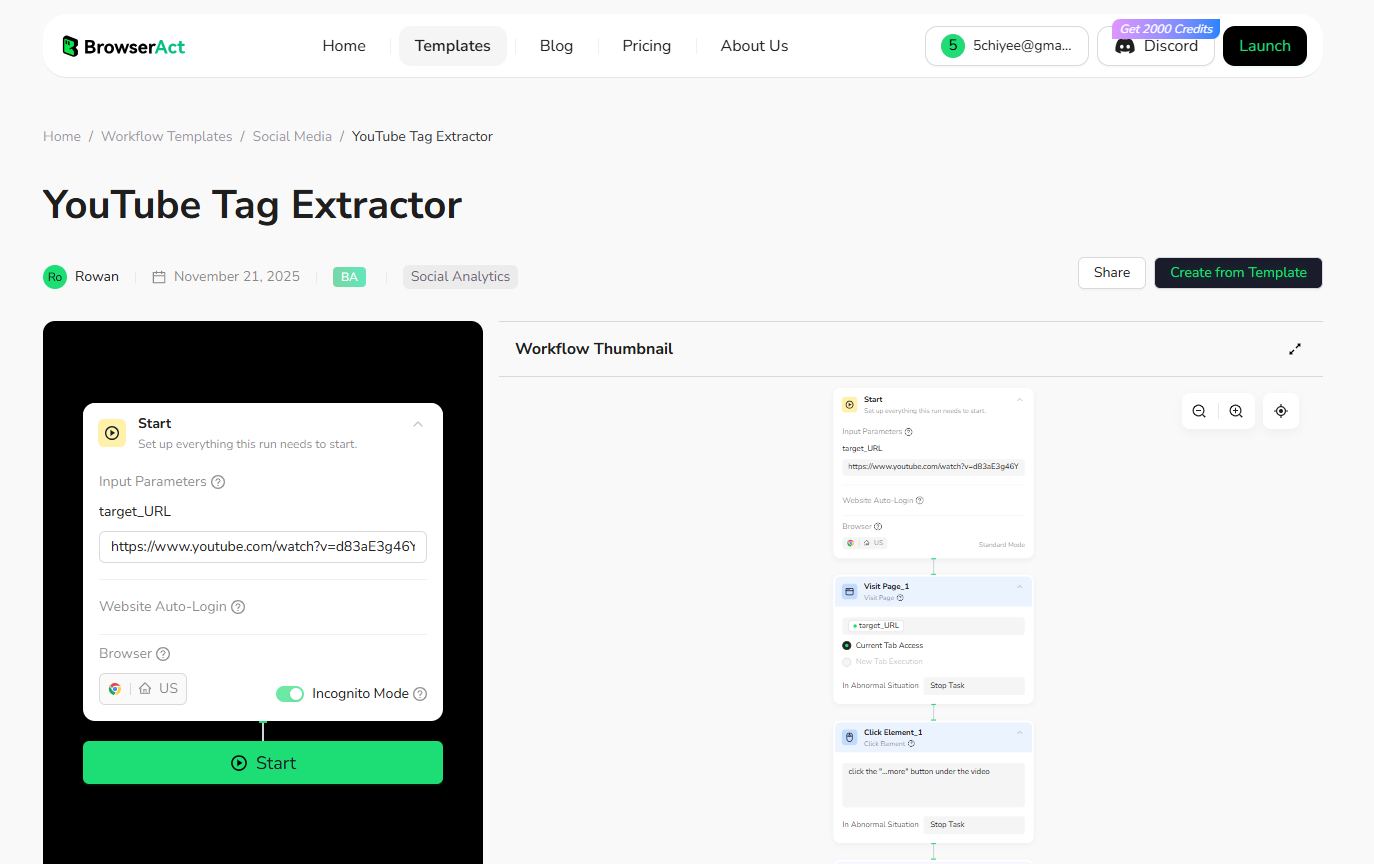
Key Features:
- Seamless Automation Integration: This is the standout feature. BrowserAct connects effortlessly with advanced automation platforms like n8n, Make, and Zapier. You can create workflows where a new trending video triggers an automatic extraction, sending the tags directly into your analysis pipeline without you lifting a finger.
- Enterprise-Grade Anti-Blocking: Scrape with confidence. BrowserAct utilizes a robust network of residential IPs and intelligent fingerprinting to mimic human behavior. This ensures your scraping activities remain undetected, preventing IP bans or blocks from YouTube, even during high-volume extraction.
- Generous Free Tier: It is a completely free YouTube tag extractor to use for most individual needs. Users receive 100 free credits daily simply by logging in, which is more than enough to monitor dozens of competitors every single day without spending a dime.
- Precision Scraping: It navigates the page structure intelligently to ensure 100% accuracy. It automatically handles page interactions (like clicking "Show More") and scrapes every single backend tag hidden in the source code, ensuring no high-value keyword is missed.
- Structured Data Export: Instead of a messy clipboard, you get clean, structured data. You can export tags directly to CSV, or sync them live to Google Sheets and Airtable for immediate analysis.
- No Coding Required: Despite its advanced capabilities, it offers a visual interface that allows anyone to build these complex data flows without needing programming knowledge.
Ideal User
Growth hackers, data-driven marketers, and agencies who want to build a "Competitor Tag Database" on autopilot using tools like n8n or Make without worrying about technical blocks or subscription fees.
#2. TubeRanker YouTube Tag Extractor Tool
TubeRanker is a polished, SEO-focused tool. It doesn't just extract tags; it provides context. When you extract tags, it often attempts to show the search volume and competition level for those keywords.
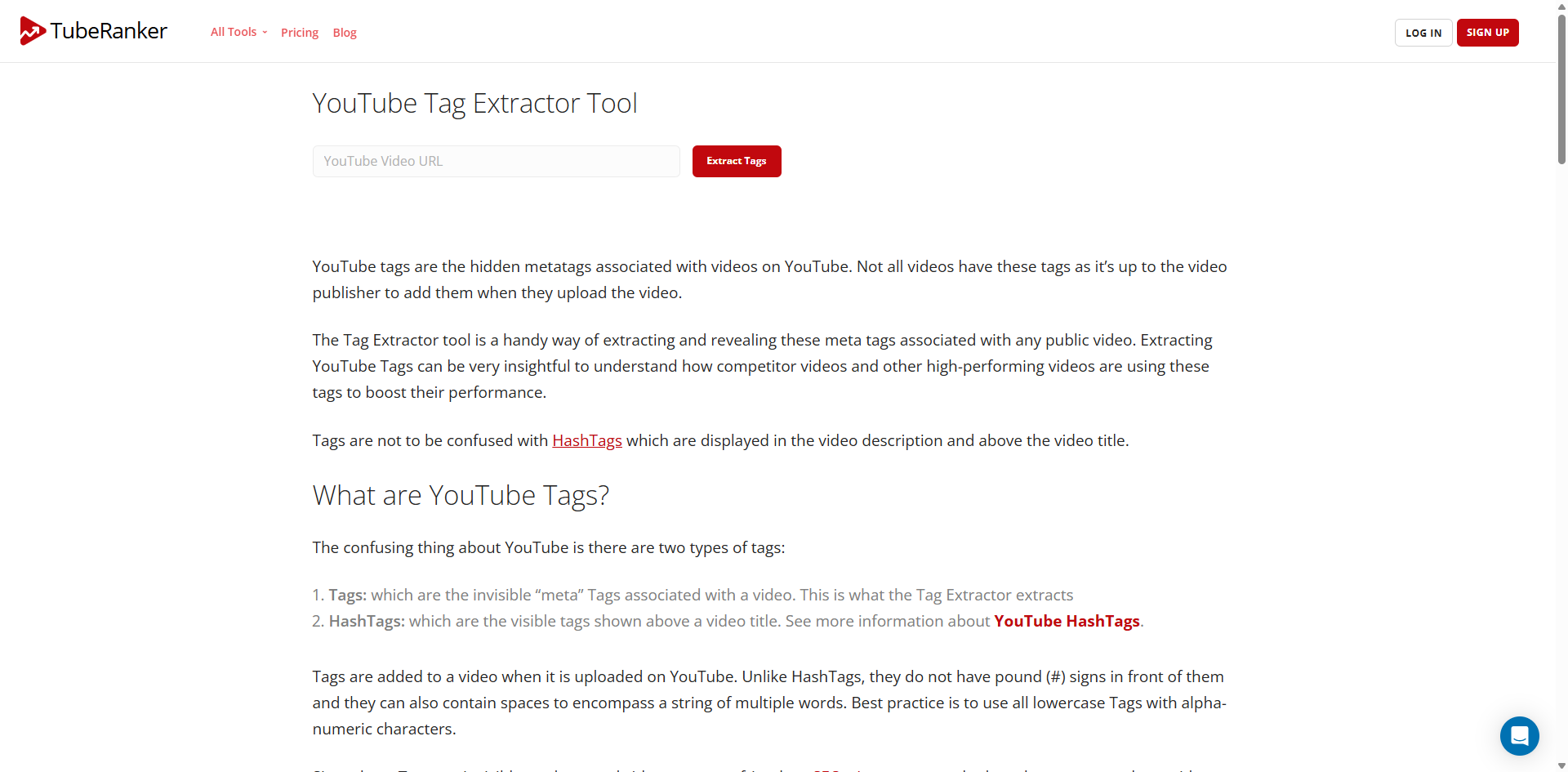
Key Features:
- SEO Metrics: Provides insights into how competitive a tag is.
- Rank Tracking: Part of a larger suite that can track your video rankings.
- Clean UI: Very user-friendly interface suitable for beginners.
Best For: SEO Analysis & Search Volume Data
#3. TunePocket YouTube Tags Extractor / Inspector
While TunePocket is primarily a music library, their "Tags Inspector" is unique. Unlike standard extractors that just list keywords, this tool checks if the video is actually ranking for those tags in YouTube search results.
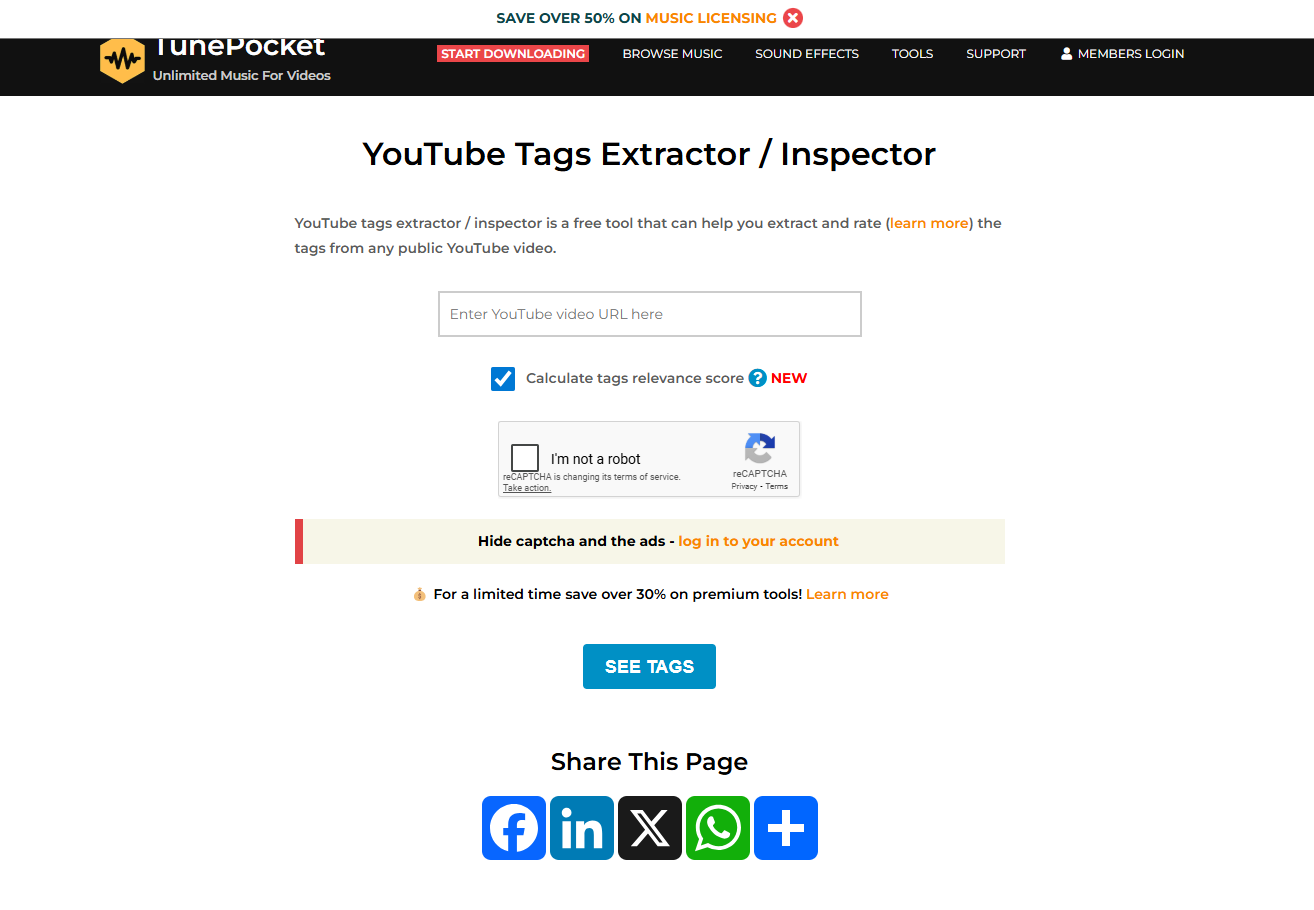
Key Features:
- Rank Verification: Tells you if the video appears in the top 10 or 20 results for a specific tag.
- Tag Strength: Helps identify which tags are actually driving traffic versus "dead" tags.
- Copy to Clipboard: Simple one-click copying for the best-performing tags.
Best For: Checking Tag Performance (Ranking Position)
#4. ToolsOverflow YouTube Tags Extractor
A classic utility site. ToolsOverflow offers a no-frills, web-based extractor. It is designed for speed and simplicity, making it ideal for users who need to check a single video quickly without logging in or setting up complex software.
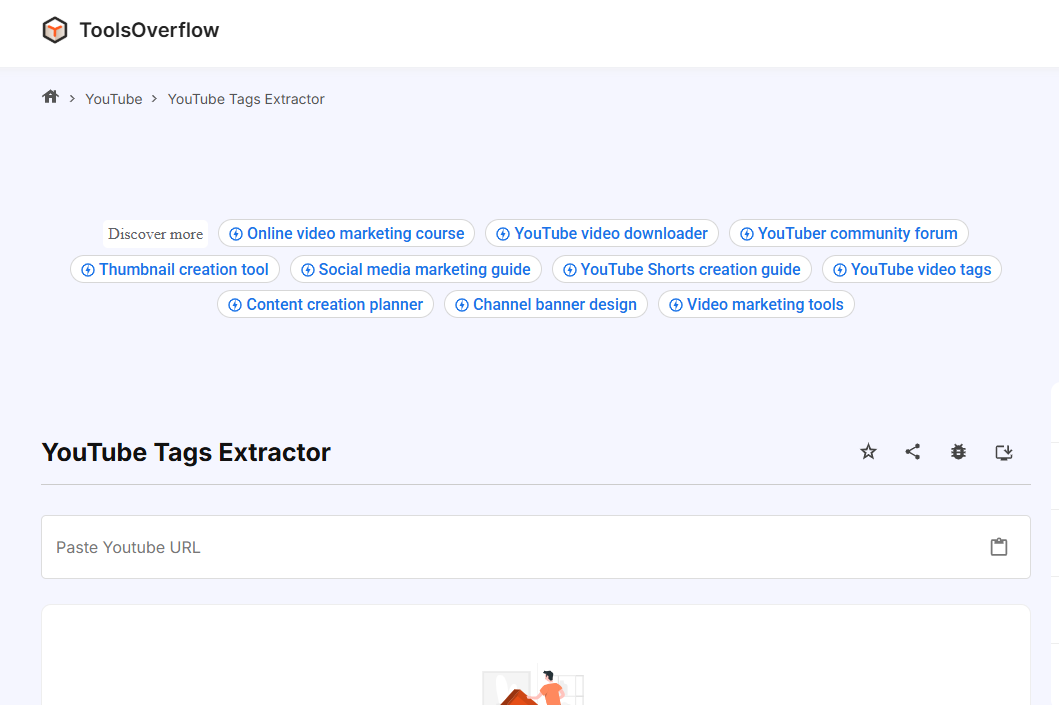
Key Features:
- Instant Access: No registration required.
- Lightweight: Loads fast on mobile and desktop.
- Bulk Copy: Allows you to copy the entire list of tags as a comma-separated string immediately.
Best For: Quick, Ad-Supported Free Use
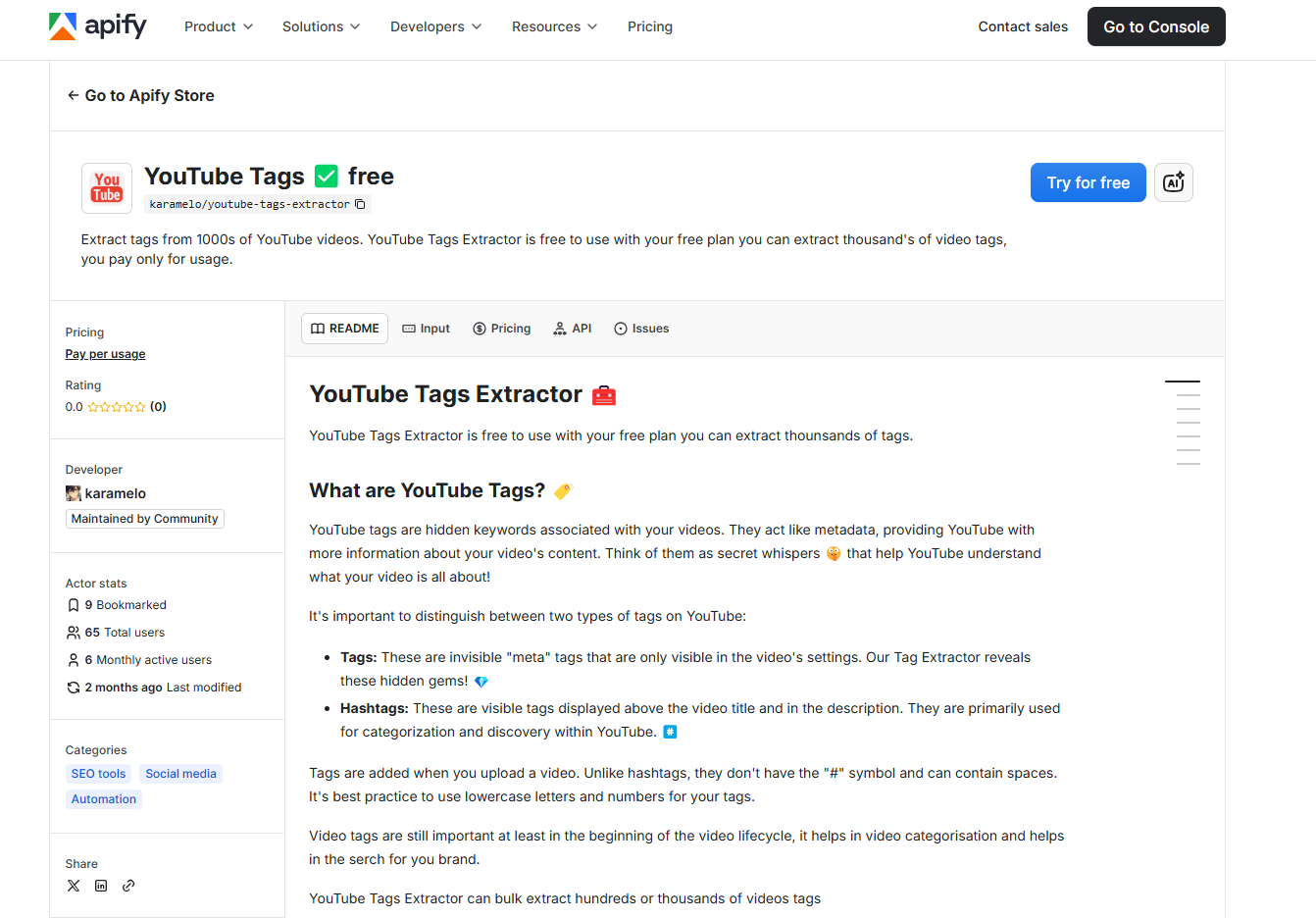
#5. Apify YouTube Tags Extractor
It is a cloud-scraping "Actor" on the Apify platform. It is designed for developers and data scientists who need to extract tags from thousands of videos at once via API.
Key Features:
- Scalability: Can scrape entire channels or search results, not just one video.
- JSON/Excel Export: Delivers data in structured formats ready for code analysis.
- API Integration: Can be integrated into your own software or Python scripts.
Best For: Developers & Bulk Data Scraping
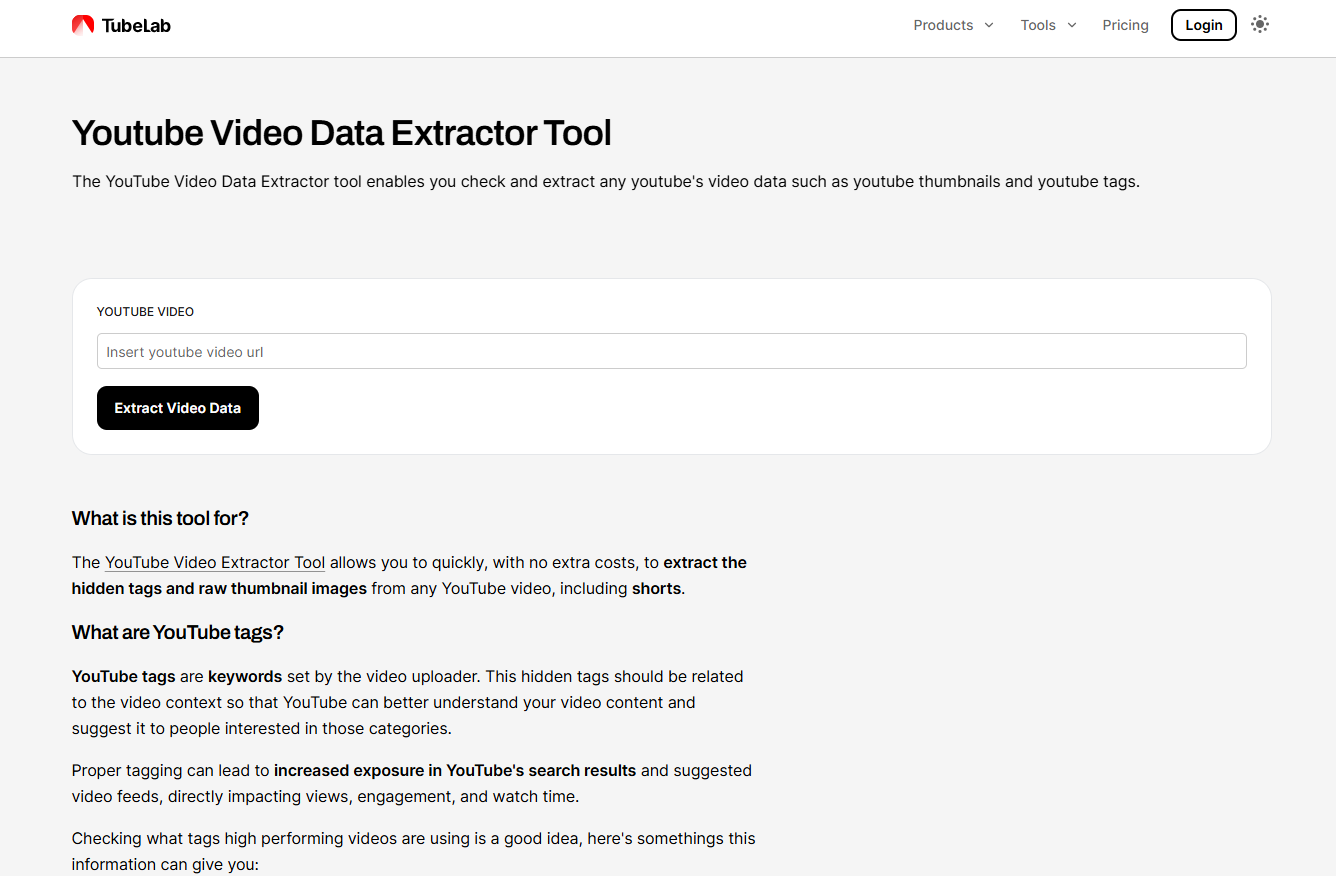
#6. TubeLab YouTube Video Data Extractor Tool
TubeLab is a comprehensive "Video Extractor." It is useful for designers and content managers because it pulls the high-resolution thumbnail images alongside the metadata tags.
Key Features:
- Visual Extraction: Downloads max-resolution thumbnails (HD/4K).
- Metadata Summary: Extracts the description, view count, and like count alongside tags.
- All-in-One: Good for archiving video assets.
Best For: Full Asset Extraction (Thumbnails + Tags)
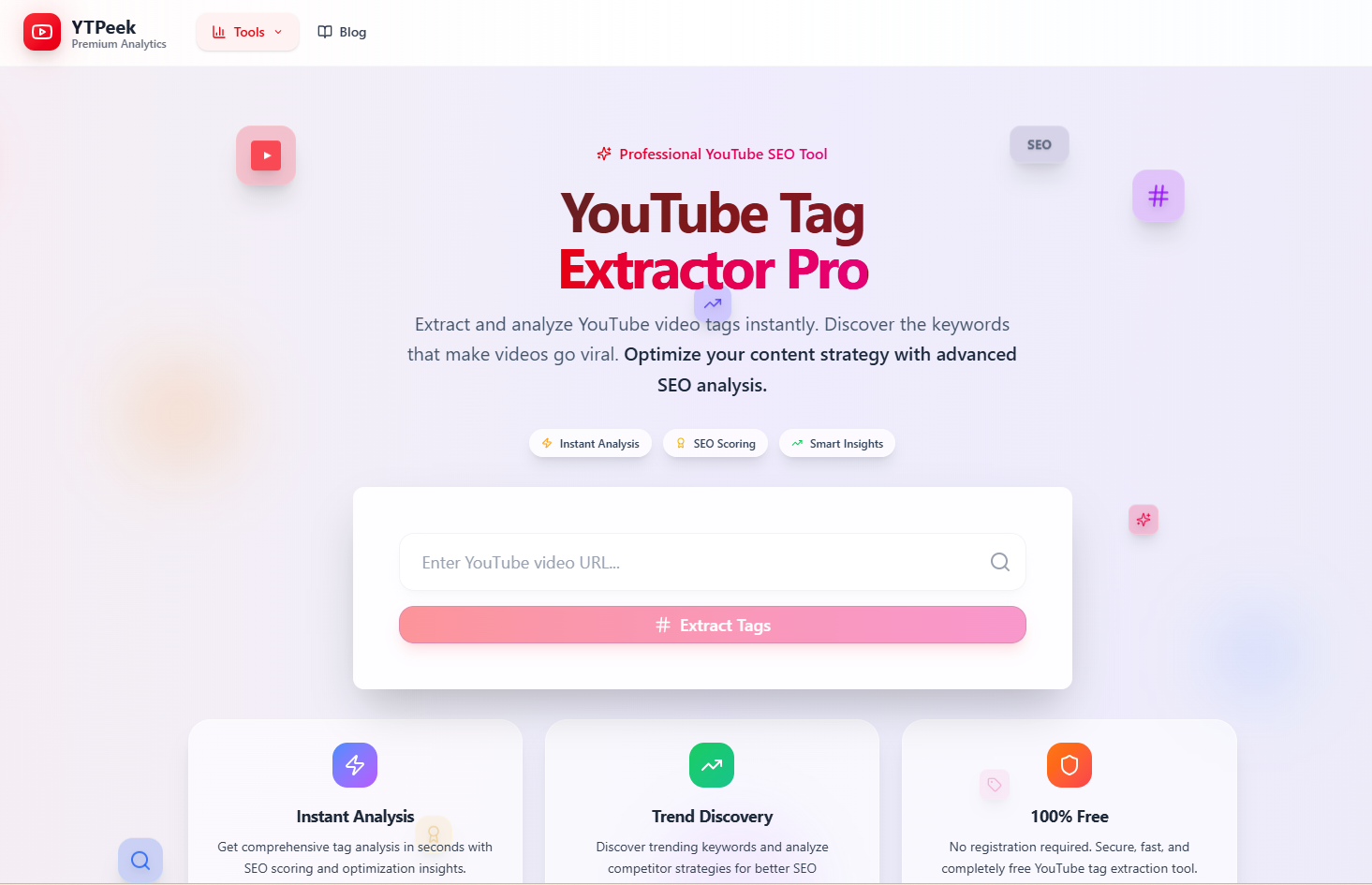
#7. YTPeek YouTube Tag Extractor Pro
YTPeek positions itself as a competitor spy tool. The interface is designed to help you "peek" behind the curtain of successful videos to understand their keyword strategy.
Key Features:
- Strategy Focus: Highlights the keywords competitors are using to get views.
- Simple Interface: Paste the URL and get the list instantly.
- Related Tools: Easy navigation to other tools like "Channel Audit" within the same ecosystem.
Best For: Competitor Strategy Research
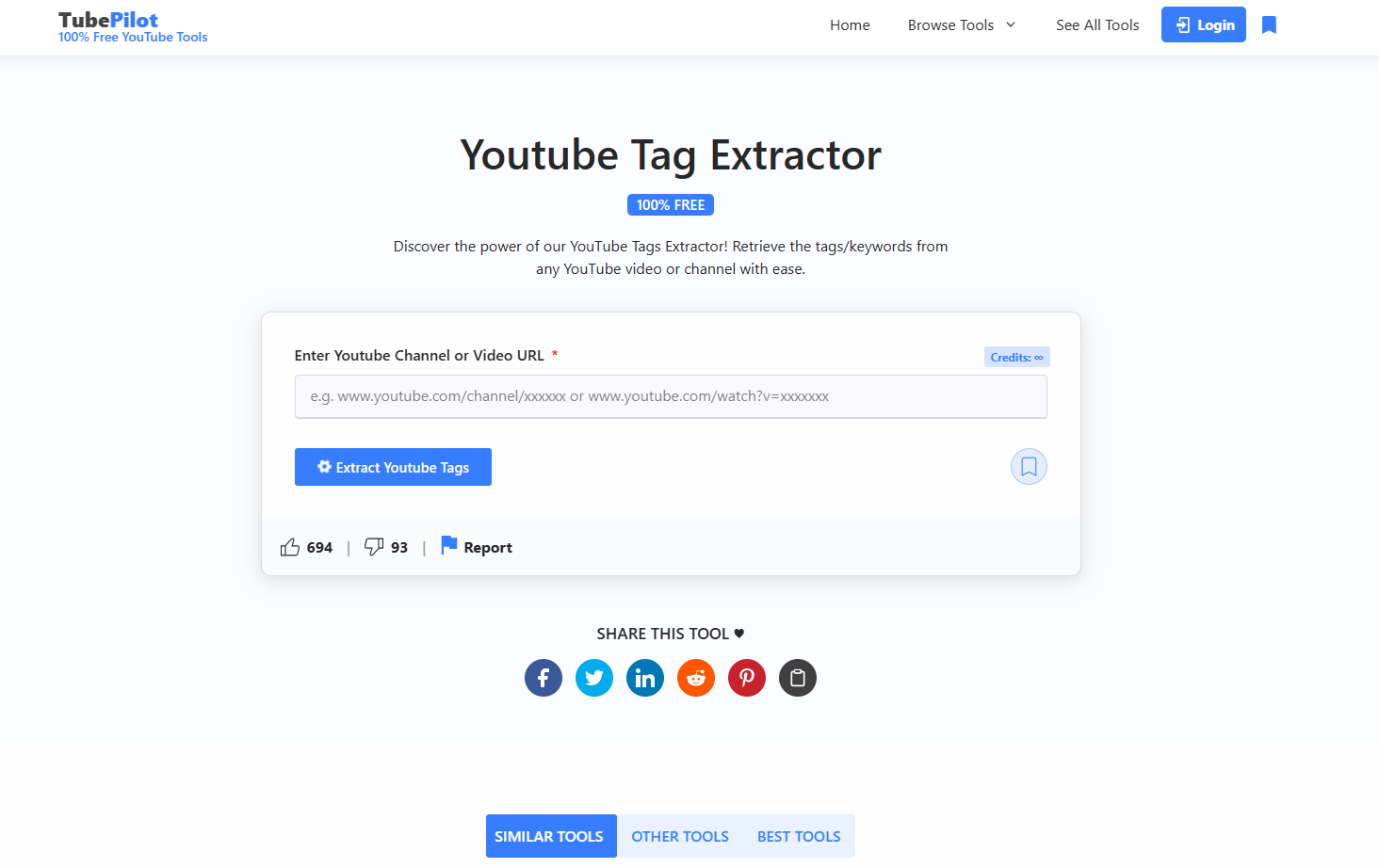
#8. TubePilot YouTube Tag Extractor
TubePilot is a straightforward platform dedicated to providing Free YouTube Tools for content creators. It is not a complex marketing suite but rather a collection of accessible, no-cost utilities designed to help users quickly grab metadata and improve their content without a paywall.
Key Features:
- Free Utility Suite: Offers a variety of free tools including a Tag Extractor, Tag Generator, Title Generator, and Description Generator.
- Simplicity: The interface is designed for quick, one-off tasks. You simply paste a URL or a keyword to get results immediately.
- Accessibility: It removes barriers for new creators by offering essential metadata tools completely for free, without requiring complex subscriptions.
Best For: Quick, Free YouTube Tools & Metadata Extraction
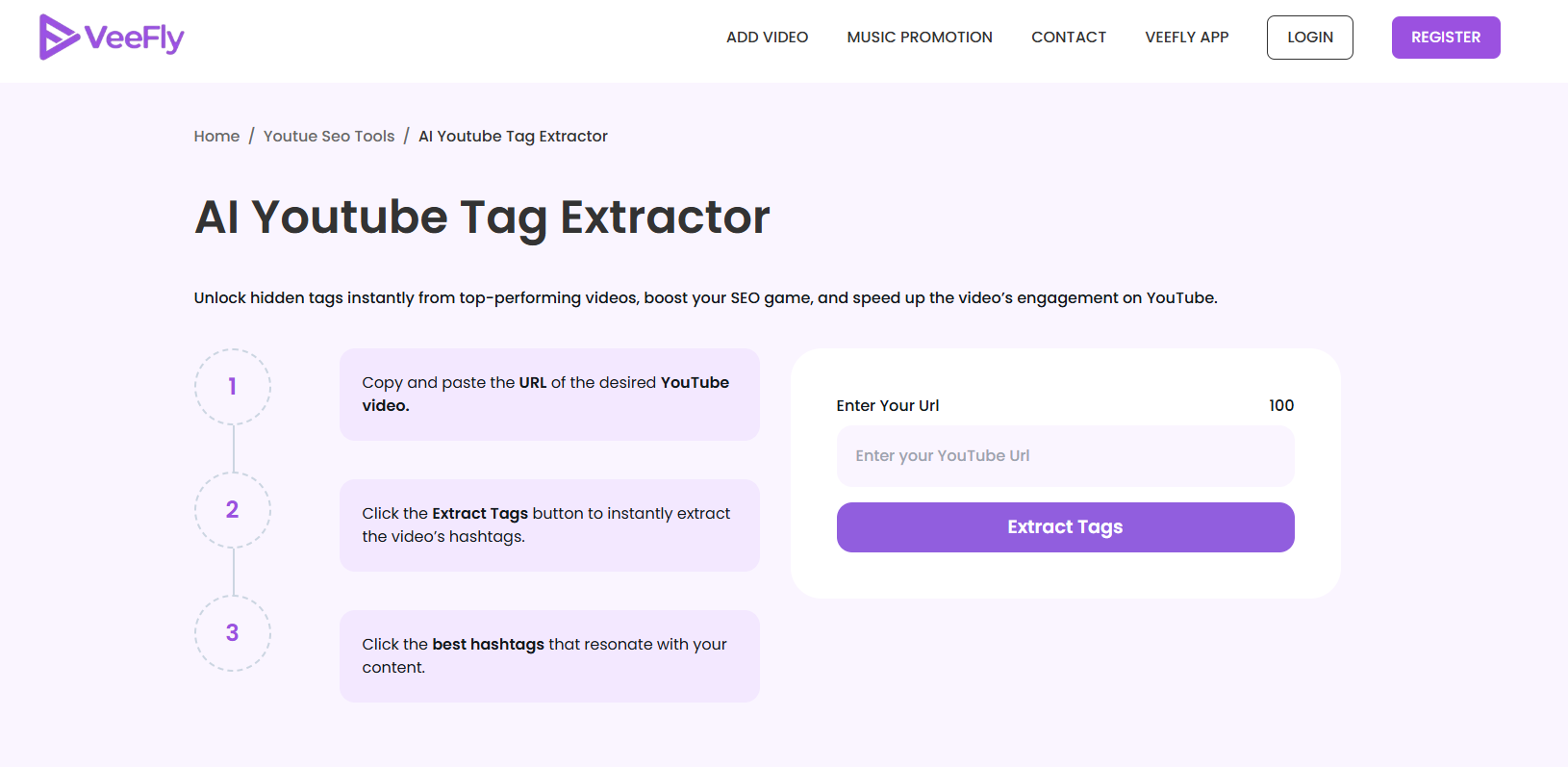
#9. VeeFly AI Youtube Tag Extractor
This is a specialized, free web-based utility provided by the VeeFly platform. It is designed specifically to extract and analyze the hidden meta tags from any public YouTube video URL, helping creators understand competitor strategies without needing to log in to the main platform.
Key Features:
- AI-Powered Tools: Features a robust set of AI tools, including an AI YouTube Tag Generator, AI Title Generator, and AI Idea Generator.
- One-Click Extraction: Users simply paste a YouTube video link, and the tool instantly retrieves all the hidden tags associated with that video.
- Competitor Analysis: It allows creators to "spy" on successful videos in their niche to see exactly which keywords are driving their views.
Best For: Quick & Free Competitor Tag Analysis.
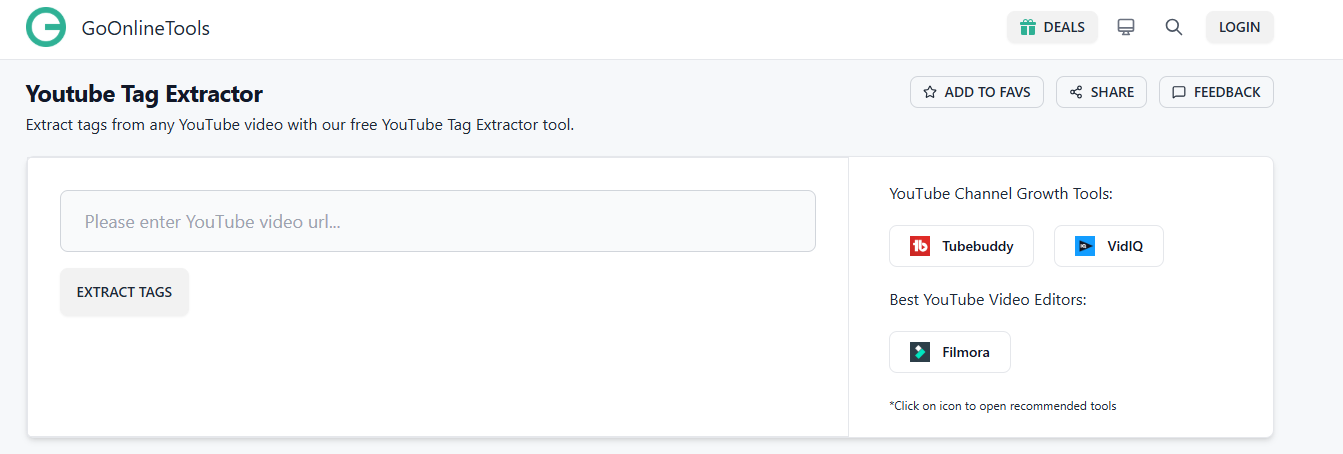
#10. GoOnlineTools YouTube Tag Extractor
This is a robust, general-purpose web utility. It is known for high uptime and reliability. It simply does what it says: extracts tags without unnecessary bloat or heavy scripts.
Key Features:
- Zero Friction: No sign-up, no paywall for basic use.
- Clear Formatting: Displays tags in a clear list and "box" format.
- Cross-Platform: Works perfectly on mobile browsers for on-the-go checking.
Best For: Reliable Utility & Reliability
After reviewing the options on this list, BrowserAct stands alone as the premier solution. It goes far beyond simple keyword extraction, distinguishing itself as a comprehensive browser automation and data scraping platform. BrowserAct empowers you to simulate real user behavior, allowing you to gather deeper, more accurate insights—from engagement metrics to intelligent video recommendations. For creators and marketers seeking unmatched flexibility, precision, and the ability to scale their data analysis, BrowserAct provides the advanced capabilities needed to truly dominate the platform.
👉 Stop guessing which tags work and start using data that drives actual views. Try BrowserAct YouTube Tag Extractor for Free Today!
How to Use the BrowserAct YouTube Tag Extractor Effectively
Getting deep insights into your competitors' strategies doesn't have to be complicated. BrowserAct simplifies the process of uncovering high-performing keywords into three straightforward steps.
Here is how to get started:
Step 1: Copy the YouTube Link
Navigate to YouTube and find the video you want to analyze. This could be a trending video in your niche or a top-performing competitor's content. Simply copy the full URL from your browser's address bar.
Step 2: Click "Start"
Paste the URL into the BrowserAct input field. Once the link is in place, hit the "Start" button. BrowserAct’s automation engine will immediately navigate to the video in the background to extract the hidden metadata.
Step 3: Check the Result
Within moments, the tool will present you with a comprehensive list of tags associated with that video. You can now review these keywords to understand how the video is categorized and copy the most relevant ones to optimize your own content strategy.
Conclusion
In the highly competitive world of YouTube, creating great content is only half the battle; ensuring your audience finds that content is the other. YouTube tags remain a critical, yet often overlooked, component of video SEO. They act as the bridge between your video and the search algorithm, helping to categorize your content, improve its discoverability, and place it alongside top-performing videos in the "Suggested" sidebar.
By analyzing the tags used by successful competitors, you gain invaluable insights into what keywords are driving traffic in your niche. However, manually digging for this metadata is tedious and inefficient.
This is where BrowserAct YouTube Tag Extractor shines. It transforms a complex analytical task into a simple, three-step process. By automating the extraction of video tags, BrowserAct saves you time and provides accurate data you can immediately use to optimize your own video titles, descriptions, and metadata.
Ready to boost your video rankings?
Stop guessing which keywords work and start using data-backed strategies today. Try the BrowserAct YouTube Tag Extractor now to unlock the hidden SEO potential of any video and take your channel’s growth to the next level.


