Clawdbot (Moltbot) and the Rise of Local AI Agents on Your Computer

I had just gotten comfortable with Claude Code when the internet collectively decided it was already obsolete.
“RIP,” people said.
It was a Monday morning, the kind that reminds you just how fast AI is evolving.
And the so-called Claude killer?
A bright red little lobster called Clawdbot (Moltbot).
The Internet Is Hyping Clawdbot (Moltbot)
The praise came fast and loud.
Claude, but with hands
What Siri should have been if Apple actually cared
A real-life Jarvis
The first real step toward autonomous AGI
And this time, the hype wasn’t empty.
Mac minis suddenly became resale assets
GitHub stars surged past 26.8k
Social feeds filled with demos and jaw-dropping clips
So the obvious question is clear.
What exactly is Clawdbot (Moltbot)?
What Is Clawdbot (Moltbot)?
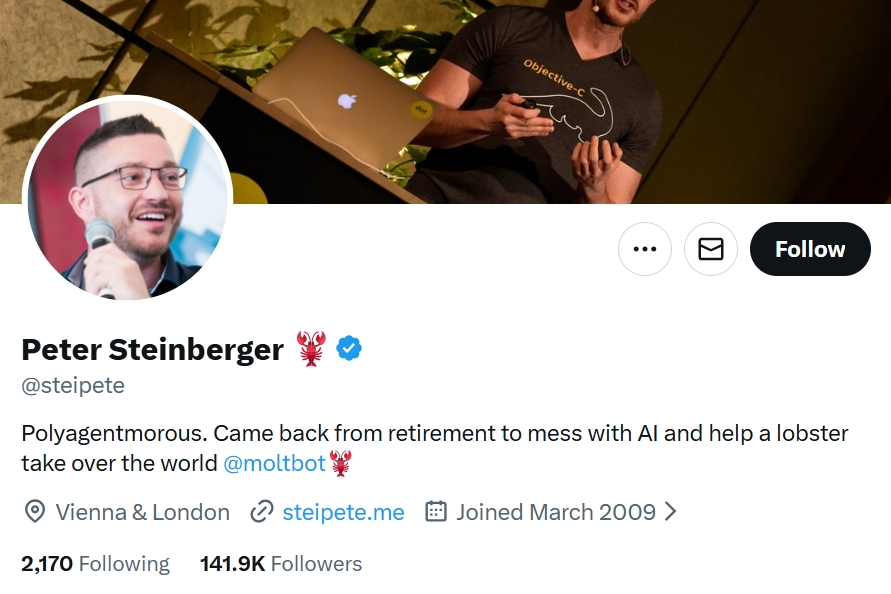
Clawdbot (Moltbot) is an open-source, local-first AI agent created by Peter Steinberger.
Peter describes himself as retired, joking that he’s building AI to help lobsters take over the world.
In reality, he sold his first startup in 2011 for roughly €100M and returned to AI out of curiosity, not necessity.
The project technically existed last year, but it suddenly went viral.
So viral that Peter himself posted that everyone had lost their minds.
How Clawdbot (Moltbot) Works
At a high level, Clawdbot (Moltbot) runs locally on your Mac as an AI-driven agent.
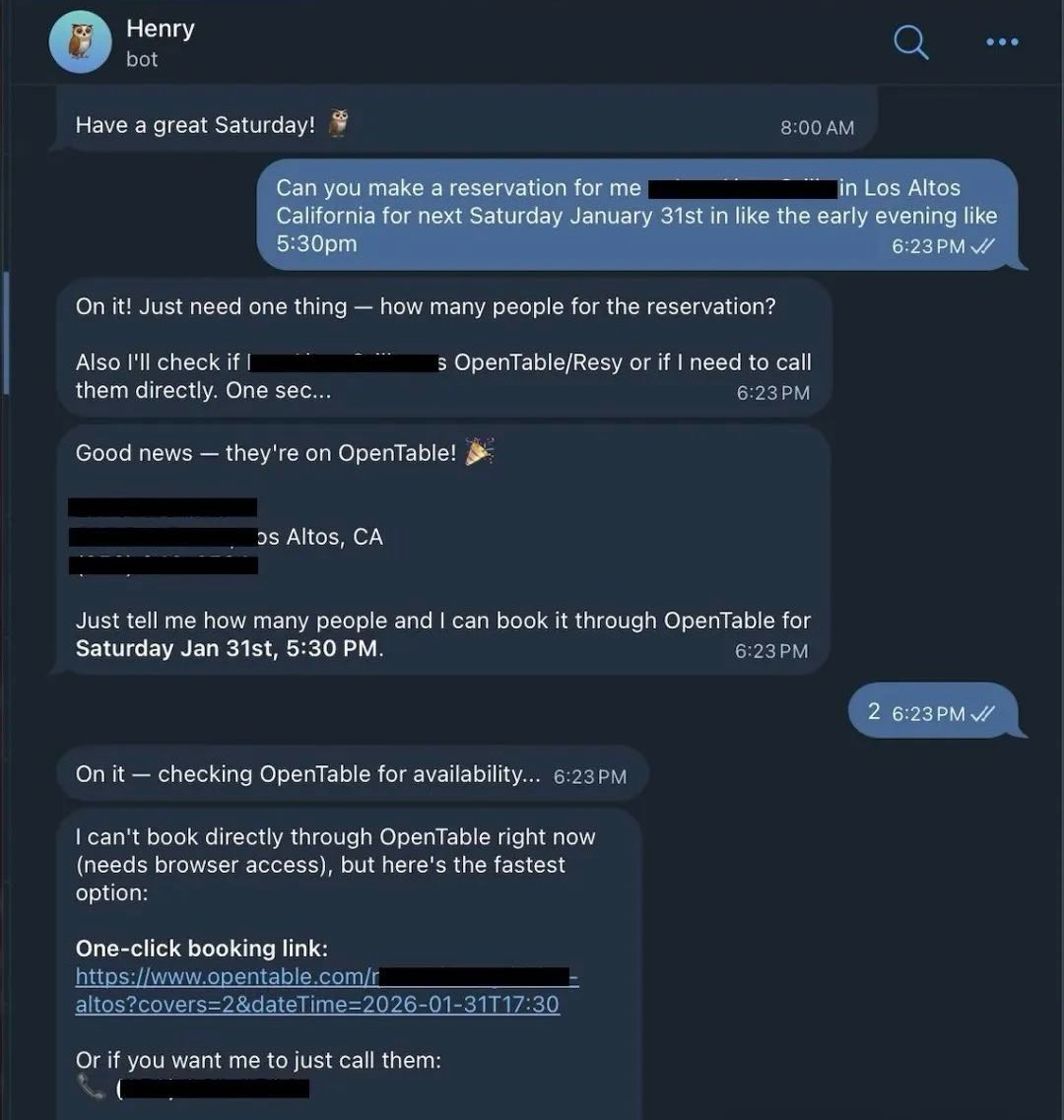
You communicate with it through everyday messaging apps such as iMessage, WhatsApp, and Telegram.
From there, it can directly control your operating system, manage files and folders, write and refactor code, browse websites, and execute multi-step workflows.
There is no dashboard, no browser UI, and no simulated behavior.
It does not pretend to click buttons.
It actually does.
What People Are Using Clawdbot (Moltbot) For
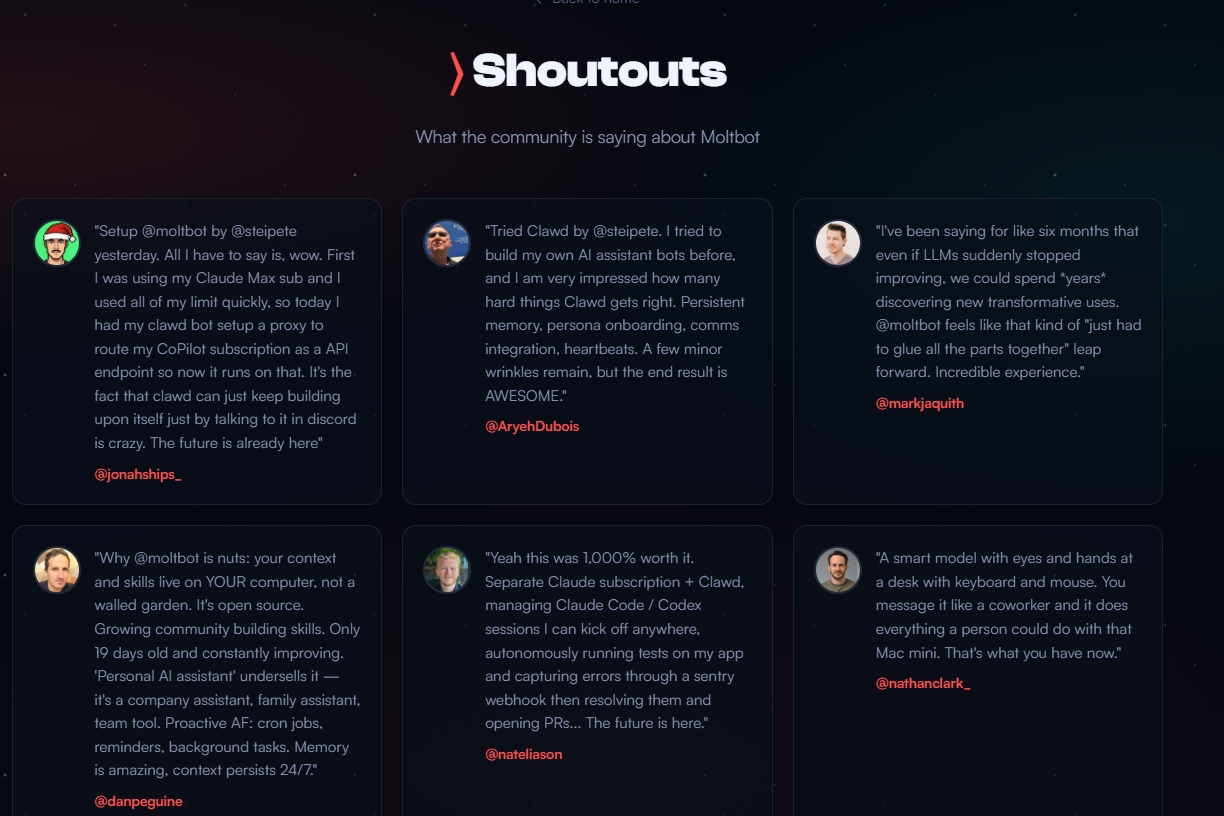
After reviewing dozens of real user showcases, several patterns emerge.
Personal Assistant and Productivity Automation
Many users treat Clawdbot (Moltbot) as a personal operating system for work and life.
Common workflows include smart scheduling that prioritizes tasks and automatically fills Google Calendar, inbox cleanup that processes tens of thousands of Gmail messages, and personal memory systems that generate daily Markdown logs synced into tools like Obsidian or Notion.
Smart Home and Everyday Automation
Because Clawdbot (Moltbot) runs locally, it integrates naturally with hardware.
Users control Spotify, Sonos, Philips Hue, and smart TVs.
They automate weekly meal planning, grocery lists, and weather-based reminders.
Some even let it handle real-world errands like reading travel emails, checking into flights, and negotiating with car dealerships via email.
Several users reported saving thousands of dollars.
Developer Workflows and Building Software
This is where Clawdbot (Moltbot) truly shines.
Developers use it to fix bugs, refactor code, and open or merge pull requests remotely from their phones.
Others let it write its own skills, install integrations, and evolve without manual intervention.
Some users even run multiple agents with different roles, essentially managing a small AI team.
Content Creation and Research
Clawdbot (Moltbot) also acts as a lightweight media studio.
It transcribes audio, collects sources, summarizes research, monitors Reddit, Hacker News, and X, and sends daily digests highlighting relevant discussions.
Isn’t This Just Another AI Agent?
Not really.
Clawdbot (Moltbot) differs in three critical ways.
It is local-first by design, meaning no cloud execution and no data leaving your computer.
It integrates deeply with macOS, leveraging system shortcuts to control real apps, read and write local files, and access Mail, Calendar, and Reminders.
It also uses messaging apps as the interface, eliminating the need to learn a new dashboard or UI.
You simply text it, and it gets to work.
Why You Shouldn’t Rush In Yet
Despite the hype, Clawdbot (Moltbot) is not for everyone.
The technical barrier is high. Setup often involves terminal commands, Node.js environments, API keys, JSON workflows, and debugging cryptic errors. Non-technical users should expect at least one to two hours just to get started.
Costs can also add up quickly. Light usage may cost $10 to $30 per month, while heavy automation can reach $70 to $150. Some users have burned hundreds of millions of tokens in weeks.
It is also not magic. Vague goals do not work, permissions limit what it can do, bugs happen, and you are your own support team.
Even the creator warns that it might mess up your files and should be used carefully.
Who Should Use Clawdbot (Moltbot)?
Clawdbot (Moltbot) is best suited for developers, power users, internal technical teams, and people who enjoy configuring systems.
It is less ideal for mainstream consumers, at least for now.
Why Clawdbot (Moltbot) Still Matters
Clawdbot (Moltbot) matters not because it is perfect, but because it points toward a new direction for personal AI.
Local, autonomous, deeply integrated.
Today, it remains an early-stage project rather than a polished consumer product.
If you try it, start with low-risk tasks, avoid critical files, and build trust gradually.
The Real Power Move: Clawdbot (Moltbot) and BrowserAct
Clawdbot (Moltbot) excels at local reasoning and system control.
But when it comes to browser automation and web data, pairing it with BrowserAct unlocks real scale.
BrowserAct provides no-code web scraping, real browser automation, CAPTCHA and bot-detection handling, global residential IP rotation, production-ready reliability, and integrations with APIs, n8n, and Make.
Clawdbot (Moltbot) decides what to do.
BrowserAct executes it on the web like a real human.
If you are serious about autonomous workflows, this combination is hard to beat.
→ Start Building with BrowserAct
Related reading: AI Computer Use Security: How to Sandbox Agents Before They


