Can Clawdbot Do It All? 12 Use Cases That Work & What Fail

12+ Clawdbot use cases tested: email management, competitor monitoring, research automation, file organization & more. Real setup times and honest limitations.
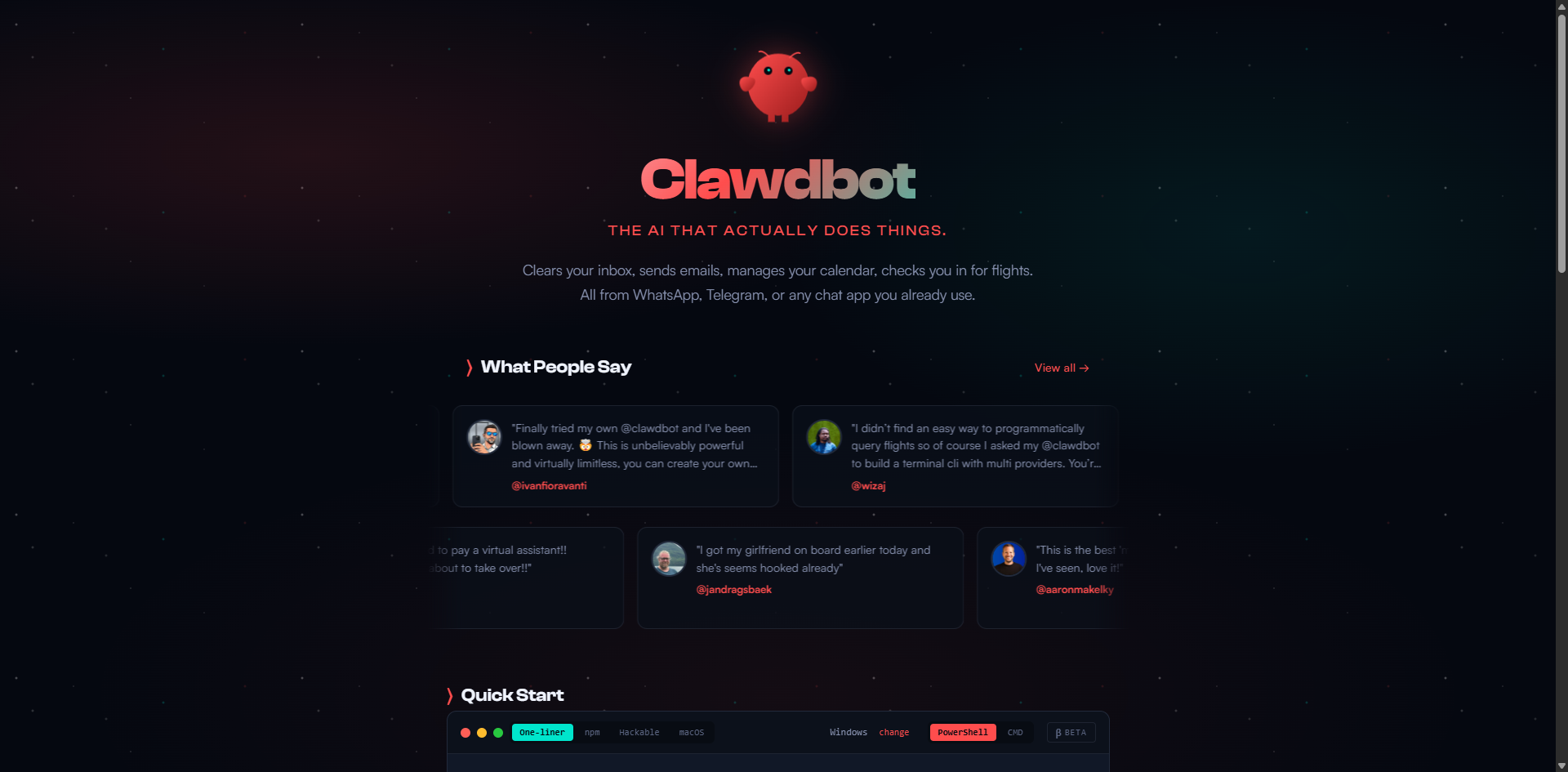
Everyone's talking about Clawdbot—the AI agent that can control your computer, send messages, and automate your life. But here's what nobody's telling you: half the demos you see took hours to set up.
This guide cuts through the hype. I'll show you what works out of the box, what requires serious configuration, and whether it's worth your time.
TL;DR: Is Clawdbot Worth It?
Yes, if you:
- Know your way around a terminal
- Have repetitive tasks eating up hours each week
- Need to scrape data from multiple sources regularly
- Want to automate your digital life (and willing to invest setup time)
No, if you:
- Want plug-and-play automation (it's not ready for that)
- Don't have a server to run 24/7
- Expect it to magically know what you need
Bottom line: Clawdbot is incredibly powerful for technical users who understand automation. Think of it as giving your AI assistant actual hands—but you need to teach it what to do with them.
What Can Clawdbot Actually Do?
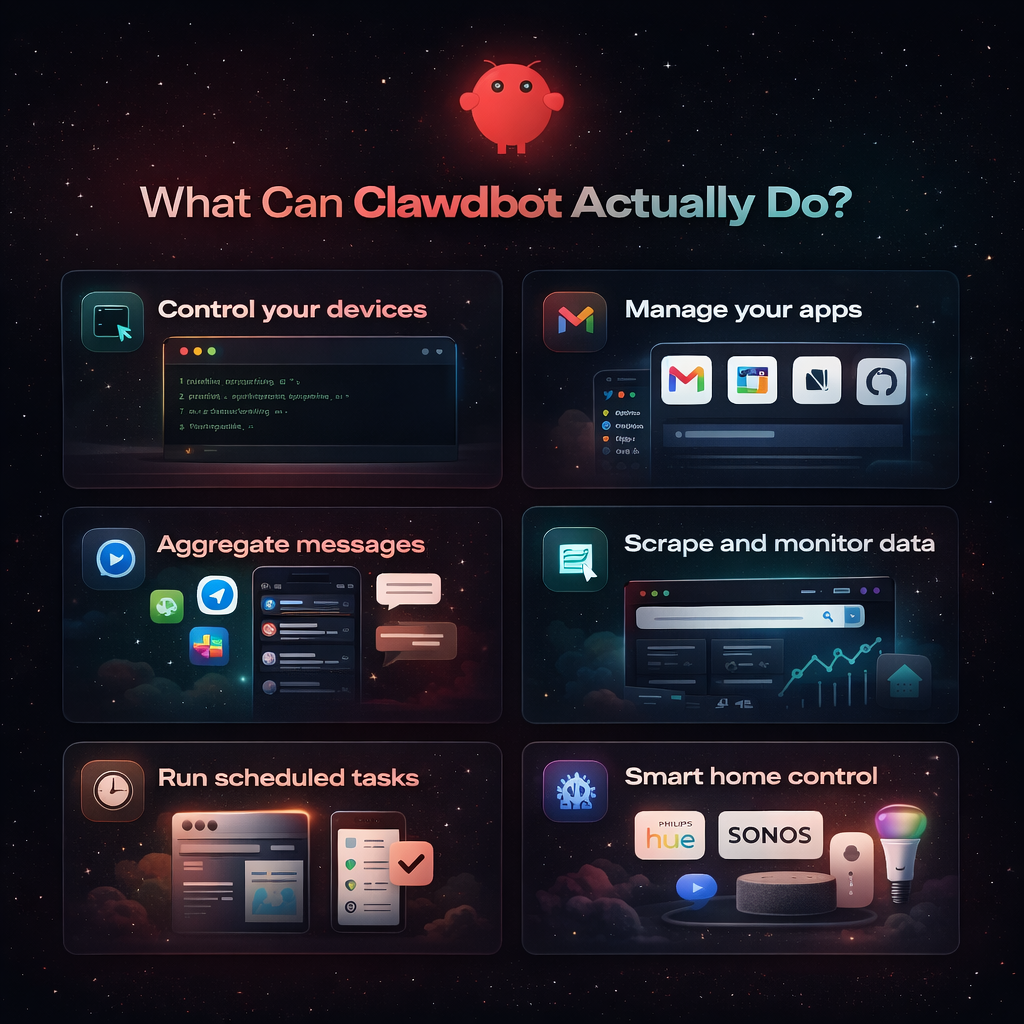
Clawdbot breaks the fourth wall of traditional chatbots. Instead of just talking, it can:
- Control your devices: Take screenshots, run terminal commands, automate browser tasks
- Manage your apps: Access Gmail, Google Calendar, Notion, GitHub, and more
- Aggregate messages: Pull conversations from WhatsApp, Telegram, Slack into one place
- Scrape and monitor data: Extract information from websites, track changes, compile reports
- Run scheduled tasks: Automated reports, monitoring, data collection
- Smart home control: Philips Hue, Sonos, Home Assistant integration
But here's the key distinction most reviews miss:
Level 1: Works Out of the Box (5-10 Minutes Setup)
You can ask ClawdBot work immediately after basic installation:
1. File Management
What you can do:
- "Organize my Downloads folder by type and date"
- "Find all PDFs from last month"
- "Back up my Documents folder"
- "Move all invoices to my accounting folder"
Time investment: 5 minutes. Results are instant.
2. Simple Research & Data Collection
What you can do:
- "Find 10 recent articles about AI safety and summarize key concerns"
- "What's trending on Product Hunt right now?"
- "Summarize these 5 articles" (just paste links)
- "Extract all email addresses from this webpage"
- "Check this product page every hour and alert me when the price drops below $500"
Real talk: Works instantly with web search enabled for standard HTML sites.
Limitation: Only works with simple websites. Complex sites with authentication, CAPTCHA, or heavy JavaScript won't work reliably.
Solution for complex sites: Integrate BrowserAct for handling CAPTCHA, JavaScript rendering, and authentication challenges.
3. Calendar & Email Management
What you can do:
- "What's on my schedule today?"
- "Show my last 10 emails"
- "Search my email for [keyword]"
- "Find all emails from clients this month"
Note: Requires one-time calendar/email access configuration (15-30 minutes).
4. Text Processing & Data Extraction
What you can do:
- "Summarize this document"
- "Extract key points from this interview transcript"
- "Convert this data to CSV format"
- "Pull all phone numbers from these 20 PDFs"
Time saved: 2 hours manual work → 2 minutes automated for text-based PDFs.
5. Basic Automation
What you can do:
- "Run this script every morning at 8 AM"
- "Monitor this website for changes"
- "Alert me when [file] is updated"
- "Check these 10 competitor websites daily and compile changes"
Level 2: Powerful But Requires Configuration (Hours to Days)
These require custom skills, API connections, and serious setup:
6. Advanced Email Management
What's possible:
- Auto-categorize thousands of emails
- Smart filtering and archiving
- Custom rule-based processing
- Extract structured data from receipt emails
Requirements: Email client CLI setup, custom workflows, testing
Time investment: 2-4 hours initial setup
Example use case: "Automatically extract all invoice amounts from supplier emails and add them to a Google Sheet for accounting."
7. Market Data & Financial Research Automation
What's possible:
- Real-time market monitoring
- Unusual volume alerts
- Automated data analysis from financial sites
- Scraping SEC filings and earning reports
Requirements: Data provider APIs, custom monitoring scripts, authentication
Time investment: 4-8 hours (plus ongoing maintenance)
Example workflow:
- Monitor multiple financial news sites for mentions of specific companies
- Scrape earning reports from investor relations pages
- Compile daily summary reports
- Alert when unusual trading patterns detected
The challenge: Many financial sites have anti-scraping measures, require login, or use complex JavaScript rendering.
8. E-commerce Price Monitoring & Competitor Analysis
What's possible:
- Track competitor pricing across multiple platforms
- Monitor product availability
- Extract product reviews and ratings
- Compile market intelligence reports
Example command: "Track the top 20 products in [category] on Amazon, Walmart, and Target. Alert me when any competitor drops their price below mine."
The reality: This sounds simple but faces major obstacles:
Common challenges:
- Amazon uses CAPTCHA for automated access
- Many e-commerce sites require login to see pricing
- Dynamic JavaScript rendering makes traditional scraping fail
- IP-based rate limiting blocks repeated requests
- Getting banned from platforms you need to monitor
Solution: Integrate BrowserAct for Reliable E-commerce Scraping
BrowserAct is a cloud browser and AI web scraper platform designed specifically to handle these challenges:
What BrowserAct solves:
- CAPTCHA handling: Automatically bypasses CAPTCHA challenges
- Login automation: Manages authentication flows without getting flagged
- Bring your own IP: Import your own static IPs to prevent blocks and bans
- JavaScript rendering: Handles complex dynamic sites like Amazon, eBay, Walmart
- Ready-to-use templates: Pre-built e-commerce scraper templates for major platforms
- Simple API integration: No complex setup—just call the API and get clean data back
- No account bans: Designed to stay under platform radar
Integration approach: Instead of spending hours building scrapers from scratch, simply:
- Use BrowserAct's pre-built e-commerce templates for Amazon, Walmart, etc.
- Call BrowserAct API from Clawdbot with simple commands
- Get structured data back without dealing with CAPTCHA or authentication
- Optional: Import your own static IPs for additional reliability
Setup time: 30-60 minutes (vs. 3-5 hours building custom scrapers)
Maintenance: Nearly zero—BrowserAct handles platform changes automatically
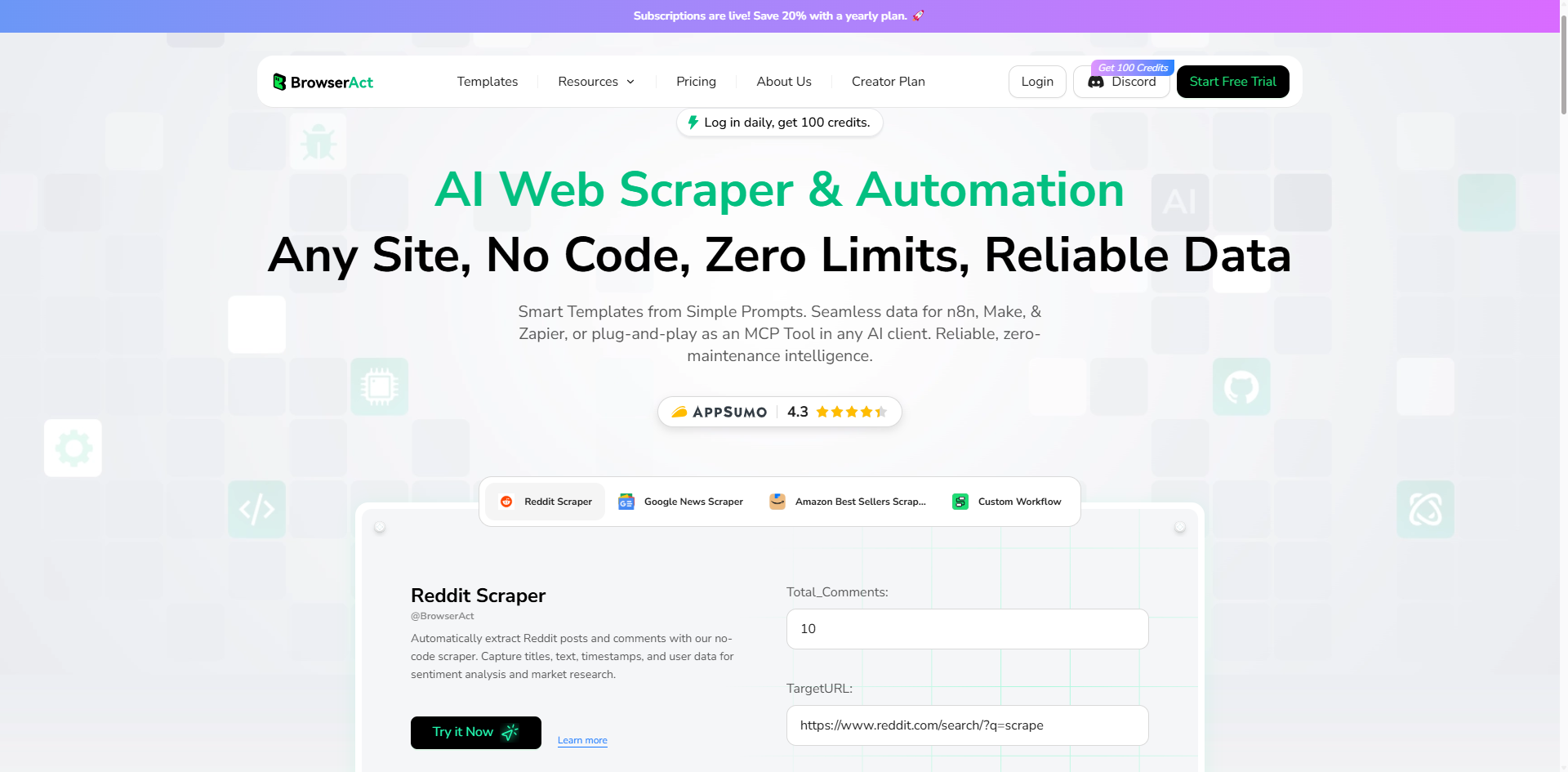
Ready to start scraping without the headaches? Get your BrowserAct API key and integrate with Clawdbot in under an hour.
9. Social Media Automation
What's possible:
- Multi-platform posting
- Engagement monitoring
- Brand tracking
- Competitor social media analysis
Requirements: Social media APIs, custom integrations, rate limit handling
Time investment: 3-6 hours per platform
For social media data scraping & monitoring: BrowserAct excels at handling the technical challenges:
- Account management: Host social media accounts without triggering security alerts
- 2FA handling: Manages two-factor authentication automatically
- Anti-ban protection: Designed to prevent account suspension from automated access
- Bring your own IP: Use your own static IPs for added reliability
- Session persistence: Maintains logged-in state across scraping sessions
This makes BrowserAct ideal for competitive analysis, sentiment monitoring, and data extraction from social platforms.
10. Research Report & Data Aggregation
What's possible:
- Automatically compile market research from multiple sources
- Extract data from paywalled research platforms
- Monitor industry news and create daily briefings
- Pull data from financial databases and compile reports
Example use case: "Every Monday morning, compile a report of the top 10 news articles about [industry], extract key statistics, and email it to my team."
The challenge: Many research platforms have restrictions:
- Login-required content: Research databases, industry reports, financial data platforms
- Paywall restrictions: Premium content behind authentication
- Geographic restrictions: Some data sources block non-local IPs
- Complex verification: Slider CAPTCHAs, email verification, 2FA
- Heavy anti-scraping: Financial data providers aggressively block bots
How BrowserAct helps:
For research automation, BrowserAct handles:
- Session management: Maintains logged-in sessions without triggering security alerts
- Verification bypass: Handles complex human verification flows
- Geographic access: Static IPs from specific regions to access geo-restricted content
- Stealth browsing: Browser fingerprinting that appears human
Real-world example:
Task: Monitor 50 industry research platforms for new reports on competitors

Without BrowserAct:
- Manual login to each platform daily
- Handle CAPTCHAs manually
- Risk account suspension from automated access
- Time: 2-3 hours daily

With Clawdbot + BrowserAct:
- BrowserAct manages all logins and verification
- Clawdbot processes and summarizes the data
- Daily automated reports
- Time: 15 minutes to review summary
Setup time: 3-5 hours initially
Ongoing value: 2+ hours saved daily
11. Complex Code Projects & GitHub Automation
What's possible:
- Full application development assistance
- GitHub repository management
- Automated testing and deployment
- Code review and documentation generation
Requirements: Configured environment, clear requirements, iterative refinement
Time investment: Varies wildly (hours to days)
12. Lead Generation & Business Intelligence
What's possible:
- Extract contact information from company websites
- Build prospect lists from industry directories
- Monitor competitor job postings
- Track company news and funding announcements
Example workflow:
- Scrape list of companies in specific industry
- Visit each company website to extract contact info
- Check LinkedIn for key decision-makers
- Compile into structured CRM format
- Update daily with new companies
The challenge: Many business directories have anti-scraping measures:
- LinkedIn aggressively blocks automated access
- Company directories use CAPTCHA
- Contact information often hidden behind forms
- IP-based rate limiting
BrowserAct integration for lead gen:
- Handles LinkedIn navigation without triggering bans
- Bypasses directory CAPTCHAs
- Rotates IPs to avoid rate limits
- Maintains session across multiple page visits
Time investment: 4-6 hours setup
Value: Build prospect lists 10x faster than manual research
What Clawdbot Can't Do (Honest Limitations)
It's Not a Mind Reader
Clawdbot needs clear, specific instructions to work effectively.
❌ Vague requests that won't work:
- "Make my business successful"
- "Find me hot leads"
- "Research my competitors"
✅ Specific requests that work:
- "Analyze my sales pipeline data and identify the top 3 bottlenecks" (with proper data access)
- "Scrape companies in [industry] from [directory], filter by [criteria], extract contact info using BrowserAct"
- "Scrape the pricing pages of these 10 competitor websites using BrowserAct, extract their top 3 plan prices and features, compile into comparison spreadsheet"
The rule: The more detailed your instructions, the better the results.
It Requires Proper Setup & Permissions
Clawdbot isn't magic—it works within the access you give it:
- ❌ Can't access accounts without proper credentials
- ❌ Can't ethically bypass security measures
- ❌ Can't work without configured APIs and integrations
- ✅ Only operates within the permissions you explicitly grant
Bottom line: You need to set up authentication and access before Clawdbot can automate tasks.
Advanced Features Aren't "Out of the Box"
Those impressive demos you see online? They required significant work:
What goes into advanced automations:
- Custom skill development: 2-8 hours per workflow
- API integration and testing: 1-3 hours
- Error handling and edge case management: 1-2 hours
- Ongoing maintenance as platforms change
The potential is absolutely real—but so is the work required to unlock it.
Human Oversight Is Still Essential
AI can make mistakes with confidence. Never blindly trust outputs for:
- ❌ High-stakes business decisions
- ❌ Financial transactions
- ❌ Automated customer communications
- ❌ Data that will be published publicly
Best practice: Always verify important outputs before taking action. Use Clawdbot to accelerate your work, not replace your judgment.
Who Should Use Clawdbot?
Perfect Fit (Immediate Benefits):
- Data analysts who need to aggregate data from multiple sources
- E-commerce sellers tracking competitors and market trends
- Developers comfortable with command line and APIs
- Researchers compiling data from various platforms
- Marketers needing competitive intelligence
- Real estate investors monitoring property listings
- Recruiters tracking job market trends
- Anyone with repetitive data collection tasks
Can Make It Work (Requires Patience):
- Semi-technical users willing to learn
- Those with clear, specific automation goals
- People comfortable reading documentation
- Users able to troubleshoot basic issues
- Those willing to invest 10-20 hours in learning
Not Ready Yet:
- Complete beginners to command line
- Expecting instant, zero-setup solutions
- Unwilling to invest learning time
- Need enterprise support and guarantees
- Want perfect reliability from day one
Final Verdict: Should You Use Clawdbot?
Clawdbot is genuinely powerful for automating repetitive tasks and data collection, but it's not a plug-and-play solution. It's a tool for technical users who have clear automation goals and are willing to invest time in setup and configuration.
The reality: If you're spending 10+ hours a week on repetitive data tasks—checking competitor prices, compiling research reports, monitoring multiple platforms—Clawdbot can save you massive amounts of time. But those impressive demos you see on Twitter? They took hours (sometimes days) to configure. The tool delivers results, but you'll need to put in the work upfront.
For serious web scraping and data collection, pairing Clawdbot with BrowserAct is game-changing. While Clawdbot handles the AI logic and workflow orchestration, BrowserAct solves the technical challenges that make scraping difficult: CAPTCHA handling, complex authentication, JavaScript rendering, and account ban prevention. BrowserAct's ready-to-use scraping templates and simple API integration mean you can deploy in minutes instead of spending days building custom scrapers. Plus, you can bring your own static IPs for additional reliability.
Start with simple automations to learn the system, then scale to more complex workflows as you gain confidence. The combination of Clawdbot's intelligence with BrowserAct's scraping infrastructure gives you capabilities that previously required an entire team—now accessible through simple API calls.
Ready to automate your workflow? Get started with Clawdbot and integrate BrowserAct for reliable data collection. Your future self will thank you.


