Best n8n Alternatives: Zapier, Make, Dify, Coze Compared

Compare n8n vs Zapier vs Make vs Dify vs Coze. In-depth analysis of features, pricing, AI capabilities, and use cases to find your ideal automation tool.
AI-powered workflow automation has become the cornerstone of business digitalization in 2026. As companies seek to streamline operations and leverage artificial intelligence, choosing the right automation platform is critical. This comprehensive guide compares the five leading workflow automation platforms—n8n, Coze, Dify, Zapier, and Make—across six key dimensions: core positioning, features, deployment requirements, use cases, user experience, and cost-effectiveness.
Whether you're researching n8n alternatives, comparing n8n vs Zapier, evaluating n8n vs Make vs Zapier, or specifically looking at n8n vs Dify for AI capabilities, this guide provides the decision-making framework you need.
Automation Platform Overviews
1. n8n: Open-Source Automation Engine
n8n is a fair-code licensed workflow automation tool that gives you complete control over your automation infrastructure. Built with a node-based visual interface, it offers 500+ pre-built integrations and supports JavaScript and Python for custom logic.
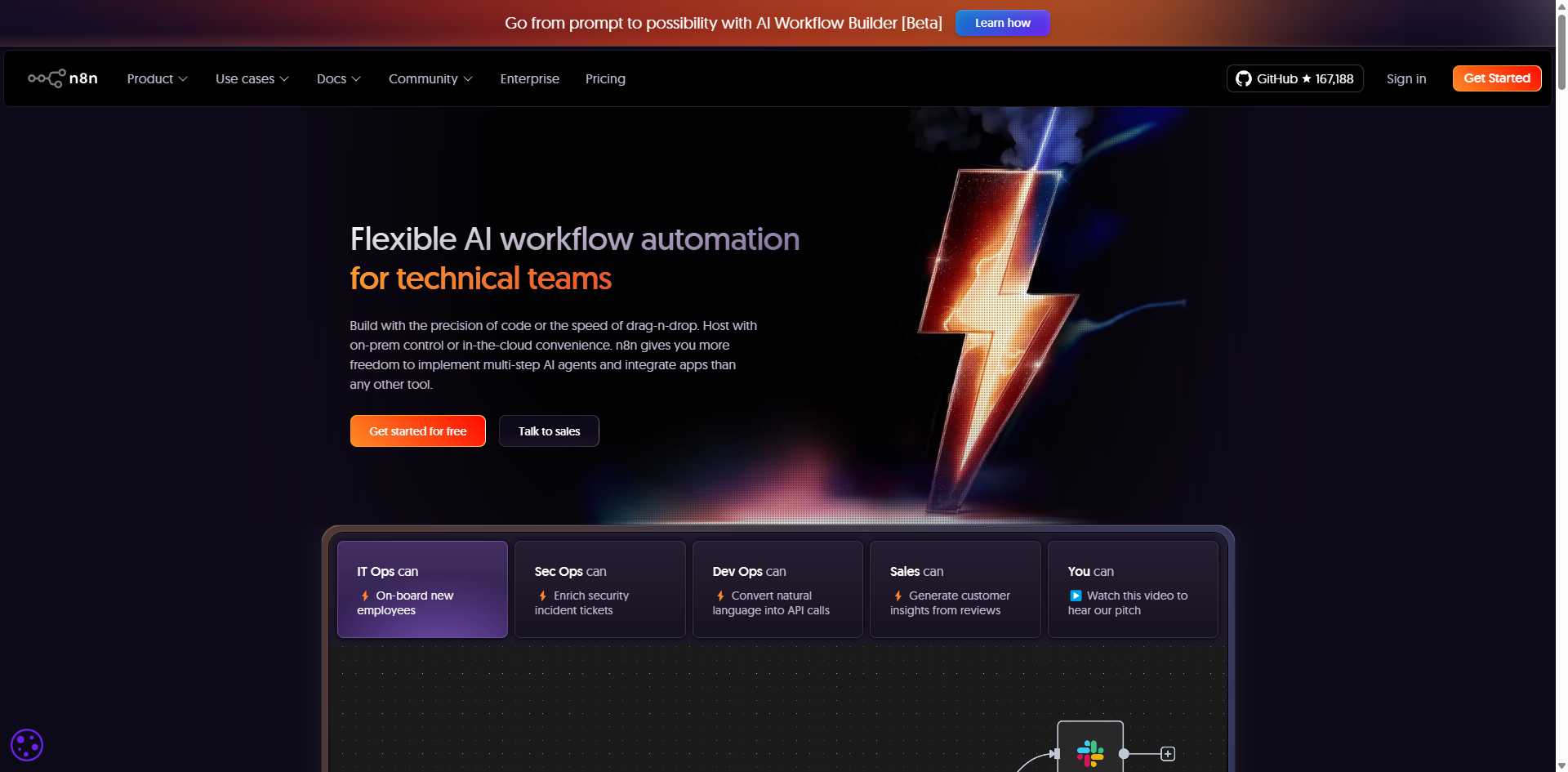
What makes n8n unique:
- Self-hostable with full data ownership
- Extensive customization through code
- No vendor lock-in
- Active open-source community
Ideal For
- Technical teams and developers
- Mid-to-large enterprises requiring data privacy
- Companies with strict compliance requirements (financial services, healthcare)
- Organizations building complex multi-system integrations
- Teams needing full control over automation infrastructure
2. Zapier: No-Code Integration Giant
Zapier is the most popular no-code automation platform, connecting 7,000+ web applications through simple trigger-action workflows ("Zaps"). It's designed for absolute simplicity with minimal technical knowledge required.
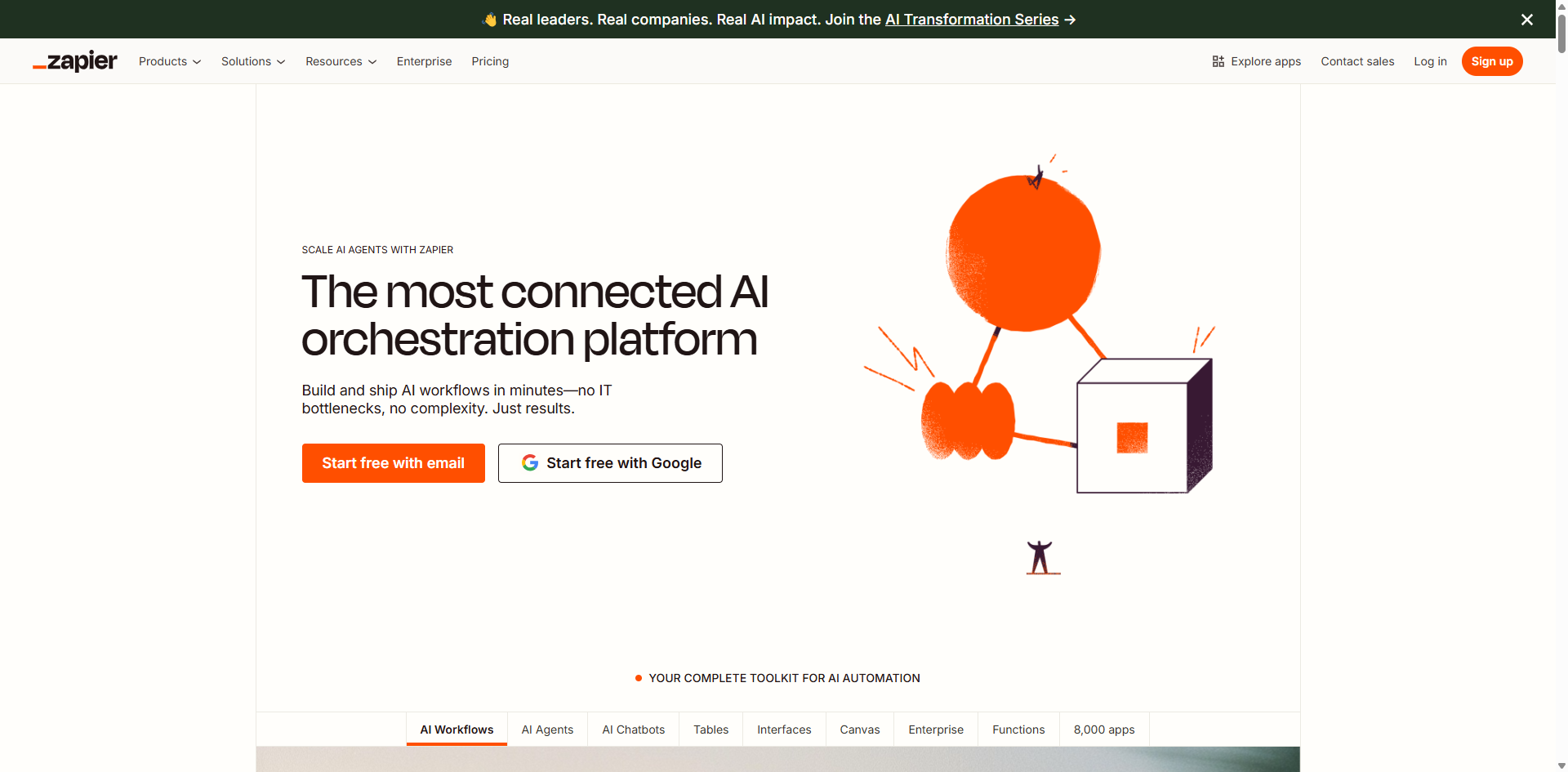
What makes Zapier unique:
- Largest app ecosystem (7,000+ integrations)
- Extreme ease of use with template library
- Instant setup—no infrastructure needed
- Extensive documentation and community support
Ideal For
- Non-technical teams and individuals
- Small businesses and startups
- Teams needing quick integrations without coding
- Users automating personal productivity
- Companies requiring rapid prototyping
3. Make: Visual Data Flow Orchestration
Make (formerly Integromat) is a visual automation platform focused on complex data transformations. Its canvas-based interface lets you see exactly how data flows through your workflows, with powerful routing, iteration, and transformation capabilities.
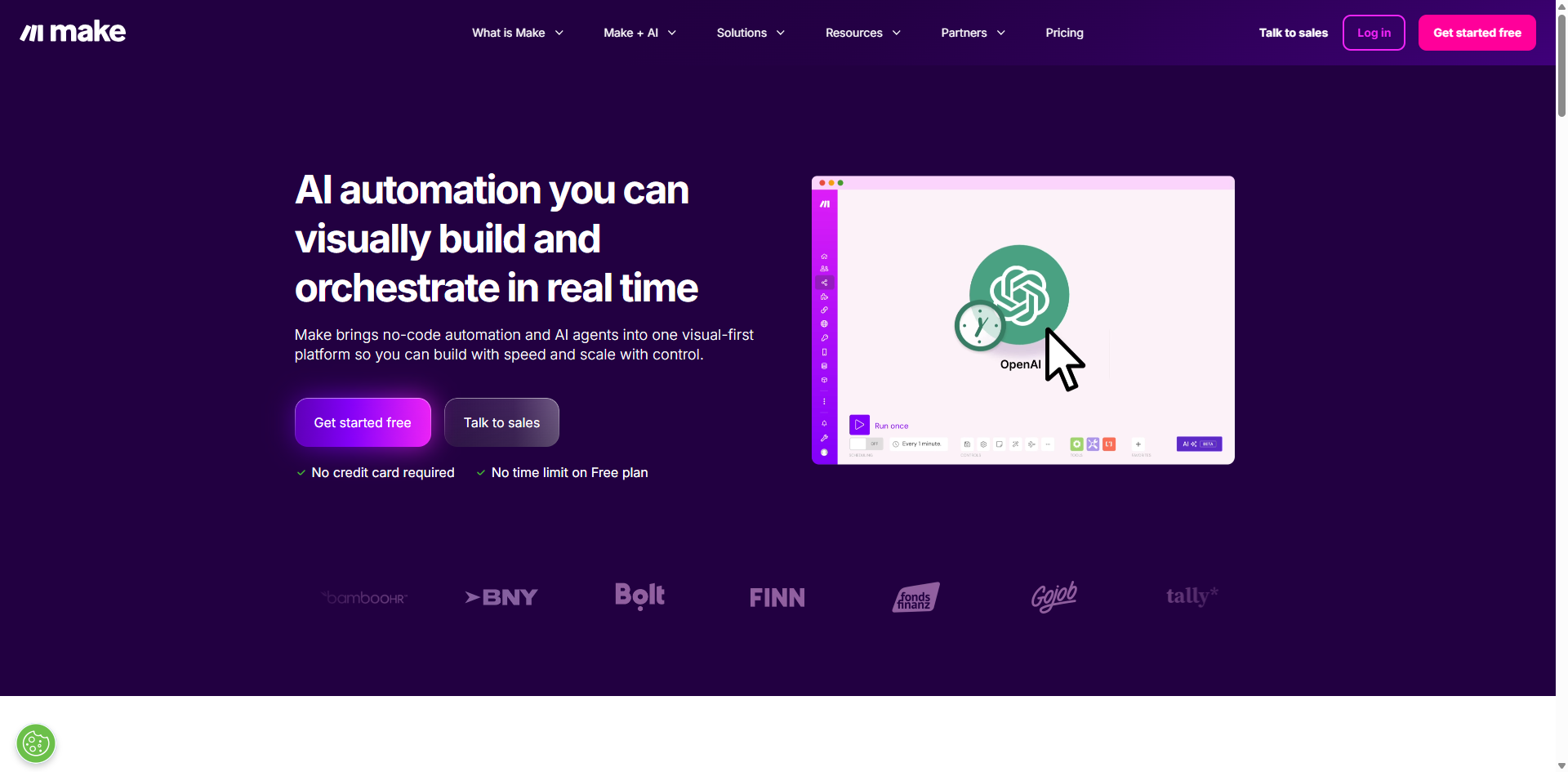
What makes Make unique:
- Visual flowchart-style canvas
- Advanced data manipulation with iterators and array processors
- Real-time execution visualization
- Strong data transformation engine
Ideal For
- Operations teams handling complex data workflows
- Businesses needing sophisticated routing logic
- Visual thinkers who prefer flowchart-style design
- Teams outgrowing Zapier's linear model
- Organizations requiring advanced data transformations
4. Dify: Open-Source LLM Application Development Platform
Dify is an open-source platform specifically designed for building AI-native applications. Unlike general automation tools, Dify treats AI as the core capability, offering built-in Retrieval-Augmented Generation (RAG), multi-model orchestration, and bidirectional MCP protocol support for agent interoperability.
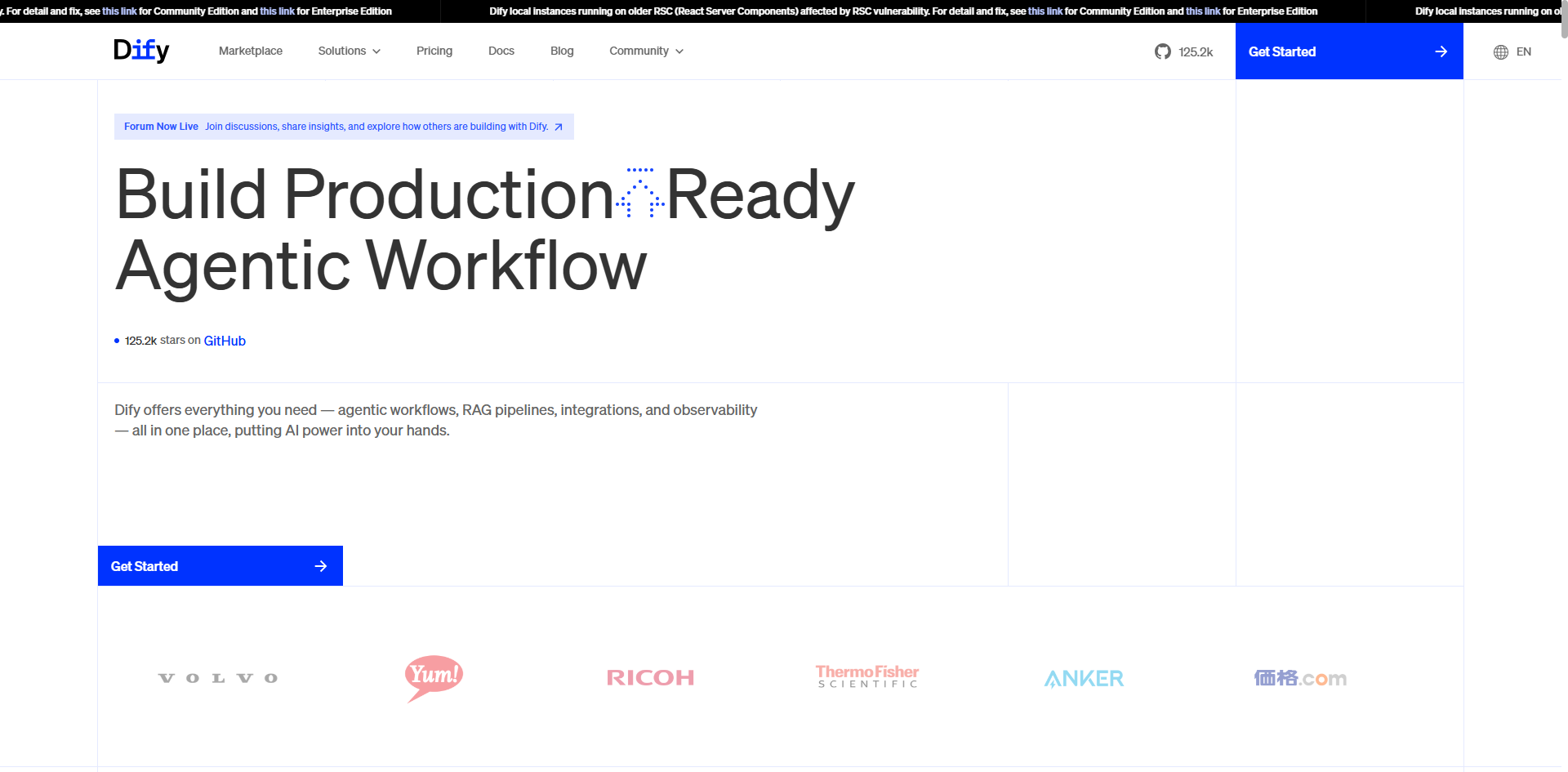
What makes Dify unique:
- Native RAG engine for knowledge base retrieval
- Hot-swappable AI models (OpenAI, Anthropic, local LLMs)
- Purpose-built for AI application development
- Hybrid cloud and on-premise deployment
Ideal For
- Companies building AI-powered products
- Enterprises requiring advanced document processing
- Teams needing intelligent decision-making workflows
- Organizations wanting to reduce AI hallucinations with RAG
- Businesses exploring multiple AI models
5. Coze: No-Code AI Agent Development Platform
What is Coze?
Coze is ByteDance's AI agent development platform that enables users to build AI agents without code and deploy them across multiple platforms through WebSDKs and APIs. It features dual execution modes (exploration and planning) and supports integration with TikTok, Lark (Feishu), Discord, Telegram, and other platforms.
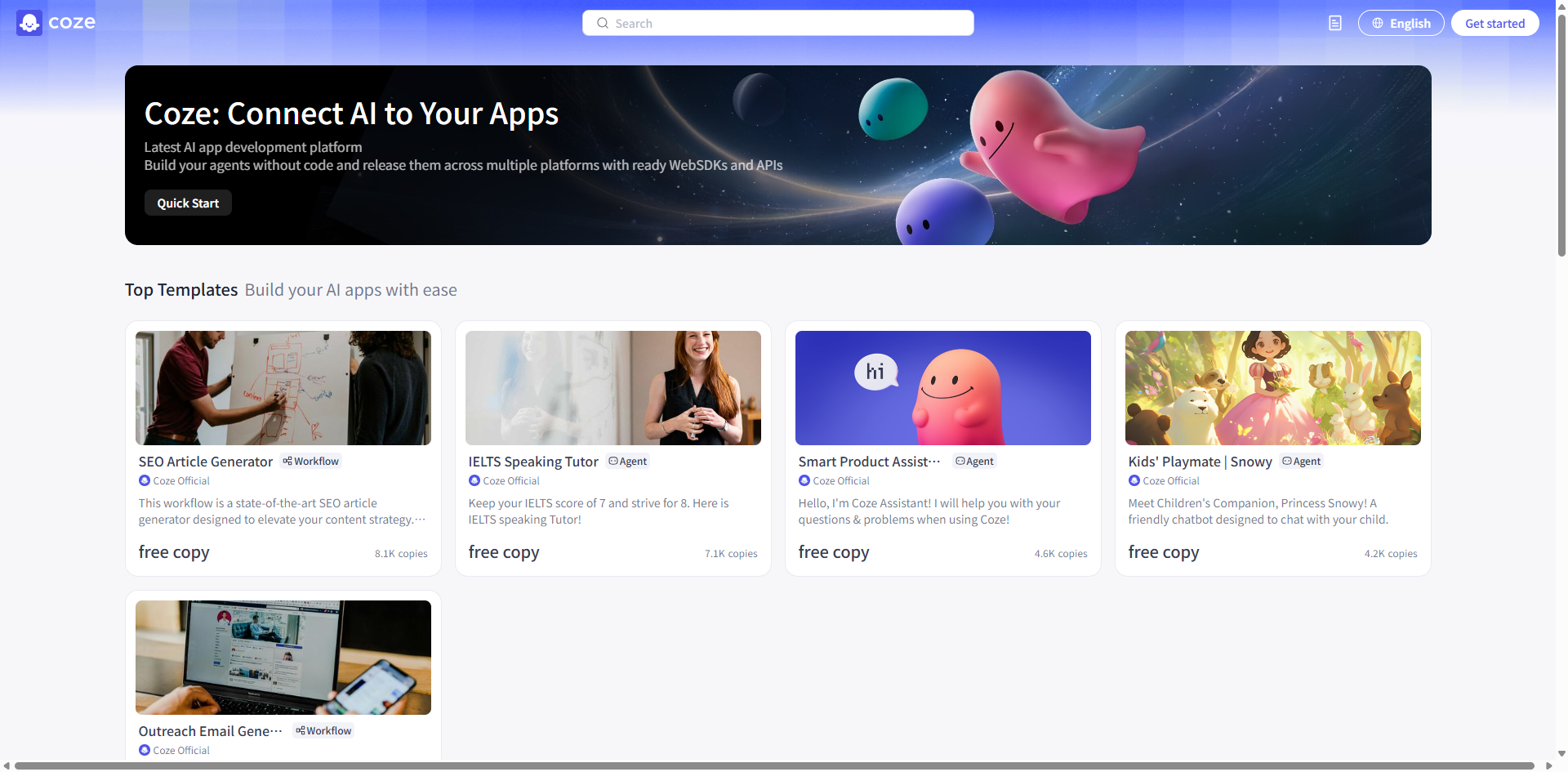
What makes Coze unique:
- No-code/low-code AI agent builder
- Dual-mode execution engine (exploration for quick responses, planning for complex tasks)
- ByteDance plugin marketplace with 60+ pre-built extensions
- MCP protocol support for third-party service integration
- Open-source version: Coze Studio (self-hostable)
Ideal For:
- Social media managers automating engagement
- E-commerce brands on TikTok
- Customer service teams building conversational AI
- Businesses targeting ByteDance ecosystem users
Comparison Dimension 1: Core Positioning and Technical Capabilities
Platform Positioning Matrix
Platform | Core Focus | Technical Highlights | AI Integration Depth | Ecosystem Dependency |
n8n | Open-source automation engine | Node-based workflow design (400+ nodes), JavaScript/Python scripting, parallel trigger processing | ★★☆ (External API integration required) | None—platform-agnostic |
Zapier | Lightweight SaaS connector | 7,000+ app ecosystem, trigger-action model, minimal configuration | ★☆☆ (Basic AI actions) | Cloud service dependent (AWS/GCP) |
Make | Visual data flow orchestration | Canvas-based routing, iterators/array processors, data transformation engine | ★★☆ (AI modules require combination) | Cloud-only deployment |
Dify | Enterprise AI application factory | Native RAG engine, multi-model hot-swapping, bidirectional MCP protocol for agent interoperability | ★★★★★ (Built-in AI toolchain) | Hybrid deployment (cloud/on-premise) |
Coze | Social ecosystem chatbot builder | Dual execution engine (exploration/planning modes), ByteDance plugin store, multimodal interaction | ★★★☆ (Generative AI focused) | Deep TikTok/Lark ecosystem integration |
Key Differentiators
When evaluating alternatives to n8n workflow automation, consider these critical differences:
Open-Source Control
- Only n8n and Dify support private deployment
- Essential for financial services, healthcare, and compliance-heavy industries (GDPR, HIPAA, SOC 2)
- Eliminates vendor lock-in and data sovereignty concerns
Native AI Capabilities
- Dify and Coze include built-in LLM orchestration
- n8n, Zapier, and Make require external API connections
- Impacts development speed and total cost of ownership
Task Autonomy Level
- Coze's planning mode automatically decomposes complex tasks (~15% failure rate requiring supervision)
- Other platforms require manual logic definition
- Critical for reducing maintenance overhead
Comparison Dimension 2: Core Feature Capabilities
Feature Comparison Table
Feature Category | n8n | Dify | Coze | Zapier | Make |
Workflow Design | Conditional branches, loops, error retry mechanisms | Agent nodes, conditional branches | Nested workflows | Linear trigger-action chaining | Router, iterators |
AI Integration | HTTP calls to external APIs | Native knowledge base retrieval + RAG | Doubao model + plugin marketplace | AI text formatting | AI data extraction modules |
Extensibility | Custom JavaScript nodes | Python code nodes | Limited API access | Pre-built action library | Custom data tools |
Enterprise Features | Self-hosted HA clusters | Audit logs, role-based permissions | No private deployment | Limited | Team collaboration spaces |
Typical Operations | Multi-system ETL sync | Automated contract review | TikTok comment responses | Gmail → Slack notifications | CSV → JSON transformation |
Feature Limitations Alert
When comparing n8n vs Zapier or other platforms, be aware of these restrictions:
Zapier Limitations:
- Free tier: Only 2 active workflows
- File size limit: ≤5MB per file
- Limited enterprise features
Coze Limitations:
- Open-source version lacks enterprise permission management
- Knowledge base supports local documents only
- No granular access controls
Make Limitations:
- Advanced features (e.g., log search) require Pro plan ($19/month)
- Free tier execution timeout: ≤5 minutes
Comparison Dimension 3: Deployment Requirements and Infrastructure
Technical Specifications Table
Platform | Deployment Method | Minimum Hardware Requirements | Operational Complexity | Compliance Support |
n8n | Docker/Kubernetes/Cloud | 2 CPU cores, 4GB RAM (small workflows); scales horizontally | High (requires DevOps expertise) | GDPR, HIPAA, SOC 2 |
Dify | Cloud service/Private deployment | 8GB RAM (for 7B model inference); flexible scaling | Medium (management UI included) | SOC 2 (cloud), enterprise compliance |
Coze | SaaS only (Coze Studio self-hostable) | None for SaaS; Studio: 4GB+ RAM | Low (SaaS); Medium (self-hosted Studio) | SOC 2 compliance |
Zapier | SaaS only | None (third-party cloud infrastructure) | Very low | SOC 2, GDPR, CCPA |
Make | SaaS only | None | Low | ISO 27001, GDPR |
Deployment Recommendations
For Sensitive Data Scenarios
- Choose n8n or Dify private deployment
- Prevents data sovereignty issues
- Maintains full infrastructure control
- n8n vs Dify decision: Choose n8n for pure automation, Dify for AI-heavy workflows
For Rapid Prototyping
- Coze or Zapier for instant setup
- Build workflows in under 5 minutes
- Ideal for proof-of-concept projects
For High Concurrency Needs
- Self-hosted n8n enables horizontal scaling
- Zapier and Make may encounter rate limiting
- Consider load testing before production deployment
Comparison Dimension 4: Use Case Recommendations
For Developers and Technical Teams
Complex System Integration (ERP + CRM + Custom Systems)
- Best Choice: n8n
- Why: JavaScript/Python extensibility, error retry mechanisms, self-hosting control
- Example: Oracle ERP + Salesforce + custom inventory system integrations
AI Decision Workflows (Risk Control/Contract Review)
- Best Choice: Dify
- Why: Built-in RAG reduces hallucinations, native LLM orchestration, knowledge pipelines
- Example: Automated loan underwriting, legal document review, insurance claims processing with intelligent document extraction
For Business Users and Product Managers
Social Media and Messaging Platform Automation
- Best Choice: Coze
- Why: Native integration with TikTok, Slack, Discord; template-based deployment; fastest time-to-market
- Example: Automated TikTok engagement, Slack-based customer support, Discord community management
Cross-Application Data Sync (Spreadsheets → Email → CRM)
- Best Choice: Zapier (easiest, largest app coverage)
- Complex transformations: Make (visual data manipulation)
- Cost-sensitive: n8n self-hosted (zero licensing fees)
- When to use: Syncing Airtable project data to HubSpot with custom field mapping
Comparison Dimension 5: Recommendations by Complexity Level
Basic Automation (Notifications/Data Backup)
- Priority: Zapier (ease of use) > Make (flexibility) > Coze (social integration)
- Example: Automatically backing up Stripe transaction data to Google Sheets daily, sending digest emails.
AI-Enhanced Workflows (Knowledge Q&A/Report Generation)
- Priority: Dify (enterprise-grade) > Coze (lightweight generation) > n8n (requires coding)
- Example: Building internal knowledge base chatbot answering HR policy questions from company documents with citations.
Hybrid Architecture Solutions
- Dify handles AI core processing (RAG, LLM orchestration)
- n8n manages business system integrations (APIs, databases)
- Make performs data transformation and routing
- Connect via APIs for best-of-both-worlds approach
- Example: Healthcare company using Dify for medical record summarization via RAG, n8n to route results to EHR system, billing software, and patient portal, with Make handling insurance claim formatting.
Comparison Dimension 6: User Experience Analysis
User Experience Comparison Table
Dimension | n8n | Dify | Coze | Zapier | Make |
Learning Curve | Steep (JavaScript knowledge needed) | Moderate (prompt engineering required) | Low (conversational configuration) | Very low | Low (canvas logic) |
Interface Design | Engineer-oriented | Technical-product hybrid | Consumer-friendly | Minimalist forms | Visual data flow |
Debugging Support | Node-level logging | Chain-of-thought tracing | Real-time CoT display | Limited error messages | Data snapshots |
Failure Handling | Custom retry strategies | Automatic rollback | Manual intervention required | Basic retry | Route fallback |
Experience Pain Points
n8n:
- No built-in undo button—complex workflows require careful planning
- Steeper learning curve for non-developers
- Can become visually complex with 50+ nodes
Zapier:
- Multi-step Zaps difficult to debug without detailed execution logs
- Task consumption can be unpredictable with certain apps
- Relies heavily on community forums for troubleshooting
Coze:
- Planning mode autonomous task decomposition fails ~15% requiring supervision
- Limited control over exact AI agent behavior
- Best for well-defined, repetitive scenarios
Make:
- Visual canvas can become cluttered with complex branching
- Free tier 5-minute timeout restrictive for data-intensive workflows
- Learning curve for advanced functions and transformations
Dify:
- Requires understanding of RAG concepts, chunking strategies, embeddings
- LLM costs can be unpredictable during development
- Prompt engineering skills beneficial for optimal results
Comparison Dimension 7: Cost-Effectiveness Analysis
Pricing Structure Comparison
Platform | Cost Structure | Ideal Company Size | Value Rating |
n8n | Self-hosted: Free; Cloud: From $20/month | Medium to large enterprises | ★★★★★ |
Dify | Private deployment: Free; Model API billed separately | Small businesses → Enterprises | ★★★★☆ |
Coze | Free: 100K calls; Enterprise: Usage-based | Individuals/Small teams | ★★★☆☆ |
Zapier | Free tier limited; Core: From $19.99/month | Small teams | ★★☆☆☆ |
Make | Free: 1,000 ops/month; Pro: $16/month | Small-medium teams (stable volume) | ★★★☆☆ |
Cost Trap Warnings
Zapier vs Make Cost Comparison:
- Zapier's per-10K-operation cost is 3x higher than Make
- Complex workflows can quickly exhaust free tiers
- n8n vs Make vs Zapier: At scale, self-hosted n8n offers best TCO
A marketing agency running 50,000 operations/month would pay:
- Zapier: ~$299/month
- Make: ~$99/month
- Self-hosted n8n: ~$30/month (AWS infrastructure only)
Dify API Expenses:
- Using GPT-4 or Claude: API costs may exceed platform fees
- Model API costs can dominate total cost of ownership
- Consider open-source models (Llama, Mistral) for cost optimization
Make Execution Limits:
- Free tier: ≤5 minutes per execution
- Workflows terminate forcefully when timeout exceeded
Conclusion: Making Your Final Decision
After analyzing five leading workflow automation platforms across technical capabilities, features, deployment requirements, user experience, and cost-effectiveness, the path forward becomes clear: there is no single "best" platform—only the best platform for your specific needs.
Choose based on your priority:
- Technology-driven teams: n8n (control) + Dify (AI) for maximum flexibility and intelligence
- Non-technical users: Zapier (breadth) or Make (visual power and cost efficiency)
- Social media & conversational AI: Coze for rapid no-code agent deployment
- Cost-conscious at scale: Self-hosted n8n saves $3,000-5,000 annually at 100K+ operations/month
- Hybrid architecture: Combine platforms for best-of-breed approach (Zapier for triggers, n8n for orchestration, Dify for AI, Make for transformations)
The most sophisticated implementations increasingly adopt hybrid architectures, using each platform for its strengths while connecting them via APIs to maximize ROI and maintain flexibility as needs evolve.
Enhance Your Automation with Intelligent Data Extraction
Regardless of which platform you choose, the quality of your automation depends on the quality of your data. BrowserAct AI Web Scraper seamlessly extends your workflow capabilities with natural language browser automation—turning simple prompts into powerful data extraction workflows with zero code and zero maintenance.
As an official integration for n8n, Make, and Zapier, plus native MCP protocol support for AI clients, BrowserAct delivers crystal-clear data your automations can trust. Our always-on cloud infrastructure runs 24/7 with human-like interactions that intelligently bypass CAPTCHAs and geo-restrictions using global residential IPs, while automatically removing ads and irrelevant content for clean, structured results. Whether you're enriching CRM records, monitoring competitors, or feeding real-time web data into your Dify RAG pipelines, BrowserAct ensures your data pipelines remain reliable even as websites change.
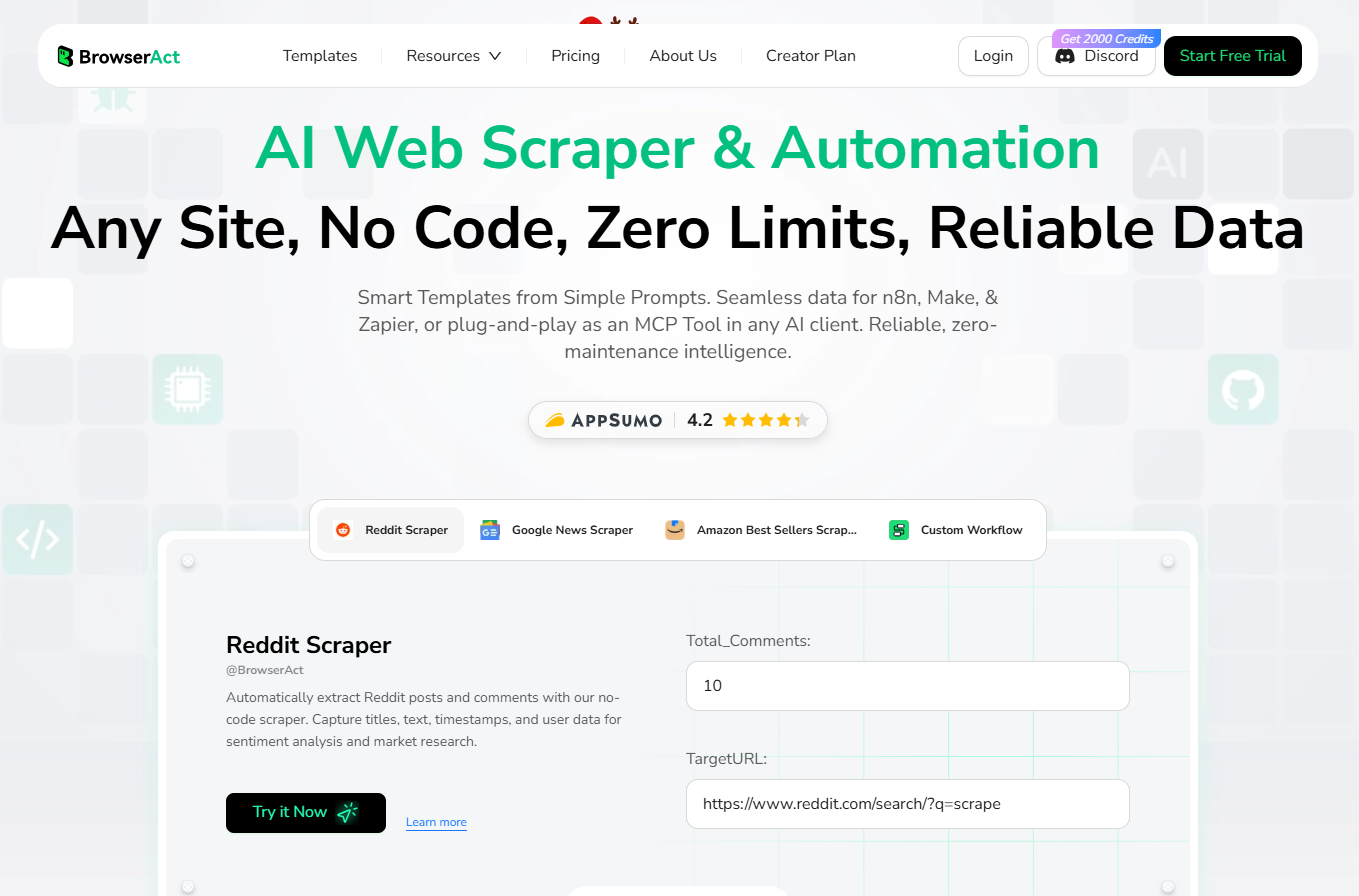 Ready to supercharge your workflow automation? Visit BrowserAct to explore our marketplace of ready-to-use templates and discover how leading companies are building more powerful, data-driven automations with intelligent web scraping that just works.


