YouTube Data API Alternatives: Quotas, Transcripts, Comments and No-Key Options

A YouTube Data API alternative is worth considering when the official API is technically correct but operationally awkward: quota planning slows down research, OAuth does not match the dataset you need, transcripts or comments require extra joins, or the analyst simply wants to test a public YouTube data workflow before engineering builds an integration. That does not mean the official API is bad. For stable IDs, compliant app architecture, owned-channel workflows, and predictable endpoint acces
-
1A
YouTube Data API alternativeshould be chosen by data job: video metadata, comments, transcripts, search results, channel tracking, Shorts research, or recurring competitor monitoring. - 2This guide maps six routes: official YouTube Data API, third-party YouTube APIs, managed scraper APIs, no-code scraper tools, BrowserAct prompt-first workflows, and CLI/open-source scripts.
- 3Keep the official API when you need supported endpoints, stable IDs, OAuth-backed access, and quota-managed application logic.
- 4Use BrowserAct when the workflow starts from visible YouTube pages, the schema is still changing, or the team needs source URLs, screenshots, row status, and a no-key test before automation.
- 5Stay inside public or authorized data. A safe YouTube workflow should be read-only, stop at login/CAPTCHA/2FA/age/payment gates, and mark missing fields instead of inventing them.
Why teams look beyond the YouTube Data API
Most “YouTube API alternative” searches come from a practical mismatch, not from dislike of official APIs.
The API is designed around resources and methods. A marketing, creator research, or competitive intelligence team often thinks in questions:
- Which competitor videos broke out this week?
- Which comments mention pricing, bugs, alternatives, or feature requests?
- Which channel topics are gaining repeatable traction?
- Which transcripts should be summarized for customer-language research?
- Which Shorts formats keep appearing across a niche?
Those jobs may still use the API, but they also require joins, pagination, quota budgeting, storage, deduplication, and interpretation. When a researcher just needs a first dataset, the API-first path can feel too heavy.
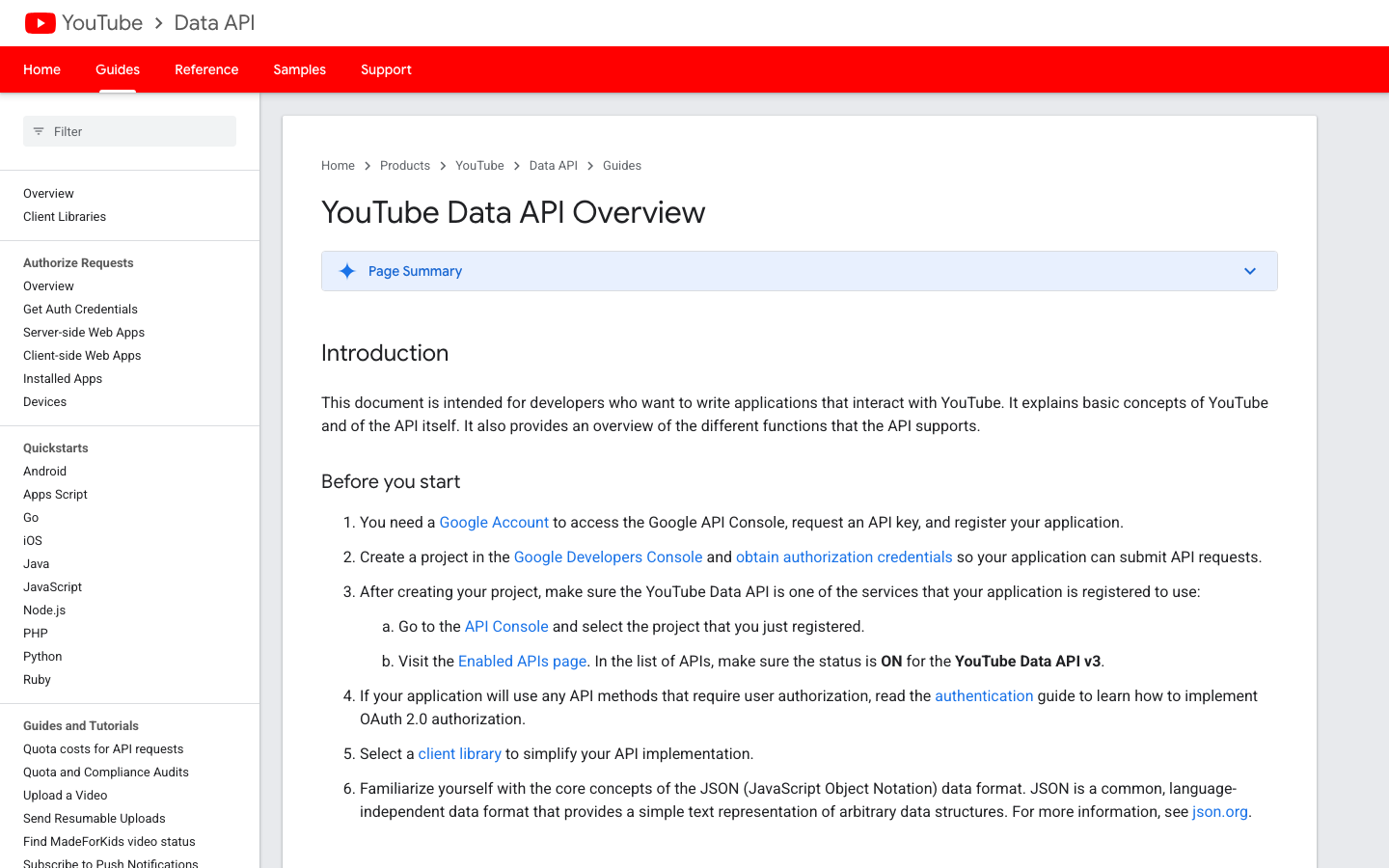
The quota side is where many teams get surprised. Google’s official quota calculator says projects enabling YouTube Data API receive default allocations and that quota cost depends on the method. It also documents a separate search.list bucket and broader daily units for other requests. In other words, the current answer is not “every search costs the same forever.” It is “check the current official quota page before designing the collection plan.”
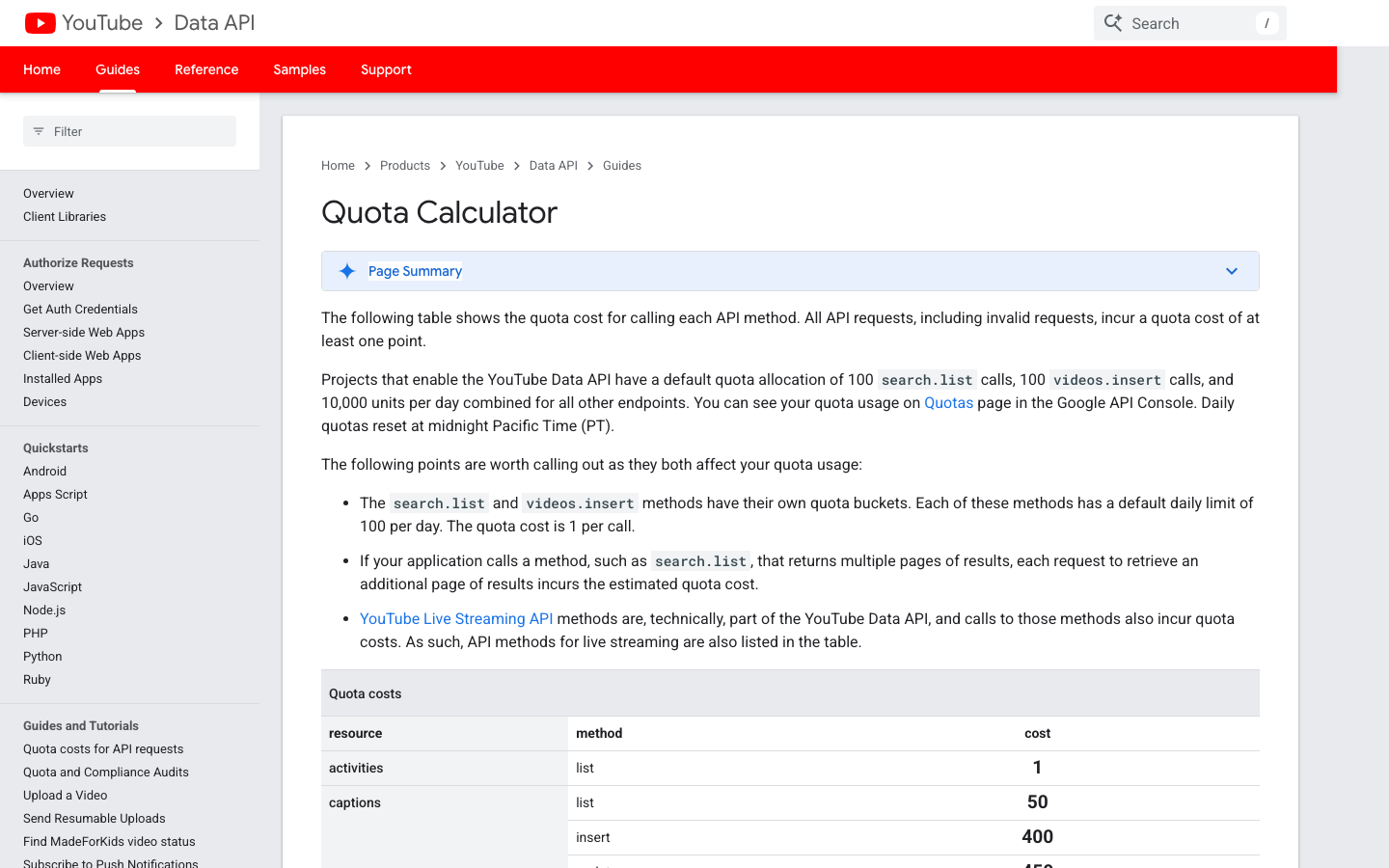
That one detail is why this article does not treat old scraped snippets or outdated competitor tables as truth. A good alternative decision starts with the current official docs, then asks whether another route better fits the work.
The decision framework: API, scraper, workflow, or CLI?
Use this table before picking a tool. It keeps the decision tied to the data job instead of the vendor category.
Route | Best fit | Strength | Limitation |
YouTube Data API | Official video/channel/comment resources, stable IDs, app-backed logic | Supported API surface and predictable resource model | Requires quota planning, credentials, pagination, joins, and endpoint-specific design |
Third-party YouTube API | Standard public fields wrapped behind simpler endpoints | Faster setup for predefined data objects | Vendor coverage and pricing may not match custom research |
Managed scraper API / actor | Large recurring extraction where schema is already known | Prebuilt extraction and delivery formats | Less flexible when field logic changes mid-research |
No-code scraper tool | Analysts who need a visual workflow without coding | Easier first setup than scripts | Can become brittle if the tool hides failures |
BrowserAct Agent → Workflow | Prompt-first public data research with human review | Flexible schema, real browser evidence, source URLs, screenshots, row status | Needs validation before scheduling |
BrowserAct CLI / open-source scripts | Controlled engineering or agent pipeline | Repeatable runs from a data stack | Requires engineering ownership and safeguards |
Option 1: Stay with YouTube Data API
The official API should remain the default when your app needs a stable, supported interface. It is especially strong when the input is already structured: video IDs, channel IDs, playlist IDs, or known search queries.
Use YouTube Data API when:
- you need official endpoints for a production app;
- you have engineers who can handle credentials, quota, caching, and retries;
- you need stable IDs for downstream joins;
- the target objects map cleanly to documented resources;
- you need OAuth-backed access for owned or authorized account workflows.
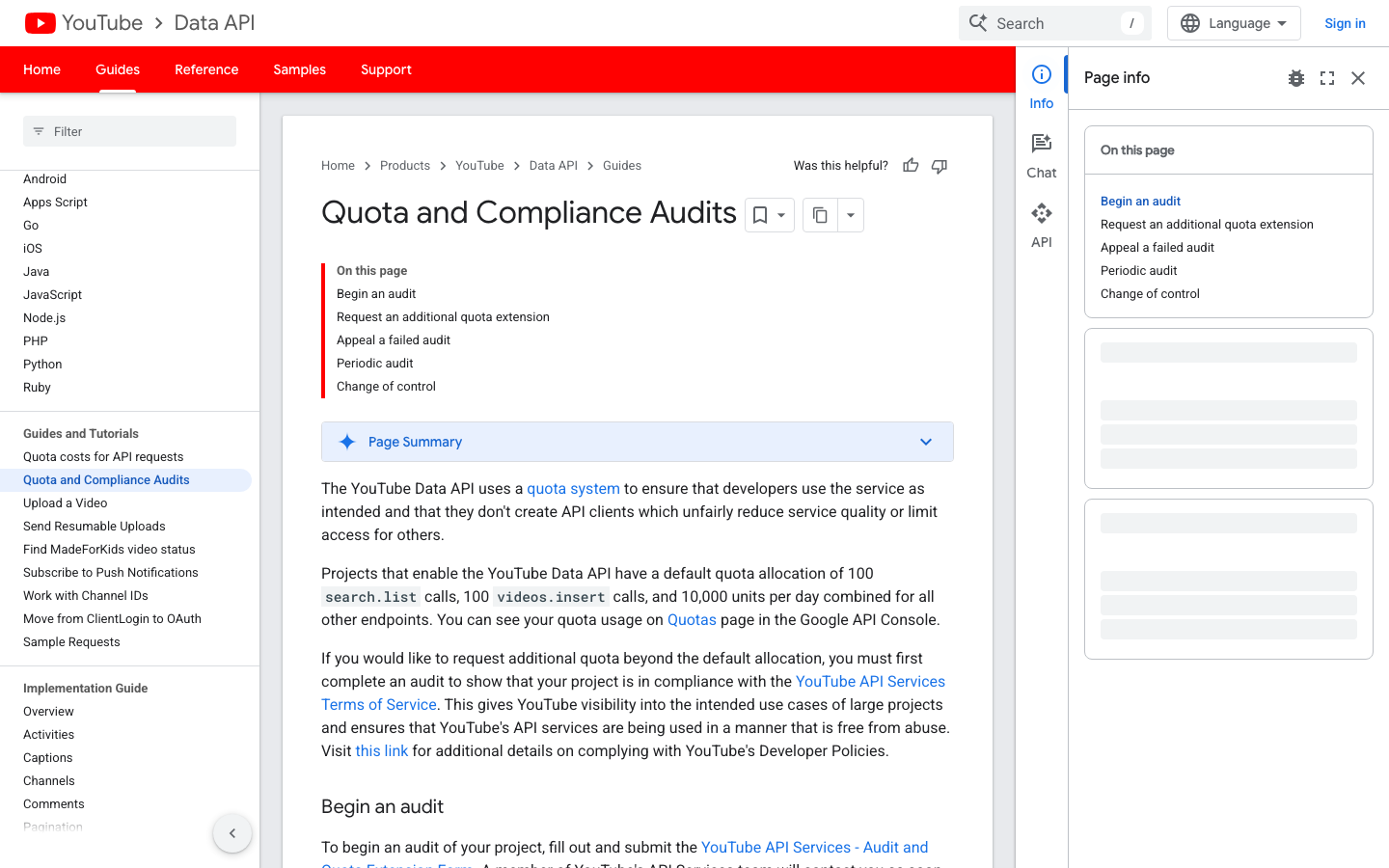
The official docs also matter for compliance. Google’s quota and compliance audit page explains the audit and extension process for projects that need more quota, so quota scale is not only a technical issue; it may become an application review issue.
The API becomes less comfortable when the research starts from visible page behavior rather than known resource IDs. For example, “go through these competitor channels, collect the latest visible videos, capture public comments mentioning a feature category, and mark rows that need review” is a workflow. It may use API calls later, but the first version usually benefits from browser-visible validation.
Pro Tip: Do not frame API vs scraper as a moral choice. Frame it as a data object choice. If the object is a supported API resource and the quota model fits, use the API. If the object is a visible research journey, validate it in the browser first.
Option 2: Use a third-party YouTube API
Third-party API providers try to compress setup work. Instead of wiring several Google endpoints, transcript tools, comment tools, and parsers, you call one vendor endpoint for a narrower job.
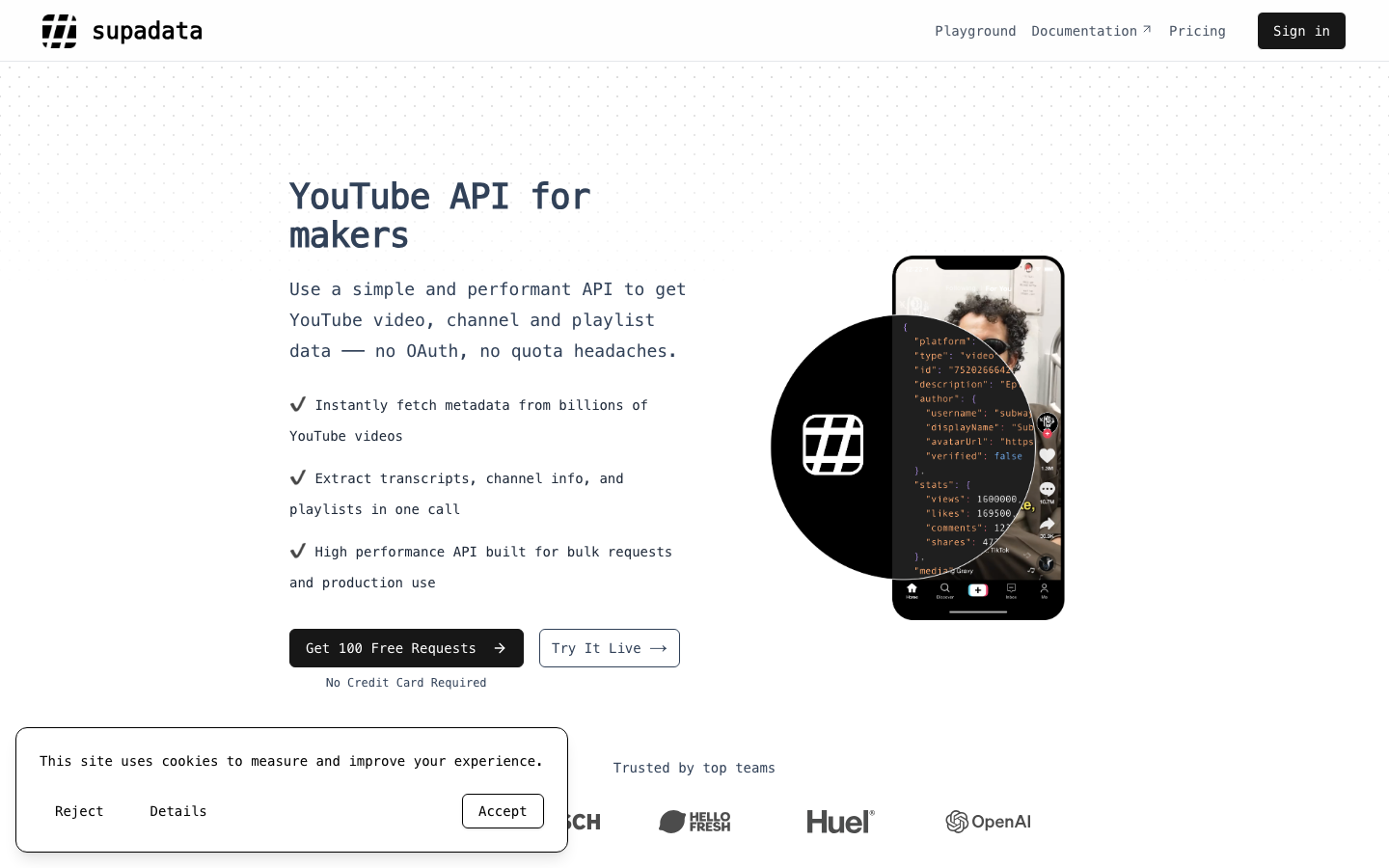
Supadata, for example, positions its product as a YouTube API for makers and highlights transcripts, videos, channel, and playlist data. That is a classic alternative angle: one simpler API for common public data jobs.
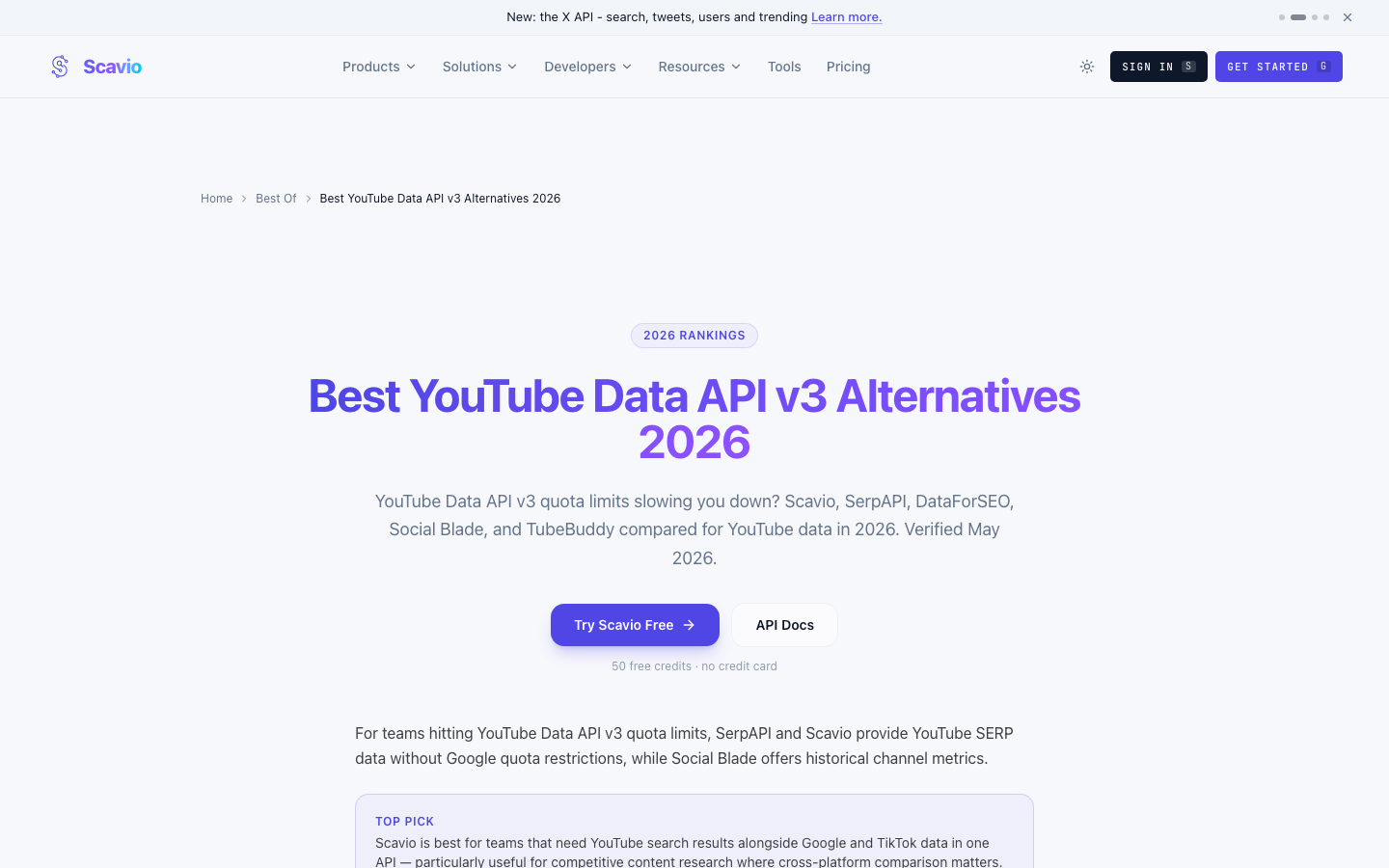
Scavio’s alternatives page takes a broader comparison route, listing API providers that package YouTube data access for developers who do not want to build the whole stack.
This route is useful when:
- the provider already exposes the exact object you need;
- you want a simple developer interface;
- you value predictable response shape over custom browser logic;
- you are willing to evaluate vendor coverage, pricing, rate limits, and data freshness.
The weakness is flexibility. If your research changes from “get transcript by URL” to “find videos ranking for this query, inspect channel context, collect public comments, and classify why the result matters,” a single-purpose API may not be enough.
Option 3: Use managed scraper APIs or actors
Managed scraper APIs and marketplace actors are useful when you want a prebuilt extractor and the target workflow is common: comments, search results, channel videos, playlist items, transcripts, or Shorts.
This is where vendors like Apify, Bright Data, and specialized YouTube data providers can be strong. They have already turned common scraping jobs into packaged products. The buying question becomes less “can this scrape YouTube?” and more “does this exact actor return the fields, limits, failure states, and delivery format we need?”
ChannelCrawler’s guide on scaling beyond YouTube API limits is a good example of the productized quota pain angle: teams that hit official API limits look for indexed data, cached datasets, or purpose-built alternatives.
Use managed scrapers when:
- your schema is common and stable;
- you need a vendor-maintained extractor;
- API/webhook/CSV/JSON delivery matters more than custom page logic;
- you can test quality with a small sample before scaling.
Avoid them when the vendor hides partial failures. For YouTube research, a blank date, missing comment thread, unavailable transcript, or duplicated video ID is not a small detail. It changes the analysis.
Option 4: Use BrowserAct for a no-key YouTube data workflow
BrowserAct is not a replacement for every official API use case. It is the better route when the task starts from visible YouTube pages and the schema is still being discovered.
For example, a marketing analyst might ask:
“Find public YouTube videos ranking for AI web scraping, collect the video URL, title, channel, visible views, visible age, top public comments if accessible, and mark rows where comments or transcripts are unavailable.”
That is a perfect exploratory workflow. The analyst does not yet know whether they need search results, channel videos, comments, transcripts, or all of them. A browser-visible run helps define the dataset before the team commits to a production API integration.
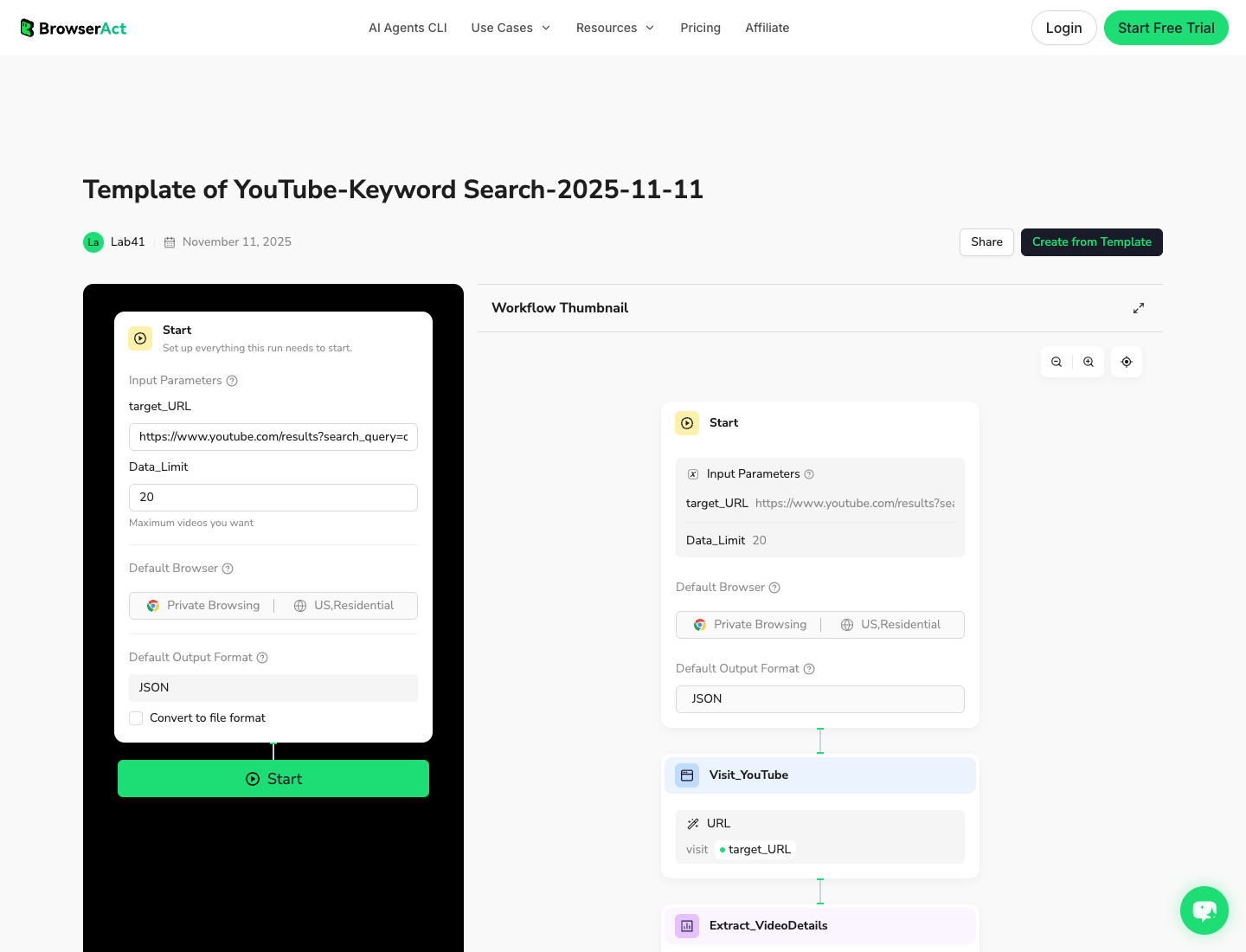
The BrowserAct YouTube Keyword Search template is useful when the job starts from a query. The YouTube channel scraper guide is the better internal path when the job starts from known creator or competitor channels.
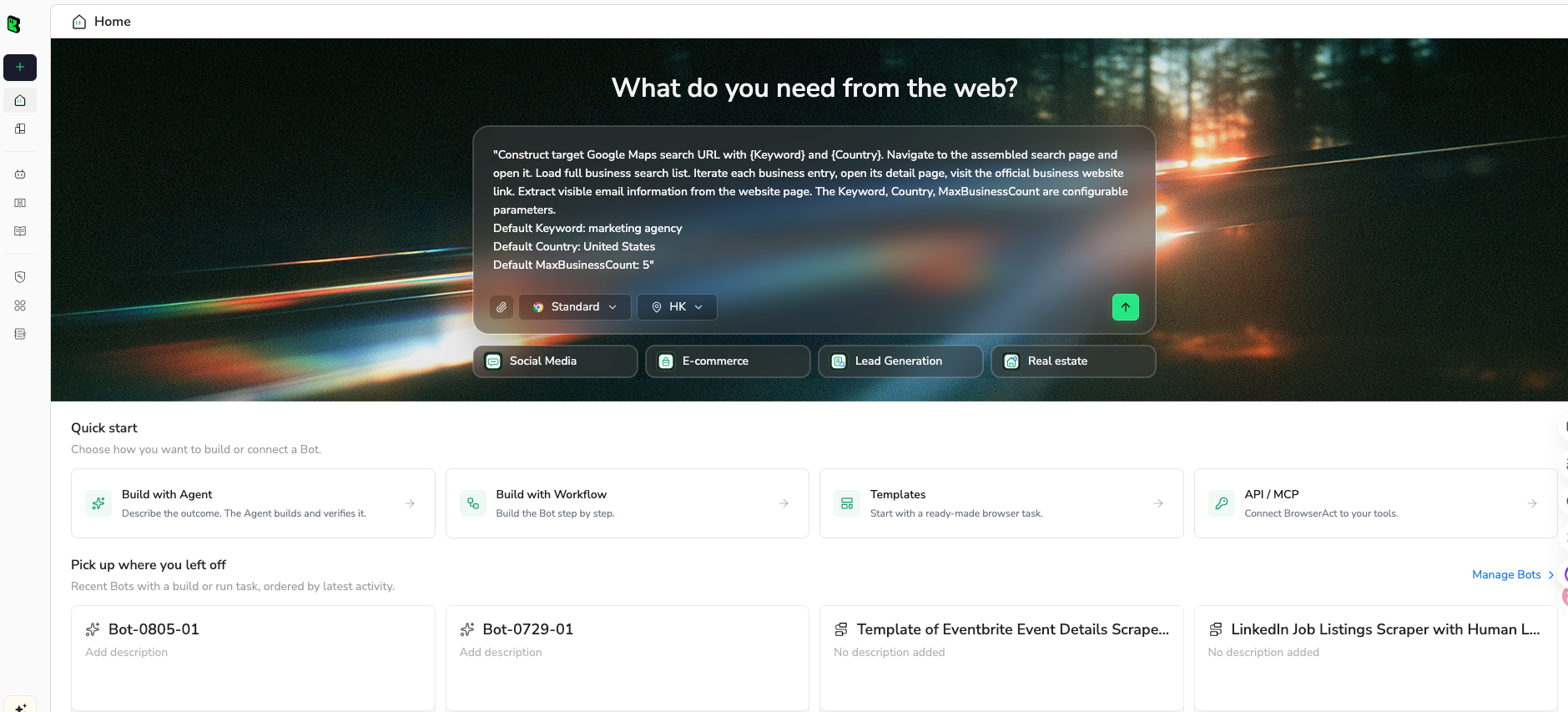
1. Open BrowserAct Dashboard
Click the left-side + button to create your own Bot, start from Quick start, or paste the prompt directly into the center Agent input to begin building.
2. Copy the complete prompt
Start with one target and a small row limit. The goal is to validate the schema, not to collect the biggest dataset on the first run.
Build a read-only YouTube public data workflow that can act as a YouTube Data API alternative for research.

Target:
[PASTE ONE]
- a YouTube search results URL
- a public channel Videos tab URL
- a public playlist URL
- a list of public video URLs

Research goal:
Collect public visible evidence for market, competitor, or content research without using an API key.

Return up to 50 rows for the first test.

Fields:
- run_date
- source_type: search_results, channel_videos, playlist, direct_video_url, or manual_seed
- query_or_source_url
- rank_or_position_if_visible
- video_url
- video_id if visible or derivable from the URL
- title
- channel_name
- channel_url
- visible_age_or_publish_date
- visible_view_count
- description_snippet_if_visible
- comment_access_status: accessible, limited, unavailable, gated, or not_checked
- transcript_access_status: accessible, unavailable, gated, or not_checked
- reason_this_row_matters
- row_status: complete, partial, duplicate, unavailable, gated, or needs_review
- source_note

Rules:
1. Use only public or authorized visible data.
2. Do not log in unless I manually approve and complete the login step.
3. Stop and ask for manual help if YouTube shows login, CAPTCHA, 2FA, age confirmation, payment, private access, or account confirmation.
4. Do not like, subscribe, comment, post, message, report, or change account settings.
5. Deduplicate by video_url or video_id.
6. Do not invent views, dates, comments, transcript availability, or channel data.
7. Mark missing or uncertain fields as partial or needs_review.

Output:
- CSV-ready table
- 5-bullet summary of useful patterns
- list of rows that need manual review
Scrape data from any website.
Describe the data you need. Get a Bot — a reliable, reusable scraper.
Prompt preview: collect public YouTube videos, visible metrics, comment/transcript access status, source URLs, and row status. Private session · Choose your region before you run
Get your Bot — Free3. Handle login only when asked
If YouTube asks for login, CAPTCHA, 2FA, age confirmation, payment, or restricted access, BrowserAct should pause. Complete that step manually only when the account and target are authorized. The workflow should stay read-only: no liking, subscribing, commenting, messaging, reporting, or account changes.
4. Review, dedupe, and export
Review the first table before saving the workflow. The export should preserve both the data and the uncertainty around it.
run_date | source_type | video_url | channel_name | visible_view_count | comment_access_status | transcript_access_status | row_status |
2026-08-27 | search_results | video-url-1 | Example Channel | 318000 | accessible | not_checked | complete |
2026-08-27 | channel_videos | video-url-2 | Competitor Studio | 76400 | limited | unavailable | partial |
2026-08-27 | playlist | video-url-3 | Example Creator | gated | gated | needs_review |
What each alternative is best for
Here is the short version if you are deciding today.
Need | Best first route | Why |
Official video metadata by known IDs | YouTube Data API | Stable resources and supported endpoints |
Comment threads from known videos | YouTube Data API or a comment scraper | API is official; scraper route may be faster for analysis exports |
Public search result research | BrowserAct or managed scraper | Search-page context and rank order matter |
Transcript extraction | Dedicated transcript API or BrowserAct workflow | Depends on whether transcript availability is the main object or part of a broader workflow |
Competitor channel monitoring | BrowserAct Workflow or managed channel scraper | Repeatable watchlists need dedupe, status, and scheduling |
Engineering pipeline after validation | BrowserAct CLI, provider API, or scripts | The schema is already approved |
Owned-channel analytics | YouTube Studio/API | Do not use public scraping for private creator metrics |
BrowserAct Agent, Workflow, and CLI: where each one fits
BrowserAct has three shapes that map to three stages of the same project.
BrowserAct Agent: discover the data shape
Use Agent when the prompt is still changing. This is where you test whether YouTube search, channel tabs, video pages, comments, or transcript status can produce the table you actually need.
Good Agent tasks:
- “Collect 30 public videos from this search result and preserve rank.”
- “Check whether comments are accessible for these videos.”
- “Find competitor channel videos from the past month and mark missing fields.”
- “Build a first table with source URLs and row status.”
BrowserAct Workflow: rerun the approved process
Use Workflow after the analyst has approved the fields. The workflow should have a clear input, limit, stop condition, and export schema. At this stage, BrowserAct should not improvise a new dataset every time; it should reproduce the validated one.
BrowserAct CLI: move the workflow into the stack
Use CLI when the workflow has become infrastructure. A scheduled competitor monitor, a weekly comment export, or a YouTube research feed for an LLM agent should not depend on someone manually opening a dashboard every time.
This is also where engineering safeguards belong: run logs, retry policy, dataset versioning, and alerts when rows are gated or incomplete.
Safety and data-quality rules for YouTube scraping
YouTube data collection has two separate risks: access risk and analysis risk.
Access risk is about how the workflow behaves. Keep it simple:
- collect only public or authorized visible data;
- do not automate account actions;
- stop at login, CAPTCHA, 2FA, age confirmation, payment, or restricted access;
- do not claim access to private analytics;
- respect robots, site rules, and internal legal review.
Analysis risk is about what the dataset says. This is where many scrapers quietly fail. A row with missing comments, unavailable transcript status, or an approximate visible date should not be treated like a complete API record.
Use explicit row statuses:
Row status | Meaning | What to do |
| Required fields were visible and deduped | Safe for summary |
| Some fields were missing or uncertain | Keep but annotate |
| Same video URL or ID appeared twice | Remove or merge |
| Page or object could not be accessed | Exclude from analysis |
| Login, CAPTCHA, age, payment, or restriction appeared | Stop and review manually |
| The row may be useful but needs human validation | Keep separate from final metrics |
Recommended setup by team type
For developers
Keep YouTube Data API for stable resources and use a provider API only when it saves engineering time without hiding important failure states. Use BrowserAct CLI after a workflow has already been validated in a browser-visible run.
For marketers and growth teams
Start with BrowserAct Agent or a no-code workflow. Your first job is usually not “build a perfect API integration.” It is “prove which channels, comments, videos, and transcripts are worth tracking.”
For data teams
Split source collection from interpretation. Use API or BrowserAct outputs as raw evidence, then run dedupe, scoring, topic clustering, and reporting downstream.
For agencies
Use Workflow for repeatable client reports. The same YouTube competitor watchlist can refresh weekly, while one-off research prompts stay in Agent until the scope is approved.
Conclusion
The best YouTube Data API alternative is not always an alternative. Sometimes the official API is still the cleanest path. But when quota planning, credential setup, transcript coverage, comment access, search-page context, or changing research questions slow the team down, a browser-visible workflow can get you to a usable dataset faster.
Use the API for supported resources. Use third-party APIs for packaged public data. Use managed scrapers when the schema is fixed. Use BrowserAct Agent when the brief is still human, BrowserAct Workflow when the run is repeatable, and BrowserAct CLI when the approved workflow belongs in your data stack.
Further reading: YouTube data collection
Frequently Asked Questions
What is the best YouTube Data API alternative?
The best alternative depends on the job: third-party APIs for packaged fields, managed scrapers for fixed schemas, and BrowserAct for prompt-first visible research workflows.
Should I stop using the YouTube Data API?
No. Keep the official API when its endpoints, quota, OAuth model, and resource structure fit your production use case.
Can I scrape YouTube without an API key?
Yes, for public or authorized visible data, but the workflow should stay read-only, stop at gates, and mark missing fields honestly.
Why do teams hit YouTube API quota issues?
Quota depends on methods, buckets, and project limits, so broad search, comment, and metadata jobs need careful planning against current official docs.
Is BrowserAct a YouTube API replacement?
BrowserAct is better described as a browser-based workflow layer for visible data research, validation, exports, scheduling, and CLI-triggered automation.
What data should a YouTube workflow export?
Export source URL, video ID, title, channel, visible metrics, access status for comments/transcripts, row status, and source notes.


